- Age rating4+
- CategoryProductivity
- DeveloperLemur Vehicle Monitors
- LanguagesEnglish
- Size273.4 MB
Links to the official App Store page
Download.org hosts no file of BlueDriver OBD2 Scan Tool. The button opens its official App Store page, published by Lemur Vehicle Monitors. Listing last checked on Nov 27, 2026.
Screenshots

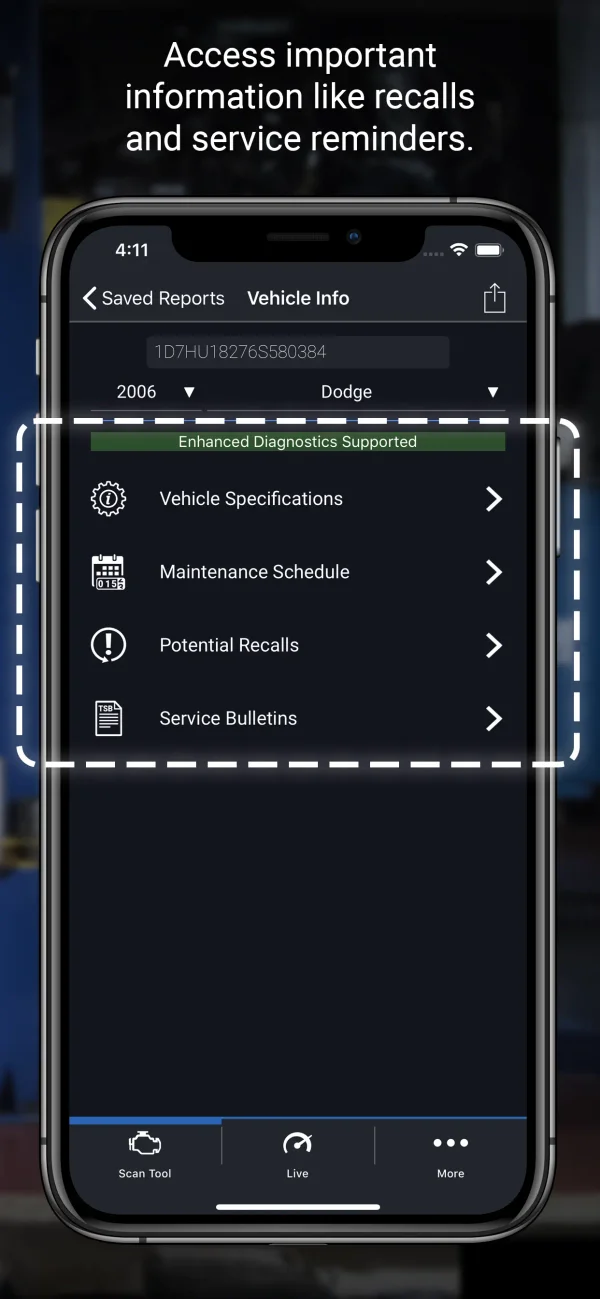
About
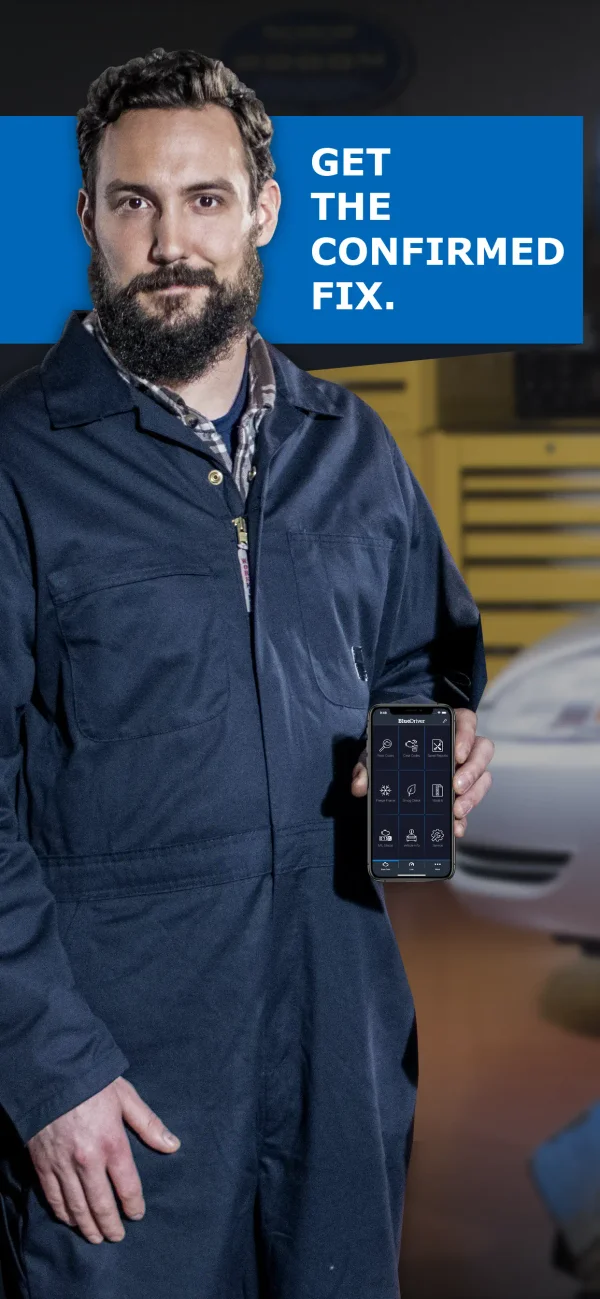
BlueDriver® transforms your iPhone or iPad into a powerful OBD2 scan tool – trusted by over 1 million drivers, from professional mechanics to DIYers. Paired with the BlueDriver Bluetooth® Sensor (sold separately), it lets you read codes, diagnose issues, and fix your car with confidence—no wires, no guesswork.
Whether you're checking a check engine light, running a smog test, or diving into enhanced diagnostics like ABS or transmission codes, BlueDriver gives you the tools you need to understand your vehicle and make smarter repair decisions – with clear, easy-to-understand information.
What You Can Do with BlueDriver
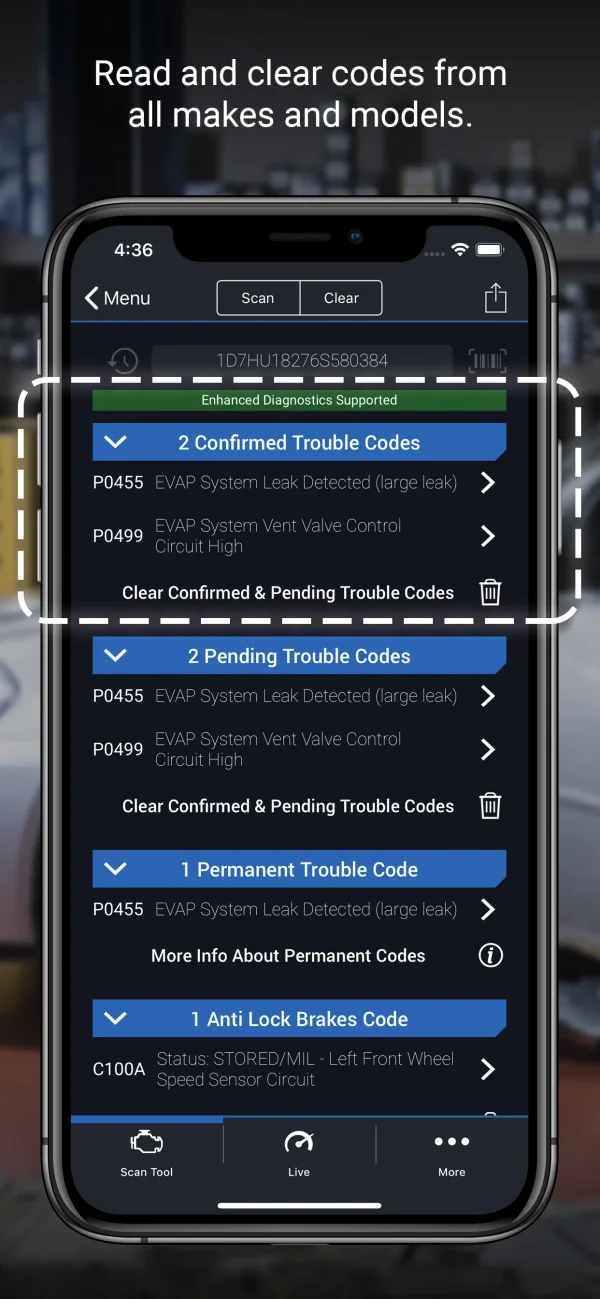
· Read and clear trouble codes - including check engine, ABS, airbag, transmission, and more
· Generate, save, and share professional-grade Repair Reports based on your exact vehicle and trouble code
· Access Mode 6 on-board monitoring test results
· Check smog readiness and freeze frame data
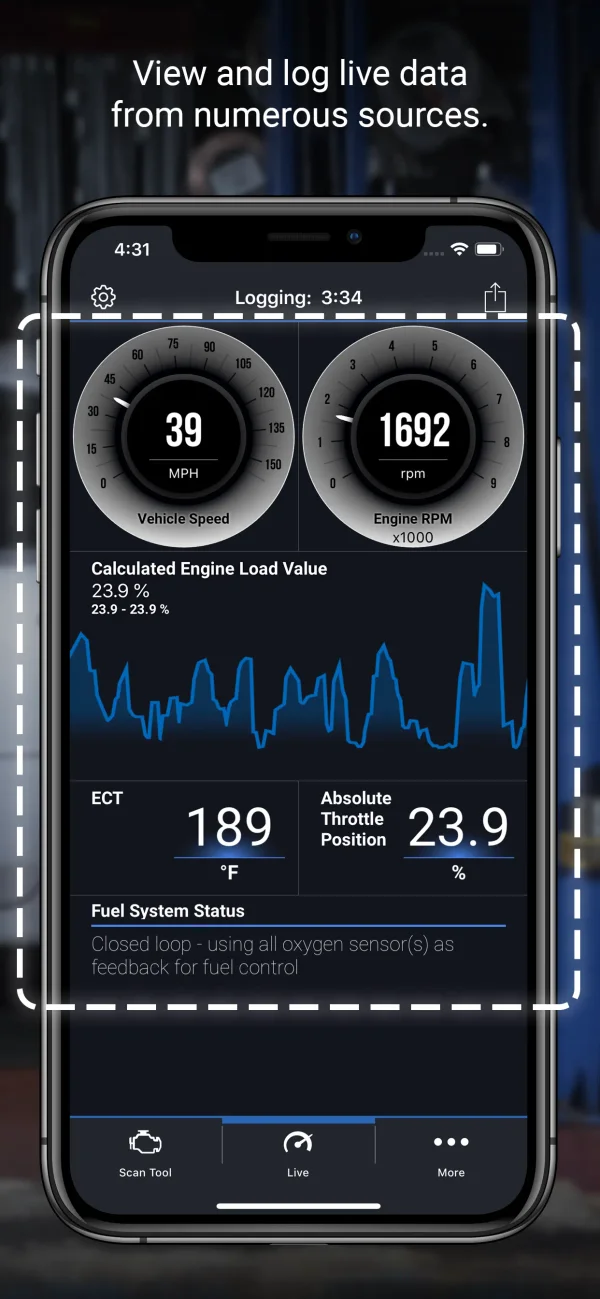
· View live data with multi-PID interactive graphing
· Scan your vehicle wirelessly with Bluetooth—no cables required
· Choose between metric and imperial settings
· Get likely fixes for your vehicle’s issues, explained in plain language
Enhanced Diagnostics Coverage
· GM, Ford, Chrysler, Toyota, Nissan, Mazda, Mercedes (2005+ models)
· Mitsubishi (2008+), Hyundai/Kia (2012+) – available worldwide
· BMW/Mini, Honda/Acura, Volkswagen/Audi – available in North America
· Subaru – available in the United States
What Makes BlueDriver Different?
· No subscription required
· Backed by a database of millions real-world fixes
· Repair Reports are specific to your vehicle’s year, make, and model
· Works globally with the BlueDriver Sensor
· App is free to install—just pair with the Sensor to start scanning
You can even preview a Repair Report without a Sensor by entering your VIN and a trouble code.
Account Setup Made Easy
You’ll create a BlueDriver account during setup—it’s quick and easy, and gives you secure access to all your scans, reports, and new features across any device.
Important Info
The BlueDriver Sensor plugs into your vehicle’s data port (found in every car built since 1996). It connects to the app via Bluetooth® to deliver full diagnostic functionality.
Sensor sold separately in-app or at www.BlueDriver.com
What’s new
Version 8.12.3 · Oct 5, 2026
- General Performance Enhancements
App privacy
What Lemur Vehicle Monitors declares on the App Store about how this app handles data.
-
Data not linked to you
May be collected but is not linked to your identity.
- User content
- Identifiers
- Usage data
- Diagnostics
Privacy practices may vary, for example with the features you use or your age.
Information
- Seller
- Root Four Imagination Inc.
- Category
- Productivity
- Version
- 8.12.3
- Updated
- Oct 5, 2026
- Released
- Jul 6, 2011
- Size
- 273.4 MB
- Requires
- iOS 16.6 or later
- Age rating
- 4+
- Price
- Free
- Languages
- English
- Copyright
- © 2025 Lemur Vehicle Monitors
You might also like
-
 BimmerCodeProductivity
-
 Carly — OBD2 car scannerDiagnose, Code and Service
-
 BimmerLinkProductivity
-
 Milwaukee® ONE-KEY™Productivity
-
 ROVE Dash CamROVE R3, R2-4K or R2-4K DUAL
-
 Snap-onSnap-on Tools Product Catalog
-
 Sync for Ford Car ConnectCar Control & Service HIstory
-
 ASUS RouterManage, Secure, Boost Wi-Fi
-
 Off The Record: Ticket LawyerFight Your Traffic Tickets
-
 UniFiEnterprise Network Management