
ROVE Dash Cam
ROVE R3, R2-4K or R2-4K DUAL
Designed for iPhone, iPad, iPod touch
Free
- Age rating4+
- CategoryProductivity
- DeveloperROVE Dash Cam
- LanguagesEnglish+ 1 more
- Size424.4 MB
Links to the official App Store page
Download.org hosts no file of ROVE Dash Cam. The button opens its official App Store page, published by ROVE Dash Cam. Listing last checked on Nov 27, 2026.
Screenshots


About
ROVE Dash Cam: the official companion app for ROVE dash cameras
Get more out of your ROVE dash cam. Watch every channel in sync, relive your drives on a live map, export GPS data, update firmware, and shop ROVE accessories, all from your iPhone or iPad.
Works with: ROVE R2-4K, R2-4K PRO, R2-4K DUAL, R2-4K DUAL PRO, and R3.
ROVE Dash Cam connects directly to your dash cam over WiFi. Within about 10 meters of your dash cam, you can view the live feed, browse recordings, adjust settings, and install firmware updates over the air.
WHAT YOU CAN DO
ALL YOUR CAMERAS, ONE PLAYER
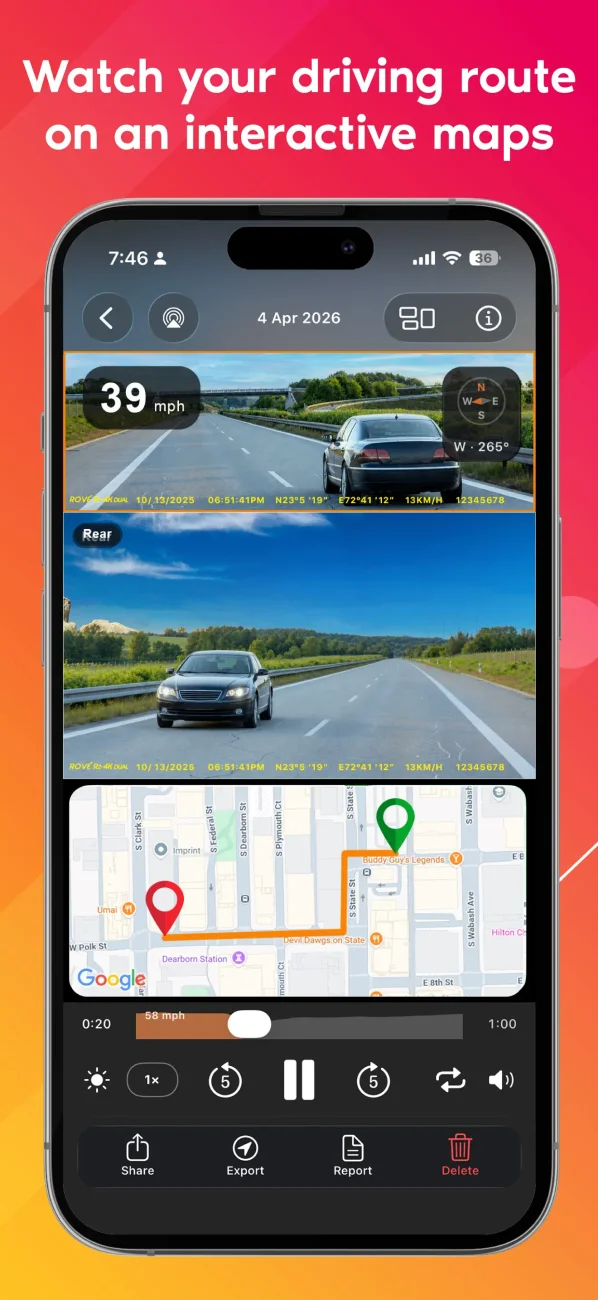
Watch front, rear, and cabin channels together, perfectly in sync. Tap any channel to bring it front and center, or switch angles from the car diagram. Every recording appears as a single card with all channels combined.
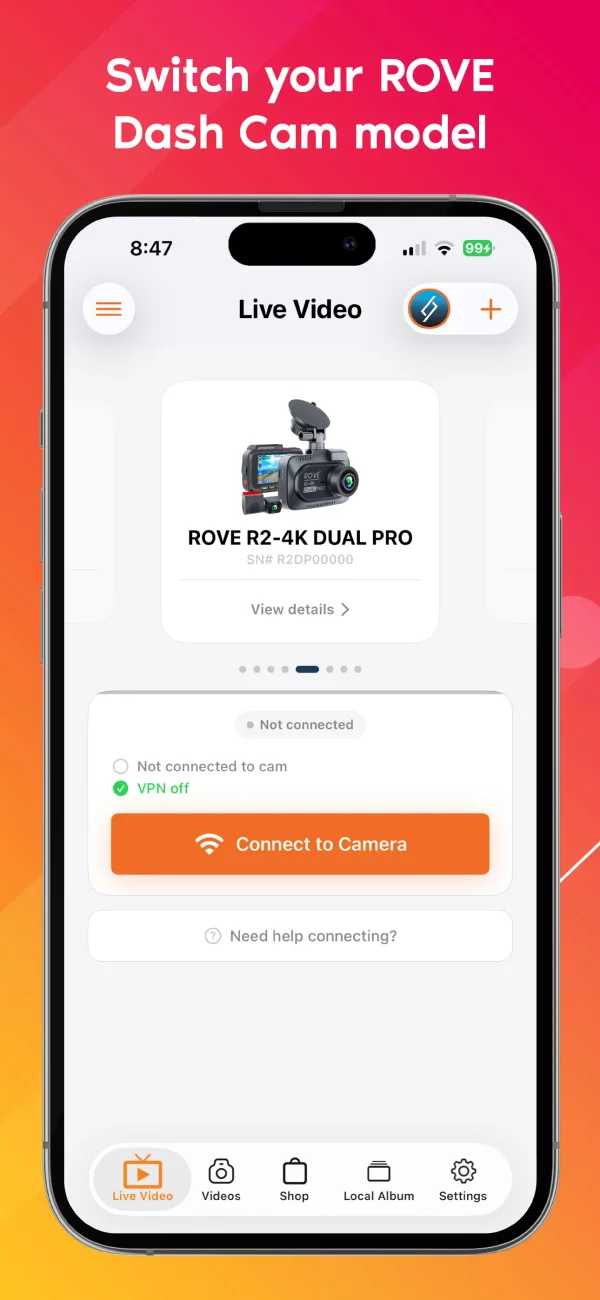
LIVE VIDEO
Watch your front, rear, and cabin channels in real time. Pinch to zoom up to 4x, switch channels with a tap, and flip into full-screen landscape for a bigger view. Toggle between Video and Photo modes on supported cameras.
RELIVE YOUR DRIVE
See your speed, compass heading, and route on a live map, synced to the video. Tap anywhere on the route to jump to that exact moment. A trip summary shows distance, top speed, and drive time at a glance.
PRO PLAYBACK TOOLS
Loop a section to review an incident again and again. Step through footage frame by frame to catch a license plate. A speed graph highlights sudden impacts, so you can tap straight to the moment that matters.
TRIM EVERY ANGLE
Trim a moment once and share it from every camera at the same time, all lined up to the same second.
DASH CAM VIDEOS
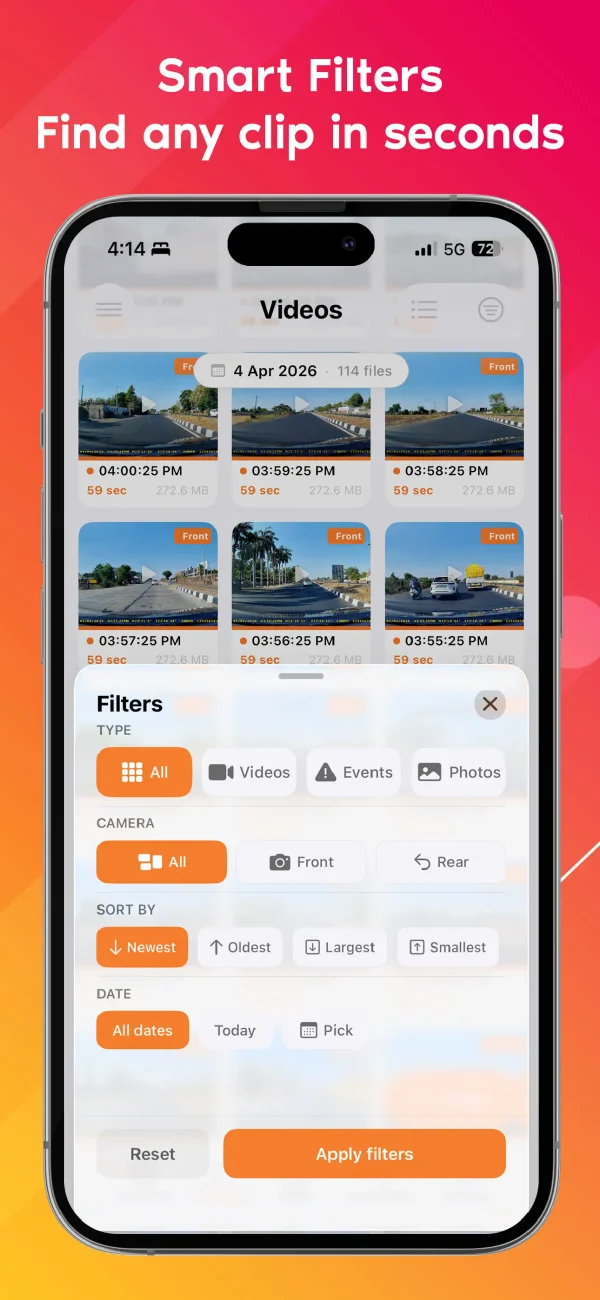
Browse recordings straight from the SD card with smart date grouping and all-channel thumbnails. Filter by type, channel, or date. Switch between List and Grid views. Bulk select to download, lock, or delete multiple clips at once.
LOCAL ALBUMS
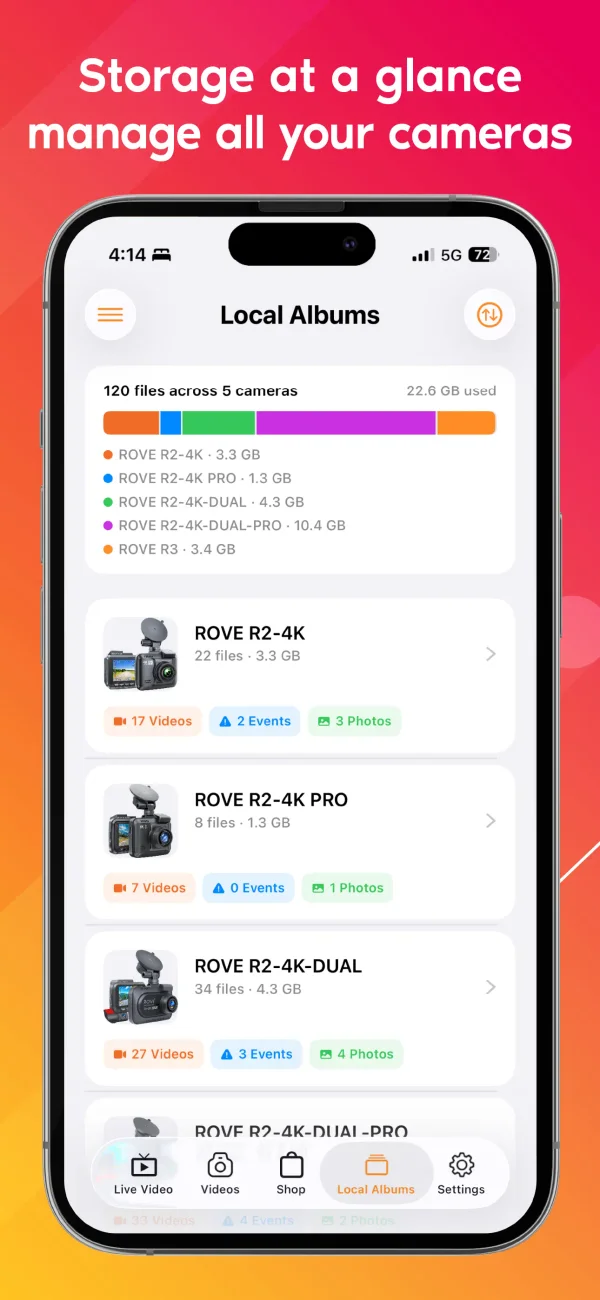
Everything you save lives in your Photos library, so it survives iOS cleanups and syncs to iCloud. A storage bar shows exactly how much space each camera is using, broken down into Videos, Events, and Photos.
GPS & TRIP DATA
Export routes as GPX, KML, or CSV to open in Google Earth, Strava, and other mapping tools. Speed, g-sensor, and bearing data are pulled from your recordings, which helps when you are reviewing a drive or sending footage to your insurer.
CAMERA SETTINGS
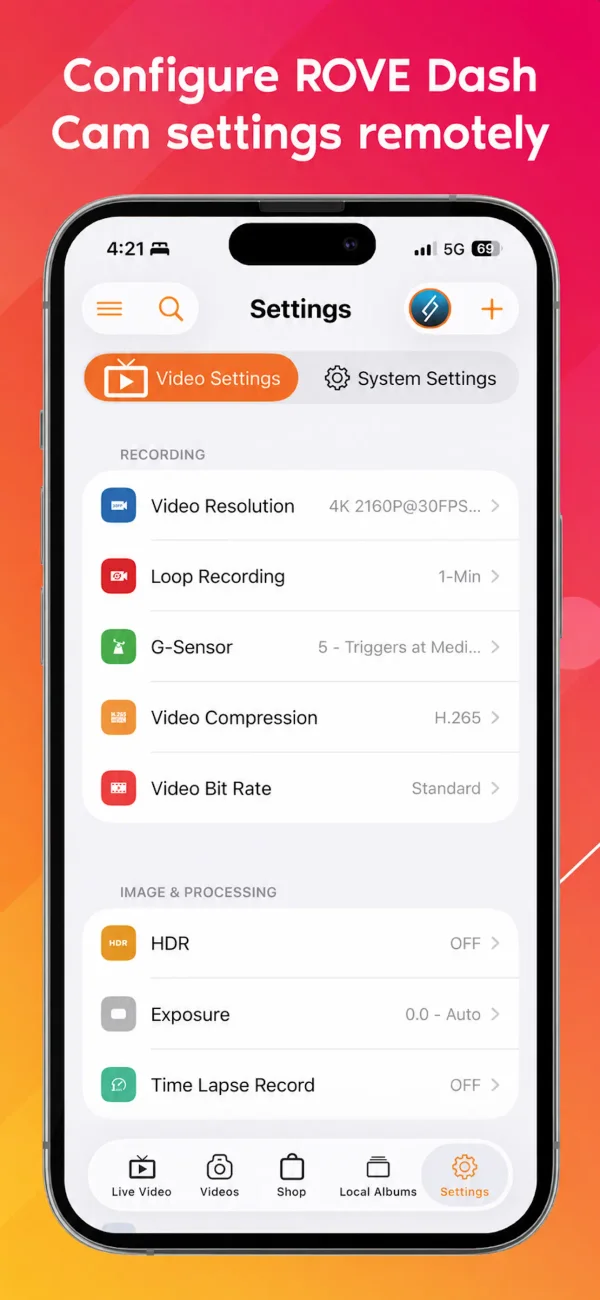
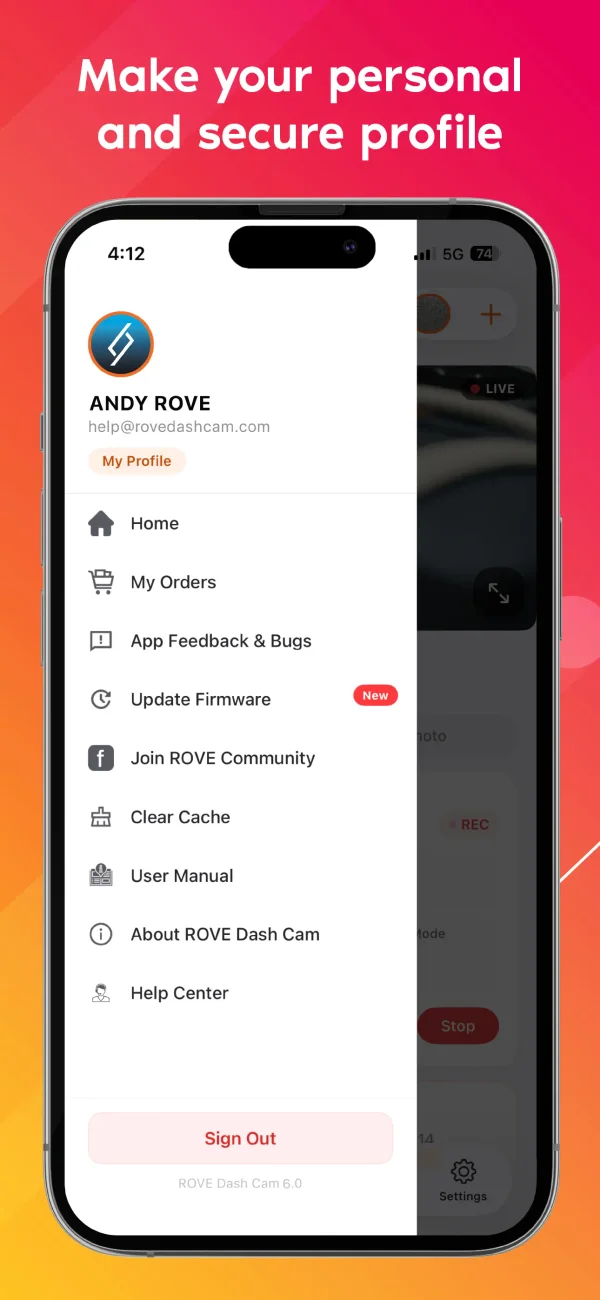
Fine-tune resolution, recording mode, parking mode, and system settings from your phone. Scan your license plate with the camera to fill it in automatically. Firmware updates are delivered over the air with full release notes.
ROVE SUPPORT ASSISTANT
Chat your way to a fix, even with no internet connection. It checks your setup, firmware, and memory card, and fixes common issues in one tap.
SIRI & SHORTCUTS
"Hey Siri, connect my ROVE dash cam." Build your own shortcuts around the actions you use most.
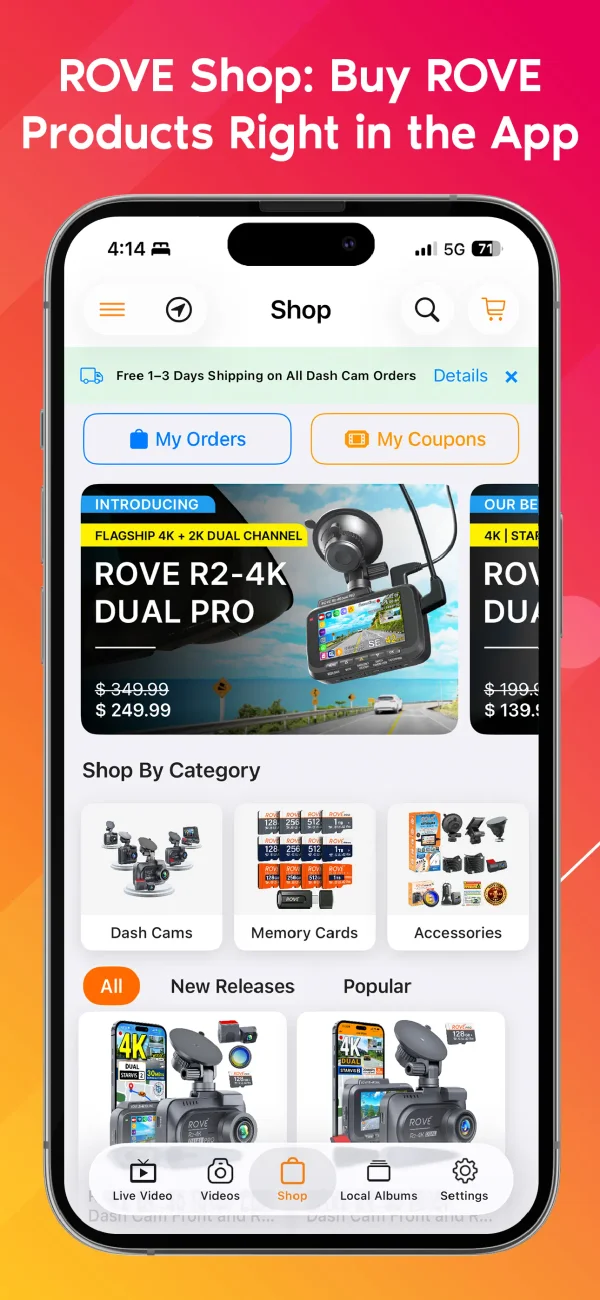
ROVE SHOP
Browse and buy accessories, mounts, memory cards, and new ROVE products directly in the app.
iPad ready. Live video and the full app scale up cleanly on iPad in both portrait and landscape.
GETTING STARTED
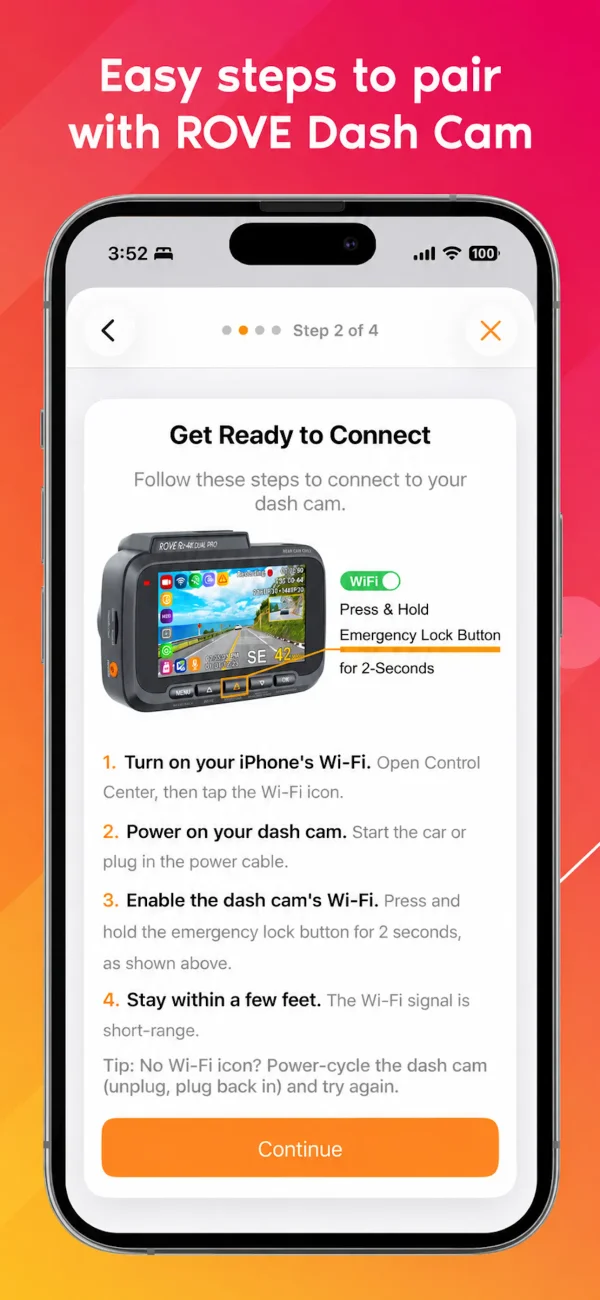
STEP 1: Turn on the WiFi feature on your ROVE dash cam.
STEP 2: Open the ROVE Dash Cam app, tap Add Dash Cam, and select your model.
STEP 3: The app detects your camera's WiFi and prompts you to join. Tap Join on the system prompt that appears. (If it doesn't appear, open Settings > WiFi and join your dash cam's network manually. The password is printed on the card included with your camera.)
STEP 4: That's it. The app verifies your camera automatically and you're ready to go.
Need a hand? Open the Support Assistant in the app anytime, or visit rovedashcam.com/pages/contact-us.
Drive safe.
The ROVE Team
What’s new
Version 6.0.9 · Nov 25, 2026
MAPS
• Apple Maps is now the default map. Switch to Google Maps any time from the player's View menu.
• Follow mode keeps the map centred on your car, with Follow & turn and a 3D view.
• Your route is coloured by speed, with a choice of map styles.
DRIVING INSIGHTS
• New Driving menu: jump straight to your fastest moment, hard braking and hard starts.
• G-force gauge, plus G-force, altitude and driving events on the speed graph.
VIDEO PLAYER
• A cleaner look with see-through controls, centred videos and a redesigned speed dial and compass.
FIXES & IMPROVEMENTS
• The download progress ring now moves smoothly.
• General stability and performance improvements.
App privacy
What ROVE Dash Cam declares on the App Store about how this app handles data.
-
Data not linked to you
May be collected but is not linked to your identity.
- Location
- Contact info
- Identifiers
- Usage data
- Diagnostics
Privacy practices may vary, for example with the features you use or your age.
Information
- Seller
- Aarna Sales Corporation
- Category
- Productivity
- Version
- 6.0.9
- Updated
- Nov 25, 2026
- Released
- Feb 3, 2022
- Size
- 424.4 MB
- Requires
- iOS 15.6 or later
- Age rating
- 4+
- Price
- Free
- Languages
- English, Japanese
- Copyright
- © ROVE INNOTECH
You might also like
-
 Chain DriverMost trusted load tracking app
-
 BlueParrottProductivity
-
 BlueDriver OBD2 Scan ToolFear No Fix™
-
 Milwaukee® ONE-KEY™Productivity
-
 AutoPylot For DronesB4UFLY, LAANC, Insurance
-
 Off The Record: Ticket LawyerFight Your Traffic Tickets
-
 MyHyundai with BluelinkProductivity
-
 TYPE S DriveProductivity
-
 LCI OneControlProductivity
-
 ASUS RouterManage, Secure, Boost Wi-Fi