
- Age rating4+
- CategoryUtilities
- DeveloperNATHANAEL LOUIS SCHNELL
- LanguagesEnglish
- Size1.0 MB
Links to the official App Store page
Download.org hosts no file of BlueSpot Finder. The button opens its official App Store page, published by NATHANAEL LOUIS SCHNELL. Listing last checked on Nov 14, 2026.
Screenshots
About
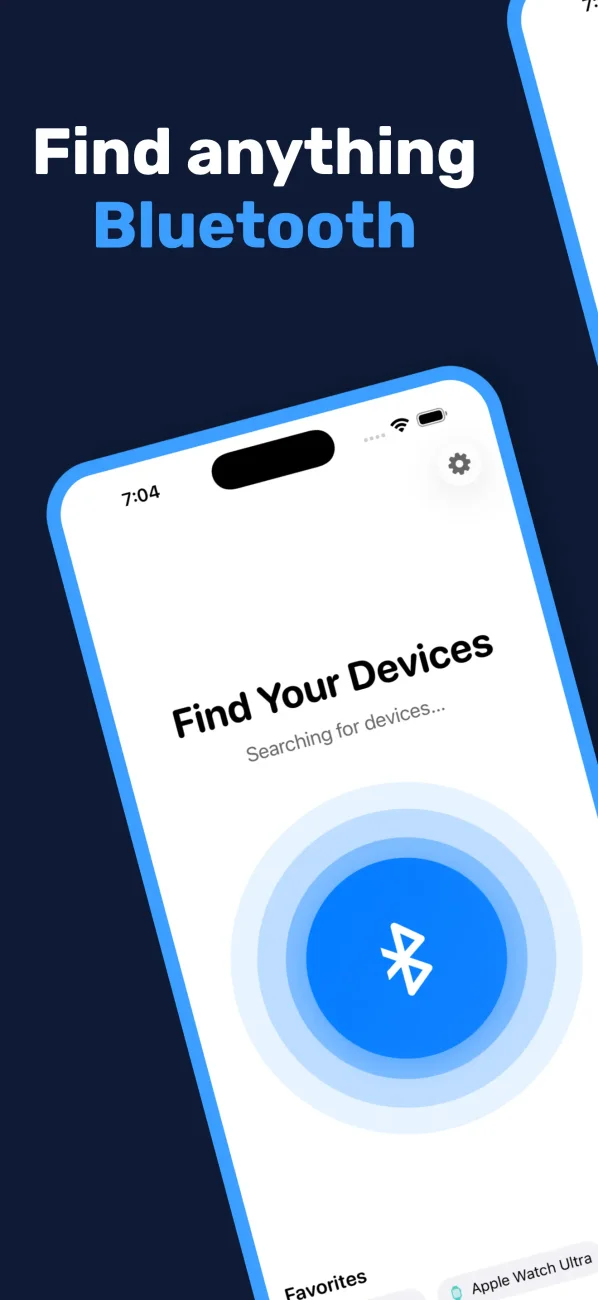
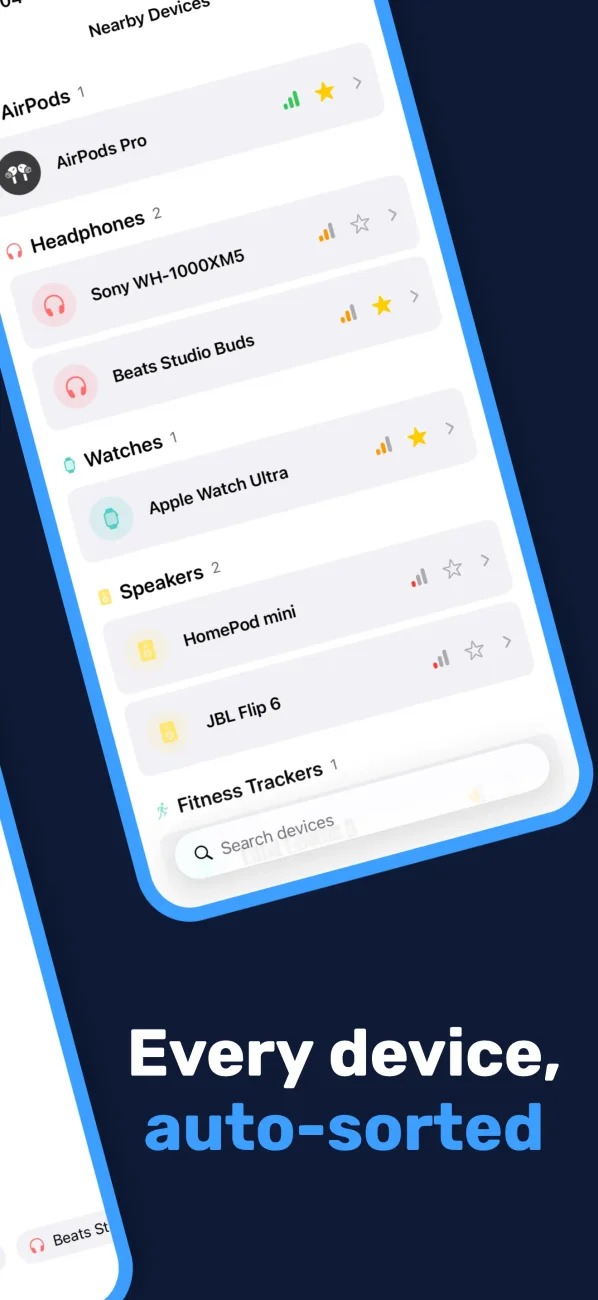
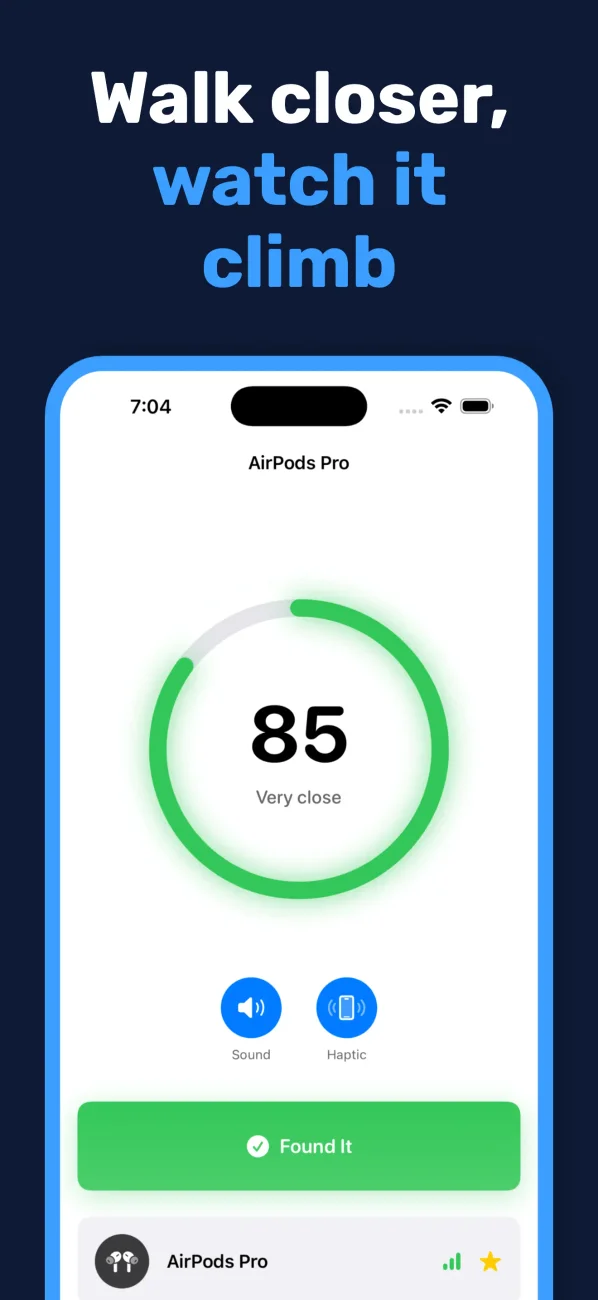
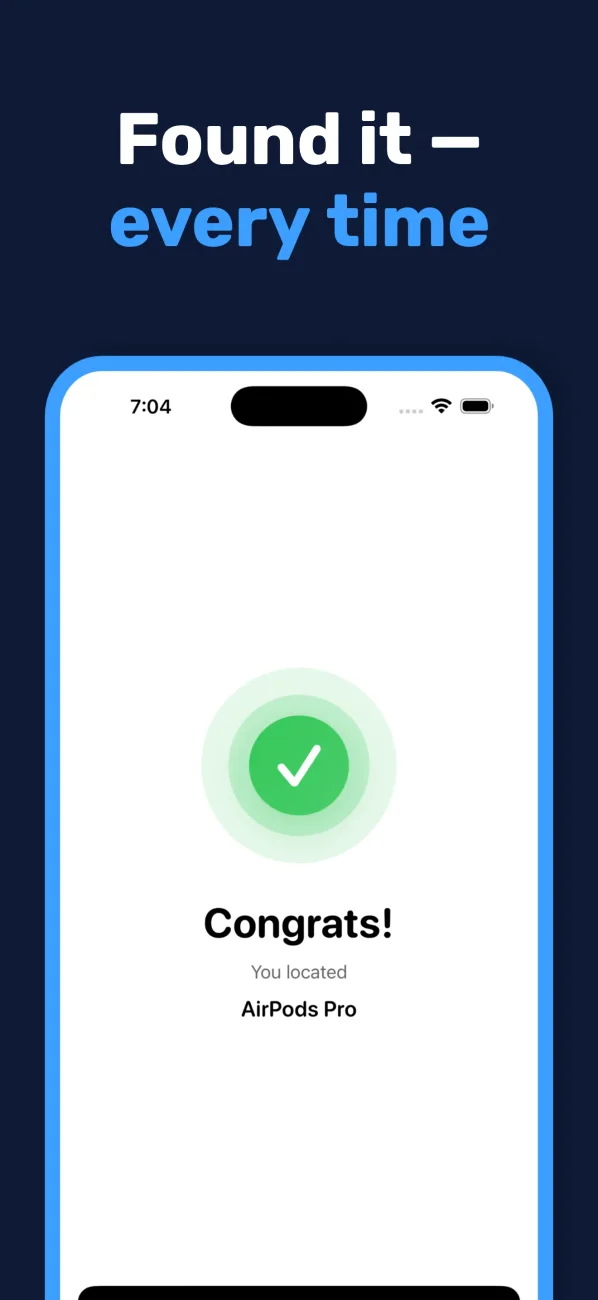
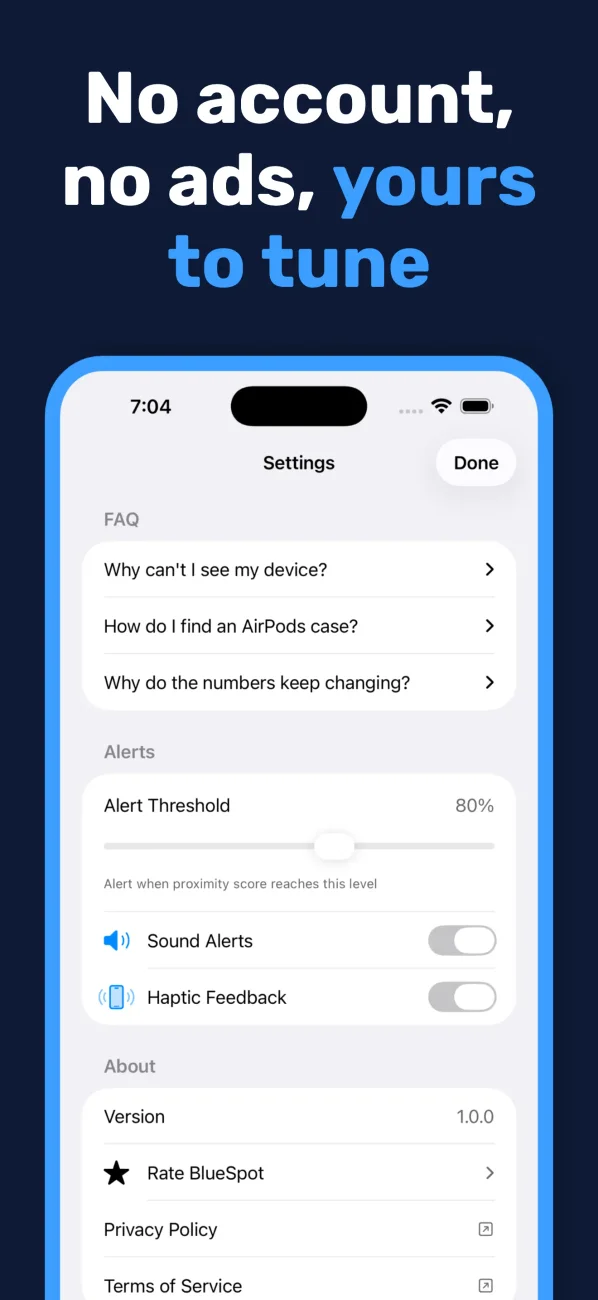
Tap Scan. BlueSpot lists every nearby Bluetooth device — AirPods, headphones, speakers, watches, fitness trackers — and shows which one is closest. Pick the one you've lost, then watch the number climb from "Far" to "Getting warm" to "Very close" with every step you take. Haptic pulses and optional beeps confirm when you're on top of it.
No accounts. No subscriptions. No ads. Nothing to set up. Open the app, tap Scan, and find your stuff in seconds.
WHAT YOU CAN FIND
• AirPods, AirPods Pro, AirPods Max
• Beats, Sony, Bose, Jabra, and other wireless headphones
• Bluetooth speakers (HomePod, JBL, Sonos, Bose Soundlink)
• Fitness trackers (Fitbit, Whoop, Amazfit, Oura, Mi Band)
• Apple Watch, Garmin, Galaxy Watch
• Any Bluetooth LE device broadcasting a name
HOW IT WORKS
BlueSpot reads radio signal strength (RSSI) from nearby Bluetooth devices. Stronger signal = closer. A built-in filter smooths out the noise so you see a steady 0-to-100 proximity score instead of jumpy numbers, and haptic and audio alerts let you know when you've nailed it.
This is proximity tracking, not GPS. BlueSpot tells you whether you're getting closer or farther — perfect for "I know it's in this room somewhere" moments. It is not a replacement for location-based tracking services.
WHY PEOPLE LIKE IT
• Instant scan — every nearby Bluetooth device, in seconds
• Auto-categorized — AirPods, headphones, watches, speakers, and trackers grouped for you
• Smooth proximity meter — real-time 0-to-100, no wild jumps
• Haptic guidance — your phone pulses faster as you get closer
• Audio cues — optional beeps that speed up near the target
• Favorites — pin the devices you lose most so they're one tap away next time
• Adjustable alert threshold — tune the "found it!" trigger
• Full dark mode
• Works offline — no internet required
• No signup — open and go
PRIVACY FIRST
BlueSpot collects nothing. No analytics, no cloud, no accounts, no ads. Everything happens on your device. Your scans never leave your phone. Full privacy policy: https://apps.builtfastai.com/bluespot/privacy
COMPATIBLE DEVICES
BlueSpot requires iOS 17 or later and Bluetooth LE hardware (iPhone 5s and newer). It works with any Bluetooth Low Energy device advertising a name, even unpaired ones. Devices that aren't actively broadcasting (a closed AirPods case, a powered-off speaker) cannot be detected.
SUPPORT
Email nate@builtfastai.com — we read every message.
App privacy
What NATHANAEL LOUIS SCHNELL declares on the App Store about how this app handles data.
-
Data not collected
The developer does not collect any data from this app.
Privacy practices may vary, for example with the features you use or your age.
Information
- Seller
- NATHANAEL LOUIS SCHNELL
- Category
- Utilities
- Version
- 1.0
- Updated
- Apr 29, 2026
- Released
- Apr 29, 2026
- Size
- 1.0 MB
- Requires
- iOS 17.0 or later
- Age rating
- 4+
- Price
- Free
- Languages
- English
- Copyright
- © 2026 Nate Schnell
You might also like
-
 Find Lost Bluetooth DevicesFind My Bluetooth Device
-
 Bluetooth Device Finder: PoddiFind Lost Earbuds & Headphones
-
 Bluetooth Finder - LocatorFind Lost Bluetooth Devices
-
 Bluetooth Device Finder: FindrFind Lost Bluetooth Devices
-
 Bluetooth Finder & BLE ScannerFind Lost Earbuds & Headphones
-
 Purixa: AI Phone CleanerPhotos, Contacts & Storage
-
 EI Ble ConfigBlé configuration tool
-
 StarFish BLE ConnectScan fast. Inspect deeper.
-
 Find My Lost: Pods & DeviceInstantly Find Lost Devices
-
 Prompting DeckOrganize Your AI Prompts