
Bluetooth Finder & Detector
Find My Headphones & Earbuds
Designed for iPhone
Free · In-app purchases
- Age rating4+
- CategoryUtilities
- DeveloperAnthony Harvey
- LanguagesEnglish
- Size14.3 MB
Links to the official App Store page
Download.org hosts no file of Bluetooth Finder & Detector. The button opens its official App Store page, published by Anthony Harvey. Listing last checked on Nov 26, 2026.
Screenshots
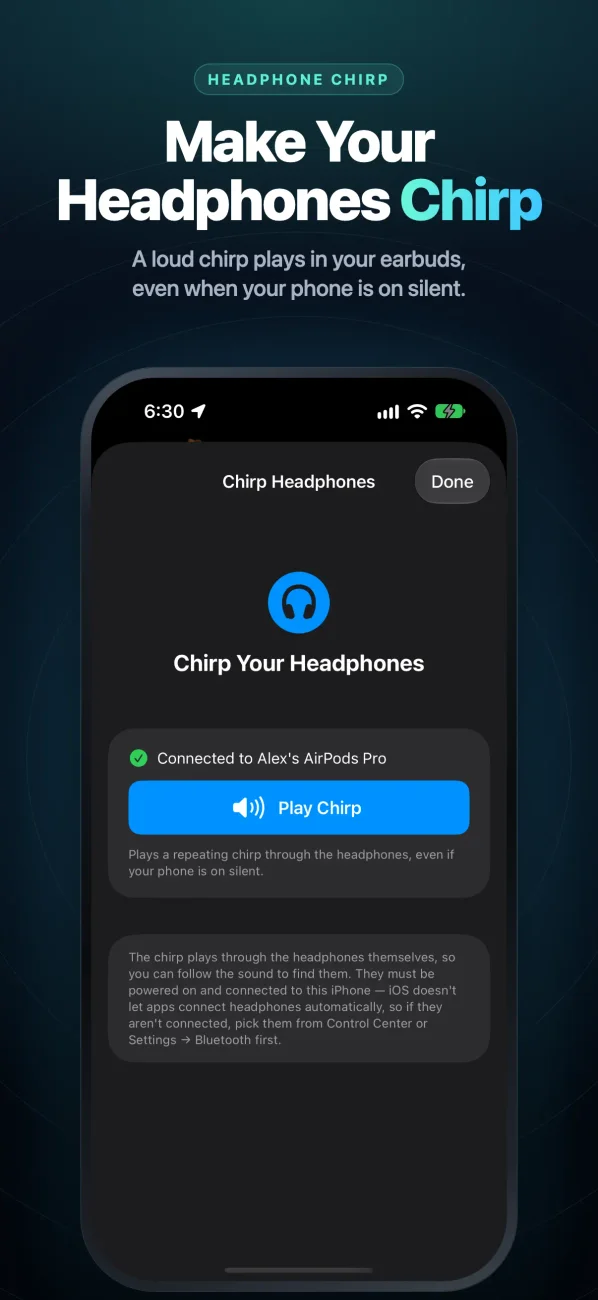
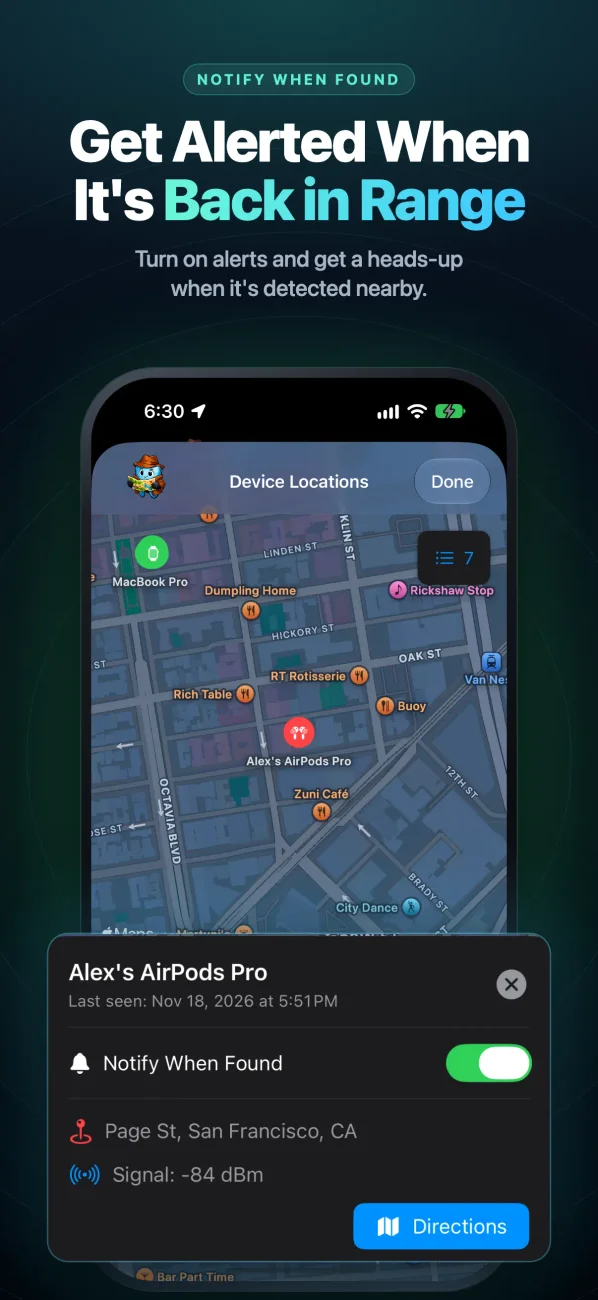
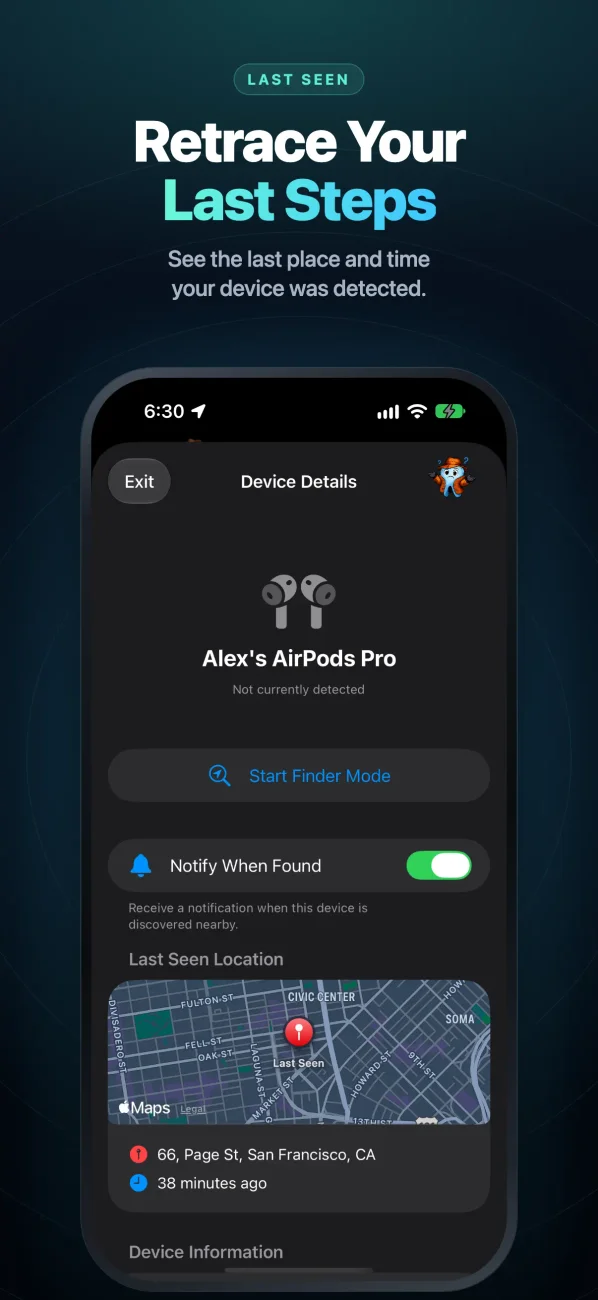
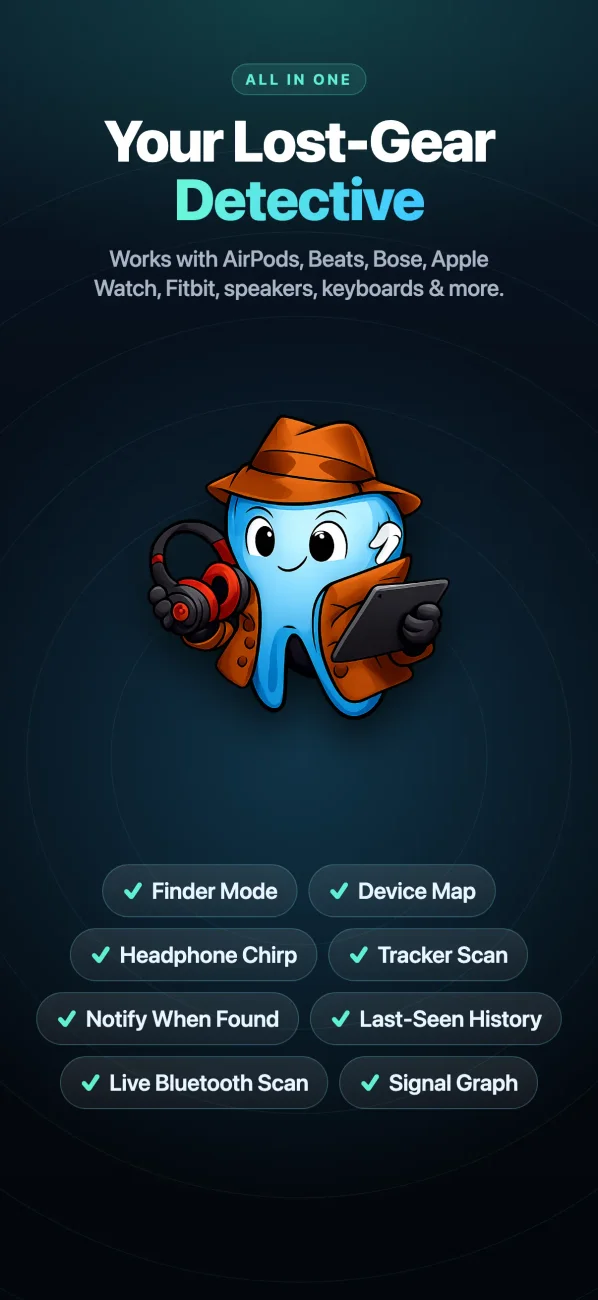
About
Find devices around you & never lose your Bluetooth devices again.
Misplaced wireless earbuds, a smartwatch, headphones, a speaker, a fitness tracker, or another Bluetooth device? Bluetooth Finder helps you locate devices faster with live signal strength and “last seen” location history.
Key features:
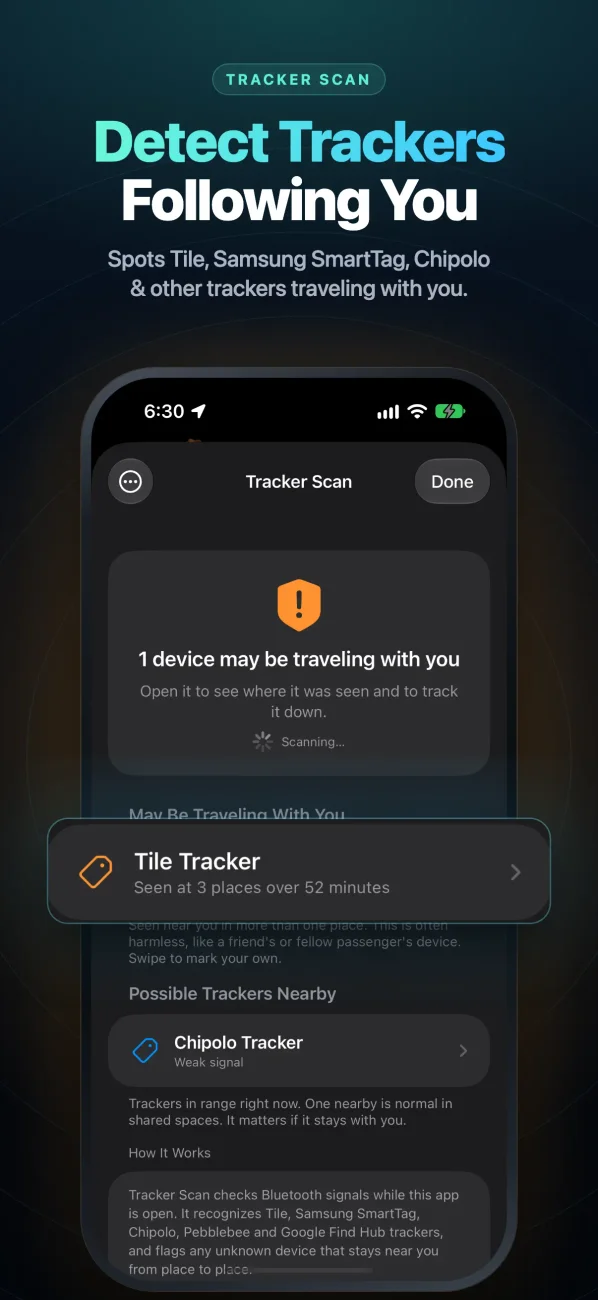
See possible trackers nearby, such as Tile, SmartTag, Chipolo and Pebblebee.
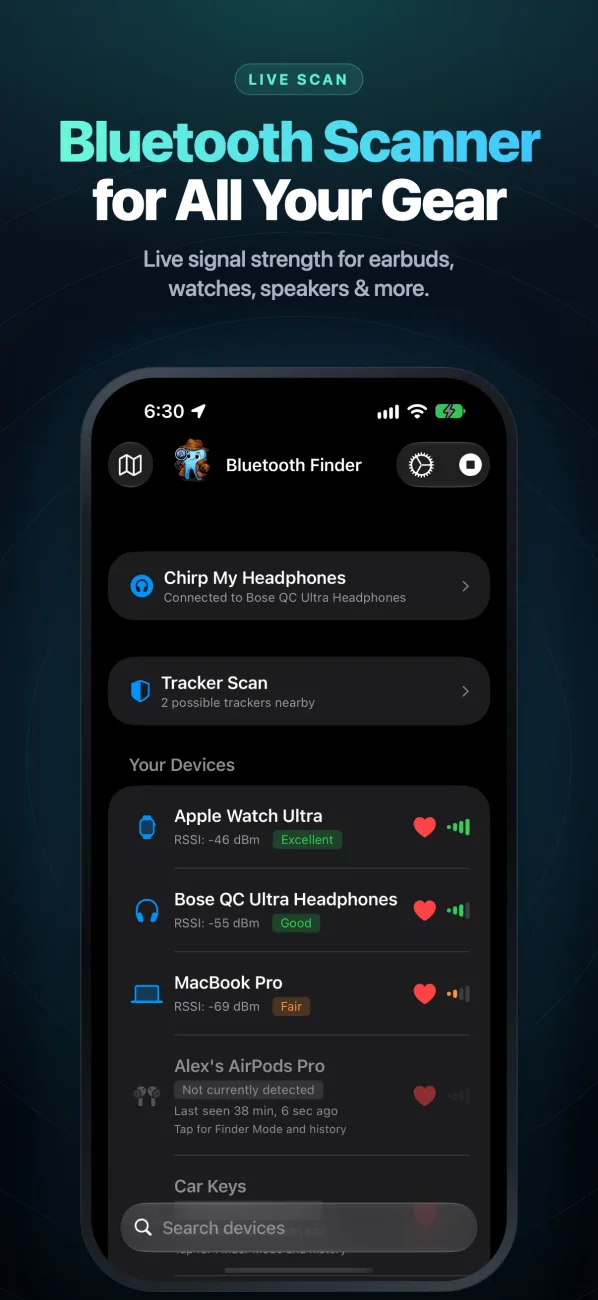
Real-time scanning: Discover nearby Bluetooth devices with live signal strength (RSSI). Stronger signal usually means you’re closer.
Save your devices: Favorite the devices you care about so you can focus on them instead of a crowded list.
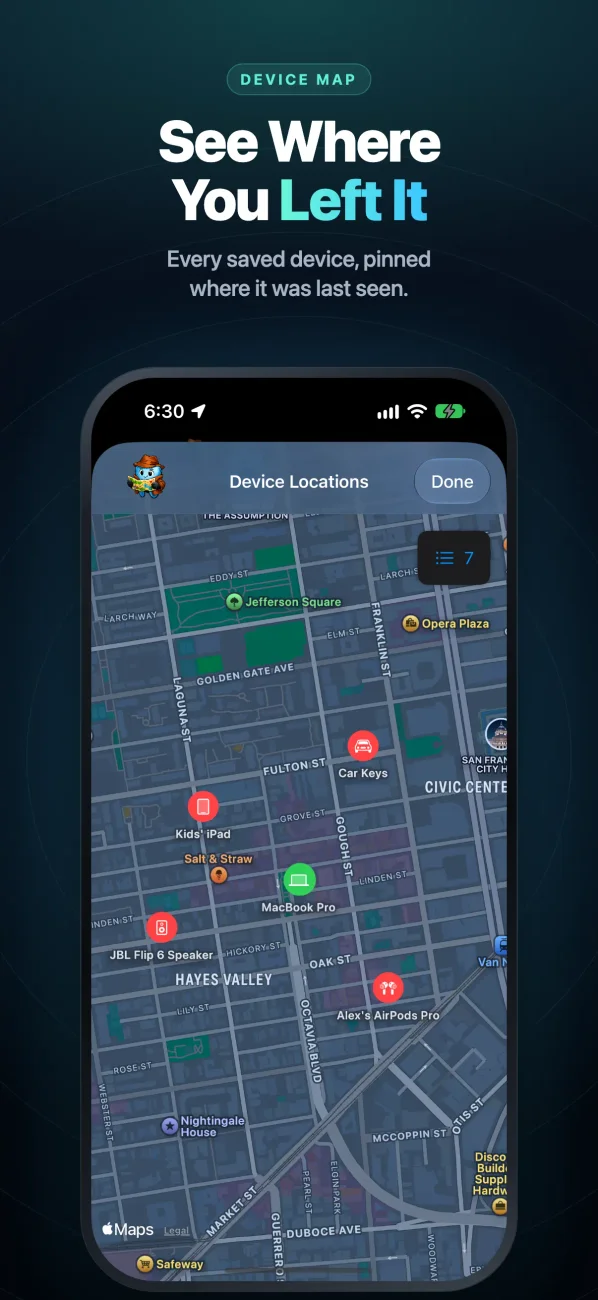
Last seen on a map: See where a device was last discovered and when it was last seen.
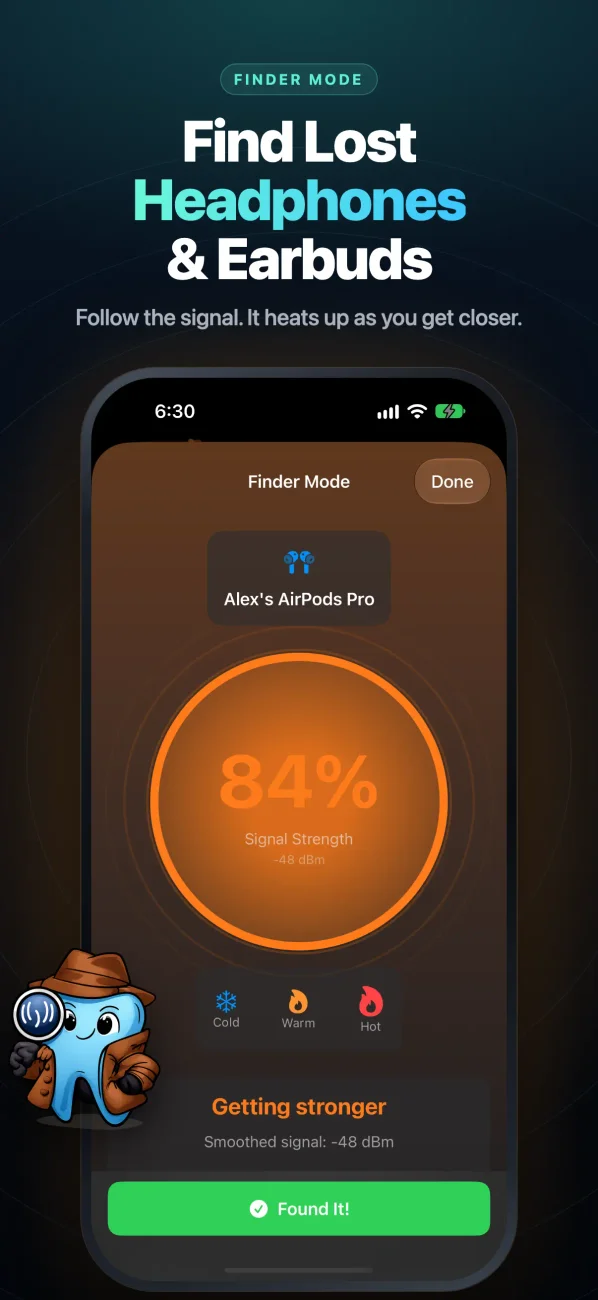
Finder Mode: A focused “hot / cold” hunting screen with visual and audio feedback to help you zero in.
Found notifications: Get alerted when a saved device comes back in range (best effort; depends on the device and iOS background limits).
Custom names: Rename saved devices and give them an icon for quick recognition.
Filters and sorting: Hide unknown devices, search by name, and sort by signal strength.
Perfect for:
Finding wireless earbuds
Locating a smartwatch or fitness tracker
Tracking down Bluetooth headphones or speakers
Finding a tablet or laptop nearby
Locating any Bluetooth-enabled device
How it works:
Start scanning to discover nearby devices
Save the devices you want to find later
Use Finder Mode to follow the signal
Check the map to see where it was last seen
Notes:
Signal strength can be affected by walls, distance, and interference, so results are approximate.
Location history requires location permission.
Whether a device slipped under a couch cushion or got left behind somewhere, Bluetooth Finder gives you a fast, simple way to track it down.
Terms of Use: https://www.apple.com/legal/internet-services/itunes/dev/stdeula/
Privacy Policy: https://anthonyharveyapps.com/privacy-policy-bluetooth-finder
What’s new
Version 1.6 · Nov 25, 2026
New: Tracker Scan
• See possible trackers nearby, such as Tile, SmartTag, Chipolo and Pebblebee.
• See when an unknown device may be traveling with you from place to place, with a map of where it was seen.
• Mark devices as yours so they stop being flagged.
• Tracker Scan works while the app is open. Some trackers change their Bluetooth identity, so it can't catch everything.
New: Found It!
• Tap "Found It!" in Finder Mode when you track down your device, and celebrate the find.
App privacy
What Anthony Harvey declares on the App Store about how this app handles data.
-
Data not collected
The developer does not collect any data from this app.
Privacy practices may vary, for example with the features you use or your age.
Information
- Seller
- AH Apps LLC
- Category
- Utilities
- Version
- 1.6
- Updated
- Nov 25, 2026
- Released
- Jan 7, 2026
- Size
- 14.3 MB
- Requires
- iOS 17.0 or later
- Age rating
- 4+
- Price
- Free
- In-app purchases
- Yes
- Languages
- English
- Copyright
- © AH Apps LLC, 2026
You might also like
-
 Bluetooth Device Finder ProFind Lost AirPods & Devices
-
 Bluetooth - Device TrackerAirPods, Earbuds & AirTag
-
 Find Bluetooth Devices: TrackLost AirPods & Earbuds
-
 Air Tag finder: Device trackerAirtag detector: Find devices
-
 Bluetooth Finder - Find ProHeadphones & Airpods Finder
-
 Spot Bluetooth FinderLost AirPods & AirTag Tracker
-
 Simple BLE ScannerScans for nearby BLE devices
-
 Ble Scanner Bluetooth FinderDetector, Tracker & Debugger
-
 SpotScan - Device DetectorScan & Track Nearby Signals
-
 RF Signal DetectorRF Signal Detector Analyzer