
Blur Bokeh Background
Designed for iPhone, iPad, iPod touch
Free · In-app purchases
- Age rating4+
- CategoryPhoto & Video
- Developerout thinking limited
- LanguagesEnglish
- Size62.9 MB
Links to the official App Store page
Download.org hosts no file of Blur Bokeh Background. The button opens its official App Store page, published by out thinking limited. Listing last checked on Nov 17, 2026.
Screenshots


About
Blur bokeh background photo editor app.
Thinking of giving your photo a blur effect? Do you want to add a blur background to an image and apply some mesmerising bokeh effects? Then blur bokeh background is the ultimate blur photo editor to do so.
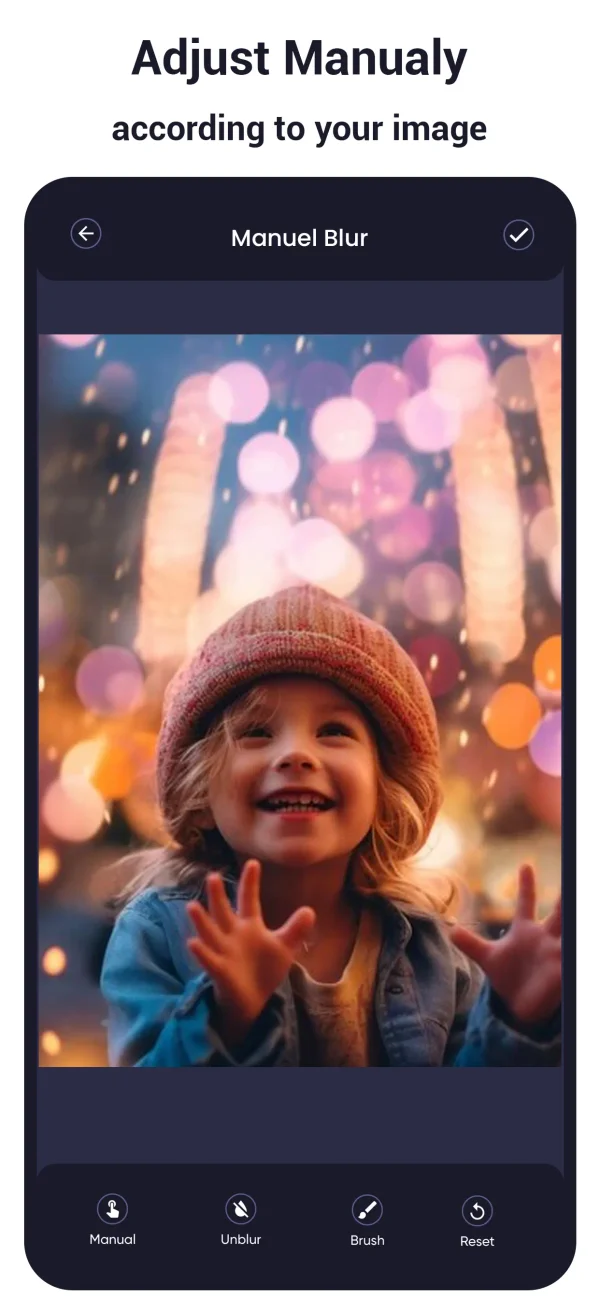
Blur bokeh background is used to blur an image and apply some amazing bokeh effects to it. This image blur app can also be used to reset the blur effect completely.
Using this image blur app, the picture to be blurred can be selected from the phone’s gallery or take a picture using the camera option.
Make the most use of the bokeh effects option of this blur photo editor to give your pics an appealing look. Use this photo blur app in order to blur unwanted part of a picture.
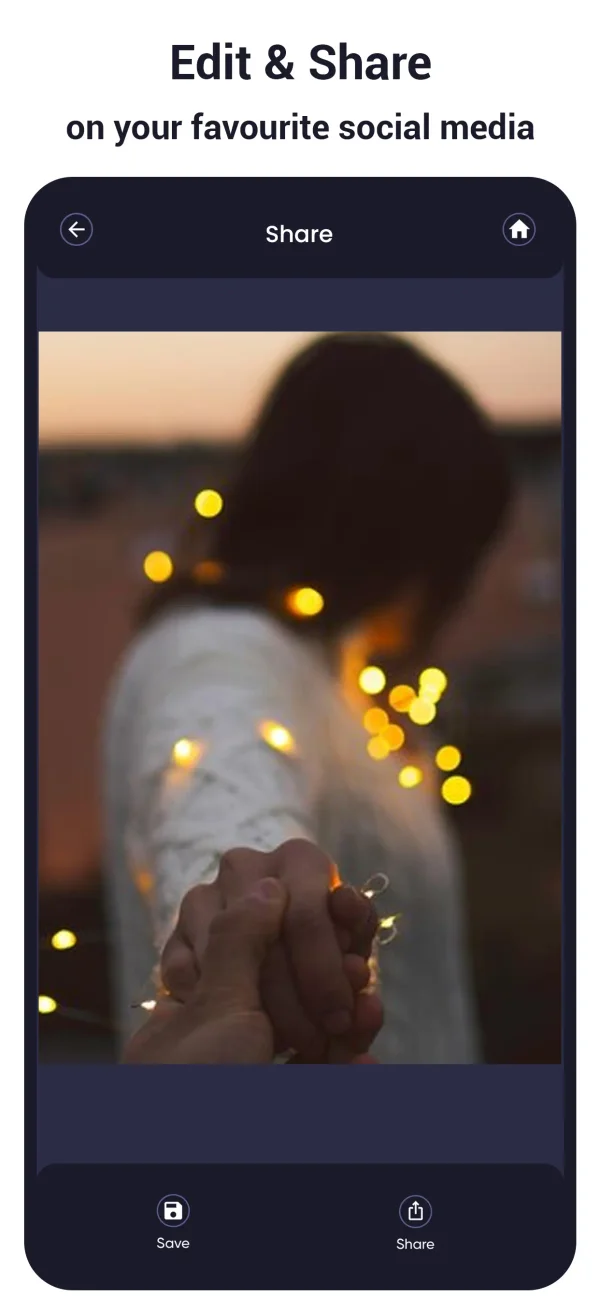
Upon giving the blur effect and the bokeh effect, the blurred image can be shared through social media platforms.
Key features blur bokeh background
1.Image selection
Choose the photo to be blurred from the gallery or take a snap using the camera option.
2. Zoom in and Zoom out
Use this option to precisely view the picture to be blurred and apply a blur effect with a blur background.
3. Picture Blur intensity adjustment
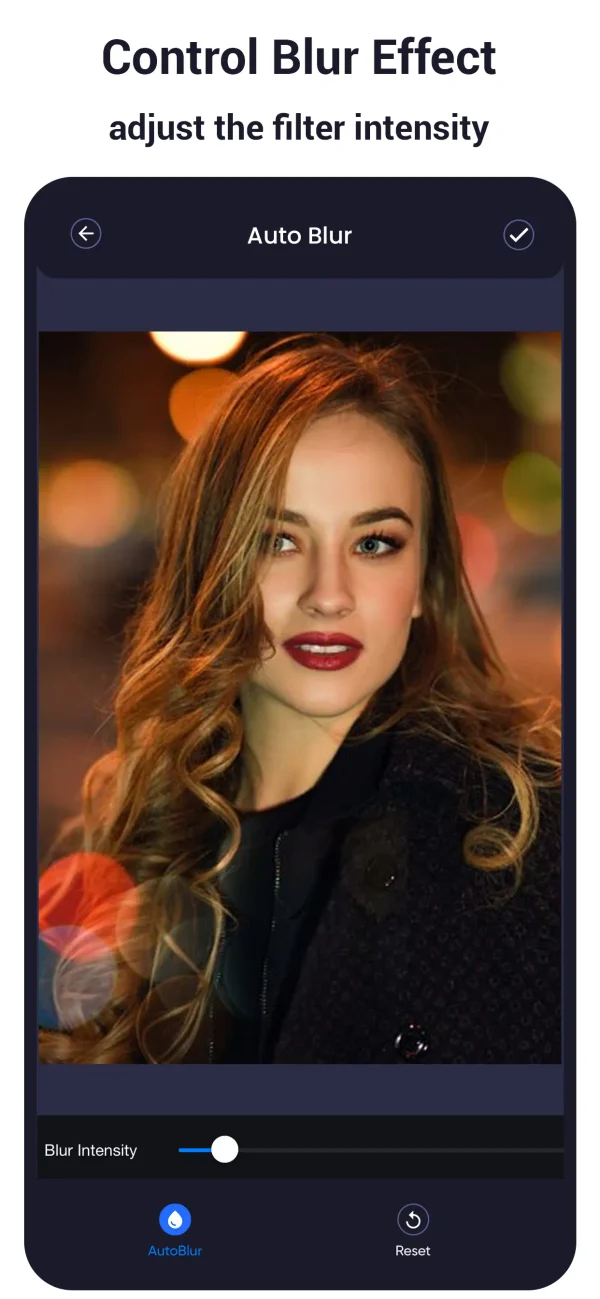
The image blur intensity can be adjusted based on the size of the blur effect, you want to give to blur the picture.
Subscription Terms
- Subscribe to get unlimited video collage app access to all features.
- Upon confirmation of purchase, the payment will be charged to the iTunes account.
- Until you turn off the auto-renew at least 24 hours before the end of the current.
period it will be automatically renewed.
- If you decide to turn off auto-renewal, you can turn it off maybe by going to account settings after purchase.
-The renewal amount will be charged from the account within 24 hours before the end of the current period.
-As per the policy, cancellation of the current subscription is not allowed during the active subscription period. Once purchased, refunds will not be returned for any unused portion of the subscription period.
Terms of use - https://www.outthinkingindia.com/terms-of-use/
Privacy policy - https://www.outthinkingindia.com/privacy-policy/
What’s new
Version 1.2 · Feb 16, 2024
+ Defect fixing
+ UI/UX changes
App privacy
What out thinking limited declares on the App Store about how this app handles data.
-
Data used to track you
May be used to track you across apps and websites owned by other companies.
- Purchases
- Identifiers
- Usage data
- Diagnostics
-
Data linked to you
May be collected and linked to your identity.
- Purchases
- Identifiers
- Usage data
- Diagnostics
Privacy practices may vary, for example with the features you use or your age.
Information
- Seller
- out thinking private limited
- Category
- Photo & Video
- Version
- 1.2
- Updated
- Feb 16, 2024
- Released
- Oct 13, 2016
- Size
- 62.9 MB
- Requires
- iOS 14.0 or later
- Age rating
- 4+
- Price
- Free
- In-app purchases
- Yes
- Languages
- English
- Copyright
- © Outthinking India Pvt. Ltd
You might also like
-
 Bokeh Effect Photo EditorMake your photo more beautiful
-
 Bokeh Cam FX : Add Light ShapeMagical Effect Photo Editor
-
 Bokeh Blur EditorBlur Image Editor & Mosaic
-
 VVD - Photo EditorOverlays, Effects and Filters
-
 Lights – Photo EffectsNeon Filters & Glow Editor
-
 Phocus Cinematic: Video BlurBackground Blur & Cinemagraph
-
 Filmiq: Photo & Video EditorVintage Film Effects & Presets
-
 blur video background focus aiPortrait video maker & editor
-
 Portrait: Blur Photo EditorReal lens blur, not a filter
-
 Blur Photo & Background EditBlurry Video & Face