
- Age rating4+
- CategoryProductivity
- DevelopermeasureQuick
- LanguagesEnglish
- Size47.8 MB
Links to the official App Store page
Download.org hosts no file of BluVac. The button opens its official App Store page, published by measureQuick. Listing last checked on Nov 20, 2026.
Screenshots
About
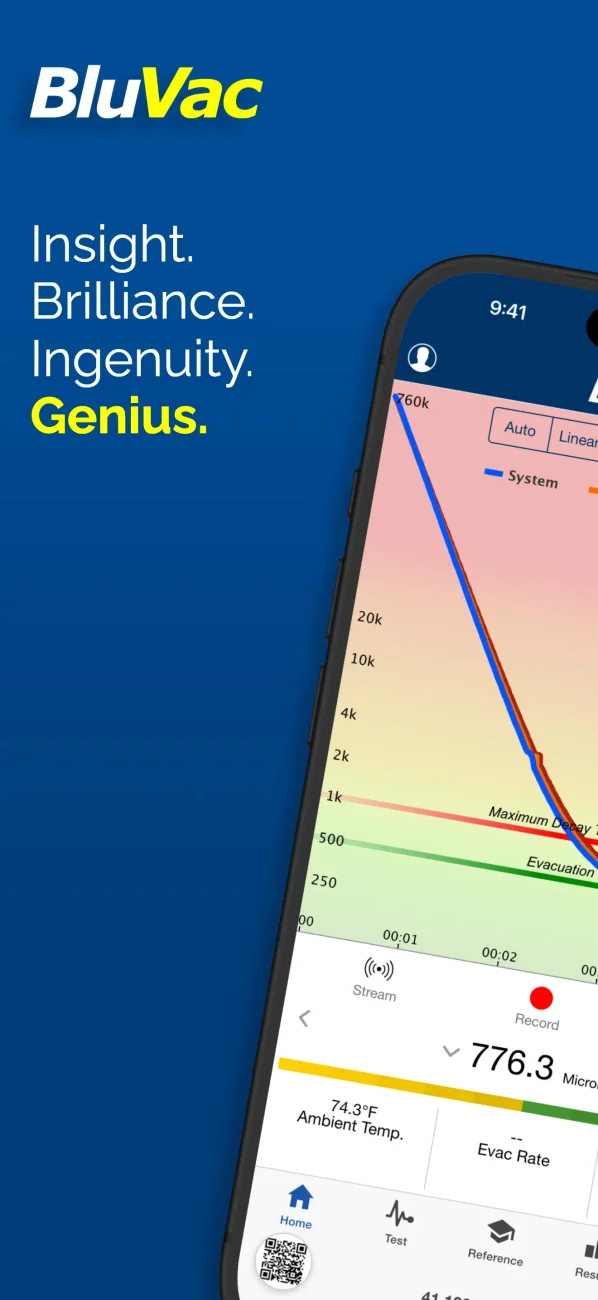
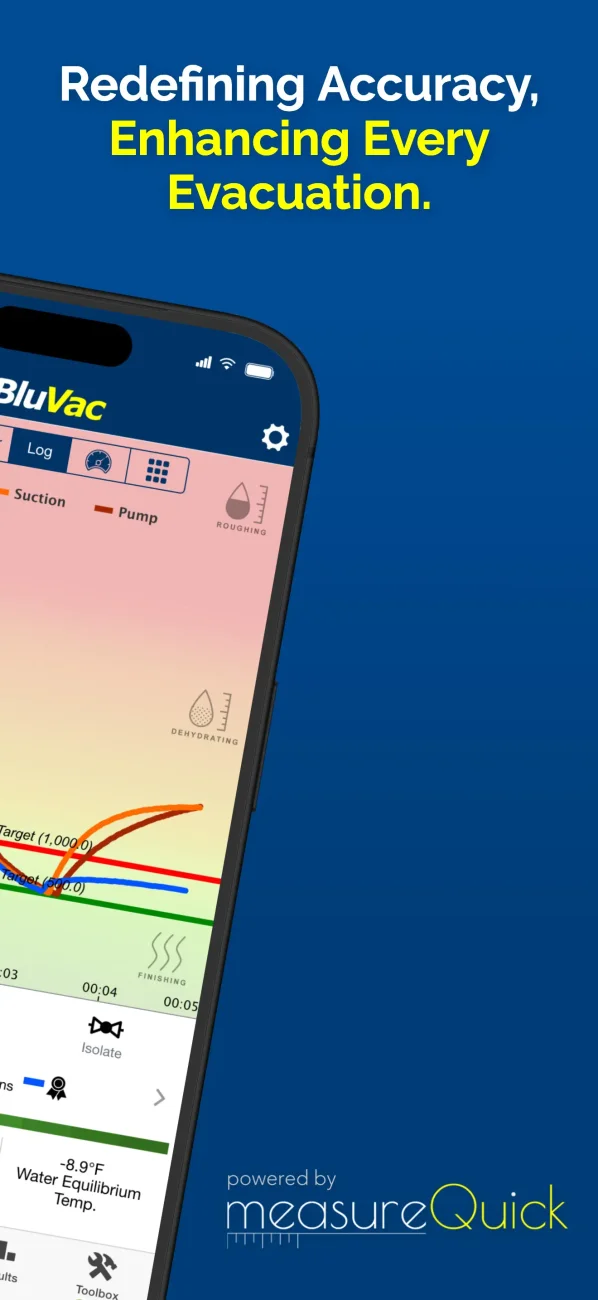
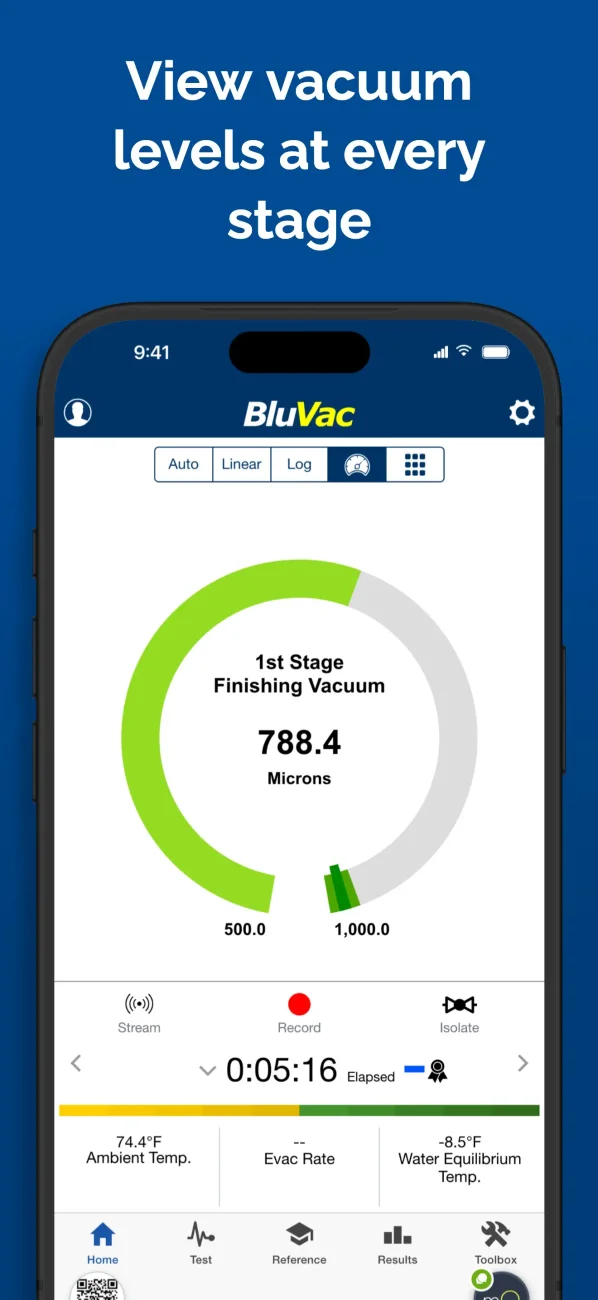
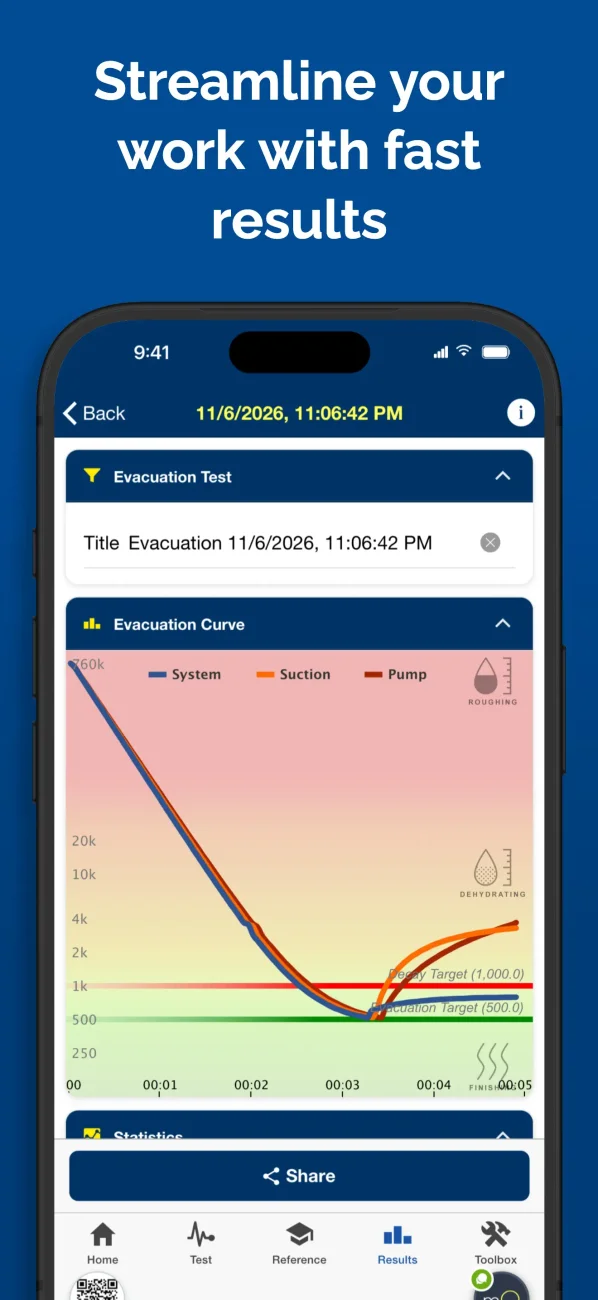
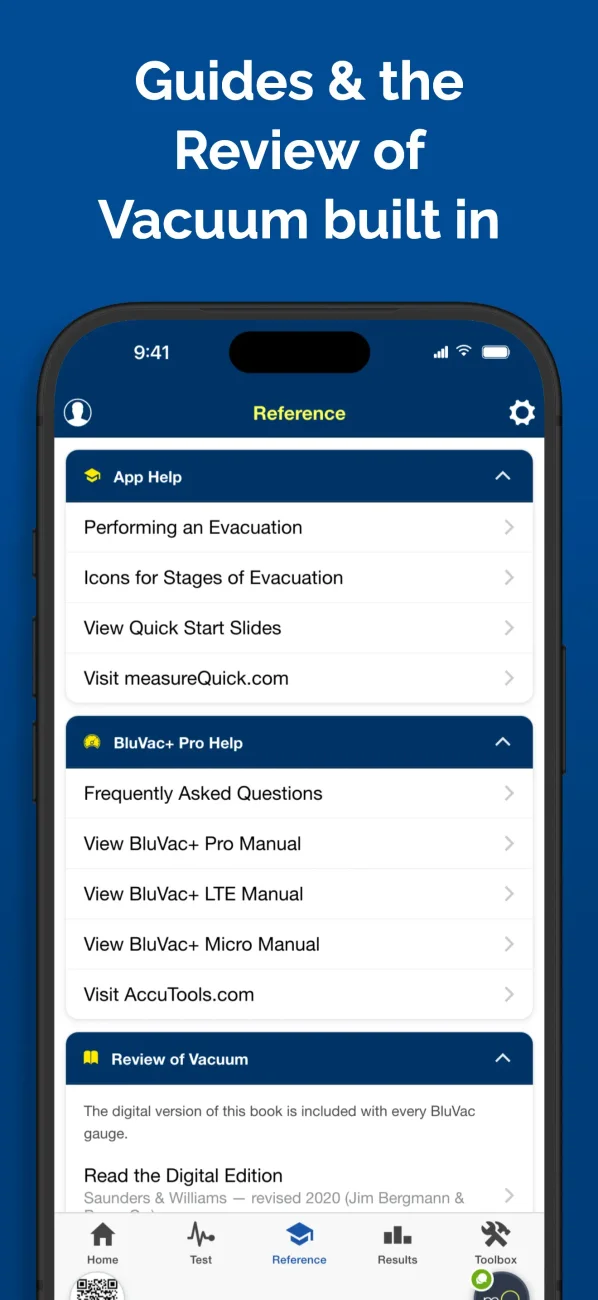
Easily connect and perform detailed system evacuations with your BluVac+ Pro, BluVac+ LTE, and BluVac+ Micro vacuum gauges via Bluetooth. With the BluVac+ Pro, you can perform timed evacuation and decay tests, set target times, and view detailed results. For BluVac+ LTE and Micro, quickly record and display essential data.
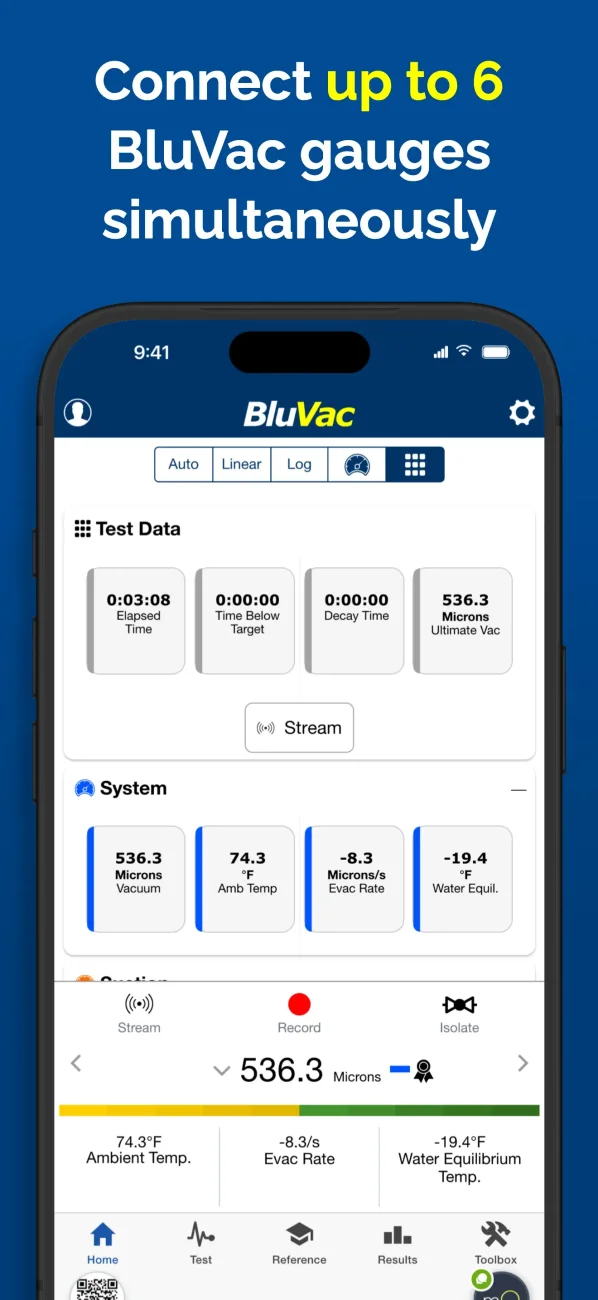
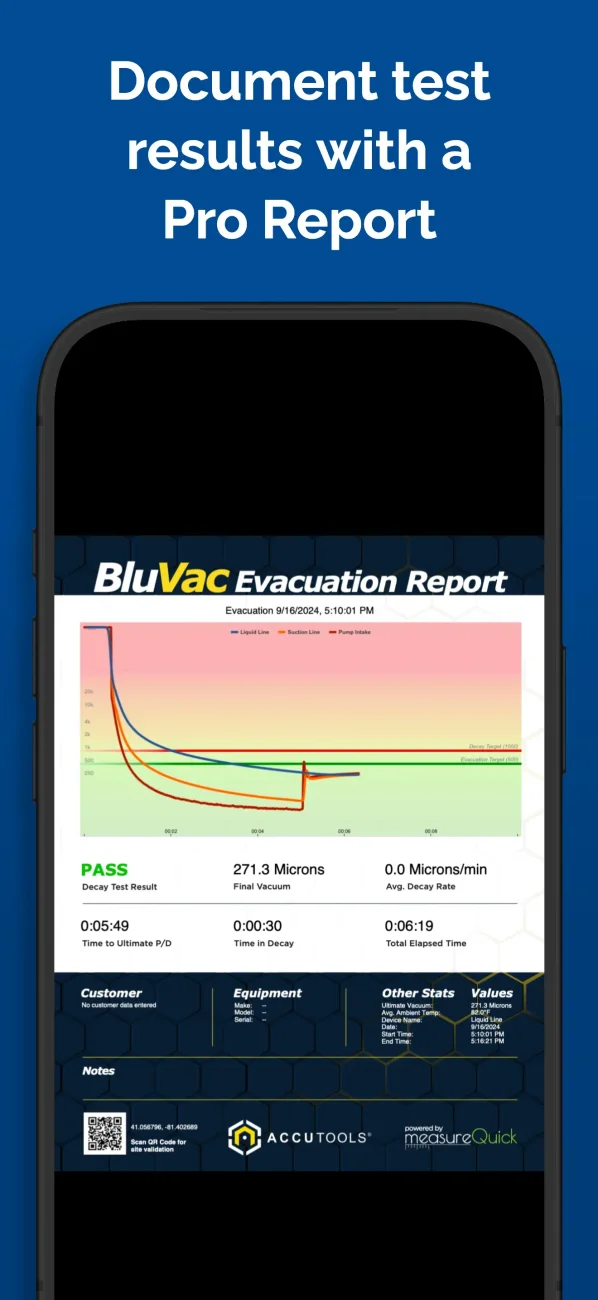
The app now features mQ Assist integration for evacuation guidance, an improved interface, and geolocation tracking for enhanced screenshots. Additional upgrades include a new Pro Report feature, the ability to connect up to 6 BluVac gauges simultaneously, and the option to rename gauges by their function (e.g., Pump, Core Tool, System). Plus, the decay test will now only start once the evacuation rate hits zero.
NEW IN THIS RELEASE
• Now in 8 languages: English, Spanish, German, French, Portuguese, Italian, Vietnamese, and Polish
• Attach evacuations to a measureQuick job, or start a new job right from BluVac
• Faster, more reliable gauge reconnect after a Bluetooth dropout
• Swap the primary gauge mid-job; the history follows the gauge
• Decay pass/fail now comes straight from the BluVac+ Pro
• Redesigned welcome tour and a new app icon
• Bug fixes and performance improvements
What’s new
Version 3.6.5 · Nov 19, 2026
NEW IN THIS RELEASE
• Now in 8 languages: English, Spanish, German, French, Portuguese, Italian, Vietnamese & Polish, including your PDF reports
• Works hand in hand with measureQuick: attach evacuations to your mQ job, or start a new job right from BluVac
• One job across your apps: BluVac, measureQuick and mQ Electric now keep you on the same job, with a one-tap prompt to switch when they don't match
• Redesigned Toolbox: + to add a gauge, tap a gauge to connect, swipe to rename or delete, and Disconnect right under your gauges
• Settings now remember your evacuation and decay times from any screen, and picking a system's tonnage sets the recommended evacuation time (10 min + 1 min per ton)
• Faster, more reliable reconnect after a gauge drops out
• Swap the primary gauge mid-job, and its history follows the gauge
• Decay pass/fail now comes straight from the gauge
• Redesigned welcome tour and a new app icon
• mQ AI Assist chat that follows your job, plus job messages with the office
• Bug fixes and performance improvements
App privacy
What measureQuick declares on the App Store about how this app handles data.
-
Data linked to you
May be collected and linked to your identity.
- Location
- Identifiers
- Usage data
- Diagnostics
Privacy practices may vary, for example with the features you use or your age.
Information
- Seller
- Manifold Cloud Services Ltd.
- Category
- Productivity
- Version
- 3.6.5
- Updated
- Nov 19, 2026
- Released
- May 26, 2017
- Size
- 47.8 MB
- Requires
- iOS 15.0 or later
- Age rating
- 4+
- Price
- Free
- Languages
- English
- Copyright
- © Copyright 2017-2024 Manifold Cloud Services, Ltd.
You might also like
-
 Daikin AC Monitoring ToolProductivity
-
 CPS LinkProductivity
-
 YJACK VIEWYJACK VIEW app for iOS
-
 Appion CentralAppion HVAC Mobile Tool App
-
 Daikin Service Diagnosis ToolMultiple service tool support
-
 CPS Link ProProductivity
-
 HVAC PT ChartHVAC Pressure/Temp Charts
-
 CoolCalc Scan3D Room Scanning
-
 Conduit HVAC ToolkitPowered by ACCA Manual J®
-
 XOi VisionProductivity