- Age rating4+
- CategoryProductivity
- DeveloperCool Calc Inc.
- LanguagesEnglish
- Size11.9 MB
Links to the official App Store page
Download.org hosts no file of CoolCalc Scan. The button opens its official App Store page, published by Cool Calc Inc. Listing last checked on Nov 23, 2026.
Screenshots
About
Free Scanning — Paid Web Features
This iOS app is a companion to CoolCalc. Scanning is free. To use your scan results for ACCA Manual J, Manual S, or Manual D calculations, you’ll need a separate paid subscription or single-project purchase in app.coolcalc.com, our web app.
KEY FEATURES
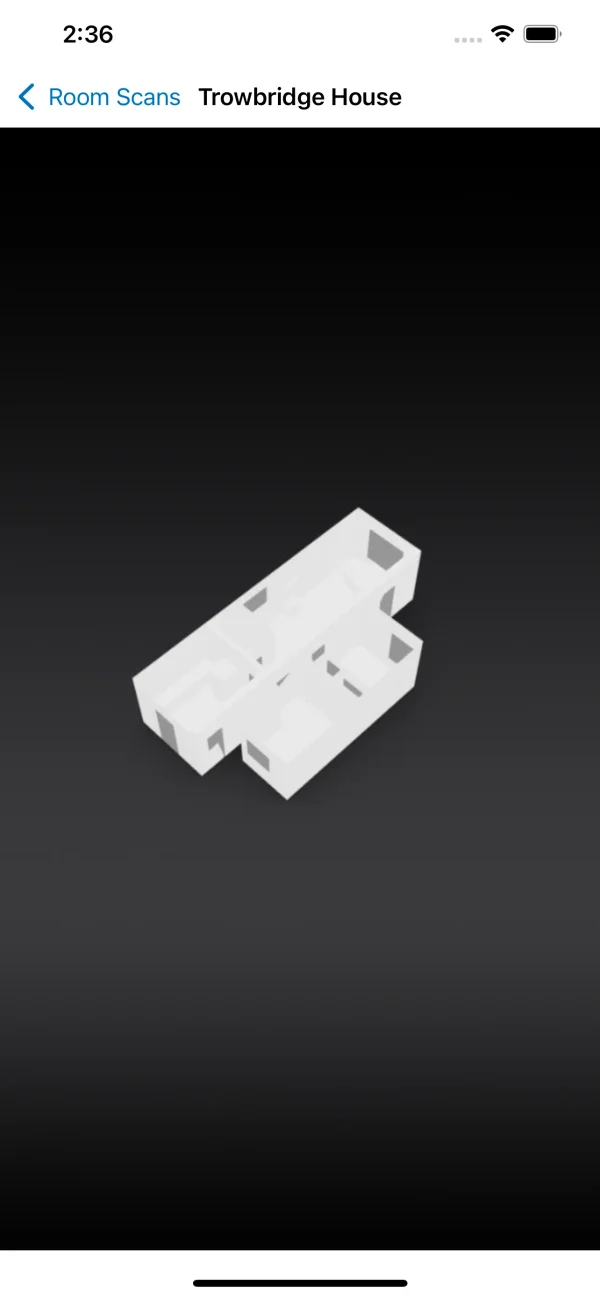
• Precise LiDAR Scanning
Capture detailed 3D models of rooms with accurate measurements. Document walls, ceilings, windows, doors, and room geometry with professional-grade precision.
• Project Organization
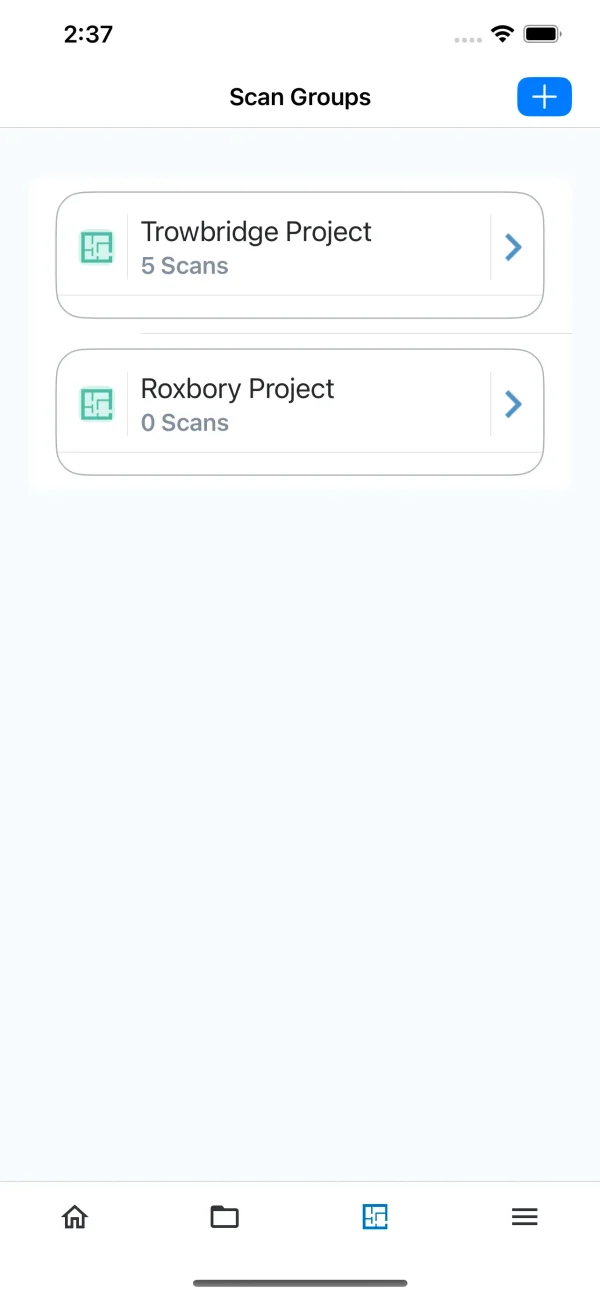
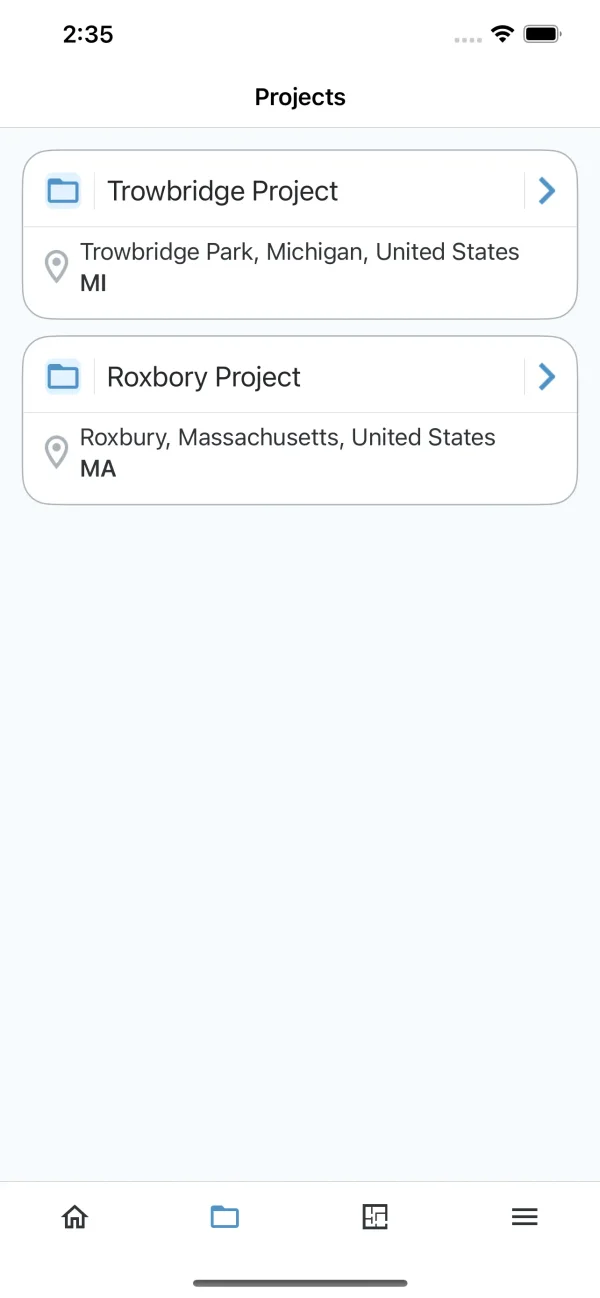
Create projects for different properties or jobs. Scan multiple rooms and keep everything organized in one place.
• CoolCalc Platform Integration
Connect your scans with the CoolCalc web platform. Upload your models for advanced processing and visualization with interactive 3D viewers.
• Professional Export
Export your 3D models in industry-standard formats. Share scans with clients, colleagues, or use them in other professional tools.
• Multi-Room Scanning
Document entire properties efficiently. Scan room by room and combine them into complete building models.
IDEAL FOR
Perfect for HVAC professionals, contractors, architects, interior designers, and anyone who needs accurate spatial measurements for their work.
REQUIREMENTS
• iPhone or iPad with LiDAR sensor (iPhone 12 Pro and later, iPad Pro 2020 and later)
• iOS 17.5 or later
• Account required for platform integration features
What’s new
Version 0.1.12 · Nov 19, 2026
What's new in 0.1.12
• Scans now survive a move to a new device. Scan files are included in your device backup, so restoring from iCloud or using Quick Start brings back your scans and their files, not just the scan list.
• Scans created with earlier versions are included automatically the first time you open the app after updating.
Good to know: scans can take up a lot of space, so your device backup will be larger. If your iCloud storage is nearly full, your device backup may stop completing. You can check this in Settings > [your name] > iCloud > iCloud Backup.
App privacy
What Cool Calc Inc. declares on the App Store about how this app handles data.
-
Data linked to you
May be collected and linked to your identity.
- Contact info
- User content
- Identifiers
- Diagnostics
- Surroundings
-
Data not linked to you
May be collected but is not linked to your identity.
- Diagnostics
Privacy practices may vary, for example with the features you use or your age.
Information
- Seller
- Cool Calc, Inc.
- Category
- Productivity
- Version
- 0.1.12
- Updated
- Nov 19, 2026
- Released
- Jan 12, 2026
- Size
- 11.9 MB
- Requires
- iOS 17.5 or later
- Age rating
- 4+
- Price
- Free
- Languages
- English
- Copyright
- © Cool Calc Inc.
You might also like
-
 Conduit HVAC ToolkitPowered by ACCA Manual J®
-
 Amply Heat Pump CopilotPowered by ACCA Manual J®
-
 CPS Link ProProductivity
-
 Ductulator - Duct SizingHVAC Duct Sizer
-
 Homans HVAC Pro+HVAC Tools
-
 CPS LinkProductivity
-
 Gemaire HVAC Pro+HVAC Tools
-
 HVAC Calculator Load LiteBuilt for HVAC Specialists
-
 Daikin AC Monitoring ToolProductivity
-
 BluVacProductivity