
BOKKI Encoder: Compress Video
Batch Compress Dozens at Once
Designed for iPhone, iPad
Free · In-app purchases
- Age rating4+
- CategoryPhoto & Video
- DeveloperYongyeon Yu
- LanguagesEnglish
- Size46.9 MB
Links to the official App Store page
Download.org hosts no file of BOKKI Encoder: Compress Video. The button opens its official App Store page, published by Yongyeon Yu. Listing last checked on Nov 24, 2026.
Screenshots


About
Convert many videos at once
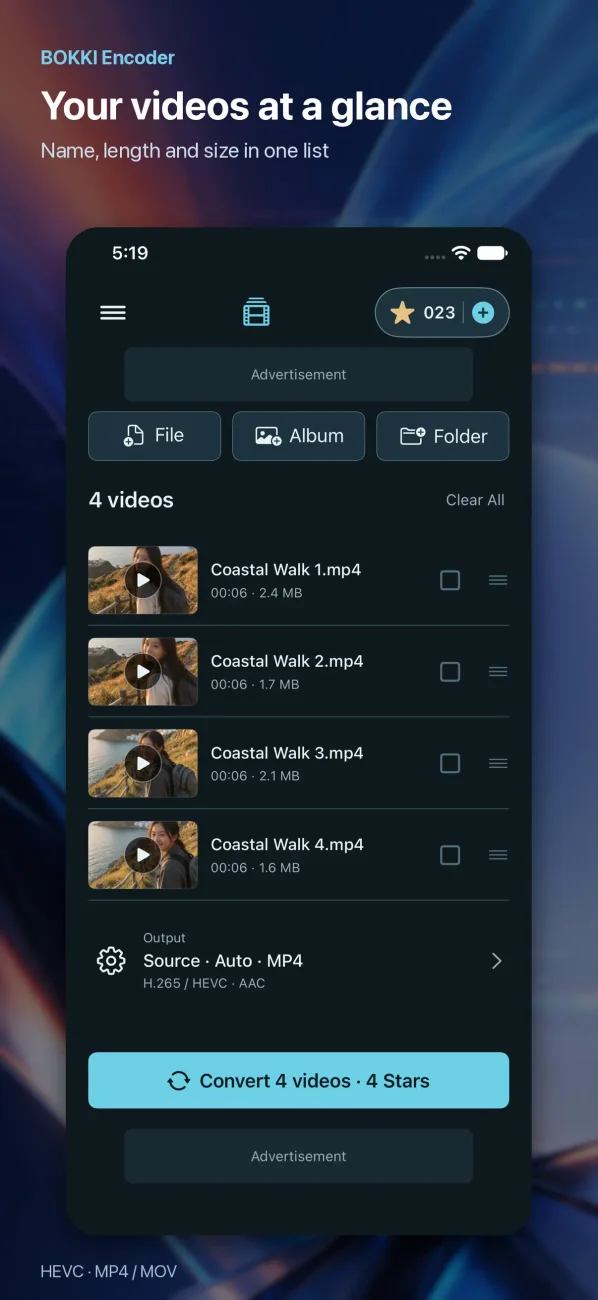
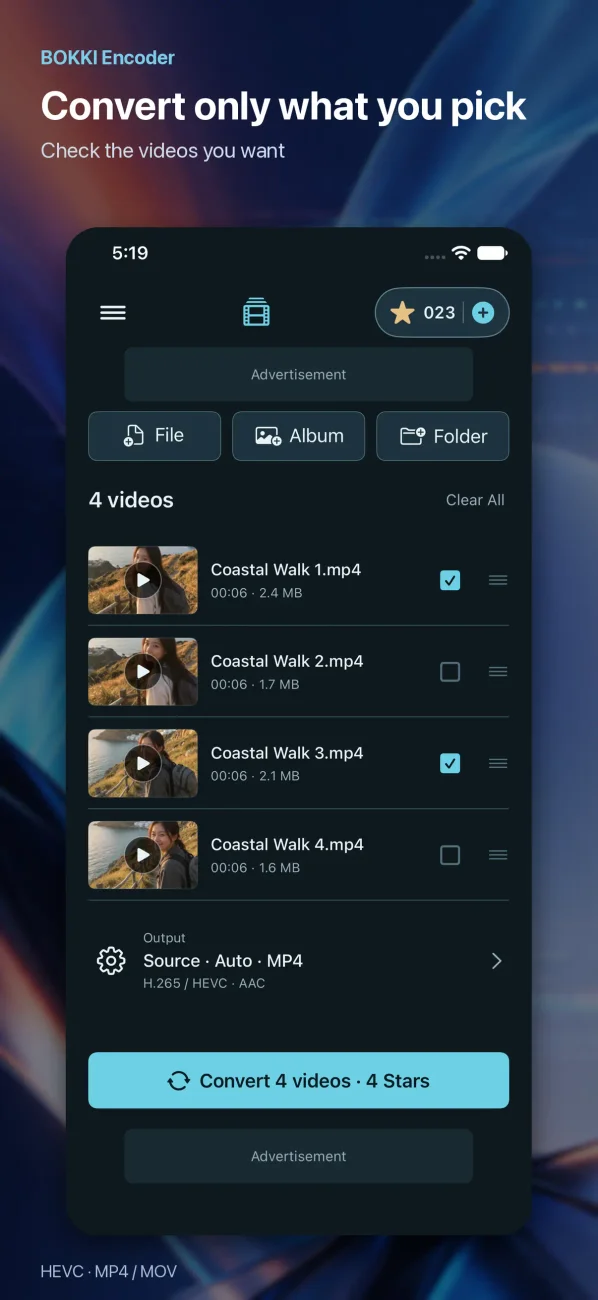
Select several videos, or a whole folder, and add them to the conversion list. BOKKI Encoder then works through the whole queue in one go — set it up once instead of converting file by file.
Each video is re-encoded to H.265 (HEVC) at the resolution and target size you choose: keep the quality, shrink the file, and finally play the clips that would not open on your iPhone or iPad (MP4, MOV, MKV, AVI and more). Everything runs on the device; nothing is uploaded.
Simple video conversion
Convert videos on your iPhone and iPad with BOKKI Encoder. Import videos from Photos, Files, or a folder, then choose a resolution and target file size.
Features
• Import from Photos, Files, and folders
Choose a video from your photo library or Files. Load multiple files or collect videos from a folder and convert them one after another.
• Convert to H.265 (HEVC)
Convert videos to H.265 (HEVC) and save them in MP4 or MOV format.
• Choose a resolution and target size
Keep the original resolution or choose an available resolution. Set a target file size to prepare videos for storage and sharing.
• Preview videos and check file information
Previews open with controls hidden. Tap the video to show playback controls and file size. Play, pause, or seek through the video, and tap again to hide the controls.
• Add to the list and move between preview files
Move between files with Previous and Next. Use Add List to add the current video to the conversion list; a checkbox shows whether it has already been added. Playback continues when you add a video. Close the preview with the X in the top-right corner.
• Choose where to save
Save converted videos to Photos or a folder you select.
How to use
1. Import videos with File, Album, or Folder.
2. Check the resolution and target size, then tap Convert.
3. When conversion finishes, choose a destination and save the result.
Stars
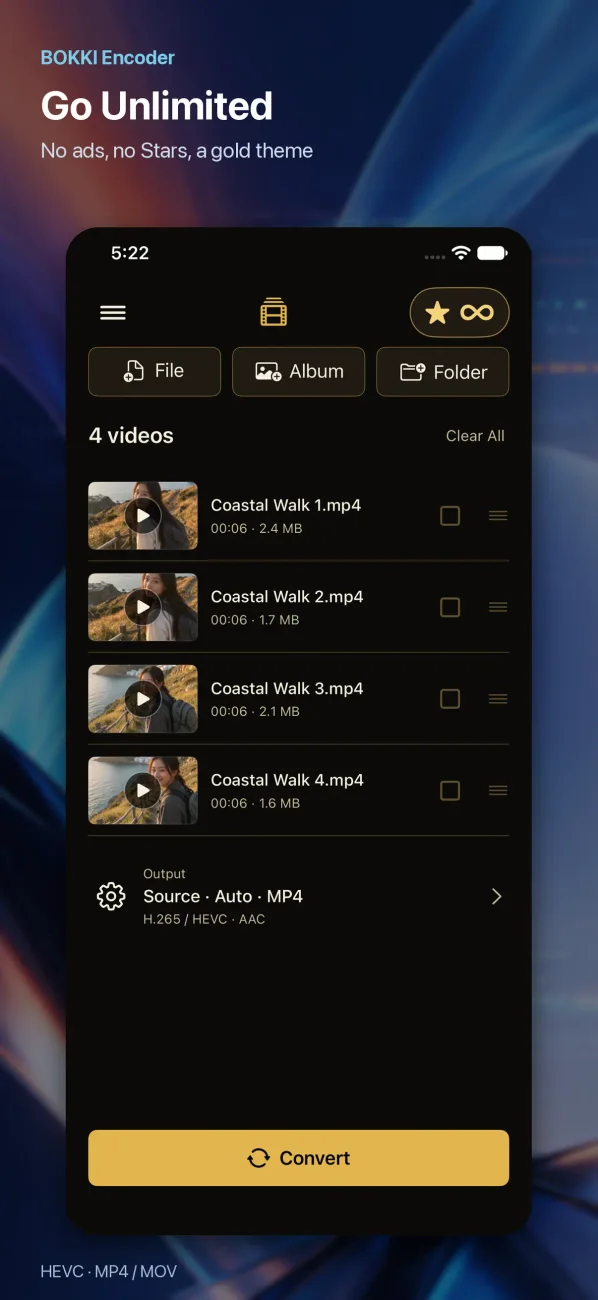
Conversion uses Stars. The app shows how many Stars you need, and you can earn Stars by watching rewarded ads.
Available formats and settings depend on your device and source file. Target size is an estimate; the final file size can vary with video length, content, and settings.
What’s new
Version 1.1.16 · Nov 23, 2026
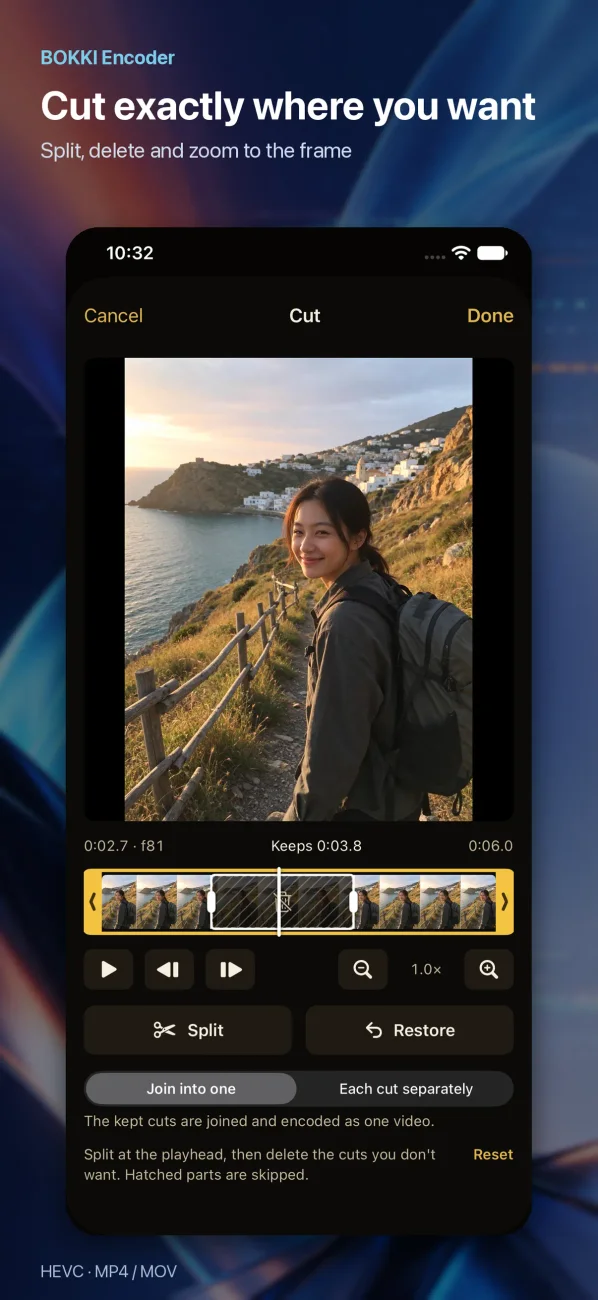
BOKKI Encoder 1.1.16 adds video trimming and a cut editor.
• Trim: tap the film-and-pencil button on a video and drag the yellow handles to keep only the part you want.
• Cut editor (Unlimited): split a video at the playhead, delete the parts you don't want, then join the rest into one video or get every cut as its own video.
• Drag the line between two cuts to change their lengths. Zoom the timeline and step one frame at a time for exact cuts.
• Joins fade softly, so there is no click where two cuts meet.
App privacy
What Yongyeon Yu declares on the App Store about how this app handles data.
-
Data not linked to you
May be collected but is not linked to your identity.
- Purchases
- Location
- Identifiers
- Usage data
- Diagnostics
Privacy practices may vary, for example with the features you use or your age.
Information
- Seller
- Yongyeon Yu
- Category
- Photo & Video
- Version
- 1.1.16
- Updated
- Nov 23, 2026
- Released
- Jun 23, 2026
- Size
- 46.9 MB
- Requires
- iOS 18.0 or later
- Age rating
- 4+
- Price
- Free
- In-app purchases
- Yes
- Languages
- English
- Copyright
- © 2026 BOKKIYAW
You might also like
-
 Video Compressor · Resize Cropreducer, Shrink & Save Space
-
 RSSTube: RSS Video FeedYour channels, no algorithm
-
 VideoSizeResize videos
-
 MorphAds: AI UGC Ad MakerAI UGC video & photo ads
-
 Video Compressor: Shrink VideoReduce File Size, Keep 4K HDR
-
 HLG to SDR/HDRHLG HEIF to SDR and HDR
-
 VidMint: Video CompressorShrink Size · Free Storage
-
 2D Photo to VRConvert 2D photos into 3D
-
 Tonely: HDR to SDR VideoFix washed-out HDR video
-
 Video TranscoderHigh Quality Video Transcoder