
- Age rating12+
- CategoryBooks
- DeveloperWOO MIN PARK
- LanguagesEnglish+ 1 more
- Size37.1 MB
Links to the official App Store page
Download.org hosts no file of Bookbear: Book Tracker. The button opens its official App Store page, published by WOO MIN PARK. Listing last checked on Nov 25, 2026.
Screenshots

About
FEATURES
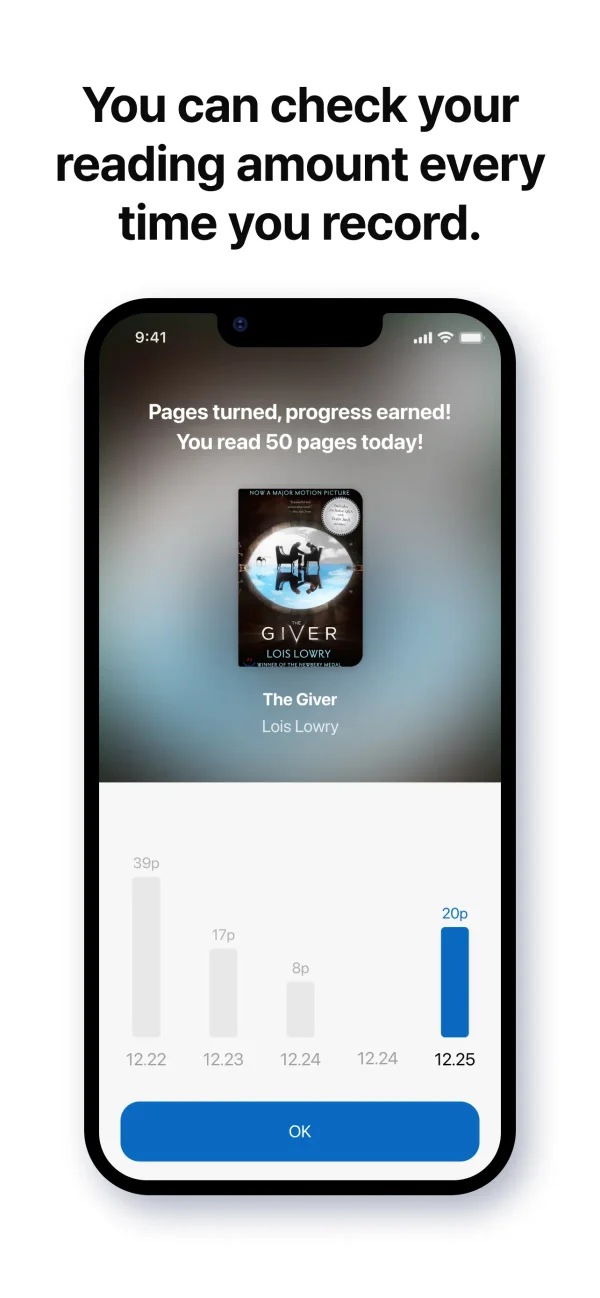
[[ Seamless Book Tracking ]]
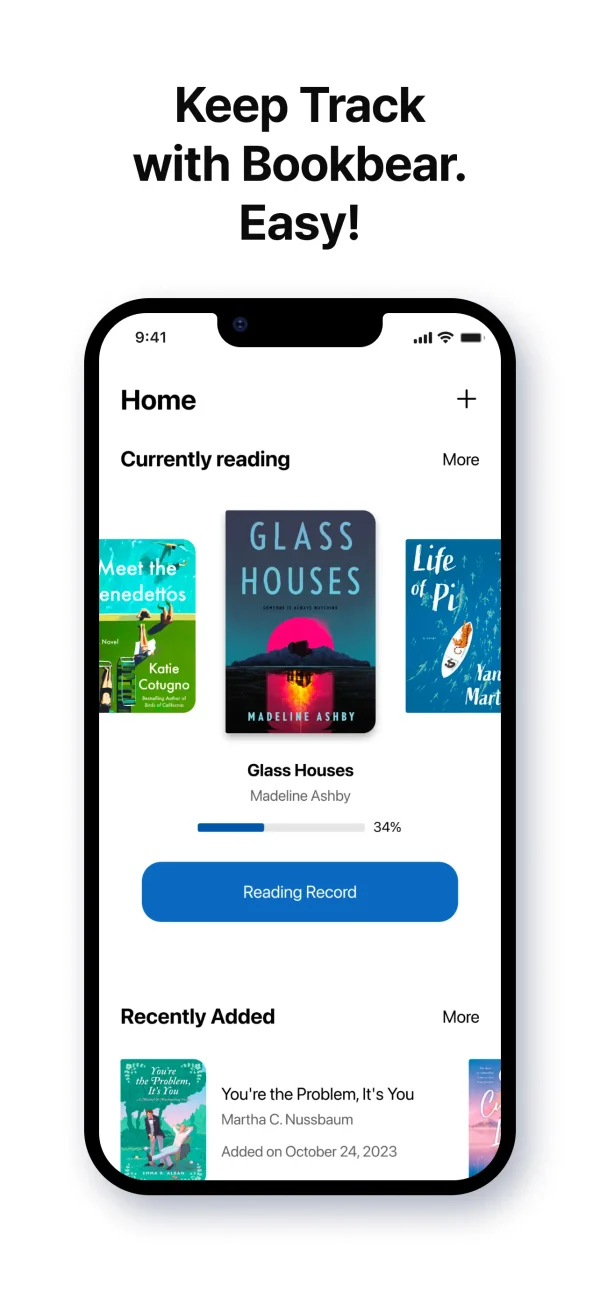
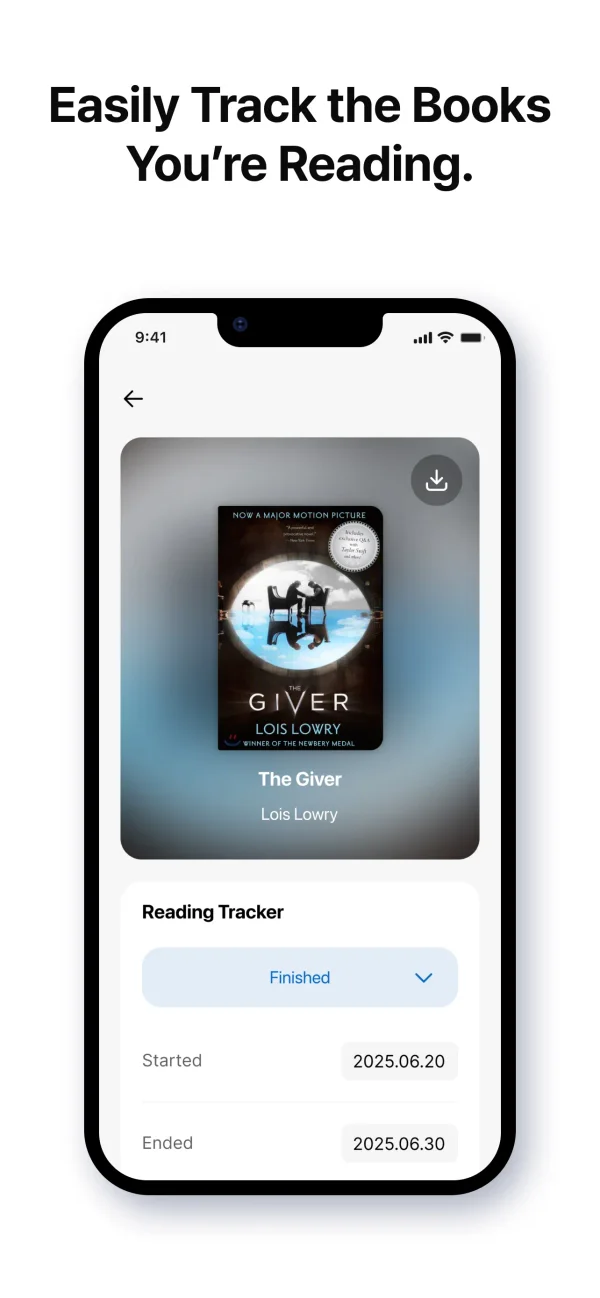
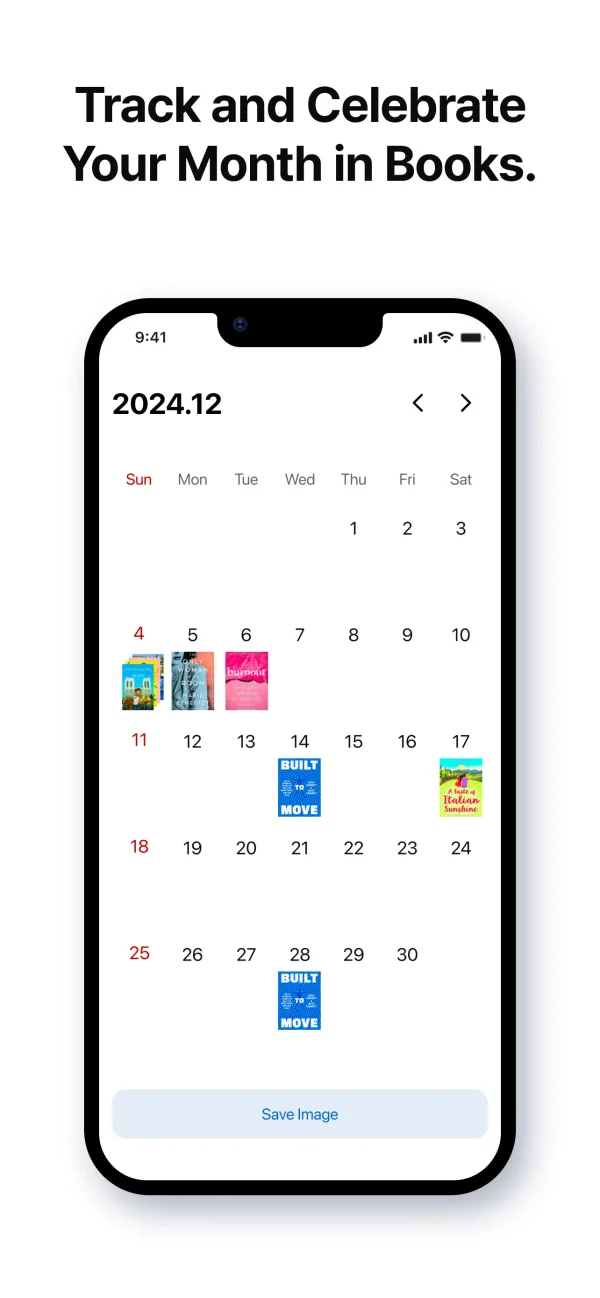
We tried using the other top book tracker apps. Honestly? We couldn’t. Buttons were confusing, and some apps even crashed on us. So we made bookbear—designed to be the easiest and most beautiful book tracker you'll ever use. Seriously, no more guessing or frustration. Download now and see how effortless tracking can be!
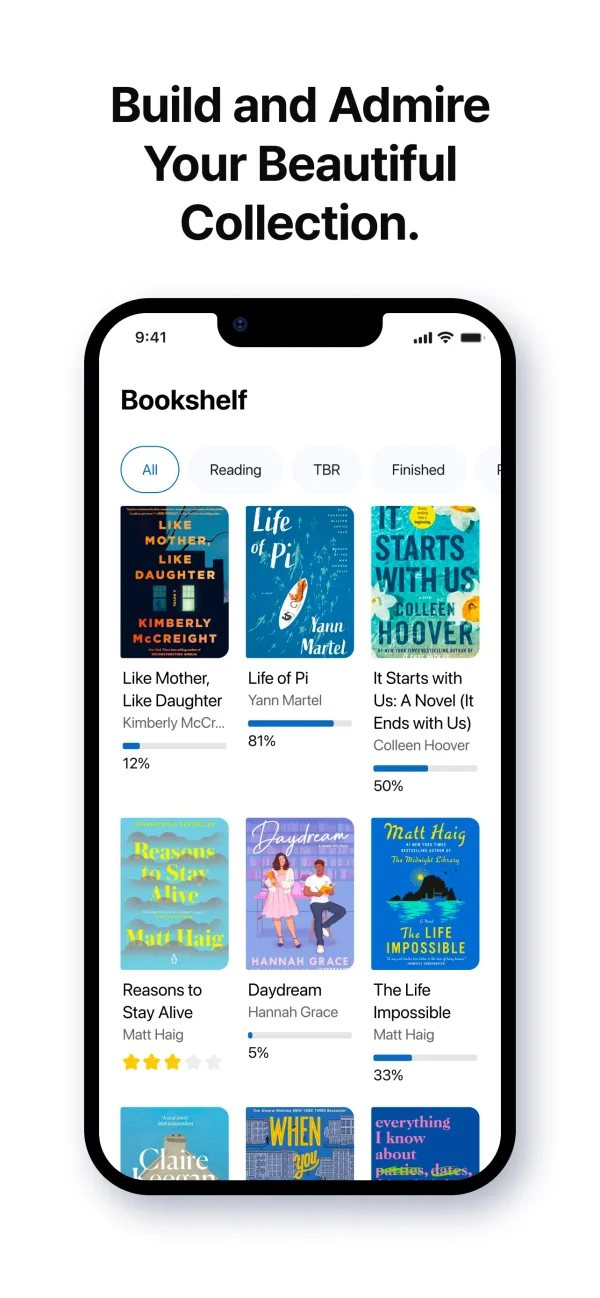
[[ Build and Admire Your Collection ]]
Who doesn’t love gazing at a gorgeous bookshelf? We’ve recreated that feeling in bookbear—your personal library on your phone! Add the books you want to read, are reading, or have read, and watch your virtual collection grow. You’ll be admiring it in no time!
[[ Scan and Discover Instantly ]]
POV: You're at a book store and you found a book that caught your eye. Skip the typing! Just use bookbear to scan the barcode, and boom—get all the details you need in seconds. Two taps, and you’re in the know.
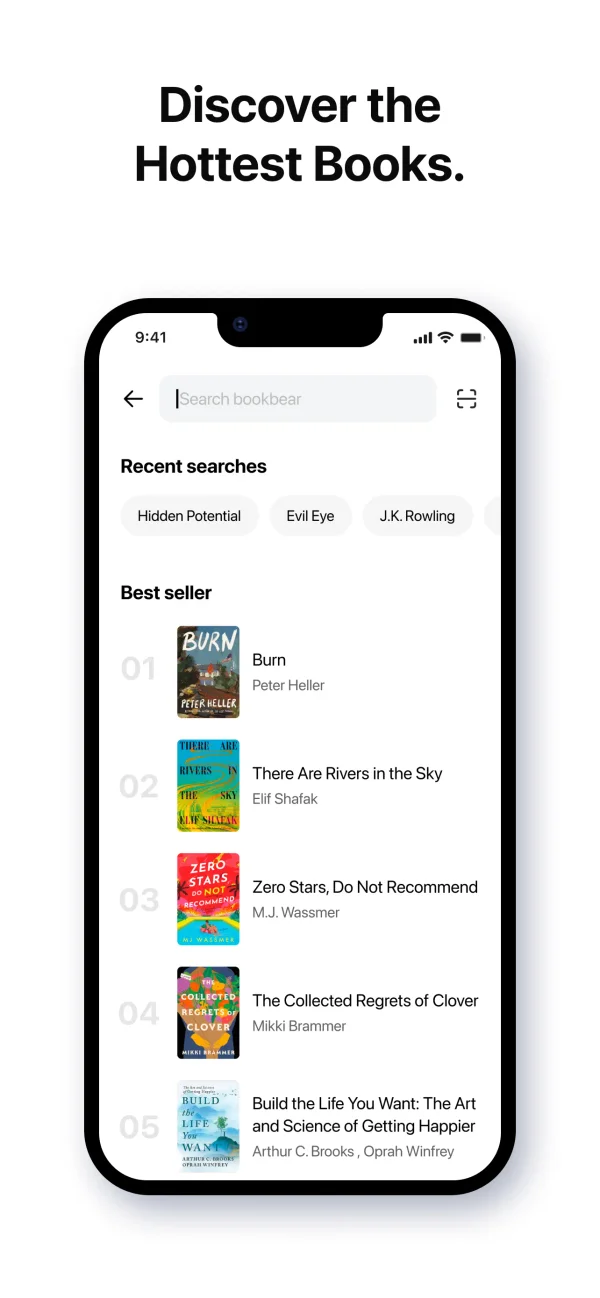
[[ Discover the Hottest Books ]]
Stay in the loop with the latest trending books. The New York Times Best Sellers? Just one tap away. Never miss out on the book everyone’s talking about!
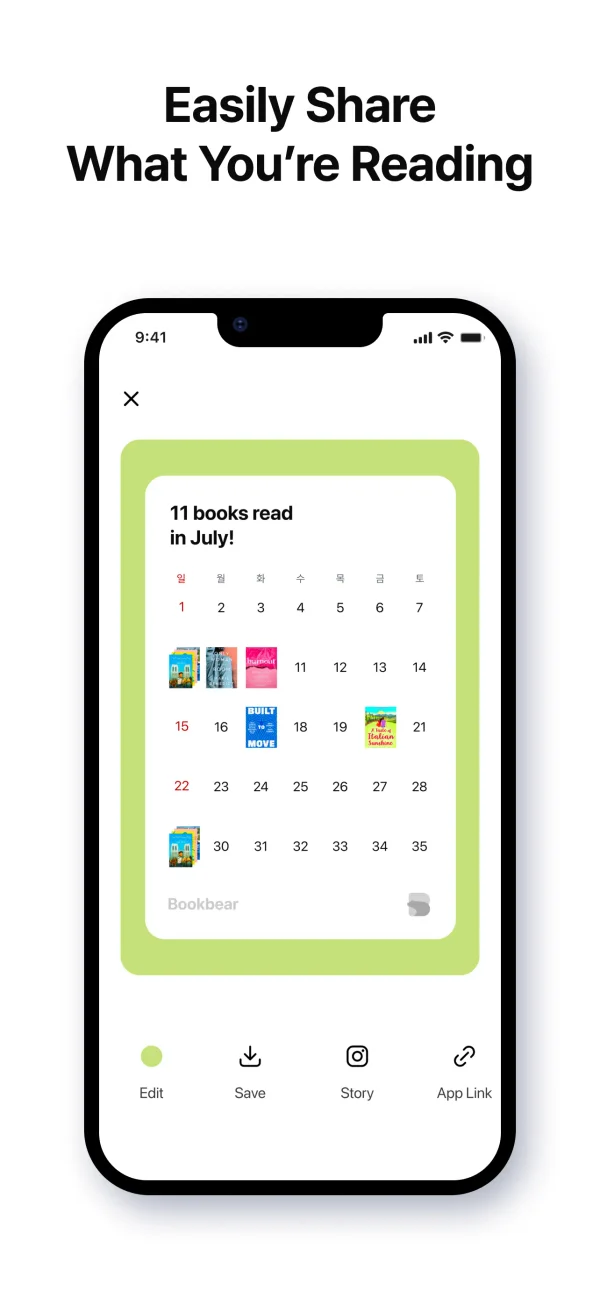
[[ Share What You’re Reading ]]
Want to show off your current read? With bookbear, you can easily share what’s on your reading list with friends. It’s quick, it’s fun, and hey, who doesn’t love a good book recommendation?
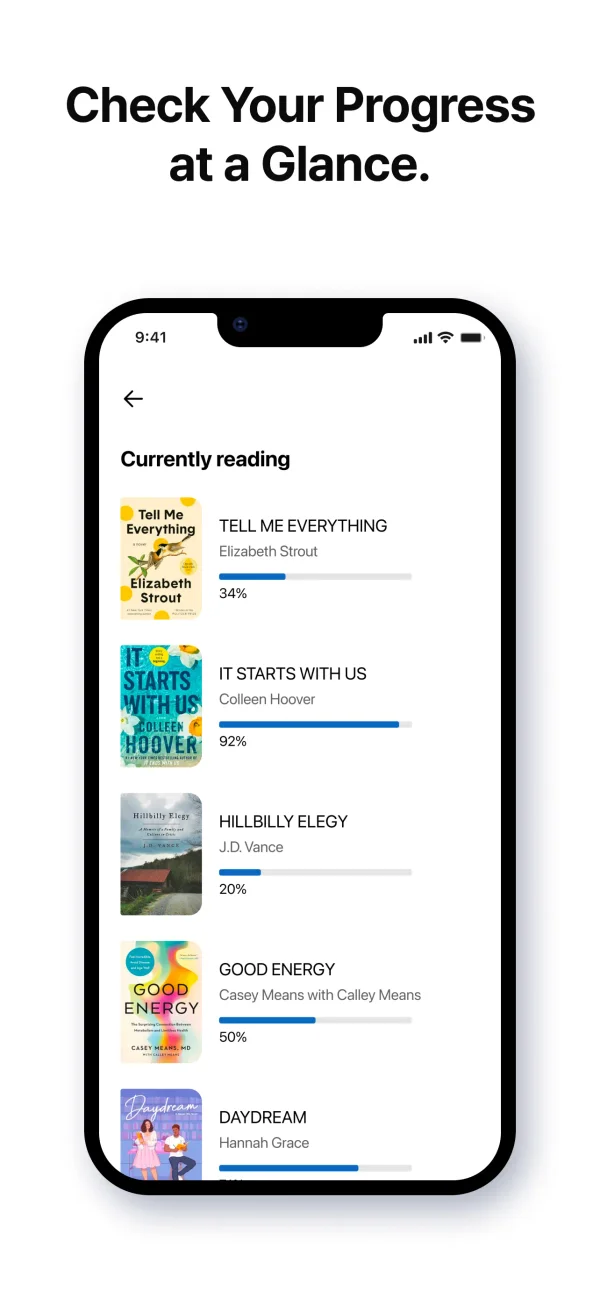
[[ Check Your Progress at a Glance ]]
Reading multiple books at once? We get it. With bookbear, you can track your progress on all your books at a glance. Stay on top of every chapter, effortlessly.
What’s new
Version 1.22.0 · Nov 23, 2026
[ What's New in 1.22.0 ]
◼ Found the book? Now pick its cover ʕ •ㅅ• ʔ ◼
Ever added a book and wished you could swap out the cover?
Many of you asked for this one. Now you can choose the cover you want and keep all your reading records.
• Open a book and tap "…" → "Change cover."
• Pick a cover, or search by title or author to find another one.
Thanks for asking for this and for waiting. Try it on a book you’ve been wanting to fix!
App privacy
What WOO MIN PARK declares on the App Store about how this app handles data.
-
Data not linked to you
May be collected but is not linked to your identity.
- Usage data
- Diagnostics
Privacy practices may vary, for example with the features you use or your age.
Information
- Seller
- WOO MIN PARK
- Category
- Books
- Version
- 1.22.0
- Updated
- Nov 23, 2026
- Released
- Oct 17, 2024
- Size
- 37.1 MB
- Requires
- iOS 17.0 or later
- Age rating
- 12+
- Price
- Free
- Languages
- English, Korean
- Copyright
- © 2026 Woo Min Park
You might also like
-
 Reading Log: Book TrackerSimple Book Progress Tracker
-
 Book Tracker & Reading JournalLog & Track Stat,TBR,Organizer
-
 Book Pile!Just add it to the book pile
-
 Apollo Books TrackerTrack your readings
-
 북플립 - 스마트한 독서관리Books
-
 Bookleap: Book Tracker TBRReading Log, Timer & Journal
-
 BookMiles - TBR Book TrackerBookshelf and reading list
-
 리더스(Readers)- 완벽한 독서를 위한 서비스Books
-
 Book Tracker App - Ex LibrisTrack Reading List and Books
-
 Leafed: Book Tracker & JournalReading Wrapped, Stats & Habit