
- Độ tuổi12+
- Danh mụcSách
- Nhà phát triểnWOO MIN PARK
- Ngôn ngữTiếng Anh+ 1 ngôn ngữ khác
- Kích thước37,2 MB
Bookbear: Book Tracker hiện có thể không có trên App Store
Ở lần kiểm tra gần nhất, chúng tôi không truy cập được trang trên cửa hàng. Liên kết vẫn dẫn đến trang App Store chính thức.
Ảnh chụp màn hình

Giới thiệu
Nhà phát triển chưa cung cấp nội dung này bằng ngôn ngữ của bạn.
FEATURES
[[ Seamless Book Tracking ]]
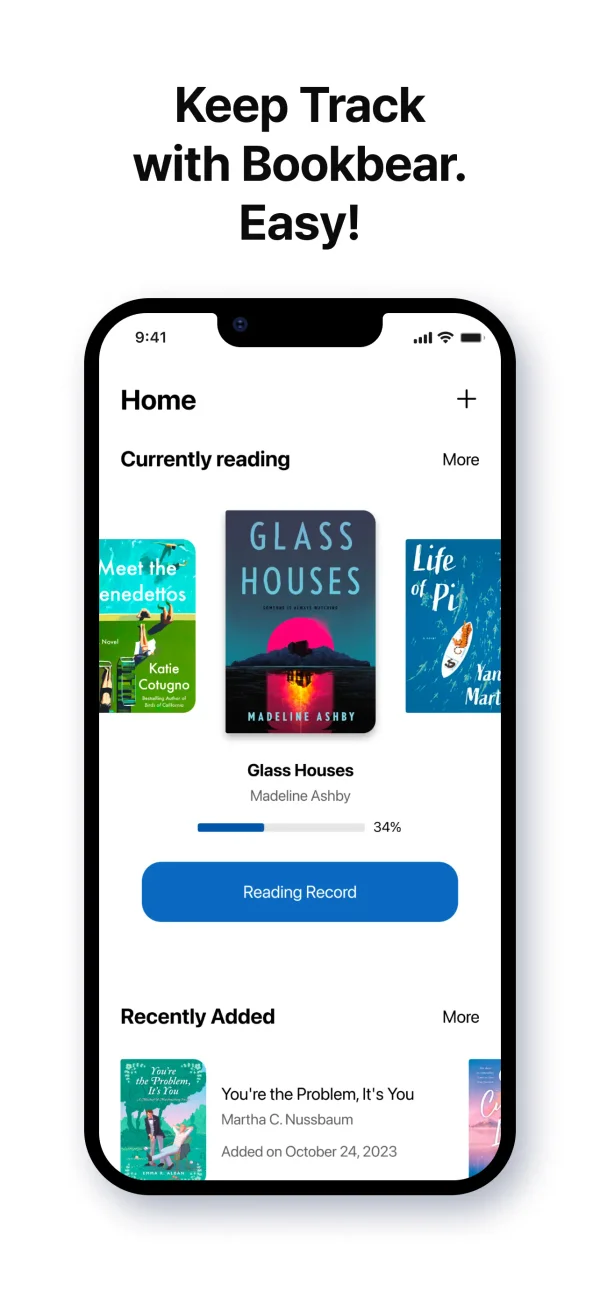
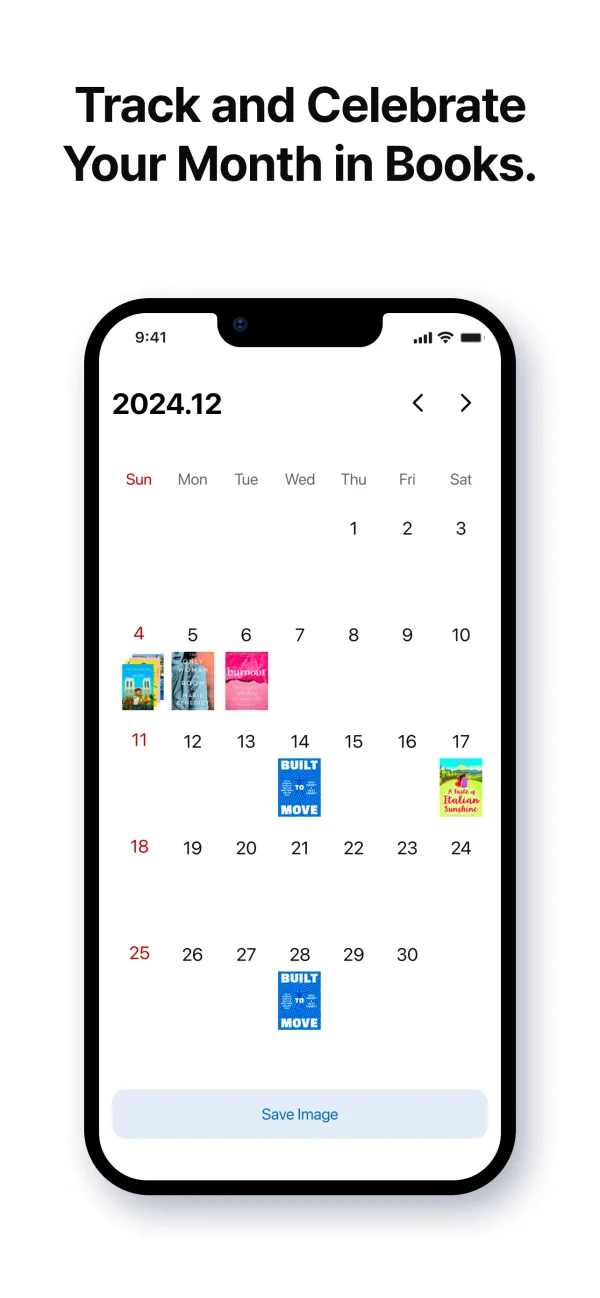
We tried using the other top book tracker apps. Honestly? We couldn’t. Buttons were confusing, and some apps even crashed on us. So we made bookbear—designed to be the easiest and most beautiful book tracker you'll ever use. Seriously, no more guessing or frustration. Download now and see how effortless tracking can be!
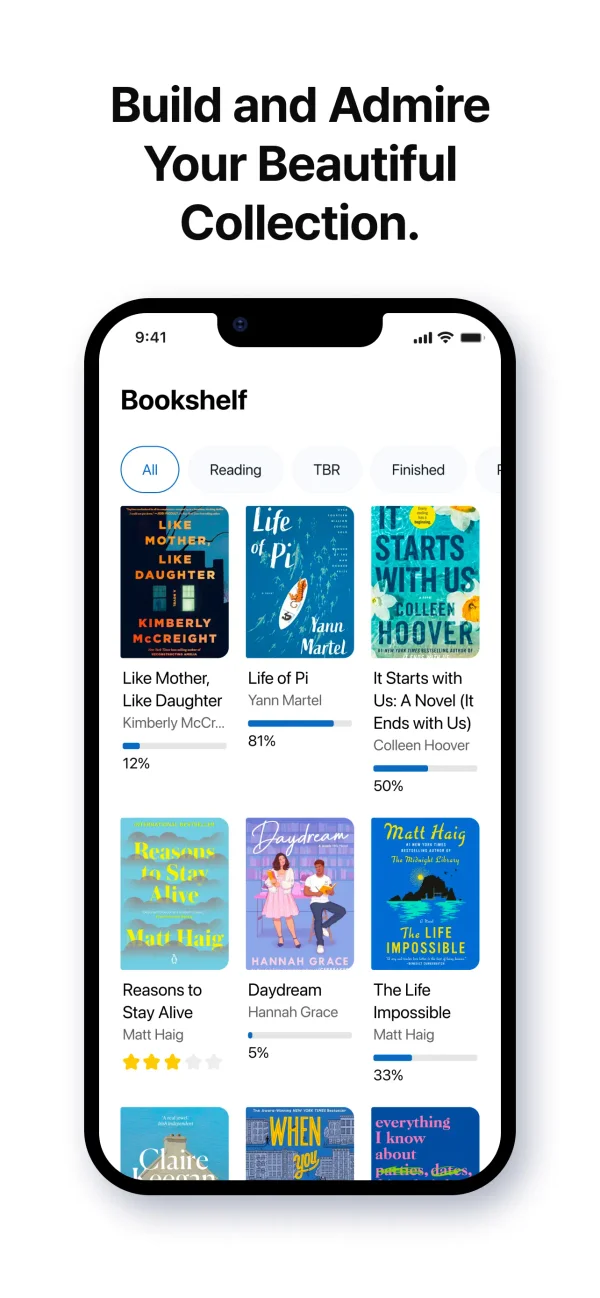
[[ Build and Admire Your Collection ]]
Who doesn’t love gazing at a gorgeous bookshelf? We’ve recreated that feeling in bookbear—your personal library on your phone! Add the books you want to read, are reading, or have read, and watch your virtual collection grow. You’ll be admiring it in no time!
[[ Scan and Discover Instantly ]]
POV: You're at a book store and you found a book that caught your eye. Skip the typing! Just use bookbear to scan the barcode, and boom—get all the details you need in seconds. Two taps, and you’re in the know.
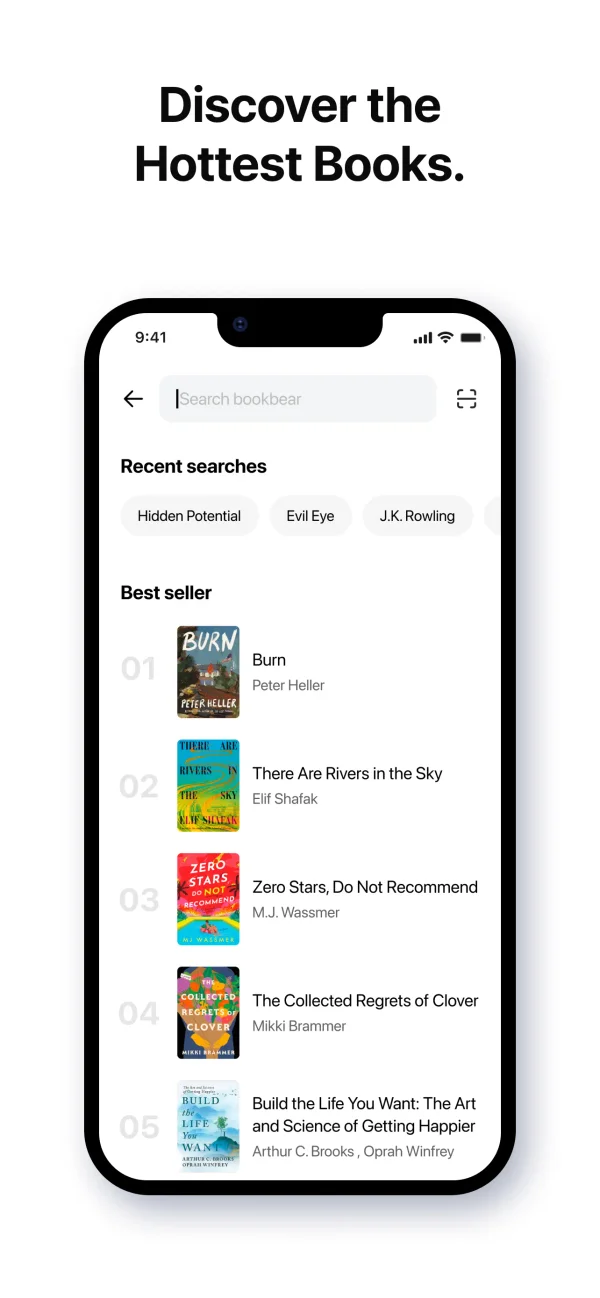
[[ Discover the Hottest Books ]]
Stay in the loop with the latest trending books. The New York Times Best Sellers? Just one tap away. Never miss out on the book everyone’s talking about!
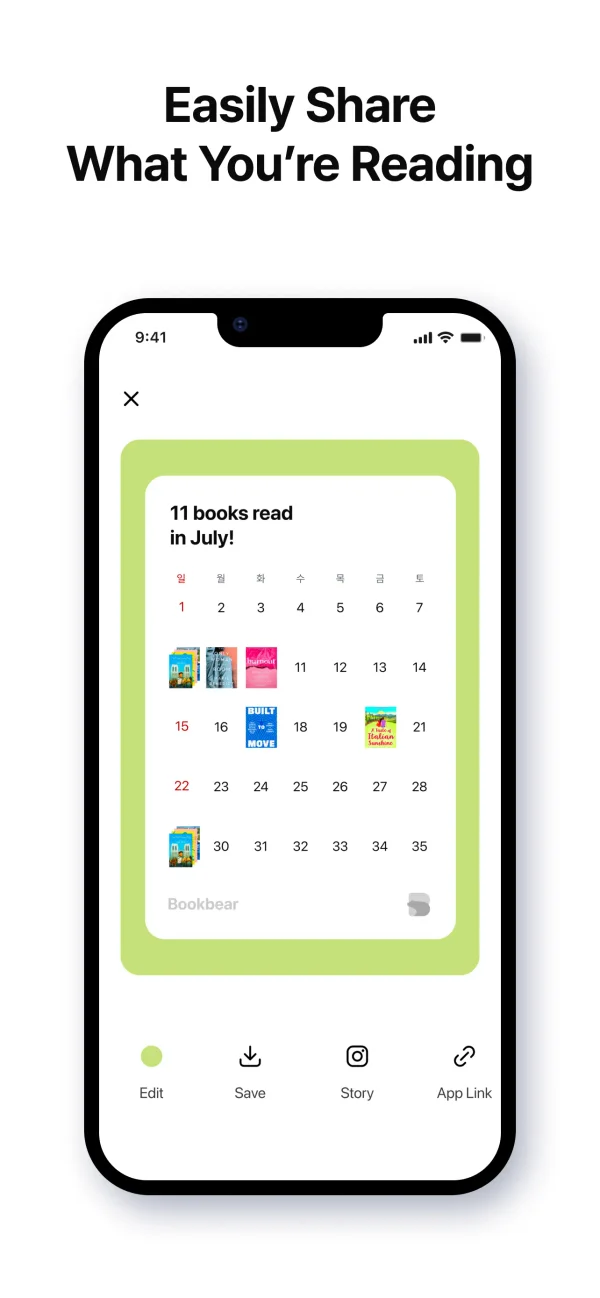
[[ Share What You’re Reading ]]
Want to show off your current read? With bookbear, you can easily share what’s on your reading list with friends. It’s quick, it’s fun, and hey, who doesn’t love a good book recommendation?
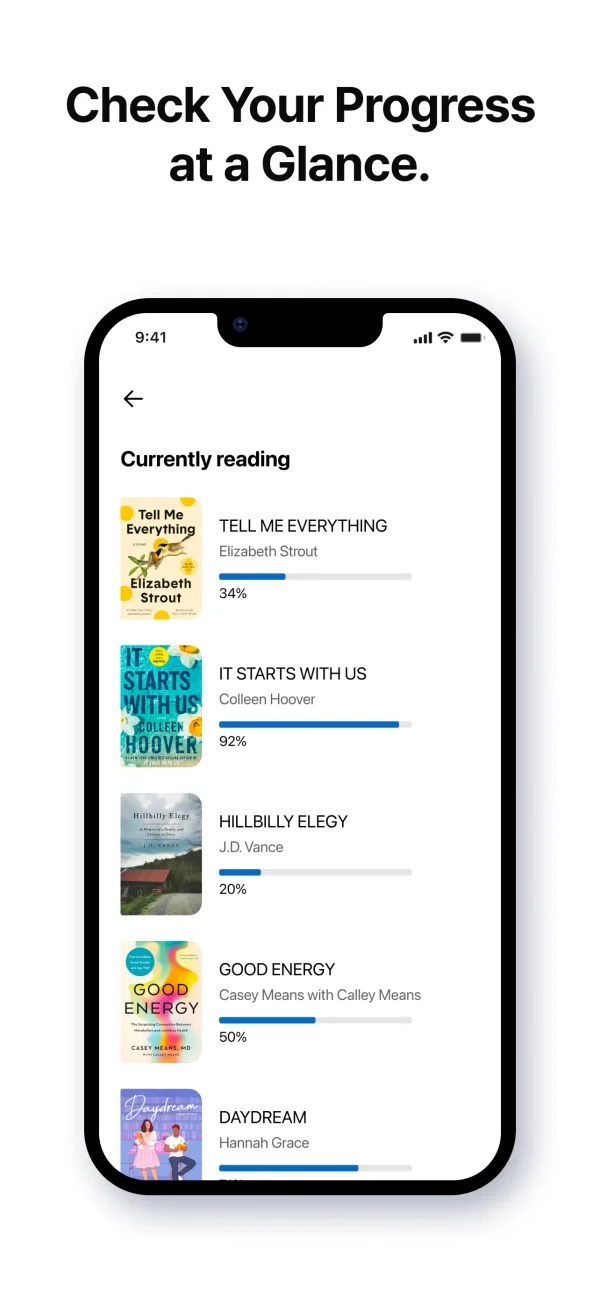
[[ Check Your Progress at a Glance ]]
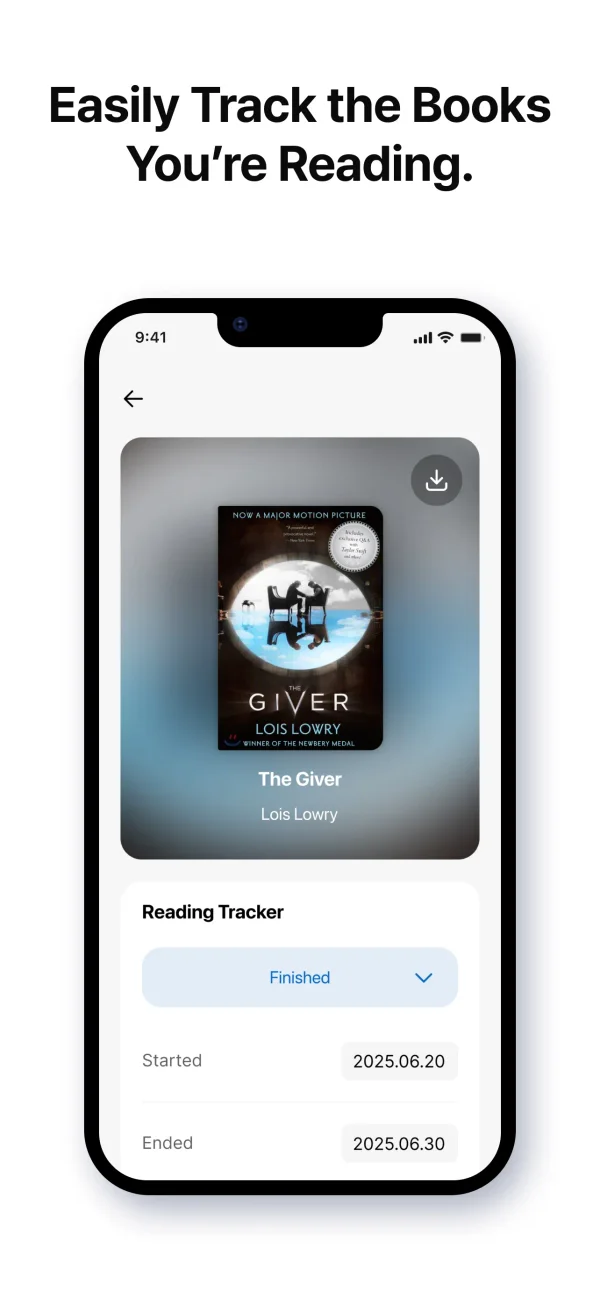
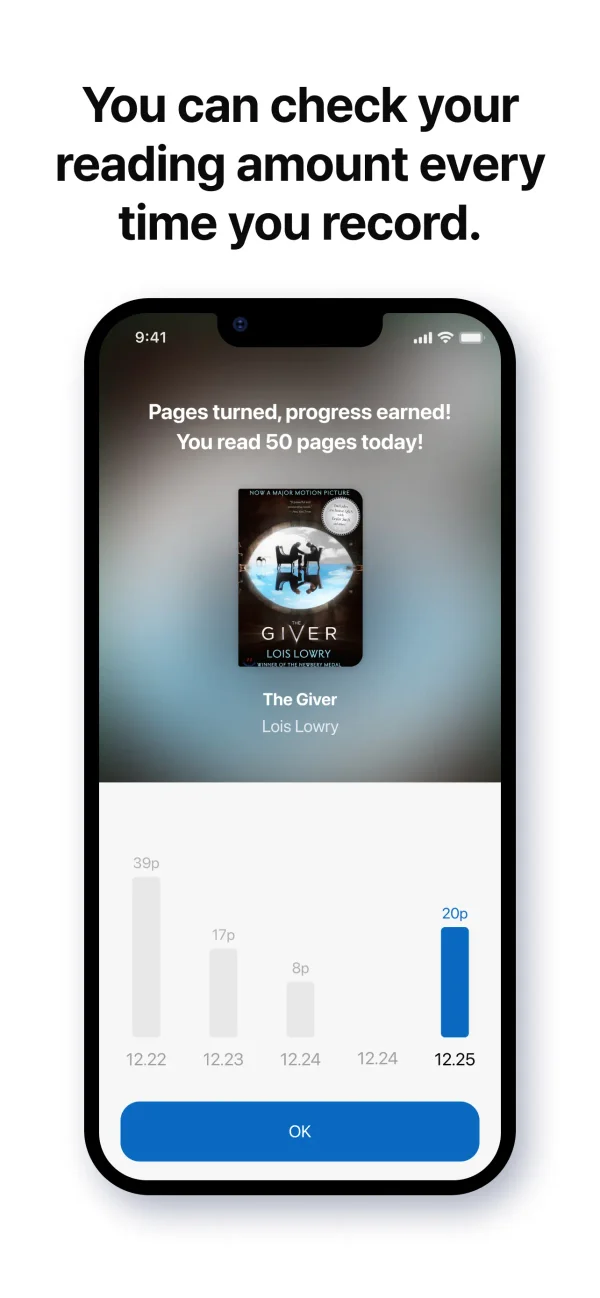
Reading multiple books at once? We get it. With bookbear, you can track your progress on all your books at a glance. Stay on top of every chapter, effortlessly.
Có gì mới
Phiên bản 1.23.0 · 26/11/2026
[ What's New in 1.23.0 ]
◼ “What should I read next?” ʕ •ㅅ• ʔ ◼
When a friend asks for a book recommendation, which titles come to mind?
With Book Pick, you can put up to 10 books in one picture and share it with a friend. Show them by their covers or spines, and add a few words about why you picked them.
• Turn on "Book Pick" in "Settings" → "Try New Features."
• Tap the Book Pick button on Home to make your list.
Start with the first book that came to mind!
Quyền riêng tư của ứng dụng
Những gì WOO MIN PARK khai báo trên App Store về cách ứng dụng này xử lý dữ liệu.
-
Dữ liệu không liên kết với bạn
Có thể được thu thập nhưng không liên kết với danh tính của bạn.
- Dữ liệu sử dụng
- Chẩn đoán
Phương thức đảm bảo quyền riêng tư có thể khác nhau, chẳng hạn như tuỳ theo các tính năng bạn sử dụng hoặc độ tuổi của bạn.
Thông tin
- Người bán
- WOO MIN PARK
- Danh mục
- Sách
- Phiên bản
- 1.23.0
- Cập nhật
- 26/11/2026
- Phát hành
- 17/10/2024
- Kích thước
- 37,2 MB
- Yêu cầu
- iOS 17.0 trở lên
- Độ tuổi
- 12+
- Ngôn ngữ
- Tiếng Anh, Tiếng Hàn
- Bản quyền
- © 2026 Woo Min Park
Có thể bạn cũng thích
-
 Reading Log: Book TrackerSách
-
 Book Tracker & Reading JournalSách
-
 Book Pile!Sách
-
 Apollo Books TrackerSách
-
 북플립 - 스마트한 독서관리Sách
-
 Bookleap: Nhật ký đọc sáchTheo dõi sách & hẹn giờ đọc
-
 BookMiles - TBR Book TrackerSách
-
 리더스(Readers)- 완벽한 독서를 위한 서비스Sách
-
 Book Tracker App - Ex LibrisSách
-
 Leafed: Book Tracker & JournalSách