
BookHighlight
Books and Highlights
Designed for iPhone, iPad, iPod touch
In-app purchases
- Age rating4+
- CategoryEducation
- DeveloperHayrettin Koktas
- LanguagesEnglish+ 18 more
- Size83.7 MB
Links to the official App Store page
Download.org hosts no file of BookHighlight. The button opens its official App Store page, published by Hayrettin Koktas. Listing last checked on Nov 23, 2026.
Screenshots


About
BOOKS AND HIGHLIGHTS
An app for students, teachers, writers, academics, and readers.
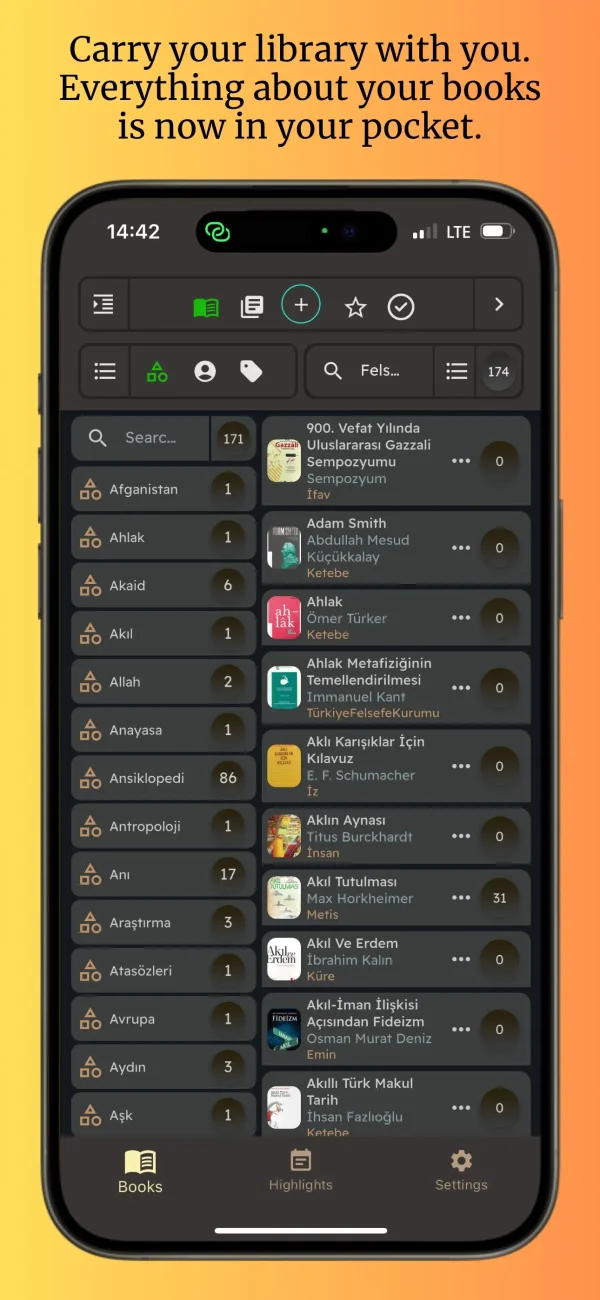
The books in your library and the highlights in your books are now always with you.
Make friends with books. Enrich your world with books.
You can use the app for free without subscribing and logging in. In this case, your data is only stored on your local device.
For syncing on all devices, an active subscription and the app must be used by logging in.
When you cancel your subscription, you will continue to access your existing data on all your devices. However, you cannot make changes to new data entry and existing data.
You can do the following with the application.
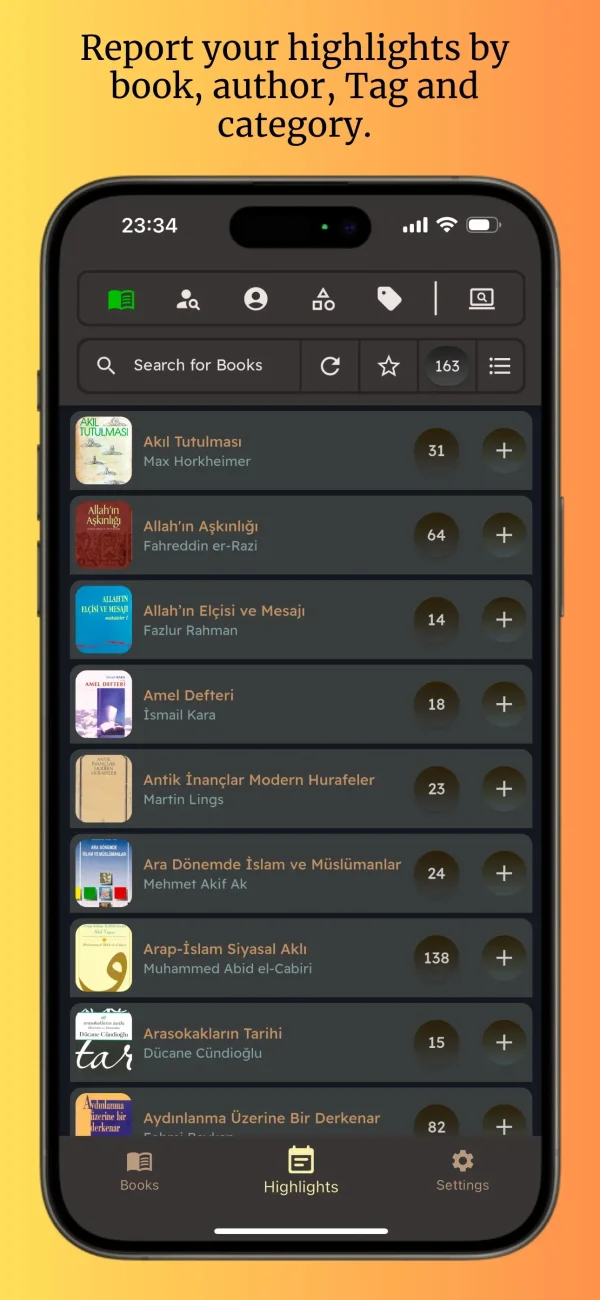
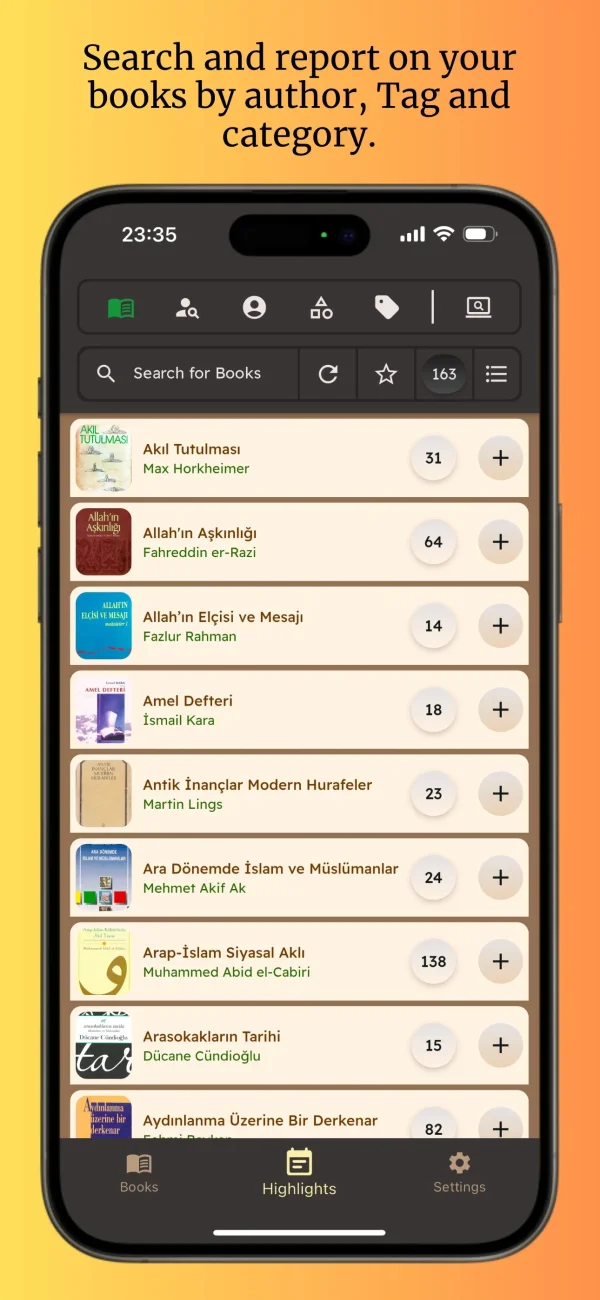
1) You can save all the basic information of the book.
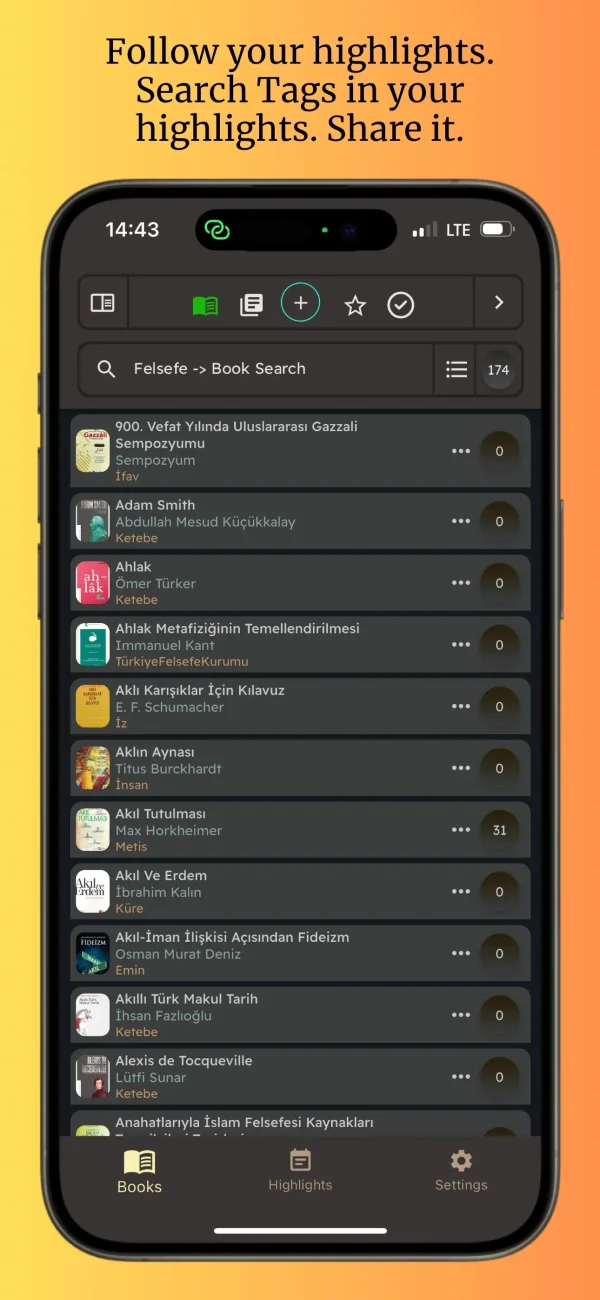
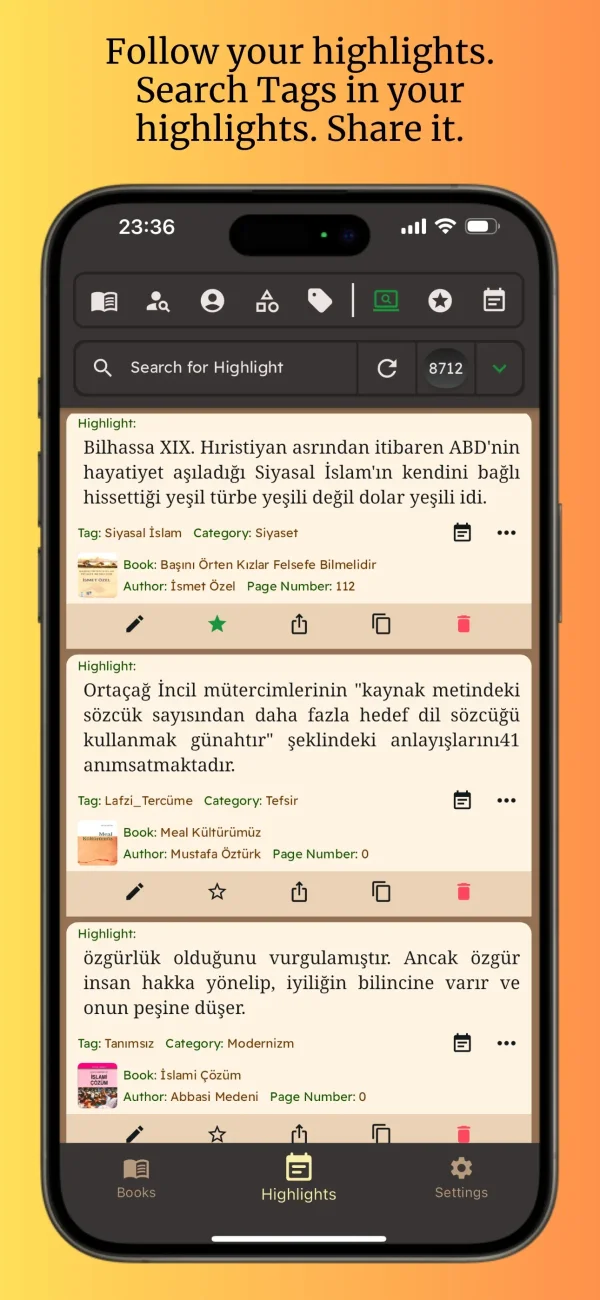
2) You can record and follow your highlights in the books.
3) You can create favorite lists from your books and highlights..
4) You can add tags and categories to books and highlights.
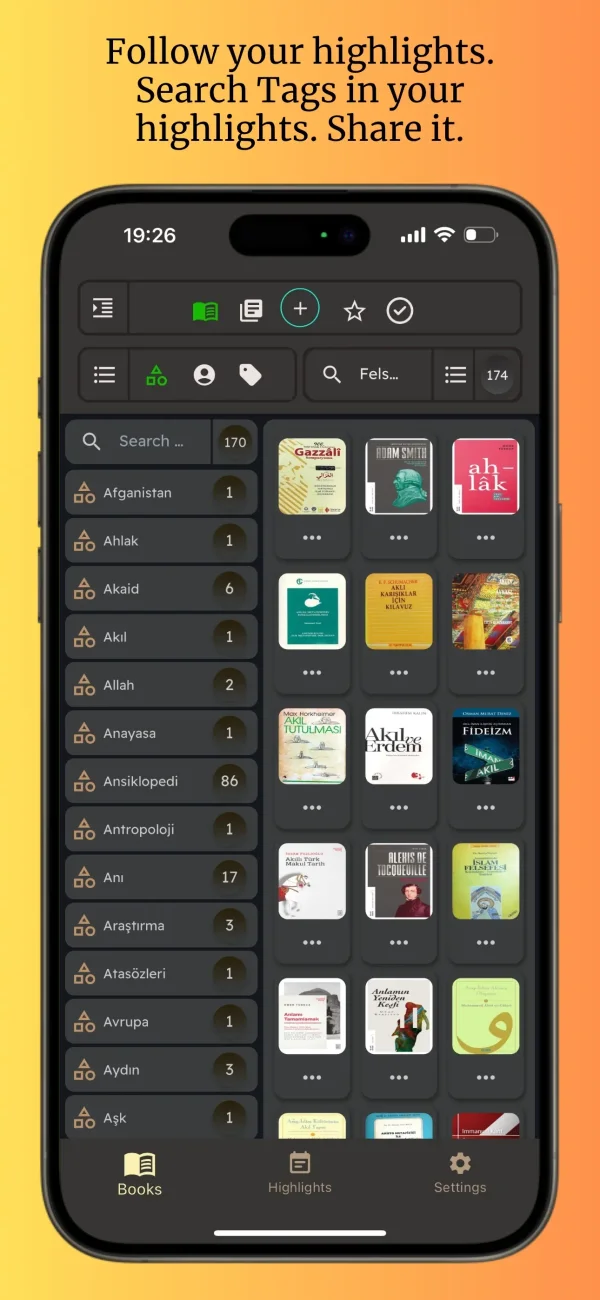
5) You can group books and highlights by author, tag and category.
6) You can search for books and highlights, tags and categories.
7) You can share books and highlights with others.
8) You can edit or delete books, authors, and highlights.
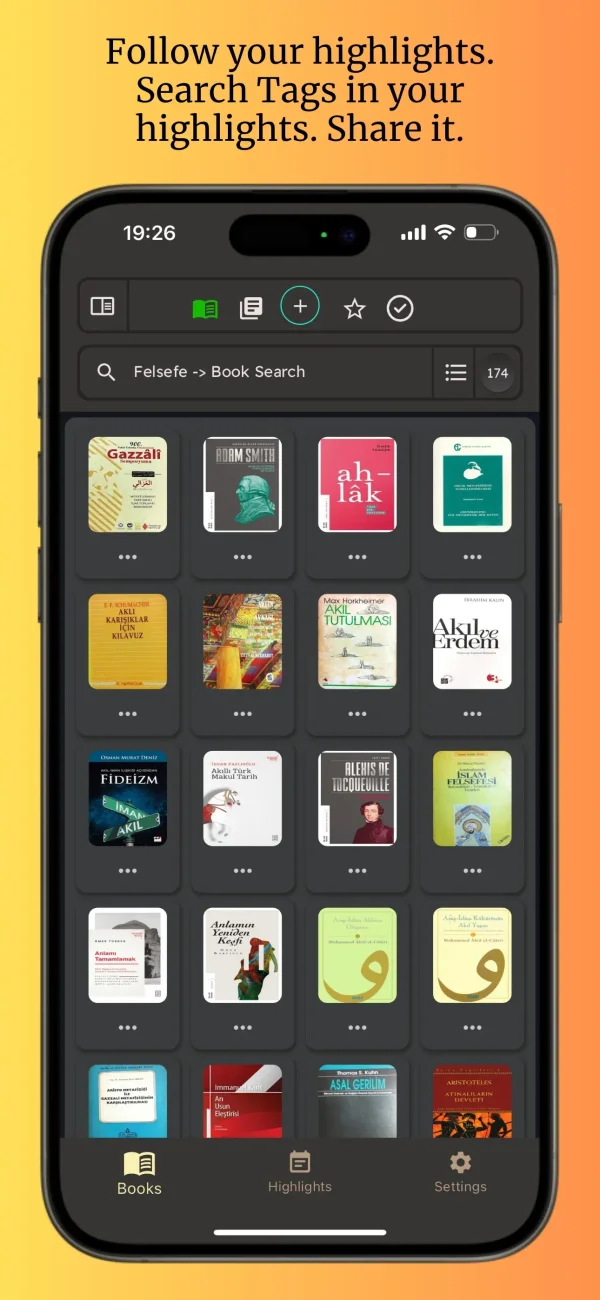
9) You can use the application horizontally and vertically on your mobile devices.
10) You can use the application for free. In this case, the data is not synchronized with other devices.
11) You can sync your data on all your devices using a paid subscription.
12) You can import your data as csv.
13) You can export your data as csv.
14) You can convert highlight entries from camera or image file to text with ocr and save.
15) You can add PDF files, a PDF file's share URL, or a direct PDF link to your books from your device and access them from within the app.
16) You can access books with PDF files or URLs from within the app and navigate to the PDF page containing the highlight using highlights.
17) Data entry with Markdown for highlights and descriptions.
18) Book of the Day, Highlight of the Day and last viewed book and highlight page.
The app only supports Google Drive share URLs, excluding uploading PDF files from your device and direct PDF URLs. Due to some limitations imposed by Google Drive, you may not be able to download Google Drive share URLs larger than 25 MB. For these files, you must use direct PDF URLs or upload PDF files from your device.
Term of Use: https://www.apple.com/legal/internet-services/itunes/dev/stdeula/
What’s new
Version 2.2.4 · Nov 21, 2026
Bug fixes and improvements.
App privacy
What Hayrettin Koktas declares on the App Store about how this app handles data.
-
Data not collected
The developer does not collect any data from this app.
Privacy practices may vary, for example with the features you use or your age.
Information
- Seller
- Hayrettin Koktas
- Category
- Education
- Version
- 2.2.4
- Updated
- Nov 21, 2026
- Released
- Jul 11, 2024
- Size
- 83.7 MB
- Requires
- iOS 15.5.0 or later
- Age rating
- 4+
- In-app purchases
- Yes
- Languages
- English, Arabic, Bengali, Czech, French, German, Hindi, Hungarian, Italian, Japanese, Korean, Malay + 7 more
- Copyright
- © 2024 Hayrettin Koktas
You might also like
-
 Aforizma.TR Alıntı Söz ReplikReference
-
 Museum Tower: Fatih's LegacyEducation
-
 10. Sınıf İngilizceEducation
-
 Hika – AI-Powered StoriesCreate your own fairy tale
-
 MatematikİleEğlenEducation
-
 DefendIQ: PhD Defense PrepAI Mock Defense Committee
-
 ProjeFest AIEducation
-
 Ece'nin RüyasıEducation
-
 Türk Dünyası AtlasıEducation
-
 RandomQuotes - Like,Save,ShareStart Your Day with Quotes