- 対象年齢4+
- カテゴリ教育
- 開発元Hayrettin Koktas
- 言語英語ほか18言語
- サイズ83.7 MB
App Storeの公式ページにリンクしています
Download.orgはBookHighlightのファイルを一切ホストしていません。ボタンを押すと、Hayrettin Koktasが公開しているApp Storeのアプリページが開きます。ページの最終確認:2026/11/23。
スクリーンショット



概要
開発元はこのテキストをお使いの言語で提供していません。
BOOKS AND HIGHLIGHTS
An app for students, teachers, writers, academics, and readers.
The books in your library and the highlights in your books are now always with you.
Make friends with books. Enrich your world with books.
You can use the app for free without subscribing and logging in. In this case, your data is only stored on your local device.
For syncing on all devices, an active subscription and the app must be used by logging in.
When you cancel your subscription, you will continue to access your existing data on all your devices. However, you cannot make changes to new data entry and existing data.
You can do the following with the application.
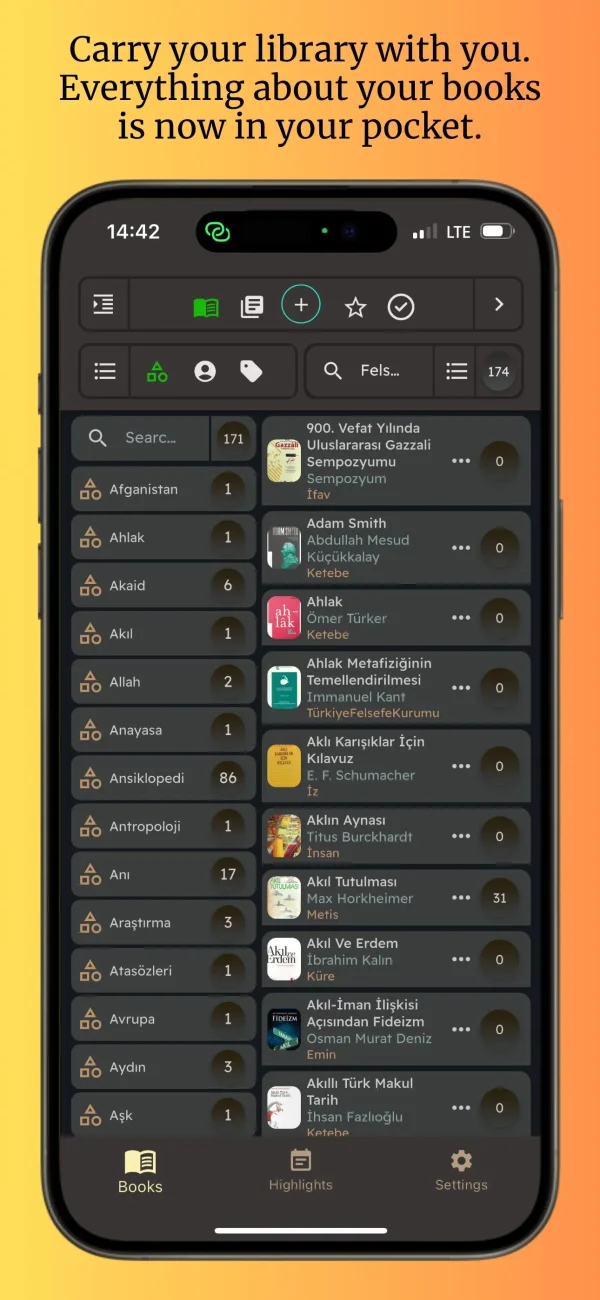
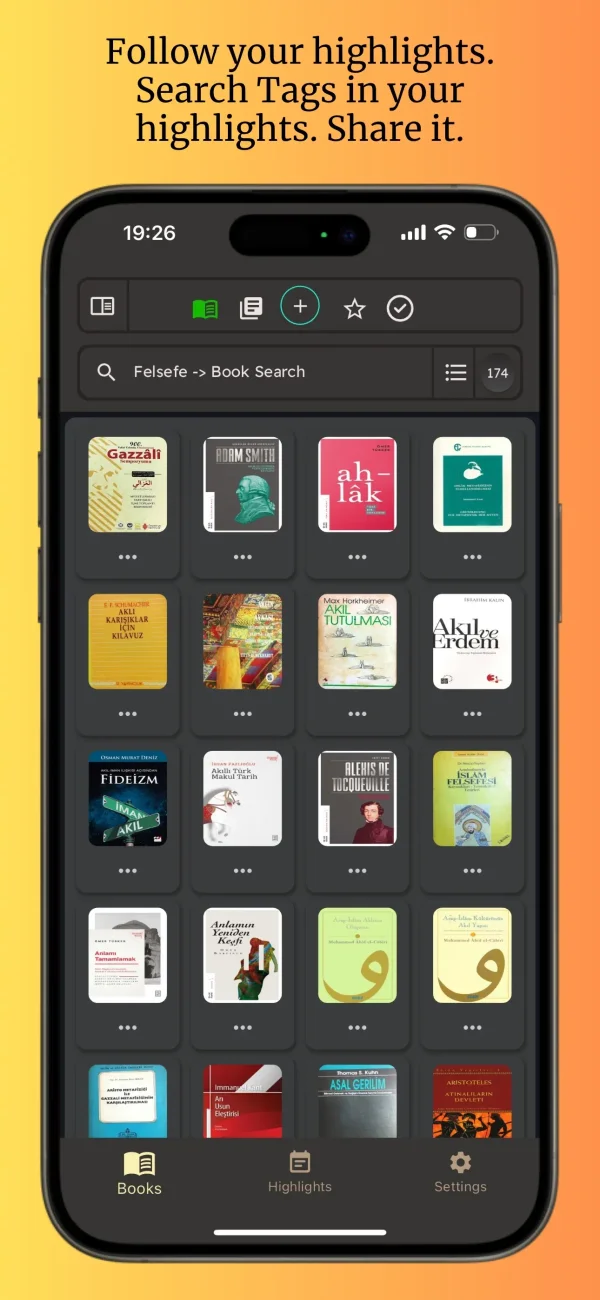
1) You can save all the basic information of the book.
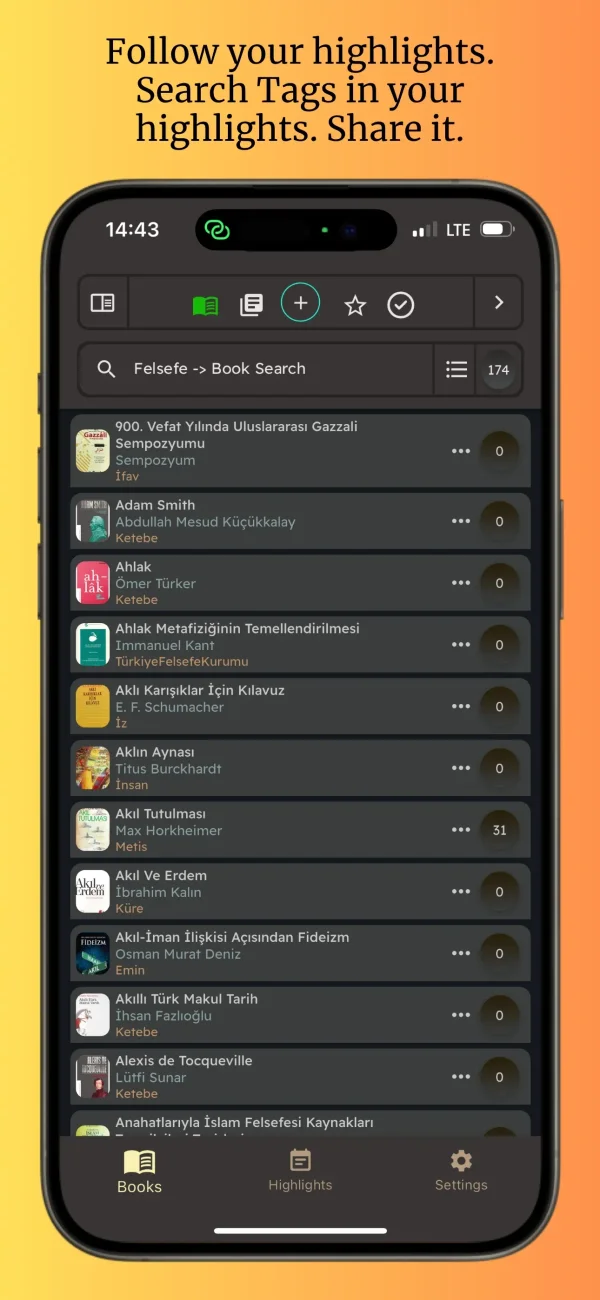
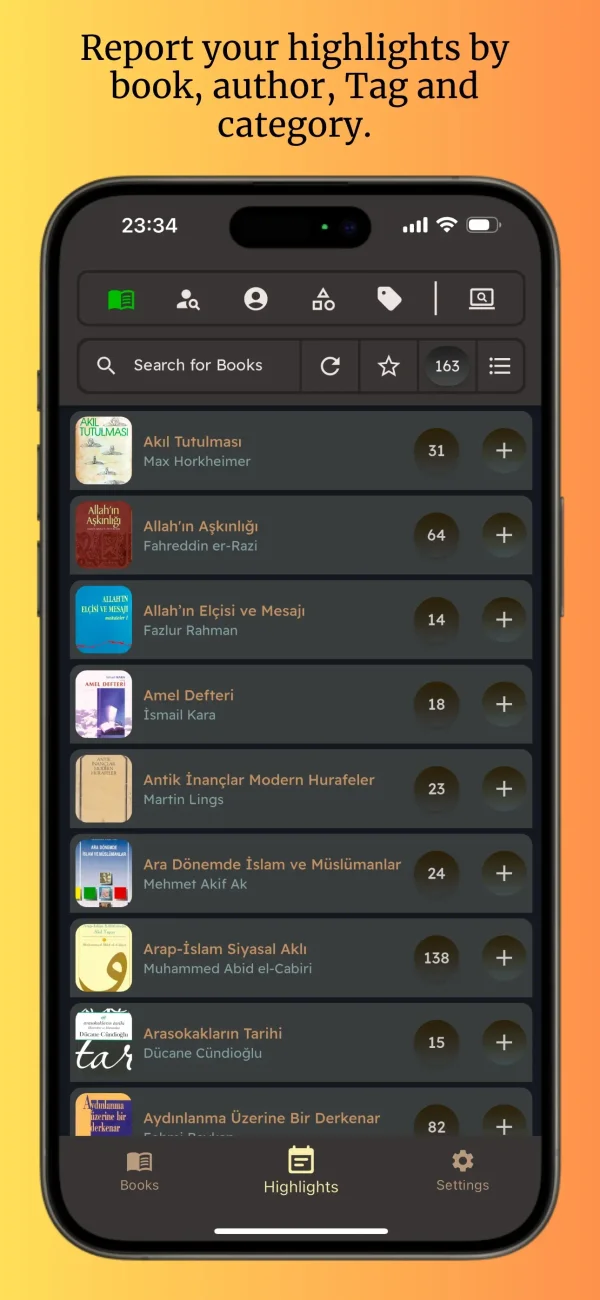
2) You can record and follow your highlights in the books.
3) You can create favorite lists from your books and highlights..
4) You can add tags and categories to books and highlights.
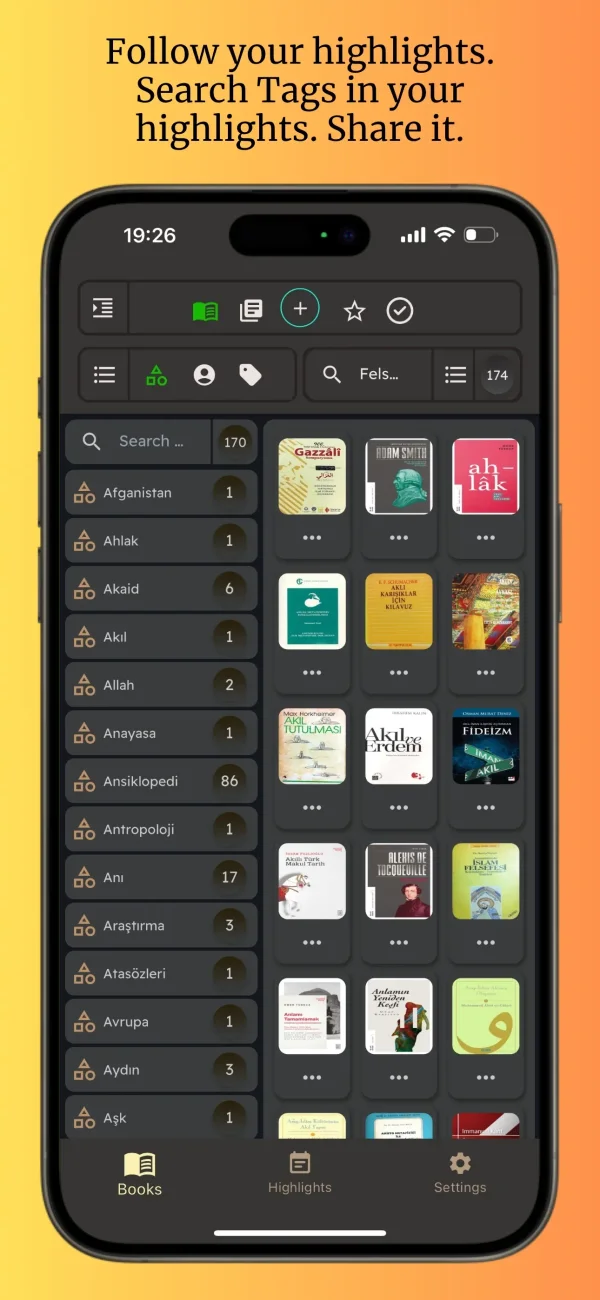
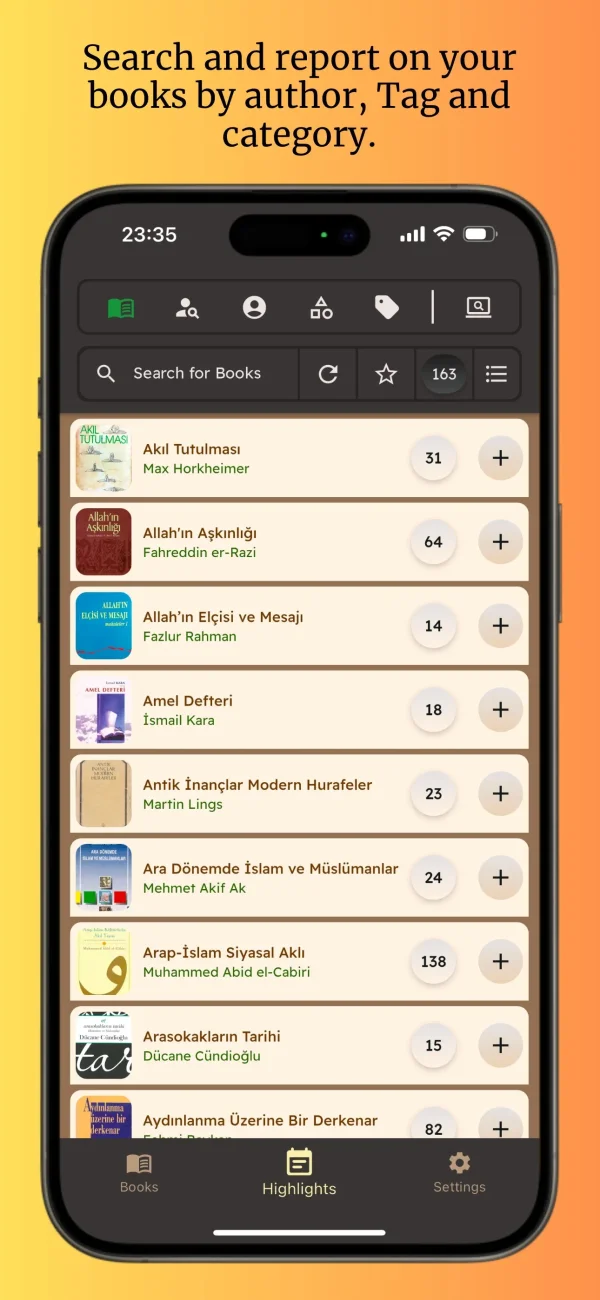
5) You can group books and highlights by author, tag and category.
6) You can search for books and highlights, tags and categories.
7) You can share books and highlights with others.
8) You can edit or delete books, authors, and highlights.
9) You can use the application horizontally and vertically on your mobile devices.
10) You can use the application for free. In this case, the data is not synchronized with other devices.
11) You can sync your data on all your devices using a paid subscription.
12) You can import your data as csv.
13) You can export your data as csv.
14) You can convert highlight entries from camera or image file to text with ocr and save.
15) You can add PDF files, a PDF file's share URL, or a direct PDF link to your books from your device and access them from within the app.
16) You can access books with PDF files or URLs from within the app and navigate to the PDF page containing the highlight using highlights.
17) Data entry with Markdown for highlights and descriptions.
18) Book of the Day, Highlight of the Day and last viewed book and highlight page.
The app only supports Google Drive share URLs, excluding uploading PDF files from your device and direct PDF URLs. Due to some limitations imposed by Google Drive, you may not be able to download Google Drive share URLs larger than 25 MB. For these files, you must use direct PDF URLs or upload PDF files from your device.
Term of Use: https://www.apple.com/legal/internet-services/itunes/dev/stdeula/
新機能
バージョン 2.2.4 · 2026/11/21
Bug fixes and improvements.
アプリのプライバシー
このアプリのデータの取り扱いについて、Hayrettin KoktasがApp Storeで申告している内容です。
-
データの収集なし
開発元はこのアプリからデータを収集しません。
プライバシーの取り扱いは、ご利用の機能やお客様の年齢などに応じて異なる場合があります。
情報
- 販売元
- Hayrettin Koktas
- カテゴリ
- 教育
- バージョン
- 2.2.4
- 更新日
- 2026/11/21
- リリース
- 2024/7/11
- サイズ
- 83.7 MB
- 必要条件
- iOS 15.5.0以降
- 対象年齢
- 4+
- 価格
- 無料
- アプリ内課金
- あり
- 言語
- 英語, アラビア語, ベンガル語, チェコ語, フランス語, ドイツ語, ヒンディー語, ハンガリー語, イタリア語, 日本語, 韓国語, マレー語 ほか7言語
- 著作権
- © 2024 Hayrettin Koktas