bookmoth
Keep writing, wherever you are
Designed for iPhone, iPad, iPod touch
Free
- Age rating4+
- CategoryProductivity
- DeveloperStuart McCardle
- LanguagesEnglish
- Size53.4 MB
Links to the official App Store page
Download.org hosts no file of bookmoth. The button opens its official App Store page, published by Stuart McCardle. Listing last checked on Nov 14, 2026.
Screenshots


About
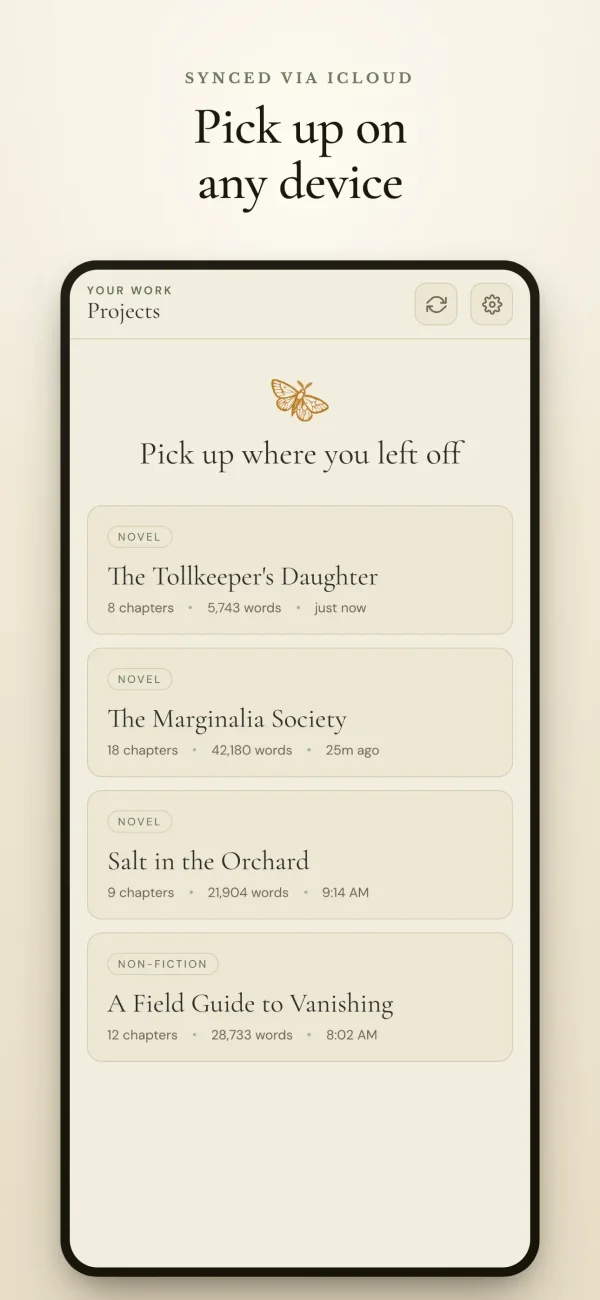
bookmoth companion is the iPhone and iPad partner to the bookmoth desktop writing app. Read, write and revise your scenes wherever you are, with optional AI that uses your book's context and Writing Profile.
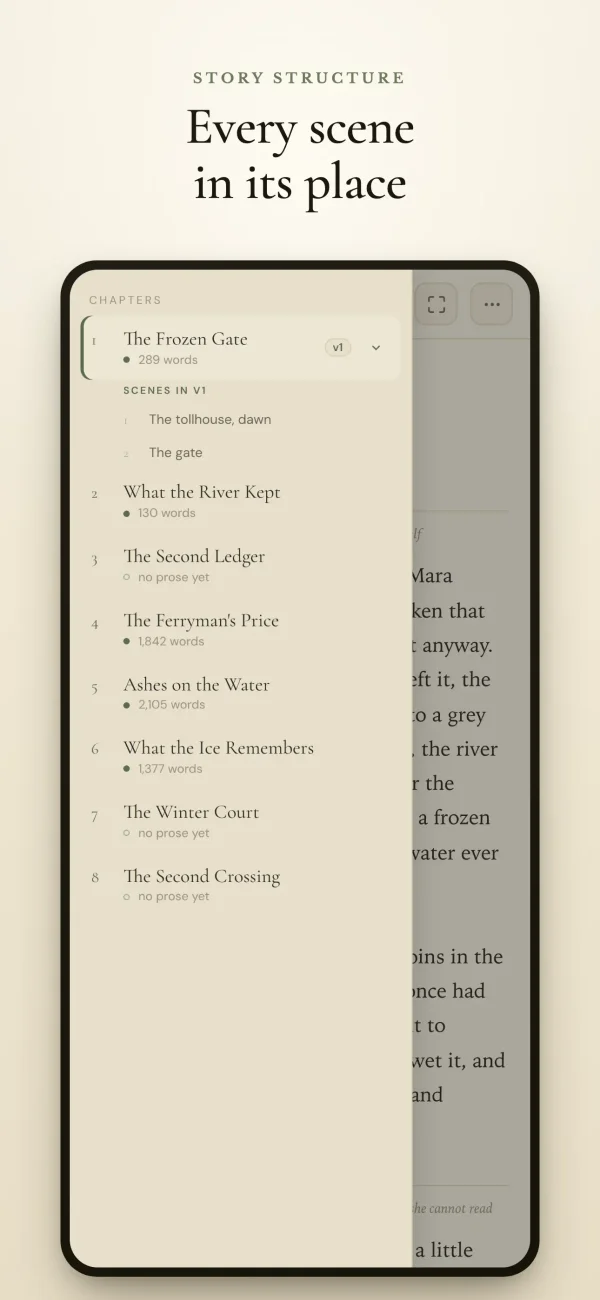
Open the projects you sync from your Mac through your own iCloud Drive folder. Move between chapters and scenes, keep writing, and bring changes back to the desktop. Cloud-folder sync and the AI connection are separate.
Capture ideas in the on-device notebook without connecting a folder. A bundled sample novel lets you explore the reader before setting up your own projects.
Make the page yours with adjustable fonts, text size and line spacing, a quiet Focus view, and Light, Dark or Auto appearance. The Paper theme and updated Home Screen icons match the current bookmoth look.
Optional AI features use the connection selected in Settings: bookmoth ink, your own Anthropic key or your own OpenRouter key. Relevant text and book context are sent for processing when you request AI assistance. Drafting in your voice uses the Writing Profile synced from the desktop, and you decide what stays. AI requires an internet connection and a compatible connection or licence.
Requires bookmoth on Mac with sync turned on to work with your desktop projects. No separate bookmoth account is required.
What’s new
Version 1.3.3 · Oct 26, 2026
Paper now matches the current bookmoth desktop appearance, with red accents.
Choose Light, Dark or Auto appearance. Auto follows your iPhone or iPad setting. Updated Home Screen icons support light, dark and tinted appearance.
This update also includes improvements to saving, sync and the desktop connection.
App privacy
What Stuart McCardle declares on the App Store about how this app handles data.
-
Data linked to you
May be collected and linked to your identity.
- User content
- Identifiers
- Usage data
Privacy practices may vary, for example with the features you use or your age.
Information
- Seller
- Stuart McCardle
- Category
- Productivity
- Version
- 1.3.3
- Updated
- Oct 26, 2026
- Released
- Jul 18, 2026
- Size
- 53.4 MB
- Requires
- iOS 14.0 or later
- Age rating
- 4+
- Price
- Free
- Languages
- English
- Copyright
- © 2026 Stuart McCardle
You might also like
-
 OneWriter: Inspiration PlaceYour Writing Assistant
-
 Writing Desk: Novelist AppMac novel writing companion
-
 SmithwordWrite without overwhelm
-
 Margin WriterWhere good writing begins.
-
 BlaezForgeCraft stories and characters
-
 Writer's FoundryWrite novels, distraction-free
-
 SpeecherPro - Text To SpeechTTS Reader Speech To Text Easy
-
 WayscriptThe ultimate writing studio
-
 Dotted Mind – Calm NotebookHandwritten journal & notes
-
 SpeechBee: Voice to TextDictation & Text to Speech