
- Age rating+4
- CategoryProductivity
- DeveloperAlexander Benz
- Size4.2 MB
Links to the official App Store page
Download.org hosts no file of Writer's Foundry. The button opens its official App Store page, published by Alexander Benz. Listing last checked on Nov 23, 2026.
Screenshots


About
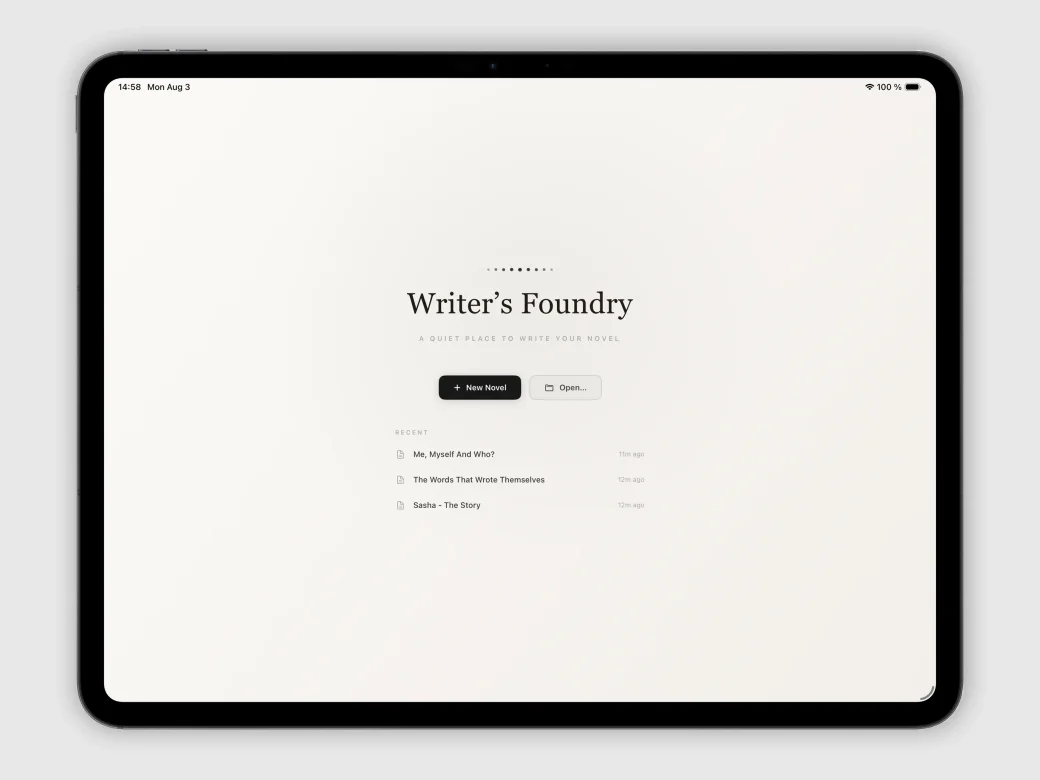
Writer's Foundry is a calm, focused place to write your novel on Mac and iPad. Everything you need to plan, write and finish a book, and nothing that gets in the way.
WRITE IN DEEP FOCUS
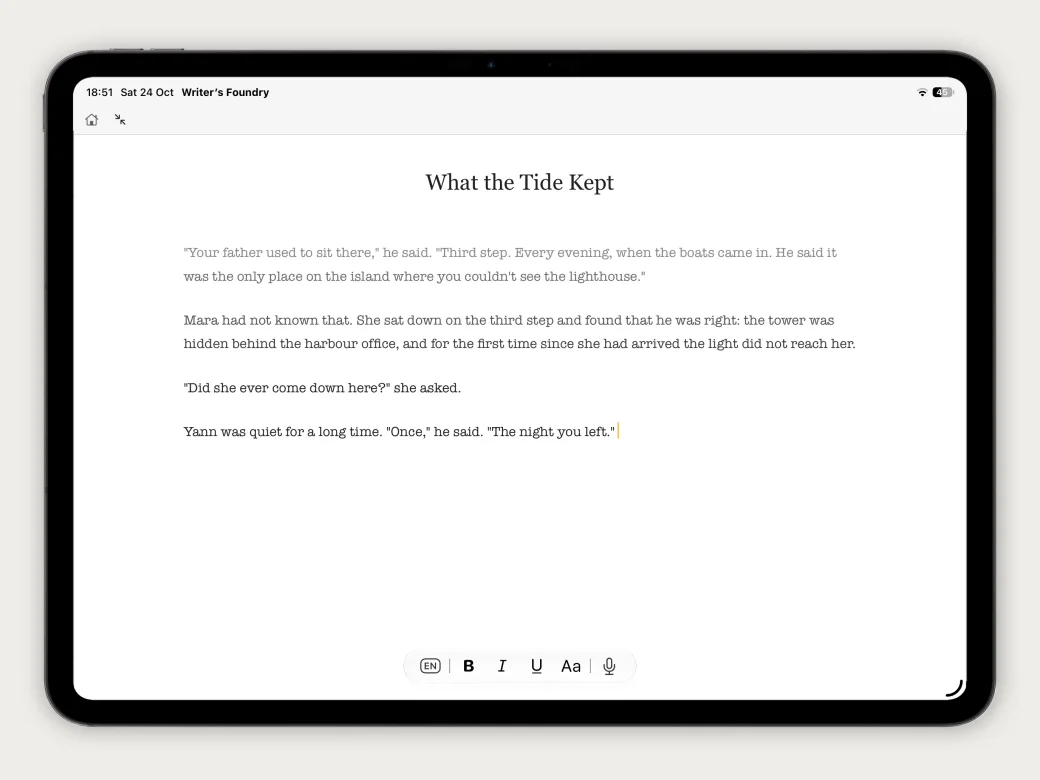
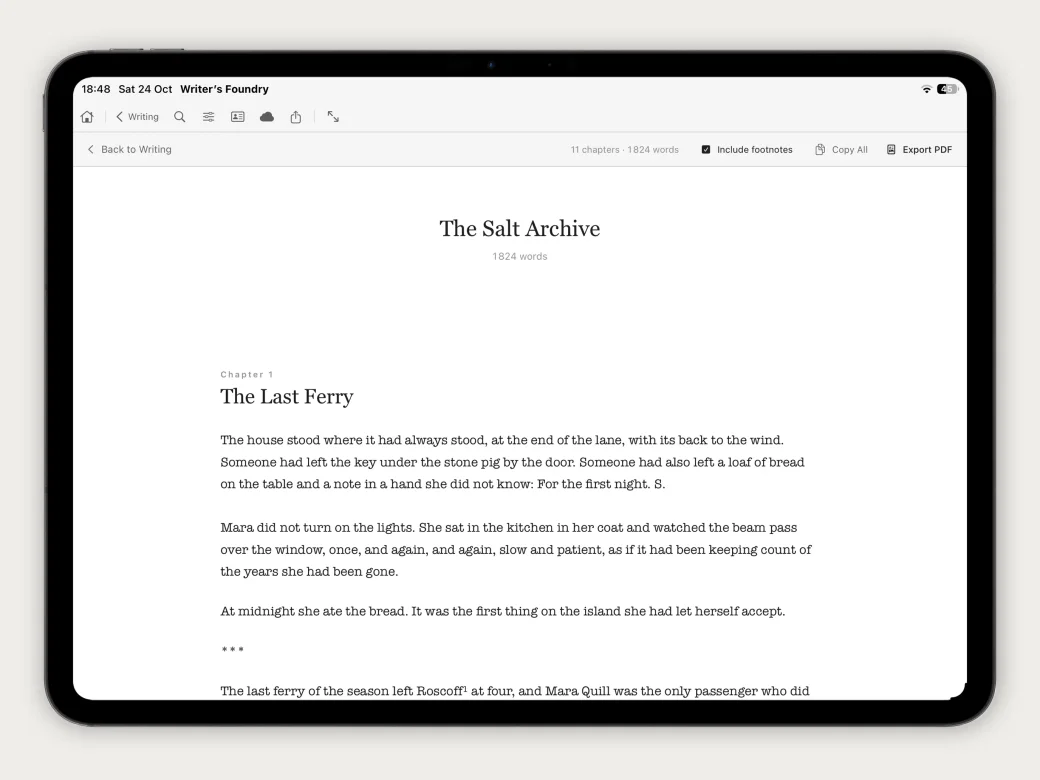
Dim everything but the lines you're working on, keep the current line centered as you type, or hide it all and let the page be just your words. Pick a font you love, from Georgia and Baskerville to Times New Roman and American Typewriter, in light or dark.
CHAPTERS AND SCENES
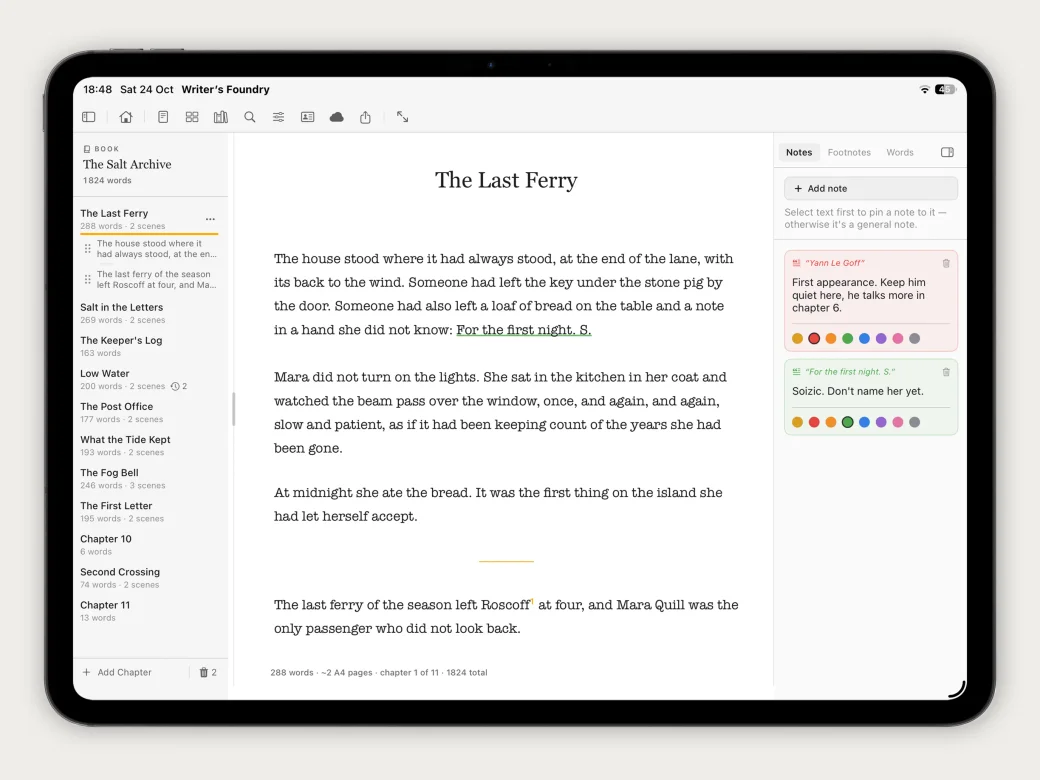
Organize your book in a clean sidebar. Split chapters into scenes and drag them into a new order, even into another chapter. Your notes and footnotes move with them.
SEE THE WHOLE BOOK
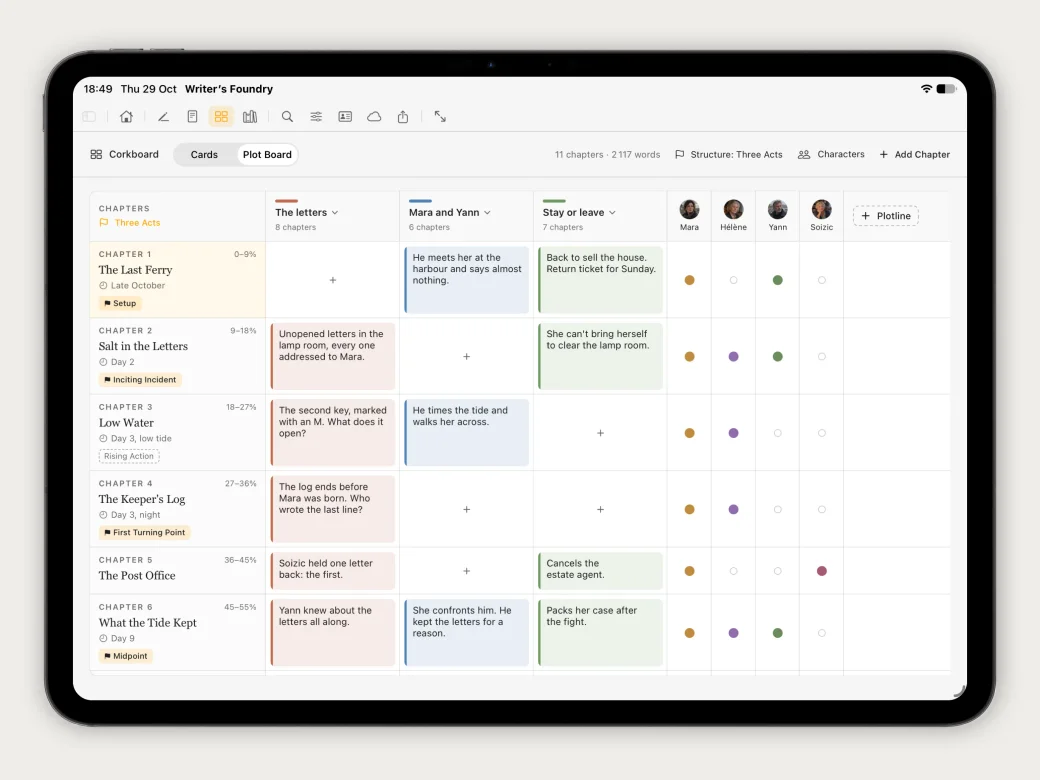
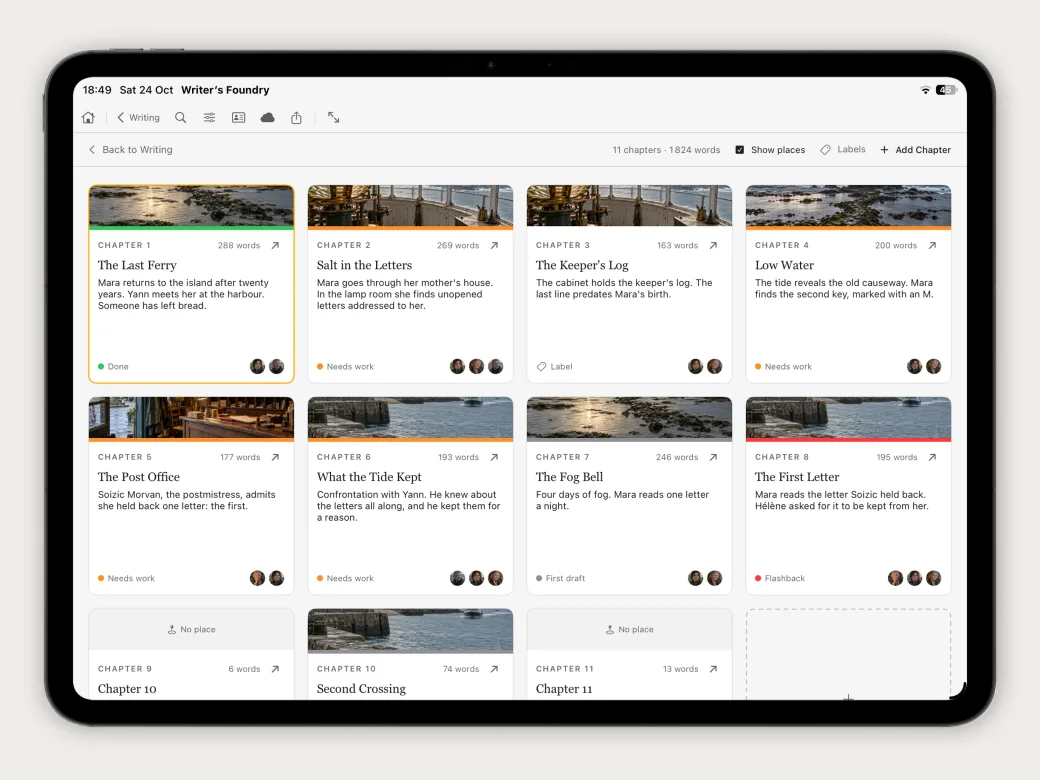
The corkboard shows every chapter as an index card, with a summary, a colored label and the faces of the characters who appear in it. Drag a card to restructure your story.
A STORY BIBLE WITH PICTURES
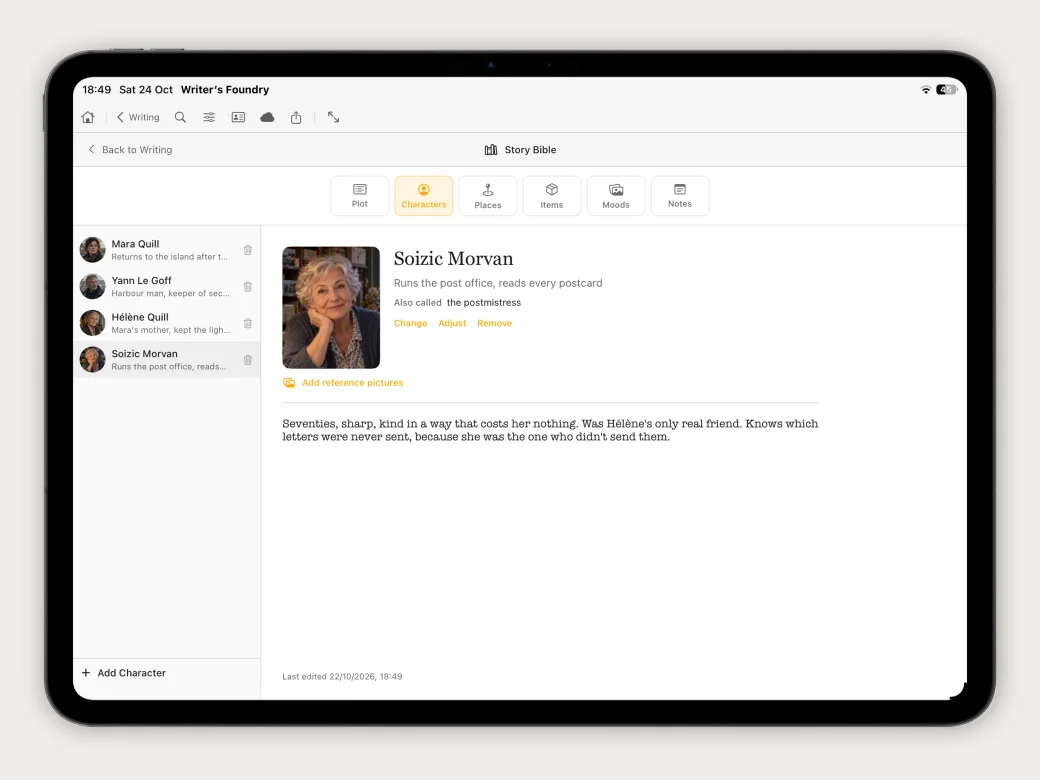
Characters, places, plot, items and moods in one place. Give your characters a face and your places reference pictures. Writer's Foundry finds who appears in each chapter by their names in your text.
NOTES, FOOTNOTES AND VERSIONS
Pin color-coded notes to any passage. Add footnotes that number themselves. Try a new version of a chapter and keep the earlier one safe.
POLISH YOUR PROSE
Live word counts and page estimates, search across the whole book, and a word check that finds overused words, steps through each one and suggests alternatives.
READY TO SHARE
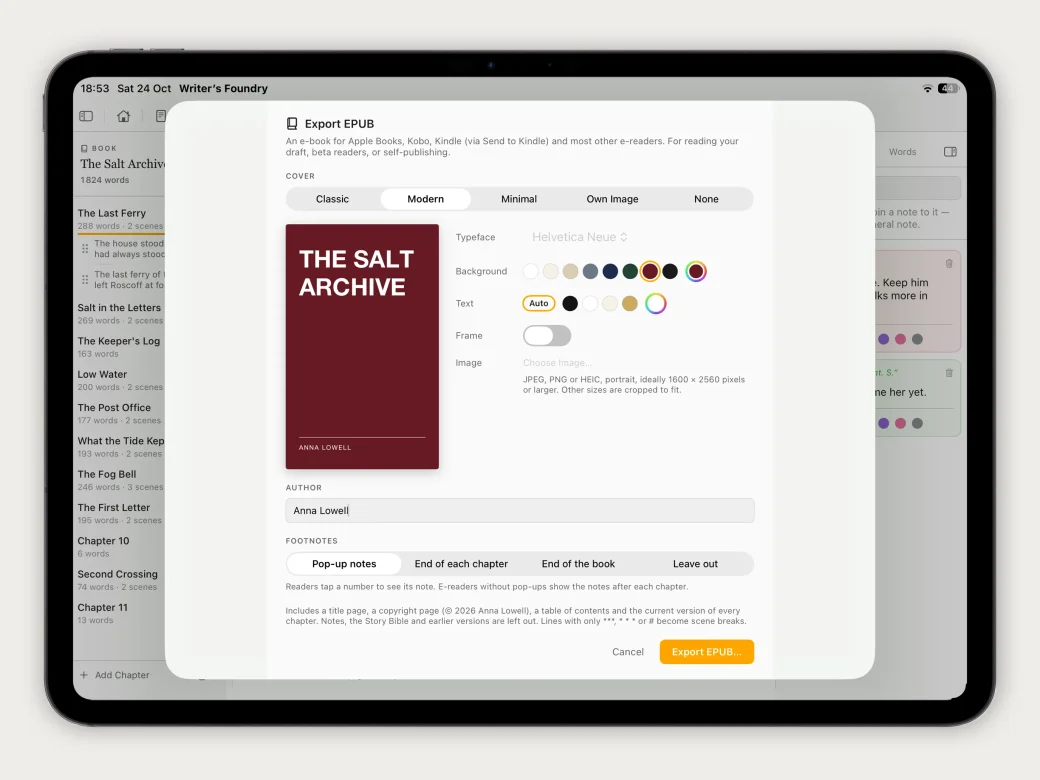
Export a PDF, a Word document (on Mac), a standard manuscript for agents and publishers, or a real e-book with a cover you design yourself.
YOURS, AND PRIVATE
No account, no tracking. Your books are files you own, on your device or in your iCloud, where they sync between your Mac and iPad and are backed up automatically.
What’s new
Version 2.7 · Nov 16, 2026
• Books from your other devices: started a book on your Mac? Your iPad now offers to add it, and the other way round.
• Calmer Focus Writing: lines away from your cursor fade further, so the line you're writing stands out.
• Plot Board: chapter names stay in view when you scroll sideways, and Undo brings back a square you cleared.
Using a Mac and an iPad? Update both to keep syncing safely.
App privacy
What Alexander Benz declares on the App Store about how this app handles data.
-
Data not collected
The developer does not collect any data from this app.
Privacy practices may vary, for example with the features you use or your age.
Information
- Seller
- Alexander Benz
- Category
- Productivity
- Version
- 2.7
- Updated
- Nov 16, 2026
- Released
- Jul 11, 2026
- Size
- 4.2 MB
- Requires
- iOS 17.0 or later
- Age rating
- +4
- Copyright
- © Alexander Benz
You might also like
-
 PlotWeaverStory Structure Made Simple
-
 Writing Desk: Novelist AppMac novel writing companion
-
 WritifyThe AI enabled editor
-
 BlaezForgeCraft stories and characters
-
 Raven: Markdown Notes & EditorOffline & Local Text Files
-
 Office LettersProductivity
-
 Traverse outliner mobileStructured outlines on the go
-
 bookmothKeep writing, wherever you are
-
 CharactiverseGet to know your characters
-
 ScrivenerBridgeScrivener Companion & Editor