
- Age rating4+
- CategoryFinance
- DeveloperBank of Valletta p.l.c.
- LanguagesEnglish
- Size50.7 MB
Links to the official App Store page
Download.org hosts no file of BOV 3D Secure. The button opens its official App Store page, published by Bank of Valletta p.l.c. Listing last checked on Nov 12, 2026.
Screenshots

About
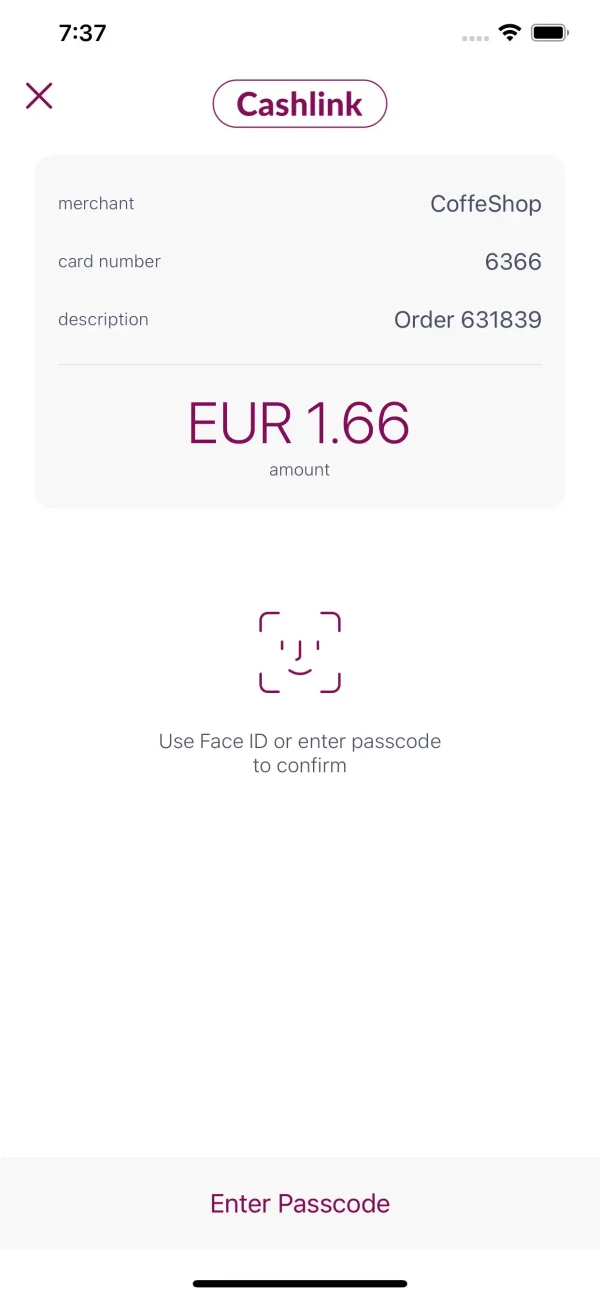
The BOV 3D Secure app is downloadable to smart devices and will enable the user to effect online purchases with a Bank of Valletta debit or credit card.
The app is simple to use:
The first step is to download the BOV 3D Secure app and install it on your smart device
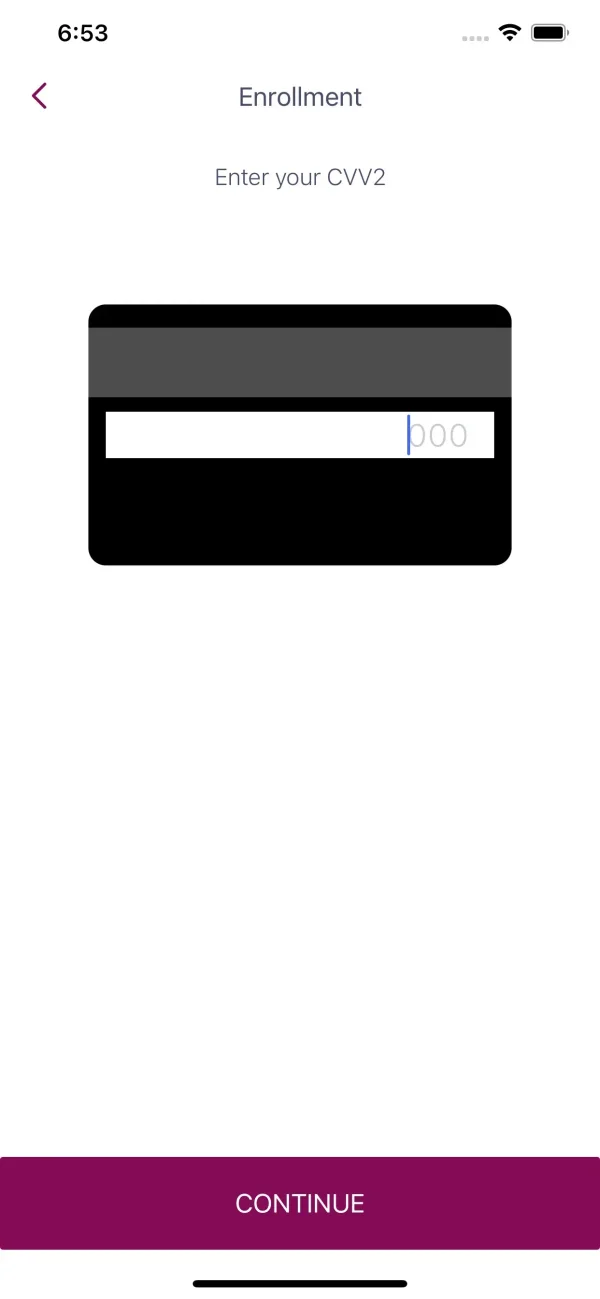
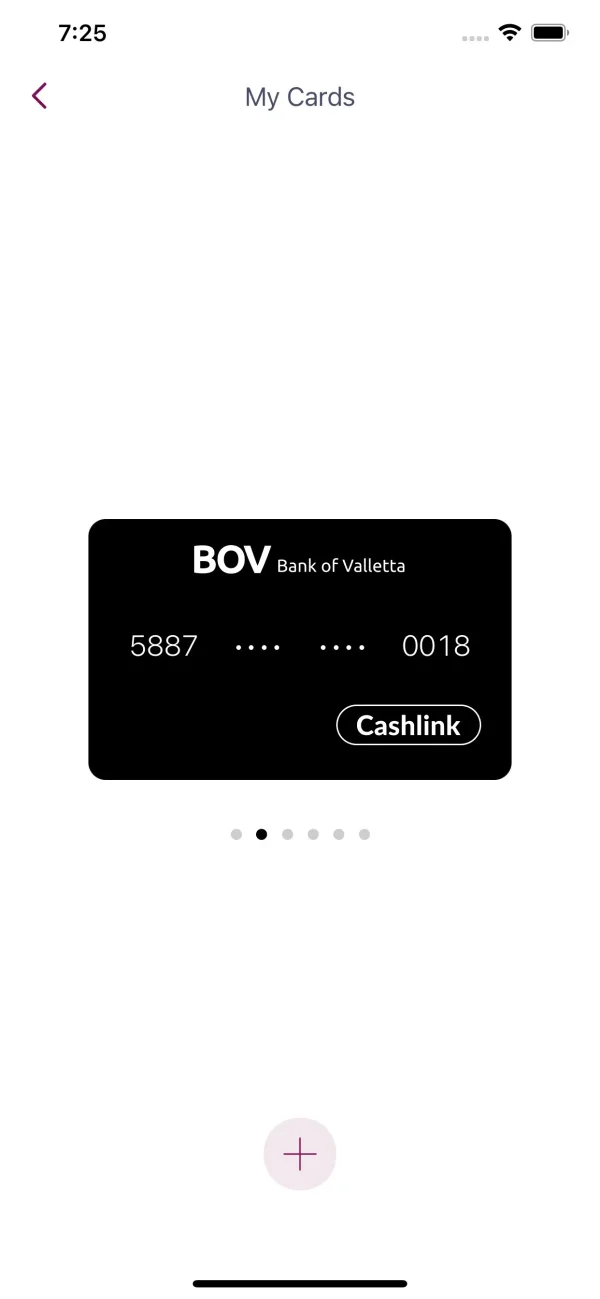
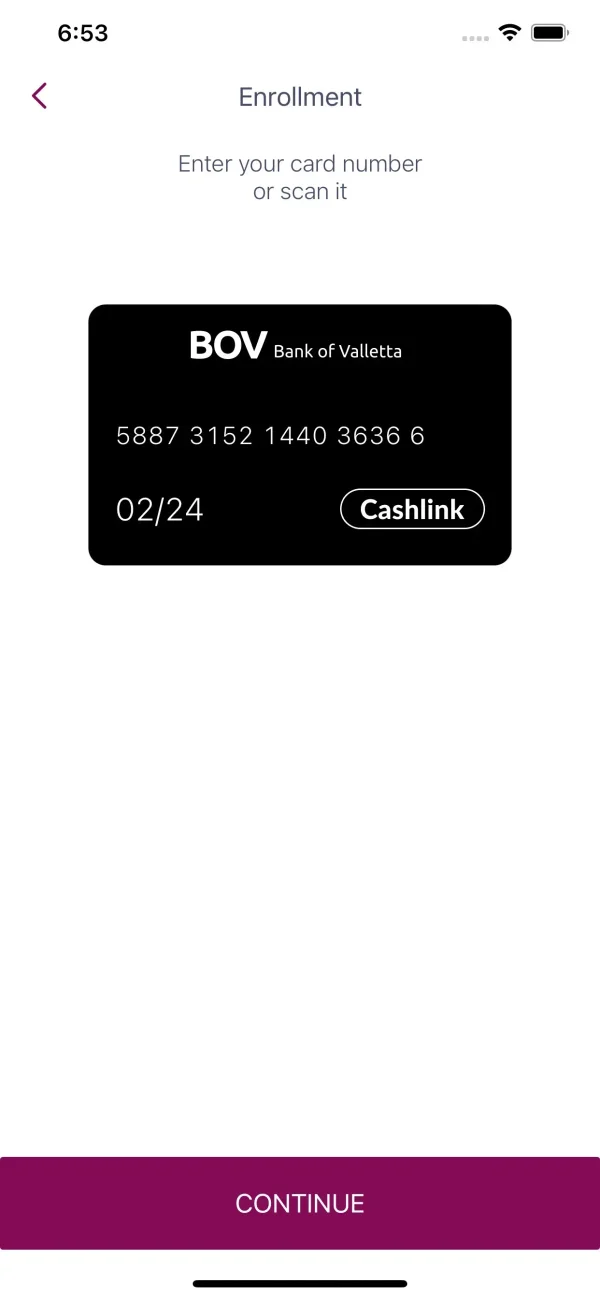
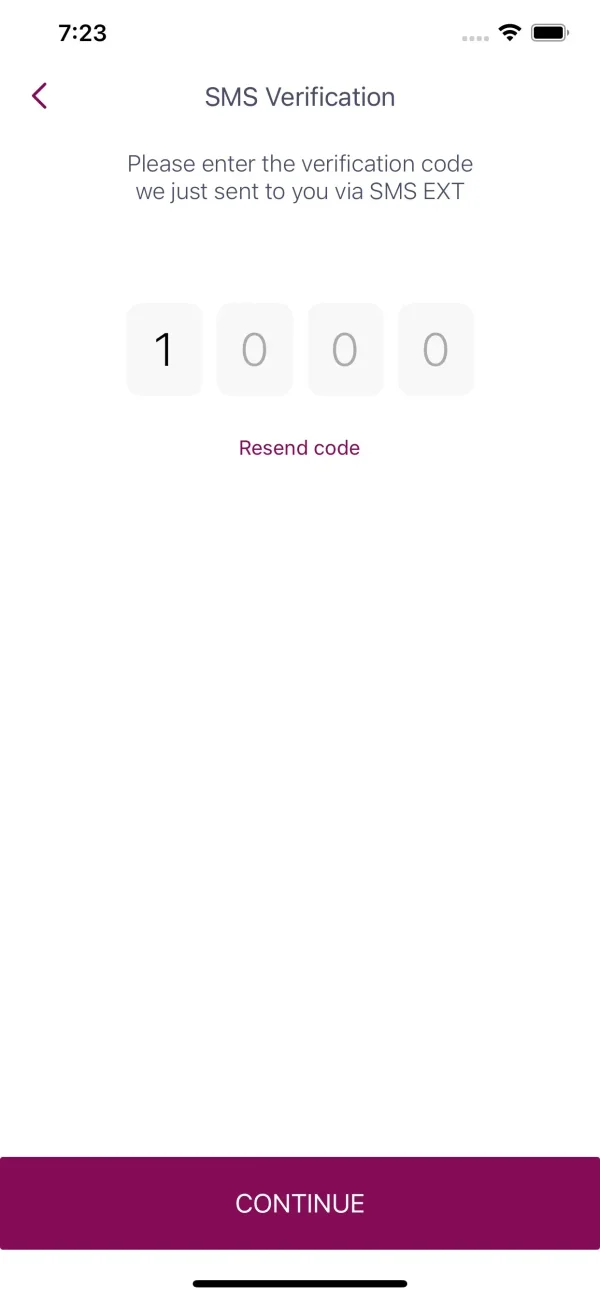
You will then need to enrol the Bank of Valletta debit or credit card that you will use to effect online purchases. This is a one time process since once you enrol one card all your Bank of Valletta cards, that may be used for online purchases will be automatically enrolled to the 3D Secure app.
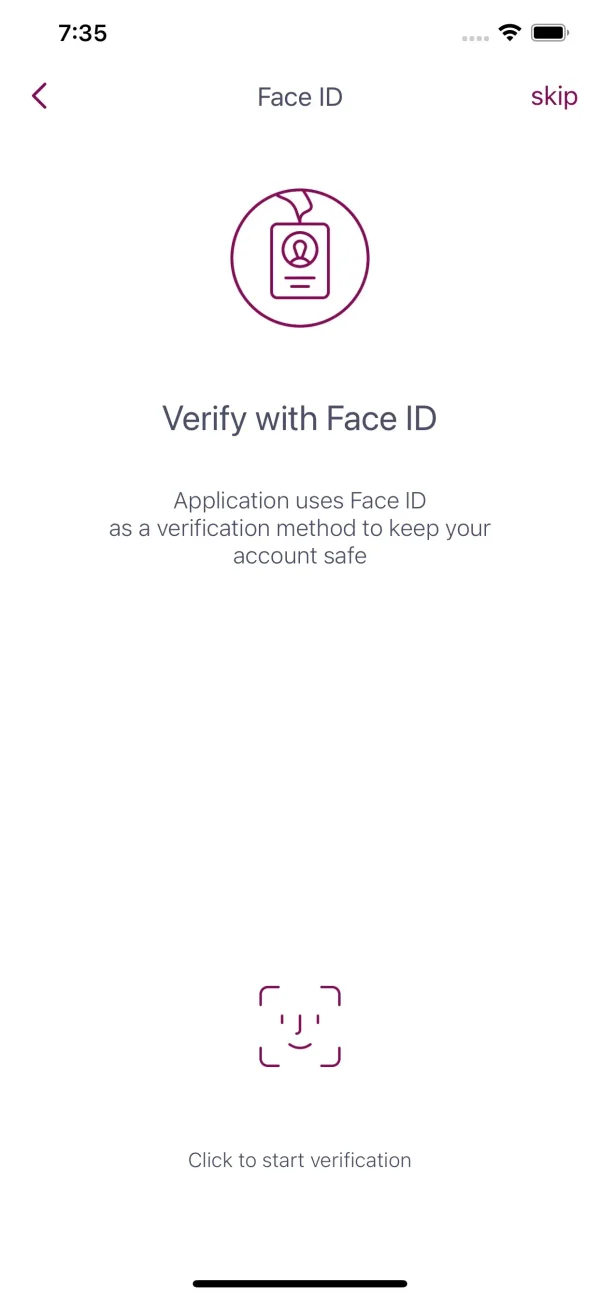
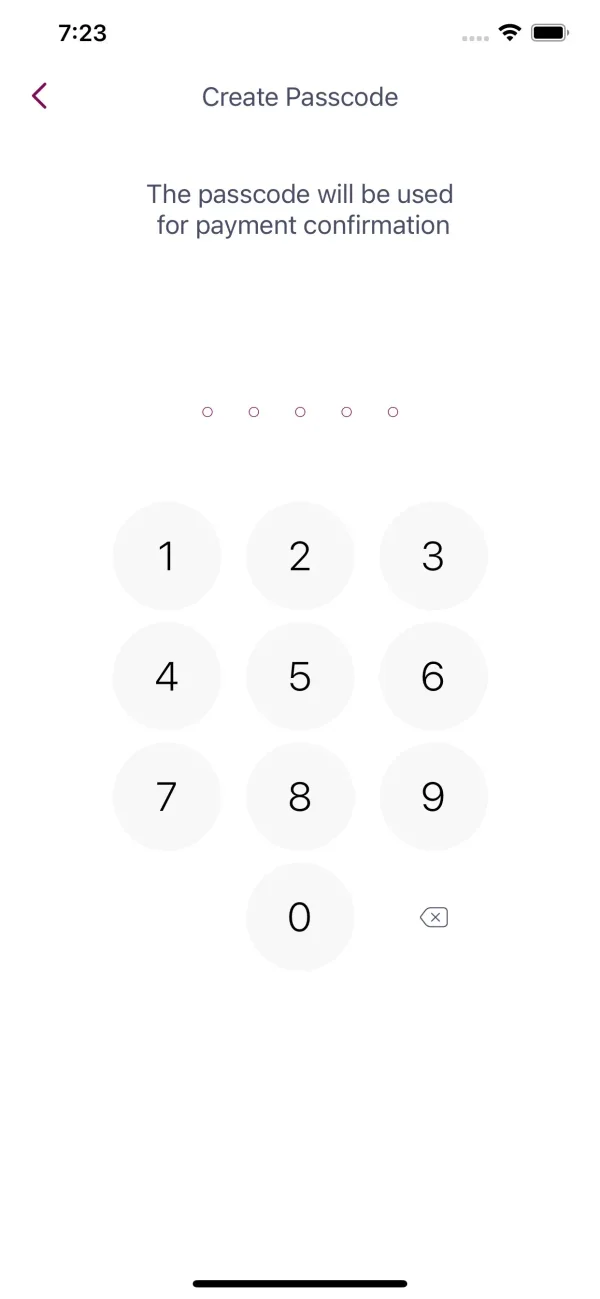
During the enrolment process you will set an authentication passcode that will be used to authenticate you online purchases via the app - alternatively you can choose to set up biometric authentication by means of fingerprint, if your device supports the feature.
Once the one-time enrolment process is complete, you are set to start shopping online:
When checking out purchases over a certain amount, at certain merchants, the payment screen will ask you to authenticate the purchase;
Simultaneously you will receive a push notification on your smart device which will prompt you to access the BOV 3D Secure app to authenticate the transaction either by passcode (established during enrollment) or biometrically, by means of your fingerprint.
The app will then advise that authentication is successful and you will be able to tap the "proceed" button on the payment screen to complete your purchase.
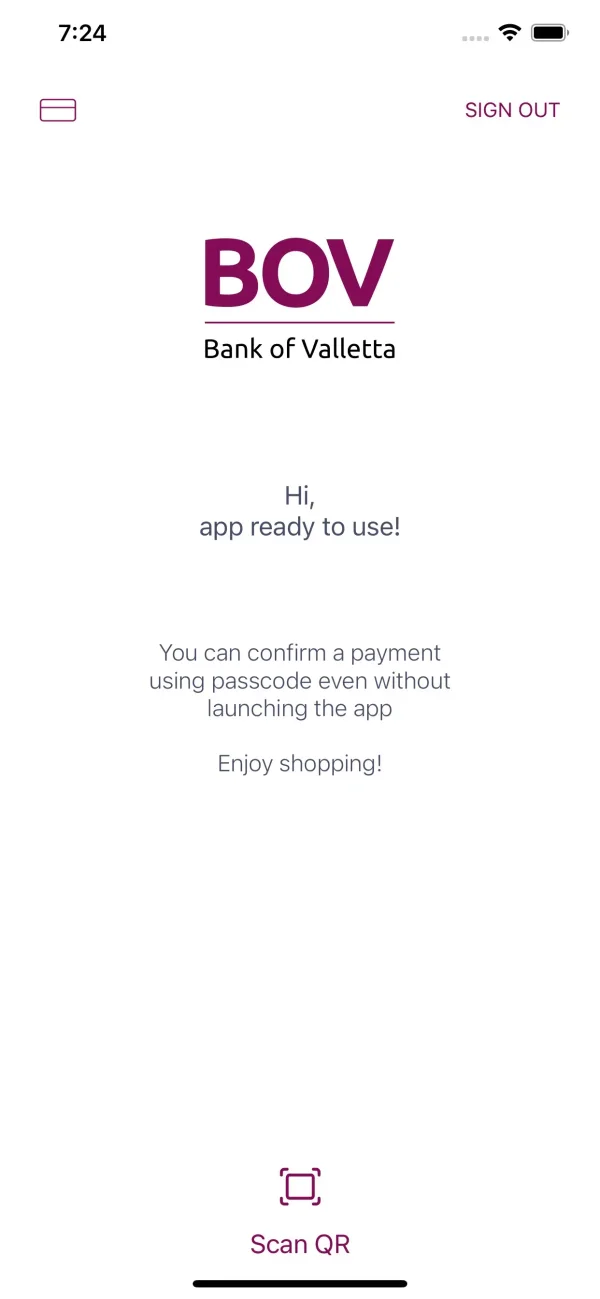
If you are in an area of no reception, or your device is not connected to an internet/data service, the payment screen will prompt you to scan a QR Code which will automatically launch the BOV 3D Secure app on your phone and following authentication a 6 digit code will be displayed. This code is to be inserted in the designated field on the payment screen. Following that simply tap the "proceed" button on the payment screen to complete your purchase.
Important information
Bank of Valletta will not contact you because you are using the app. So please stay alert to emails, text messages or phone calls that appear to be from us. Criminals may try to trick you into giving them sensitive personal or account information. Any suspicious communications or transactions should always be reported to Bank of Valletta immediately by calling the number on the reverse of your card, thus enabling immediate remedial action to be taken as necessary.
What’s new
Version BOV 3D Secure 1316 (1.3.241) · Oct 29, 2025
Minor update.
App privacy
What Bank of Valletta p.l.c. declares on the App Store about how this app handles data.
-
Data linked to you
May be collected and linked to your identity.
- Financial info
- Identifiers
- Usage data
Privacy practices may vary, for example with the features you use or your age.
Information
- Seller
- Bank of Valletta plc
- Category
- Finance
- Version
- BOV 3D Secure 1316 (1.3.241)
- Updated
- Oct 29, 2025
- Released
- Apr 7, 2021
- Size
- 50.7 MB
- Requires
- iOS 12.0 or later
- Age rating
- 4+
- Price
- Free
- Languages
- English
- Copyright
- © Bank of Valletta plc
You might also like
-
 myAPSFinance
-
 MoneybaseMake money simple
-
 ACE Money TransferSend Money Online - low fees
-
 Remit ChoiceFinance
-
 Monese - A banking alternativeThe money app
-
 ZEN.COM: Multicurrency AccountBetter shopping & travel
-
 Revolut BusinessGo beyond business as usual
-
 bunqBank, save, invest with ease
-
 MySSSOfficial Mobile App of SSS
-
 Revolut — Teen FinanceThe money app for teens