
- 対象年齢4+
- カテゴリファイナンス
- 開発元Bank of Valletta p.l.c.
- 言語英語
- サイズ50.7 MB
App Storeの公式ページにリンクしています
Download.orgはBOV 3D Secureのファイルを一切ホストしていません。ボタンを押すと、Bank of Valletta p.l.c.が公開しているApp Storeのアプリページが開きます。ページの最終確認:2026/11/12。
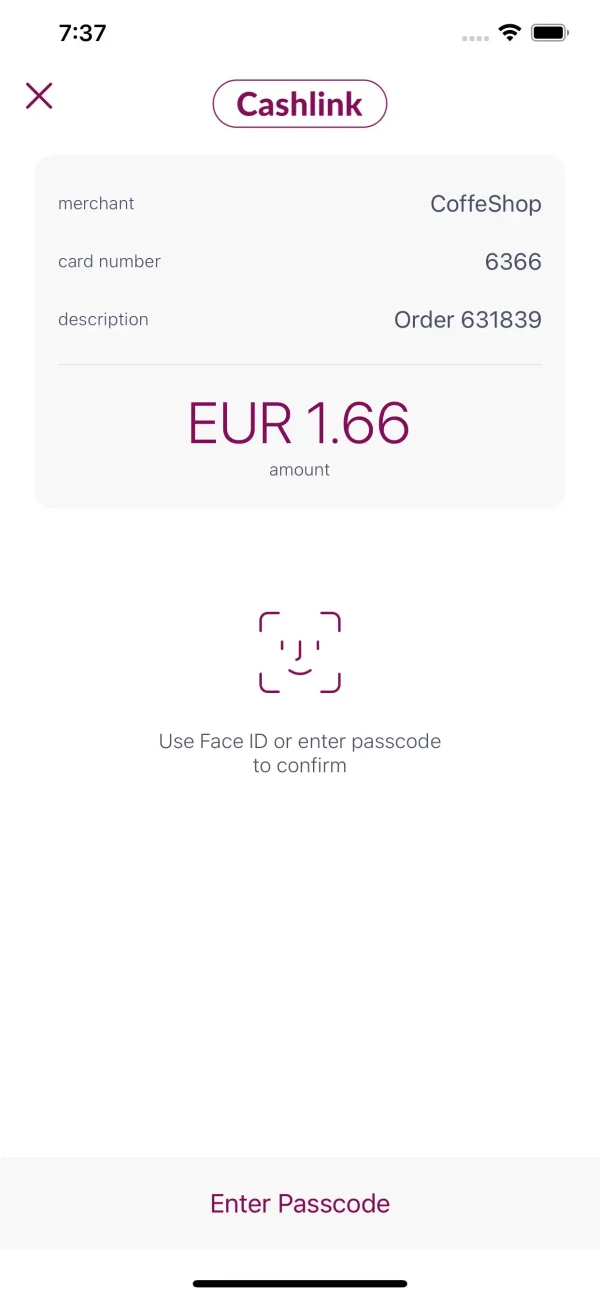
スクリーンショット

概要
開発元はこのテキストをお使いの言語で提供していません。
The BOV 3D Secure app is downloadable to smart devices and will enable the user to effect online purchases with a Bank of Valletta debit or credit card.
The app is simple to use:
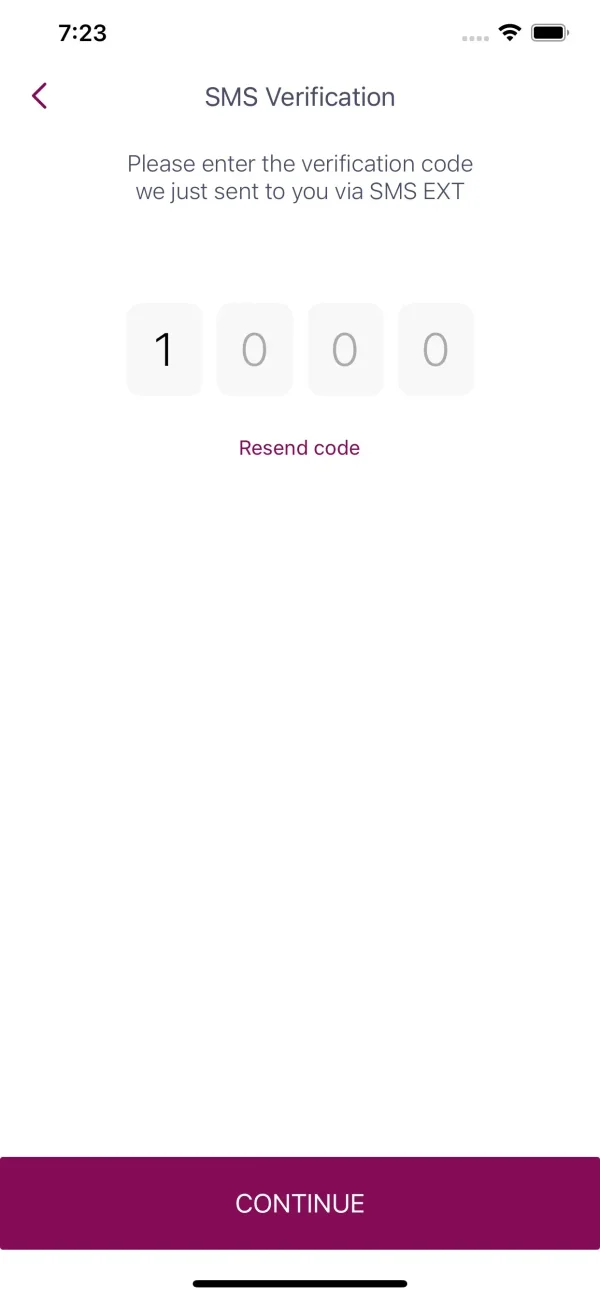
The first step is to download the BOV 3D Secure app and install it on your smart device
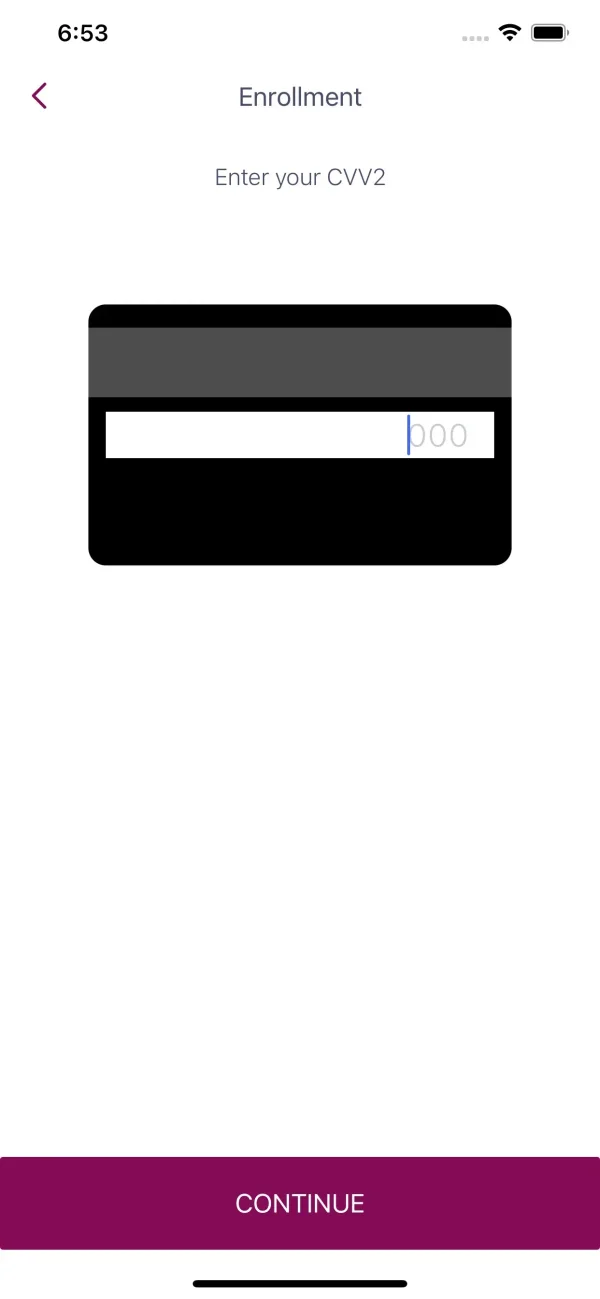
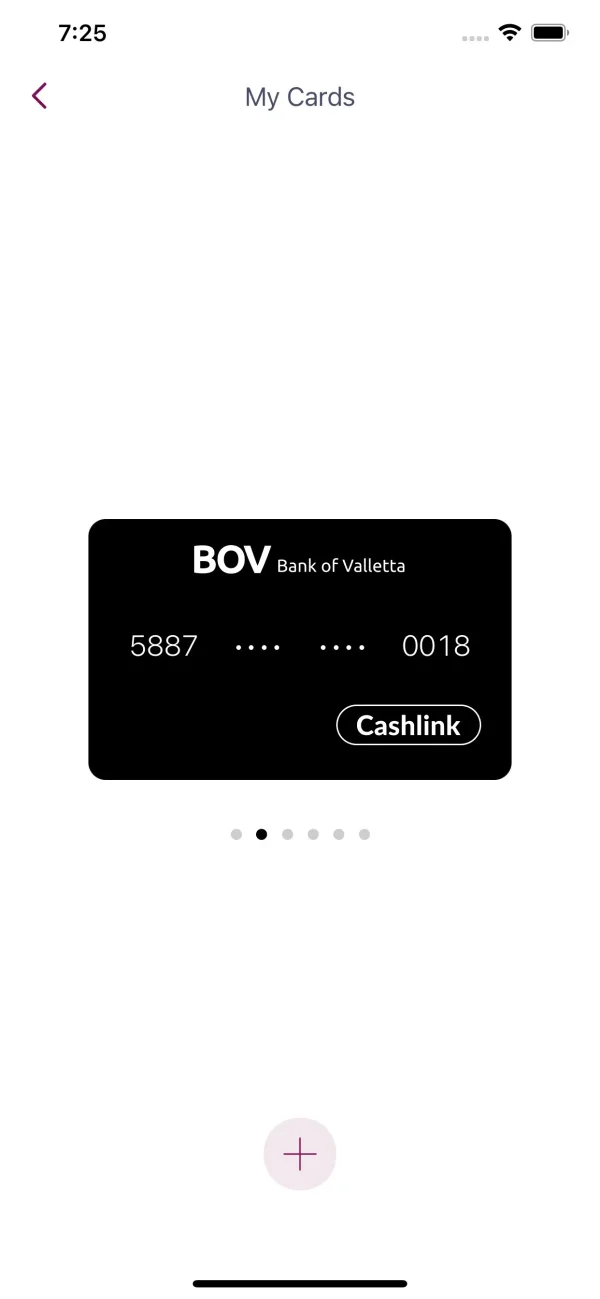
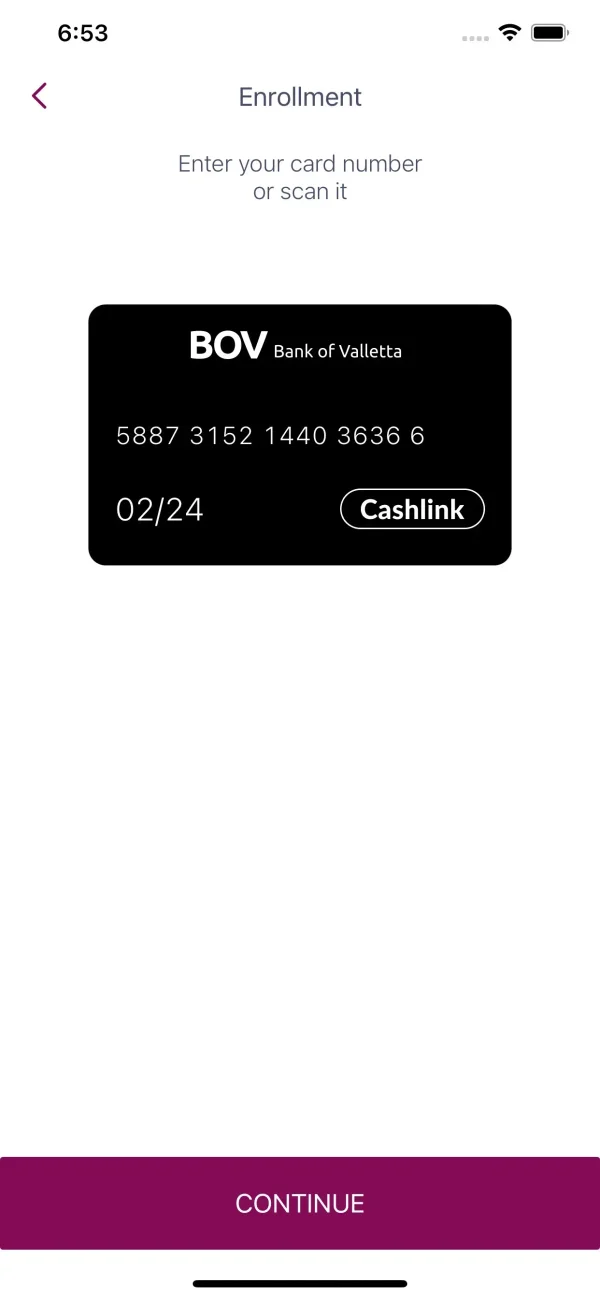
You will then need to enrol the Bank of Valletta debit or credit card that you will use to effect online purchases. This is a one time process since once you enrol one card all your Bank of Valletta cards, that may be used for online purchases will be automatically enrolled to the 3D Secure app.
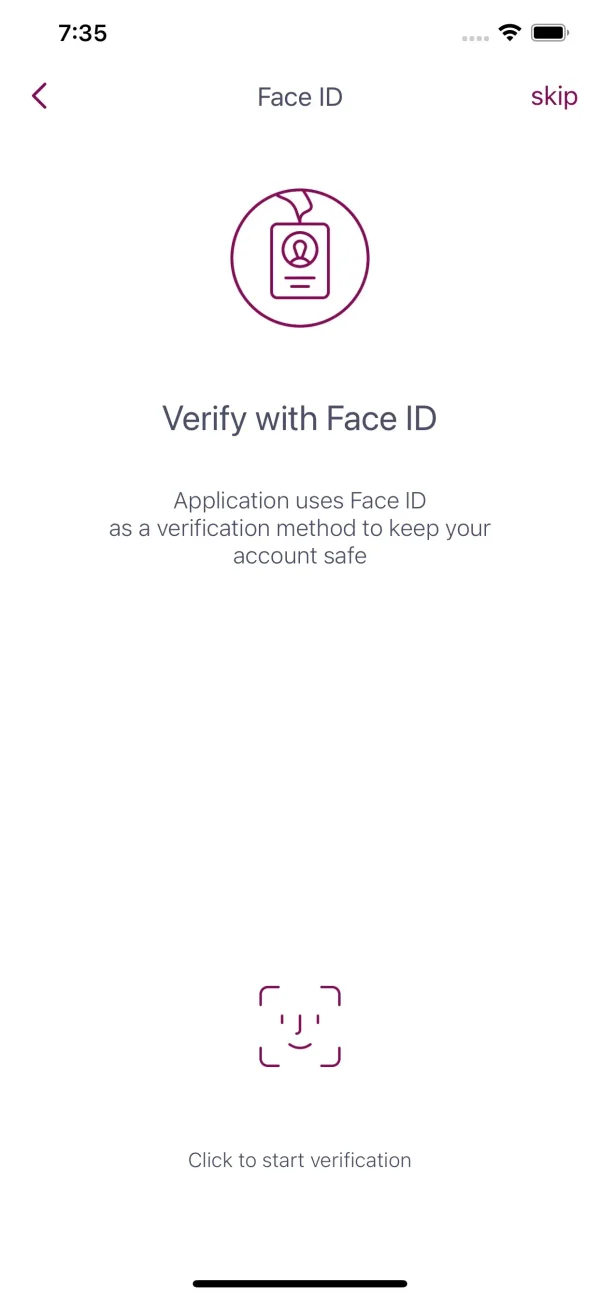
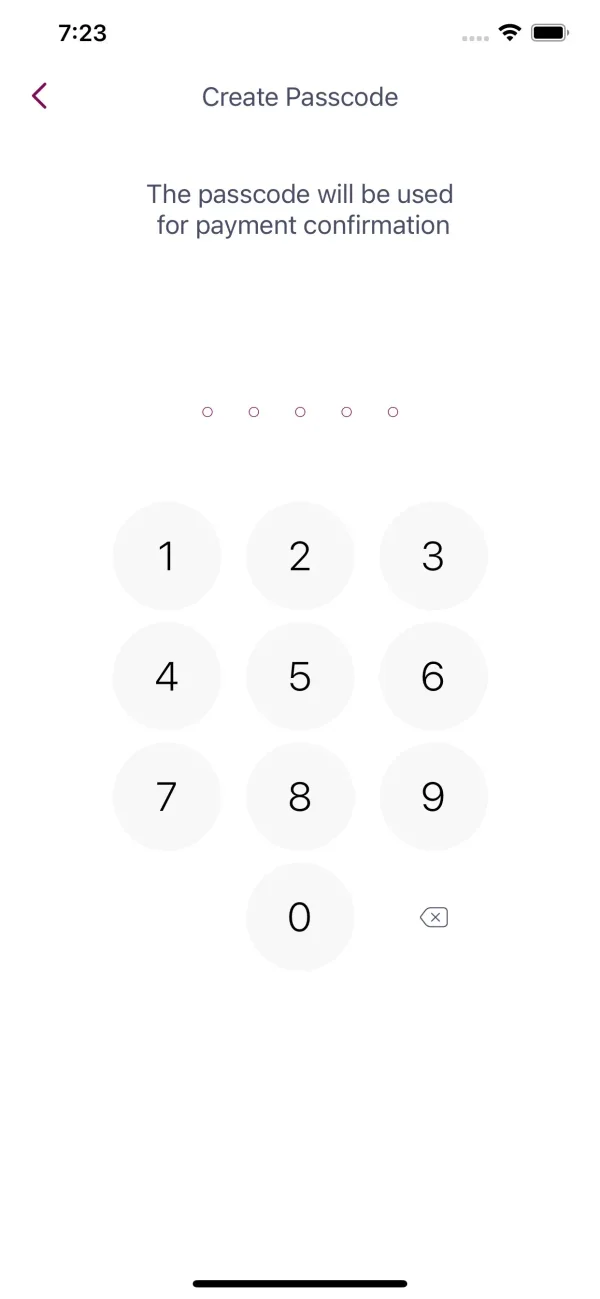
During the enrolment process you will set an authentication passcode that will be used to authenticate you online purchases via the app - alternatively you can choose to set up biometric authentication by means of fingerprint, if your device supports the feature.
Once the one-time enrolment process is complete, you are set to start shopping online:
When checking out purchases over a certain amount, at certain merchants, the payment screen will ask you to authenticate the purchase;
Simultaneously you will receive a push notification on your smart device which will prompt you to access the BOV 3D Secure app to authenticate the transaction either by passcode (established during enrollment) or biometrically, by means of your fingerprint.
The app will then advise that authentication is successful and you will be able to tap the "proceed" button on the payment screen to complete your purchase.
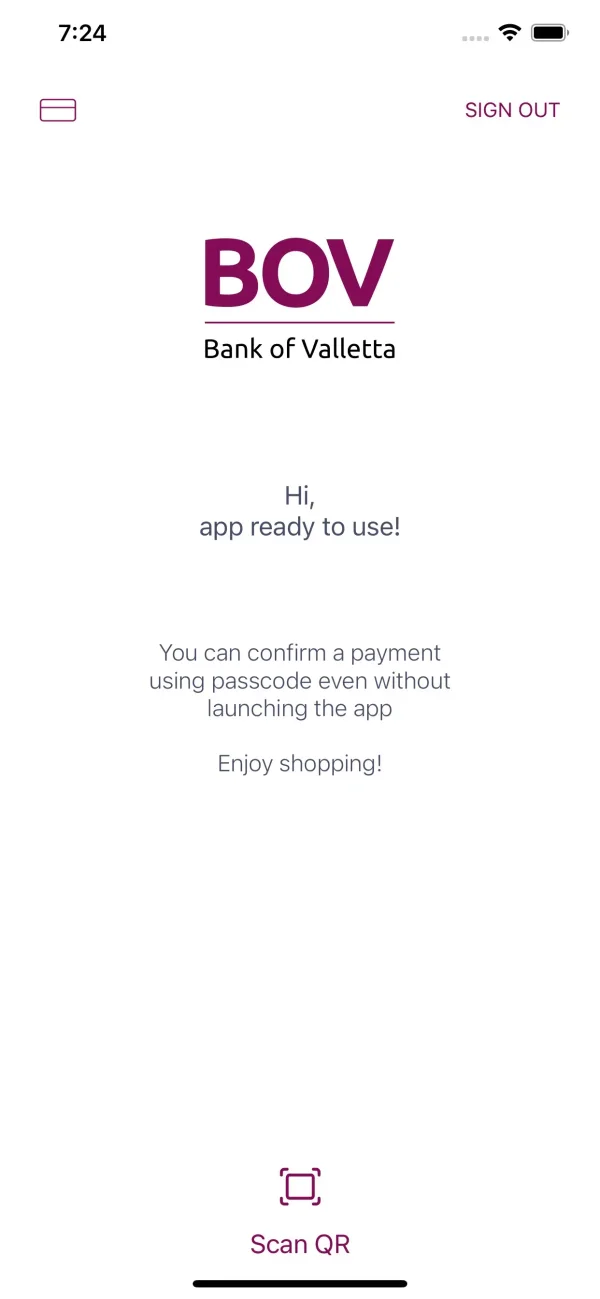
If you are in an area of no reception, or your device is not connected to an internet/data service, the payment screen will prompt you to scan a QR Code which will automatically launch the BOV 3D Secure app on your phone and following authentication a 6 digit code will be displayed. This code is to be inserted in the designated field on the payment screen. Following that simply tap the "proceed" button on the payment screen to complete your purchase.
Important information
Bank of Valletta will not contact you because you are using the app. So please stay alert to emails, text messages or phone calls that appear to be from us. Criminals may try to trick you into giving them sensitive personal or account information. Any suspicious communications or transactions should always be reported to Bank of Valletta immediately by calling the number on the reverse of your card, thus enabling immediate remedial action to be taken as necessary.
新機能
バージョン BOV 3D Secure 1316 (1.3.241) · 2025/10/29
Minor update.
アプリのプライバシー
このアプリのデータの取り扱いについて、Bank of Valletta p.l.c.がApp Storeで申告している内容です。
-
ユーザーに関連付けられたデータ
収集され、ユーザーの識別情報に関連付けられる場合があります。
- 財務情報
- ID
- 使用状況データ
プライバシーの取り扱いは、ご利用の機能やお客様の年齢などに応じて異なる場合があります。
情報
- 販売元
- Bank of Valletta plc
- カテゴリ
- ファイナンス
- バージョン
- BOV 3D Secure 1316 (1.3.241)
- 更新日
- 2025/10/29
- リリース
- 2021/4/7
- サイズ
- 50.7 MB
- 必要条件
- iOS 12.0以降
- 対象年齢
- 4+
- 価格
- 無料
- 言語
- 英語
- 著作権
- © Bank of Valletta plc