
Box-io
Calendar, to-dos and notes.
Designed for iPhone, iPad, Mac
In-app purchases
- Age rating4+
- CategoryProductivity
- DeveloperBOX LLC (Japan)
- LanguagesEnglish+ 1 more
- Size3.9 MB
Links to the official App Store page
Download.org hosts no file of Box-io. The button opens its official App Store page, published by BOX LLC (Japan). Listing last checked on Nov 7, 2026.
Screenshots


About
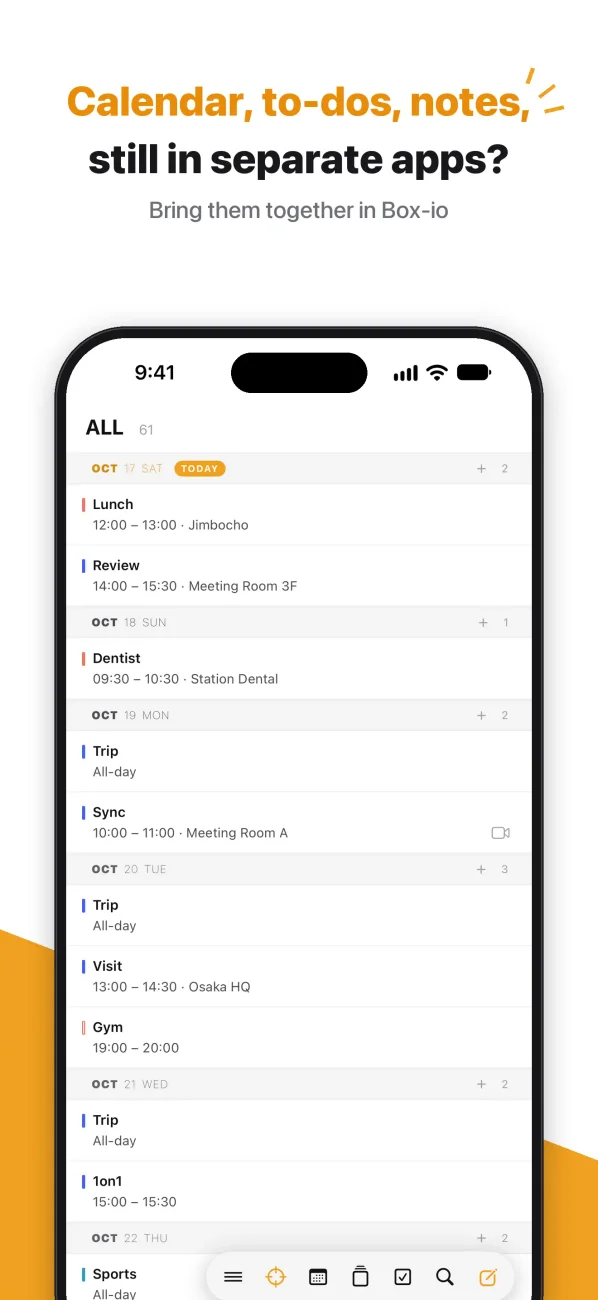
Your schedule, as a list.
Not a grid of boxes, but a flow that starts today.
Box-io is a calendar you read from top to bottom.
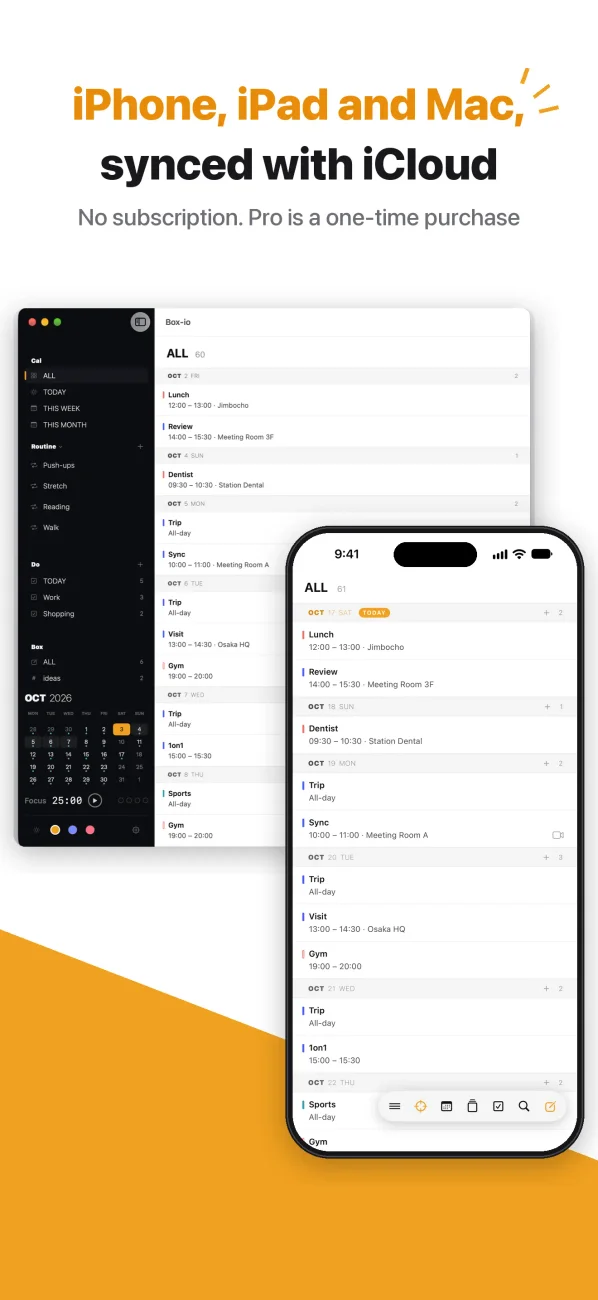
For iPhone, iPad and Mac.
■ Cal, Routine, Do, Box
• Cal
Events listed by day. Scroll back into the past or ahead into the future, starting from today. Switch to the month view to see the whole month at a glance.
• Routine
Workouts, walks, reading. Save the things you do often, then log them with a single tap, with a count if you like.
• Do
A small list for today. Organize tasks with sections and subtasks.
• Box
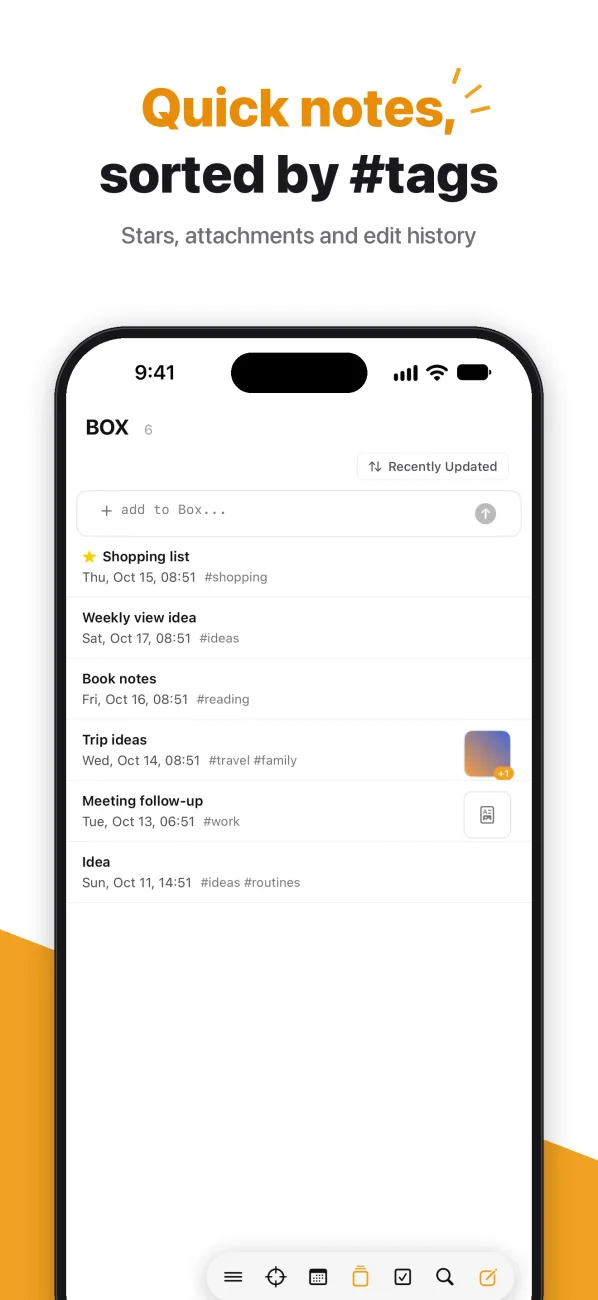
Jot down ideas the moment they come. #tags sort your notes automatically. Star the important ones and attach images or files. Edit history lets you go back anytime.
■ Works with the calendars you already use
Box-io reads and writes your existing calendars (iCloud, Google and more) directly.
No setup, no importing.
If you stop using Box-io, your events stay right where they are.
■ Features
• iPhone, iPad and Mac (native SwiftUI)
• Sync across all your devices with iCloud
• Month view with copy and paste for events
• Repeating events (5 patterns + end date)
• Multiple calendars and accounts, in the order you like
• Add your video meeting link to an event in one tap
• Jump to any date from the mini calendar
• Search events and notes
• Focus timer
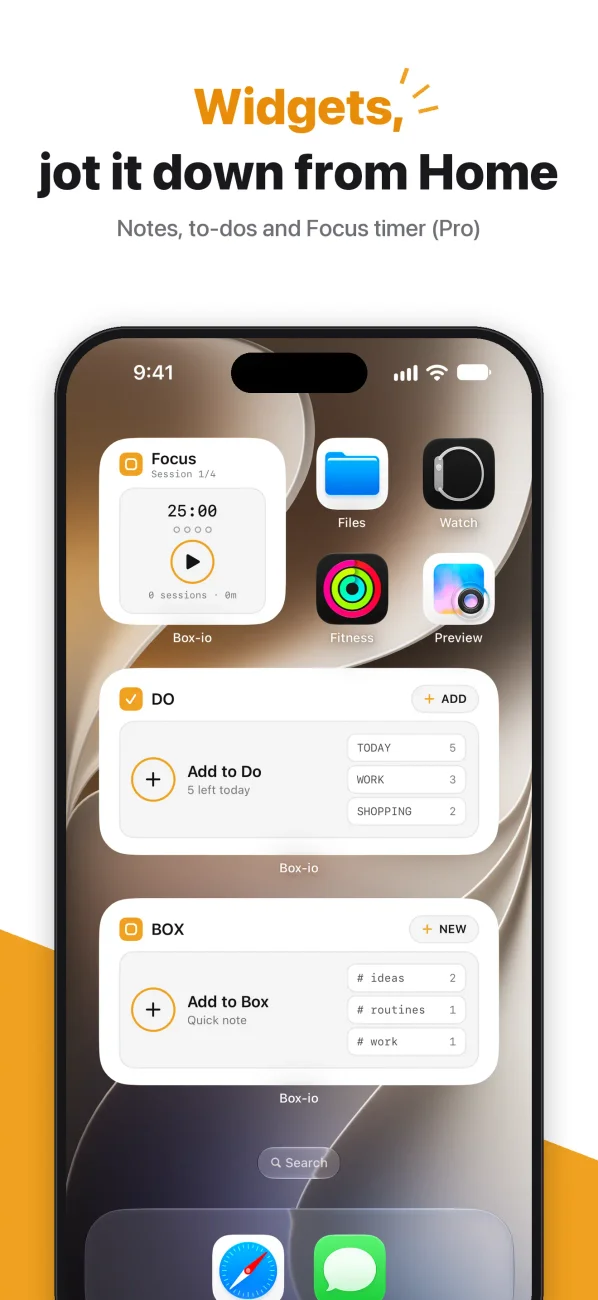
• Widgets (Box, Do, Focus)
• Keyboard shortcuts (Mac)
• Light / Dark + 3 accent colors
■ Box-io Pro
Free: the calendar (one account), Do and Box.
Box-io Pro, a one-time purchase, unlocks multiple calendar accounts, widgets, Routine, file attachments in Box, and accent colors. No subscription.
■ Your data
Events are saved to your own calendar accounts.
Notes, tasks and routines are stored in your iCloud and synced across your devices. They are never sent to our servers, and we cannot see them.
No account required.
No ads. No analytics. No tracking.
What’s new
Version 1.0.2 · Oct 22, 2026
• Calendar account names are now shown correctly.
• The Do widget button now reads "Add to Do".
App privacy
What BOX LLC (Japan) declares on the App Store about how this app handles data.
-
Data not collected
The developer does not collect any data from this app.
Privacy practices may vary, for example with the features you use or your age.
Information
- Seller
- BOX LLC (Japan)
- Category
- Productivity
- Version
- 1.0.2
- Updated
- Oct 22, 2026
- Released
- Oct 28, 2026
- Size
- 3.9 MB
- Requires
- iOS 18.0 or later
- Age rating
- 4+
- In-app purchases
- Yes
- Languages
- English, Japanese
- Copyright
- © 2026 BOX LLC
You might also like
-
 RelayJuiceSend it to your next self
-
 TurbodocCross-platform content manager
-
 Storage LoggerA simple way to organize items
-
 PenPro - Notes & HandwritingPDF, Stickers, Audio Notes
-
 Jotsum: Calculator NotepadThe notepad that does the math
-
 Prompt StockCopy AI prompts instantly
-
 BigloopEffortless Organization
-
 Inkpage: Notes & PDF MarkupHandwriting, study & planner
-
 Dotted Mind – Calm NotebookHandwritten journal & notes
-
 Grape: AI NotesVoice, handwriting, flashcards