
Inkpage: Notes & PDF Markup
Handwriting, study & planner
Designed for iPhone, iPad
Free · In-app purchases
- Age rating4+
- CategoryProductivity
- DeveloperHue Hoang Thi
- LanguagesEnglish+ 10 more
- Size242.3 MB
Links to the official App Store page
Download.org hosts no file of Inkpage: Notes & PDF Markup. The button opens its official App Store page, published by Hue Hoang Thi. Listing last checked on Nov 13, 2026.
Screenshots
About
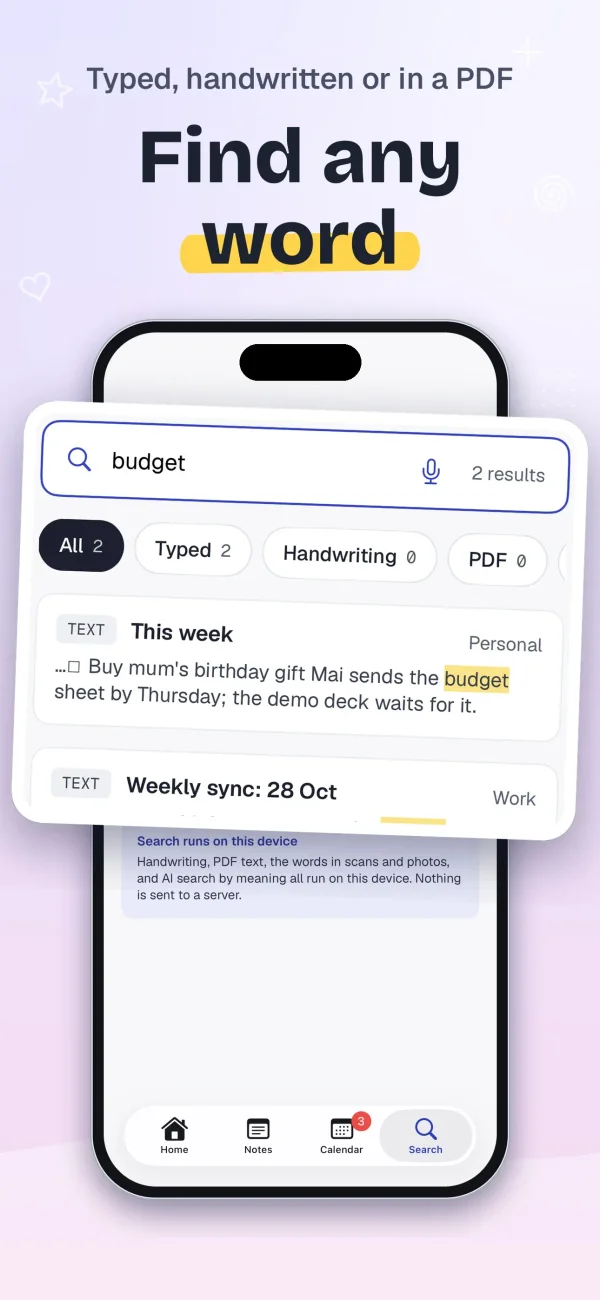
Typed text, Apple Pencil handwriting, PDFs and audio on the same page. Inkpage is a notebook for iPad and iPhone that keeps your notes yours: no account, saved on your device and in your own iCloud, and AI that runs on your device.
WRITE, DRAW AND TYPE
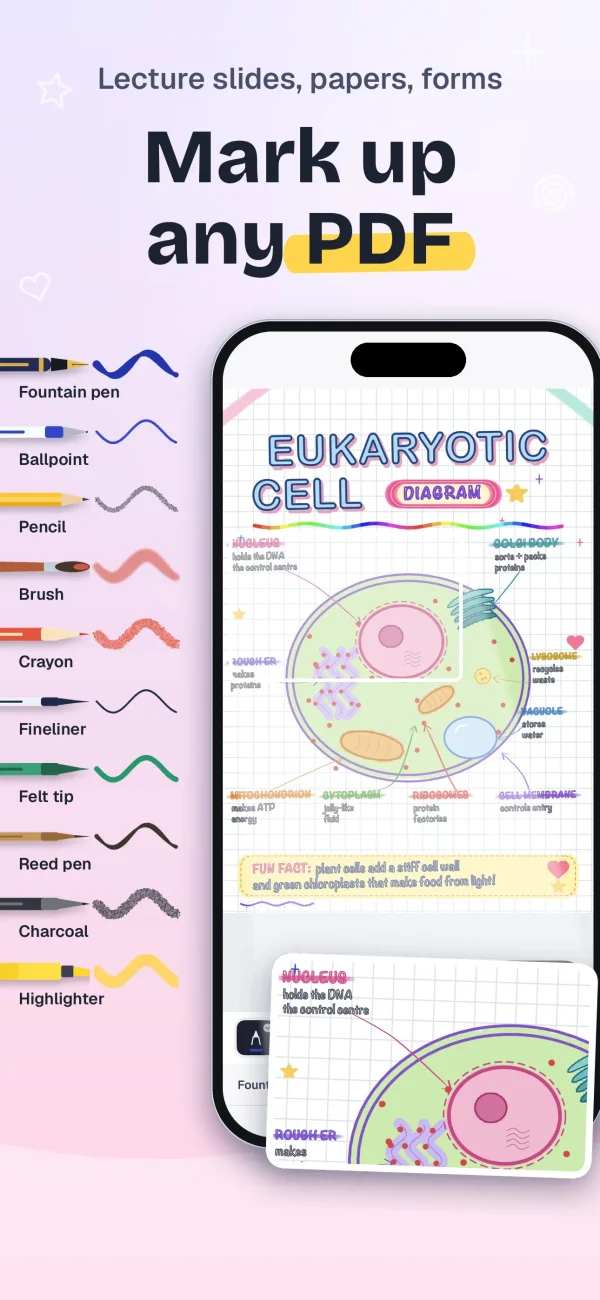
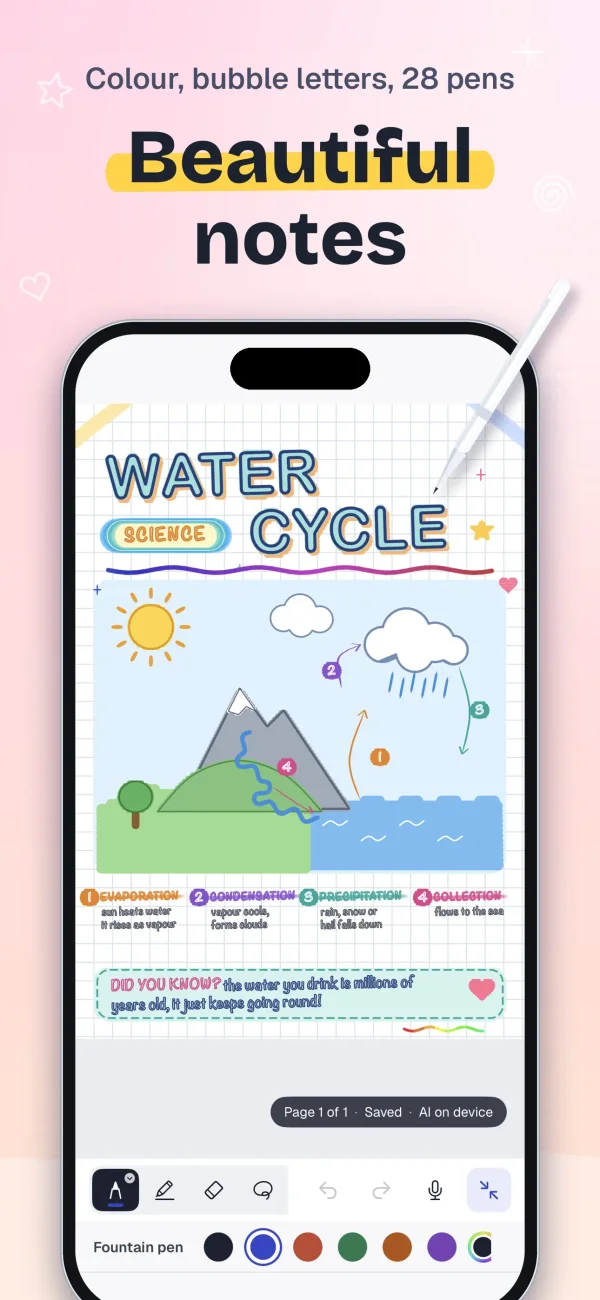
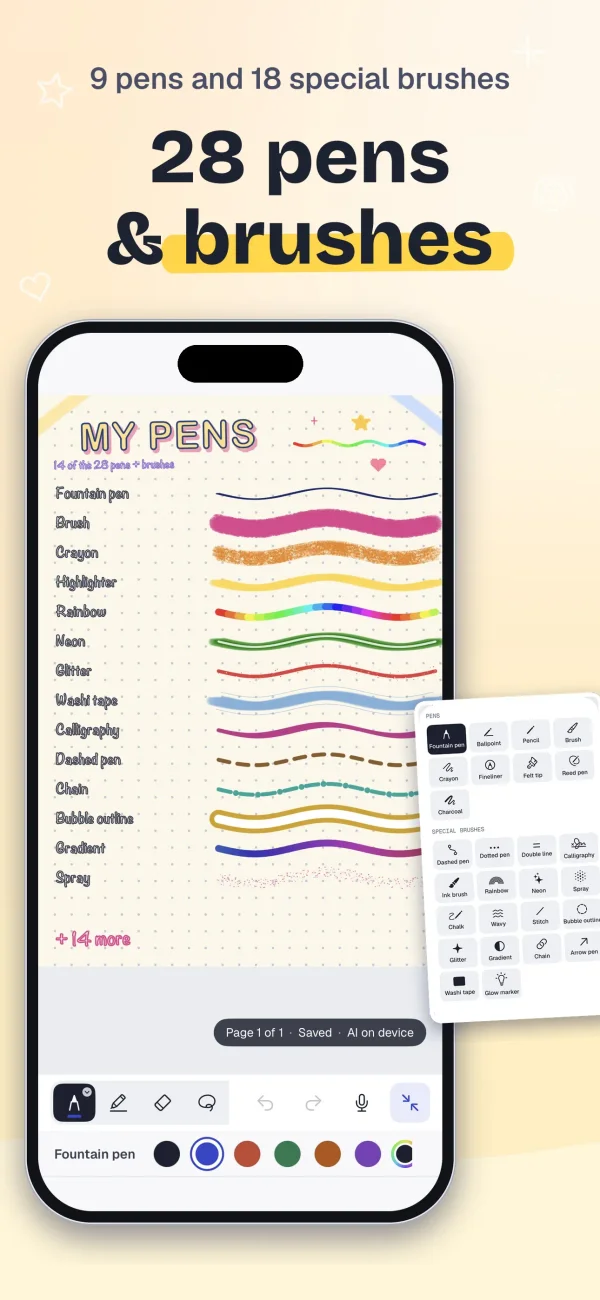
- 28 pens and brushes, from fountain pen and highlighter to neon, rainbow, calligraphy and washi tape.
- Tap anywhere to type. Shapes snap clean. Lasso to move, resize or recolor.
- Text notes like a classic notes app, with checklists that become tasks, pictures and audio on any line.
- Pictures from Photos, the camera or Files; move, resize and rotate them.
PDF, SCANS AND OFFICE FILES
- Import a PDF and write on every page. Read mode keeps it clean.
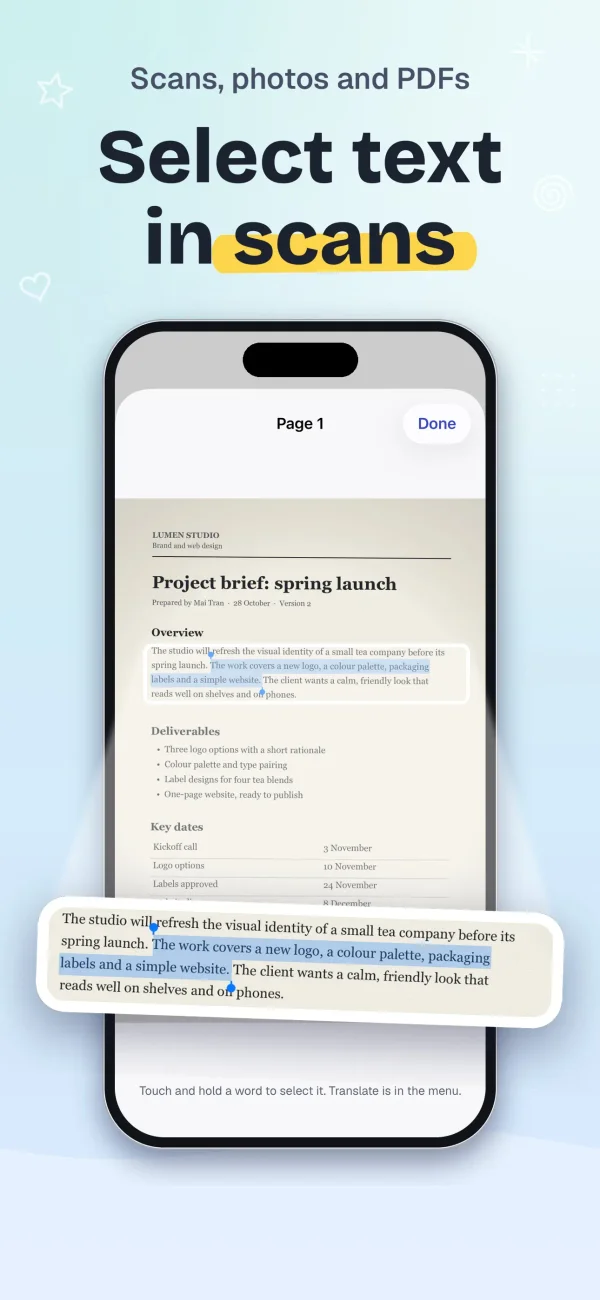
- Scan paper with the camera into a searchable PDF.
- Open Word files as notes you can edit. Excel and PowerPoint files become pages to mark up.
- Edit CSV tables: sort, copy and paste with Numbers or Excel.
- Export PDF, Markdown, RTF and images, and with Pro, Word, Excel and PowerPoint.
STUDY LIBRARY FOR STUDENTS AND TEACHERS
- Over 10,000 worked problems with step-by-step solutions, plus formulas and concepts: math from grade 1 to university (with full solid geometry), physics, chemistry and biology.
- Search a formula or topic and insert it: question only, with the answer, or with the full solution.
- More like this: new numbers for the same problem, each with its own solution.
- An exercise generator with 300 templates. Type the numbers or randomize them, then make a worksheet with an answer key.
SOLVE, SHAPES AND CHARTS
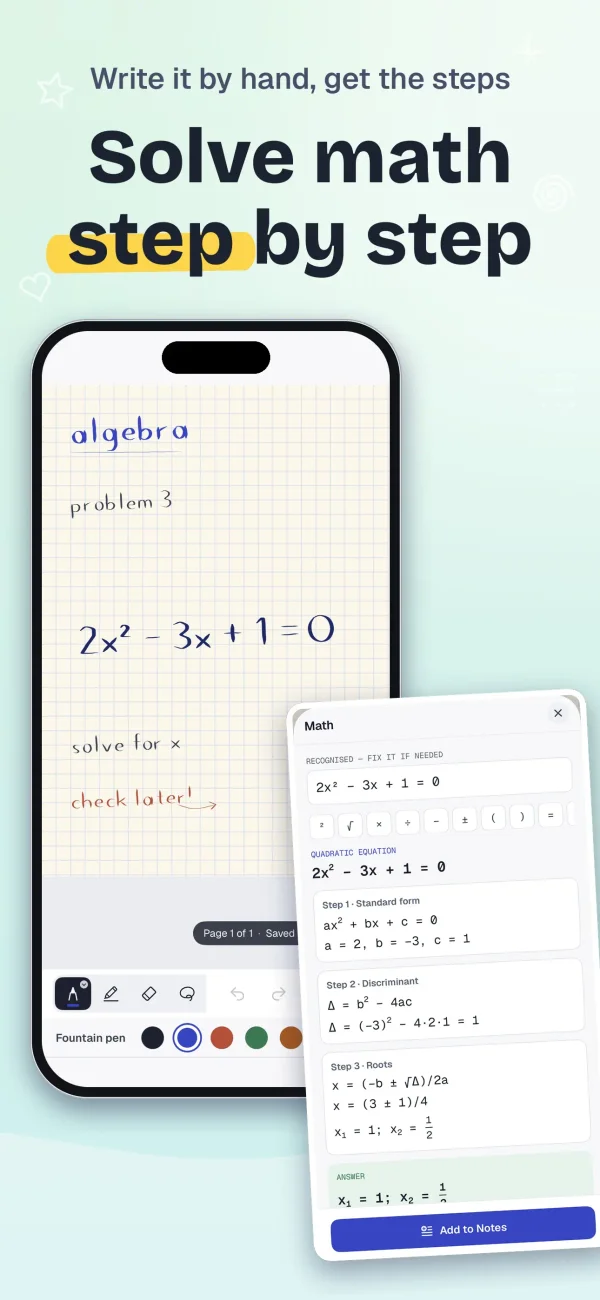
- Write an equation by hand and see the solution step by step.
- Insert shapes, 3D solids with labels, function graphs, science diagrams and maps.
- 20 chart types: bar, line, pie, scatter, histogram, box plot, Venn and more. Paste your data and edit it any time.
AUDIO NOTES
- Record while you write, then tap a line to hear what was said.
- Transcribe recordings on your device and search the words.
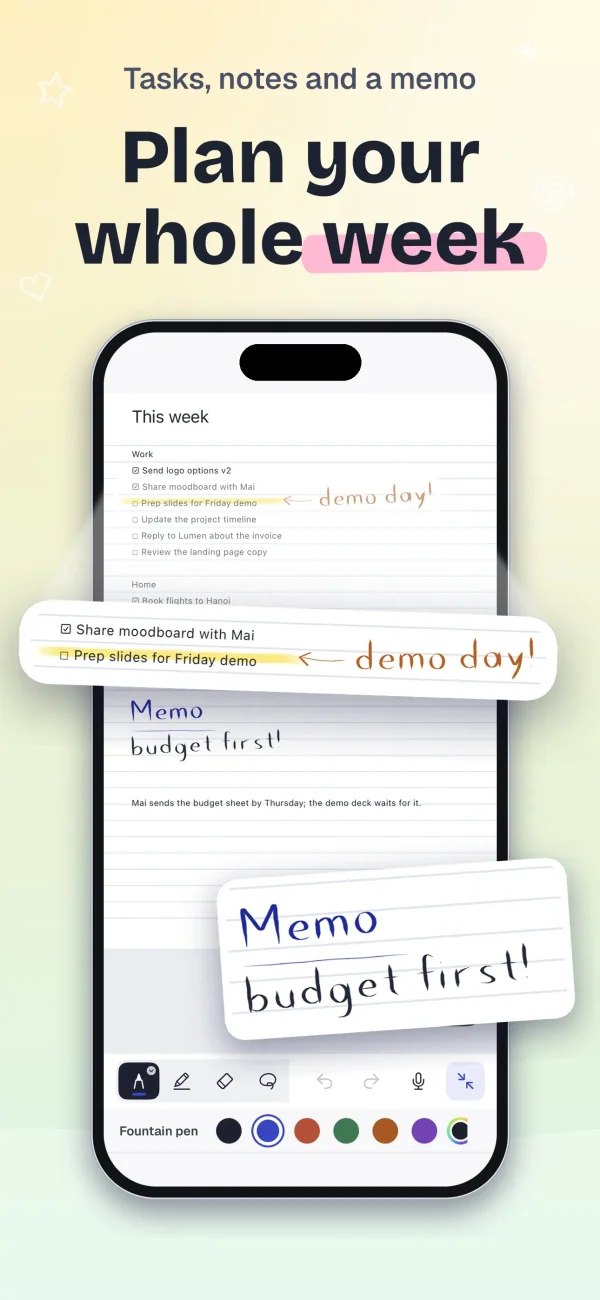
PLAN YOUR WEEK
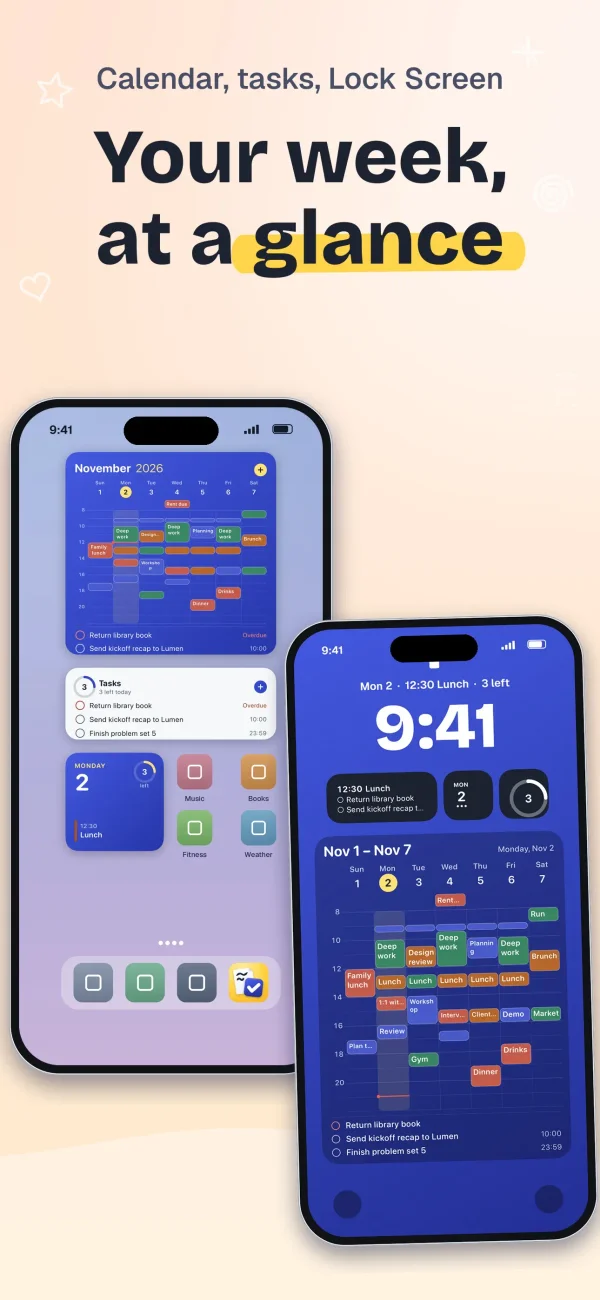
- A calendar that syncs with the Calendar app, linked to your notes.
- Tasks with dates and reminders, from any note.
- Calendar and task widgets for the Home Screen and Lock Screen.
AI ON YOUR DEVICE
- Search by meaning, find related notes, and get summaries on supported devices.
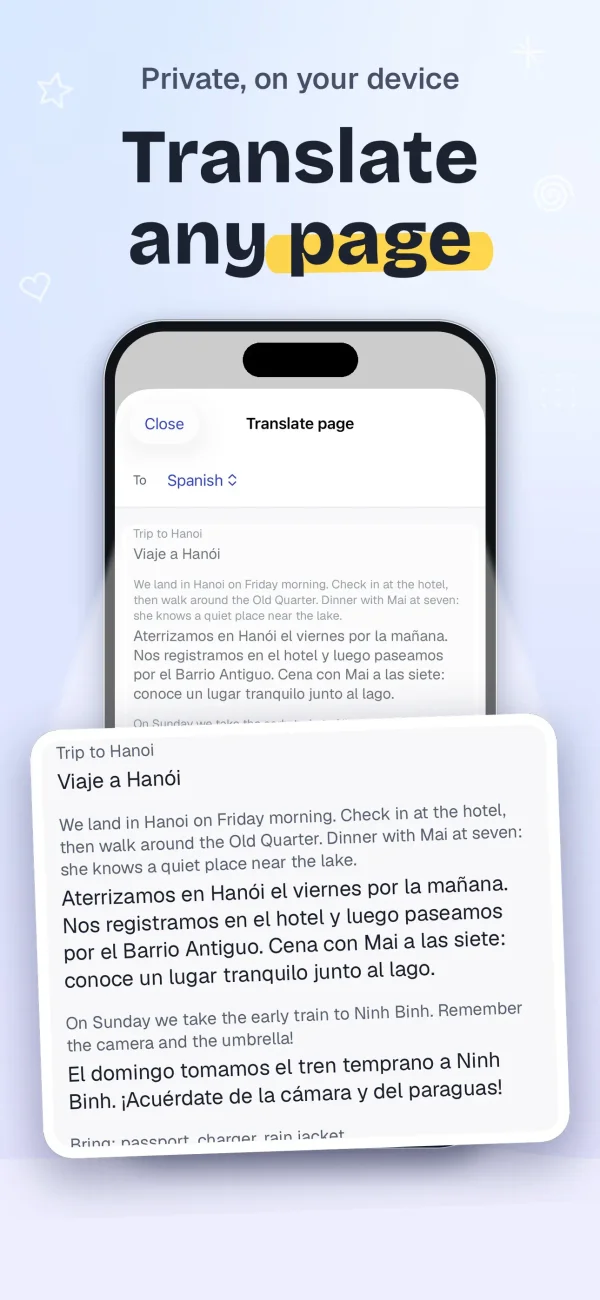
- Nothing is sent anywhere. You choose which workspaces AI may read.
PRIVATE NOTES
- Lock pages or whole workspaces with Face ID or a passcode, and hide them from search and widgets.
BUILT FOR IPAD
- Split View, Slide Over and several windows. Drag pages, pictures and files in and out.
YOUR DATA, YOUR WAY
- No account. Sync through your own iCloud, or keep notes on one device.
- Full backup as a .zip of Markdown, PDFs and pictures, free.
INKPAGE PRO
A one-time purchase, no subscription: every pen, brush, template and library item, the full study library solutions, AI summaries, audio transcription, handwriting and PDF search, export with your marks and to Office files, and more.
Terms of Use: https://doodlecub.com/terms
Privacy Policy: https://doodlecub.com/apps/inkpage/privacy
Support: https://doodlecub.com/apps/inkpage/support
What’s new
Version 2.1.0 · Nov 11, 2026
Inkpage 2.1 turns your notebook into a language classroom.
• Courses for Japanese (JLPT N5–N1), Chinese (HSK 1–6), Korean (TOPIK 1–6), English and Vietnamese, with explanations in your language.
• Three ways to study: Path (short mixed lessons, pass one to unlock the next), Cards (spaced-repetition reviews) and Exam (your exam date, a placement test, timed sections, weak-spot drills). Pick up where you left off.
• How to translate for Japanese: each sentence is split into numbered parts, with the translation in its own order and the grammar behind every part.
• Exam practice by section: two-voice dialogue listening, picture questions, grammar and reading passages, with "often on the exam" marks on words.
• Speak: words turn green as you say them, with a reading line (furigana, pinyin with tone colors, romanization, IPA), 3 tries and Learn later.
• Recording in notes now shows live text as you speak, on your device. Free for the first 5 minutes of each recording, unlimited with Pro.
• QA notes: one page per issue with arrows and text, and Quick Look preview for any file.
• Browser start page with saved pages, Study screens that open instantly, and many speed fixes.
App privacy
What Hue Hoang Thi declares on the App Store about how this app handles data.
-
Data linked to you
May be collected and linked to your identity.
- User content
- Identifiers
- Usage data
Privacy practices may vary, for example with the features you use or your age.
Information
- Seller
- Hue Hoang Thi
- Category
- Productivity
- Version
- 2.1.0
- Updated
- Nov 11, 2026
- Released
- Jul 4, 2019
- Size
- 242.3 MB
- Requires
- iOS 18.0 or later
- Age rating
- 4+
- Price
- Free
- In-app purchases
- Yes
- Languages
- English, French, German, Italian, Japanese, Korean, Portuguese, Simplified Chinese, Spanish, Traditional Chinese, Vietnamese
- Copyright
- © 2026 Doodle Cub
You might also like
-
 Inkidian for ObsidianPencil handwriting & PDF notes
-
 PaperClip - Handwrite for AITake and Send Notes to Mac
-
 SigmaNoteBuild your AI knowledge base
-
 DefterPad: Handwritten NotesNotebook, PDF Markup & Audio
-
 Dotted Mind – Calm NotebookHandwritten journal & notes
-
 NoterivMarkdown notes in plain files
-
 PaperFlow: Handwritten NotesLinks, backlinks and a graph
-
 Syntalk: AI Voice TranslatorTranslate Audio, Video & Calls
-
 InkLayerHandwriting, PDFs & Markdown
-
 FireAlarmProductivity