Bracketfuse: HDR Merge
Exposure Fusion for RAW & JPG
Designed for iPhone, iPad
Free · In-app purchases
- Age rating4+
- CategoryPhoto & Video
- DeveloperJhomar Maravillas
- LanguagesEnglish+ 5 more
- Size2.1 MB
Links to the official App Store page
Download.org hosts no file of Bracketfuse: HDR Merge. The button opens its official App Store page, published by Jhomar Maravillas. Listing last checked on Nov 16, 2026.
Screenshots

About
Merge bracketed exposures into one natural-looking photo — with detail in both the bright window and the dark corner.
Pick 3, 5 or 7 photos of the same scene shot at different exposures (camera RAW, DNG, JPEG, HEIC or TIFF). Bracketfuse finds the brackets for you, lines the frames up and blends the best-exposed parts of each one into a single image. Everything happens on your device.
• AUTO-GROUPING — select a whole shoot at once. Brackets are grouped from each photo's exposure data and capture time, and back-to-back sets are split where the exposures repeat. Tick or untick frames to fix a set.
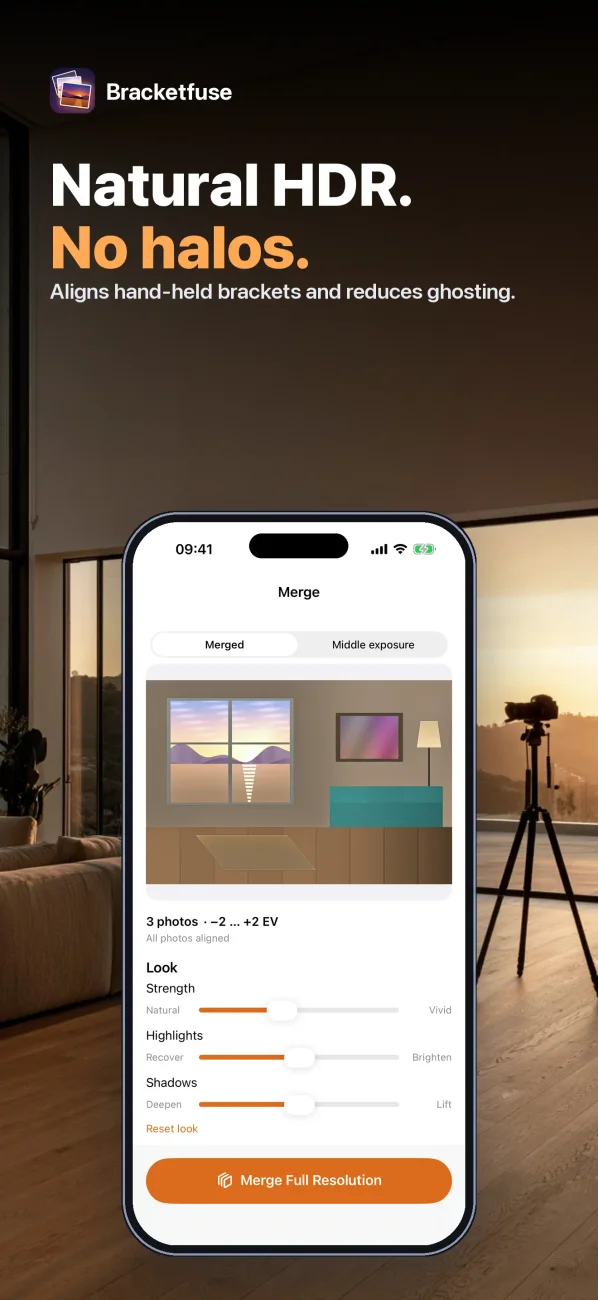
• HAND-HELD ALIGNMENT — frames are registered to the middle exposure before merging, so hand-held brackets stay sharp.
• EXPOSURE FUSION — a multi-scale blend that takes contrast, colour and good exposure from every frame. Natural by default, with no halo-heavy "HDR look".
• REDUCE GHOSTING — people, leaves or water that moved between shots come from one frame instead of appearing see-through.
• LOOK — Natural ↔ Vivid strength, Highlights and Shadows sliders, and white balance matched to the middle exposure.
• CAMERA RAW — raw files are developed with identical neutral settings, so only the exposure differs between frames.
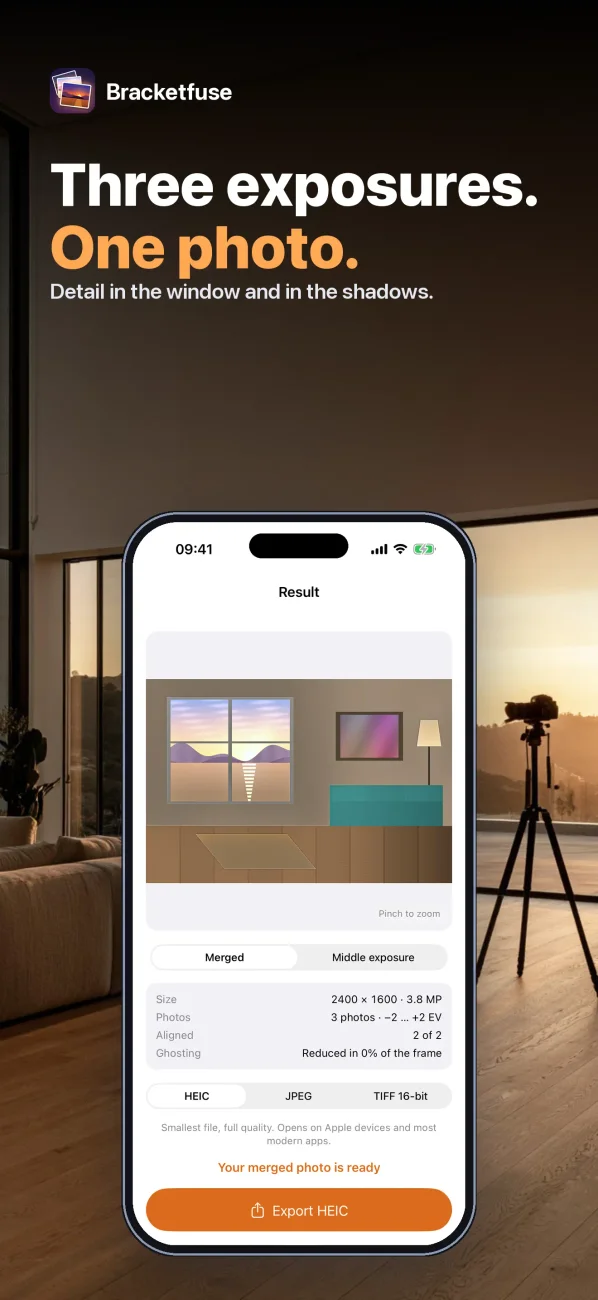
• SEE IT FIRST — the full merged preview with every option, plus a compare view against the middle exposure.
• EXPORT — HEIC, JPEG or 16-bit TIFF at full resolution, keeping the reference frame's EXIF (camera, lens, date, location).
Bracketfuse merges brackets you have already shot, with your camera's auto-exposure bracketing (AEB) or a bracketing camera app — it doesn't take photos. On devices with less memory, very large files are saved at the largest size the device can handle, and the result screen tells you when that happens.
Merging and the full preview are included; a one-time purchase unlocks exporting the full-resolution photo.
Questions: overlapmarr@gmail.com
App privacy
What Jhomar Maravillas declares on the App Store about how this app handles data.
-
Data not collected
The developer does not collect any data from this app.
Privacy practices may vary, for example with the features you use or your age.
Information
- Seller
- Jhomar Maravillas
- Category
- Photo & Video
- Version
- 1.0
- Updated
- Oct 2, 2026
- Released
- Oct 2, 2026
- Size
- 2.1 MB
- Requires
- iOS 17.0 or later
- Age rating
- 4+
- Price
- Free
- In-app purchases
- Yes
- Languages
- English, French, German, Japanese, Portuguese, Spanish
- Copyright
- © 2026 Bracketfuse
You might also like
-
 HDR Merge ProMerge RAW brackets to HDR DNG
-
 BracketMergeHDR merging, out in the field
-
 MergeHDRPhoto & Video
-
 SolarigraphEvery sun path, over your view
-
 RawStudio: Raw Photo EditorSee what you're clipping
-
 challenge.cameraPhotography challenges
-
 Maple: Raw Photo EditorProfessional RAW photo editor
-
 LapseArc: 8K Stable Timelapse8K Time Lapse Camera, RAW Edit
-
 Mergius: HDR Photo & Tone mapHDR, tone mapp, photo adjust
-
 Photon EnhanceThe Ultimate Photo Editor