
BrainDots Kolam studio
Advanced illustrator Kolam
Designed for iPhone, iPad, iPod touch
Free · In-app purchases
- Age rating4+
- CategoryGraphics & Design
- DeveloperSumitradevi Rajamanikandan
- LanguagesEnglish
- Size58.5 MB
Links to the official App Store page
Download.org hosts no file of BrainDots Kolam studio. The button opens its official App Store page, published by Sumitradevi Rajamanikandan. Listing last checked on Nov 23, 2026.
Screenshots

About
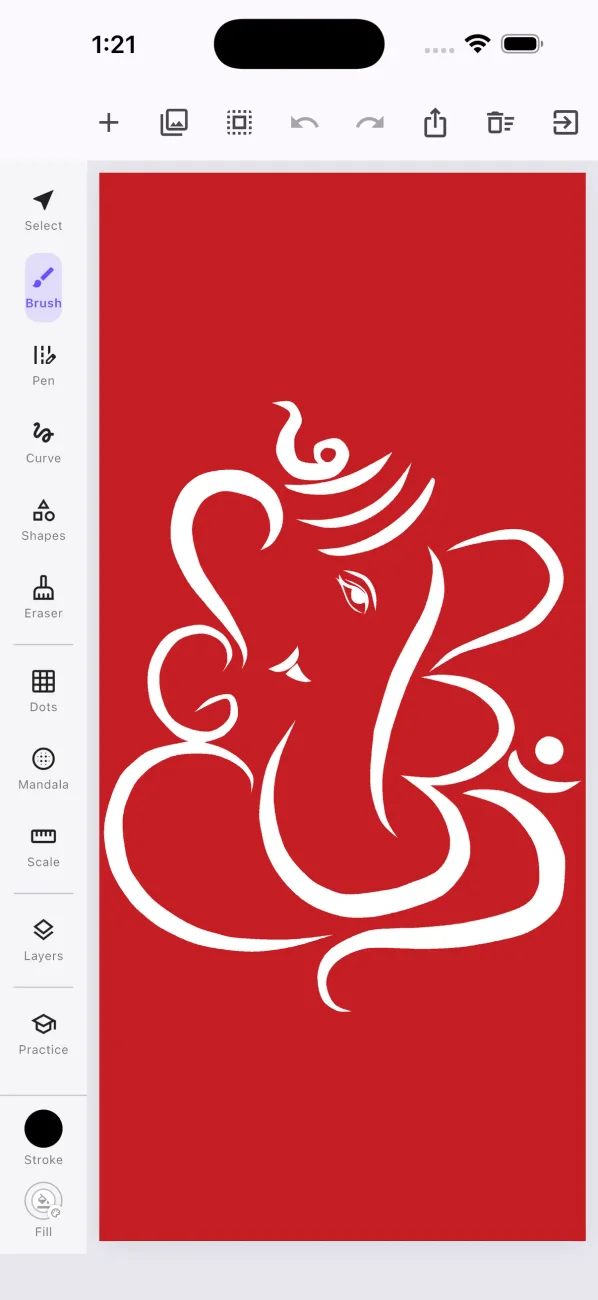
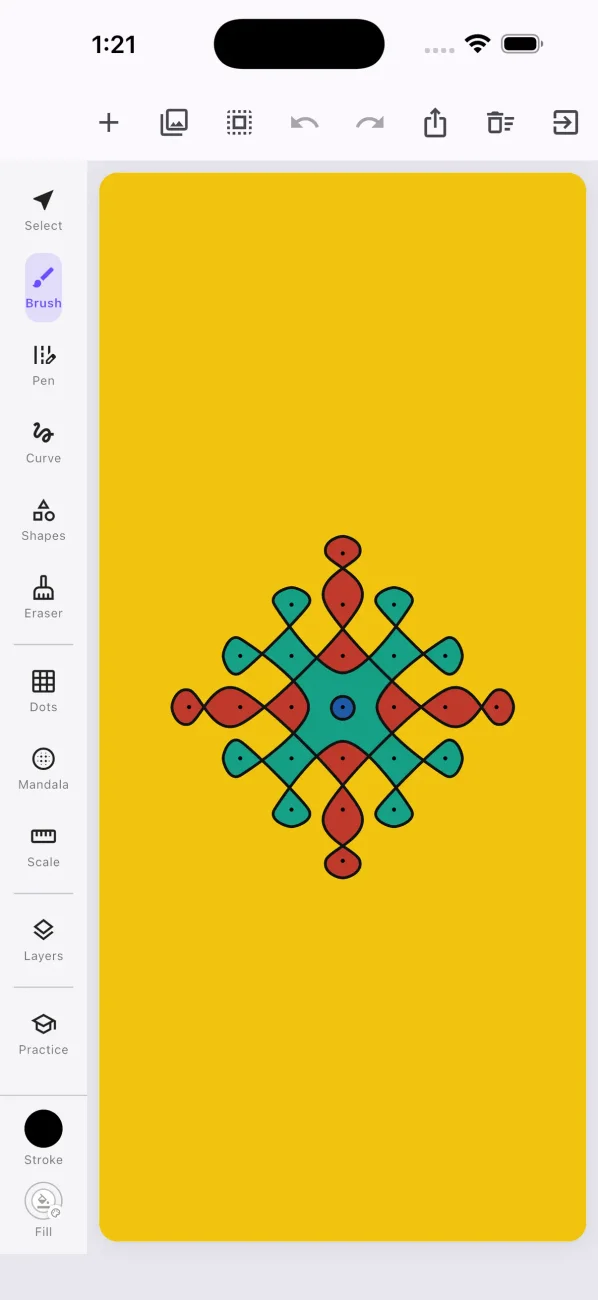
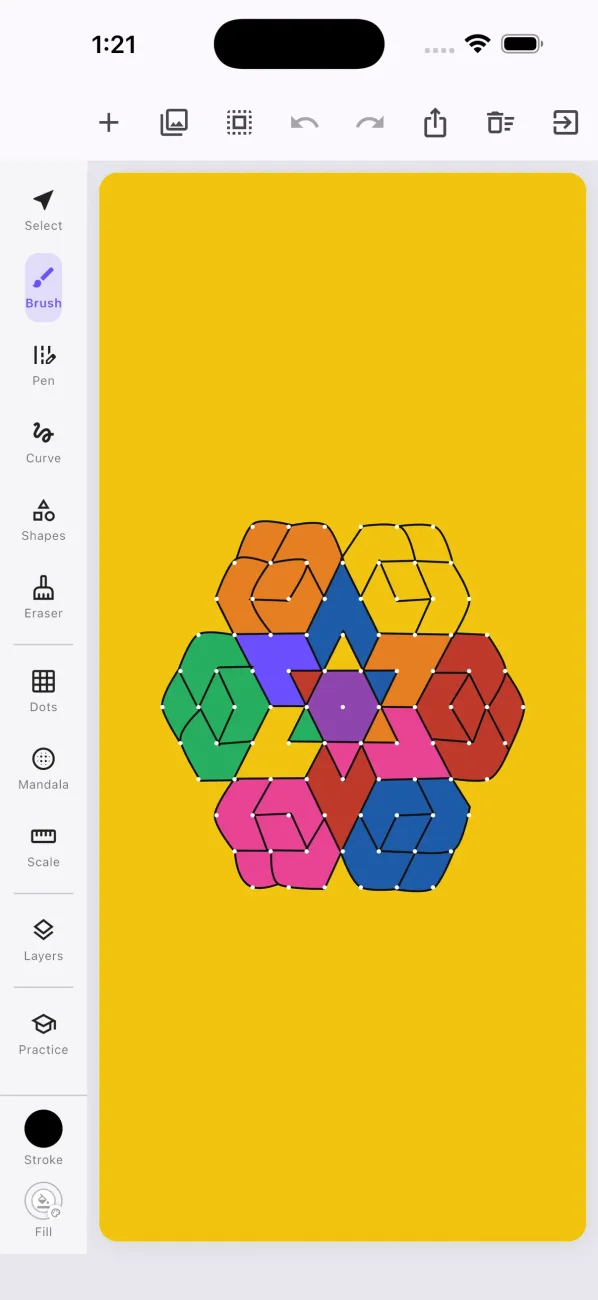
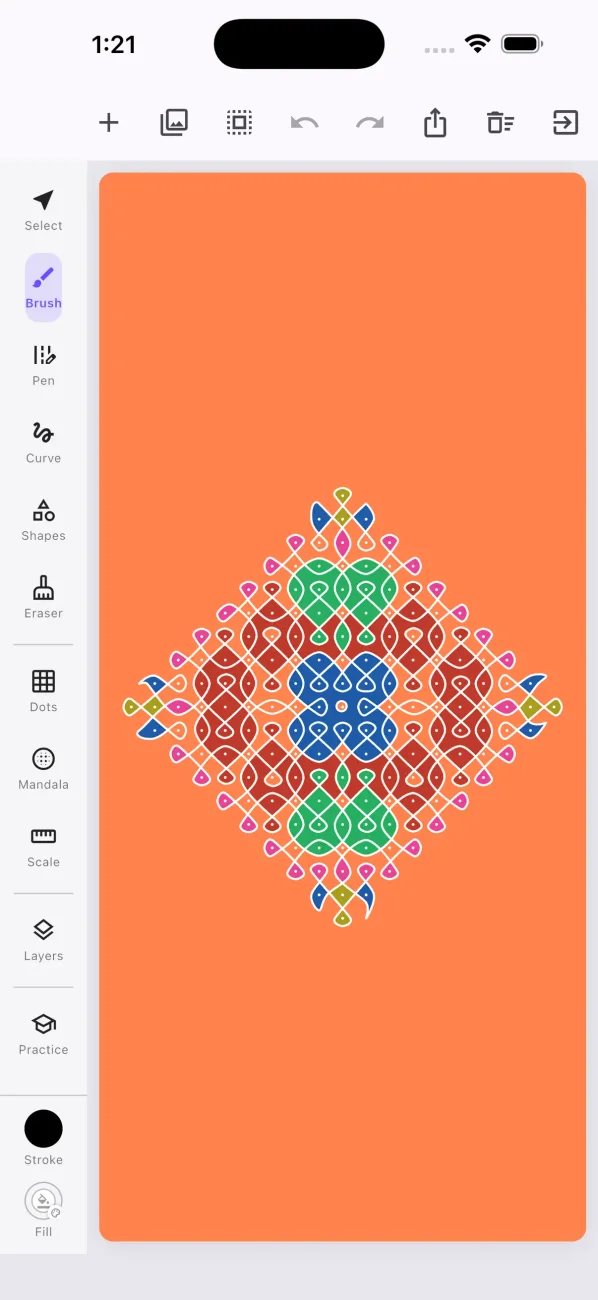
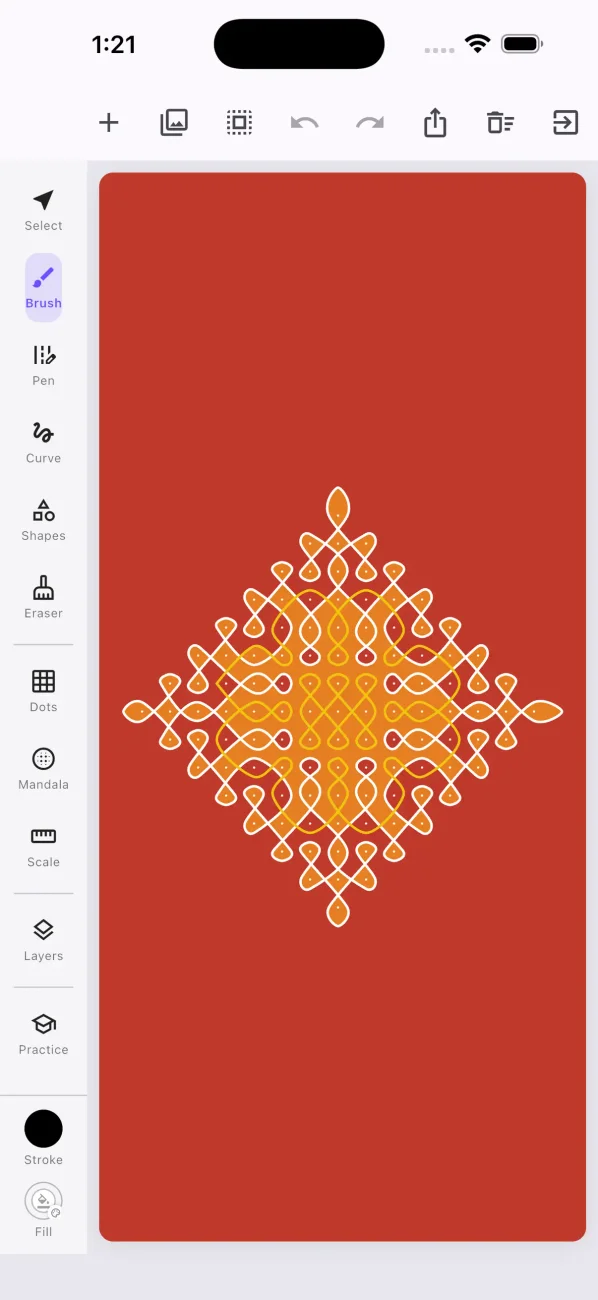
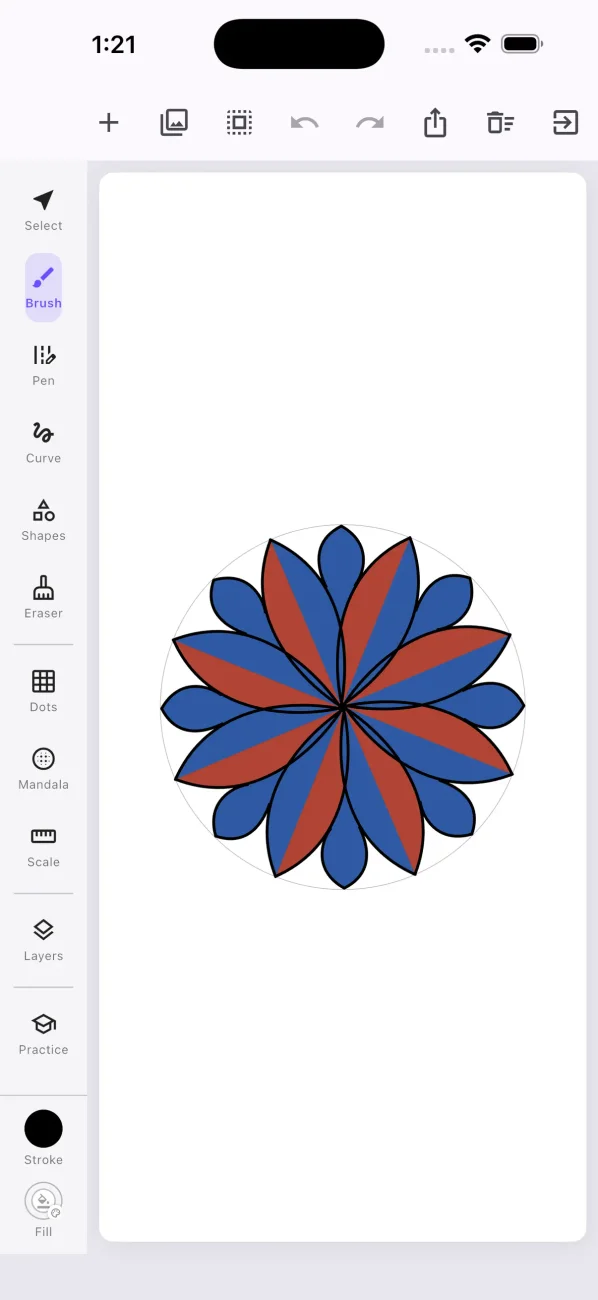
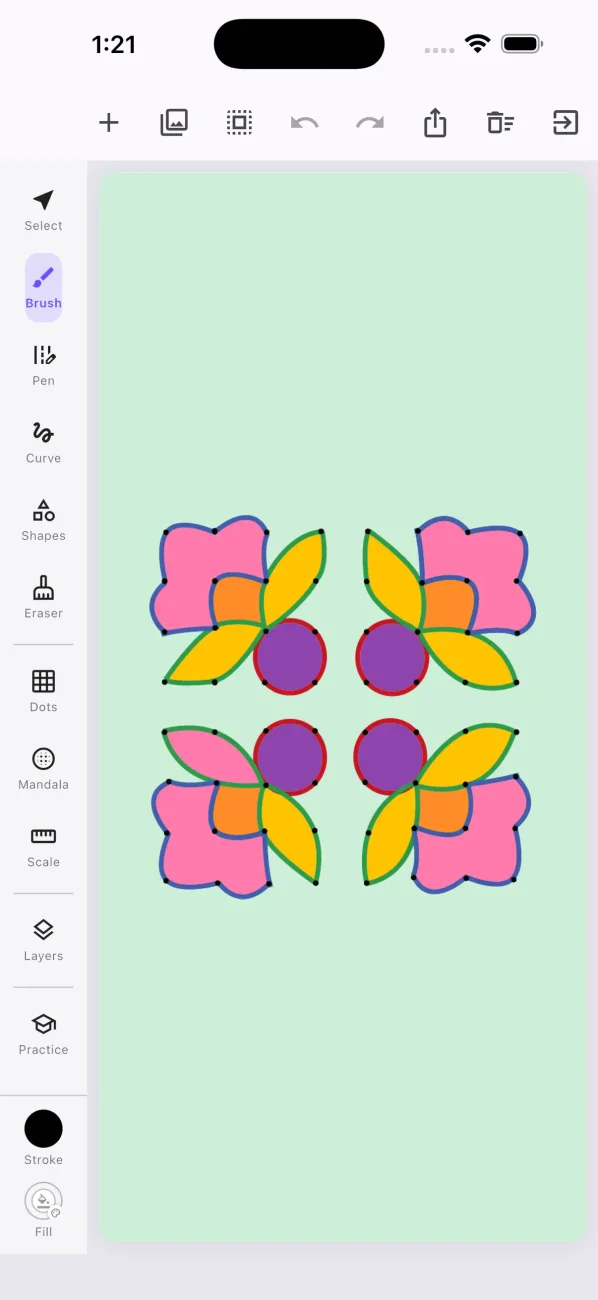
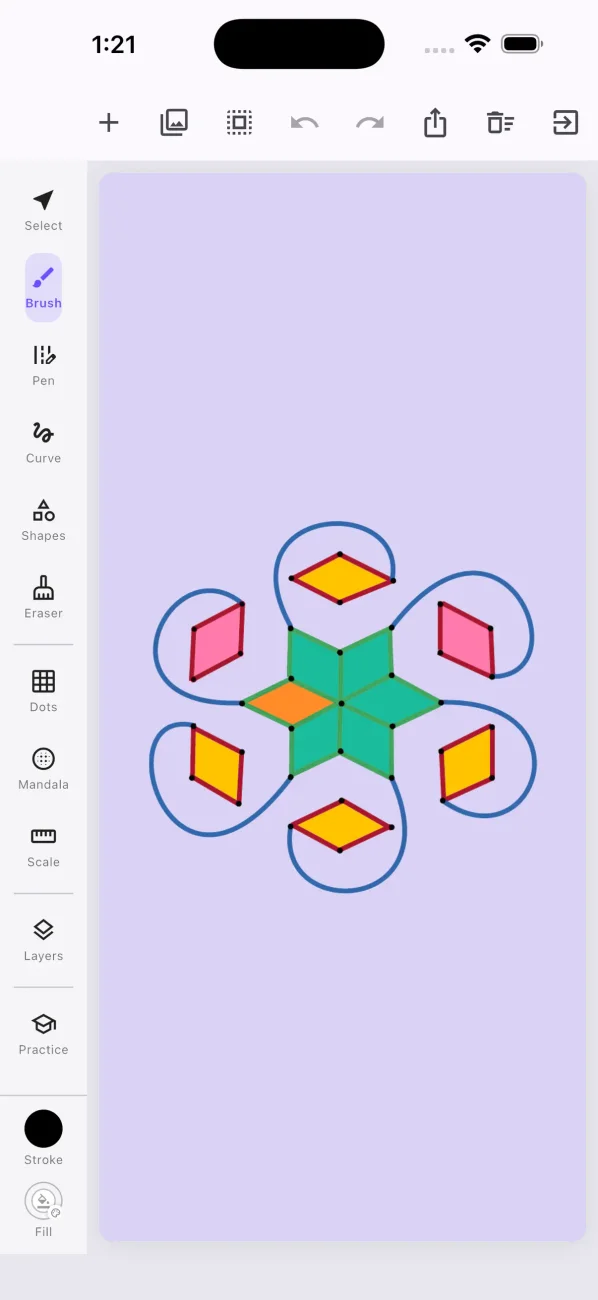
Braindots Advanced Illustrator is a drawing studio built for kolam, rangoli and mandala art. Place a dot grid, draw with smooth curves, and build perfectly symmetric patterns on your iPhone or iPad.
DOT GRIDS, THE KOLAM WAY
• Square, diagonal, interlaced and ruled dot grids, from 3×3 up
• Start with a clean canvas and add the grid only when you want it
• Guides for scale and spacing, with snapping while you edit
DRAW YOUR WAY
• Brush, Pen and smooth Curve tools, with independent width control
• Edit points: move anchors, pull handles, curve or sharpen corners
• Expand the width at any point of a stroke, like an illustrator's width tool
• Shapes, layers, colors, fills and outlines that always stay visible
MANDALA AND SYMMETRY
• Radial mandala guides with up to 24 segments and multiple rings
• Live mirror: every stroke repeats around the circle as you draw
PRACTICE MODE
• Trace ready-made kolam designs over their dot grids
• 3×3, 4×4 and 5×5 collections, with new designs added online
• Save your progress and come back to it
EXPORT AND SHARE
• Save as SVG, PNG or JPG
• Export a video that replays your drawing stroke by stroke
• Save any drawing as an editable design and keep a gallery on your device
PRIVACY
• No account or sign-in required
• No ads and no tracking
• Your drawings stay on your device
FREE TRIAL AND SUBSCRIPTION
Use the app free for 30 days. After the trial, an optional monthly subscription (Braindots Advanced Illustrator Monthly) unlocks Practice, Pen, Curve, colors and export. Payment is charged to your Apple Account at confirmation of purchase. The subscription renews automatically each month unless it is cancelled at least 24 hours before the end of the current period. You can manage or cancel it any time in Settings > Apple Account > Subscriptions.
Privacy Policy: https://braindots.in/kolam-studio-privacy
Terms of Use: https://www.apple.com/legal/internet-services/itunes/dev/stdeula/
What’s new
Version 1.0.3 · Nov 17, 2026
7-day free trial. Smarter Fill: colours shapes even when lines don't quite meet, and thin areas like lips fill in one tap. Smoother moving and editing of lines. White added to the colours.
App privacy
What Sumitradevi Rajamanikandan declares on the App Store about how this app handles data.
-
Data not collected
The developer does not collect any data from this app.
Privacy practices may vary, for example with the features you use or your age.
Information
- Seller
- Sumitradevi Rajamanikandan
- Category
- Graphics & Design
- Version
- 1.0.3
- Updated
- Nov 17, 2026
- Released
- Oct 8, 2026
- Size
- 58.5 MB
- Requires
- iOS 15.0 or later
- Age rating
- 4+
- Price
- Free
- In-app purchases
- Yes
- Languages
- English
- Copyright
- © 2026 BrainDOTS
You might also like
-
 Mandala MeCreate Beautiful Mandalas
-
 Iso EasyGraphics & Design
-
 PickalatorCreate, edit and share assets
-
 XPaint SimpleSimple drawing & notes
-
 GeoMaker Pattern StudioEndless art, shaped by touch
-
 Pixel WorksGraphics & Design
-
 Brushcraft: Draw & PaintSketch, layers, pro brushes
-
 Kaleidoscope - DrawingScribble into a mandala
-
 EtchDrawDraw with Dials-Retro Drawing