- Age rating4+
- CategoryGraphics & Design
- DeveloperKieran Brown
- LanguagesEnglish
- Size23.5 MB
Links to the official App Store page
Download.org hosts no file of Pickalator. The button opens its official App Store page, published by Kieran Brown. Listing last checked on Nov 12, 2026.
Screenshots

About
Create, edit, and share design assets with unmatched precision.
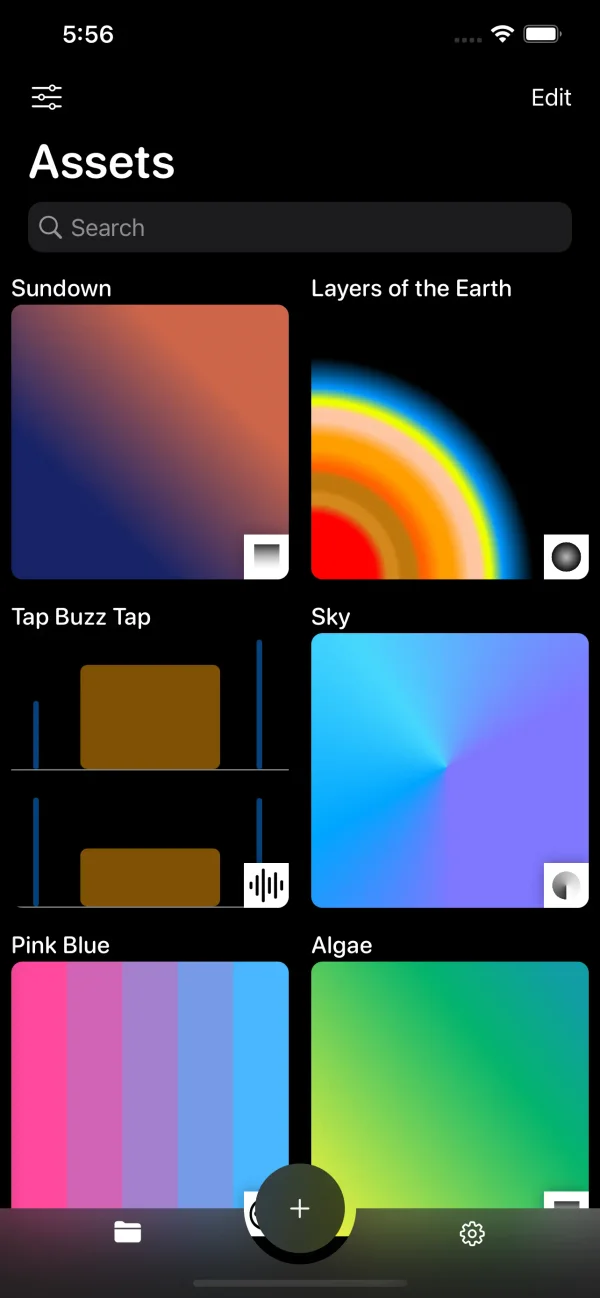
Powerful, tactile, and completely free, Pickalator empowers designers, digital artists, and iOS developers with professional-grade creation tools. Whether you’re crafting multi-stop gradients for your next app, calibrating harmonious color palettes, or synthesizing custom vibration waveforms with Apple’s Taptic Engine, Pickalator gives you complete creative control.
Zero ads. Zero subscriptions. 100% private. All your creation tools, ready when inspiration strikes.
6 CORE ASSET PRIMITIVES IN ONE STUDIO
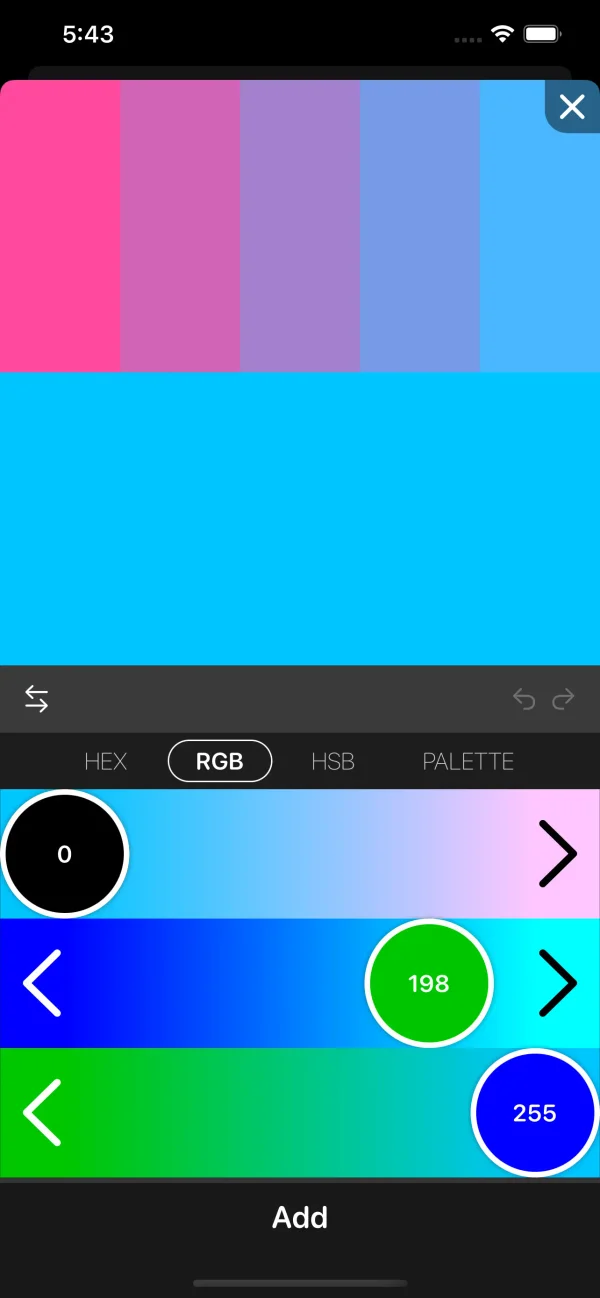
• Pure Calibrated Colors: Sample and dial in exact colors using Hex input, RGB sliders, and HSB coordinates with sub-pixel gamut accuracy.
• Harmonic Color Palettes: Build cohesive swatch sets with mathematical color theory and contrast validation.
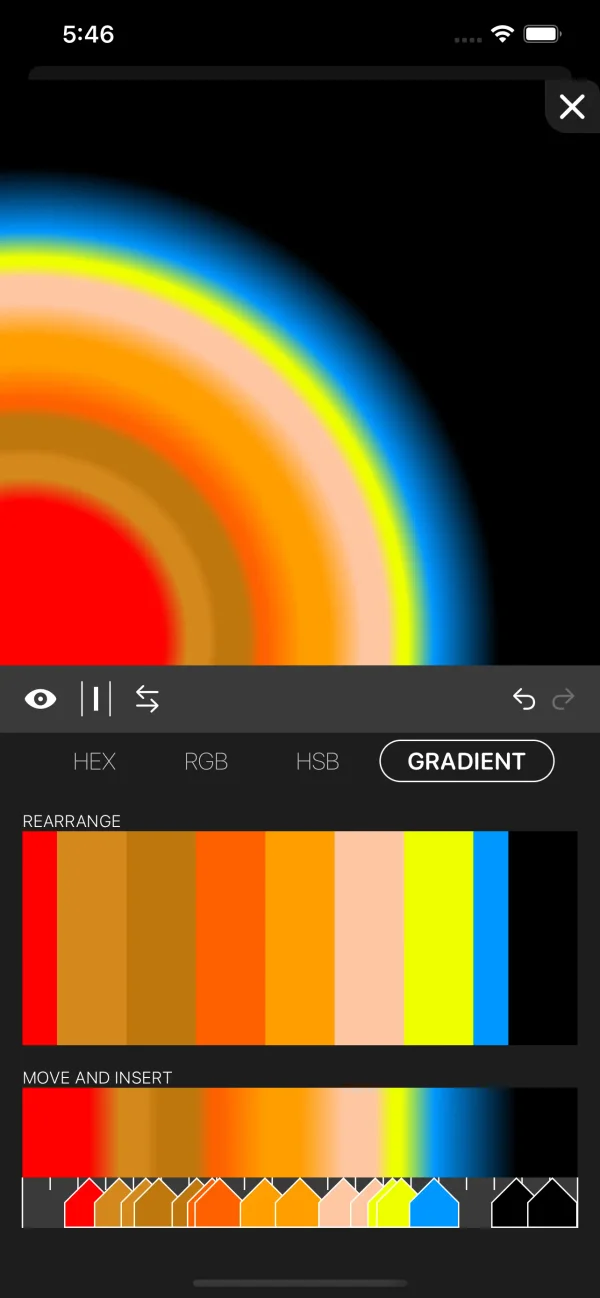
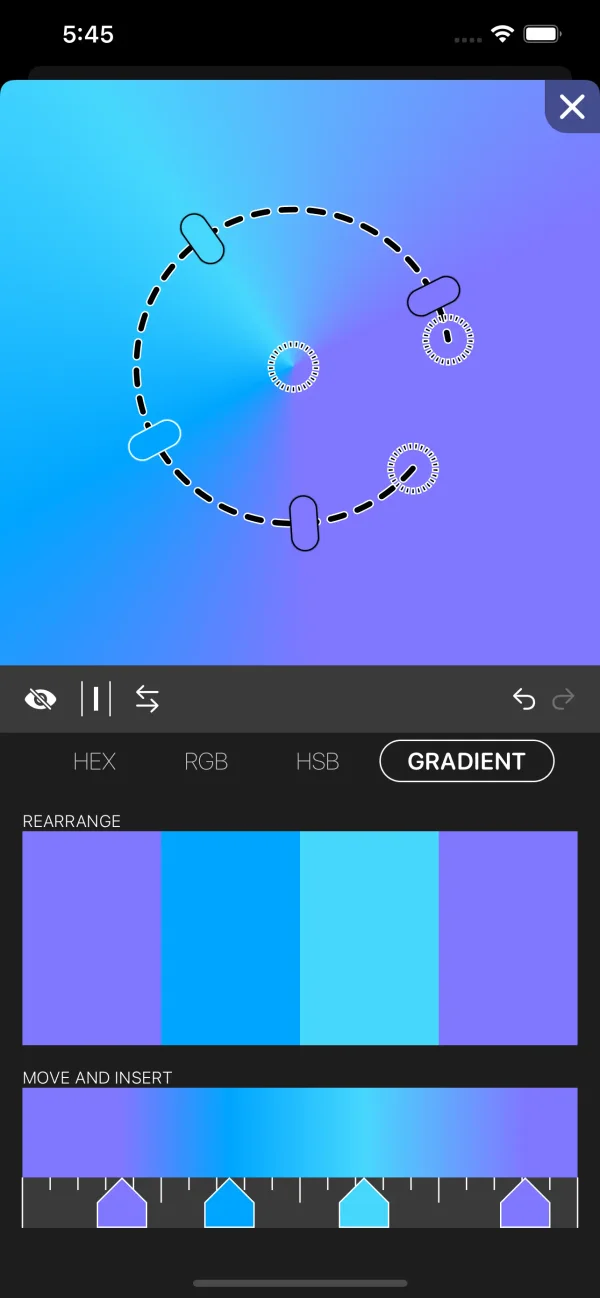
• Linear Gradients: Effortlessly drag multi-pin angle vectors, position stops, and calibrate mid-point tension.
• Radial Gradients: Adjust focal point displacement, elliptic stretch, and dynamic depth fields.
• Angular & Conic Sweeps: 360-degree color sweeps ideal for dials, activity rings, radar visuals, and gauge interfaces.
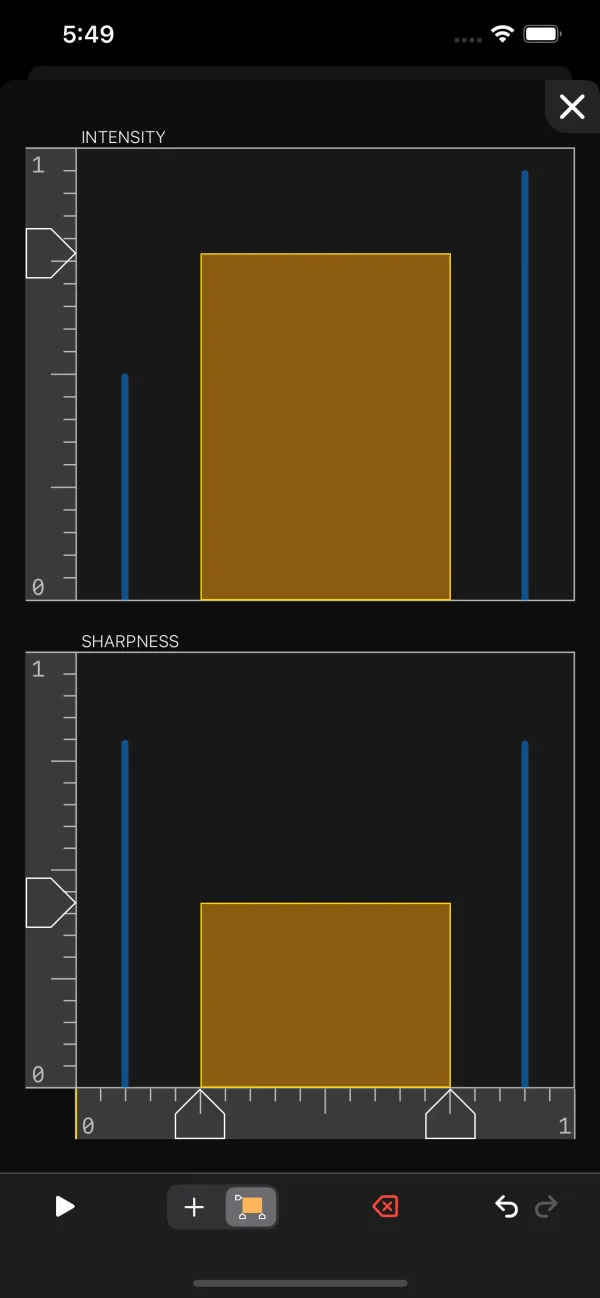
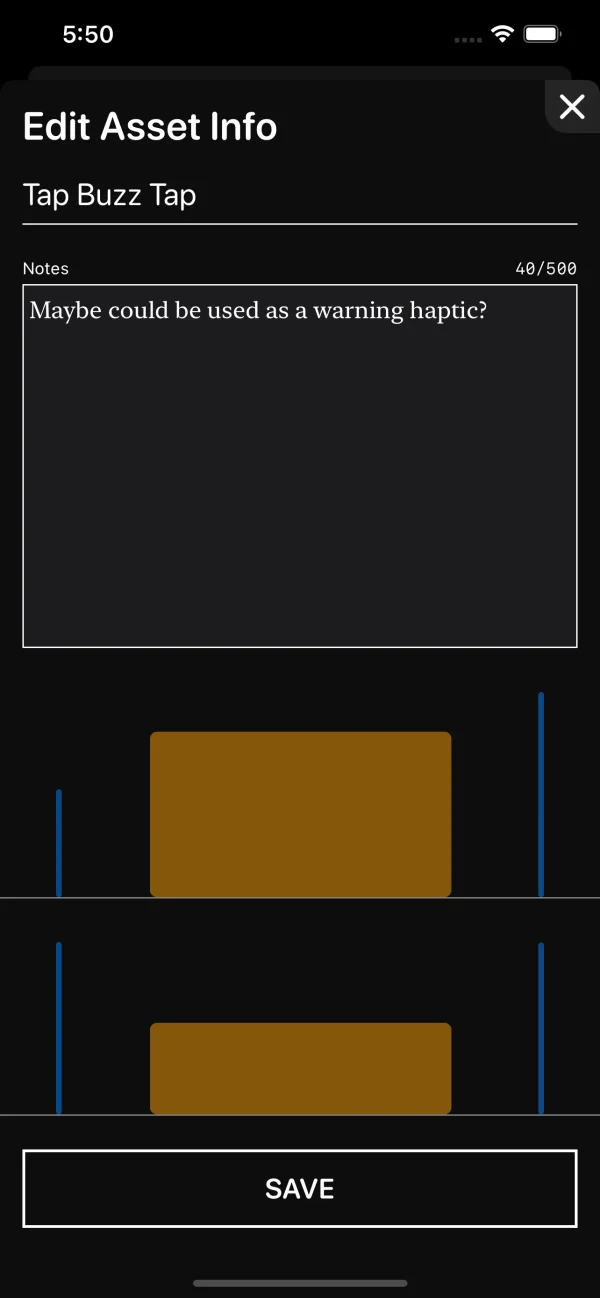
• Tactile Haptic Patterns: Visually compose custom haptic rhythms, transient clicks, and buzz waveforms directly mapped to device motors.
BUILT FOR DESIGNERS & DEVELOPERS
• Generate from Existing: Instantly create algorithmic variations—shift hue intervals, randomize palettes, and discover unexpected harmonies with a single tap.
• Universal Multi-Format Export: Export clean code and assets ready for production: SwiftUI LinearGradient structs, CSS3, SVG gradients, JSON color dictionaries, and Adobe Swatch Exchange (.ase).
• iCloud Sync Across All Devices: Seamlessly transition between iPhone, iPad, and Mac with automatic cloud backup and instant library synchronization.
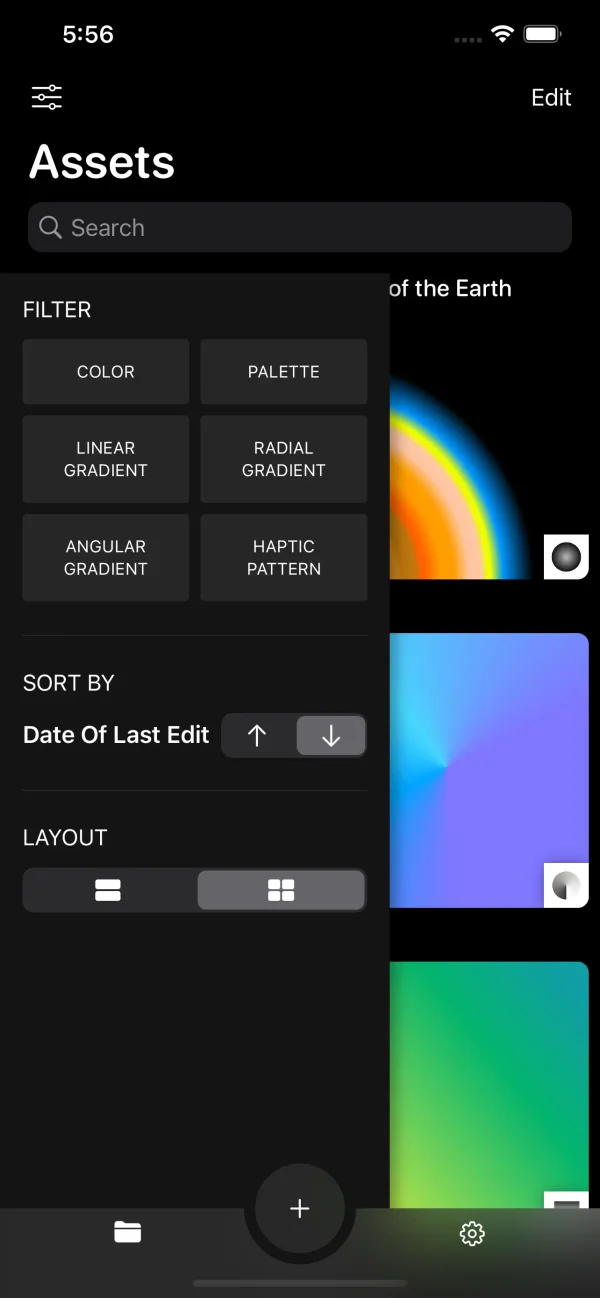
• Deep Search, Notes & Sorting: Attach design rationale notes to any token, sort by last edit, and filter by asset primitive.
PRIVACY BY DESIGN: ZERO DATA COLLECTED
Pickalator respects your privacy.
• No analytics or third-party trackers
• No telemetry or account required
• 100% of your color processing and haptic synthesis runs on-device
COMPREHENSIVE IN-APP SUPPORT
Need assistance or have an idea?
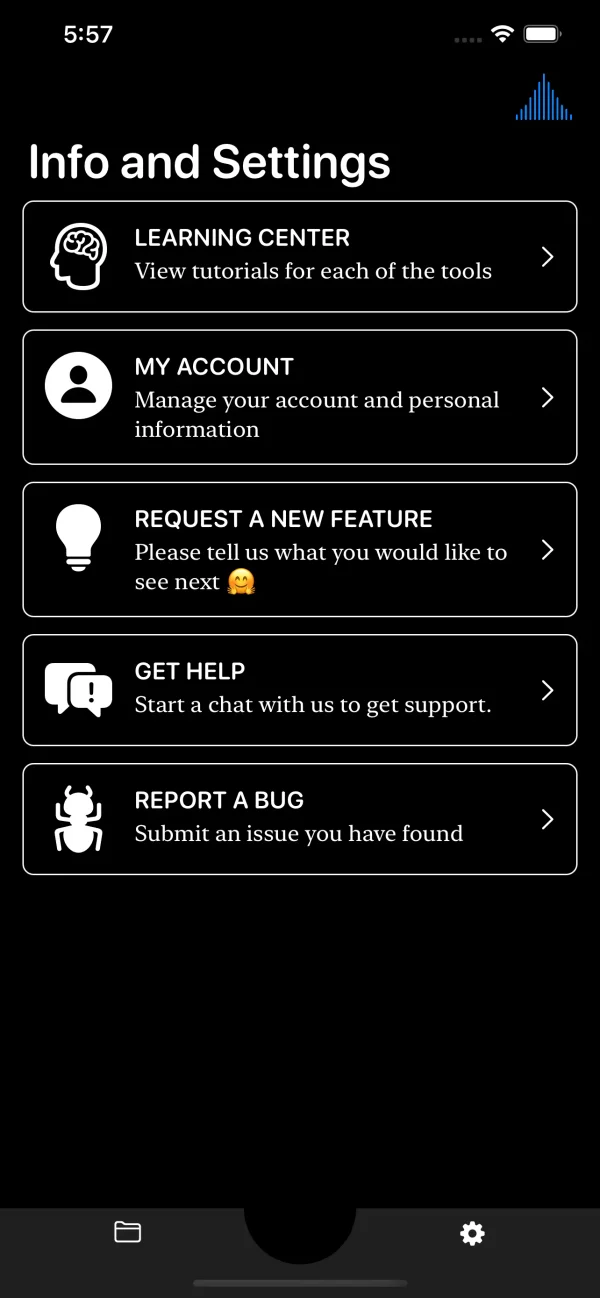
• Built-in interactive Learning Center with guided tool tutorials
• Direct in-app Support Chat
• One-tap Bug Reporting Form
• Feature Request Submission
What’s new
Version 2.1 · Nov 4, 2026
bug fixes
App privacy
What Kieran Brown declares on the App Store about how this app handles data.
-
Data not collected
The developer does not collect any data from this app.
Privacy practices may vary, for example with the features you use or your age.
Information
- Seller
- Kieran Brown
- Category
- Graphics & Design
- Version
- 2.1
- Updated
- Nov 4, 2026
- Released
- Jun 1, 2022
- Size
- 23.5 MB
- Requires
- iOS 18.0 or later
- Age rating
- 4+
- Price
- Free
- Languages
- English
- Copyright
- © Kieran Brown
You might also like
-
 Farbe - Palette collectionGraphics & Design
-
 KaleidronGraphics & Design
-
 PalleteEaseGraphics & Design
-
 Pattern Wallpaper MobileGraphics & Design
-
 SpinDoodlyEndless spin art creations
-
 Gradiator - AI Mesh GradientStunning gradients in seconds
-
 Paletter - Color Palettes FastGraphics & Design
-
 Orsym: Mandala KaleidoscopeZen Art & Symmetry Patterns
-
 My Color Palette with PhotosExtract colors from photos
-
 Black N BlueIs it black or is it blue?