
BrainFlow: AI Voice Notes
Brain dump into a to-do list
Designed for iPhone
Free · In-app purchases
- Age rating4+
- CategoryProductivity
- DeveloperTristan Manchester
- LanguagesEnglish
- Size90.6 MB
Links to the official App Store page
Download.org hosts no file of BrainFlow: AI Voice Notes. The button opens its official App Store page, published by Tristan Manchester. Listing last checked on Nov 23, 2026.
Screenshots



About
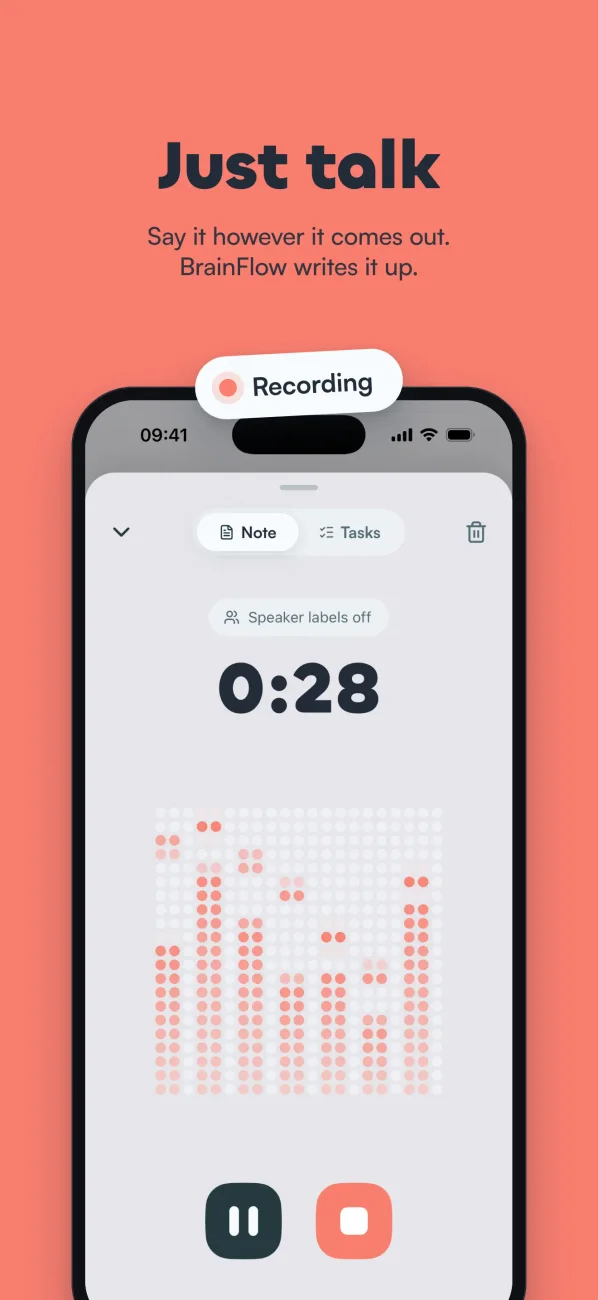
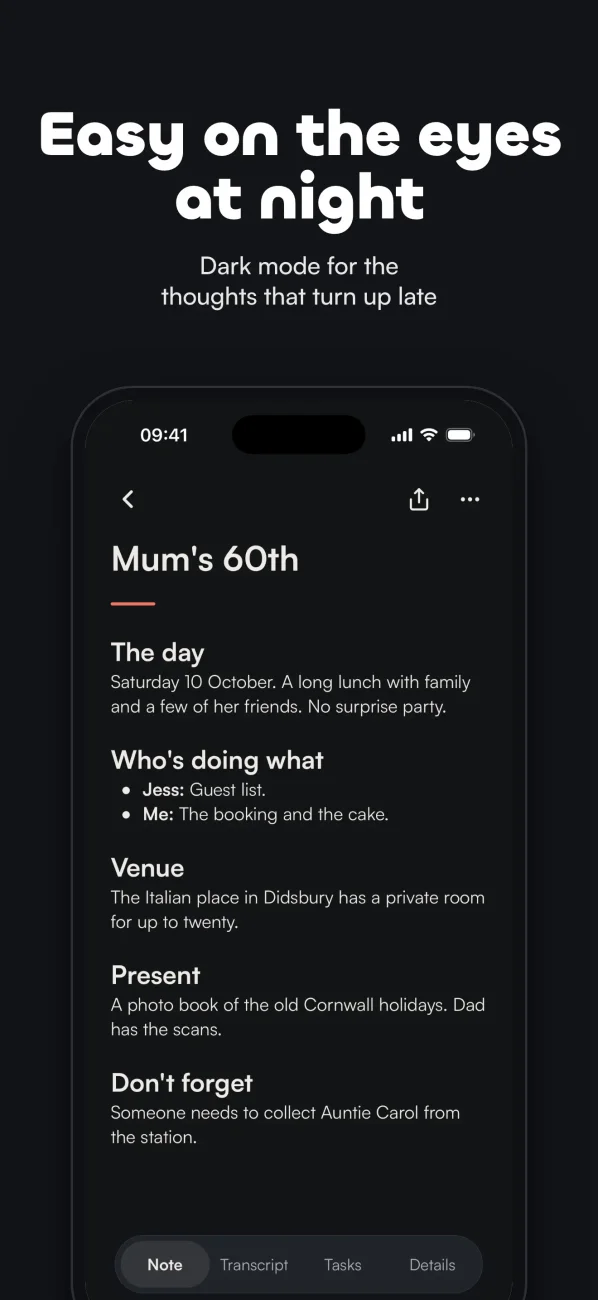
Tap record and say what's on your mind. BrainFlow writes it up as a proper note, with headings, the details you mentioned and a list of the things you said you'd do.
It's made for the thoughts that turn up at awkward moments, like halfway through a walk or on the drive home from a meeting. Talk however it comes out. You don't have to sort anything.
What you get back
• A written note with a title and headings
• Tasks pulled out of what you said, ready to check off
• The full transcript with timestamps, and the recording to play back
• Speaker labels for meetings and interviews, so you can see who said what
Your to-do list
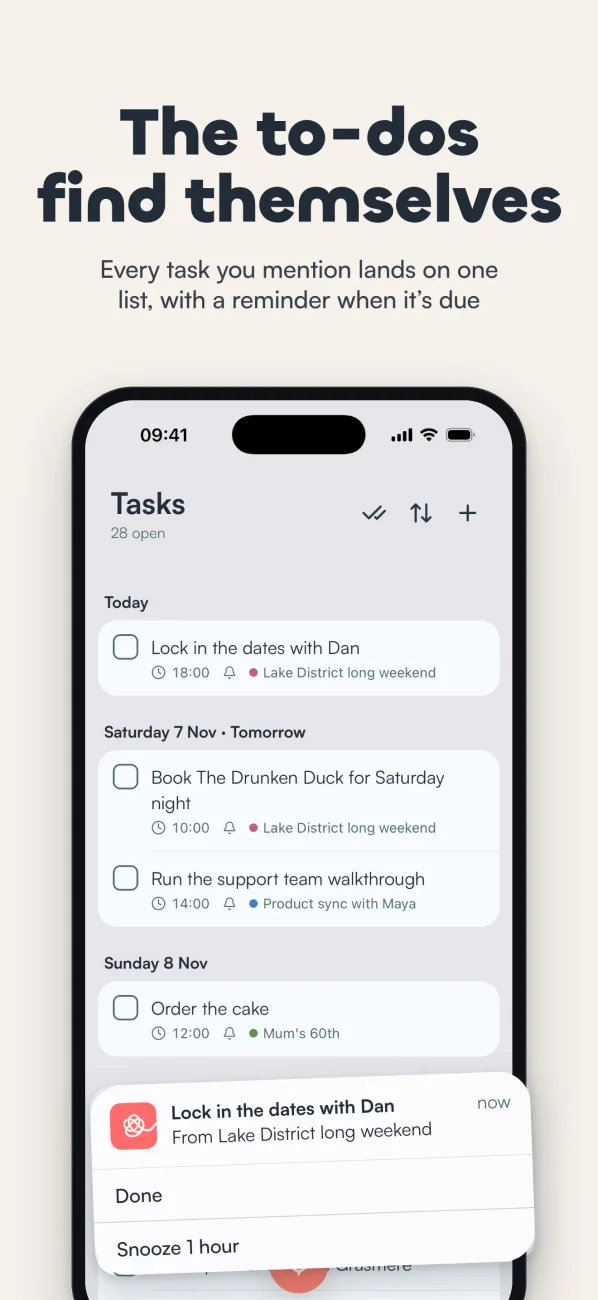
Every task you mention lands on the Tasks page, sorted by day when it has a date. Say "by Friday" and the task gets that date. Give a task a time and BrainFlow reminds you, with Done and Snooze right on the notification. Hold the record button to say a few tasks straight onto the list.
Finding it again
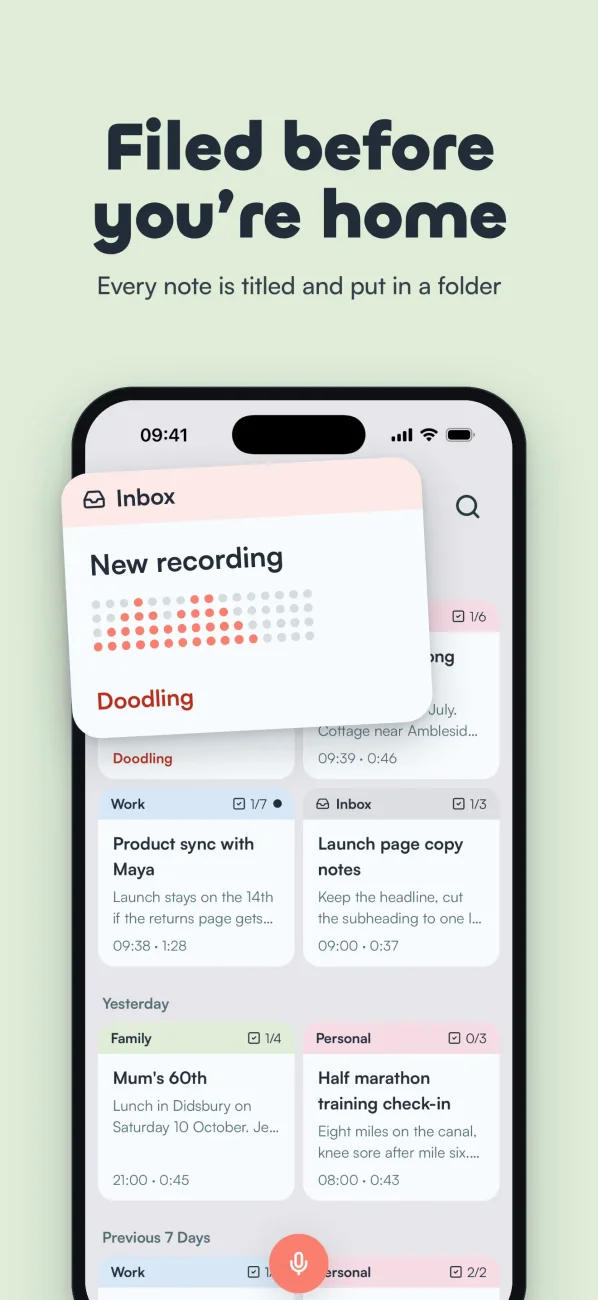
Each note is titled, filed into a folder and tagged while it's written. Search looks for what you meant as well as the words themselves, so "school vacation" finds your spring break plans.
Adding to a note
Record more into an existing note, or share a voice memo from Voice Memos, WhatsApp or any other app straight into BrainFlow. It rewrites the note from everything you've said.
Sending it on
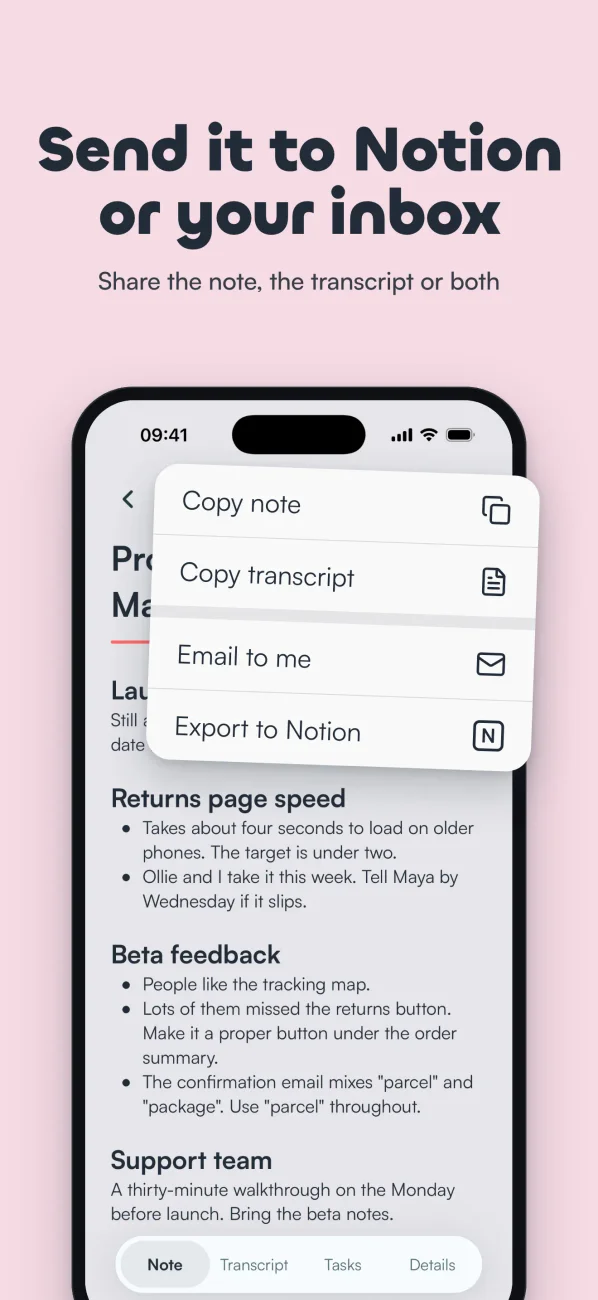
Send a note or its transcript to Notion, email it to yourself, or share it anywhere with the share sheet.
Your notes stay yours
Recordings and notes are encrypted in transit and at rest, and there are no ads. You can start without an account and add Apple or Google sign-in later to open your notes on another phone. Deleted notes wait in Recently Deleted for 30 days.
Pricing
BrainFlow is free for 3 notes a month. BrainFlow Plus removes the limit and adds Note Context, About you and custom vocabulary. Turn on Note Context to bring context from your other notes into a new note, with links to the notes it used.
Privacy policy: https://brainflow.tech/privacy
Terms of use (EULA): https://www.apple.com/legal/internet-services/itunes/dev/stdeula/
What’s new
Version 2.6.1 · Nov 22, 2026
• Typing and deleting in task, folder, tag and summary rewrite sheets now updates cleanly in place.
• Closing the Add Task sheet keeps your unfinished draft until you add it.
• Reopening a date or tag sheet right after canceling starts fresh instead of showing your earlier picks.
App privacy
What Tristan Manchester declares on the App Store about how this app handles data.
-
Data linked to you
May be collected and linked to your identity.
- Purchases
- Location
- Contact info
- User content
- Identifiers
- Usage data
- Diagnostics
Privacy practices may vary, for example with the features you use or your age.
Information
- Seller
- Tristan Manchester
- Category
- Productivity
- Version
- 2.6.1
- Updated
- Nov 22, 2026
- Released
- Sep 29, 2025
- Size
- 90.6 MB
- Requires
- iOS 17.0 or later
- Age rating
- 4+
- Price
- Free
- In-app purchases
- Yes
- Languages
- English
- Copyright
- © Tristan Manchester
You might also like
-
 Mem – Your Personal AI AgentRemembers, Plans & Follows Up
-
 Google AI Edge EloquentUnlimited, no cost dictation
-
 OpenClawPersonal AI on your devices
-
 Claude Duet by AnthropicYour proactive work agent
-
 Wispr FlowAI Voice Keyboard & Notetaker
-
 Locally AI by LM StudioLocal & Private AI Assistant
-
 Google AI Edge GalleryPrivate, Fast, Offline AI
-
 Voicenotes AI Notes & MeetingsRecord. Transcribe. Ask AI.
-
 Granola - AI Meeting NotesAI notes with Google Calendar
-
 Fireflies: AI Note TakerTranscribe & Speech to Text