
BrainFlow: AI Voice Notes
Brain dump into a to-do list
iPhone için tasarlandı
Ücretsiz · Uygulama içi satın alma
- Yaş sınırı4+
- KategoriÜretkenlik
- GeliştiriciTristan Manchester
- Dillerİngilizce
- Boyut90,6 MB
Resmi App Store sayfasına bağlanır
Download.org, BrainFlow: AI Voice Notes için hiçbir dosya barındırmaz. Düğme, uygulamanın App Store üzerindeki sayfasını açar; uygulamayı orada Tristan Manchester yayınlar. Sayfanın son kontrolü: 23.11.2026.
Ekran görüntüleri

Hakkında
Geliştirici bu metni dilinizde sunmamış.
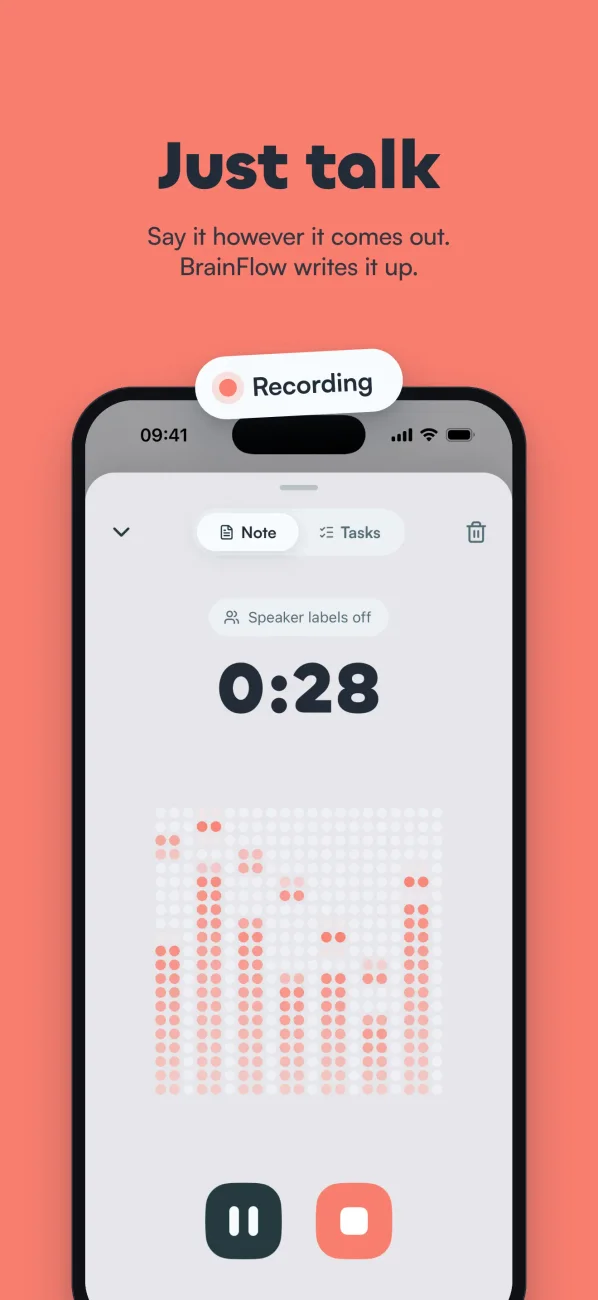
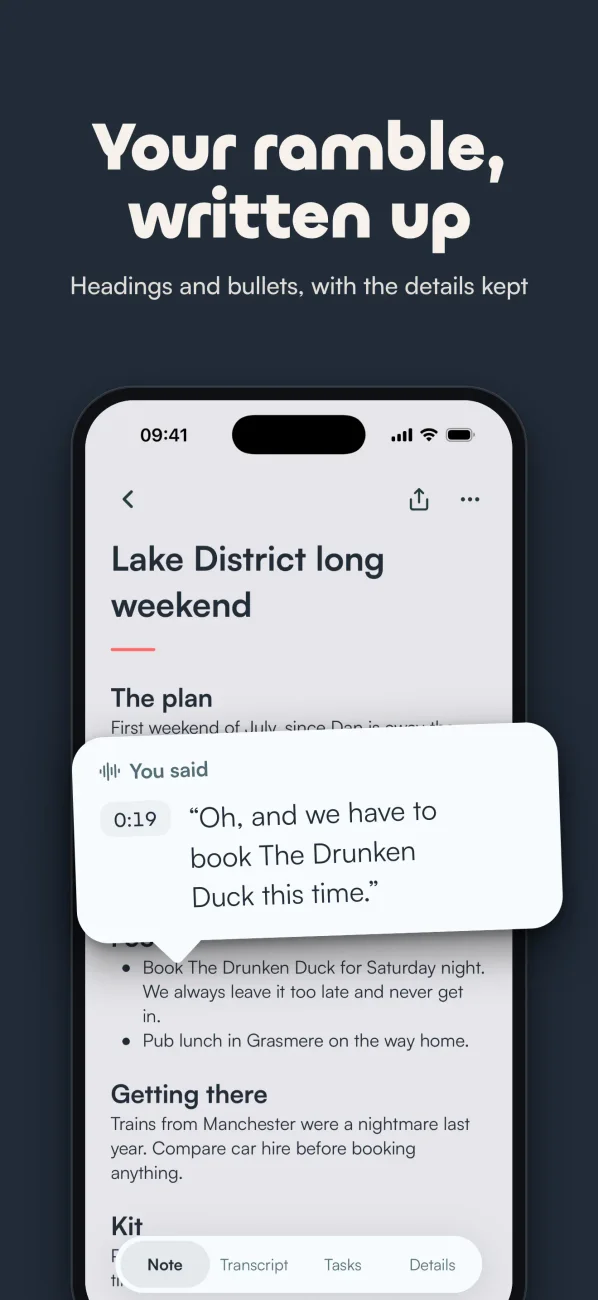
Tap record and say what's on your mind. BrainFlow writes it up as a proper note, with headings, the details you mentioned and a list of the things you said you'd do.
It's made for the thoughts that turn up at awkward moments, like halfway through a walk or on the drive home from a meeting. Talk however it comes out. You don't have to sort anything.
What you get back
• A written note with a title and headings
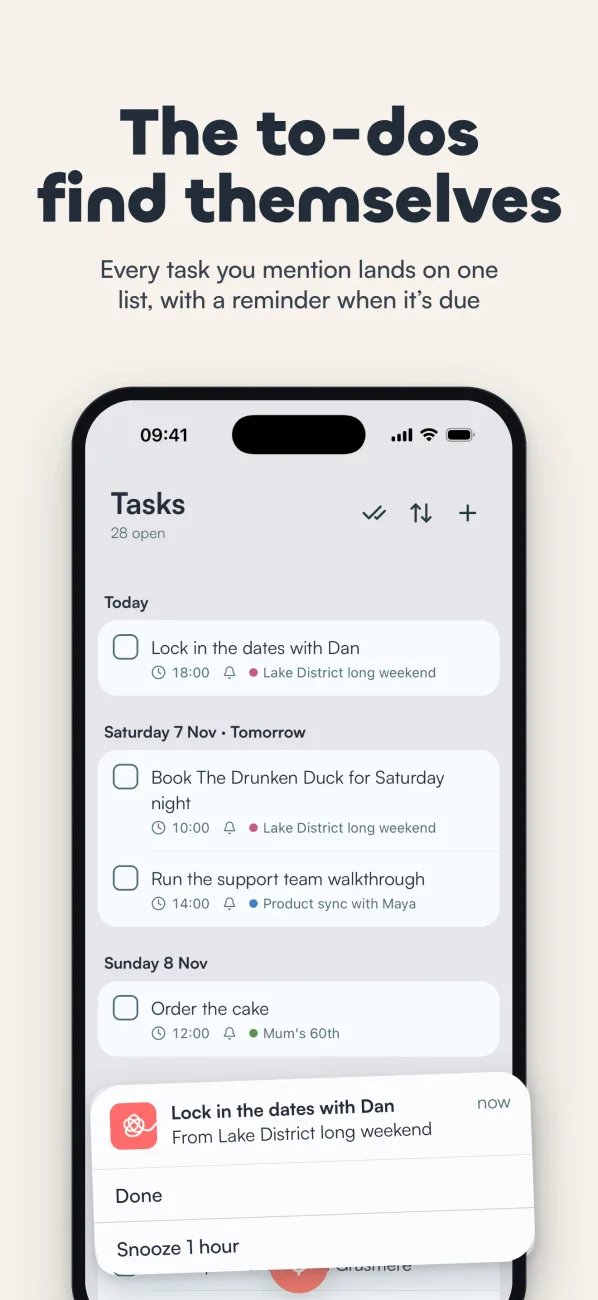
• Tasks pulled out of what you said, ready to check off
• The full transcript with timestamps, and the recording to play back
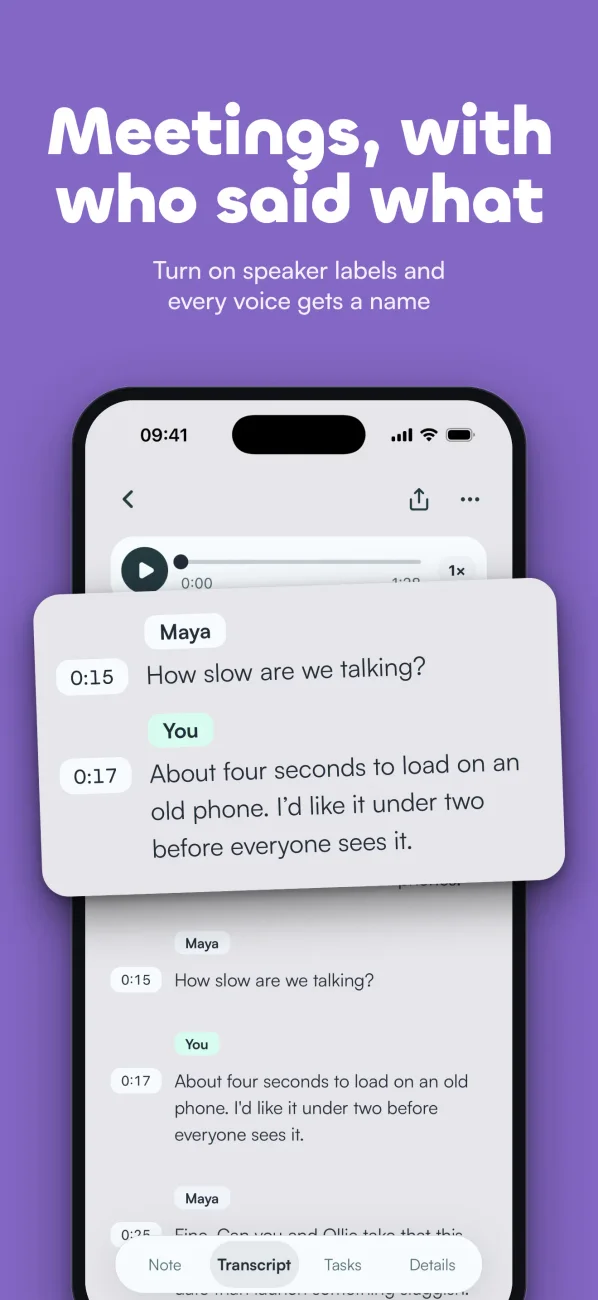
• Speaker labels for meetings and interviews, so you can see who said what
Your to-do list
Every task you mention lands on the Tasks page, sorted by day when it has a date. Say "by Friday" and the task gets that date. Give a task a time and BrainFlow reminds you, with Done and Snooze right on the notification. Hold the record button to say a few tasks straight onto the list.
Finding it again
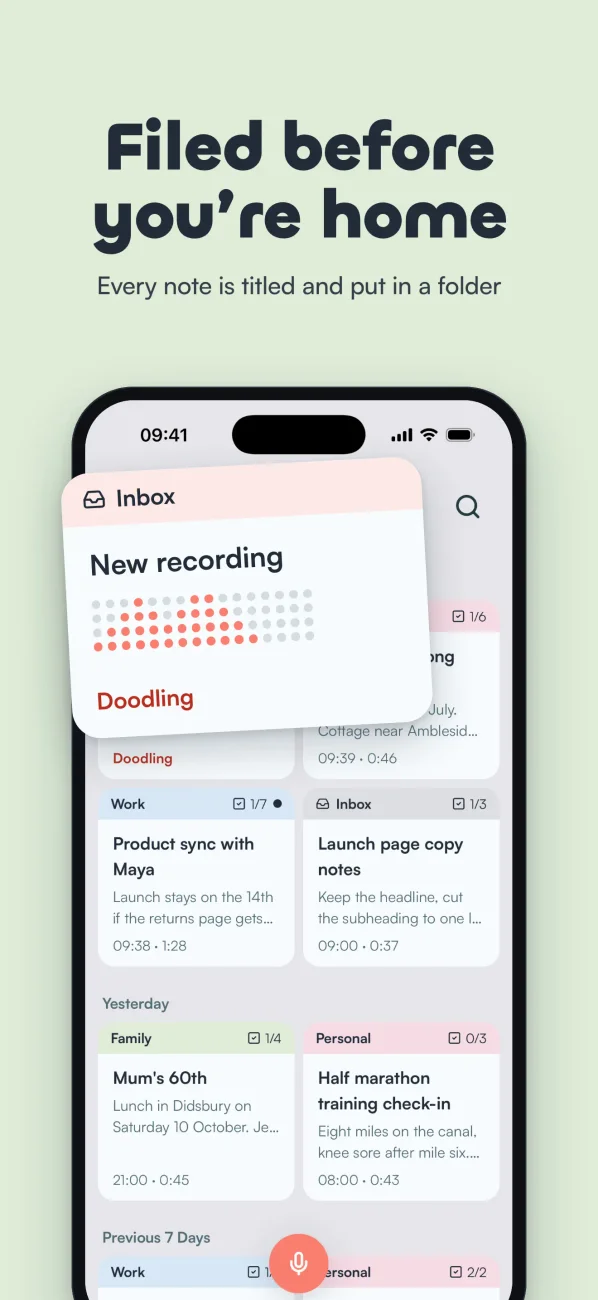
Each note is titled, filed into a folder and tagged while it's written. Search looks for what you meant as well as the words themselves, so "school vacation" finds your spring break plans.
Adding to a note
Record more into an existing note, or share a voice memo from Voice Memos, WhatsApp or any other app straight into BrainFlow. It rewrites the note from everything you've said.
Sending it on
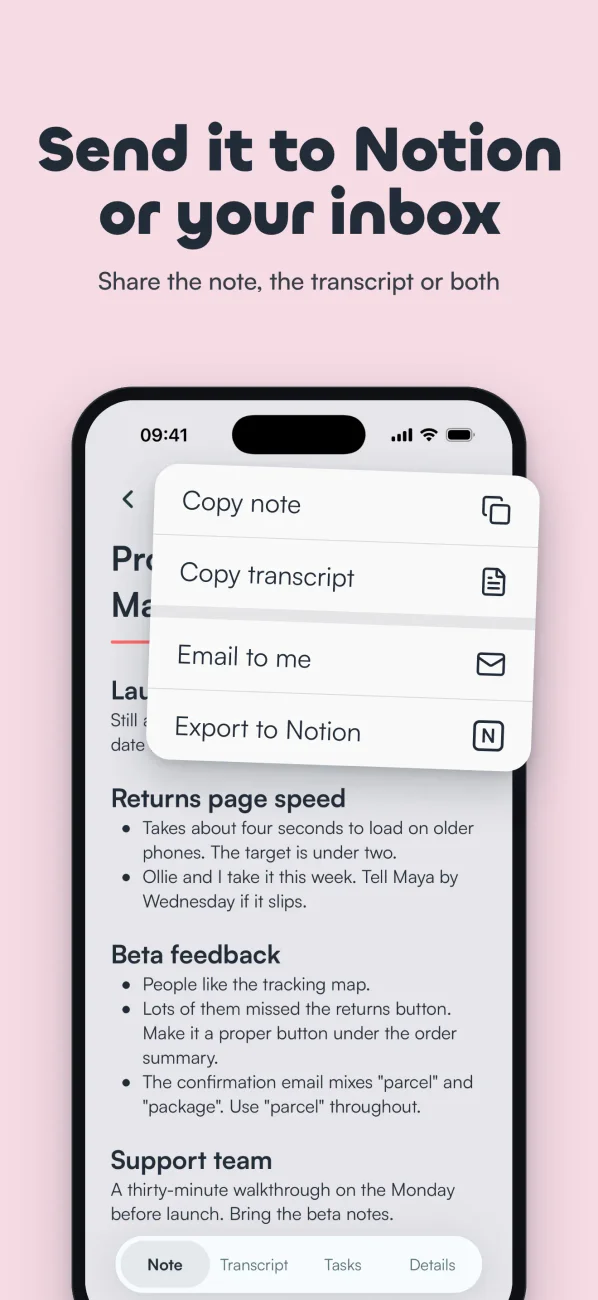
Send a note or its transcript to Notion, email it to yourself, or share it anywhere with the share sheet.
Your notes stay yours
Recordings and notes are encrypted in transit and at rest, and there are no ads. You can start without an account and add Apple or Google sign-in later to open your notes on another phone. Deleted notes wait in Recently Deleted for 30 days.
Pricing
BrainFlow is free for 3 notes a month. BrainFlow Plus removes the limit and adds Note Context, About you and custom vocabulary. Turn on Note Context to bring context from your other notes into a new note, with links to the notes it used.
Privacy policy: https://brainflow.tech/privacy
Terms of use (EULA): https://www.apple.com/legal/internet-services/itunes/dev/stdeula/
Yenilikler
Sürüm 2.6.1 · 22.11.2026
• Typing and deleting in task, folder, tag and summary rewrite sheets now updates cleanly in place.
• Closing the Add Task sheet keeps your unfinished draft until you add it.
• Reopening a date or tag sheet right after canceling starts fresh instead of showing your earlier picks.
Uygulama gizliliği
Bu uygulamanın verileri nasıl işlediği hakkında Tristan Manchester tarafından App Store üzerinde yapılan beyan.
-
Sizinle ilişkilendirilen veriler
Toplanabilir ve kimliğinizle ilişkilendirilebilir.
- Satın alımlar
- Konum
- İletişim bilgileri
- Kullanıcı içeriği
- Tanımlayıcılar
- Kullanım verileri
- Tanılama
Gizlilik uygulamaları, örneğin kullandığınız özelliklere veya yaşınıza göre değişiklik gösterebilir.
Bilgiler
- Satıcı
- Tristan Manchester
- Kategori
- Üretkenlik
- Sürüm
- 2.6.1
- Güncellendi
- 22.11.2026
- Yayın tarihi
- 29.09.2025
- Boyut
- 90,6 MB
- Gereksinim
- iOS 17.0 veya sonrası
- Yaş sınırı
- 4+
- Fiyat
- Ücretsiz
- Uygulama içi satın alma
- Evet
- Diller
- İngilizce
- Telif hakkı
- © Tristan Manchester
Bunları da beğenebilirsiniz
-
 Mem – Your Personal AI AgentÜretkenlik
-
 Google AI Edge EloquentÜretkenlik
-
 OpenClawÜretkenlik
-
 Claude Duet by AnthropicÜretkenlik
-
 Wispr FlowÜretkenlik
-
 Locally AI by LM StudioÜretkenlik
-
 Google AI Edge GalleryÜretkenlik
-
 Voicenotes AI Notes & MeetingsÜretkenlik
-
 Granola - AI Meeting NotesÜretkenlik
-
 Fireflies: AI Note TakerÜretkenlik