Vlogger Studio: Live Stream
Live Streaming made simple
Designed for iPhone, iPad
Free
- Age rating17+
- CategoryPhoto & Video
- DeveloperHari Krishna Vemula
- LanguagesEnglish
- Size50.2 MB
Links to the official App Store page
Download.org hosts no file of Vlogger Studio: Live Stream. The button opens its official App Store page, published by Hari Krishna Vemula. Listing last checked on Nov 17, 2026.
Screenshots

About
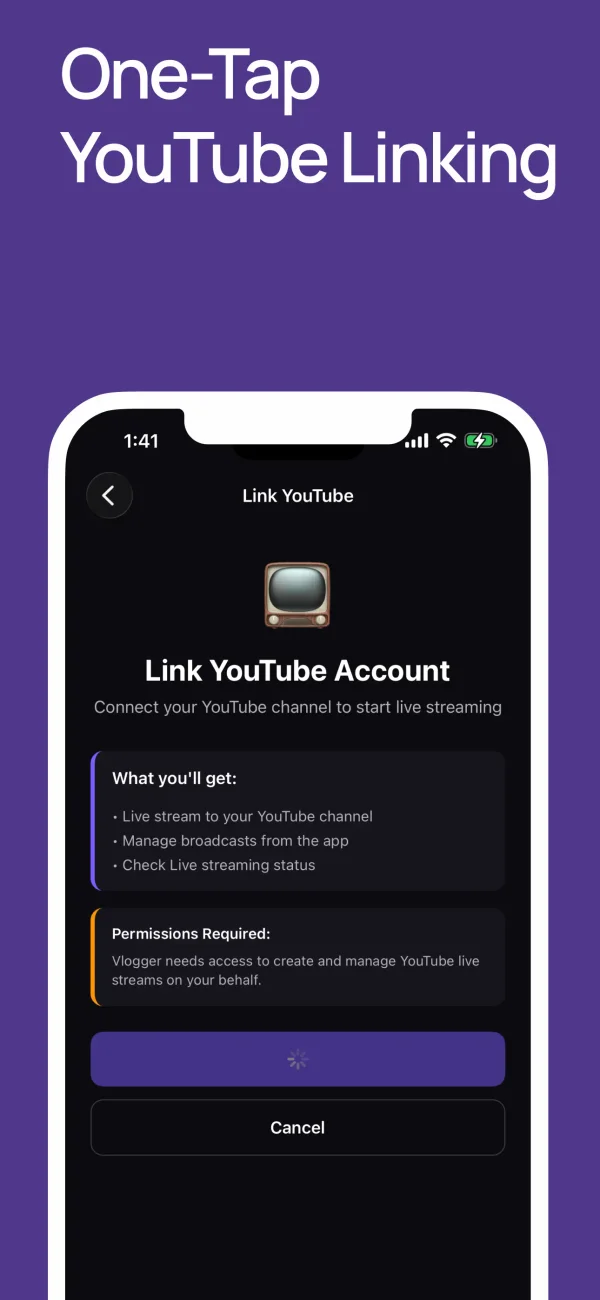
Stop struggling with complex setups. Whether you're a gamer, educator, or outdoor vlogger, our one-tap YouTube linking gets you in front of your audience in seconds—no laptop required.
ONE-TAP YOUTUBE LINKING: Securely connect your account and go live with a single tap. (Youtube Channel and Live enablement to be done on Youtube directly).
CUSTOM THUMBNAILS: Upload your own art or auto-generate high-impact thumbnails.
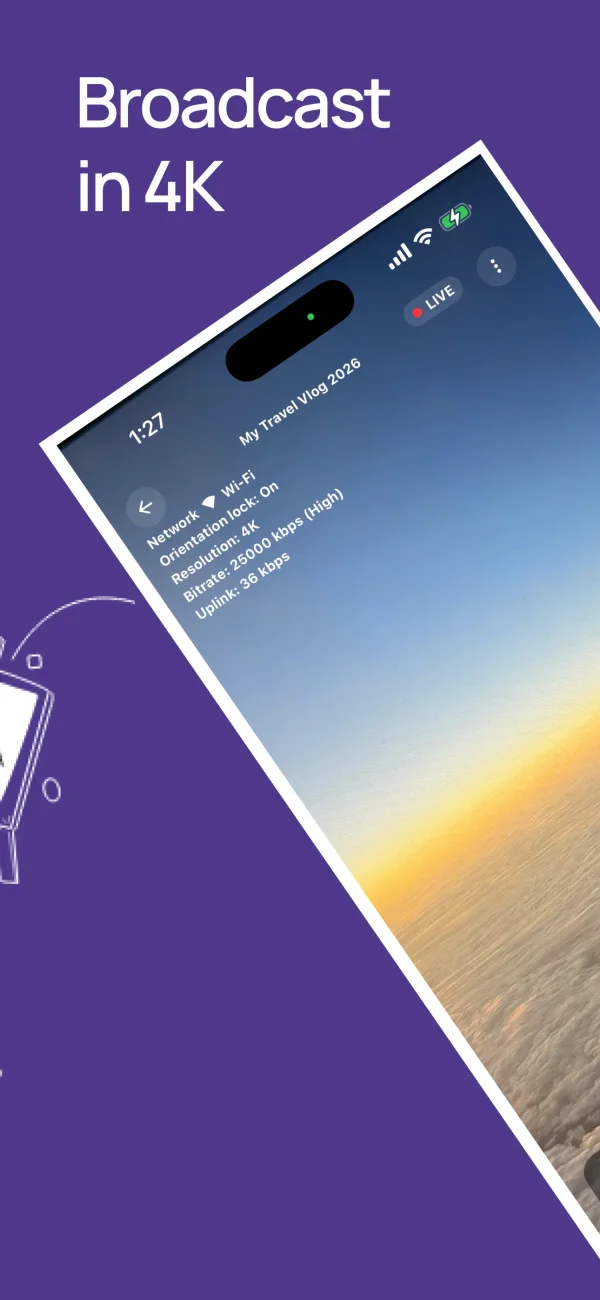
PROFESSIONAL RTMP: Stream to YouTube with RTMP technology for rock-solid stability with up to 4K resolution.
PRIVACY CONTROLS: Easily toggle between Public, Private, or Unlisted streams to suit your audience.
Why Vlogger Studio?
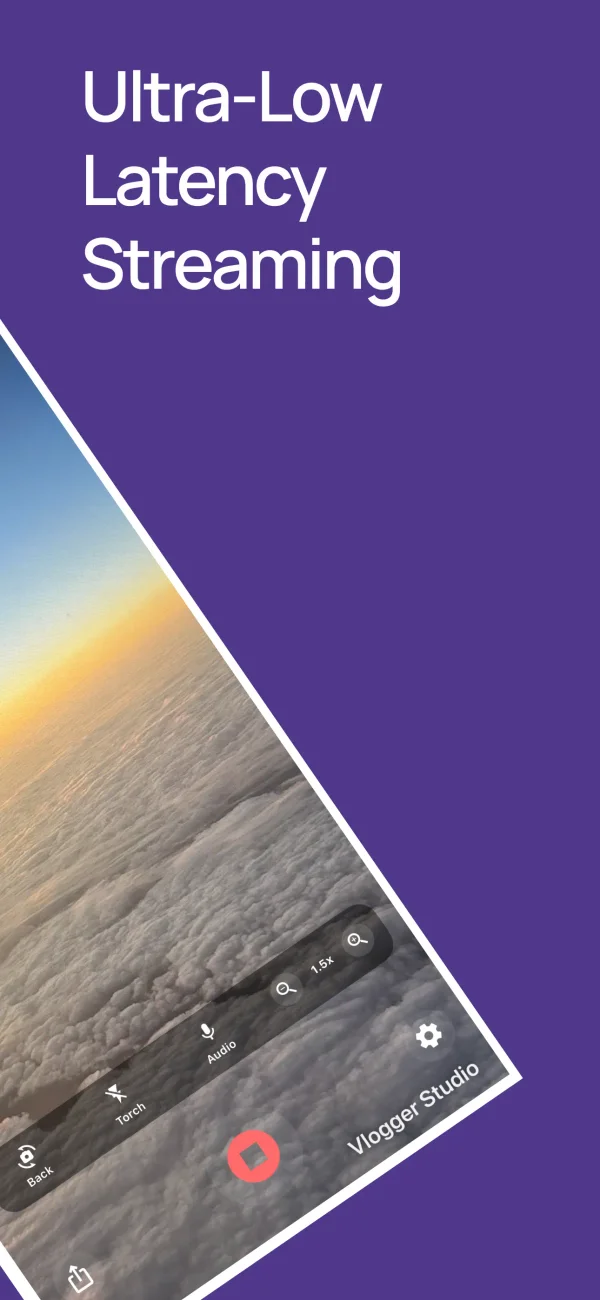
We’ve stripped away the complexity of mobile broadcasting. Vlogger Studio provides a clean, "Studio-grade" interface that prioritizes low-latency performance and ease of use. No technical expertise required—just your talent and an internet connection.
Technical Requirements
Requires iOS 17.0 or later.
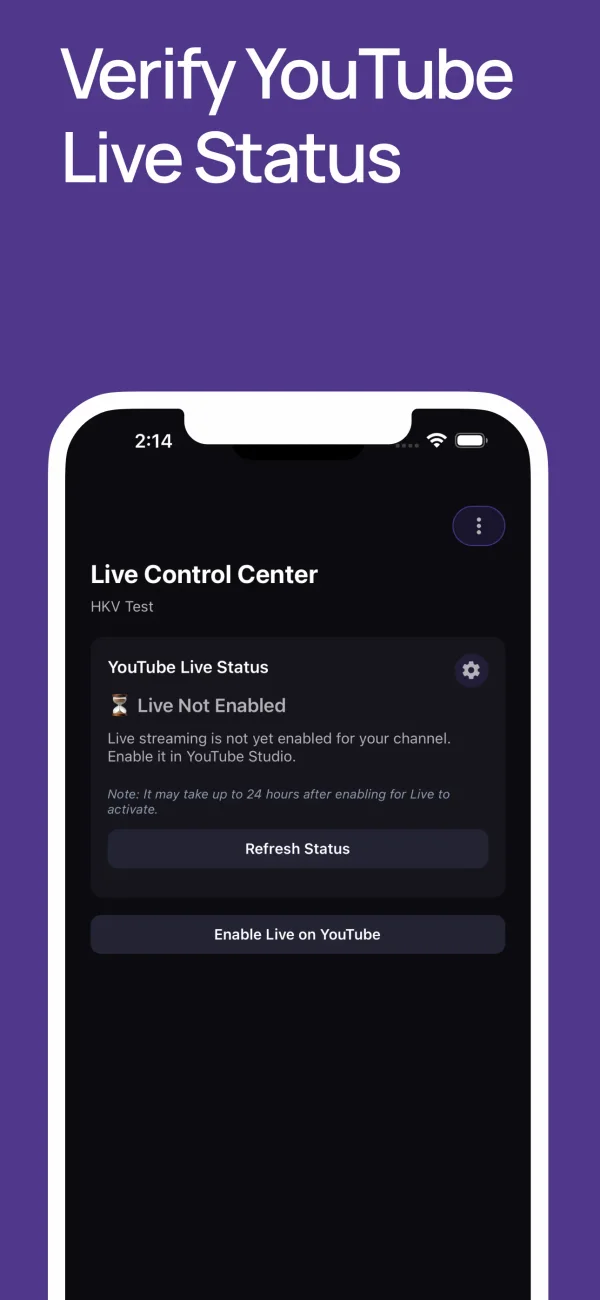
Active YouTube account with Live Streaming enabled.
Note: If you are enabling Live Streaming on a new YouTube channel for the first time, it may take up to 24 hours for YouTube to activate the feature. Goto https://studio.youtube.com/ to enable Live.
Version 1.0
Welcome to the debut of Vlogger Studio!
Initial launch featuring one-tap YouTube account linking.
Full RTMP support for professional streaming.
Custom and auto-generated thumbnail support.
Stream scheduling and privacy management.
Optimized for iOS 17+ performance.
Version 1.2.1
Major Camera library Upgrade for better performance.
You can go live quickly with "Go Live Now" feature.
Image Stabilization feature in streaming
Default Stream Orientation Settings
Minor UI/UX enhancements.
What’s new
Version 2.1.0 · Oct 27, 2026
1. Fix Youtube buffering on poor network streaming by auto adjusting bitrate.
2. Introduced Record local copy while streaming.
3. Introduced Picture-In-Picture for iOS which shows 2nd camera as PIP.
4. Minor UI improvements.
5. Fix Countdown timer on sports layers
App privacy
What Hari Krishna Vemula declares on the App Store about how this app handles data.
-
Data not linked to you
May be collected but is not linked to your identity.
- Contact info
- Usage data
- Diagnostics
Privacy practices may vary, for example with the features you use or your age.
Information
- Seller
- Hari Krishna Vemula
- Category
- Photo & Video
- Version
- 2.1.0
- Updated
- Oct 27, 2026
- Released
- Feb 23, 2026
- Size
- 50.2 MB
- Requires
- iOS 17.0 or later
- Age rating
- 17+
- Price
- Free
- Languages
- English
- Copyright
- © Hari Krishna Vemula
You might also like
-
 Broadcast Elements :LiveStreamLive Stream, Screen Record
-
 Kast LiveLive streaming on Youtube
-
 RENN: VHS Cam & Retro EffectsBeat Sync & 90s Video Filters
-
 A-Roll: Retro Video CameraVintage home video for today
-
 Rewind: Retro Video CameraVintage film & VHS camcorder
-
 T6FV.ioMake more with your camera
-
 SceneMeldLive Studio, Record & Stream
-
 On Air by T6FVPodcast, Studio & WFH Sign
-
 LiveSource BroadcastProfessional Live Streaming
-
 Primetime StudioPhoto & Video