
- Age rating17+
- CategoryUtilities
- DeveloperBrother Industries, LTD.
- LanguagesEnglish+ 20 more
- Size37.5 MB
Links to the official App Store page
Download.org hosts no file of Brother iPrint&Scan. The button opens its official App Store page, published by Brother Industries, LTD. Listing last checked on Nov 24, 2026.
Screenshots

About
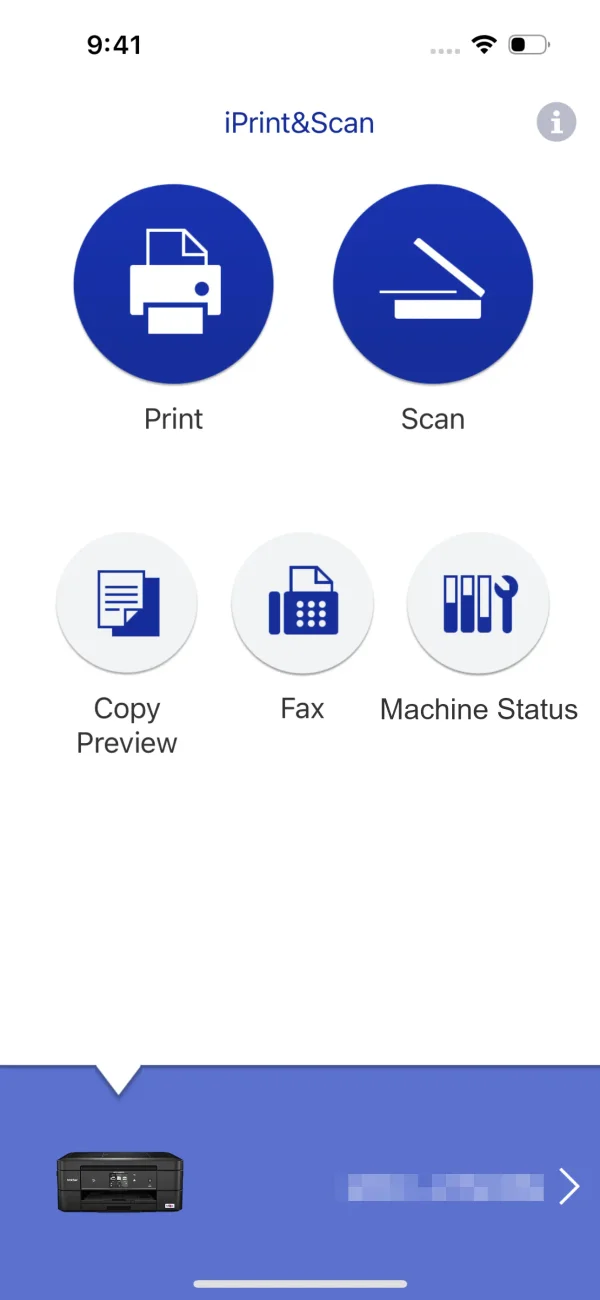
Brother iPrint&Scan is a free app that enables you to print from and scan to your iOS device (iPhone / iPod touch / iPad). Use your local wireless network to connect your iOS device to your Brother printer or all-in-one. Some new advanced functions have been added, including edit, fax send, fax preview, copy preview, and machine status. Visit your local Brother website for a list of supported models.
[Key Features]
- Easy to use menu.
- Simple steps to print your favorite photos, web pages and documents (PDF, Word, Excel®, PowerPoint®, Text).
- Print photos directly from your iPhone camera.
- Print PDF files or Microsoft® Office documents or Text files by starting the app from "Open in..."
- Print your documents and photos directly from the following cloud services: Dropbox™, OneDrive, Evernote®.
- Print what you copied to the clipboard.
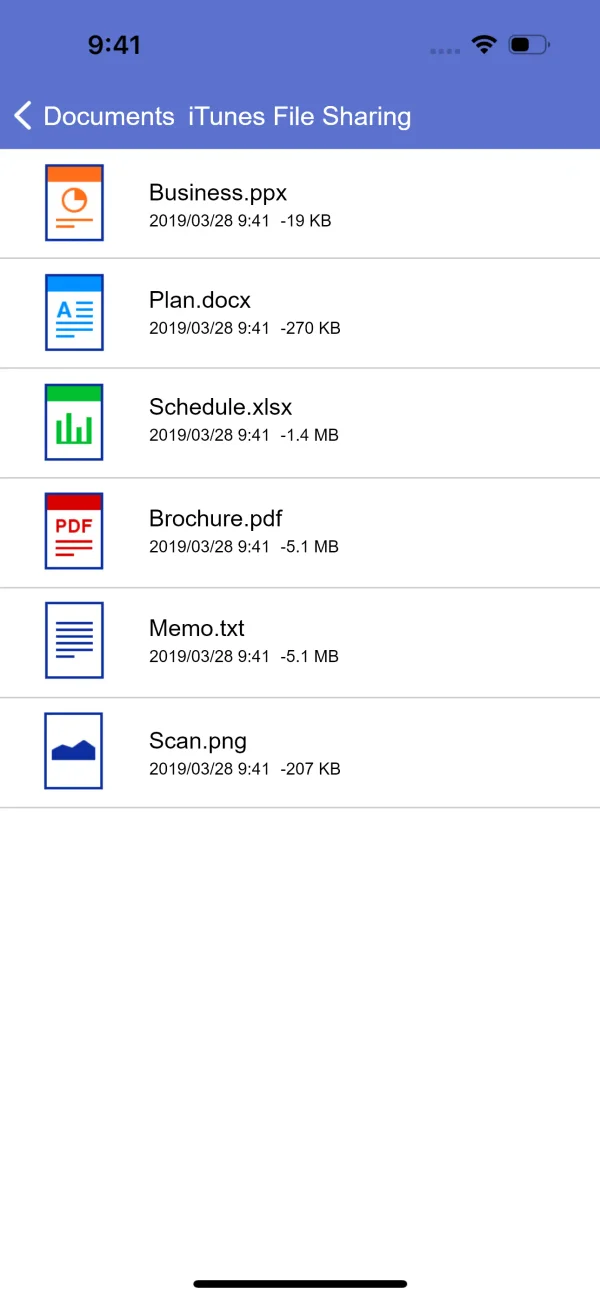
- Use iTunes File Sharing to send compatible files (PDF, Word, Excel®, PowerPoint®, Text, JPEG, PNG, TIFF) to iPrint&Scan for convenient printing at a later time.
- Scan directly to your iPhone/iPod touch/iPad.
- Save scanned images to your photo album, iCloud or Facebook / X / Flickr accounts or send them in an E-mail (PDF, JPEG).
- Print scanned images saved to iCloud from this app.
- Automatically search for supported devices on a local wireless network.
- No computer and no driver required.
*To save scanned images directly to Facebook / X / Flickr, you must first register your accounts on your mobile device.
[Advanced Functions]
(Only available on new models.)
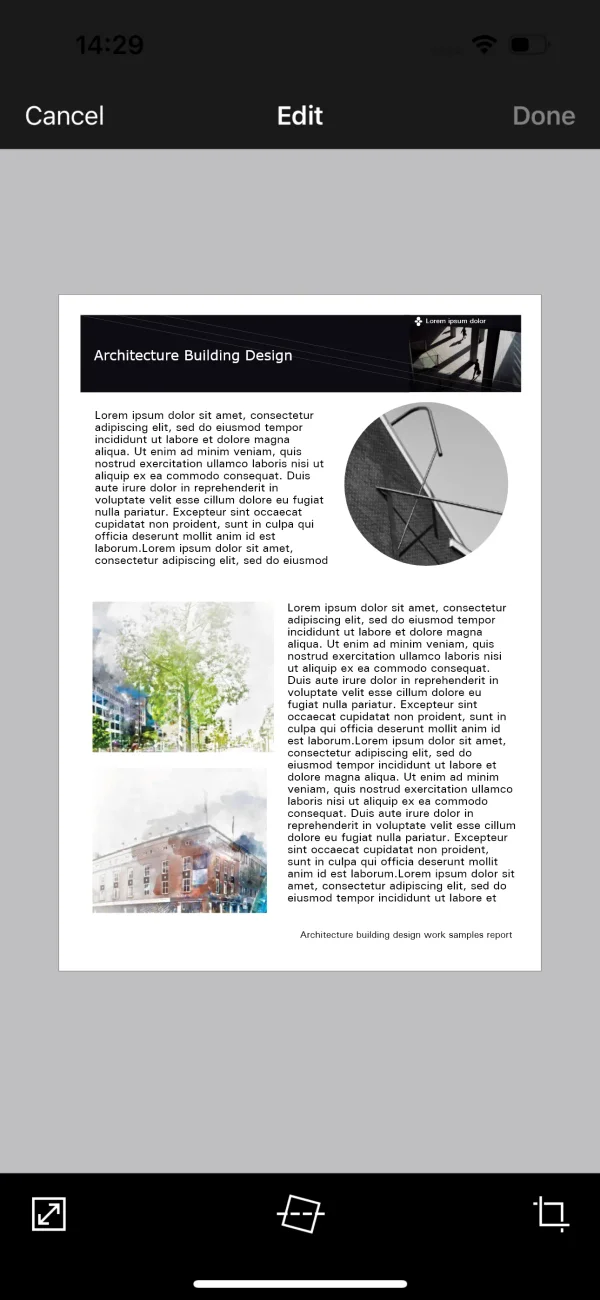
- Edit previewed images using the editing tools (scale, straighten, crop) if necessary.
- Send a fax directly from your mobile device.
(This app feature requires access to the address book of your mobile device.)
- View received faxes stored on your machine on your mobile device.
- The copy preview function enables you to preview an image and edit it if necessary before copying to avoid copy errors.
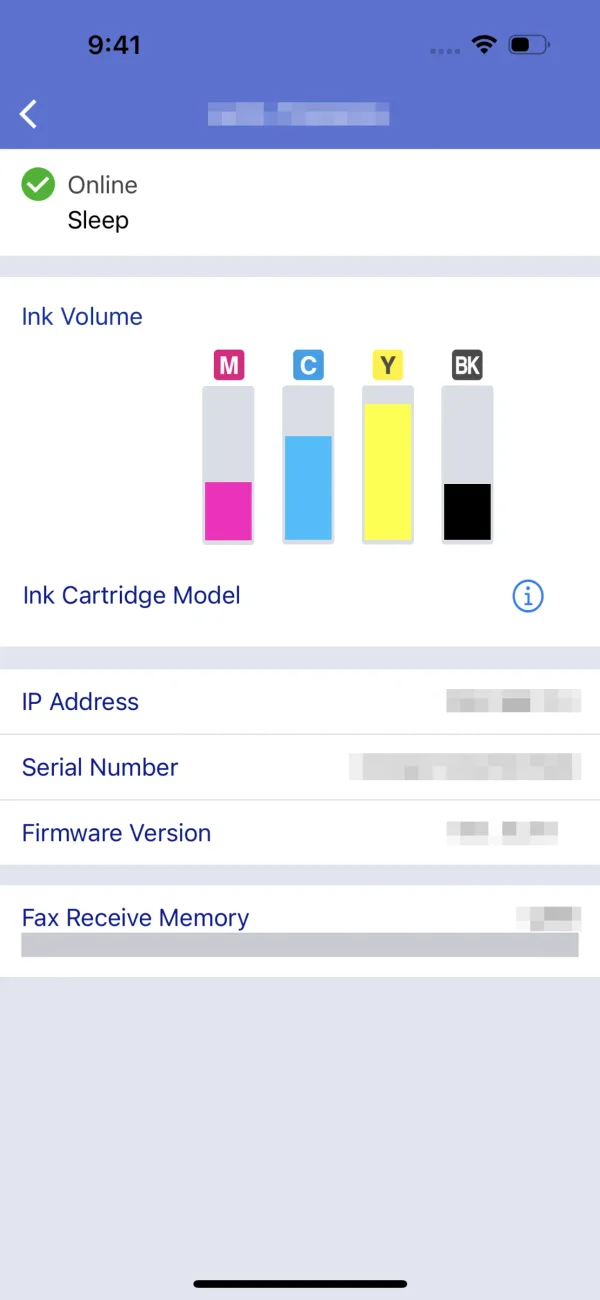
- View the machine’s status such as ink/toner volume and error messages on your mobile device.
*Compatible functions will depend on the selected device.
[Compatible Print Settings]
- Paper Size -
4" x 6" (10 x 15cm)
Photo L (3.5" x 5" / 9 x 13 cm)
Photo 2L (5" x 7" / 13 x 18 cm)
A4
Letter
Legal
A3
Ledger
- Media Type -
Glossy Paper
Plain Paper
- Copies -
Up to 5
[Compatible Scan Settings]
- Document Size -
A4
Letter
4" x 6" (10 x 15cm)
Photo L (3.5" x 5" / 9 x 13 cm)
Card (2.4" x 3.5" / 60 x 90 mm)
Legal
A3
Ledger
- Scan Type -
Color
Color (Fast)
Black & White
[Access Permission Information]
You must check and allow the essential access permissions below to use Brother iPrint&Scan service.
Essential Permission
• Contact information: access to your contact numbers is needed when you use functions like fax, but you can limit access to the specific contact necessary for the service.
Optional Permission
• Location information: It is requested only when you use device search features like Wi-Fi Direct, Bluetooth, or NFC.
Optional data is required to use the corresponding function, and even if permission is not granted, services other than the corresponding function can be used.
*Compatible settings will depend on the selected device and function.
*Evernote is a trademark of Evernote Corporation and used under a license.
*Microsoft, Excel, and PowerPoint are either registered trademarks or trademarks of Microsoft Corporation in the United States and/or other countries.
*To help us improve the application, send your feedback to Feedback-mobile-apps-ps@brother.com. Please note that we may not be able to respond to individual emails.
What’s new
Version 6.15.5 · May 11, 2026
Minor fixes for improved functionality
App privacy
What Brother Industries, LTD. declares on the App Store about how this app handles data.
-
Data not linked to you
May be collected but is not linked to your identity.
- Identifiers
- Usage data
- Other data
Privacy practices may vary, for example with the features you use or your age.
Information
- Seller
- Brother Industries, LTD.
- Category
- Utilities
- Version
- 6.15.5
- Updated
- May 11, 2026
- Released
- Jul 29, 2010
- Size
- 37.5 MB
- Requires
- iOS 15.0 or later
- Age rating
- 17+
- Price
- Free
- Languages
- English, Danish, Dutch, Finnish, French, German, Indonesian, Italian, Japanese, Korean, Norwegian Bokmål, Polish + 9 more
- Copyright
- © 2010 Brother Industries, Ltd. All Rights Reserved.
You might also like
-
 Printer App: Smart Printer AppPrint Photos & PDF, Scan Docs
-
 eWeLinkWorks with everything
-
 Ubiquiti WiFimanUtilities
-
 TP-Link DecoPaint Your Home in Wi-Fi
-
 Wi-Fi ToolkitUtilities
-
 TP-Link OmadaUtilities
-
 Network Analyzer: WiFi ScanLAN scanner, ping, DNS & whois
-
 Remote, Mouse and Keyboardfor Apple TV, Mac, PC Computer
-
 HP Poly Studio MobileFor HP Poly Bluetooth® devices
-
 iVCam WebcamUse your phone as a PC webcam