Network Analyzer: WiFi Scan
LAN scanner, ping, DNS & whois
Designed for iPhone, iPad
Free
- Age rating4+
- CategoryUtilities
- DeveloperTechet
- LanguagesEnglish
- Size15.0 MB
Links to the official App Store page
Download.org hosts no file of Network Analyzer: WiFi Scan. The button opens its official App Store page, published by Techet. Listing last checked on Nov 24, 2026.
Screenshots
About
Network Analyzer is a free, easy-to-use network toolkit that turns your iPhone or iPad into a handy diagnostic instrument. Scan your network, discover every device connected to it, and troubleshoot connection problems in seconds - no technical background or extra hardware required.
Built for curious home users and IT professionals alike, it packs a LAN device scanner, ping, traceroute, port scanner, DNS lookup, and whois into one clean, fast app. Try it for free, and upgrade to Network Analyzer Pro whenever you want advanced tools like traceroute visualization on the map, internet speed test, Wake on LAN, IP calculator, MAC address browser, and more.
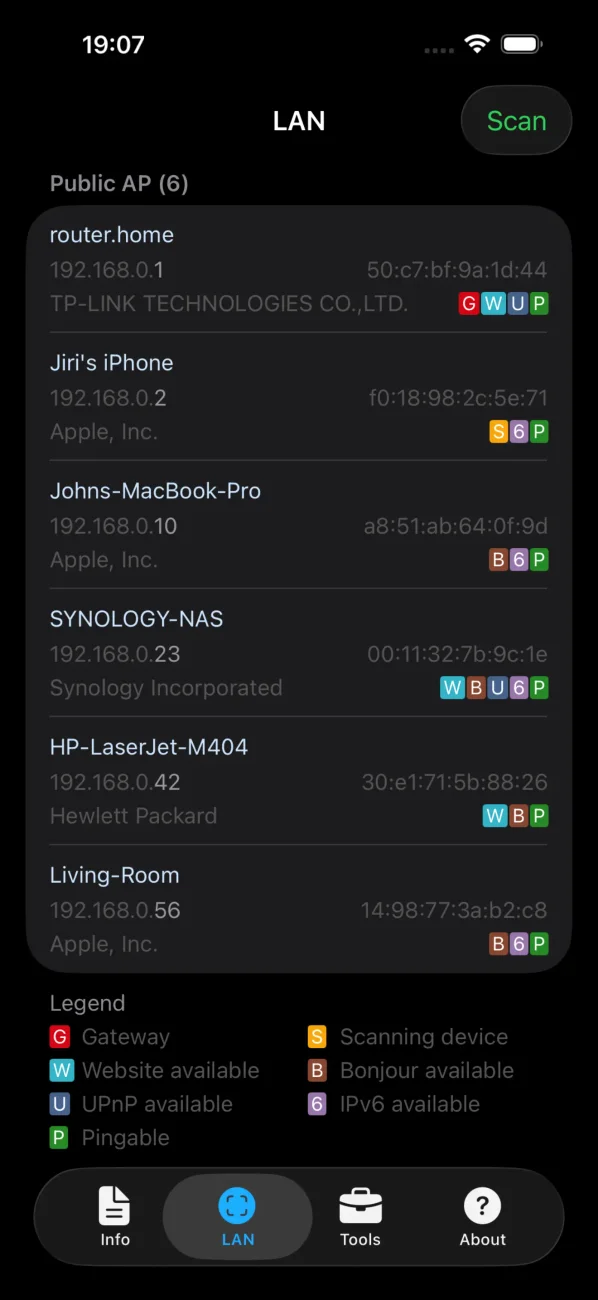
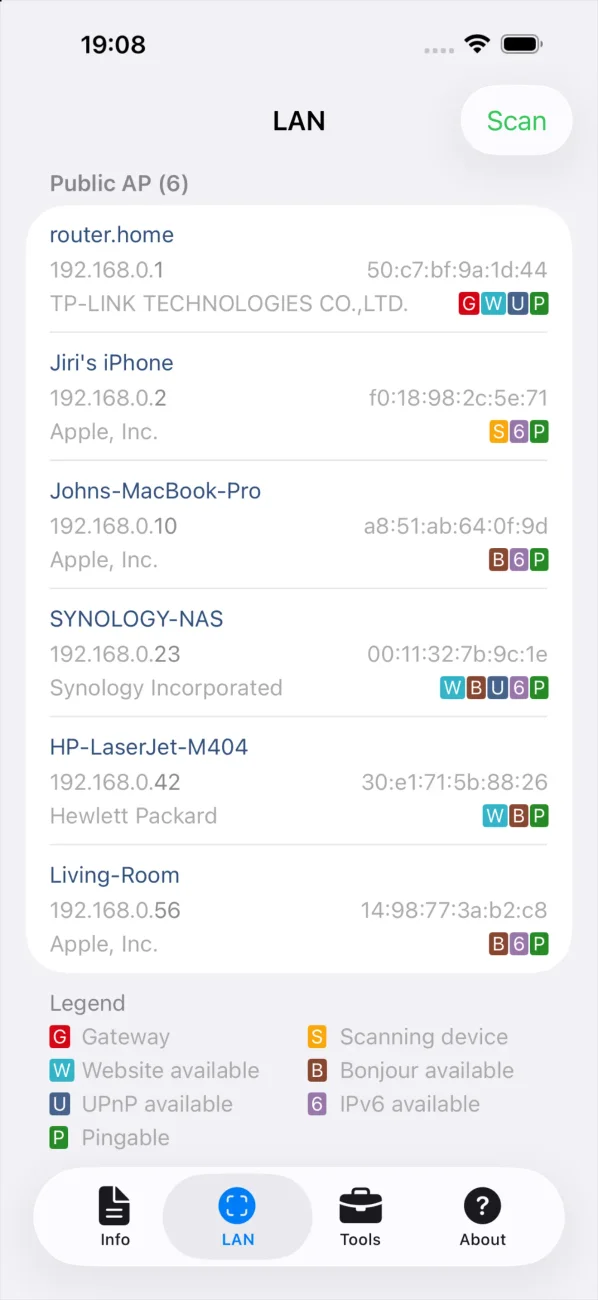
LAN scanner:
- Fast and reliable detection of all network devices
- IP addresses of all discovered devices
- MAC addresses and vendor names of discovered devices
- NetBIOS, mDNS (Bonjour), LLMNR, DNS, SNMP, and WS-Discovery name where available
- Reachability (ping) test of discovered devices
- IPv6 availability and discovered IPv6 addresses
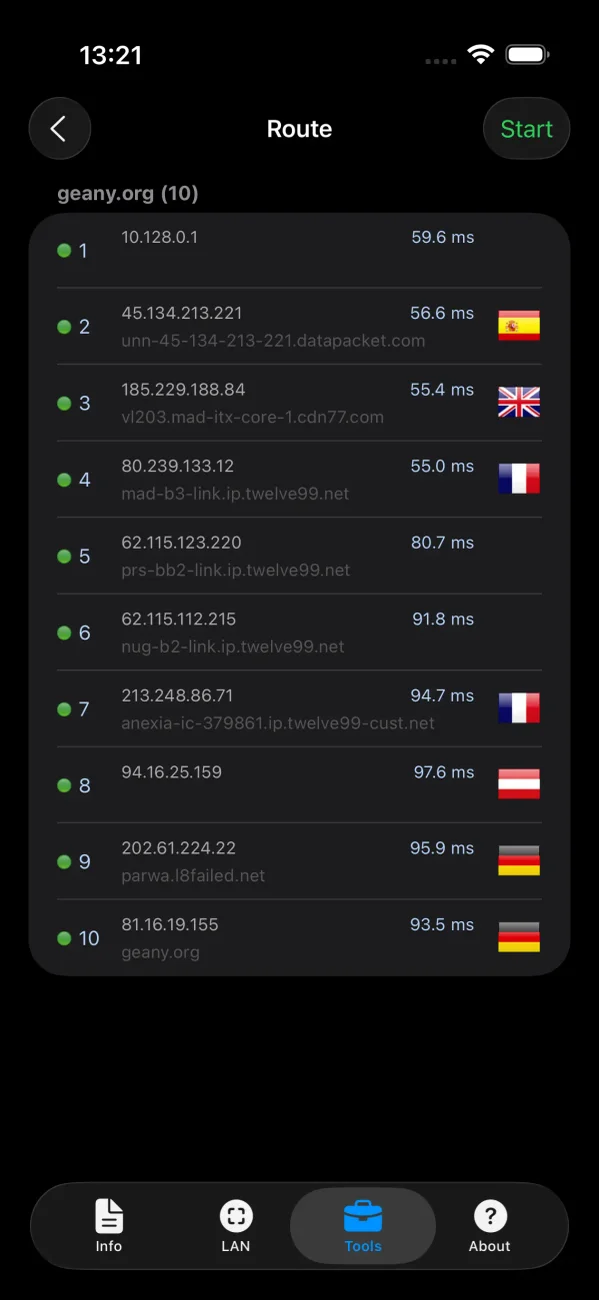
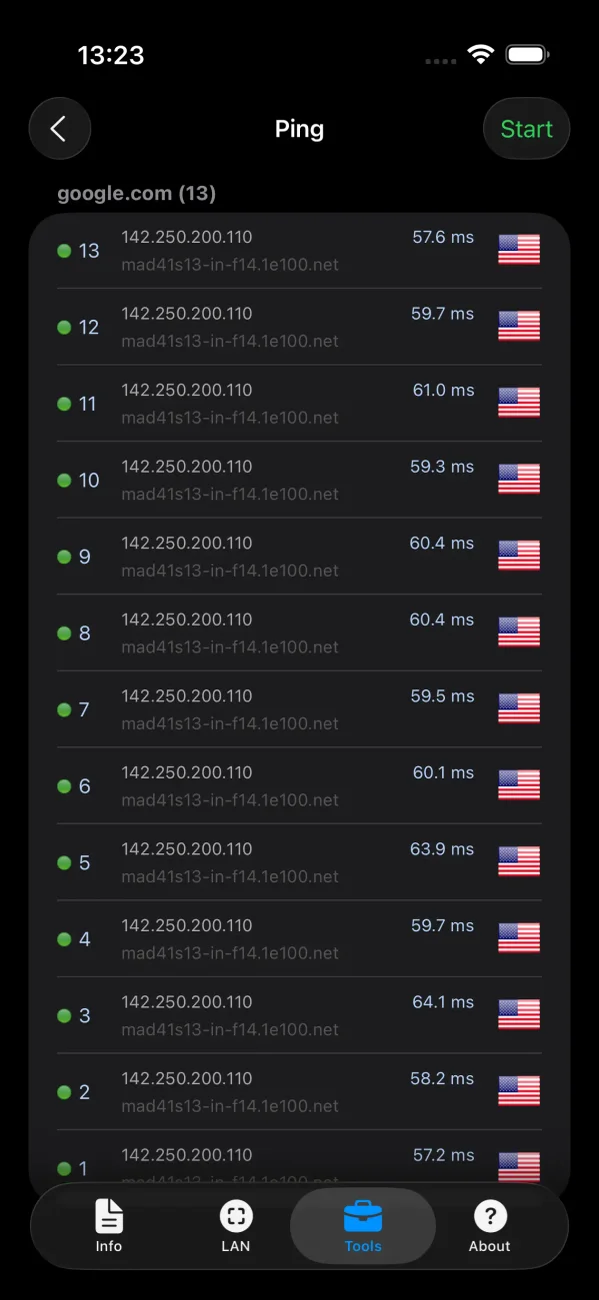
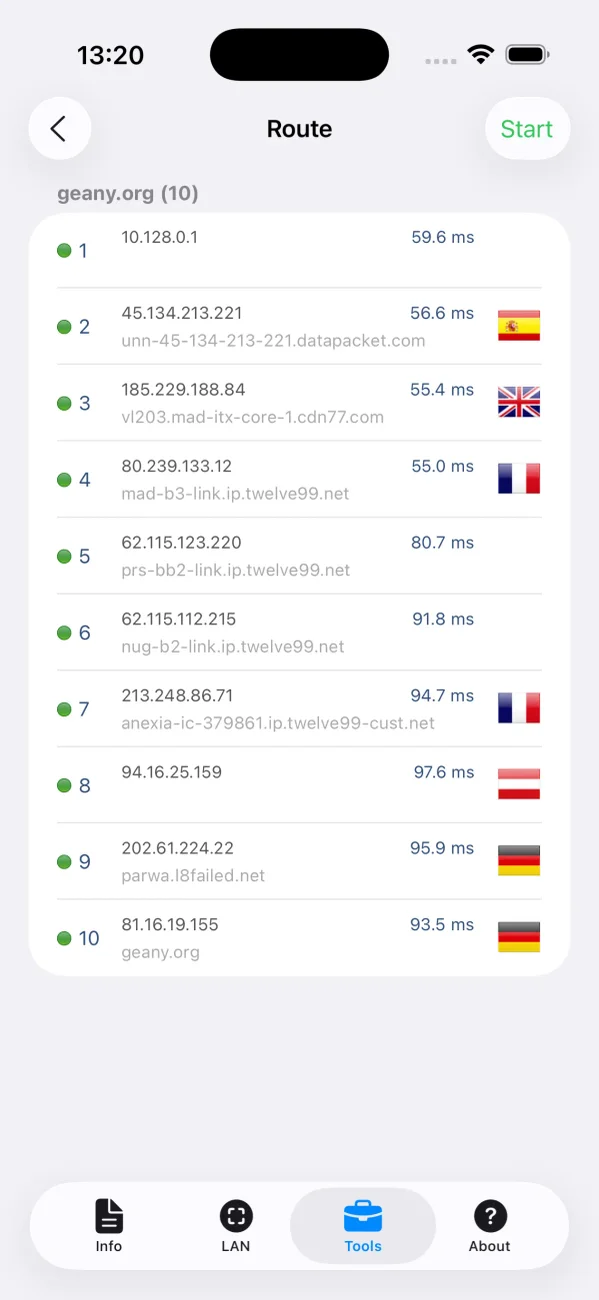
Ping & traceroute:
- Round-trip delay including IP address and hostname for every network node
- Country detection of the analyzed server
- Support for both IPv4 and IPv6
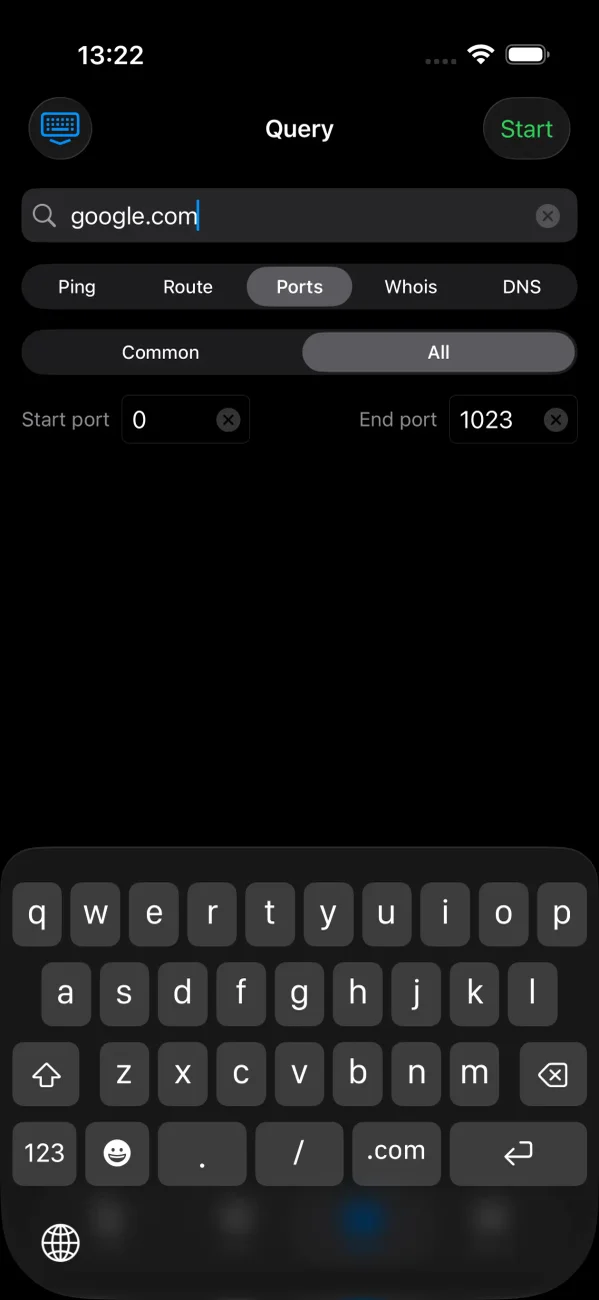
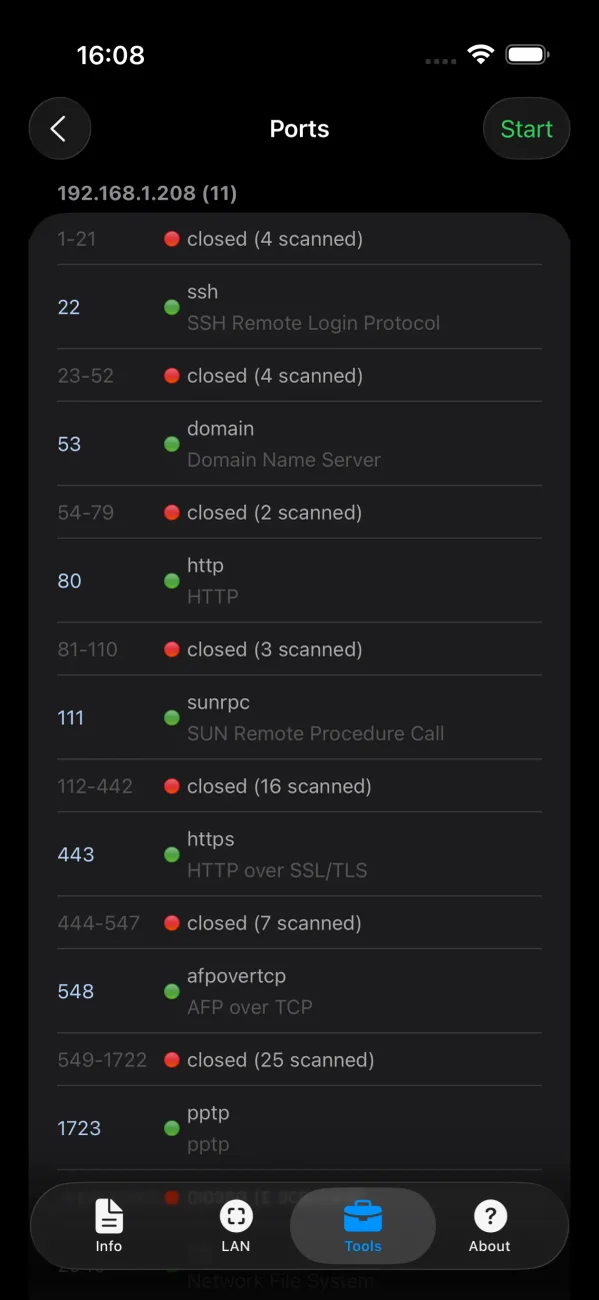
Port scanner:
- Scan common ports, custom port ranges, or the complete port range
- Detection of closed, firewalled, and open ports
- Description of the known open port services
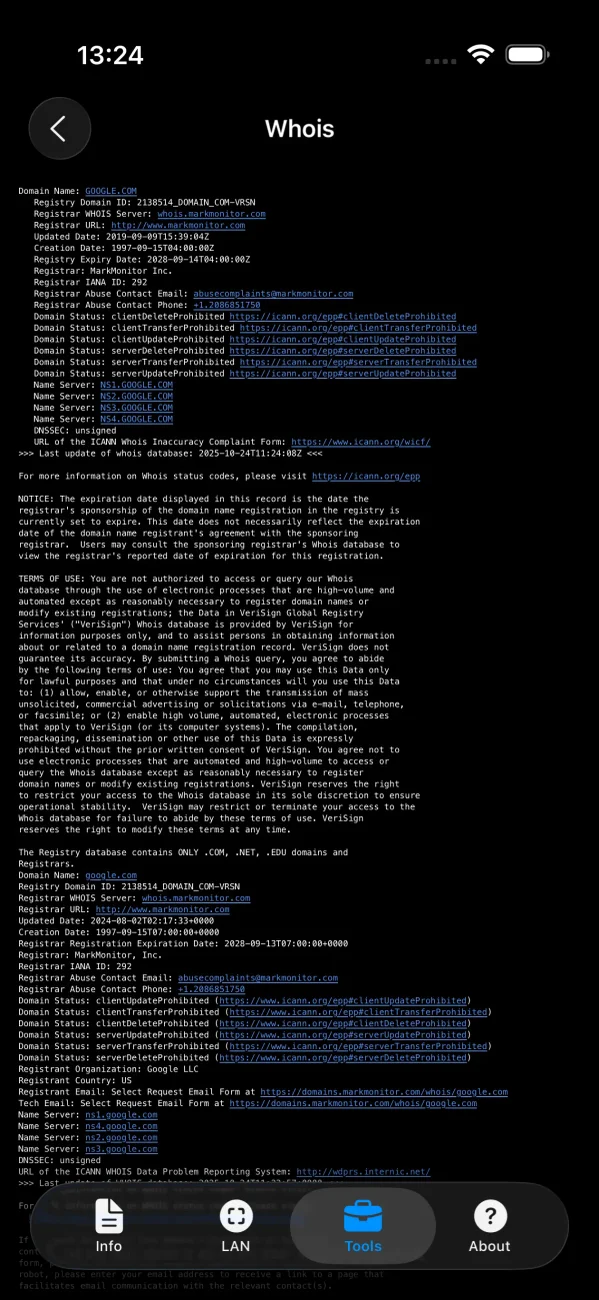
Whois:
- Look up domains, IP addresses, and AS numbers
- Support for both classic whois and the modern RDAP protocol
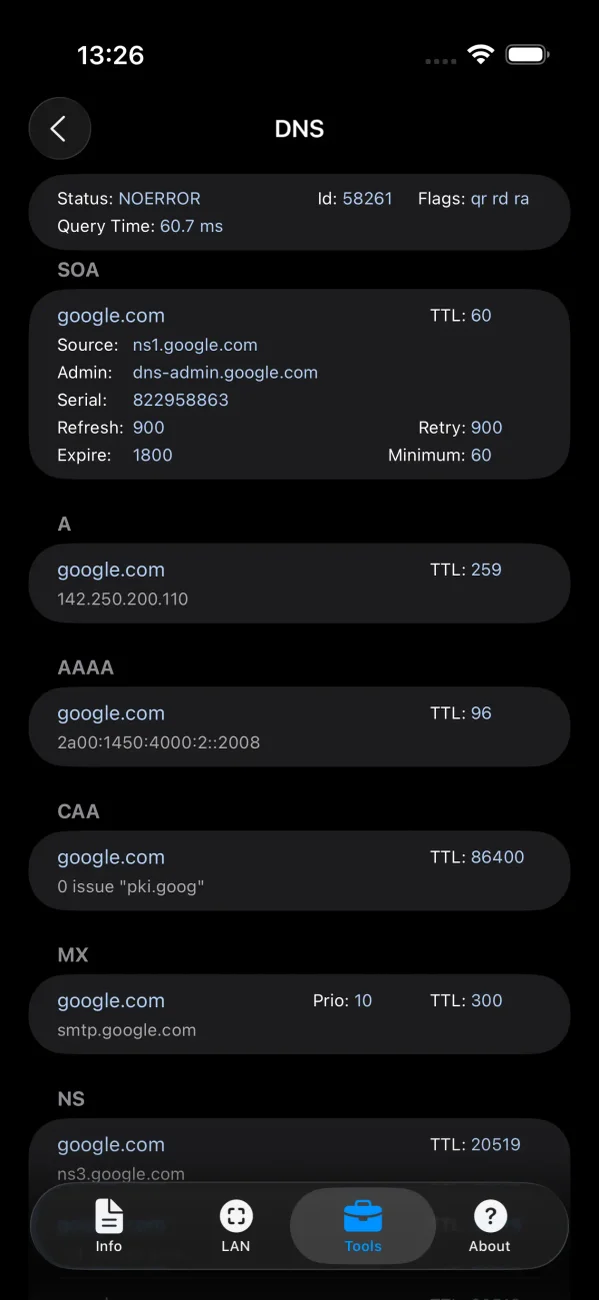
DNS lookup:
- Functionality similar to nslookup or dig
- Query all record types at once or one specific type
- Support for A, AAAA, CAA, CNAME, HINFO, LOC, MX, NAPTR, NS, PTR, SOA, SPF, SRV, SSHFP, TXT records
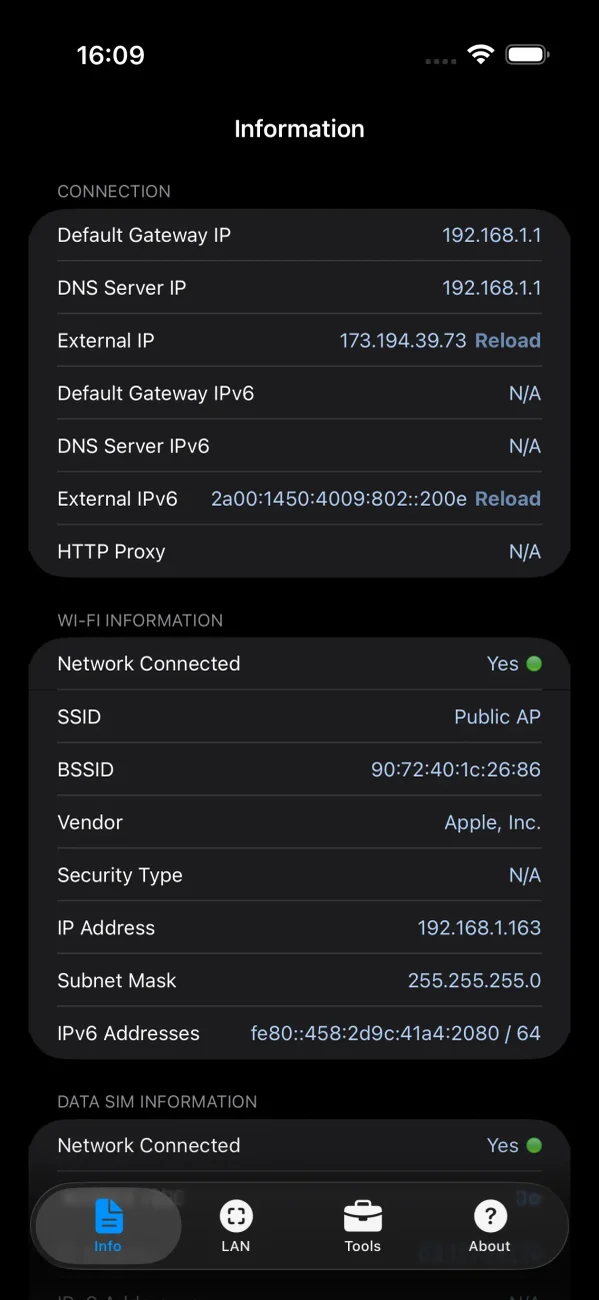
Network information:
- Default gateway, external IP (v4 and v6), DNS server, HTTP proxy
- Wi-Fi network information such as SSID, BSSID, router vendor, security type, IP address (v4 and v6), and subnet mask
- VPN, USB Ethernet, and personal hotspot connection details
- Cell network information such as IP address and network type, with dual SIM support
More:
- Light and dark theme
- Full IPv6 support everywhere
- Detailed help
- Regular updates
What’s new
Version 9.2 · Sep 13, 2026
- MAC addresses and vendors are shown again on iOS 27 and newer
- WS-Discovery support in the LAN scanner, improving device detection on Windows networks
- Improved device name and vendor detection in the LAN scanner
- Support for scanning devices connected to the personal hotspot
- iOS 27 compatibility fixes
- Many other bug fixes and minor improvements
App privacy
What Techet declares on the App Store about how this app handles data.
-
Data not linked to you
May be collected but is not linked to your identity.
- Usage data
- Diagnostics
Privacy practices may vary, for example with the features you use or your age.
Information
- Seller
- Jiri Techet
- Category
- Utilities
- Version
- 9.2
- Updated
- Sep 13, 2026
- Released
- Sep 19, 2012
- Size
- 15.0 MB
- Requires
- iOS 18.0 or later
- Age rating
- 4+
- Price
- Free
- Languages
- English
- Copyright
- © 2026 Jiri Techet
You might also like
-
 Ubiquiti WiFimanUtilities
-
 iNetTools - Ping,DNS,Port ScanBest Network Diagnosis App
-
 NetSpot WiFi AnalyzerWiFi Heat Map & Speed Test
-
 IP ScannerNetwork Scanner (WiFi/LAN)
-
 Ping - network utilityTest host reachability
-
 Wifi Signal Strength AnalyzerSignal Strength -Speed Test
-
 Opensignal Speed Test Ad Free5G 4G & WiFi Signal Speed Test
-
 Network UtilityNetwork tools made easy
-
 TP-Link OmadaUtilities
-
 Wi-Fi ToolkitUtilities