
- Age rating17+
- CategoryUtilities
- DeveloperMerve Karadeniz
- LanguagesGerman+ 40 more
- Size109.5 MB
Links to the official App Store page
Download.org hosts no file of Browser AI. The button opens its official App Store page, published by Merve Karadeniz. Listing last checked on Nov 23, 2026.
Screenshots




About
KiBrowser is a modern AI browser that combines fast browsing with intelligent tools in one simple, focused interface.
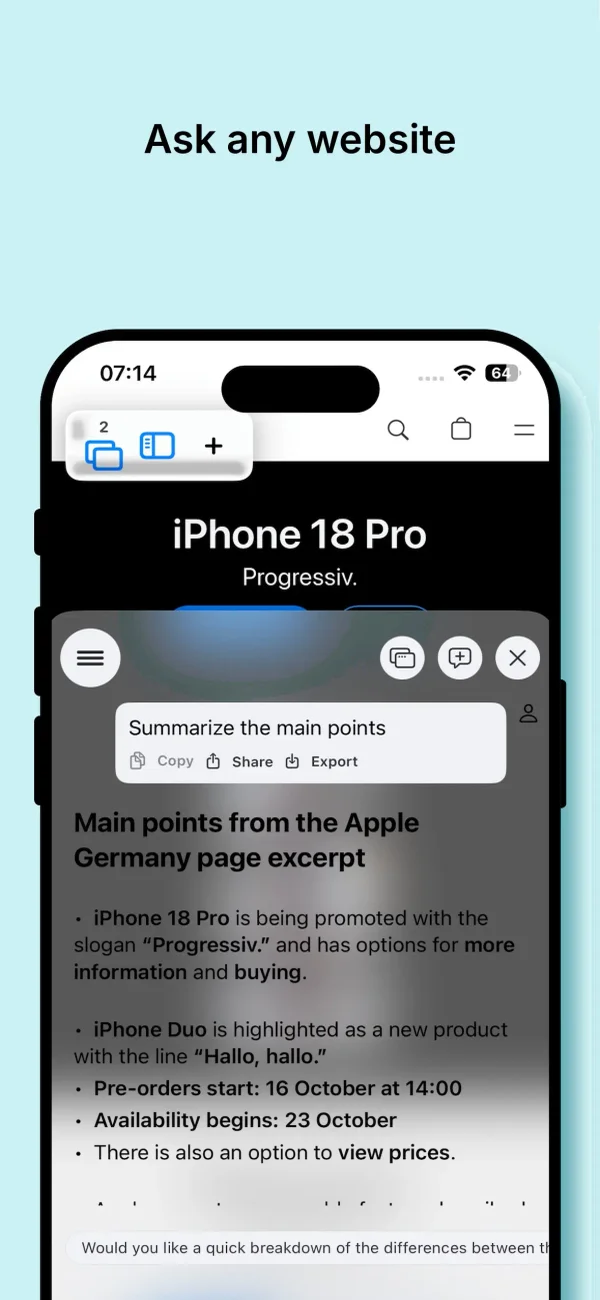
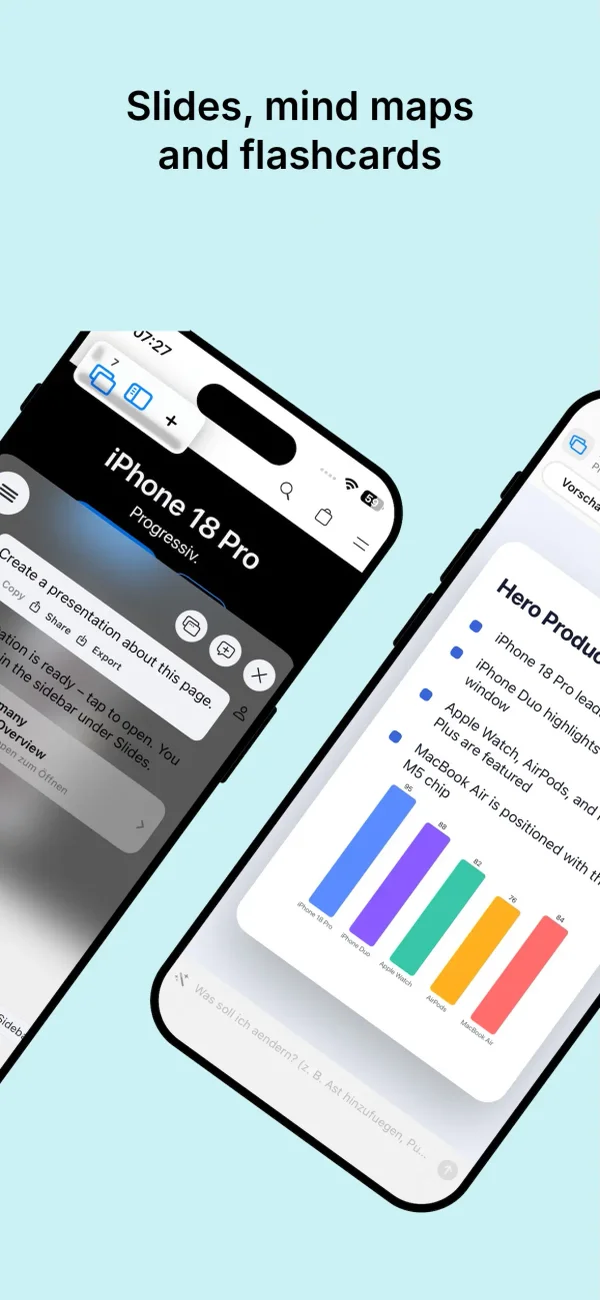
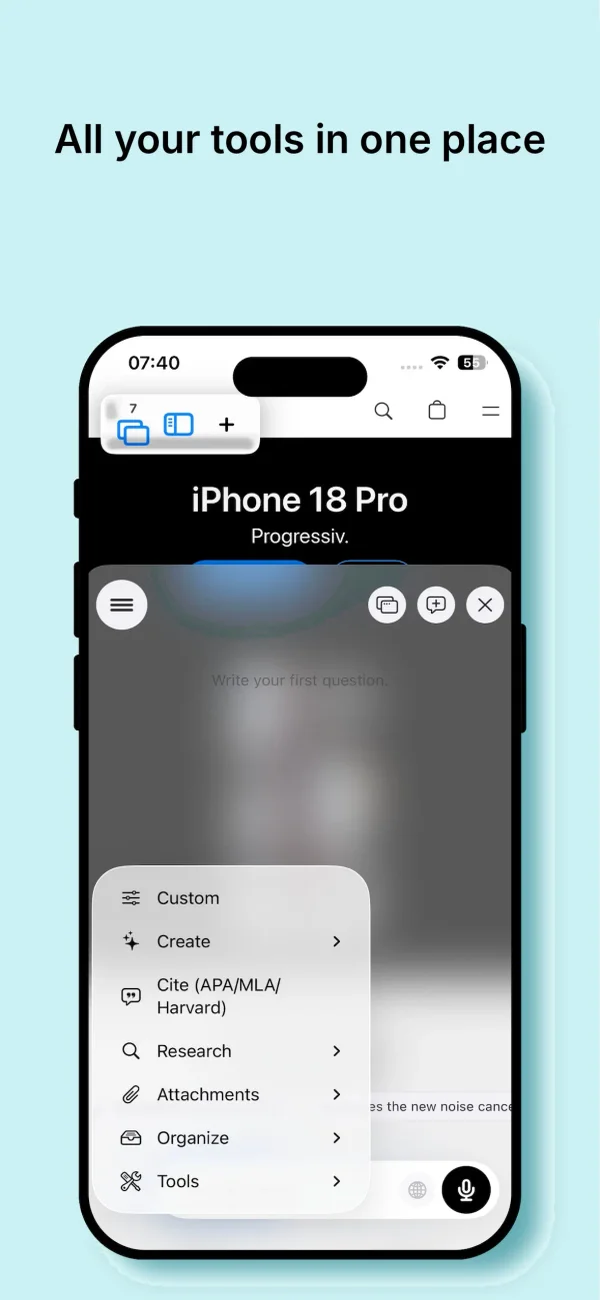
Chat with AI, summarize content, translate pages and compare information in one place. Turn your content into presentations, mind maps, infographics, flashcards, dashboards, one-pagers and diagrams (Mermaid) with a single tap.
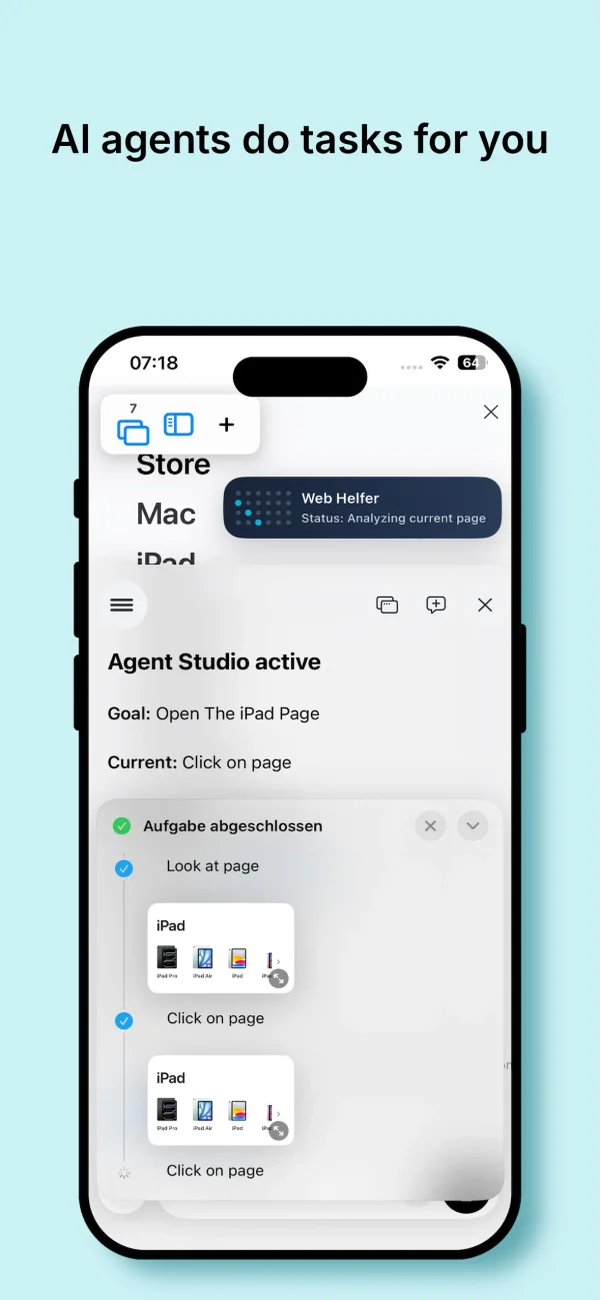
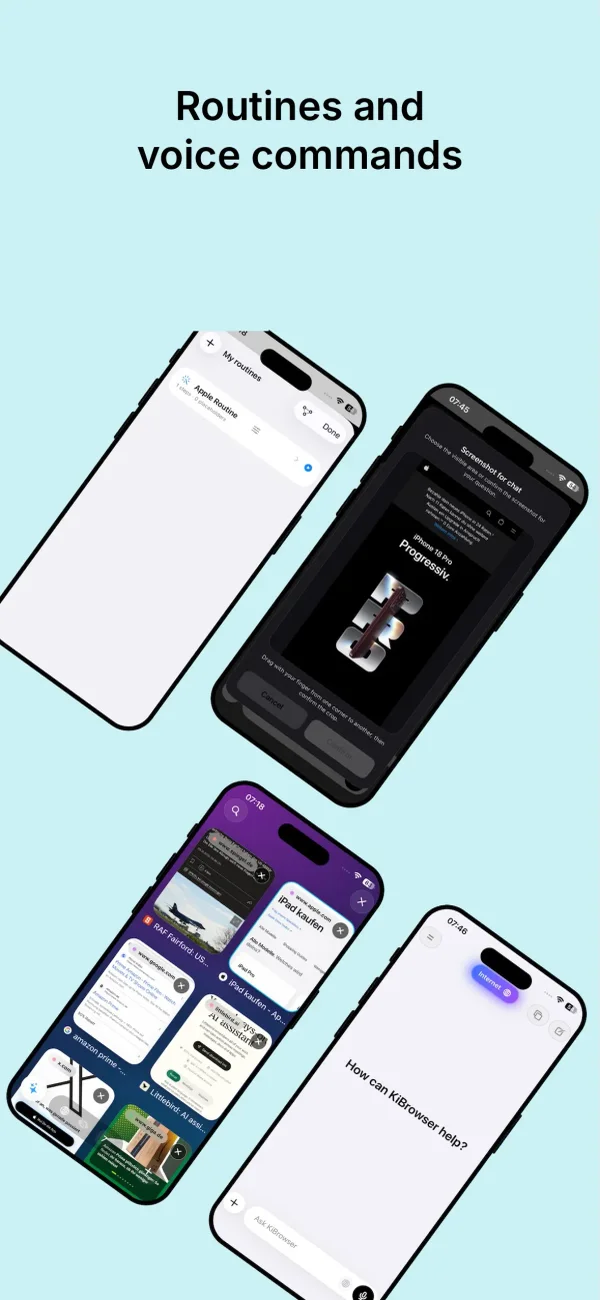
Let AI agents handle tasks on their own, build your own agents in the Agent Studio and record workflows as a Routine that KiBrowser repeats automatically. Research deeper with Deep Research, cite cleanly in APA, MLA or Harvard format, control it entirely by voice, and generate AI images from a simple prompt.
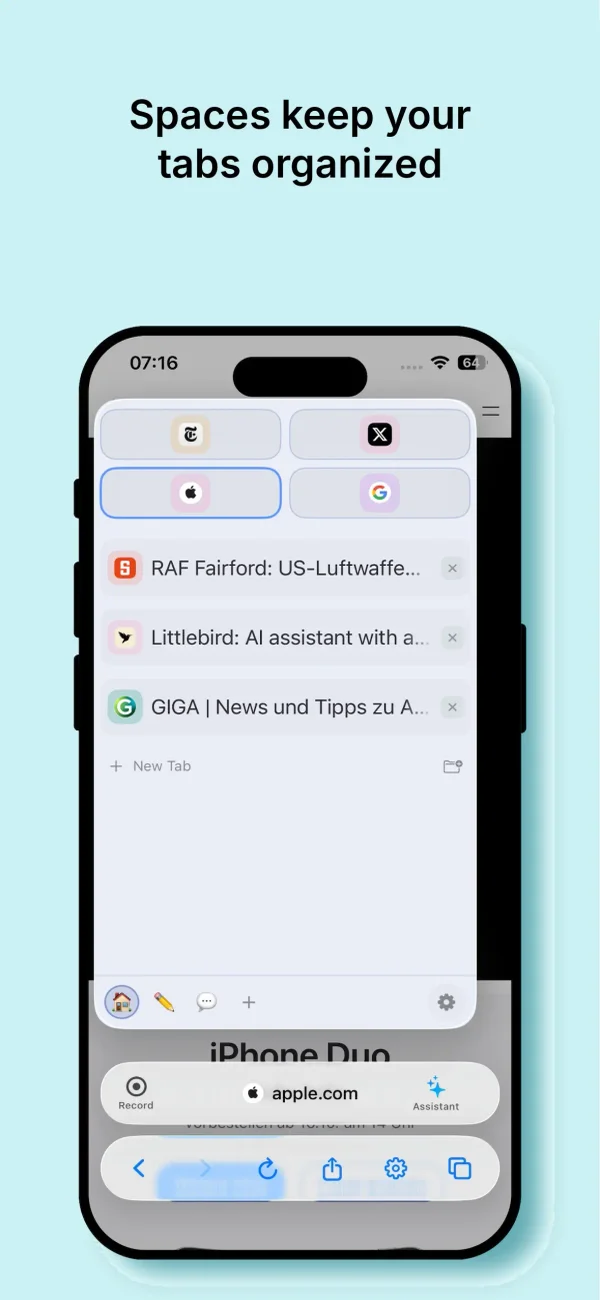
Connect your favorite apps directly with KiBrowser or add your own connections manually, and let the AI work with them. Organize tabs in Spaces, synced via iCloud across iPhone, iPad and Mac. On iPad you draw and take notes with Easel and Apple Pencil right next to the webpage, then send everything to the AI chat.
Features:
- Connected Apps & Integrations: Gmail, Google Drive & Calendar, Slack, Notion, GitHub, Linear, LinkedIn, Canva, Figma, Atlassian and more – or add your own connections manually.
- Diagrams (Mermaid): Show processes and relationships right inside the answers.
- AI Agents & Agent Studio: Handle tasks on their own and build your own agents.
- Routines: Record a workflow and have it repeated automatically anytime.
- AI Daily Todos: Keep your daily tasks in view inside the browser.
- AI Chat: Ask about the current page and get help right away.
- Quick Summary: Turn long pages into clear summaries in seconds.
- Translation: Translate webpages quickly into your language.
- Floating Chat & Split Chat: Browse and chat at the same time.
- Live Link Suggestions: Get relevant links while you chat.
- Research: Web search, Deep Research and multi-page research mode.
- Create: Presentations, mind maps, infographics, flashcards, dashboards and one-pagers.
- Image Generation: Create AI images right in the chat.
- Citations: Clean sources in APA, MLA or Harvard format.
- Shopping Tour: Compare products and search shops more easily.
- Easel (iPad only): Draw and take notes with Apple Pencil, send it all to the chat.
- Spaces & Tab Folders: Organize tabs in separate areas with favicon display.
- iCloud Sync: Tabs and Spaces synced automatically across iPhone, iPad and Mac.
- Favorites, Read Later & History: Save pages globally or per Space and find them again.
- Memories & PDF Collection: Save content locally or collect pages as PDF.
- Reader Mode & Find on Page: Read focused, find things faster.
- Read Aloud & Audio Overview: Hear pages and research as a spoken summary.
- Voice Input: Speak instead of type, including a real-time voice assistant.
- Highlight → Ask KiBrowser & Pin: Highlight text, ask the AI or pin it to the chat.
- Export: Reader and summaries as PDF, chats as PDF, Excel or CSV, documents as Word, slides as PowerPoint.
- Attachments: Add photos, files, screenshots and partial screenshots.
- Share to KiBrowser: Send content from other apps straight into the AI flow.
- Download Manager: Manage downloads with progress display and cleanup.
- Widgets: Chat, ask a question and tasks from the Home and Lock Screen.
- Live Activities & Dynamic Island: Track running tasks live.
- Password Vault & Autofill: Store credentials securely and fill them in.
- Talents: Create your own AI helpers with personal instructions.
- Intelligent Thinking: Recognizes patterns and makes fitting suggestions.
- AI Mouse (iPad): The cursor over text recognizes content directly.
- Command Palette (⌘K): Control KiBrowser instantly with shortcuts.
- Offline AI: Runs locally via Apple Intelligence when your credits run out.
- Community & Customization: Share with the community and customize chat and design.
- Privacy Tools: Reduce tracking and browse cleaner.
Terms of Use (EULA): https://www.apple.com/legal/internet-services/itunes/dev/stdeula/
What’s new
Version 4.0.21 · Nov 19, 2026
What's New
• Short intro on first launch: The key features at a glance.
• Trial reminder: KIBrowser lets you know one day before your free trial ends.
Improvements
• Spaces: Switching is now smooth – colors, icons and your last open tab appear instantly, without reloading.
• Cookie banners and buttons at the bottom of a page are no longer hidden by the toolbar.
• Scrolling no longer gets stuck – including on pages that previously couldn't scroll up.
• The AI chat now answers general questions based on the tab you have open.
• Website icons load faster and no longer flicker.
App privacy
What Merve Karadeniz declares on the App Store about how this app handles data.
-
Data not linked to you
May be collected but is not linked to your identity.
- Search history
- Browsing history
- Usage data
- Diagnostics
Privacy practices may vary, for example with the features you use or your age.
Information
- Seller
- Merve Karadeniz
- Category
- Utilities
- Version
- 4.0.21
- Updated
- Nov 19, 2026
- Released
- Oct 2, 2025
- Size
- 109.5 MB
- Requires
- iOS 26.0 or later
- Age rating
- 17+
- In-app purchases
- Yes
- Languages
- German, Arabic, Bengali, Bosnian, Bulgarian, Danish, English, Estonian, Finnish, French, Greek, Hebrew + 29 more
- Copyright
- Copyright © 2025 Merve Karadeniz. Alle Rechte vorbehalten
You might also like
-
 Cloak - Private BrowserAd blocker & private browsing
-
 Ad-block BrowserBlock Ads, Trackers & Popups
-
 VanBrowser: Private BrowserThe web browser with no AI.
-
 Private Browser: LoopiusSimple & Fast Web Browser
-
 CC Browser: Private & SecureVideo Download & Ad Blocker
-
 Jazz Private BrowserPrivate tabs, ad block, VPN
-
 WebDAV BrowserStream NAS files & videos
-
 Sverk: Browser with AI ChatAd blocker, private browsing
-
 qFocus: The Private BrowserPrivacy for your Social Media
-
 BrowsAI-Agent Web BrowserA mobile alternative to Manus