
Browsie – Tidy Browser
Tabs in spaces and groups
Designed for iPhone, iPad, Mac
Free
- Age rating17+
- CategoryProductivity
- DeveloperJulia Jakobsen
- LanguagesEnglish+ 1 more
- Size4.2 MB
Links to the official App Store page
Download.org hosts no file of Browsie – Tidy Browser. The button opens its official App Store page, published by Julia Jakobsen. Listing last checked on Nov 25, 2026.
Screenshots
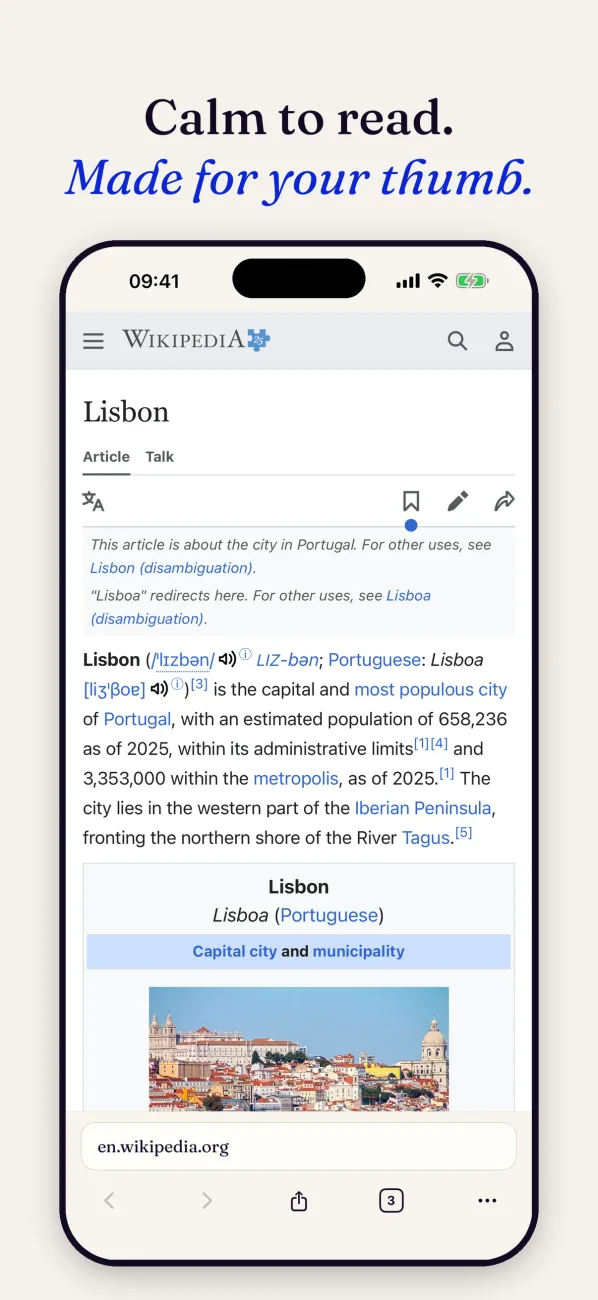
About
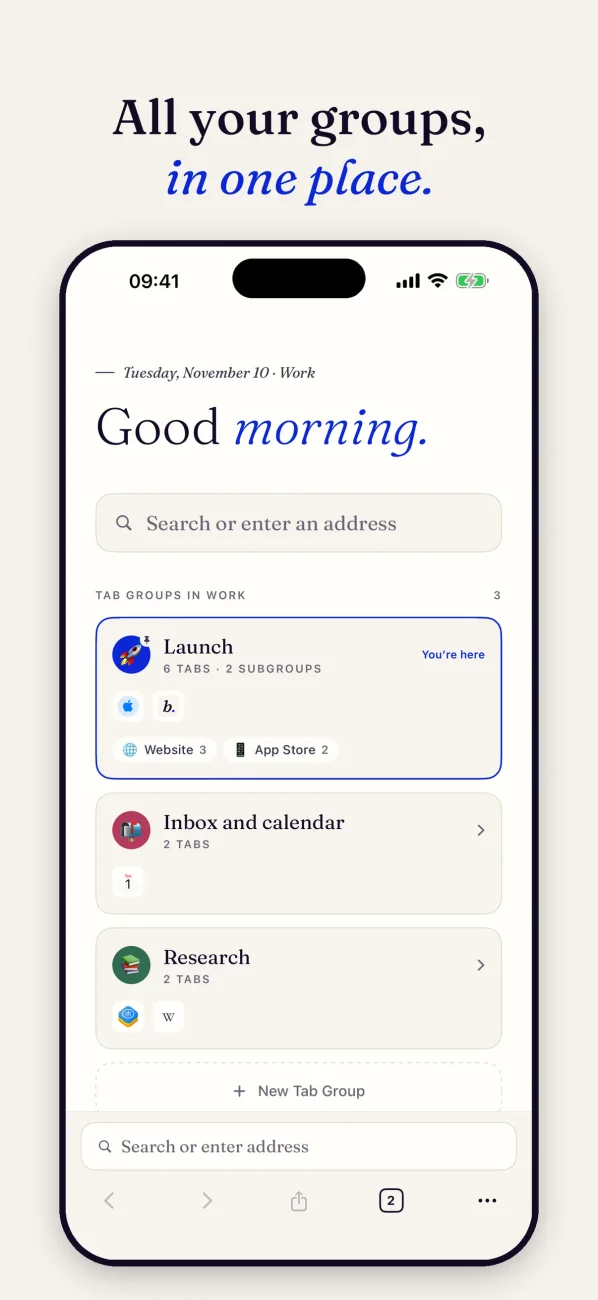
Browsie is a browser for iPhone and Mac where you organize your tabs your way. Keep it to a few tabs, or build a whole system for work, school and home. It gets as simple or as detailed as you need.
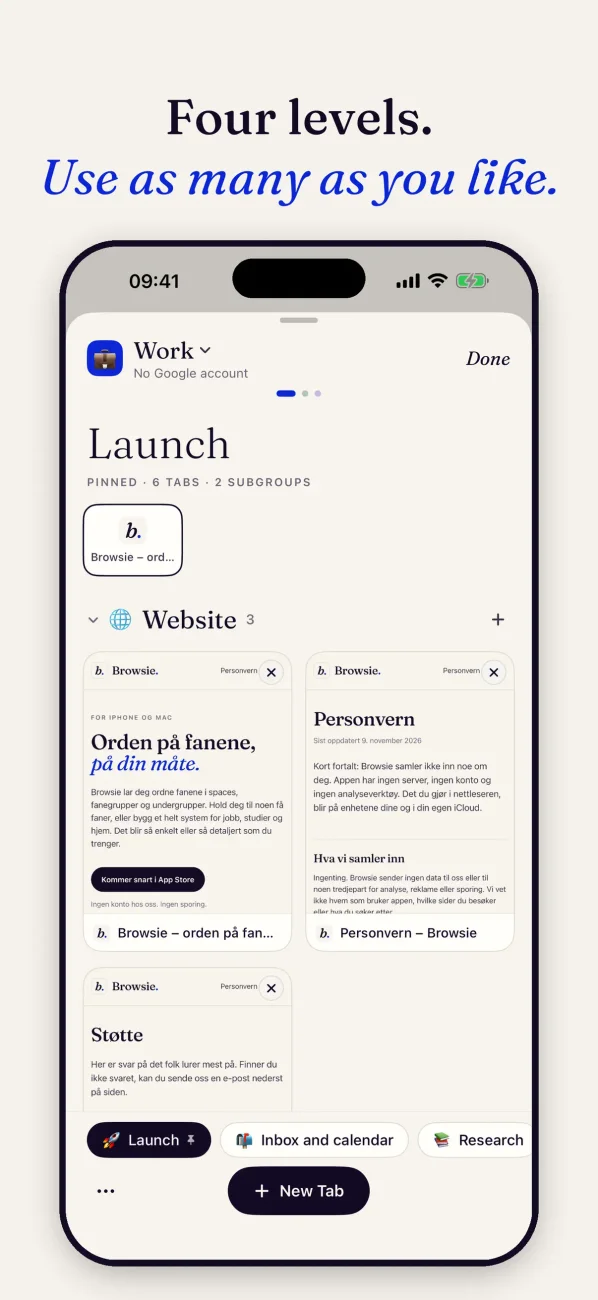
FOUR LEVELS. USE AS MANY AS YOU LIKE.
• Space: the biggest division, for example Work and Personal. Each space has its own sign-in, so you can be signed in to two Google accounts at the same time.
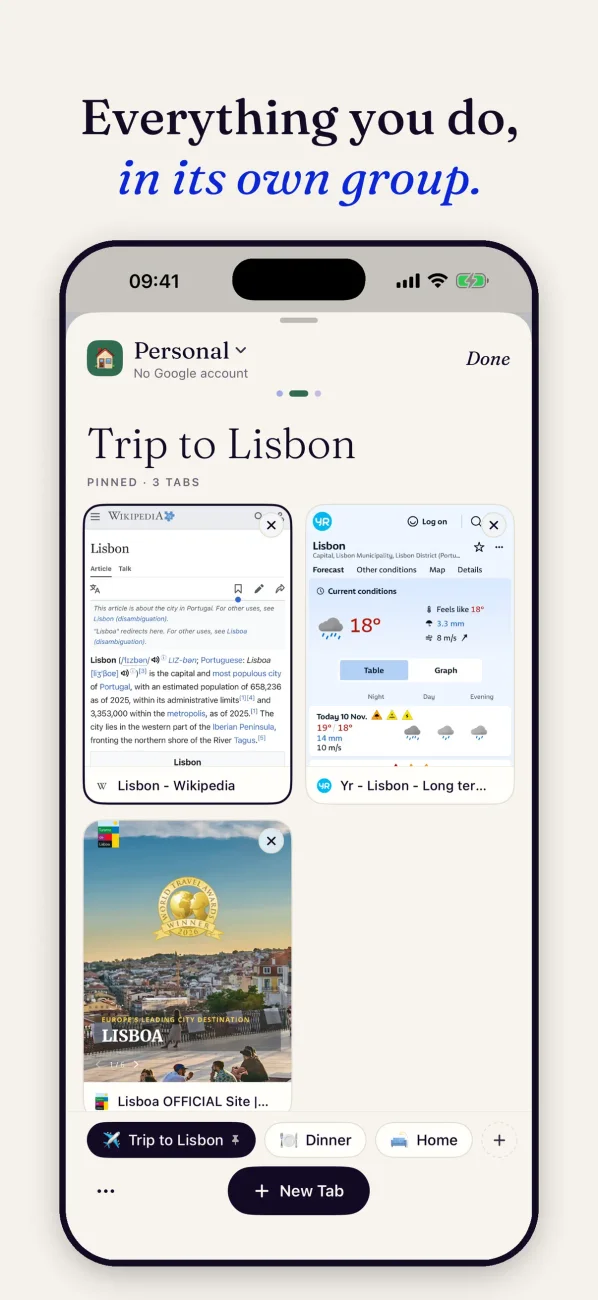
• Tab group: tabs that belong together, with their own name, icon and color. A project, a trip, something you're working on.
• Subgroup: groups inside groups, for when one group is no longer enough.
• Tab: pin the ones you use every day, so they always stay on top.
The structure grows and shrinks with you. Turn a tab group into a space when it gets big, or a space into a group when it gets small.
MADE FOR YOUR THUMB
• The address bar sits down by your thumb on iPhone.
• Swipe between spaces, and tap a tab group to switch to it.
• See your tabs as a list or as a grid with a picture of each page, and flick a tab up to close it.
• Open a copied link with one tap.
AND FOR THE KEYBOARD
• On Mac, your tabs live in a sidebar.
• ⌘T for a new tab, ⌘K to find a tab or group, and ⌃1–⌃9 to switch groups.
• Two pages side by side on Mac and iPad.
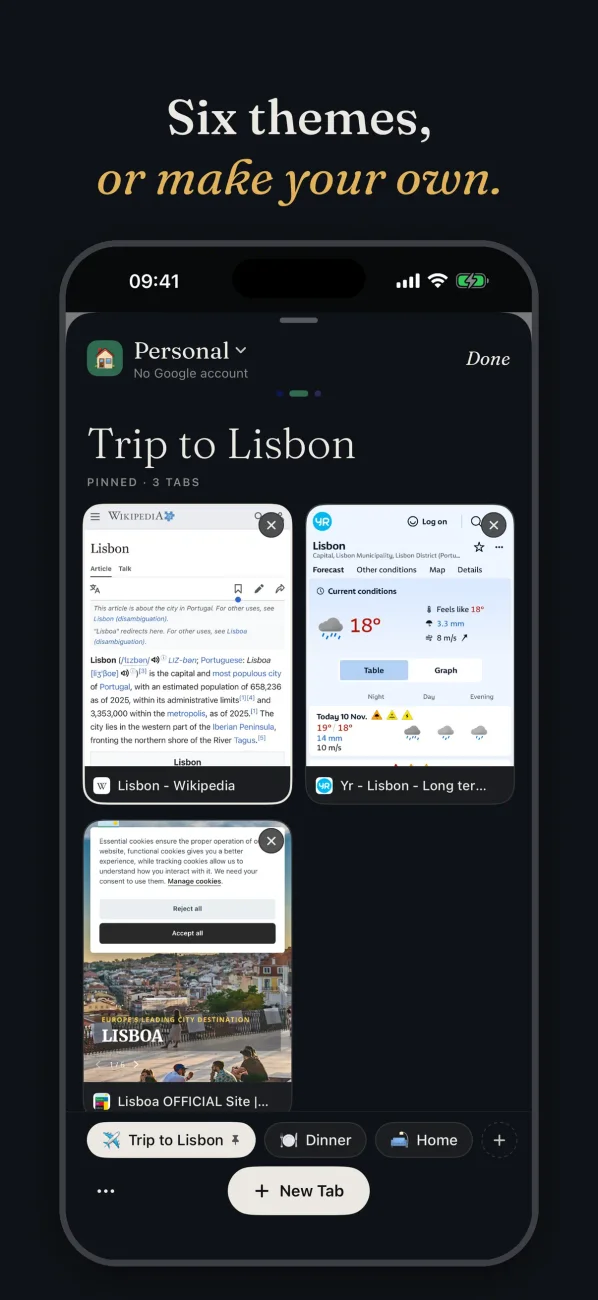
CALM TO LOOK AT
Warm paper, ink-colored text and headings in Fraunces. Choose between the themes Paper, Ink, Sage, Rosé, Newspaper and Midnight, or make your own with three colors.
EVERYTHING ELSE YOU EXPECT
• Built on WebKit, the same engine as Safari.
• Spaces, groups, tabs and settings sync between iPhone and Mac with iCloud.
• Save passwords in the keychain. Browsie asks for Face ID or Touch ID before filling them in.
• Lock a tab, so it never reloads by itself.
• Choose your search engine: Google, DuckDuckGo, Kagi, Startpage, Ecosia or Bing.
• Downloads, AirPlay, picture in picture and fraud warnings.
NO TRACKING
Browsie has no account, no server and no analytics. What you do in the browser stays on your devices and in your own iCloud.
What’s new
Version 1.0.3 · Nov 24, 2026
• The paste button in the address bar is always there now, as a simple icon.
• When you open a new tab, the address bar shows which tab group it lands in, and you can pick another one right there.
• Searches now stay in Browsie instead of opening another app.
App privacy
What Julia Jakobsen declares on the App Store about how this app handles data.
-
Data not collected
The developer does not collect any data from this app.
Privacy practices may vary, for example with the features you use or your age.
Information
- Seller
- Julia Jakobsen
- Category
- Productivity
- Version
- 1.0.3
- Updated
- Nov 24, 2026
- Released
- Nov 10, 2026
- Size
- 4.2 MB
- Requires
- iOS 17.0 or later
- Age rating
- 17+
- Price
- Free
- Languages
- English, Norwegian Bokmål
- Copyright
- © 2026 Julia Jakobsen
You might also like
-
 AionClawAI Agent for Real Tasks
-
 seed: Notes, Tasks & AI AgentAI tasks, agents & team chat
-
 OptMsgOpt-In Email That Blocks Spam
-
 Jade EmailPower over email
-
 Ox - Local BotA self-evolving local bot
-
 Narrow32Browser for slow internet
-
 Slate - Notes & CanvasWrite. Sketch. Organize.
-
 Aster: AI Agent & AssistantRecipes, workouts & daily news
-
 Toggle: Block ReelsNo Shorts, For You or Explore
-
 md Viewer: Markdown & MermaidFaithful reports, offline