BT Basketball Shotclock
High Quality Shotclock
Designed for iPhone, iPad, iPod touch
Free · In-app purchases
- Age rating4+
- CategorySports
- DeveloperThe Basketball Temple LLC
- LanguagesEnglish
- Size113.9 MB
Links to the official App Store page
Download.org hosts no file of BT Basketball Shotclock. The button opens its official App Store page, published by The Basketball Temple LLC. Listing last checked on Nov 17, 2026.
Screenshots




About
One of the cleanest shotclock apps on the market. The BT Shotclock app, developed by and for a basketball company that runs it's own basketball leagues, is the next best option to investing in an expensive professional grade shotclock. Shotclock and Scoreboard equipment which can cost you thousands is now available and affordable to everyone in the basketball community.
In-depth Tutorial: https://youtu.be/fopYwQPOZ2k
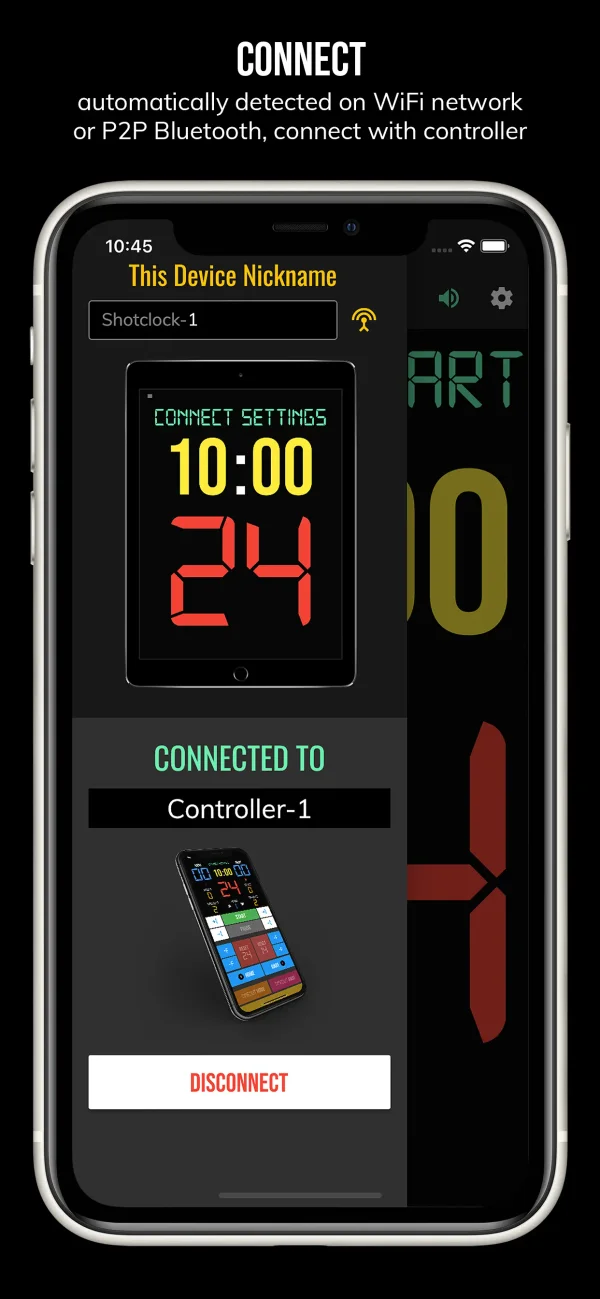
Use the shotclock by itself or download the free BT Controller app to remotely control the shotclock or multiple shotclocks simultaneously. Open the connect menu on the BT Controller app, the shotclock is automatically detected, hit the WiFi or Bluetooth button next to the shotclock name on the BT Controller app to connect.
BT Shotclock Features:
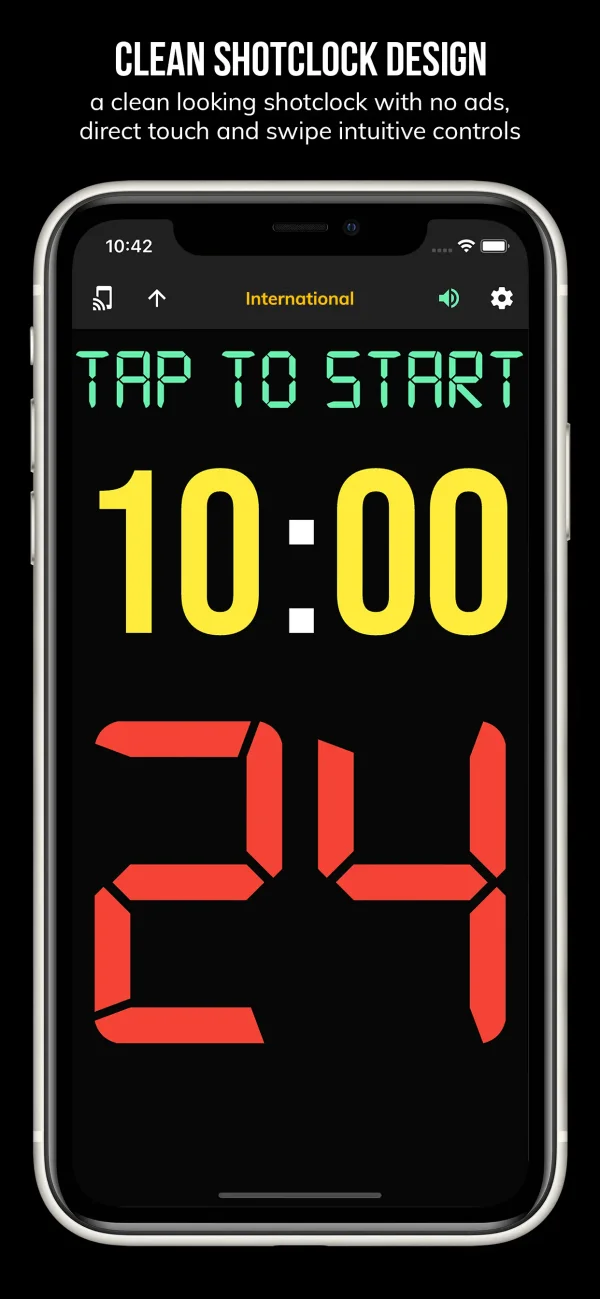
- Clean design, no ads
- Can use as a stand alone shotclock with intuitive direct tap and swipe controls
- Remotely control shotclock with WiFi or Bluetooth using free BT Controller App
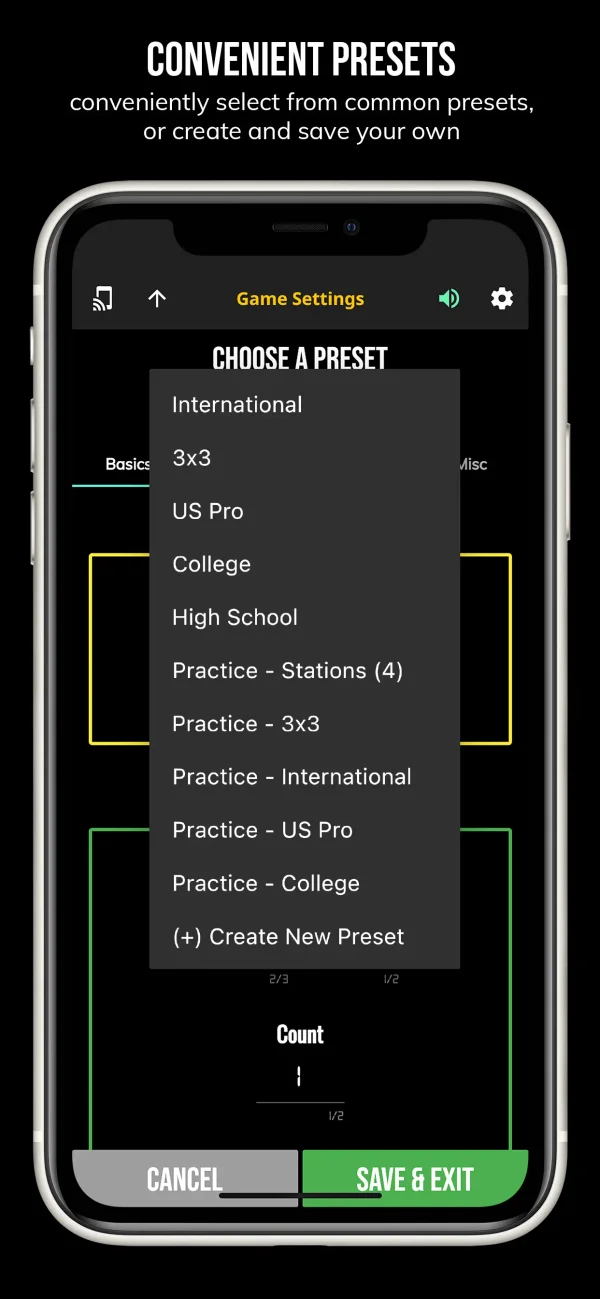
- Convenient Presets (International, 3x3, US Pro, College, High School, and more...)
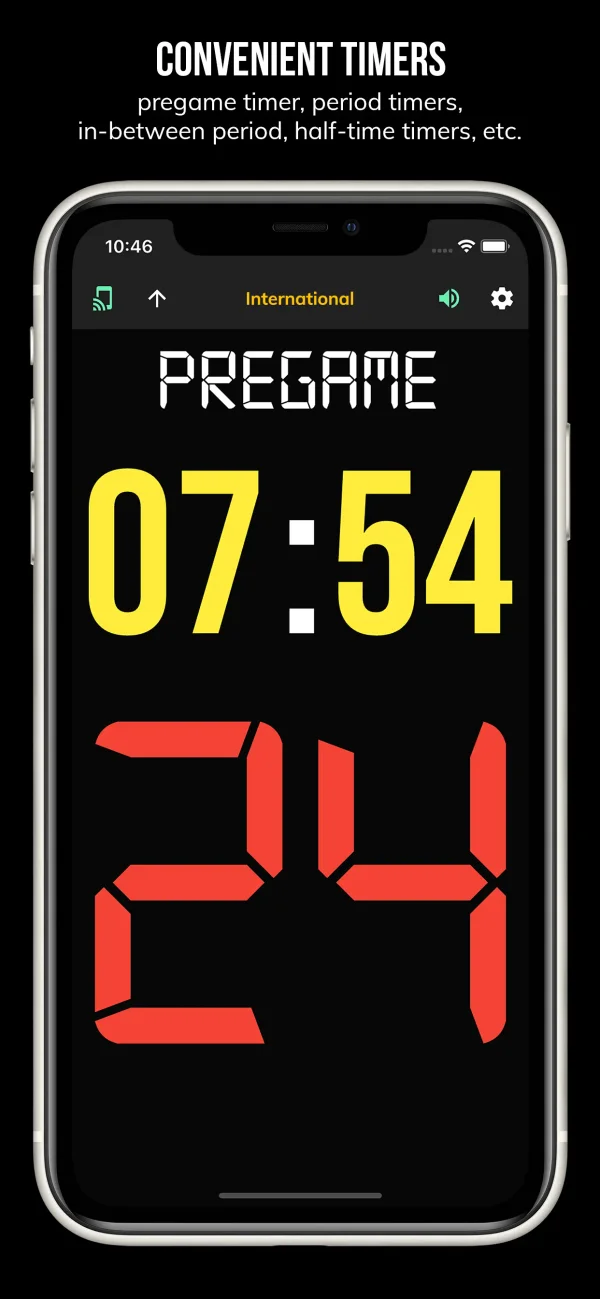
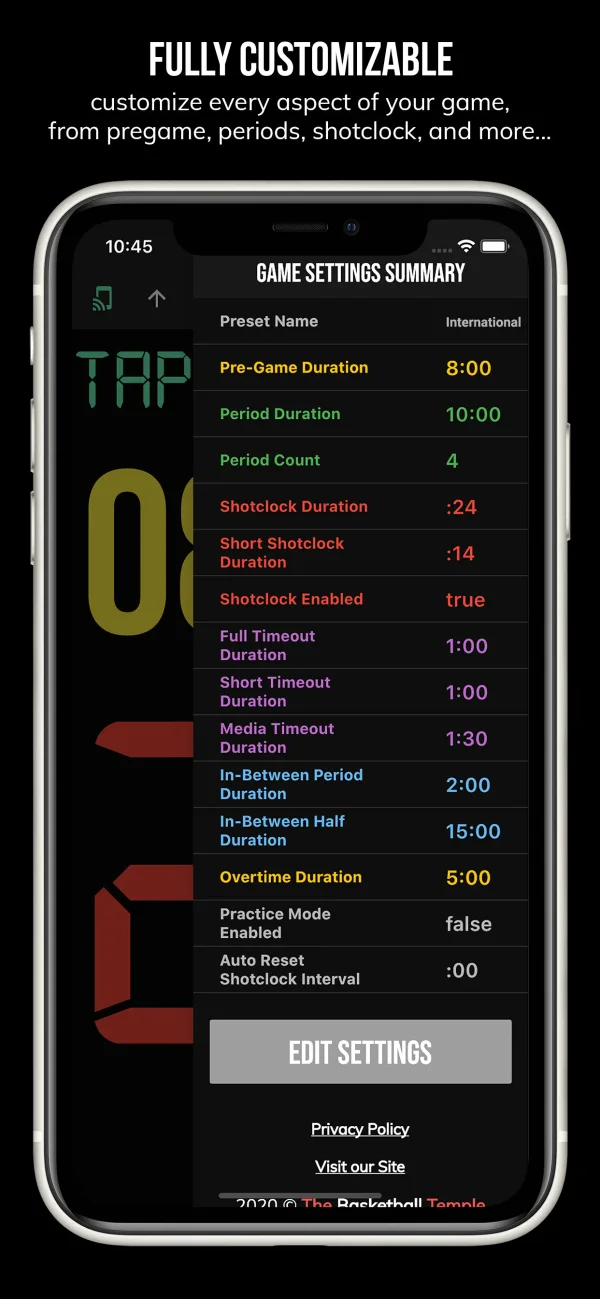
- Convenient timers: pregame timer, period timer, rest timer, timeout timer, overtime, etc.
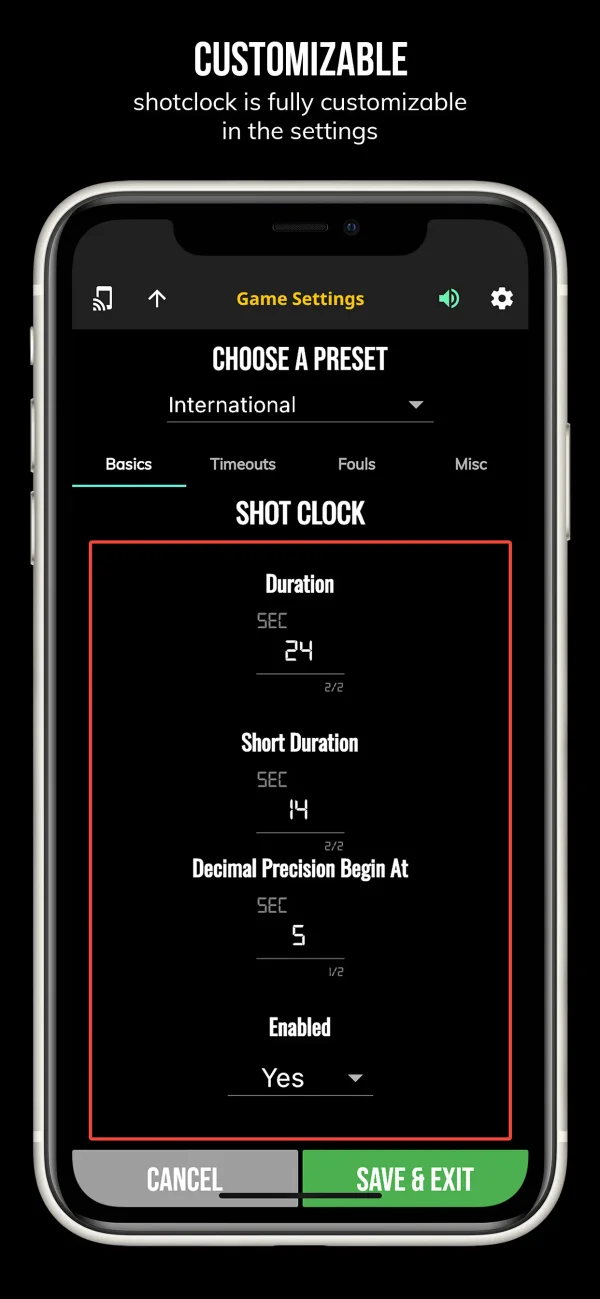
- Fully customizable game in the settings
- Practice modes configured in settings is great for running practices
- Audio buzzers for shotclock violation, end of period, substitutions, etc.
- Warning beep near end of pregame, timeout, or rest times (customizable)
- Quick Start Documentation below
For the best experience, use the application on a large tablet, or hook your phone/tablet up to a large display or video projector. You'll feel like you have just bought a professional shotclock!
The BT Shotclock app was created by The Basketball Temple Company. The Basketball Temple Company focuses on high quality basketball academies, basketball leagues, and technologies that are used to support those academies and leagues. We open our technology to the public so everyone in the basketball community can experience the same technologies that we use within our institutions.
# Quick Start Documentation:
Exiting Game and Reseting Times:
- Click top right settings icon (if top bar is hidden, click top left hamburger icon to open top app bar)
- Scroll down and hit "Exit Game" button
Time Controls:
- Tap period timer to start/pause
- Tap pregame, timeout, rest timers to early transition to next stage
Shotclock Controls:
- Tap shotclock to reset/go
- Swipe shotclock up/down to reset/go to short shotclock
Connect and Remote Control:
- Start the BT Controller app on a different device
- In the BT Controller app, open the connect menu on the top left
- The Shotclock should automatically discovered
- Click on the Wifi/Bluetooth icon next to the Shotclock name to connect
- If unable to connect or having connection errors try one of the following:
1) please ensure all devices are on the same WiFi network
2) please ensure bluetooth is turned ON on all devices
3) lastly, try to restart the app on all devices
Time and Game Settings:
- Tap on top-right icon (or swipe right-to-left on the right edge) to open settings menu
- Edit and save the many settings available
Privacy Policy: https://www.basketballtemple.com/privacy
Terms of Use: https://www.apple.com/legal/internet-services/itunes/dev/stdeula/
What’s new
Version 1239 · Sep 29, 2026
- Added bottom scoreboard bar with game score, fouls, and timeouts
- Ability to call timeouts within the shotclock app
- Ability to keep score and fouls within the shotclock app
- Added watch companion app for remote score controls.
Please submit any issues to support@basketballtemple.com and we will try to handle it promptly. Hope you enjoy the app and thank you very much!
App privacy
What The Basketball Temple LLC declares on the App Store about how this app handles data.
-
Data not collected
The developer does not collect any data from this app.
Privacy practices may vary, for example with the features you use or your age.
Information
- Seller
- The Basketball Temple LLC
- Category
- Sports
- Version
- 1239
- Updated
- Sep 29, 2026
- Released
- Aug 8, 2020
- Size
- 113.9 MB
- Requires
- iOS 15.0 or later
- Age rating
- 4+
- Price
- Free
- In-app purchases
- Yes
- Languages
- English
- Copyright
- © 2025 The Basketball Temple Company
You might also like
-
 Shotclock 24 ProBasketball Timer with Buzzer
-
 All-Sports ScoreboardScore Keeper & Game Clock
-
 iScore Soccer ScorekeeperStats and Live Scores
-
 GamePilot (Lite)Scoreboard for every sport
-
 Courtside Digital ScorebookBasketball analytics & stats
-
 SpeedTennis: Ball TrackerAI Tennis Speed & Trajectory
-
 MatSide Wrestling ScoreboardWrestling match timer
-
 Pickup ShotClockPickup Basketball Timer
-
 Score Keeper BoardSport Score Tracker
-
 Scorena: Pro ScoreboardFootball, basketball, volley