BTBerryWifi
Set wifi on RPi via bluetooth
Designed for iPhone, iPad, iPod touch
Free · In-app purchases
- Age rating4+
- CategoryUtilities
- DeveloperNormand Frenette
- LanguagesEnglish
- Size6.3 MB
Links to the official App Store page
Download.org hosts no file of BTBerryWifi. The button opens its official App Store page, published by Normand Frenette. Listing last checked on Nov 17, 2026.
Screenshots


About
The Problem:
Your headless Raspberry Pi needs to connect to a new wifi network. You cannot use ssh because your Mac/Pc is on the new network (and the old network is not available). You do not have access to a monitor/keyboard/mouse. Or your RPi is sealed in a box.
The Solution:
The BTBerryWifi app connects to your Headless Raspberry Pi via bluetooth, and allows you to select a wifi network seen by your Raspberry Pi.
A simple familiar interface displays the network SSID (name) , the strength icon , and whether the wifi network is locked (encoded) or open.
Tap the network to connect. If the network is locked, the app prompts you for the network's password (key). The Raspberry Pi is now connected!
You can also connect to hidden SSID network .
Any network you connect to at least once is saved on the raspberry pi for future re-use.
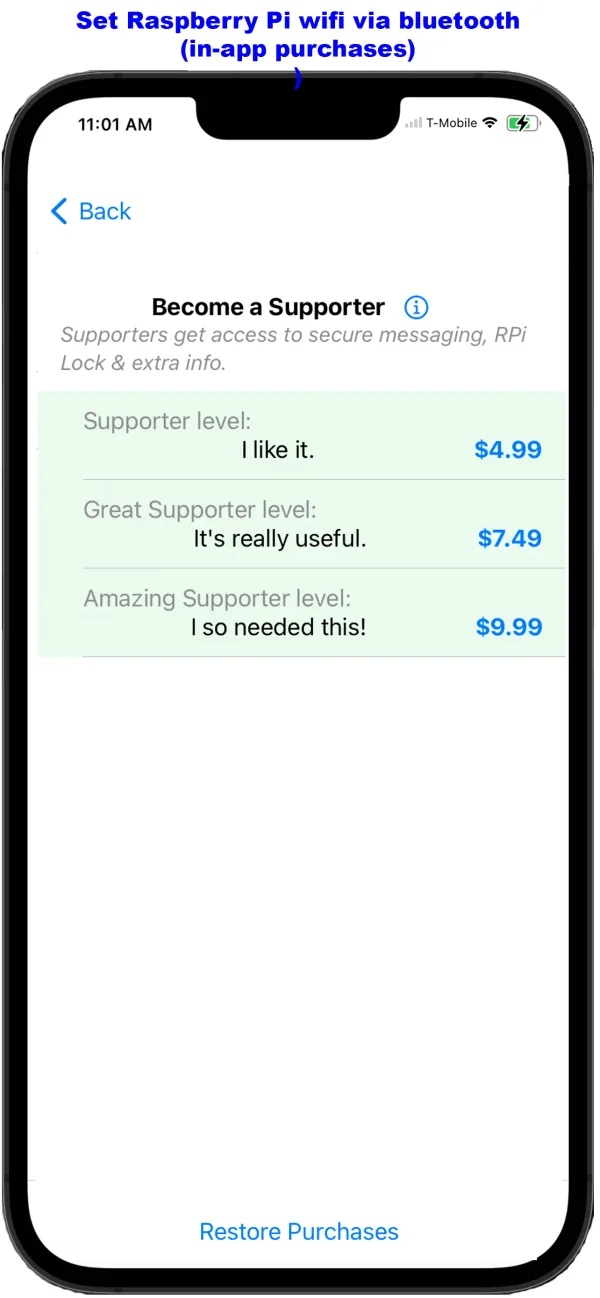
Extra features for supporters:
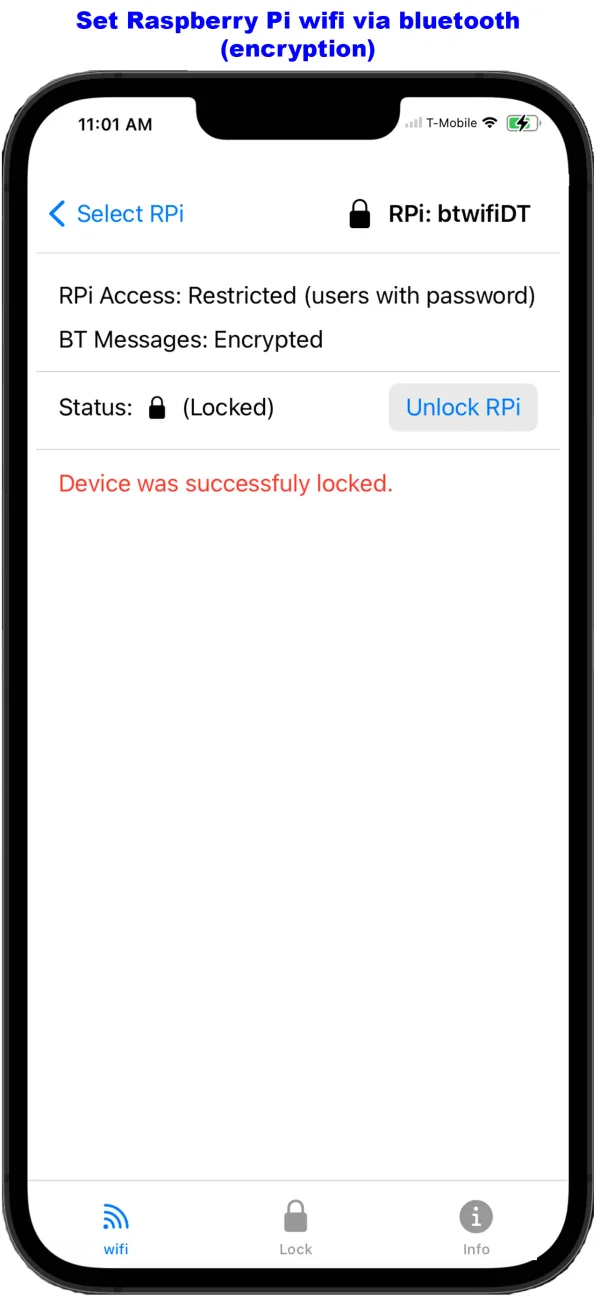
Encryption to secure network SSID and passwords from bluetooth eavesdropping.
This also locks the Raspberry Pi to only those to whom you give a password so other users with this app cannot connect to your RPi.
Extra information about the RPi:
- IP4, IP6 addresses on the wifi network.
- Mac address of the ethernet, wifi and bluetooth adapters.
- Detail strength (dbM) and channel/frequency of all networks around the pi. (great for handling interference!)
- user defined info from the RPi displayed on the iPhone/iPad
Notes:
1) IMPORTANT:
You must FISRT install the corresponding python program on the Raspberry Pi in order for the Raspberry Pi to communicate with the iPhone app.The python code to be installed is available for free (open source).
An installation script is provided: follow the instructions at https://normfrenette.com/Set-wifi-via-bluetooth/Installation-RaspberryPi-automatic/ or https://github.com/nksan/Rpi-SetWiFi-viaBluetooth
2) Tested on Raspberry Pi 3B+,4 and 5 (OS: Buster(10), Bullseye(11), Bookworm(12), Ubuntu) & Banana pi (Armbian).
3) The app user guide can be found at: https://normfrenette.com/Set-wifi-via-bluetooth/iPhone-App-iPhone-app-usage/
4) there are also demo/user guides videos:
- setting the wifi network (various options): https://www.youtube.com/watch?v=Lt_nxcghhZE
- using "supporter" features: https://www.youtube.com/watch?v=x-VTXTclnhw
What’s new
Version 2.0 · Jun 29, 2024
Bug fix: allow SSID with spaces in the name.
Now supports linux Network Manager: Raspberry Pi using OS version 12 (Bookwork), Ubuntu and Armbian have been tested.
There linux distros with Network Manager should also work (provided their wifi adapter is wlan0)
Supporter extra features (in-app purchase):
1) Encryption to secure network SSID and passwords.
This also locks the Raspberry Pi to only those to whom you give a password so other users with the BTBerryWifi cannot connect to your RPi.
2) Extra information about the RPi:
- IP4, IP6 addresses on the wifi network.
- Mac address of the ethernet, wifi and bluetooth adapters.
- Detail signal strength (dbM) and channel/frequency of all networks around the pi. (great for handling interference!)
- Display your own Raspberry Pi generated data on the iPhone/iPad (with simple modification of the Python Code)
App privacy
What Normand Frenette declares on the App Store about how this app handles data.
-
Data not collected
The developer does not collect any data from this app.
Privacy practices may vary, for example with the features you use or your age.
Information
- Seller
- Normand Frenette
- Category
- Utilities
- Version
- 2.0
- Updated
- Jun 29, 2024
- Released
- May 18, 2022
- Size
- 6.3 MB
- Requires
- iOS 15.0 or later
- Age rating
- 4+
- Price
- Free
- In-app purchases
- Yes
- Languages
- English
- Copyright
- © 2024 Normand Frenette
You might also like
-
 PiFi - Router for Raspberry PiPro networking. Easy as Pi.
-
 DataplicitySupport Linux devices anywhere
-
 My RPI SSH - for Raspberry PIUtilities
-
 SimplePi for Raspberry PiMonitor, Control & Manage rPi
-
 Remote.ItNetworking without hardware
-
 RaspControllerRaspberry Pi: SSH & GPIO
-
 WibleUnleash the Power of DIY Tech
-
 Dash IoTConnect IoT & Mobile Devices
-
 BSSID SCANBSSIDs Around You
-
 Pi SSH – Raspberry Pi ControlSSH Terminal for Raspberry Pi