
BufferSpeed
Speed test with bufferbloat
Designed for iPhone, iPod touch
Free · In-app purchases
- Age rating4+
- CategoryUtilities
- DeveloperChris Drinkard
- LanguagesEnglish
- Size35.2 MB
Links to the official App Store page
Download.org hosts no file of BufferSpeed. The button opens its official App Store page, published by Chris Drinkard. Listing last checked on Nov 22, 2026.
Screenshots

About
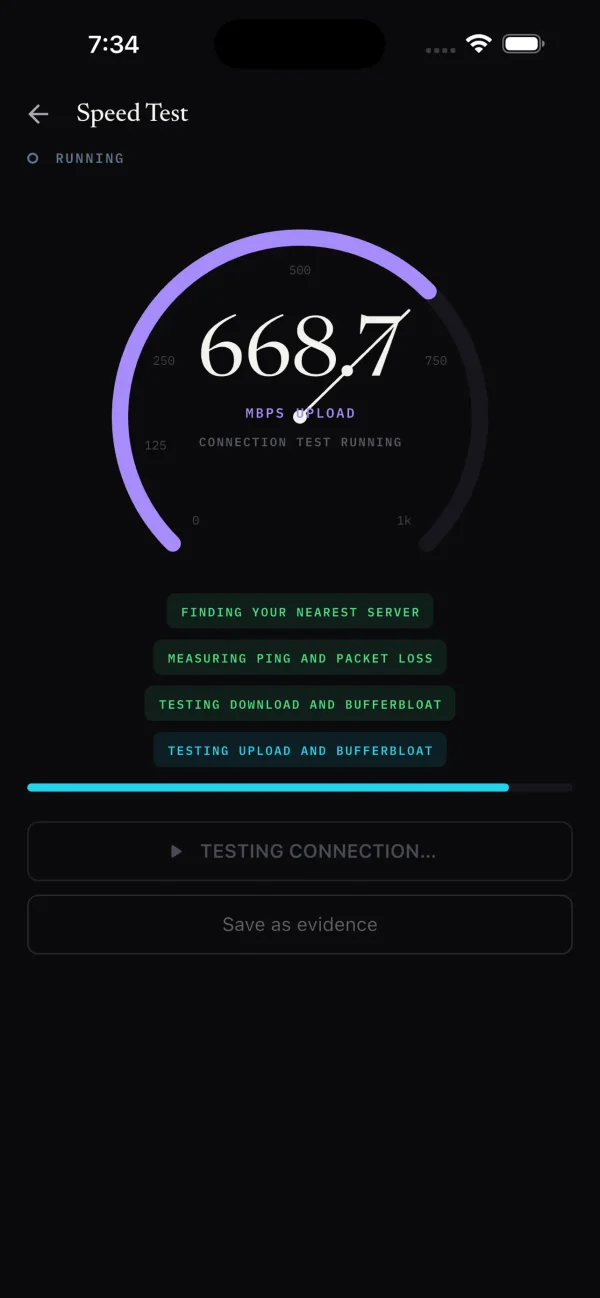
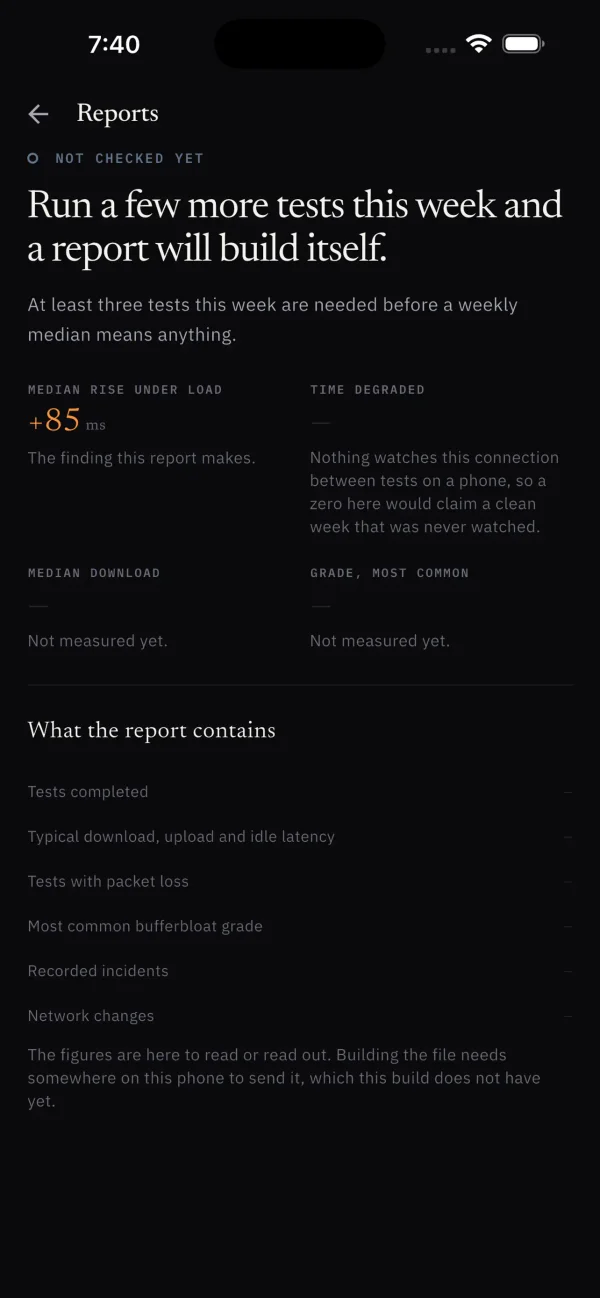
Your speed test says 300 Mbps. Your video call still stutters. Both things are true, and the number is not the problem.
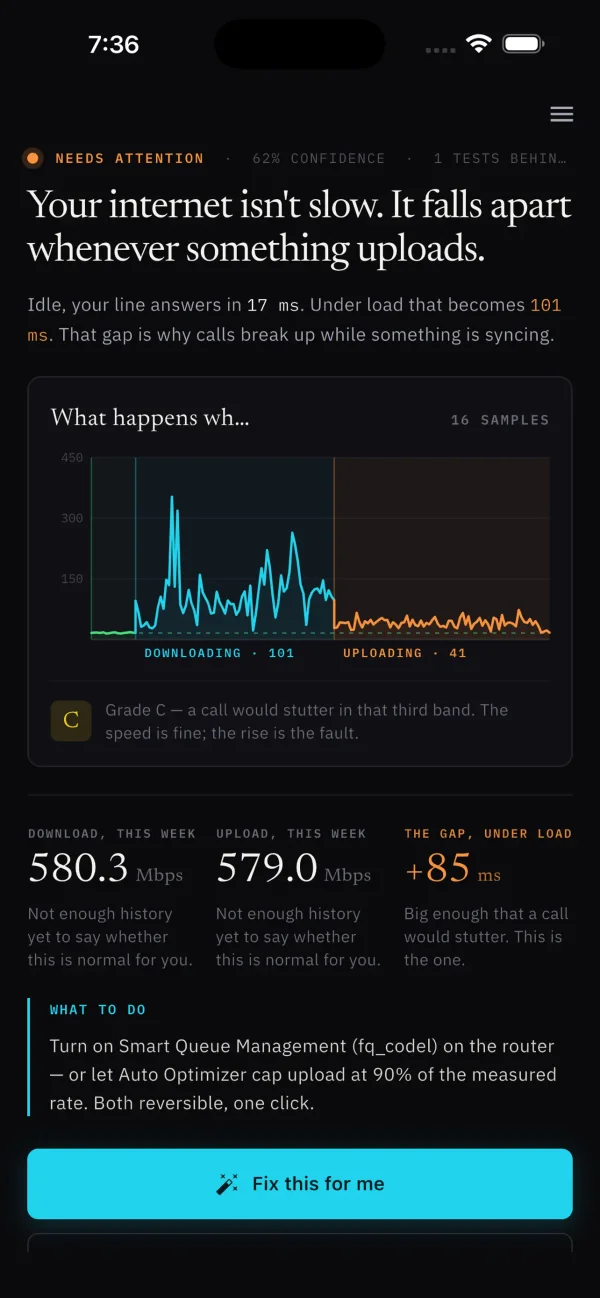
Speed is what your connection does when it's idle. What actually breaks calls, games and streams is what happens when the line gets busy: a backup starts, someone uploads a video, a console downloads an update. That's bufferbloat, and an ordinary speed test isn't looking for it.
BufferSpeed measures both.
WHAT YOU GET
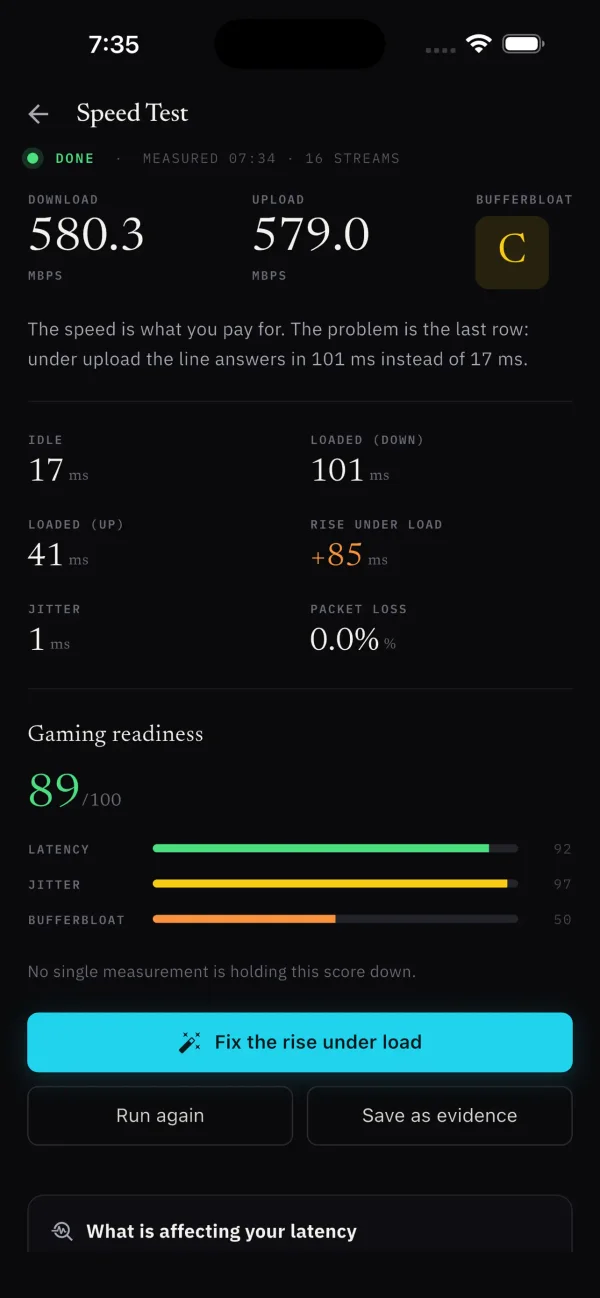
Download and upload speed
Idle latency and latency under load, the difference is the story
Jitter and packet loss
A bufferbloat grade from A to F, explained in plain language for calls and games
Test history, so you can tell a bad evening from a bad connection
WHY LATENCY UNDER LOAD MATTERS
A connection that answers in 20 ms when idle and 400 ms when busy will feel broken during exactly the moments you care about, no matter how big the speed number is. Fibre and gigabit connections aren't immune. The delay usually comes from a queue in your own router filling up, not from the speed you're paying for.
BufferSpeed shows you the gap, grades it, and explains it in language you can repeat to whoever needs to fix it.
BUILT FOR EVIDENCE
One bad test proves nothing. Results are saved on your device so you can see whether a problem is constant, only in the evenings, or only on one network.
The core connection test doesn't require an account or subscription. Optional account-linked and AI features use online services and may send the data needed to provide them. A linked BufferSpeed account is required to purchase and use AI credits. Anonymous result contributions and diagnostic reporting can be controlled in Settings.
This app measures and explains. It doesn't change device or router settings or guarantee a faster connection.
SUBSCRIPTIONS AND AI CREDITS
Optional Pro, Guardian and Agency subscriptions are available monthly or annually. Current prices appear in Settings under Plan & Subscription. Payment is charged to your Apple ID account at confirmation. Subscriptions renew automatically unless cancelled at least 24 hours before the end of the current period. Manage or cancel in your App Store account settings. Restore Purchases is available in the app.
AI credit packs of 500, 2,000 and 10,000 credits are separate one-time consumable purchases for a linked BufferSpeed account, not subscriptions.
Terms of Use (EULA): https://www.apple.com/legal/internet-services/itunes/dev/stdeula/
Privacy Policy: https://bufferspeed.com/privacy
What’s new
Version 1.2.3 · Nov 20, 2026
Understand a bad grade, and see more of your path.
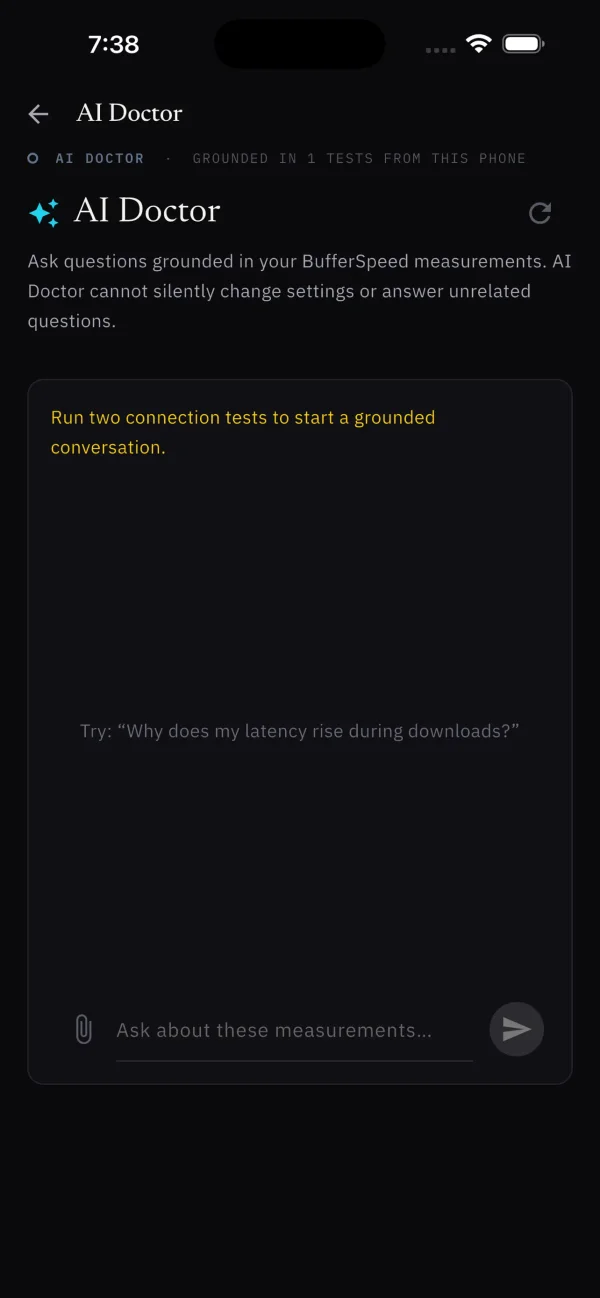
• Under a C, D or F result, AI Doctor explains the likely cause and the first thing to change.
• ECN check: the path screen shows where along your route ECN marks stop arriving.
• Accurate city (optional): turn on "Use my location for an accurate city" and your results show the right city. Only the city's name is sent; your coordinates stay on your iPhone.
• Ad privacy choices: review or change your ad consent from Settings, where it applies.
• A test no longer hangs when one connection stops answering.
App privacy
What Chris Drinkard declares on the App Store about how this app handles data.
-
Data used to track you
May be used to track you across apps and websites owned by other companies.
- Identifiers
- Usage data
-
Data linked to you
May be collected and linked to your identity.
- Location
-
Data not linked to you
May be collected but is not linked to your identity.
- Purchases
- Identifiers
- Usage data
- Diagnostics
Privacy practices may vary, for example with the features you use or your age.
Information
- Seller
- Chris Drinkard
- Category
- Utilities
- Version
- 1.2.3
- Updated
- Nov 20, 2026
- Released
- Sep 2, 2026
- Size
- 35.2 MB
- Requires
- iOS 15.0 or later
- Age rating
- 4+
- Price
- Free
- In-app purchases
- Yes
- Languages
- English
- Copyright
- © 2026 Chris Drinkard
You might also like
-
 Lagcheck: Game Ping TestKnow Before Playing Ranked
-
 Internet Speed Test - NetestWifi Analyzer & Device Scanner
-
 SpeedipTrue Web Speed & Network Tools
-
 SpeedScope: WiFi Speed TestInternet, Ping & Latency Check
-
 WebSpeedAIFast & Accurate Speed Test
-
 Universal Speed TestWiFi, 5G & latency analyzer
-
 LagOpsCheck Ping, Jitter & Loss
-
 OpenPacketLoss-ServerPacket Loss Test Server
-
 TessabyteProfessional network testing
-
 Is It Hot? – Thermal CheckCPU Battery Temp Monitor