
- Age rating4+
- CategoryProductivity
- DeveloperLUIS ANTONIO HERNANDEZ VERA
- LanguagesEnglish+ 1 more
- Size9.1 MB
Links to the official App Store page
Download.org hosts no file of Cacha Sign. The button opens its official App Store page, published by LUIS ANTONIO HERNANDEZ VERA. Listing last checked on Nov 8, 2026.
Screenshots



About
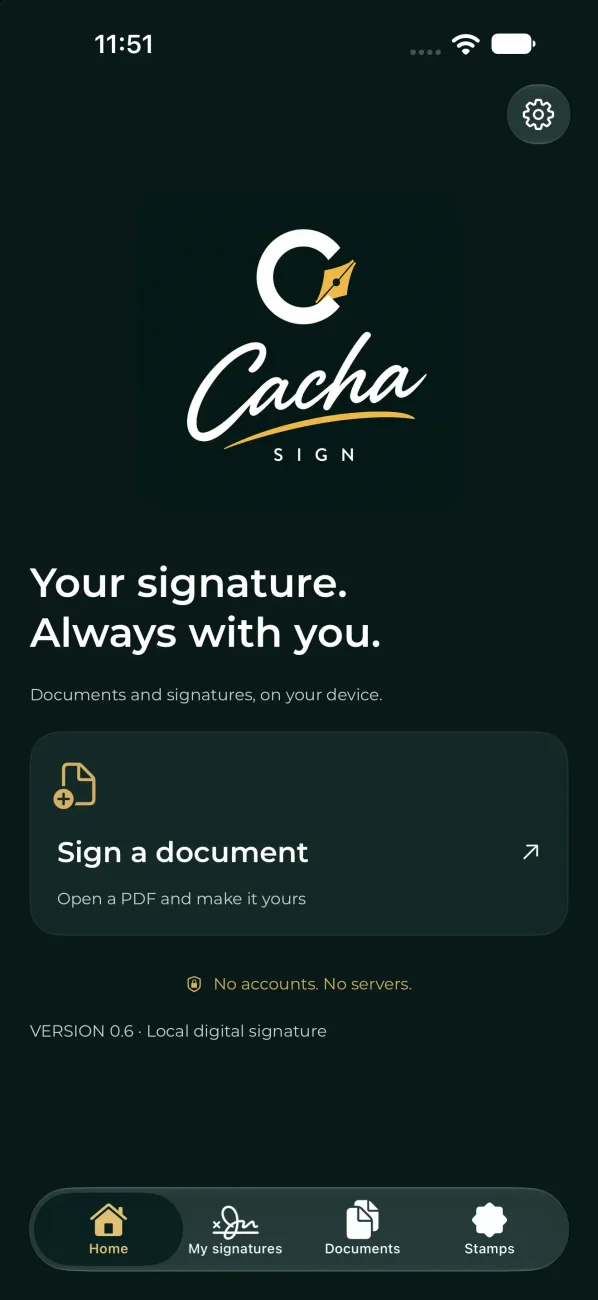
Your signature. Always with you.
Open a PDF or Word (.docx) file, add your signature, and share the result from your iPhone or iPad. Cacha Sign converts Word files to PDF on your device and opens the editor so you can review and sign them.
START WHERE YOU RECEIVE YOUR DOCUMENTS
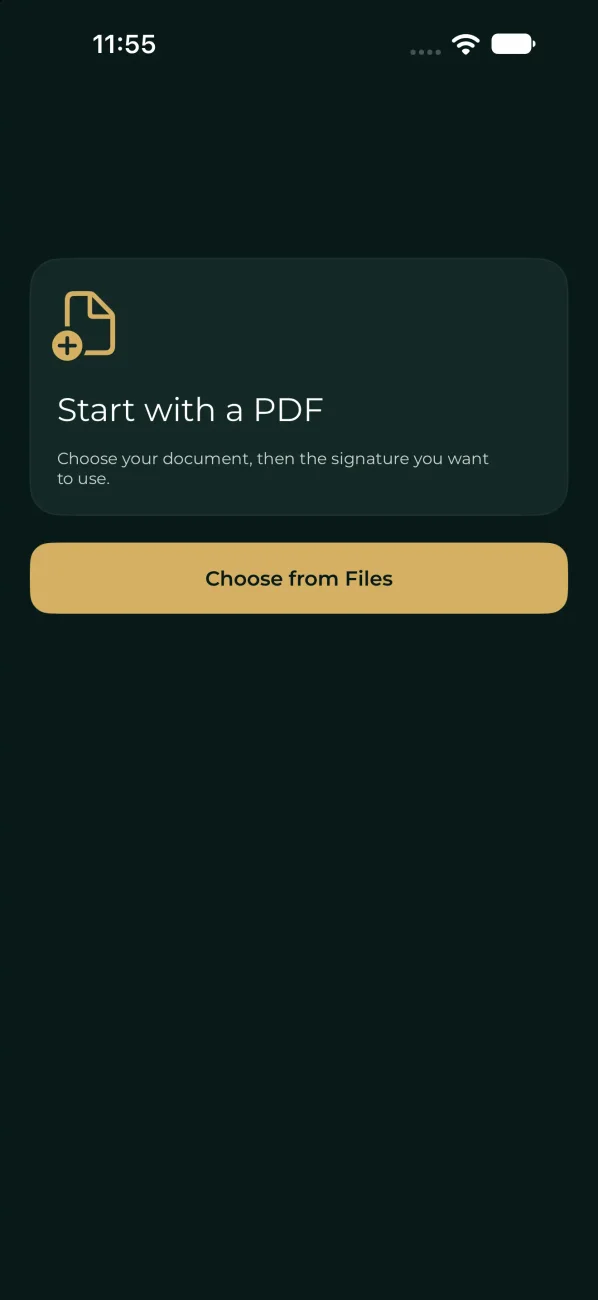
• Open a compatible attachment and choose Share > Cacha Sign.
• You can also choose a file from iCloud Drive or other providers available in Files.
• PDFs open directly in the editor. Word (.docx) files are automatically converted to PDF.
• Your original file stays unchanged.
YOUR SIGNATURE, STAMPS, AND ANNOTATIONS
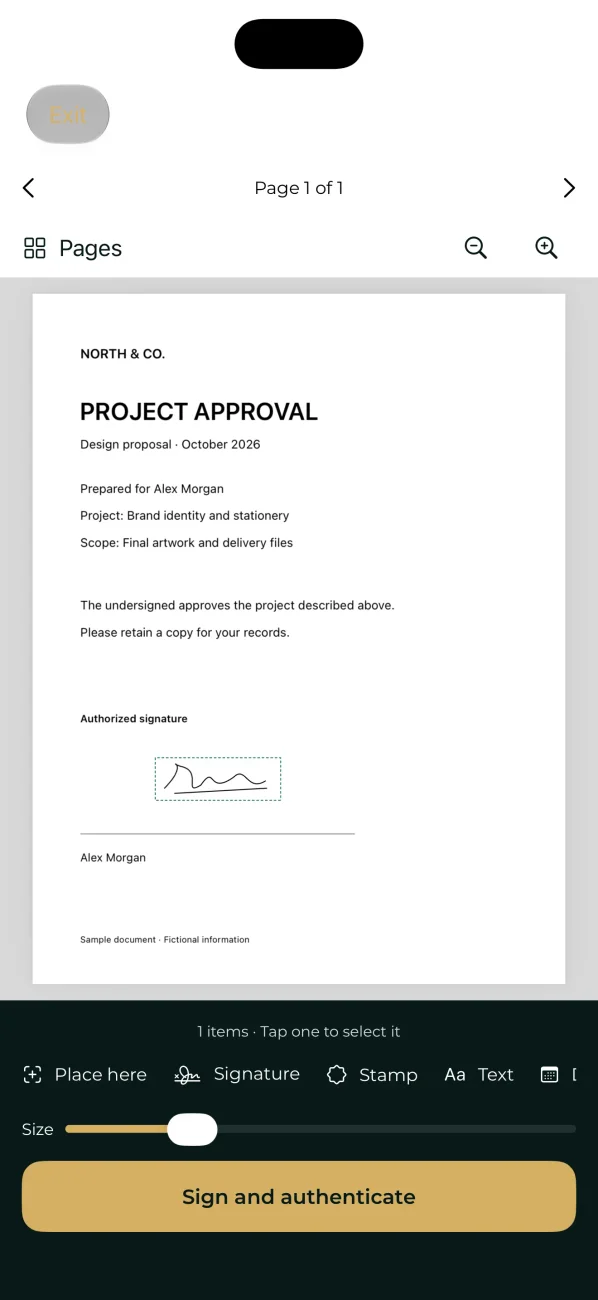
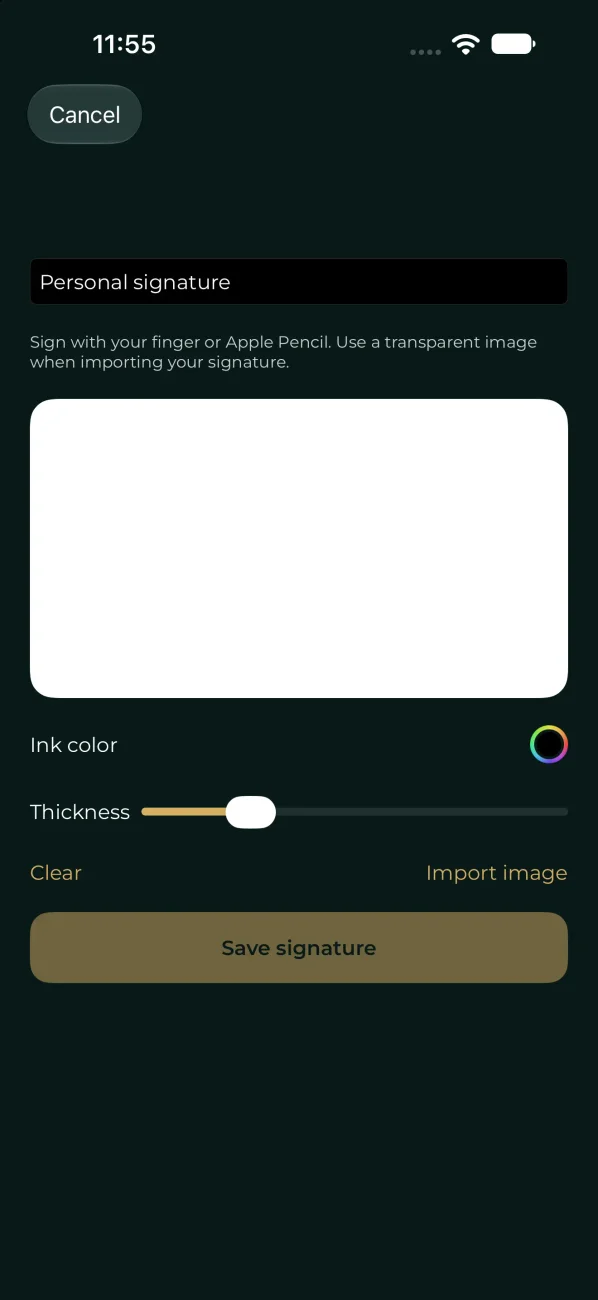
• Draw your signature with your finger or Apple Pencil, or import an image.
• Save multiple signatures and choose a default.
• Use built-in stamps or create your own text and image stamps.
• Add text and dates. Move, rotate, and resize elements.
• Navigate with page thumbnails and zoom controls.
REVIEW, SAVE, AND SHARE
• Review converted PDFs before signing: formatting may differ from Word.
• Available or embedded fonts are preserved when compatible. If a font is unavailable, the editor identifies the substitution.
• Keep signed PDFs in your on-device library, find documents, and share through available apps or save to Files.
SIGNING AND LOCAL DIGITAL PROOF
Authorize signing with Face ID, Touch ID, or your device passcode. Cacha Sign generates a local, self-signed certificate and a separate digital proof file. Share the PDF together with its .cachasign.json file to verify integrity in Cacha Sign.
The local certificate does not establish identity through an external certificate authority. To attribute a proof to a signer, compare its certificate fingerprint through a trusted channel. Signing dates come from the device, without an external timestamp service. This version does not embed PAdES signatures in PDFs or import .p12/.pfx certificates.
ON YOUR DEVICE
No account required. Word conversion and signing take place locally, without sending your documents to a conversion server. Signatures and documents are stored on your device. Signing keys are protected by device security.
Choose English or Spanish in Settings.
Word conversion supports .docx, not the older .doc format, and cannot guarantee identical reproduction of complex documents. Export a PDF from Word or Pages if you need to preserve its original appearance.
Requires iOS 17 or later. Digital signing requires a configured device passcode.
What’s new
Version 1.1 · Oct 21, 2026
• Open PDFs and Word (.docx) files directly from Share or Files.
• Automatically convert Word to PDF on your device without sending the document to a server.
• Improved conversion of fonts, bold text, alignment, and table colors.
• Review font substitutions before signing.
• Updated icon with the SIGN label, matching the Cacha app family.
• Keep using the familiar workflow to sign, save, and share PDFs.
App privacy
What LUIS ANTONIO HERNANDEZ VERA declares on the App Store about how this app handles data.
-
Data not collected
The developer does not collect any data from this app.
Privacy practices may vary, for example with the features you use or your age.
Information
- Seller
- LUIS ANTONIO HERNANDEZ VERA
- Category
- Productivity
- Version
- 1.1
- Updated
- Oct 21, 2026
- Released
- Oct 7, 2026
- Size
- 9.1 MB
- Requires
- iOS 17.0 or later
- Age rating
- 4+
- Price
- $4.99
- Languages
- English, Spanish
- Copyright
- © 2026 Luis Antonio Hernandez Vera
You might also like
-
 Speaker AidProductivity
-
 SendScan: Scanner + AutomationWorkflows to scan, OCR & share
-
 RedexProductivity
-
 PureFlowFlowcharts and Diagrams
-
 Photo to PDF - Image ConverterConvert JPG & PNG Pic to PDF
-
 Actions: To Do List OrganizerPlanner, Reminders & Goals
-
 PDF Converter: File & PhotoConvert Image, Text, Document
-
 Timepage: Calendar PlannerWeather & Family Appointments
-
 +ORDENProductivity
-
 All Document ReaderAll Document Editor and Viewer