
Calculator: Edit Equations
Live Results, History & Voice
Designed for iPhone, iPad
Free · In-app purchases
- Age rating4+
- CategoryUtilities
- Developer深圳宝乐软件有限公司
- LanguagesEnglish+ 9 more
- Size7.9 MB
Links to the official App Store page
Download.org hosts no file of Calculator: Edit Equations. The button opens its official App Store page, published by 深圳宝乐软件有限公司. Listing last checked on Nov 12, 2026.
Screenshots


About
Designed for frequent calculations, making every input faster and smoother.
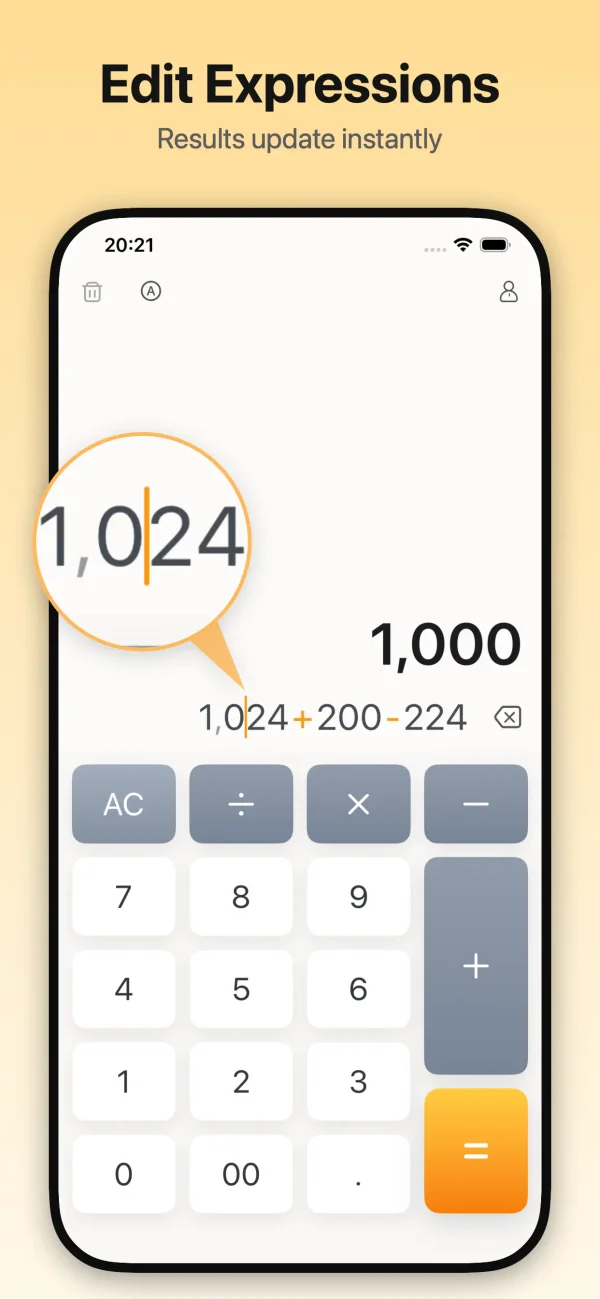
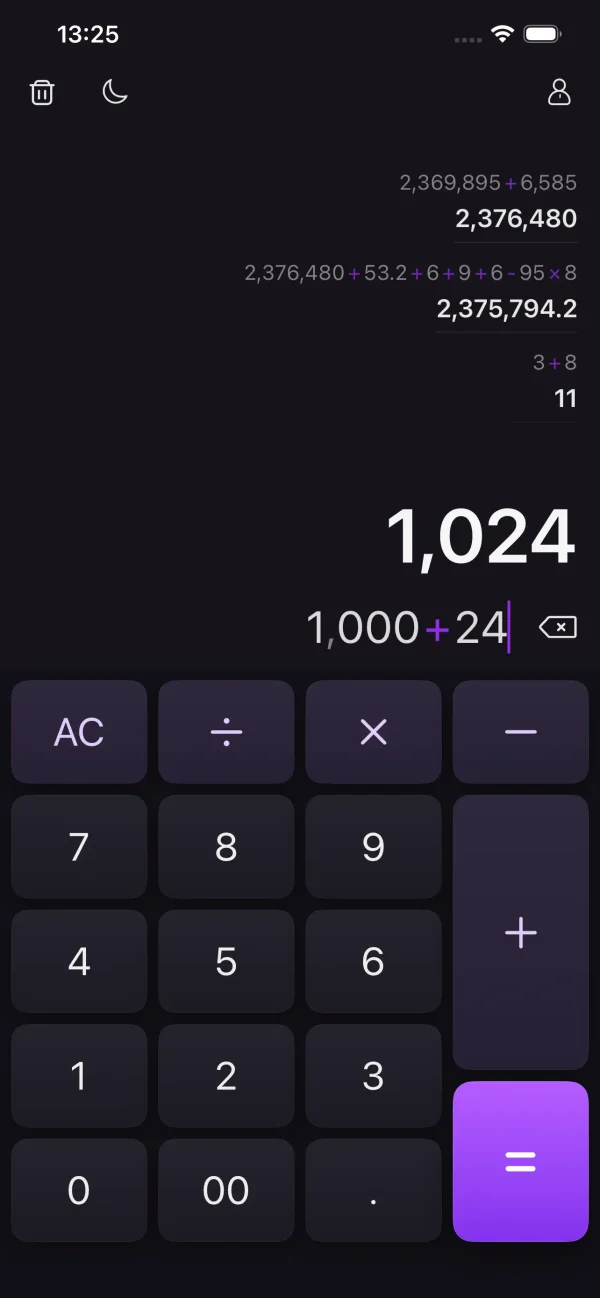
Entered one wrong digit? There is no need to start over. FastCalc lets you edit an expression directly, insert, delete, or change numbers and operators at any position, and see the result update as you type.
EDIT FREELY
• Insert, delete, or change any part of an expression
• Calculate and display results in real time as you type
• Smart input checks help reduce invalid expressions and input errors
FASTER INPUT
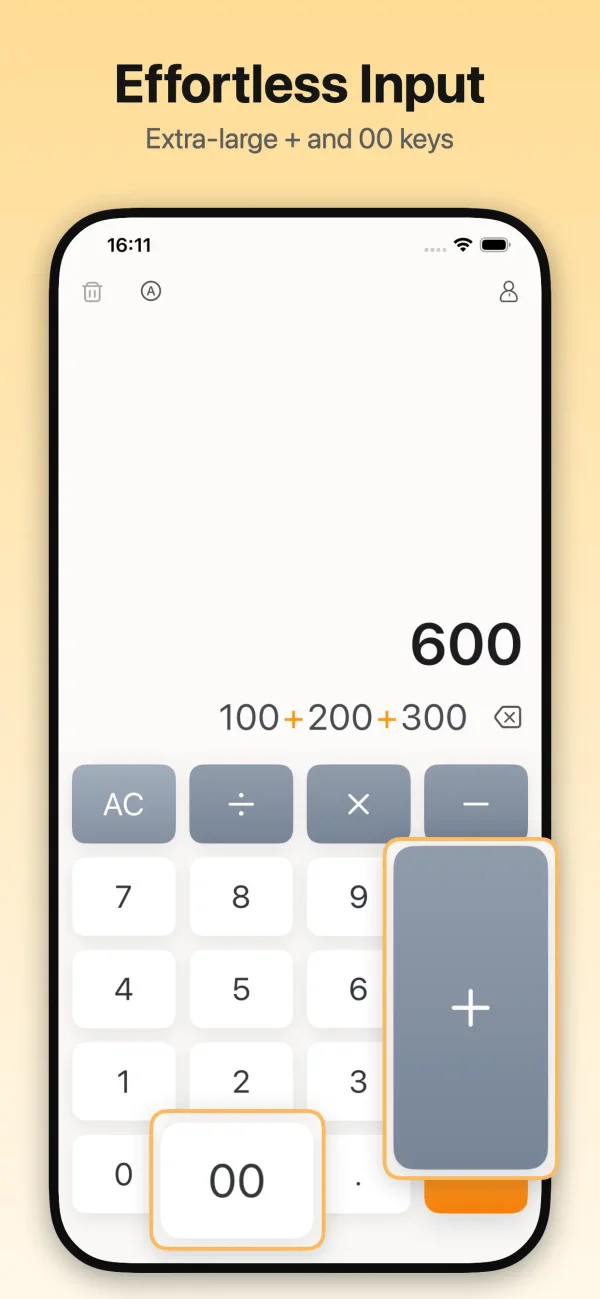
• A larger, more prominent “+” key for repeated calculations
• A dedicated “00” key for entering large numbers more efficiently
• Start with “.” and the leading zero is added automatically, saving one tap
CALCULATION HISTORY
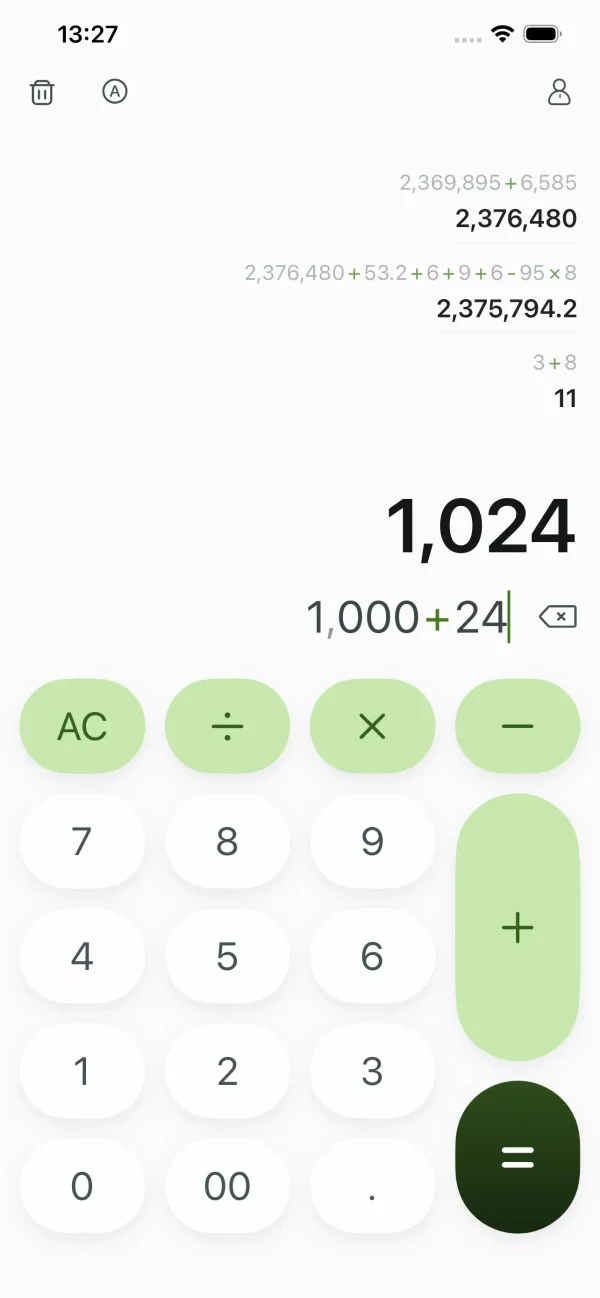
• View the current expression and calculation history on the same screen for easy comparison and reuse
• Double-tap a history item to use it again
• Copy a result, insert it, or replace the current expression
• Premium lets you add color tags and notes to important calculations
CLEAR DISPLAY
• Choose three-digit or four-digit number grouping
• Use a comma, space, or underscore as the separator to match different regional number formats
• Long expressions remain clear and easy to review or edit
CONVENIENT CONTROLS
• On supported system versions, open the calculator from Control Center or the Lock Screen
• Optionally clear the expression after pressing “=” so you can begin the next calculation immediately
PERSONALIZE YOUR EXPERIENCE
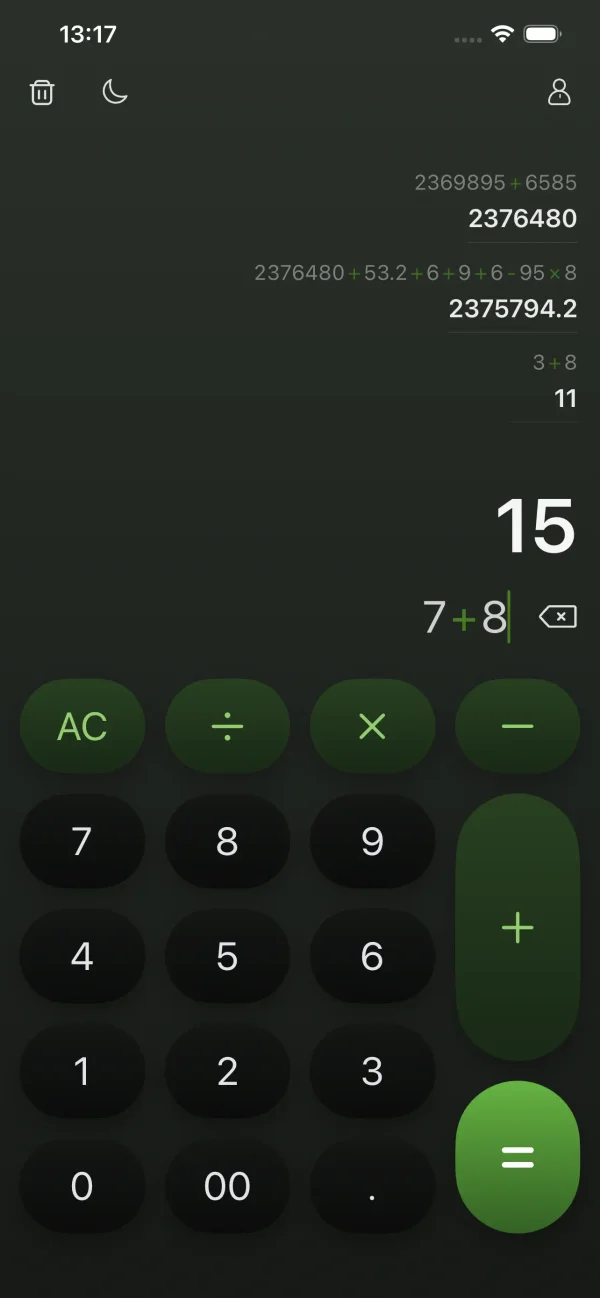
• Choose from multiple calculator themes
• Some themes support both light and dark appearances
• Select from several key sounds and spoken feedback options
• Refined sound and haptic feedback make every tap feel more responsive
PREMIUM
Make one lifetime purchase to unlock history colors and notes, every theme and sound option, and other Premium features.
FastCalc does more than display an answer. It is designed to make entering, editing, comparing, and reusing calculations more convenient.
Terms of Use:
https://www.apple.com/legal/internet-services/itunes/dev/stdeula/
Privacy Policy:
https://baolesoft.com/privacy/fast-calculator/
What’s new
Version 2.3.3 · Oct 20, 2026
• New Oat Latte theme: Soft colors and a cat illustration bring a warmer feel to your calculator.
• New Silver theme: A clean metallic look with support for light and dark appearances.
• Redesigned theme browser: Swipe through previews of the actual interface to find your favorite style.
• Refined the default key sounds and responsiveness, and polished the theme preview layouts.
App privacy
What 深圳宝乐软件有限公司 declares on the App Store about how this app handles data.
-
Data linked to you
May be collected and linked to your identity.
- Identifiers
- Usage data
- Other data
Privacy practices may vary, for example with the features you use or your age.
Information
- Seller
- Shenzhen Baole software Co.,Ltd.
- Category
- Utilities
- Version
- 2.3.3
- Updated
- Oct 20, 2026
- Released
- Jan 26, 2023
- Size
- 7.9 MB
- Requires
- iOS 16.0 or later
- Age rating
- 4+
- Price
- Free
- In-app purchases
- Yes
- Languages
- English, French, German, Italian, Japanese, Korean, Portuguese, Simplified Chinese, Spanish, Traditional Chinese
- Copyright
- © 2025 BaoleSoft
You might also like
-
 Dino Voice Calculator:MathToolMake math fun with cute Dino
-
 Desktop Calculator -Real VoiceNo Ads / Key Sound / Basic Cal
-
 Calculator⁻Best hand calculator
-
 Calculator%.Simple, big screen and buttons
-
 Calculator for All: SolvesBasic, Scientific, No Ads
-
 Basic Calculator: Classic CalcBig Buttons, Themes & Memory
-
 Calculator⁼Fraction, Scientific Calc +
-
 Calculator +ㅤMath, Scientific & Fraction
-
 Calculator‰Default Calculator
-
 Basic Calculator+Basic Four Function Calculator