
Calendarly Lockscreen Calendar
Widgets & Live Activities
Designed for iPhone
Free · In-app purchases
- Age rating4+
- CategoryProductivity
- DeveloperDmytro Katyukha
- LanguagesEnglish+ 22 more
- Size152.0 MB
Links to the official App Store page
Download.org hosts no file of Calendarly Lockscreen Calendar. The button opens its official App Store page, published by Dmytro Katyukha. Listing last checked on Nov 24, 2026.
Screenshots
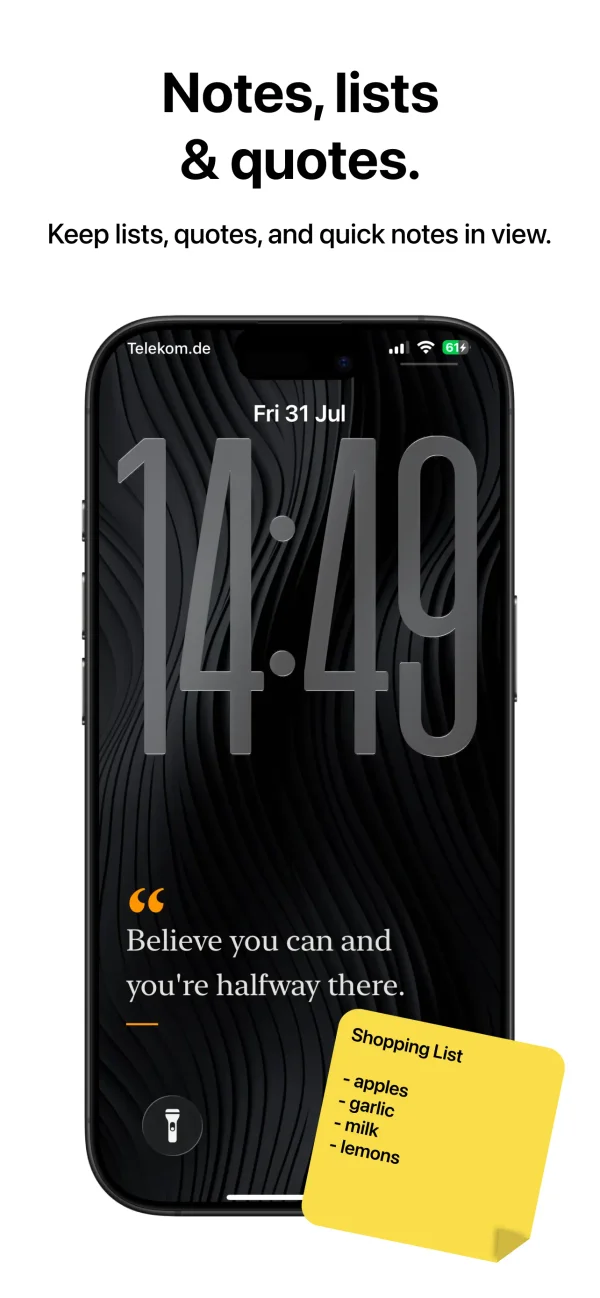
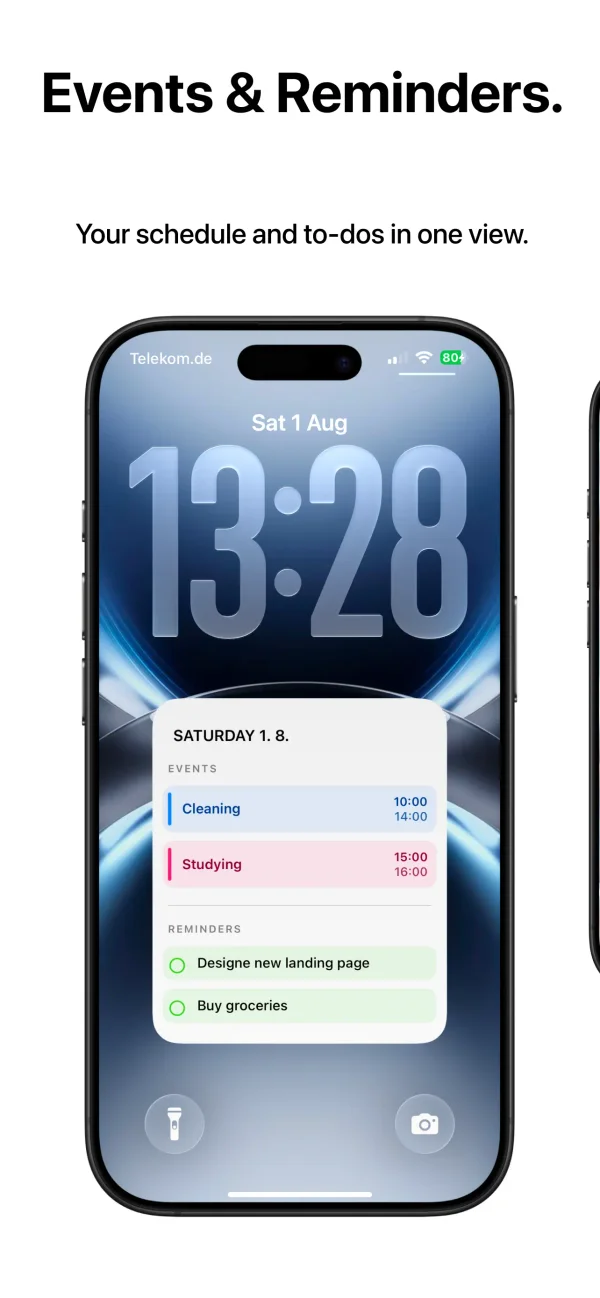

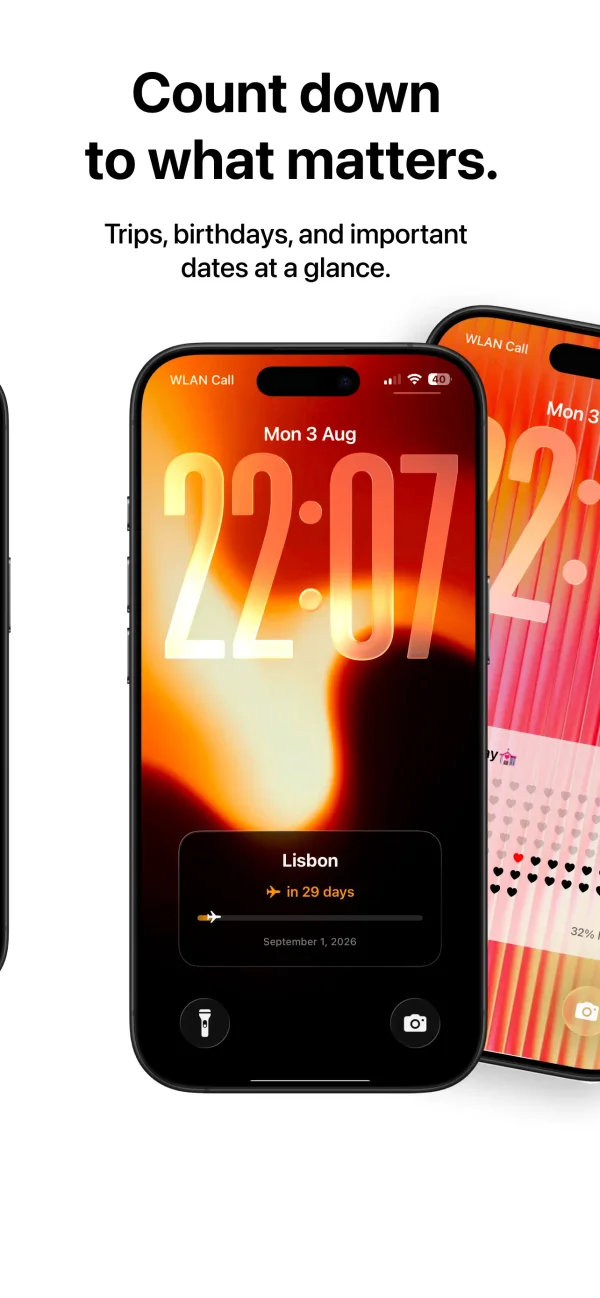
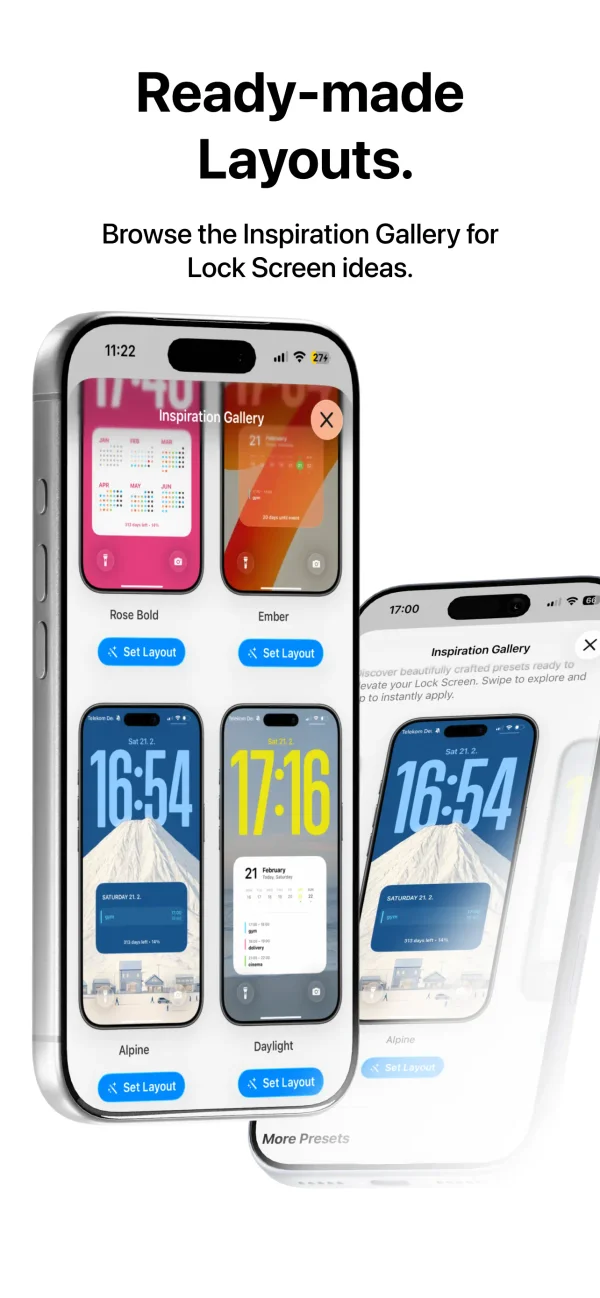
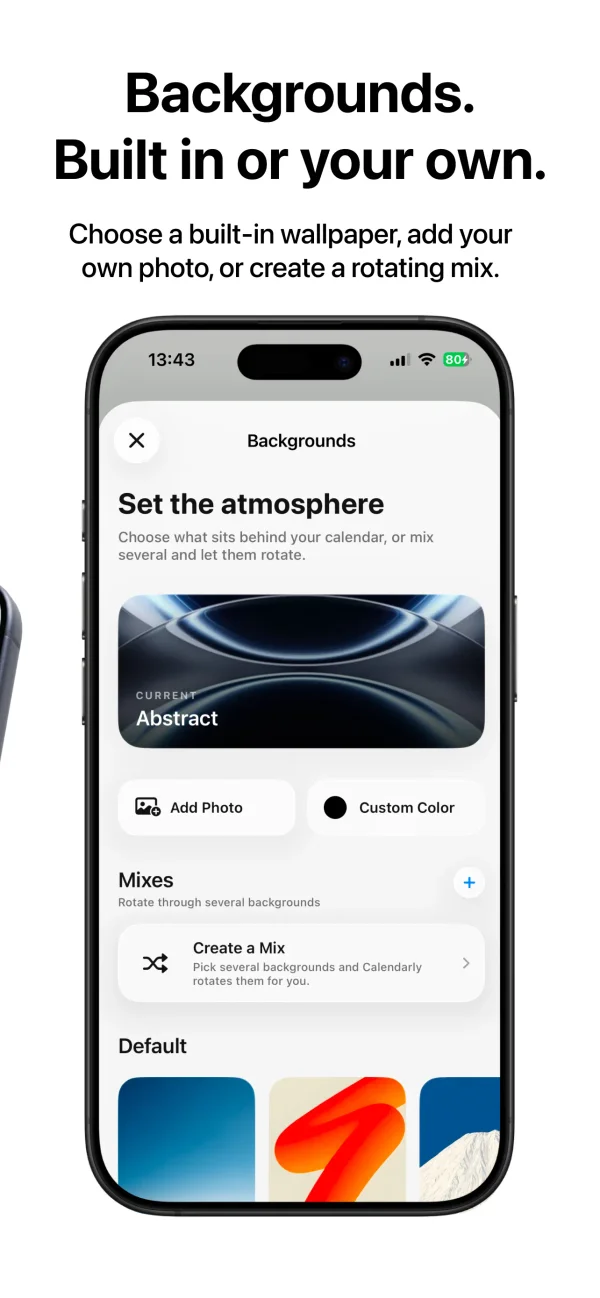
About
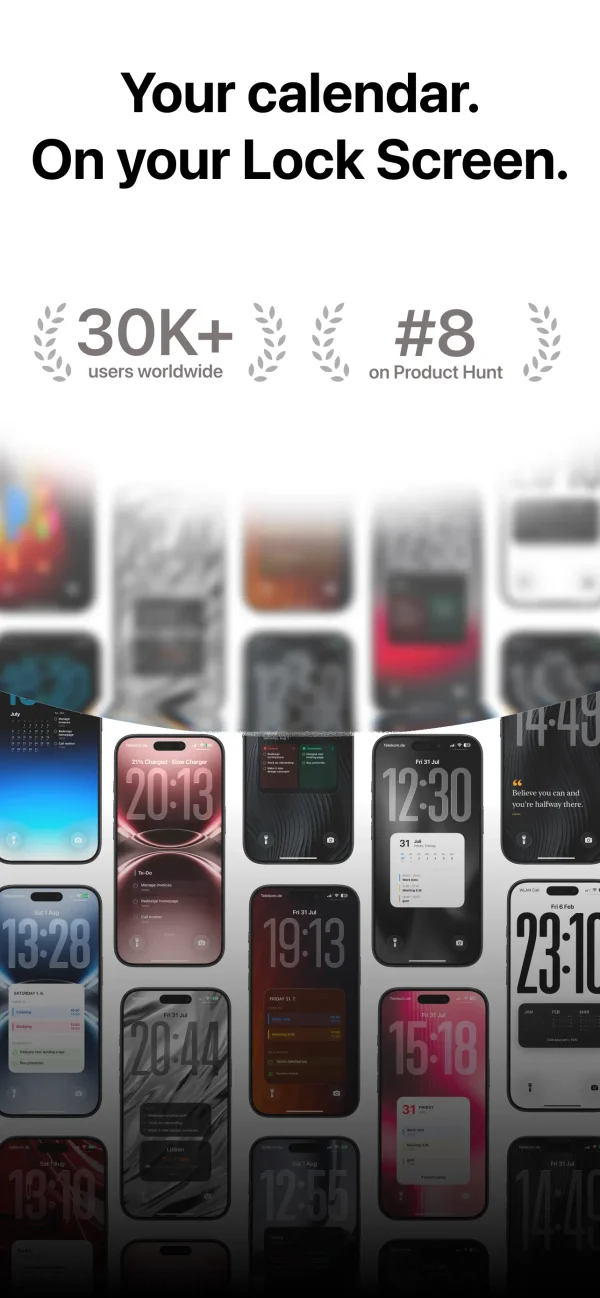
Turn your Lock Screen into a calendar you can read at a glance. Calendarly puts your events, shifts, reminders, tasks, notes and countdowns on your wallpaper, in widgets and in Live Activities, and refreshes them every morning.
Nothing to open, nothing to unlock. Pick up your iPhone and see what is next. Join more than 30,000 people using Calendarly.
SET UP ONCE
1. Pick a Lock Screen in the Gallery and make it yours in the Studio.
2. Choose the calendars and reminder lists you want to see.
3. Add the morning automation in Shortcuts. Calendarly shows you where to tap.
ON YOUR LOCK SCREEN
• The month, the quarter or the whole year
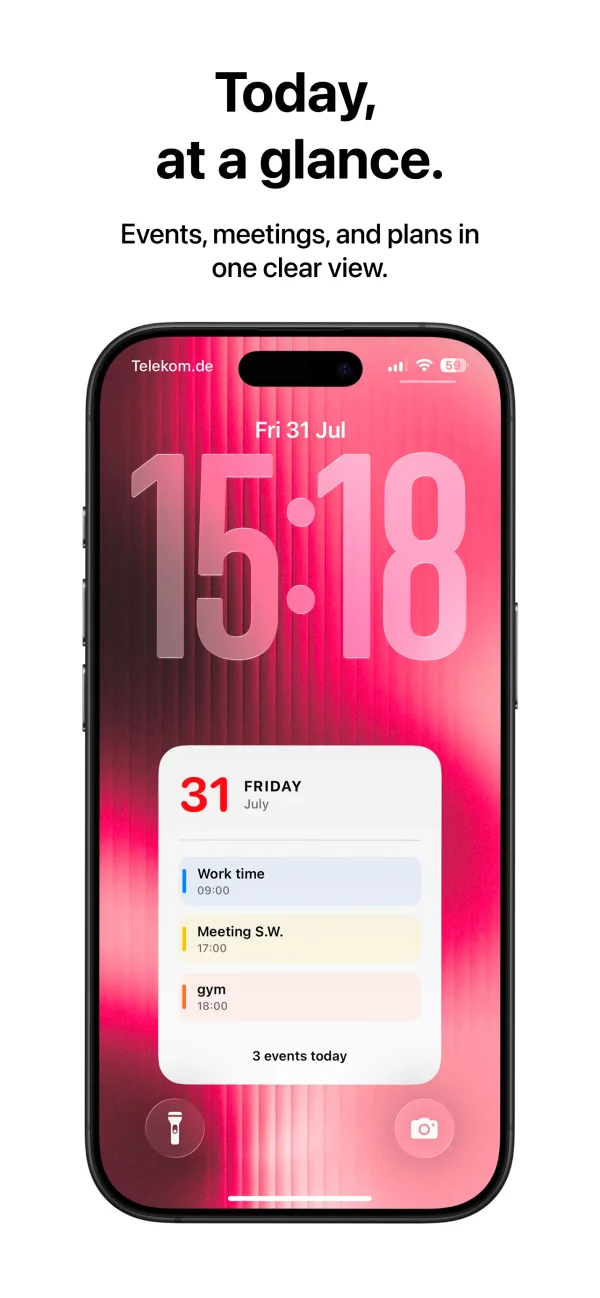
• Today hour by hour, with location, people and notes under each event
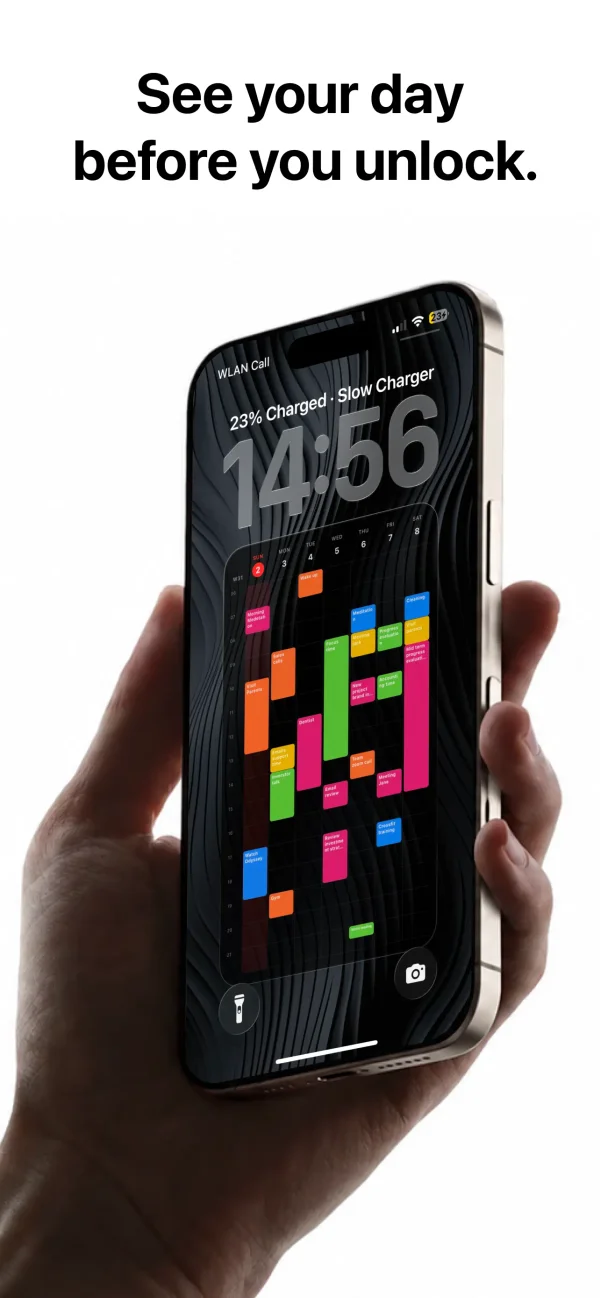
• This week or the next seven days, as a grid or a list
• Work shifts and days off
• Apple Reminders, most important first
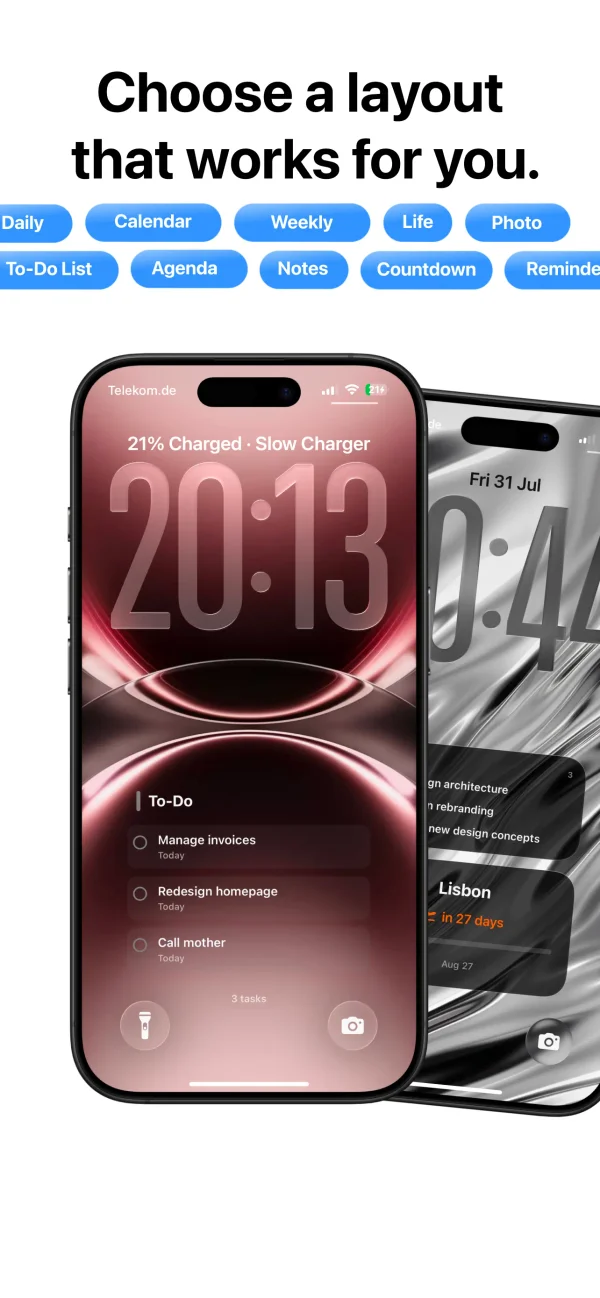
• Your own to-do list, or Todoist if you connect it
• Countdowns to exams, birthdays and trips, plus days since a date
• A note you want to keep in sight
• Tonight's Moon, the year in dots and your life calendar
WIDGETS AND LIVE ACTIVITIES
• Home Screen and Lock Screen widgets for what is coming up, today, the week, the month, the year, countdowns, notes, to-dos and the Moon
• More than a dozen looks, your own colors and fonts
• Tick off tasks right on the widget
• Extra-large widgets for your day, week, month and year on iOS 27
• Live Activities show today, the week, your tasks or a note on the Lock Screen and in the Dynamic Island
154 LAYOUTS TO MAKE YOURS
• Day planners, wall calendars, departure boards, newspapers, menu cards, notes on paper, chalkboards, flip clocks, tickets and more
• Your colors, fonts and photos, 15 textured backgrounds or a plain color
• Create Your Own: put several layouts together on one wallpaper
FREE TO START
97 of the 154 layouts are free, and so are all widgets, Live Activities and automatic updates. Free layouts show your whole day, with every event, reminder and task. Calendarly Pro unlocks all 154 layouts, your own photos and Create Your Own. Choose monthly, yearly or a one-time purchase. Cancel a subscription at any time.
YOUR DATA STAYS ON YOUR IPHONE
Calendarly does not require an account. Calendar and Reminders data is read and drawn on your iPhone and is never uploaded to our servers. Todoist is optional and connects directly.
GOOD TO KNOW
Shortcuts is only needed for automatic updates. You can update the wallpaper by hand at any time.
Calendar wallpapers work offline after setup. Task sync and purchases require internet access.
Calendarly speaks 23 languages.
Privacy Policy: https://getcalendarly.com/privacy
Terms of Use: https://www.apple.com/legal/internet-services/itunes/dev/stdeula/
What’s new
Version 1.6.0 · Nov 14, 2026
The biggest Calendarly update yet. Your day, your habits and the weather now live in one place.
A new Today page
Your calendar, to-dos and habits on one page. The week sits on top and opens into the whole month with a tap. Your entire day is right below it.
Everything you use, together
Connect Google Calendar, Outlook and Notion in one tap. Bring in Google Tasks, Microsoft To Do, TickTick and Todoist, and add public holidays just as fast.
Plan with the weather
The real forecast sits by the date, and the sky above your day follows it. Tap it for the hours ahead and the days to come.
Build a habit, or quit one
Drink more water, read every day, hit the gym three times a week, or stop drinking. Check in with one tap. For the habits you quit, watch your clean days add up, along with the money and time you saved.
Every day, a square
Your history fills in square by square, and your streak grows with it. Clear statistics show your progress week by week.
Add anything, right from your day
Tap + to add an event, a to-do or a habit. Set an alert, a repeat, a place or a note, and flag the to-dos that matter.
Habits on your Home Screen
Nine new widgets for your habits. Tap to check in without opening the app.
Notifications that help
A morning summary of your day, an evening look at tomorrow, a heads-up before each event, and habit reminders you can mark done right from the notification. Turn on only the ones you want. And if your wallpaper ever stops updating, Calendarly lets you know.
Weather on your Lock Screen
Two new layouts, Sky and Forecast, put today's weather right on your wallpaper.
Find your widgets faster
When you add a widget, the ones you saved come first, then every widget grouped by what it shows.
Smoother everywhere
Faster and more reliable, with fixes and polish all over the app.
The Today page, habits and habit widgets need iOS 26 or later.
App privacy
What Dmytro Katyukha declares on the App Store about how this app handles data.
-
Data not linked to you
May be collected but is not linked to your identity.
- Purchases
- Location
- Identifiers
- Usage data
Privacy practices may vary, for example with the features you use or your age.
Information
- Seller
- Dmytro Katyukha
- Category
- Productivity
- Version
- 1.6.0
- Updated
- Nov 14, 2026
- Released
- Feb 12, 2026
- Size
- 152.0 MB
- Requires
- iOS 16.6 or later
- Age rating
- 4+
- Price
- Free
- In-app purchases
- Yes
- Languages
- English, Czech, Danish, Dutch, Finnish, French, German, Hungarian, Italian, Japanese, Korean, Norwegian Bokmål + 11 more
- Copyright
- © 2026 Sandimax LLC
You might also like
-
 LockScreen Calendar: LockaSchedule Planner Wallpaper
-
 ShortcutyDiscover & Share iOS Shortcuts
-
 ShortcutStudio - AI ShortcutsBuild Apple Shortcuts with AI
-
 Layered: Lock Screen CalendarSchedule Wallpaper & Widgets
-
 AnySchedule - Shared CalendarPlanner, To-Do & Habit Tracker
-
 Stash Anything: Save LinksBookmark Everything for Later
-
 iLinkboxTactile Read-Later & RSS Box
-
 Jot - Instant Brain DumpQuick ADHD Voice Notes & Lists
-
 One Dot - Lock Screen CalendarWallpaper Maker & Day Counter
-
 WizNote: Brain Dump AIAuto Sort Voice & Photo