LockScreen Calendar: Locka
Schedule Planner Wallpaper
Designed for iPhone, iPad
Free · In-app purchases
- Age rating4+
- CategoryProductivity
- DeveloperVinh Vo
- LanguagesEnglish+ 26 more
- Size96.5 MB
Links to the official App Store page
Download.org hosts no file of LockScreen Calendar: Locka. The button opens its official App Store page, published by Vinh Vo. Listing last checked on Nov 24, 2026.
Screenshots


About
Turn your iPhone Lock Screen into a beautiful, functional calendar.
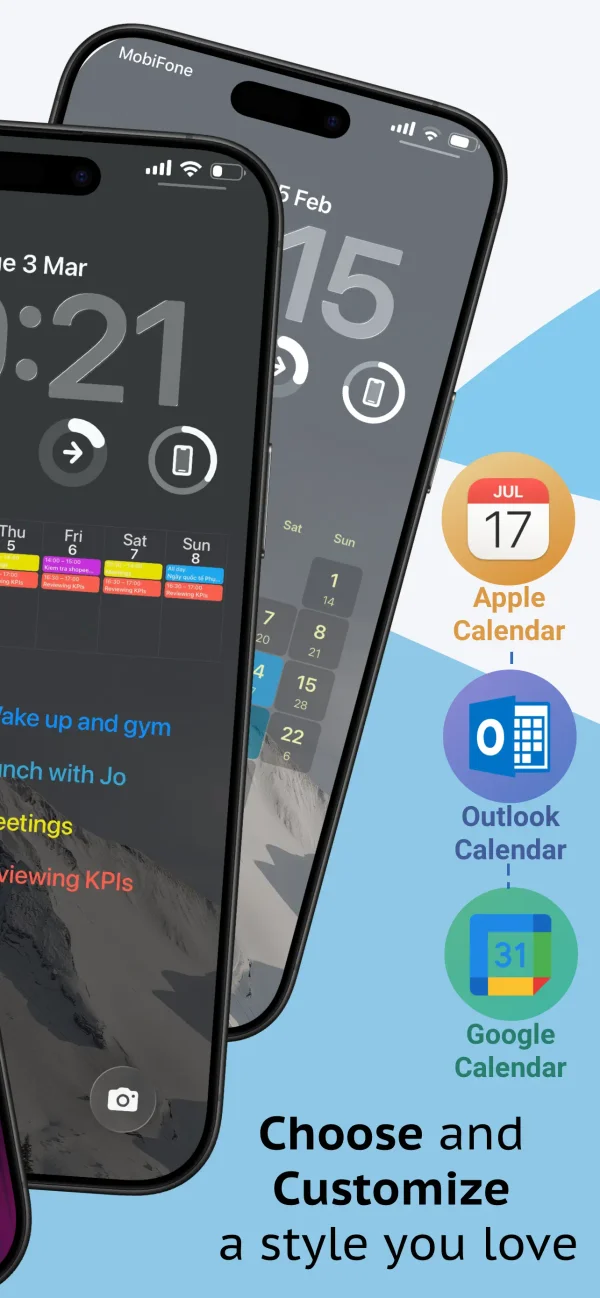
Lock Screen Calendar allows you to create custom wallpaper that display your monthly or yearly schedule directly on your lock screen. View dates at a glance without ever opening an app or unlocking your phone.
Whether you need a productivity tool or an aesthetic upgrade, our calendar wallpaper maker lets you combine your favorite photos with clean, readable calendar grids.
KEY FEATURES:
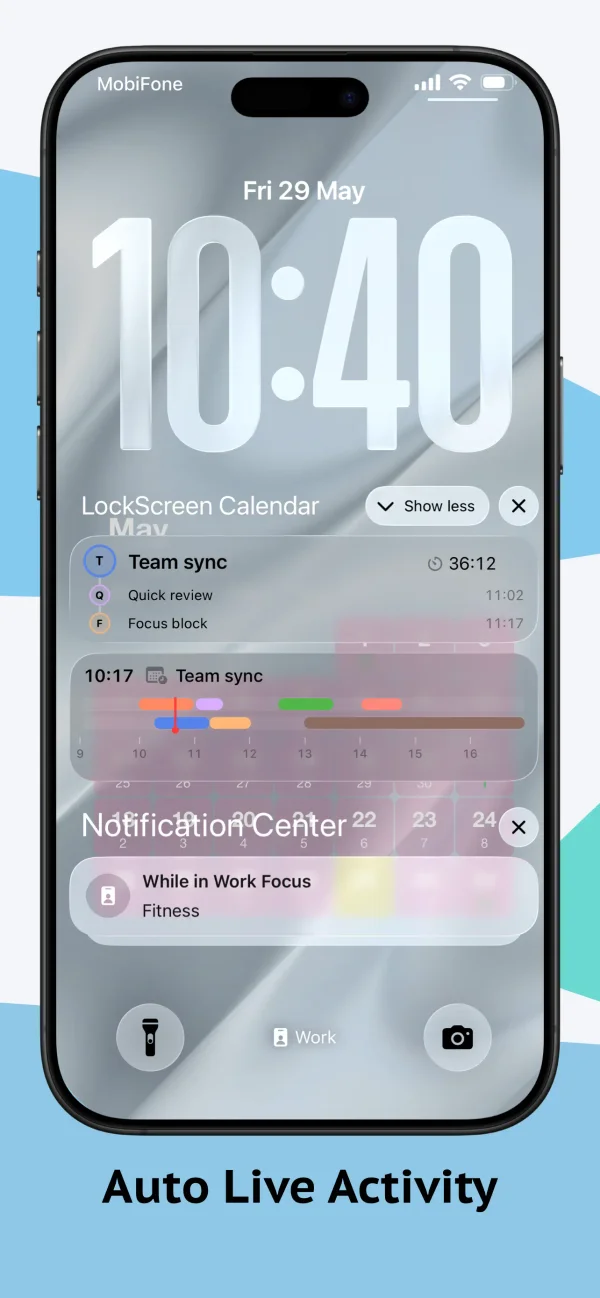
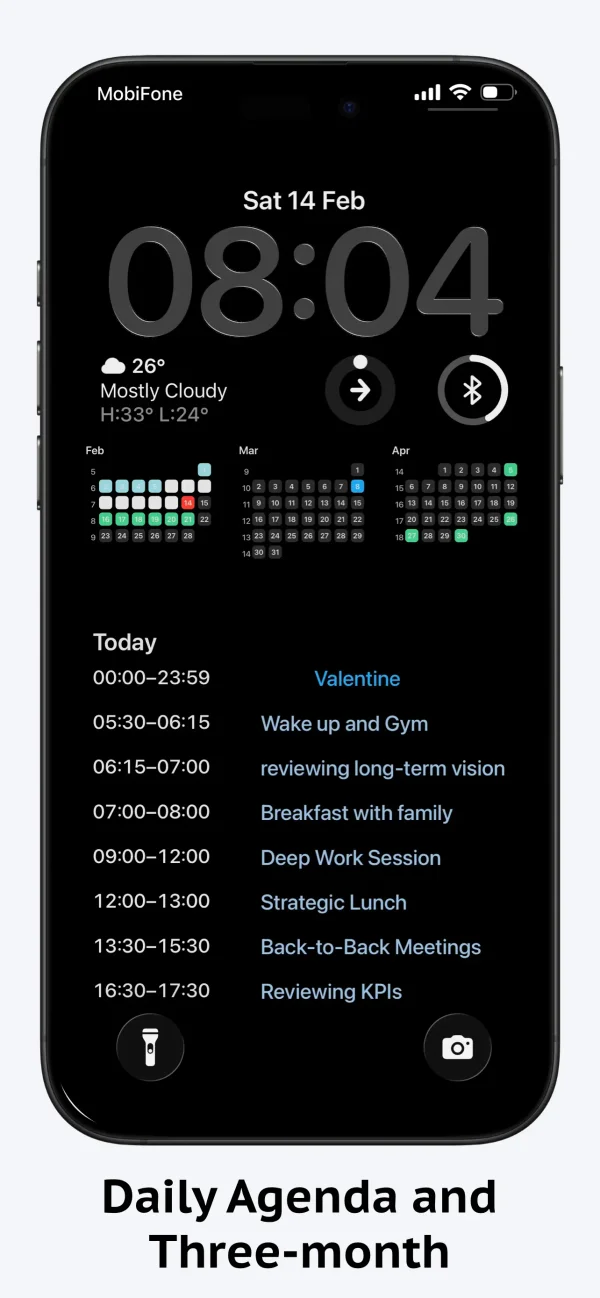
- CALENDAR WALLPAPERS Overlay a calendar, schedule, to-do list on your Lock Screen. Check the date instantly. Perfect for minimalists and planners who value efficiency.
+ Sync with APPLE calendar & GOOGLE calendar & OUTLOOK calendar
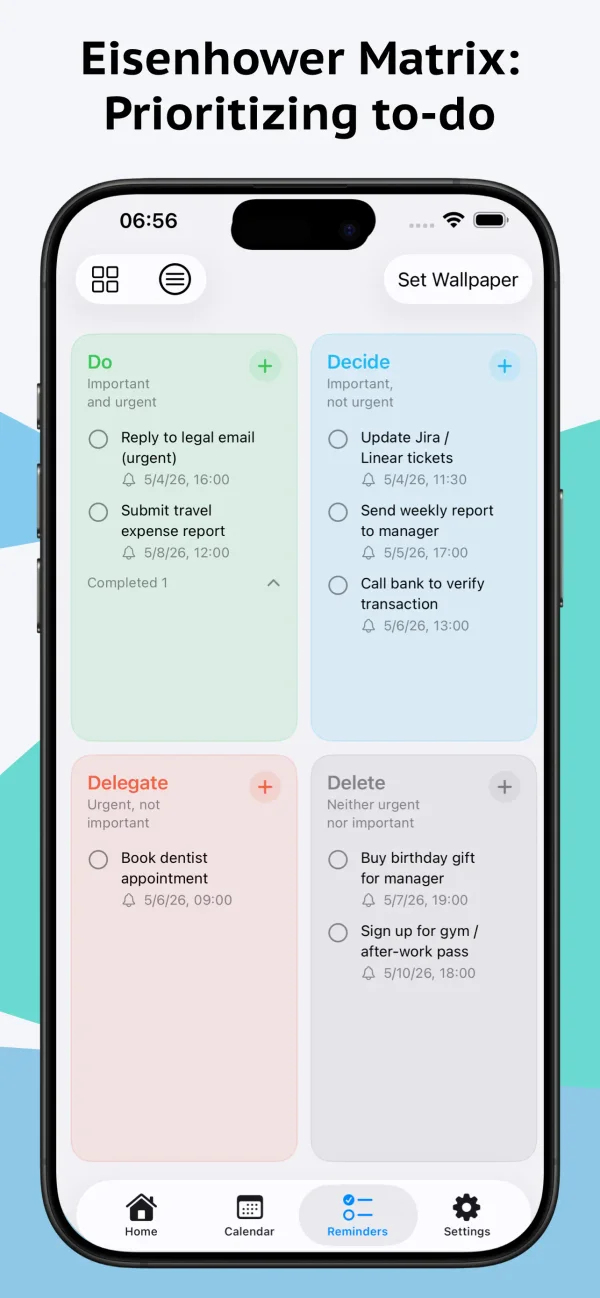
+ Sync with APPLE Reminders
- IN-APP CALENDAR & REMINDERS
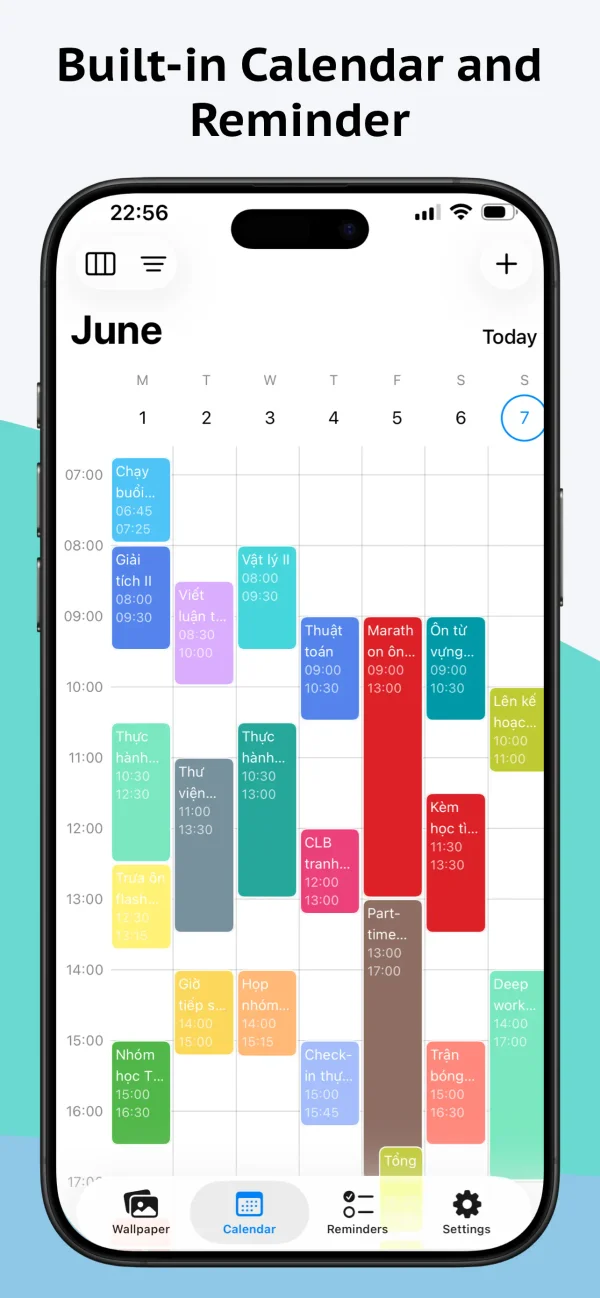
* View your month and events inside the app.
* Add, edit, and delete events – Create events with title, date/time, repeat (daily, weekly, monthly, etc.), reminders, and notes.
* Event reminders – Get notified before events (e.g. 5 or 15 minutes before). Tapping the notification opens the app to the Calendar tab.
- TOTAL CUSTOMIZATION Make it yours. Choose from multiple styles:
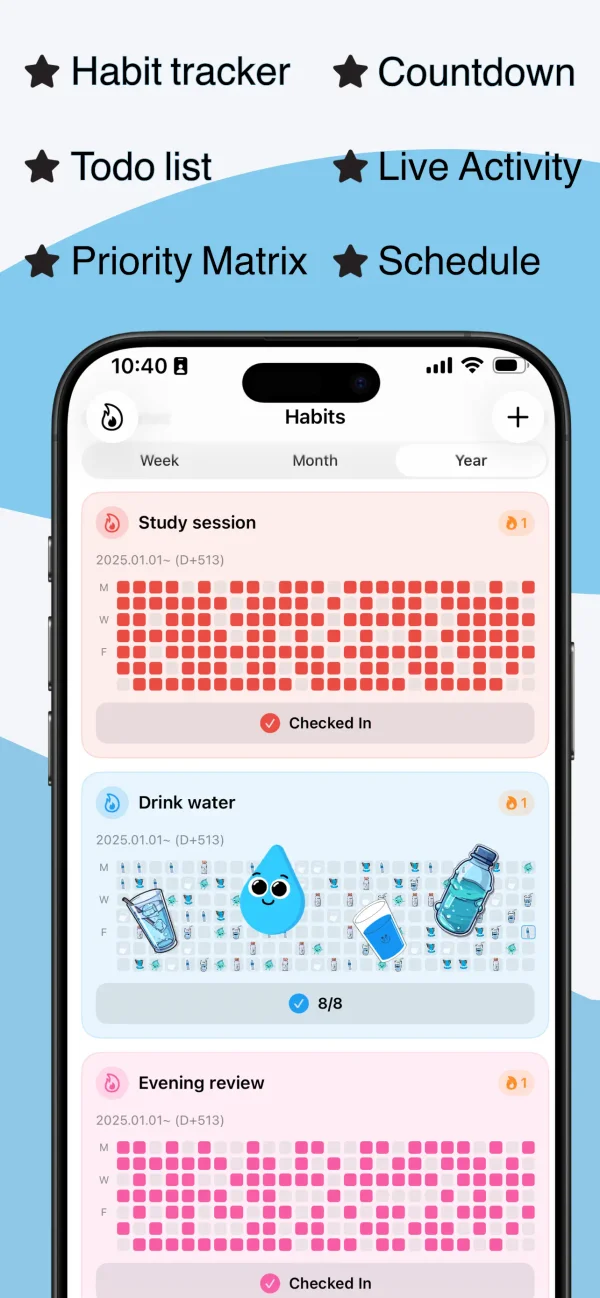
* Eisenhower Matrix: priority matrix, todo list
* Agenda/Schedule: Today, Month, Week, 2-Week Schedule, Week + daily agenda
* Classic Month: A clean grid view of the current month.
* Full Year: See the big picture with progress dots.
* Lunar Calendar: Track solar and lunar dates together.
* Life Progress: Visualize your week or month of life.
- DESIGN YOUR WAY
* Photos: Use your own images as backgrounds.
* Style: Adjust colors, dim levels, and first day of the week (Mon/Sun).
* Markers: Highlight "Today" with dots, rings, or squares.
- SMART AUTOMATION Set it and forget it. Use our pre-built iOS Shortcut to automatically update your Lock Screen wallpaper every morning. Your calendar stays fresh daily without manual editing.
*** PRIVACY FIRST Your data belongs to you. All calendar processing happens locally on your device. We do not collect, store, or track your personal events.
Download Lock Screen Calendar today and organize your life right from your wallpaper.
Terms of Use: https://www.apple.com/legal/internet-services/itunes/dev/stdeula/
What’s new
Version 2.6.7 · Nov 22, 2026
Thank you for using LockScreen Calendar Maker!
This update includes the following:
・ Fixed minor bugs and improved the user interface based on your feedback.
App privacy
What Vinh Vo declares on the App Store about how this app handles data.
-
Data not collected
The developer does not collect any data from this app.
Privacy practices may vary, for example with the features you use or your age.
Information
- Seller
- Vinh Vo
- Category
- Productivity
- Version
- 2.6.7
- Updated
- Nov 22, 2026
- Released
- Feb 9, 2026
- Size
- 96.5 MB
- Requires
- iOS 17.0 or later
- Age rating
- 4+
- Price
- Free
- In-app purchases
- Yes
- Languages
- English, Arabic, Czech, Dutch, Filipino, French, German, Greek, Hebrew, Hindi, Indonesian, Italian + 15 more
- Copyright
- © Copyright (c) 2025 Lockscreen Calendar Maker
You might also like
-
 Calendarly Lockscreen CalendarWidgets & Live Activities
-
 LockDay: To-Do List & PlannerLock Screen Calendar & Widgets
-
 Kibori: Sticker, Game KeyboardPlay with friends in any chat
-
 AnySchedule - Shared CalendarPlanner, To-Do & Habit Tracker
-
 Fast Rekap - AI Meeting NotesRecord, Transcript, Summary AI
-
 Trace: Personal Schedule AI OSTalk: it plans & even searches
-
 Taska: To-Do List & PlannerEisenhower Matrix, Focus Timer
-
 DailyHackYear Calendar, Habit Tracker
-
 Layered: Lock Screen CalendarSchedule Wallpaper & Widgets
-
 Lock Screen Calendar: CoreTaskEisenhower Matrix, To Do List