Cam Master-Professional Camera
Manual Controls, ProRAW, Video
Designed for iPhone, iPad
Free · In-app purchases
- Age rating4+
- CategoryPhoto & Video
- DeveloperDigital Hole Pvt. Ltd.
- LanguagesEnglish+ 9 more
- Size24.5 MB
Links to the official App Store page
Download.org hosts no file of Cam Master-Professional Camera. The button opens its official App Store page, published by Digital Hole Pvt. Ltd. Listing last checked on Nov 20, 2026.
Screenshots



About
Capture more of every moment with Cam Master, a powerful camera app built for creators who want greater control and multiple perspectives.
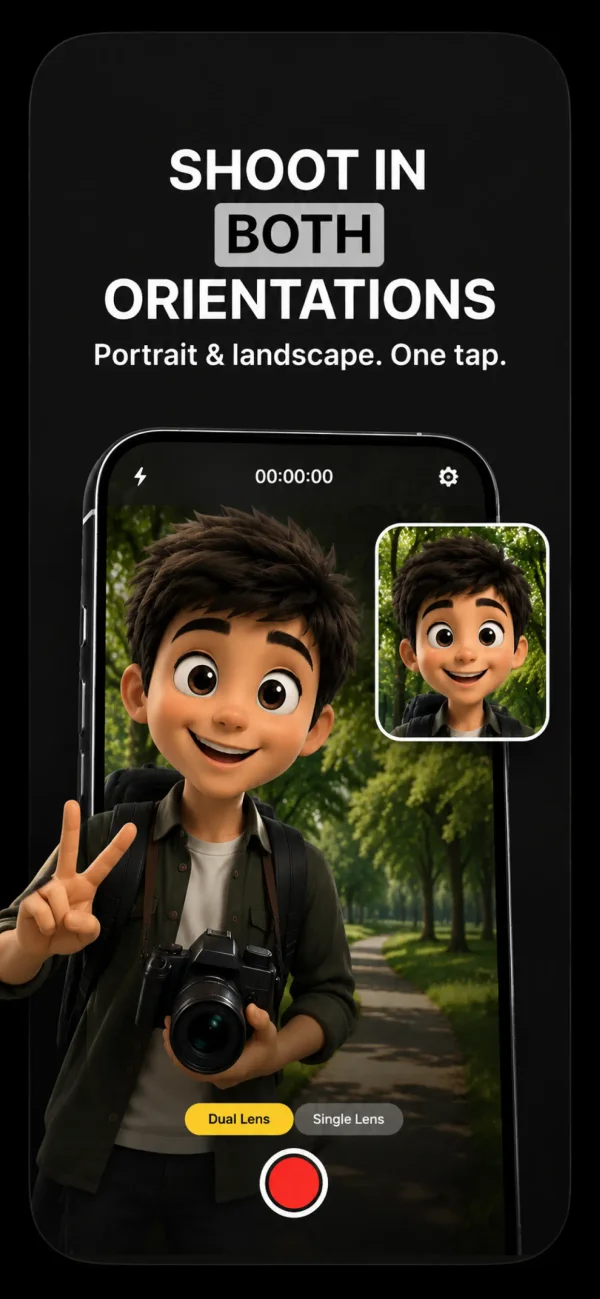
Record with two rear cameras at the same time, capturing portrait and landscape footage in a single take. Film yourself and the scene together with Dual Kit. Then switch to Pro Studio for full manual photography, editing and creative tools. Whether you're filming social content, travel, events, interviews or behind-the-scenes moments, Cam Master helps you get the shot without repeating it.
DUAL RECORDING
• Record with two rear cameras simultaneously
• Capture portrait and landscape perspectives in one take
• Shoot in 720p, 1080p or 4K
• Choose frame rates from 24 to 120 fps
• Pick H.264 or HEVC compression and save as MOV or MP4
• Adjust quality, stabilization and color settings
• Tap to focus, grid guides, torch and audio recording
DUAL KIT
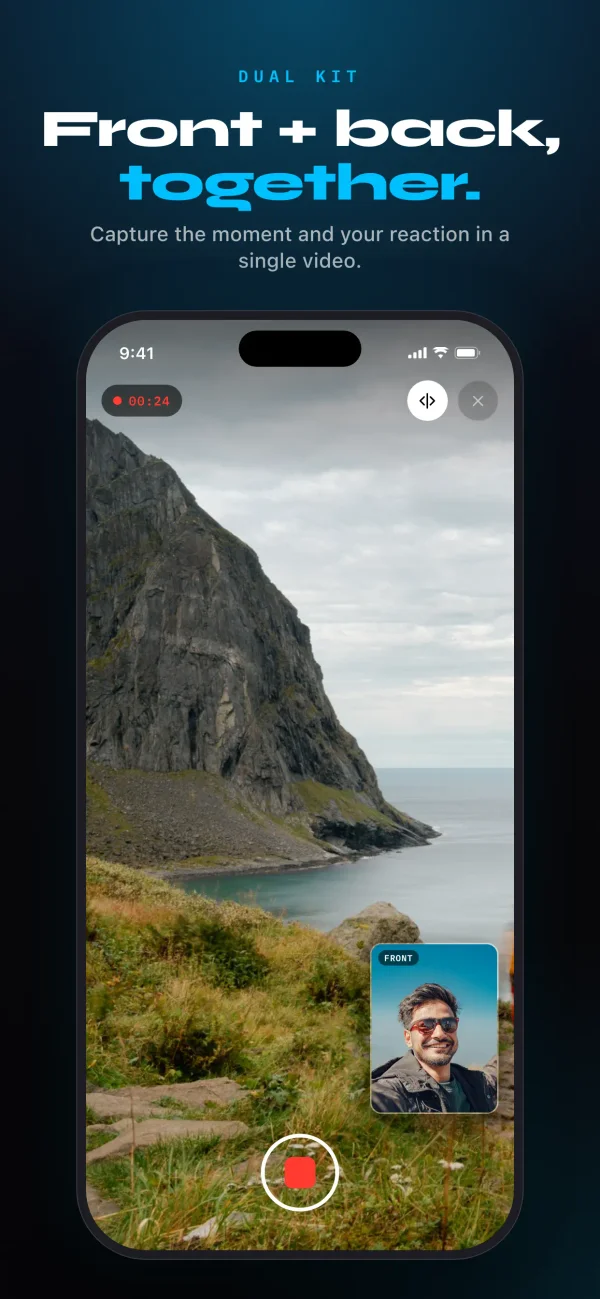
• Record the front and back cameras together
• Picture-in-picture view with a mirror toggle
PRO CAMERA
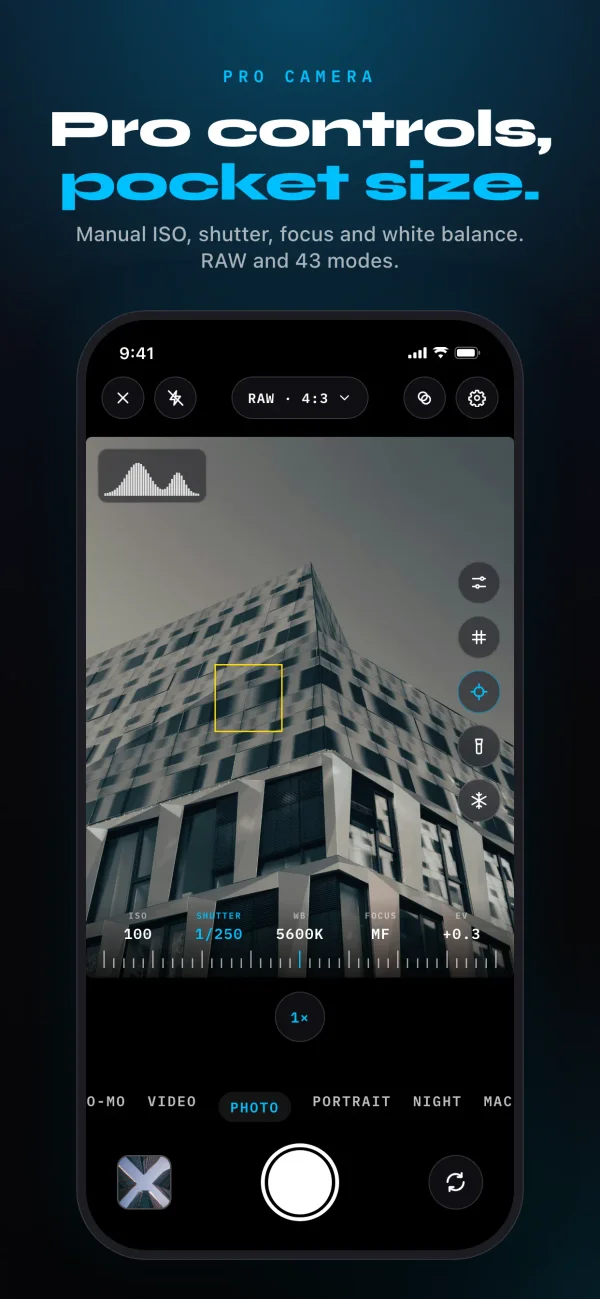
• Manual ISO, shutter speed, focus, white balance and exposure
• 43 shooting modes, including Night, Macro, Portrait, Slow Motion, Time-lapse, Long Exposure and Light Trails
• HEIC, JPEG and RAW / ProRAW capture
• Histogram, focus peaking, zebra stripes and level
• Live effects, film looks, date stamps and a timed Photo Booth
PRO STUDIO
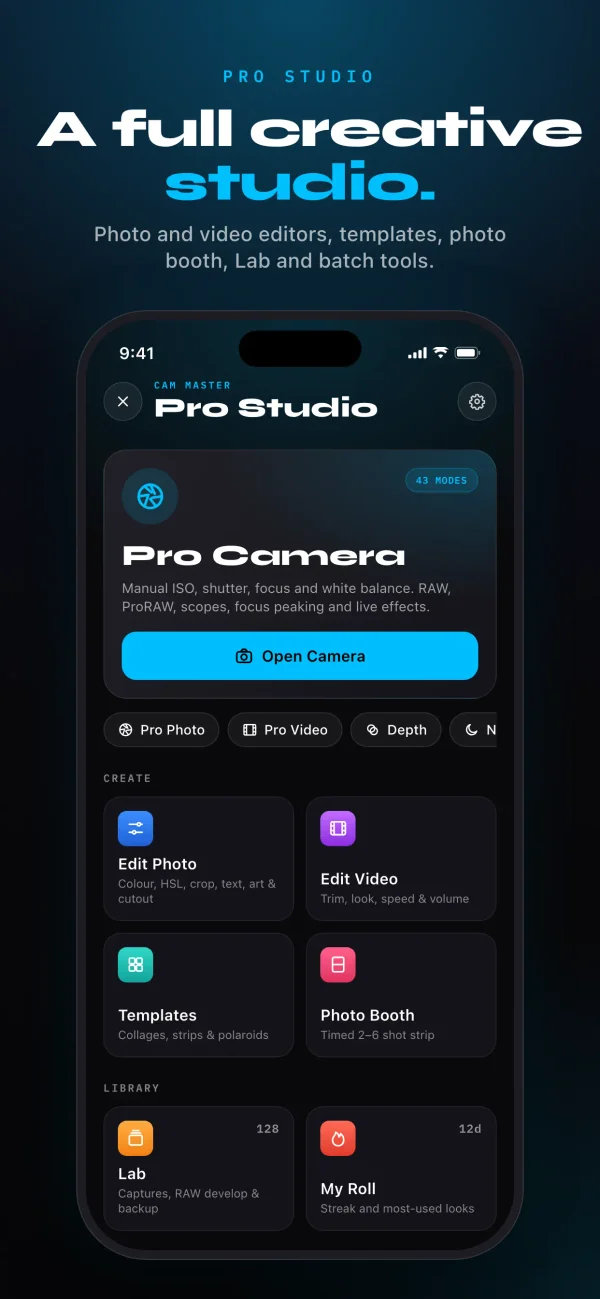
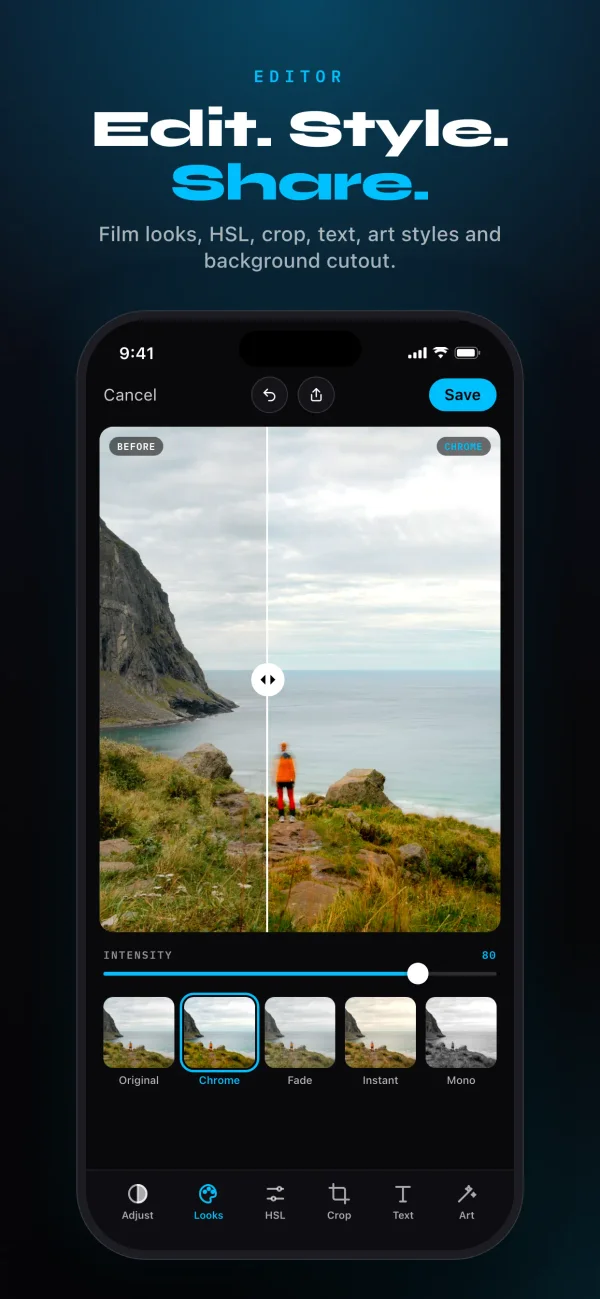
• Photo editor: exposure, color, HSL, crop, text, film looks, art styles and background cutout
• Video editor: trim, add a look, change speed and volume
• Collage and polaroid templates
• Lab to keep, develop and back up your captures
• Batch edit and an Instagram carousel splitter
EVERYTHING IN ONE PLACE
• Recordings gallery to replay your dual videos
• Saved straight to your photo library
• Siri and Shortcuts support
• A clean, distraction-free interface designed for creators
Try Dual Kit, Pro Studio and 4K recording free once. After that, unlock them for your session by watching a short ad, or remove ads and unlock every premium feature forever with a one-time purchase.
One moment. Two perspectives. More creative possibilities.
Dual recording requires a compatible multi-camera device. Some resolutions, frame rates, formats, lenses and features depend on your device.
Privacy Policy: https://digitalhole.github.io/ardrawingtracing.html
Terms of Use (EULA): https://www.apple.com/legal/internet-services/itunes/dev/stdeula/
What’s new
Version 1.3 · Oct 26, 2026
- Improvements & Fixes
App privacy
What Digital Hole Pvt. Ltd. declares on the App Store about how this app handles data.
-
Data used to track you
May be used to track you across apps and websites owned by other companies.
- Usage data
-
Data not linked to you
May be collected but is not linked to your identity.
- Usage data
Privacy practices may vary, for example with the features you use or your age.
Information
- Seller
- Digital Hole Pvt. Ltd.
- Category
- Photo & Video
- Version
- 1.3
- Updated
- Oct 26, 2026
- Released
- Jul 30, 2026
- Size
- 24.5 MB
- Requires
- iOS 17.0 or later
- Age rating
- 4+
- Price
- Free
- In-app purchases
- Yes
- Languages
- English, French, German, Italian, Japanese, Korean, Portuguese, Simplified Chinese, Spanish, Traditional Chinese
- Copyright
- © Digital Hole Pvt. Ltd.
You might also like
-
 CreatorGradeCut & Color Pro Video
-
 DoubleIt CameraMulti exposure photo creator
-
 ComeCloser CameraPhotos nobody else can take
-
 SplitCam: Dual RecorderSplit Screen Video & Photo
-
 Video UpscalerAI Photo & Video 4K Upscaler
-
 ReflectionsCameraMirror and kaleidoscope camera
-
 UnmountedRescue Photos From Old Albums
-
 PhotoDateStamp: TimestampLive Photos, EXIF & Frames
-
 iVideo - Video Editor ToolboxTrim, Caption, Color, Compress
-
 BrightroomFilm Negative & Slide Scanner