Camera Color Picker Plus
Read Color from Camera
Designed for iPhone, iPad, iPod touch
$2.99
- Age rating4+
- CategoryPhoto & Video
- DeveloperHeng Jia Liang
- LanguagesEnglish
- Size1.3 MB
Links to the official App Store page
Download.org hosts no file of Camera Color Picker Plus. The button opens its official App Store page, published by Heng Jia Liang. Listing last checked on Nov 17, 2026.
Screenshots
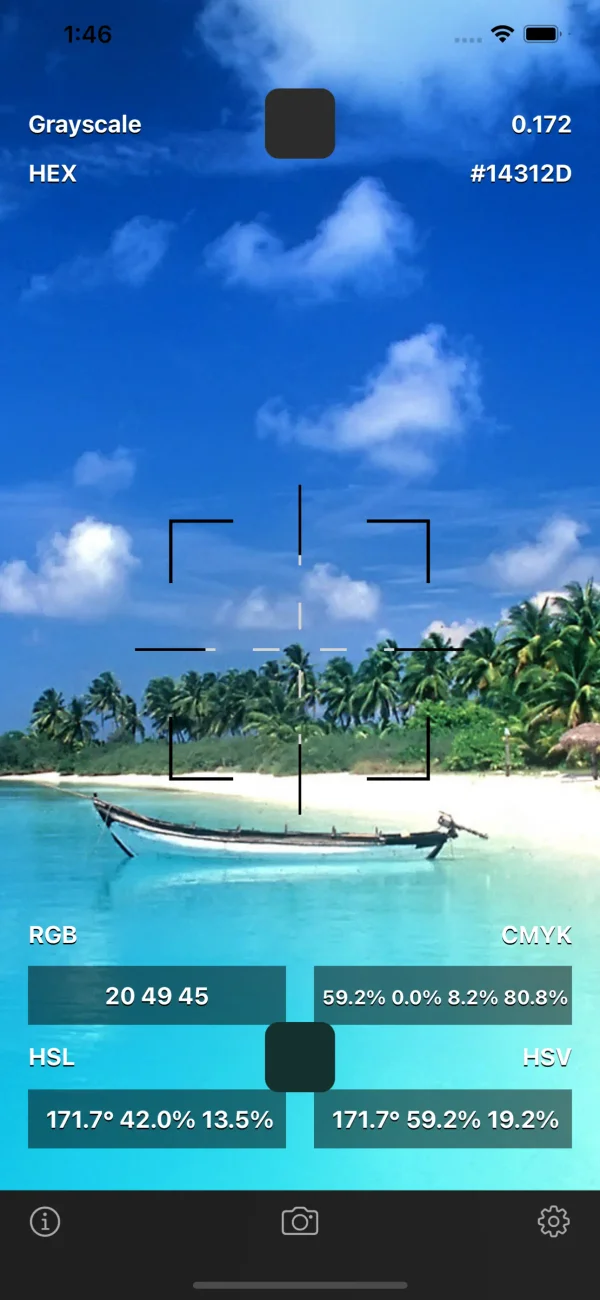
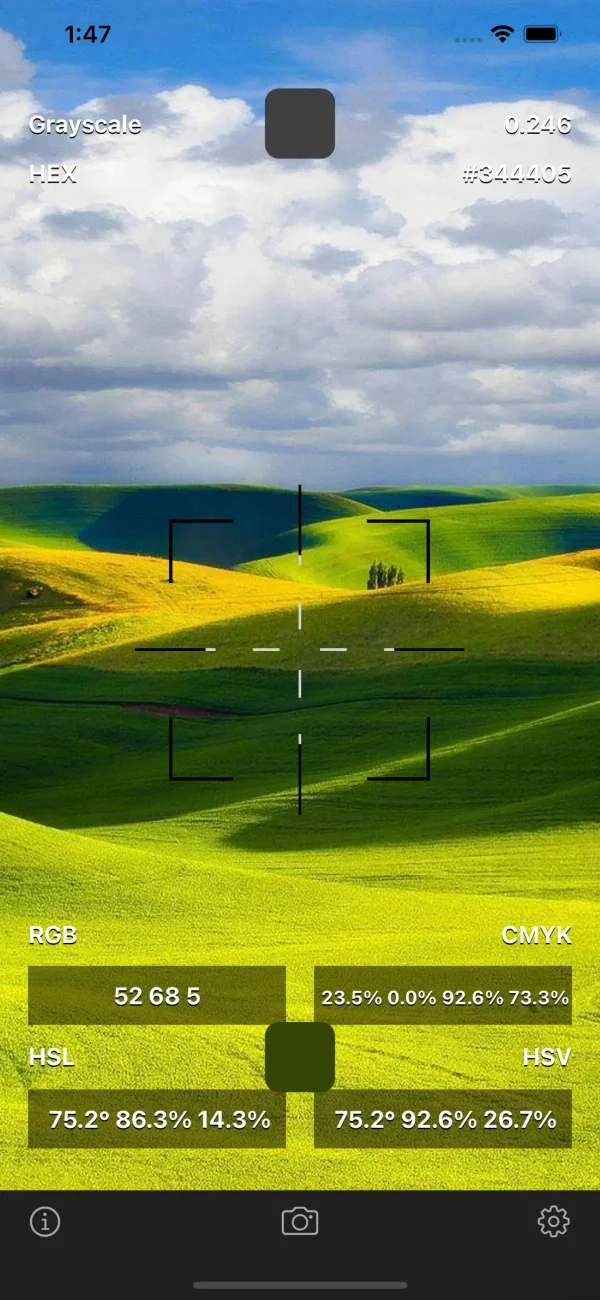
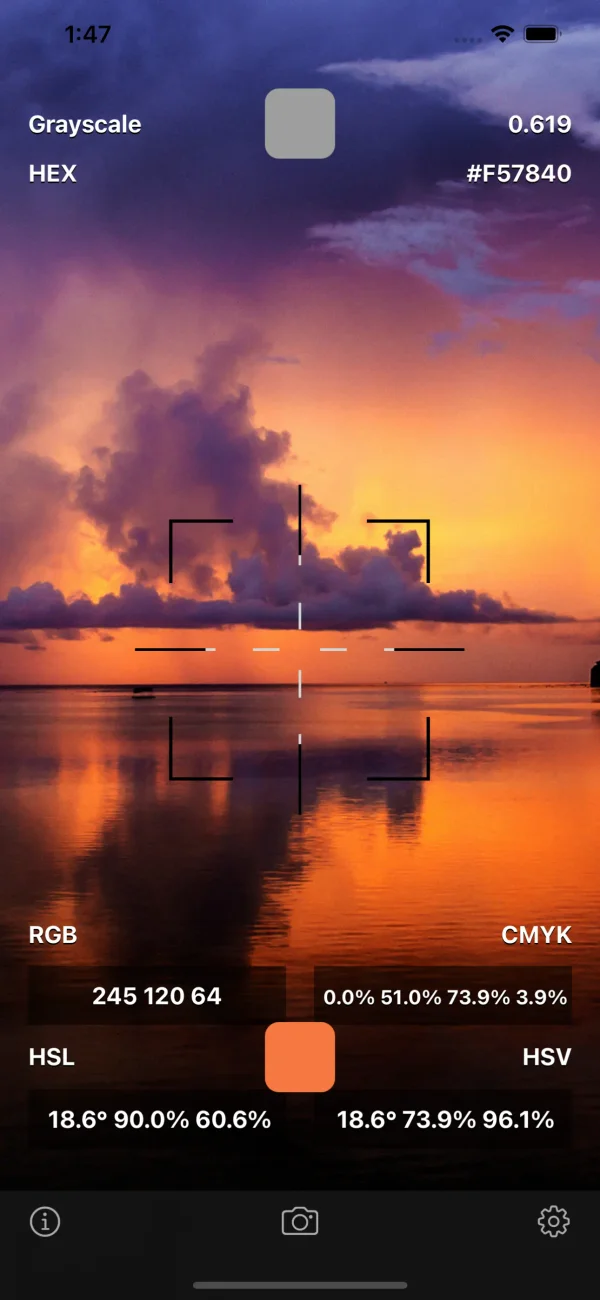
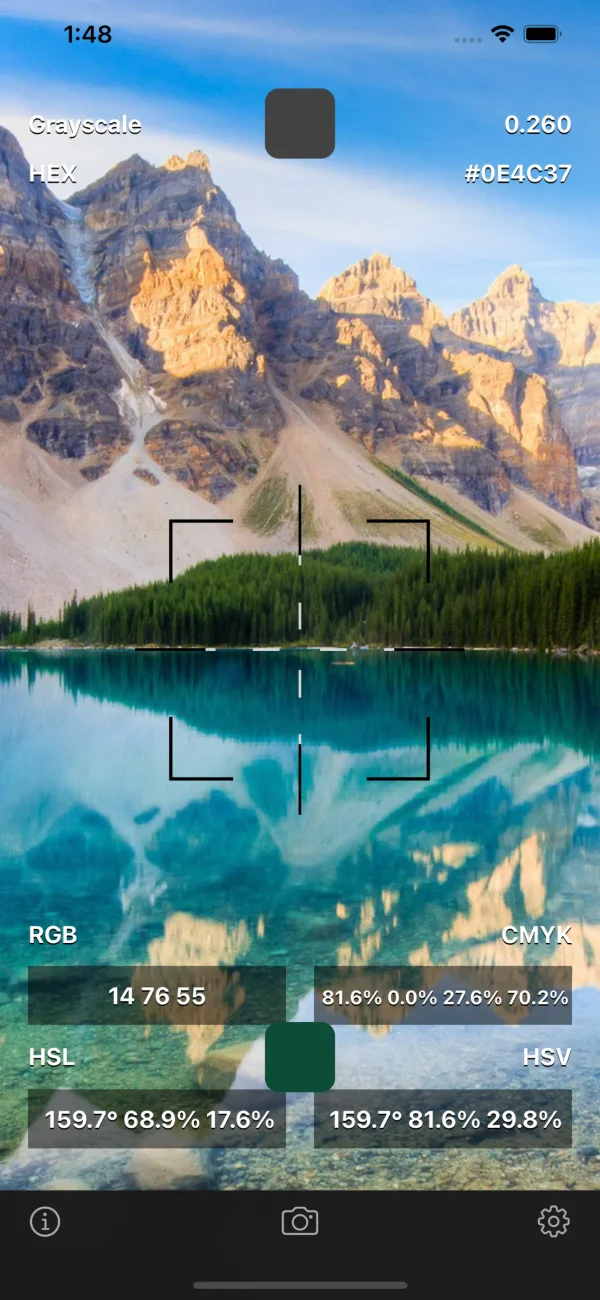

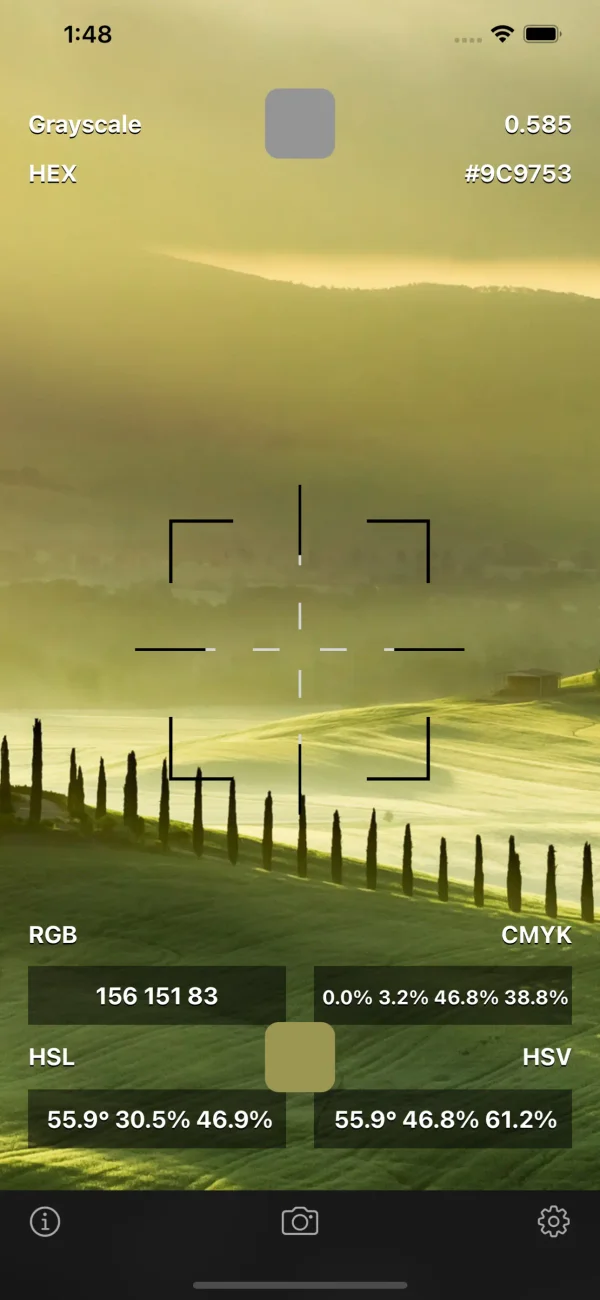
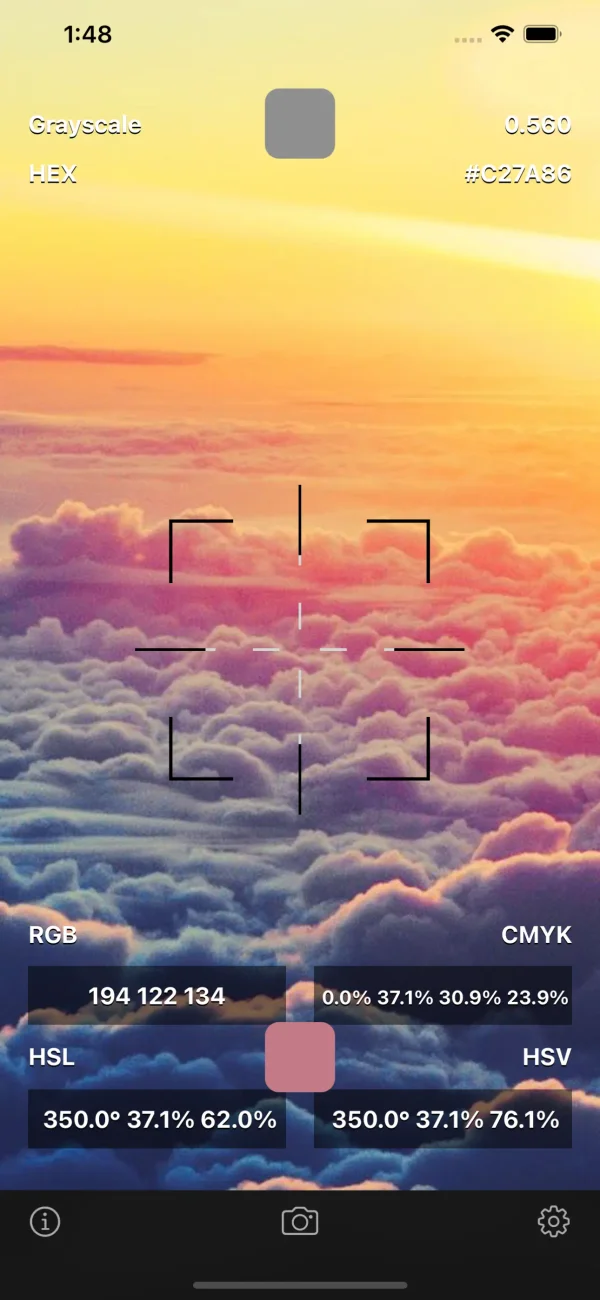
About
Camera Color Picker is a handy tool for identifying colors using your camera-and vice versa.
Features:
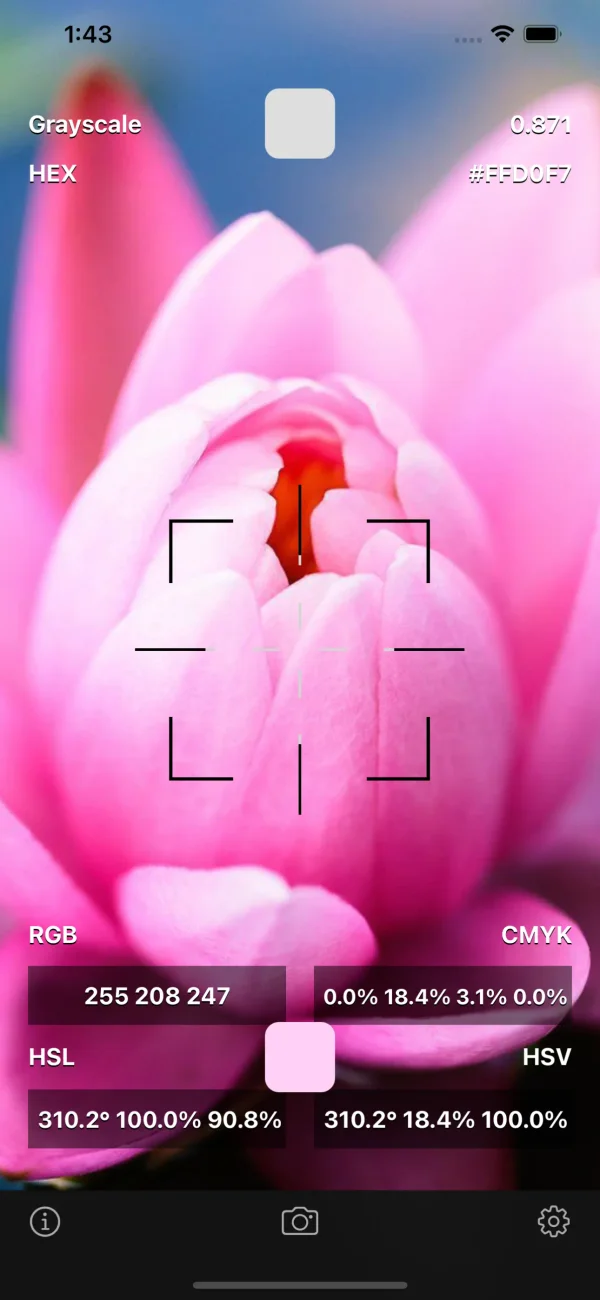
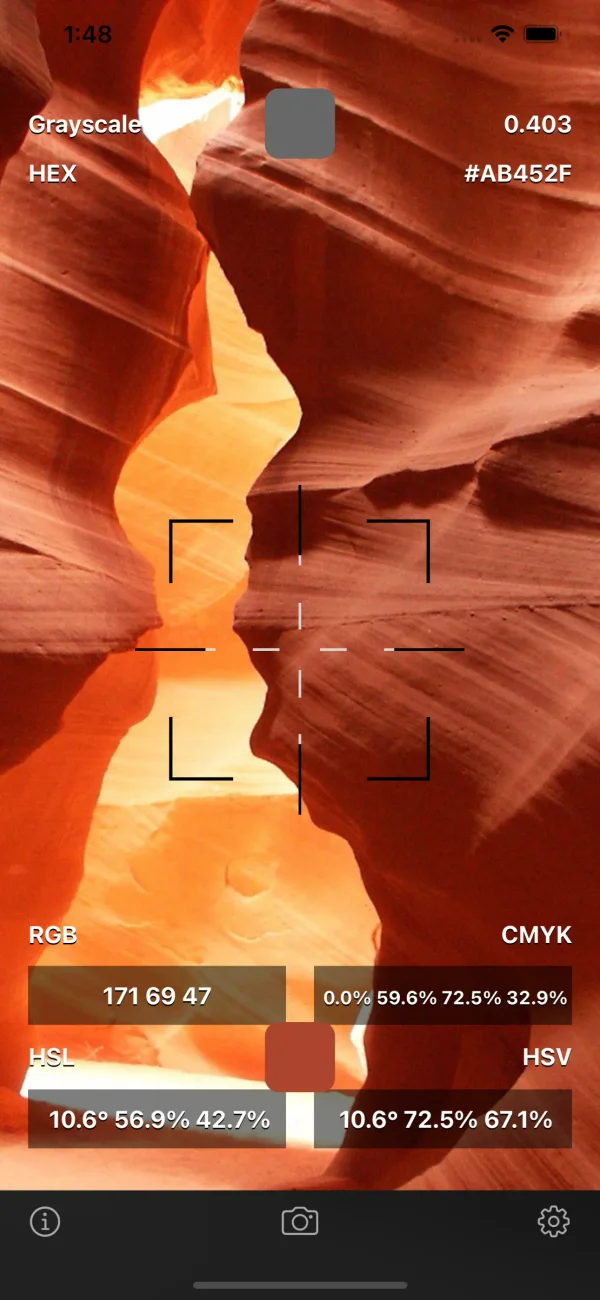
• Read colors from the camera in real-time.
• Capture and save images with embedded color data.
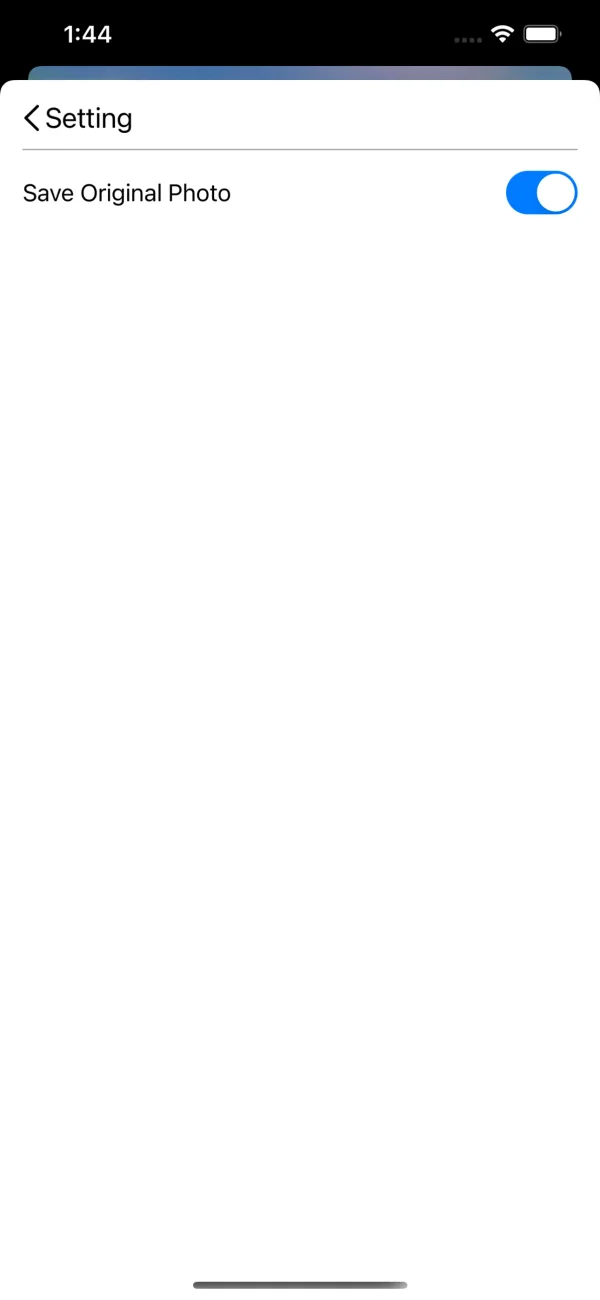
• Option to save the original image without color data.
• Output color values in RGB, CMYK, HSB/HSV, HSL, and HEX (web format).
• Convert any color to grayscale.
• Tap to copy color codes directly to the clipboard.
Quick Notes on Color Models:
RGB Color Space
The RGB (Red, Green, Blue) color model is an additive model where light is combined in various intensities to create a wide spectrum of colors. Commonly used in digital displays.
CMYK Color Space
The CMYK (Cyan, Magenta, Yellow, Key/Black) color model is subtractive and primarily used in printing. Colors are created by subtracting light using ink on paper.
HEX Color Code
A hex triplet is a six-digit, three-byte hexadecimal number used in HTML, CSS, SVG, and other computing applications to represent colors. It encodes RGB values, with each pair representing red, green, and blue respectively (ranging from 00 to FF in hexadecimal, or 0 to 255 in decimal).
HSB/HSV Color Space
The HSB (Hue, Saturation, Brightness) or HSV (Hue, Saturation, Value) model represents colors in terms of:
• Hue: the base color (e.g., red, blue, yellow),
• Saturation: the intensity of the color,
• Brightness/Value: the lightness or darkness.
HSL Color Space
The HSL (Hue, Saturation, Luminance) color model defines color similarly to HSB/HSV, but uses Luminance to represent brightness in a way that aligns more closely with human perception.
Grayscale
Grayscale represents shades of gray without any color.
• Black is the darkest shade (no light),
• White is the lightest (full light),
• Intermediate values represent varying degrees of light reflection or transmission.
Thank you for your support! Visit nitrio.com for more great apps for your iOS devices.
What’s new
Version 1.1 · Jun 5, 2025
- Updated for the newest devices.
- Minor bugs fixed.
App privacy
What Heng Jia Liang declares on the App Store about how this app handles data.
-
Data not collected
The developer does not collect any data from this app.
Privacy practices may vary, for example with the features you use or your age.
Information
- Seller
- Heng Jia Liang
- Category
- Photo & Video
- Version
- 1.1
- Updated
- Jun 5, 2025
- Released
- Jul 21, 2021
- Size
- 1.3 MB
- Requires
- iOS 13.0 or later
- Age rating
- 4+
- Price
- $2.99
- Languages
- English
- Copyright
- © Heng Jia Liang
You might also like
-
 Shunkan ColorInstant color picker
-
 Pixel ColorPickerRGB, HSB\HSV, HSV, HEX & Lab
-
 CardCropListing-Ready Card Photos
-
 Color Lens: an AR color pickerFind and Identify Colors
-
 LUT Smith: Camera LooksMake .cube Color Presets
-
 ColorGrailConnecting Colors
-
 Luttie: Log & LUT Color StudioBuild Looks for every camera
-
 Popsicolor: Tasty WatercolorsMouthwatering photo effects
-
 Silver B&W CameraB&W and Color Photo Camera
-
 WallStage: Visualize Your ArtDisplay Your Artwork in Room