
CameraScan:Document Scanner
PDF Scanner & Mobile Docs
Designed for iPhone, iPod touch
In-app purchases
- Age rating4+
- CategoryProductivity
- DeveloperShenzhen Miguo Qudong Technology Co., Ltd
- LanguagesEnglish
- Size94.3 MB
Links to the official App Store page
Download.org hosts no file of CameraScan:Document Scanner. The button opens its official App Store page, published by Shenzhen Miguo Qudong Technology Co., Ltd. Listing last checked on Nov 8, 2026.
Screenshots
About
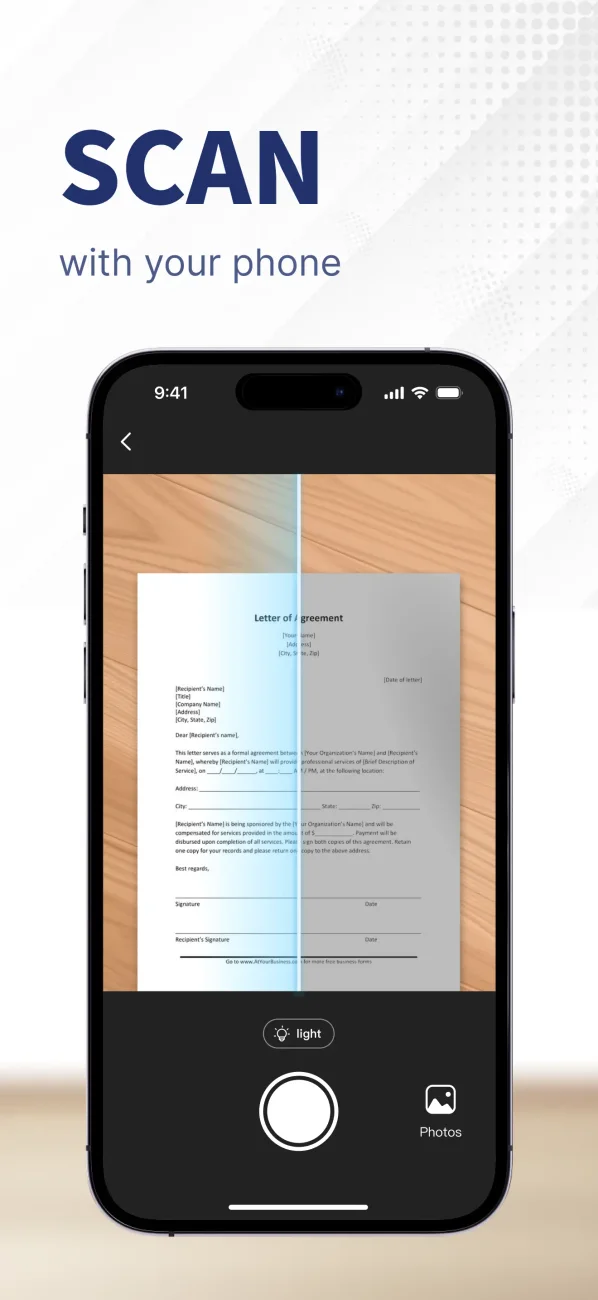
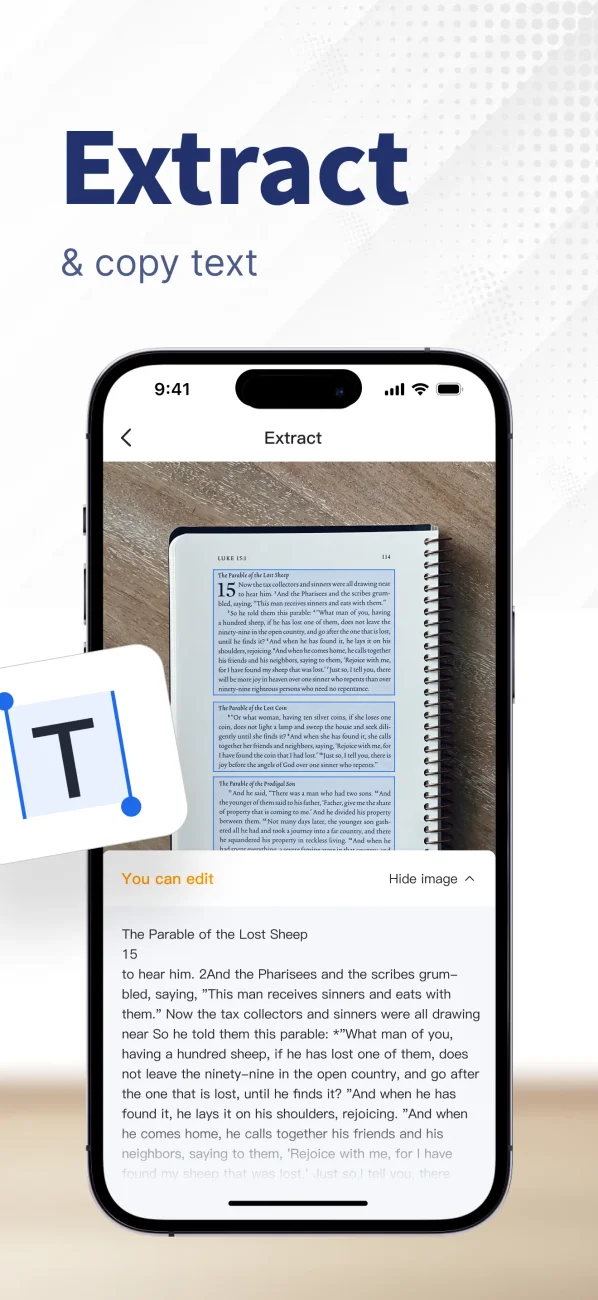
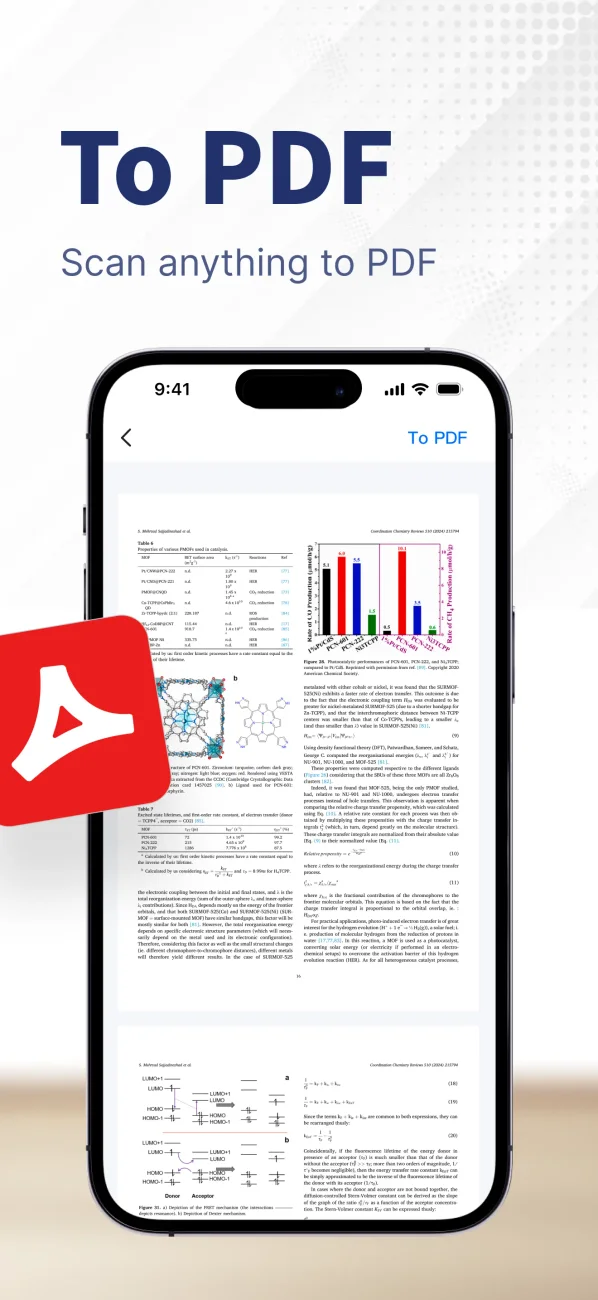
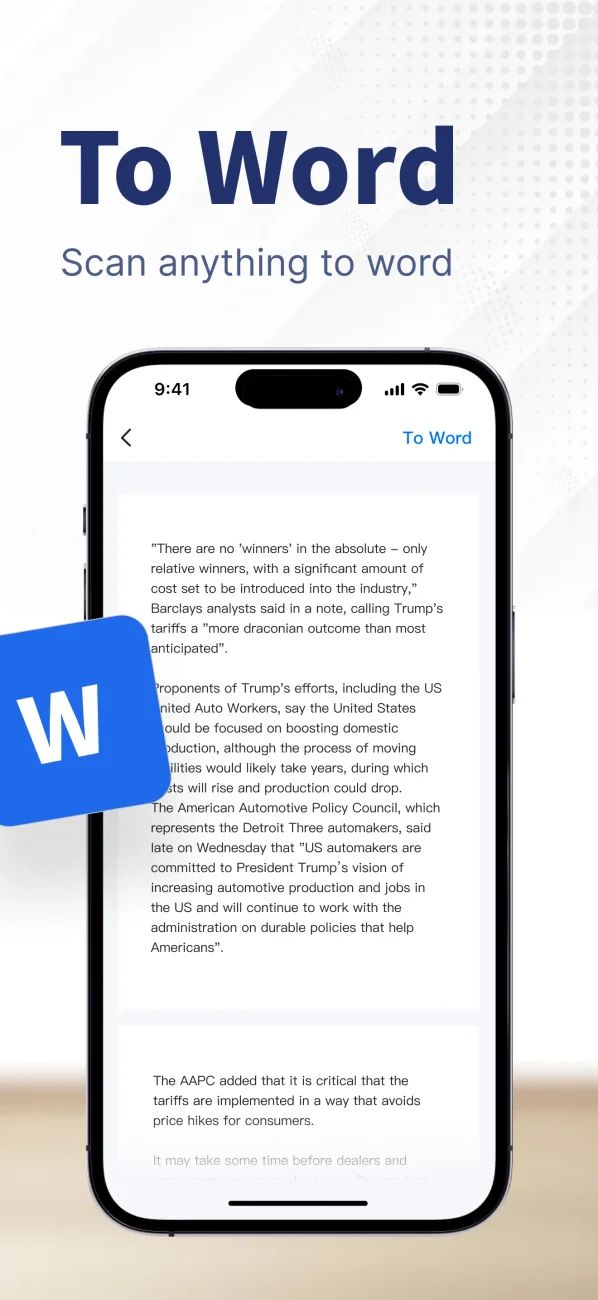
MiGuo Scan King, turning your phone into an instant scanner. It supports document scanning, text and image recognition, ID scanning, PDF to Word, Word to PDF, image to PDF, and other document format conversions. Not only can it scan with high quality, generating clear JPG and PDF scans with a single click, but it can also instantly convert lengthy text in images into editable text, recognizing multiple languages. Intelligent document management addresses a variety of scenarios, making work, study, and life more efficient.
------Usage Scenarios------
Work Scenario: An office essential! Scan paper documents to instantly transform them into electronic versions, and even convert formats, boosting office efficiency by 10 times!
Daily Life Scenario: Scan IDs and documents, eliminating the wait time at printing shops; scan shopping receipts for convenient record-keeping.
Learning Scenario: In just a few seconds, you can scan text on paper, class notes, teacher presentations (PPT), and blackboard writings, converting them into PDFs, documents, with powerful functionality on your phone.
------Key Features------
【Mobile Scanner】
Universal Scanning: Capture paper documents, invoices, contracts, notes, business cards, books, drawings, and various document types quickly through photo recognition. Turn your phone into an instant scanner, saving time and effort.
Smart Enhancement Technology: Intelligent removal of cluttered backgrounds and adjustment of image parameters to ensure that the generated scanned documents achieve high quality, clarity, and visibility in both details and overall appearance.
【Image-to-Text Tool】
High-precision OCR Text Recognition: Whether it's image text, documents, certificates, or handwritten content, accurate reproduction and extraction of text from images can be achieved.
Support for exporting in various formats: Through text recognition, scanned text content can be exported in formats such as Word.
【Document Scanning】
A4 Proportion Restoration: Scanned documents directly conform to the standard proportions of A4 paper, generating scans in proportion with a single click without additional adjustments.
Smart Boundary Detection: Automatically recognize the edges of IDs, accurately capturing the contours of documents to ensure scans are not affected by unnecessary blank areas.
Support for Various Types of IDs: Whether it's an ID card, driver's license, student ID, or other common IDs, templates are not a concern.
【Multi-Format Conversion】
PDF Format Conversion: Convert between PDF, Word, and image documents, enabling one-click sharing or downloading. Maintain the original layout of documents to achieve accurate page reproduction.
Electronic Watermark: Freely add an electronic anti-theft watermark with one click to ensure document security and protect information.
==== Auto-Renewal Membership Statement ====
【Membership Benefits】Document scanning, ID scanning, OCR text recognition, format conversion.
【Subscription Price】Subject to iAP application information.
【Payment】Upon user confirmation of purchase and payment, it will be recorded in the iTunes account.
【Renewal】Apple iTunes accounts will be charged within 24 hours before the expiration, and upon successful payment, the subscription period will be extended by one subscription period.
【Cancel Renewal】If you wish to cancel the renewal, please manually disable the auto-renewal function in iTunes/Apple ID settings management at least 24 hours before the current subscription period expires.
【Free Trial】Renewal or cancellation of renewal during the free trial period will not revoke the user's right to a free trial. Users can use the trial until the trial period ends.
==== Relevant Agreements ====
User Service Agreement: https://megofun.cn/download/agreement/ios/MgScan-servicepolicy.html
Privacy Policy Address: https://megofun.cn/download/agreement/ios/MgScan-privacypolicy.html
What’s new
Version 1.1.0 · Jul 3, 2025
Scan Upgrade - Auto Crop: Detects edges and smartly aligns — no manual adjustments needed!
App privacy
What Shenzhen Miguo Qudong Technology Co., Ltd declares on the App Store about how this app handles data.
-
Data used to track you
May be used to track you across apps and websites owned by other companies.
- Identifiers
-
Data not linked to you
May be collected but is not linked to your identity.
- User content
- Identifiers
- Usage data
- Diagnostics
Privacy practices may vary, for example with the features you use or your age.
Information
- Seller
- Shenzhen Miguo Qudong Technology Co., Ltd
- Category
- Productivity
- Version
- 1.1.0
- Updated
- Jul 3, 2025
- Released
- Jan 29, 2024
- Size
- 94.3 MB
- Requires
- iOS 11.0 or later
- Age rating
- 4+
- In-app purchases
- Yes
- Languages
- English
- Copyright
- © 2023 Shenzhen Miguo Qudong Technology Co., Ltd.
You might also like
-
 PDF Enhance: Upscale & HD Scantext sharpener & document fix
-
 Docusy: PDF Editor & ScannerScan documents & sign PDFs
-
 网络测速-speedtest无线网测速Productivity
-
 Scanner: PDF & OCR ScannerDocument & Photo Converter App
-
 AI办公文档 - word文档手机版Productivity
-
 幻灯片手机版-实用幻灯片演示设计Productivity
-
 zhama-Your AI EmployeesAI employees & team workspace
-
 小行动-读书打卡,阅读记录,日常习惯养成学习笔记分享Productivity
-
 翻译-出国旅行翻译官Productivity
-
 AIPPT Maker - Slides MakerDesign Slideshow PPT