Camio Studio
Record Horizontal and Vertical
Designed for iPhone
Free · In-app purchases
- Age rating4+
- CategoryPhoto & Video
- DeveloperMohamed Maail
- LanguagesEnglish
- Size20.1 MB
Links to the official App Store page
Download.org hosts no file of Camio Studio. The button opens its official App Store page, published by Mohamed Maail. Listing last checked on Nov 18, 2026.
Screenshots

About
Film once. Post everywhere.
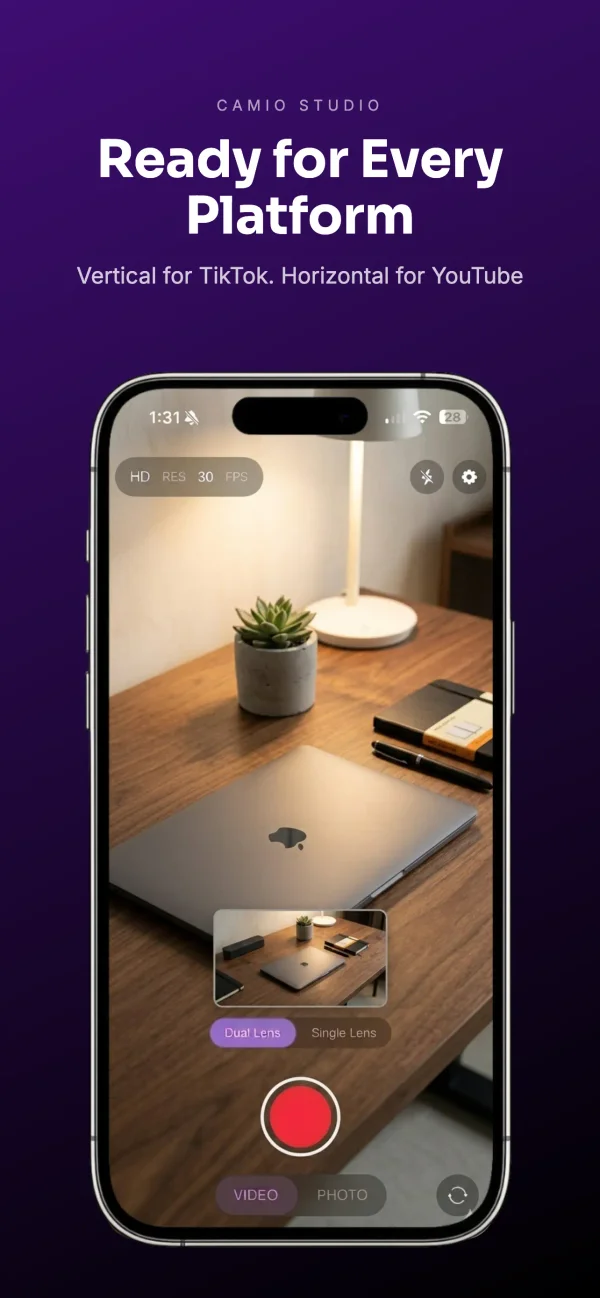
Camio Studio lets you record a single video and instantly get both vertical and horizontal versions, ready for TikTok, Reels, YouTube, and more.
No more filming twice. No more editing.
Just hit record.
Record once
Capture your content in one take using your iPhone camera. Camio Studio handles the rest so you can focus on creating.
Every format, instantly
Your recording is automatically turned into:
• Vertical (9:16), perfect for TikTok, Reels, and Shorts
• Horizontal (16:9), perfect for YouTube and more
Both versions are perfectly synced and ready to use.
Captions included
Your videos come with captions automatically generated for you.
No editing. No extra apps. Just ready to post content.
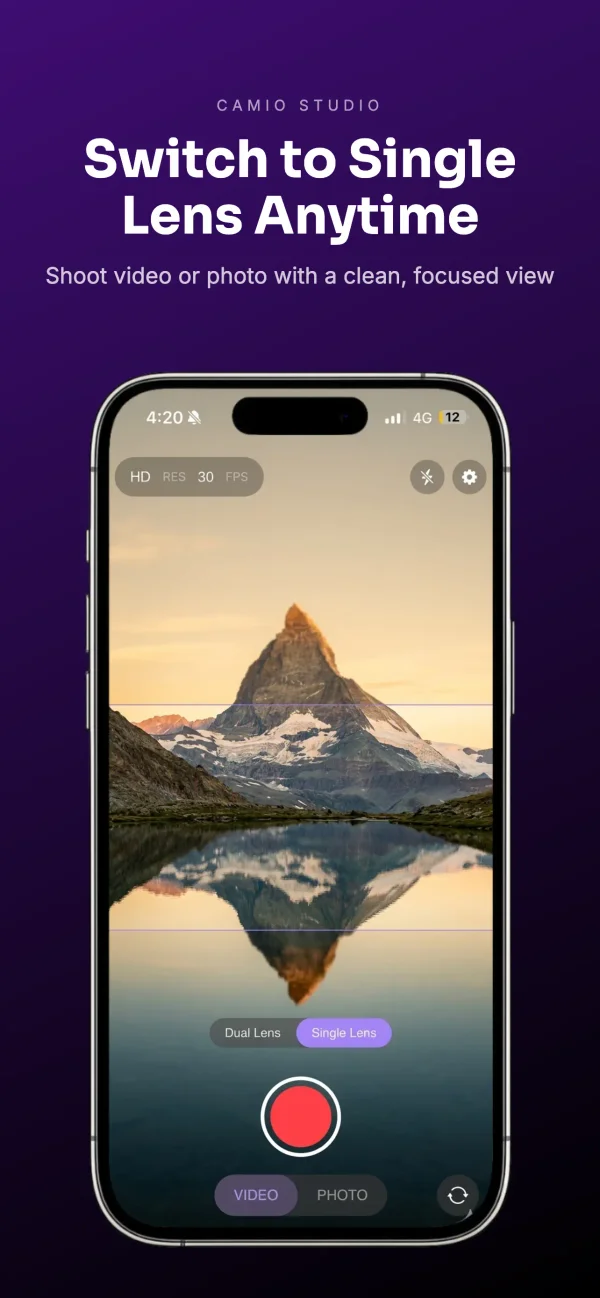
Dual camera mode
Record using both front and back cameras at the same time.
Perfect for:
• Reactions
• Commentary
• Vlogs
• Tutorials
Built for creators
Camio Studio is designed for speed and simplicity:
• Clean, minimal recording interface
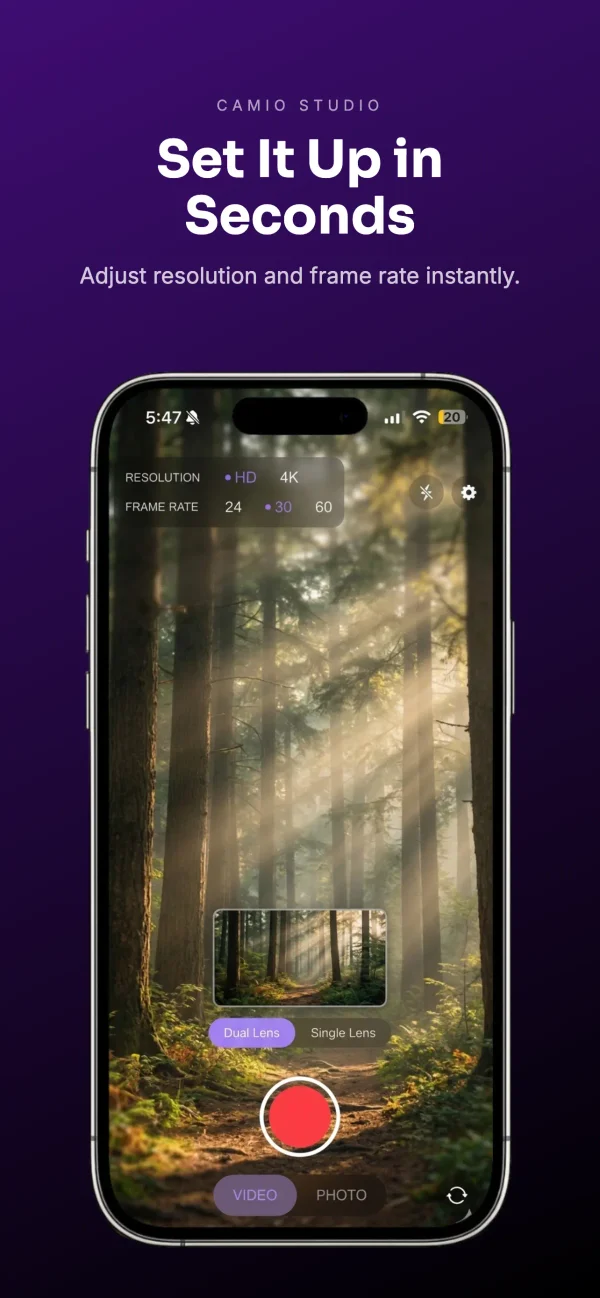
• High quality video output up to 4K
• Smart framing for better composition
• Instant preview and export
Pricing
Camio Studio is free to use.
Free version includes:
• Full recording functionality
• Dual camera mode
• Vertical and horizontal exports
• Watermarked videos
Upgrade with a one time purchase of $9.99 to unlock:
• No watermark
• Full export quality including 4K
• Complete access to all features
Privacy
Your videos stay on your device.
We do not store, track, or upload your recordings.
Privacy Policy:
https://camio.studio/privacy
Terms
Terms of Use:
https://camio.studio/terms
Start creating faster
Stop wasting time editing and reformatting your videos.
Camio Studio helps you create once and share everywhere.
What’s new
Version 1.5 · Apr 21, 2026
• New Front/Back mode: record with front and back cameras simultaneously in a split-screen view
• Swap camera positions with one tap — front on top or bottom, your choice
• Front/Back photos: capture both cameras in a single split image
• Dual rear lens recording on supported iPhones for multi-perspective content
• Watermark notice on first save helps you discover Pro
• Improved result screens with close button
• Crash fixes and stability improvements
App privacy
What Mohamed Maail declares on the App Store about how this app handles data.
-
Data not linked to you
May be collected but is not linked to your identity.
- Usage data
- Diagnostics
Privacy practices may vary, for example with the features you use or your age.
Information
- Seller
- Tiny App Studio SDN BHD
- Category
- Photo & Video
- Version
- 1.5
- Updated
- Apr 21, 2026
- Released
- Apr 7, 2026
- Size
- 20.1 MB
- Requires
- iOS 17.6 or later
- Age rating
- 4+
- Price
- Free
- In-app purchases
- Yes
- Languages
- English
- Copyright
- © DualShot Studio
You might also like
-
 TwoTake Recorder: Dual CameraRecord Vertical + Horizontal
-
 Dual Cam PROㅤPhoto & Video
-
 TwinSnap: Dual Video Recorder2-in-1 Social Content Creator
-
 Retro Lab Photo EditorAnalog Film Filters & Grain
-
 EXIF Remover: Photo MetadataClean GPS, Date & Device
-
 DualShotCamTwo crops, one tap.
-
 SwitchEffect CameraLive Video & Screen Sharing
-
 DualShot Recorder: MultiCamVertical & Landscape Video
-
 VIXA Dual CameraFront & Back Camera Capture
-
 TwinShot: Dual Video CameraRecord 9:16 & 16:9 at Once