SwitchEffect Camera
Live Video & Screen Sharing
Designed for iPhone, iPad, Mac, iPod touch
Free
- Age rating4+
- CategoryPhoto & Video
- DeveloperAdam Tow
- LanguagesEnglish
- Size11.9 MB
Links to the official App Store page
Download.org hosts no file of SwitchEffect Camera. The button opens its official App Store page, published by Adam Tow. Listing last checked on Nov 16, 2026.
Screenshots

About
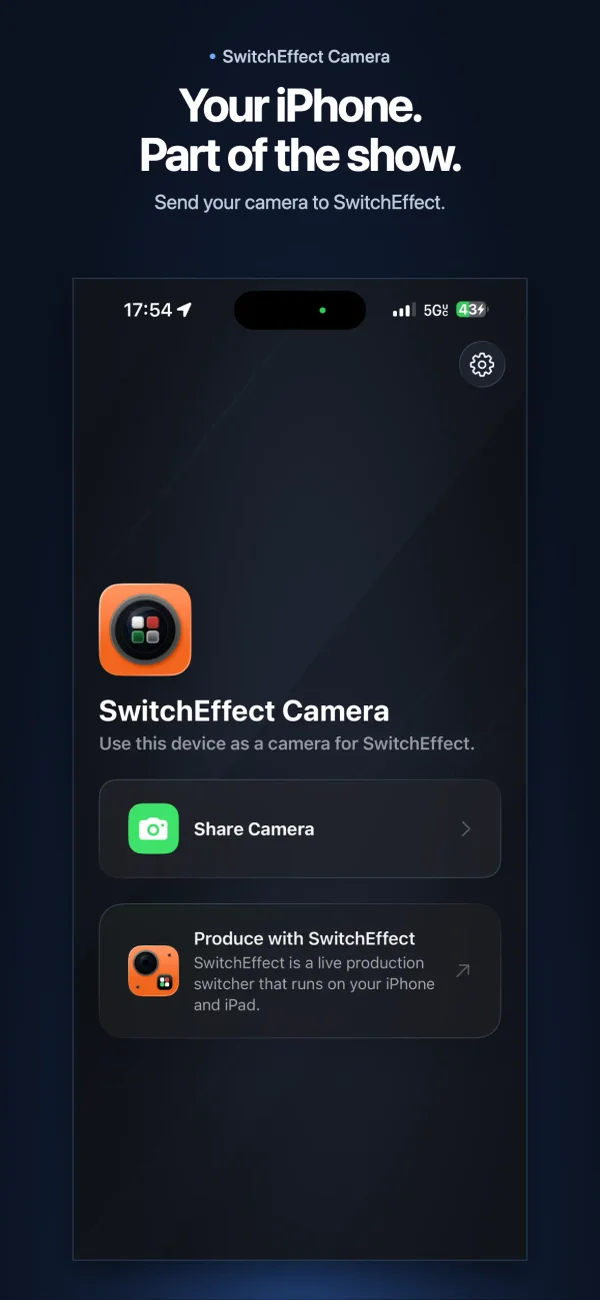
Turn your iPhone or iPad into another camera for your SwitchEffect production.
SwitchEffect Camera sends live video and audio to SwitchEffect over your local network. Add a close-up, capture a different perspective, or bring a device’s screen into your show. It’s a flexible companion for interviews, presentations, demonstrations, and live events.
USE THE CAMERA YOU NEED
Choose a built-in camera, connect a supported USB camera to your iPad, or bring in SDI/HDMI video and audio through compatible Accsoon SeeMo hardware.
CONTROL YOUR SHOT
Adjust focus, exposure, white balance, and zoom on the device or remotely from SwitchEffect. Available controls depend on the selected camera.
KNOW WHEN YOU’RE LIVE
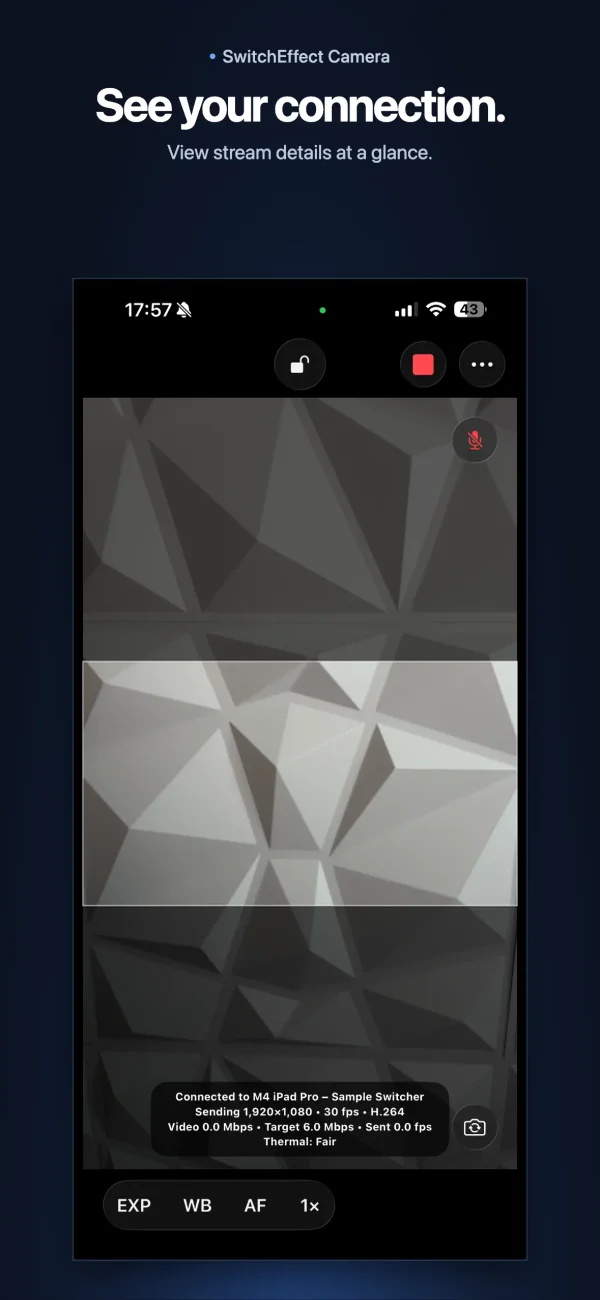
Program and Preview tally indicators show when your camera is on air or ready for the next cut.
SHARE YOUR SCREEN
Send your iPhone or iPad’s entire screen to SwitchEffect for app demonstrations, walkthroughs, and presentations. Screen sharing requires iOS or iPadOS 27 or later.
CONNECT AND RECONNECT
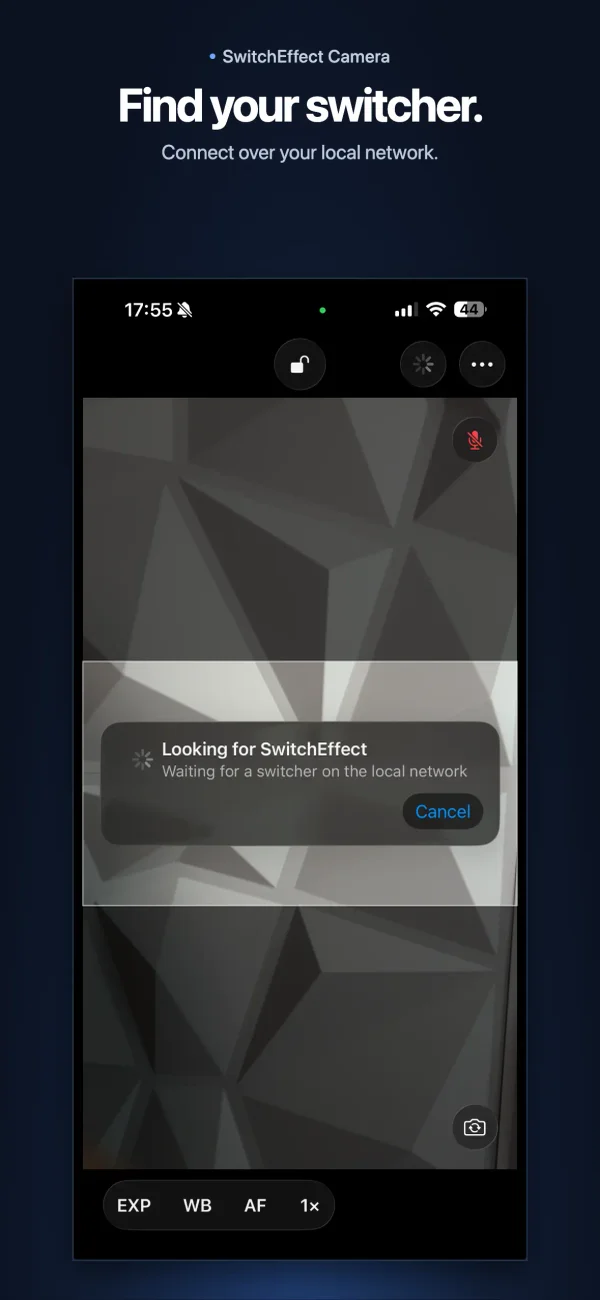
Discover SwitchEffect switchers on your local network, confirm a pairing code, and reconnect to a previously paired switcher.
CHOOSE YOUR STREAMING SETTINGS
Select a streaming quality and resolution preference to suit your setup. Use optional buffering to help smooth uneven network delivery.
SwitchEffect Camera requires SwitchEffect on another device connected to the same local network for remote camera and screen-sharing workflows.
Camera sharing supports iOS and iPadOS 15.6 or later. USB camera support requires a compatible iPad running iPadOS 17 or later. External capture requires compatible hardware. Available resolutions and camera controls vary by device and source.
App privacy
What Adam Tow declares on the App Store about how this app handles data.
-
Data not collected
The developer does not collect any data from this app.
Privacy practices may vary, for example with the features you use or your age.
Information
- Seller
- Adam Tow
- Category
- Photo & Video
- Version
- 1.0.0
- Updated
- Oct 29, 2026
- Released
- Oct 29, 2026
- Size
- 11.9 MB
- Requires
- iOS 15.6 or later
- Age rating
- 4+
- Price
- Free
- Languages
- English
- Copyright
- © Copyright 2026 • Adam Tow • tow.com
You might also like
-
 YoloStudio: Multicam LiveVideo Switcher & Recorder
-
 Mavis Studio: Live ProductionCreate multicam live streams
-
 NDI MultiviewMonitor PTZ Record VideoScope
-
 Obsbot LivePhoto & Video
-
 NDI Monitor ProMonitor, Record, Scopes, PTZ
-
 Mavis Camera: Pro CaptureRecord, live stream and LUTs
-
 Obsbot StartStart Your Moment
-
 Larix Broadcaster: Live StreamSRT, NDI, RTMP Live Encoder
-
 MoblinIRL Streaming
-
 HollyViewPhoto & Video