- Age rating4+
- CategoryProductivity
- DeveloperJIANBO WANG
- LanguagesEnglish+ 2 more
- Size772.0 KB
Links to the official App Store page
Download.org hosts no file of Capsule List. The button opens its official App Store page, published by JIANBO WANG. Listing last checked on Nov 20, 2026.
Screenshots
About
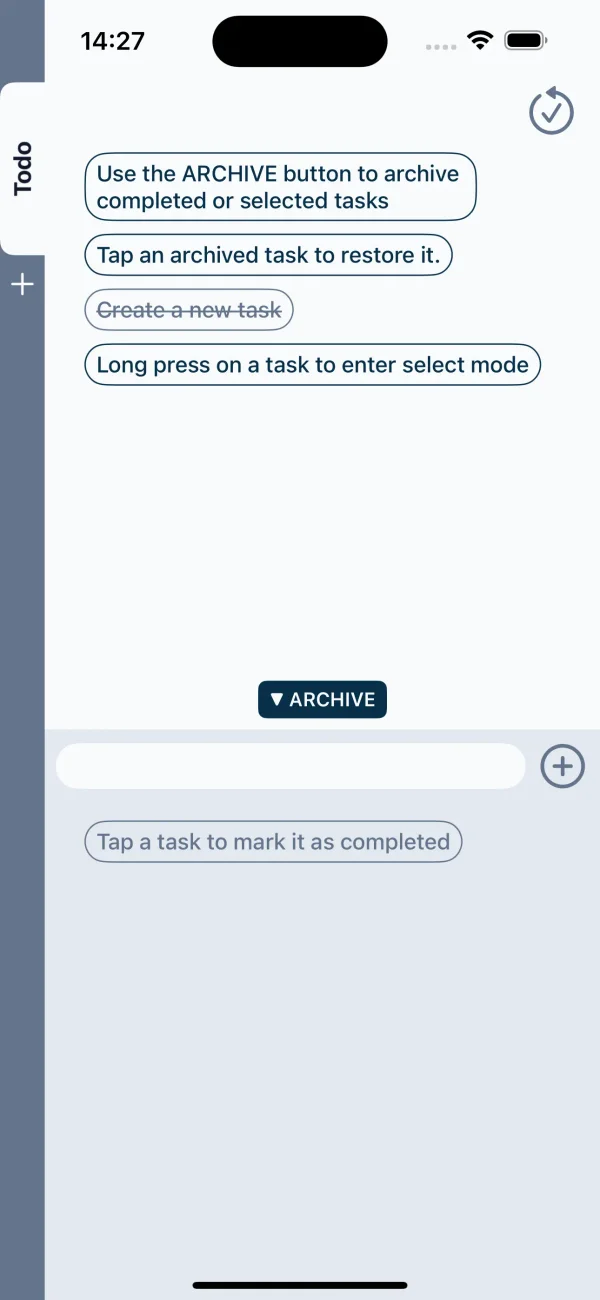
A simple to-do/shopping list app that allows you to track your tasks easily.
The app makes it convenient to reuse archived tasks.
Usage:
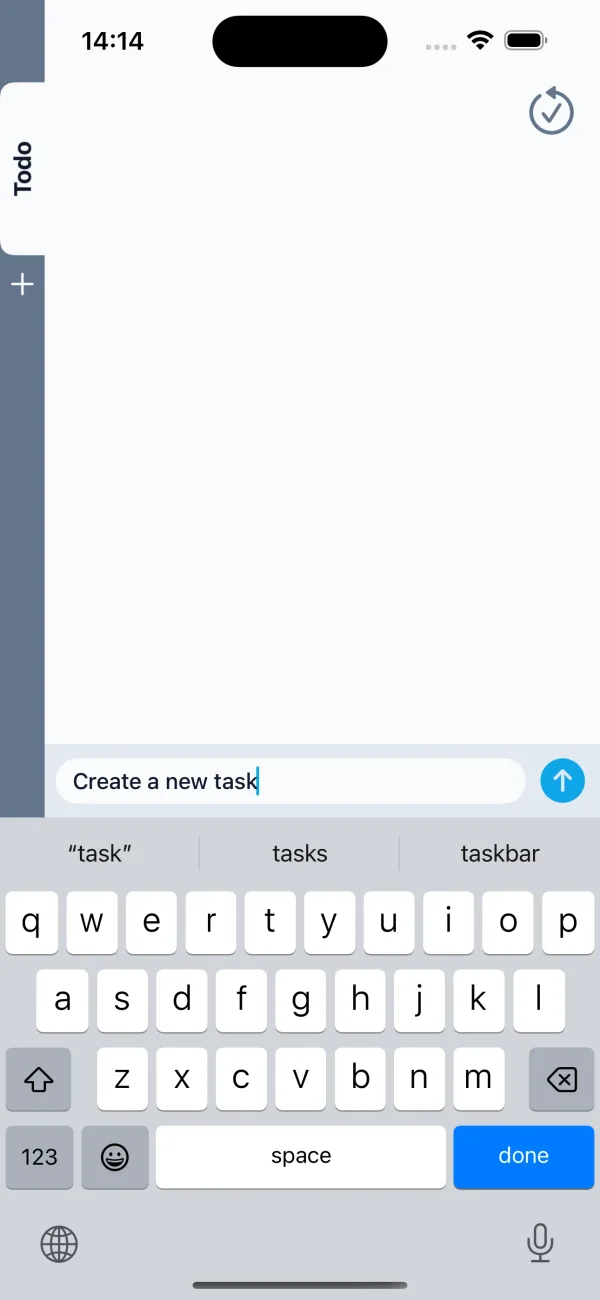
- Enter text in the input box to add a new task.
- Click on a task to mark it as completed.
- Long press to select a task.
- After selecting any task, click on other tasks to select multiple tasks.
- Click on a selected task to deselect it.
- Click the "ARCHIVE" button to move completed or selected tasks to the archive area.
- Click the "ARCHIVE" button to delete selected tasks.
- Click the "+" button on the right side of the input box to show/hide the archive area.
- Click on tasks in the archive area to move them to the top.
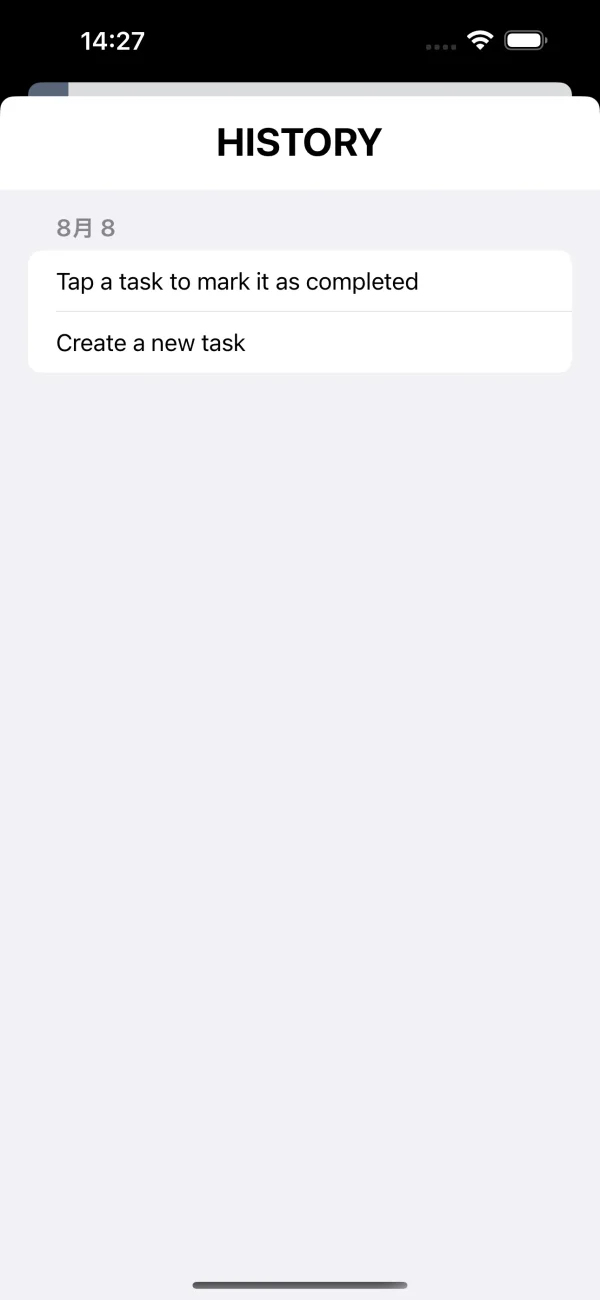
- Click the icon in the upper right corner to display the history.
- Click the "+" button in the sidebar to add a new list.
- Long press the list title in the sidebar to display the edit page.
- On the list edit page, you can edit the list title and label color.
- Click the "DELETE" button at the bottom of the list edit page to delete the list.
What’s new
Version 1.1.2 · Apr 7, 2025
- Support for sorting categories
- Added reminder feature
App privacy
What JIANBO WANG declares on the App Store about how this app handles data.
-
Data not collected
The developer does not collect any data from this app.
Privacy practices may vary, for example with the features you use or your age.
Information
- Seller
- JIANBO WANG
- Category
- Productivity
- Version
- 1.1.2
- Updated
- Apr 7, 2025
- Released
- Aug 7, 2024
- Size
- 772.0 KB
- Requires
- iOS 17.0 or later
- Age rating
- 4+
- Price
- Free
- Languages
- English, Japanese, Simplified Chinese
- Copyright
- © 2024 JIANBO WANG
You might also like
-
 TallySpaceSmart Lists with Categories
-
 AI Camera Pomodoro-FaceTimerTracks when face is detected
-
 WhatsDiariesYour Personal Diary as Chat
-
 PlanzerPlan your day, every day
-
 Sorto: Smart Email AssistantA Calm Daily Briefing
-
 Secure Phone XPrivacy, Security & Utilities
-
 Tempo: Calm To-Do & FocusCalm tasks, focus & habits
-
 Waraqa - Simple Daily TasksOnly what you can get done
-
 Seed: Read FastSpeed read one word at a time
-
 StudyTimer, TaskTimerProductivity