
- Age rating+4
- CategoryProductivity
- DeveloperAHMED MOHAMMED S ALZAHRANI
- LanguagesEnglish
- Size3.3 MB
Links to the official App Store page
Download.org hosts no file of Captrio. The button opens its official App Store page, published by AHMED MOHAMMED S ALZAHRANI. Listing last checked on Nov 12, 2026.
Screenshots
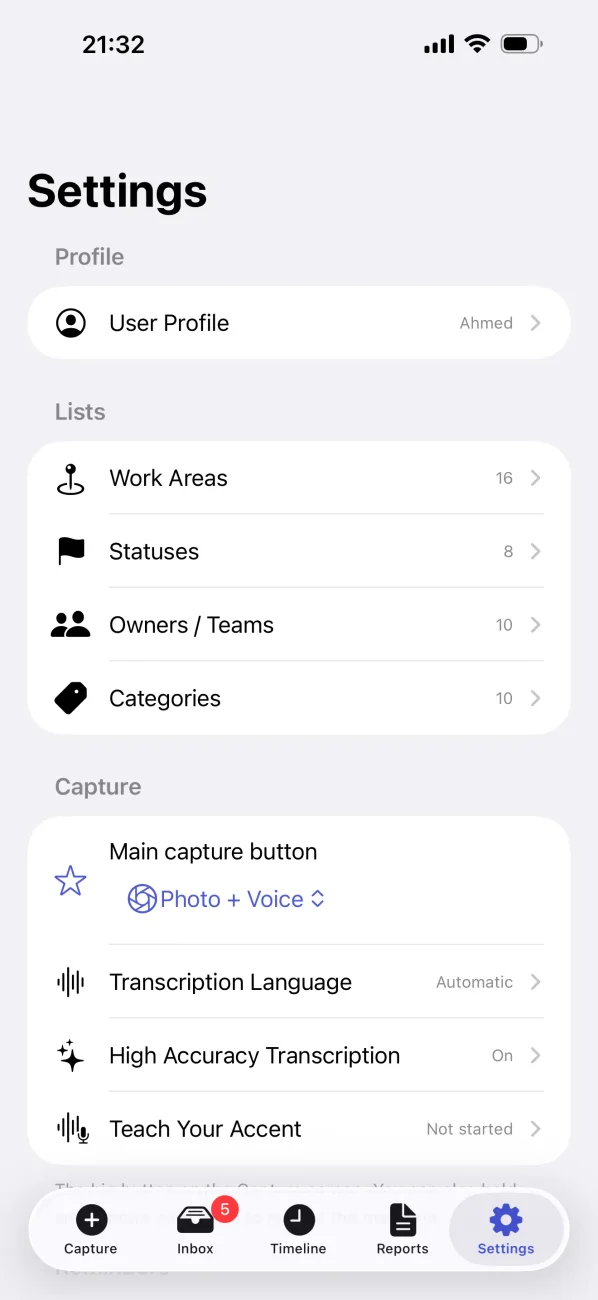
About
Captrio is for people whose work happens on their feet.
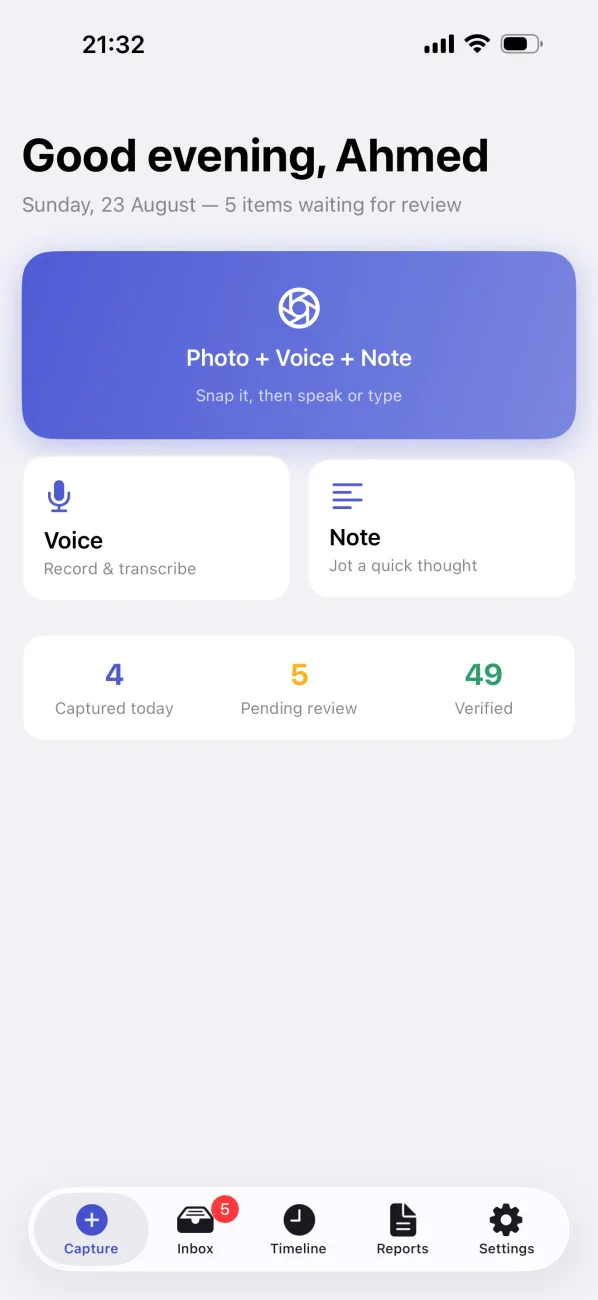
Walk a site, spot something, capture it in seconds a photo, a voice note, or a line of typed text. Captrio files it, and later you turn the whole visit into a report your client can read.
CAPTURE WITHOUT BREAKING YOUR STRIDE
• Photo, voice, text, or all three in one finding
• Circle the crack, arrow the gap annotations sit on a separate layer, so the original photo is never altered and your markup stays editable
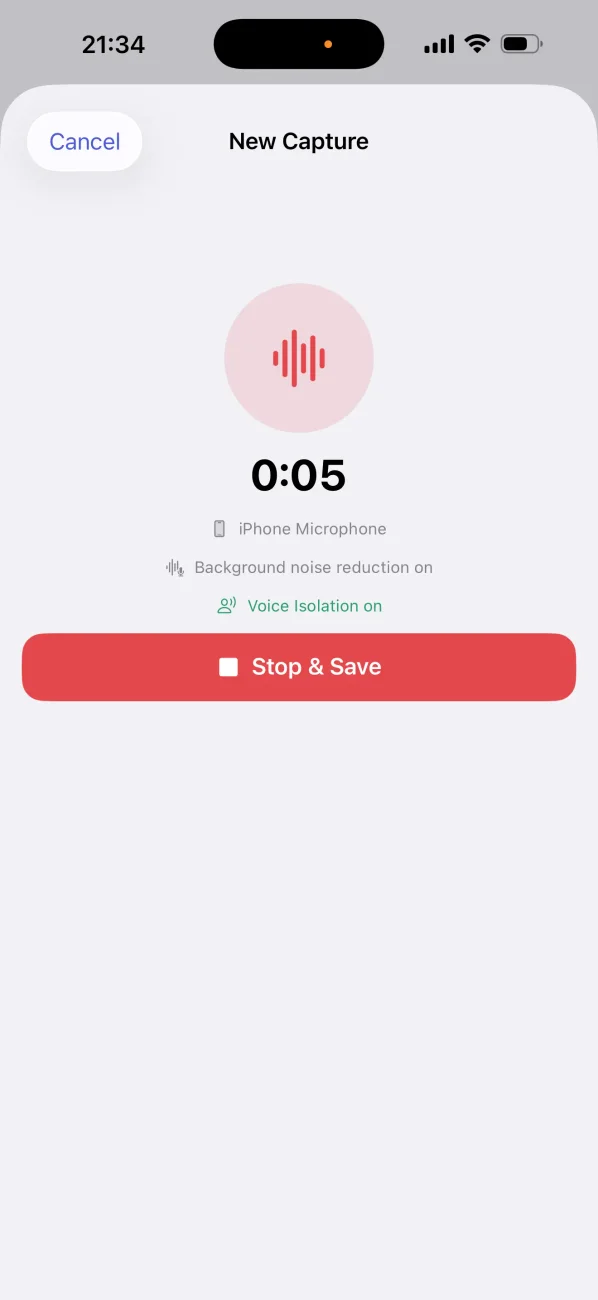
• Voice notes are transcribed automatically, so you can search what you said
• Everything works offline; nothing waits for a signal
SORTED THE MOMENT YOU CAPTURE
• Findings are matched against your own lists areas, statuses, owners, categories and filled in for you
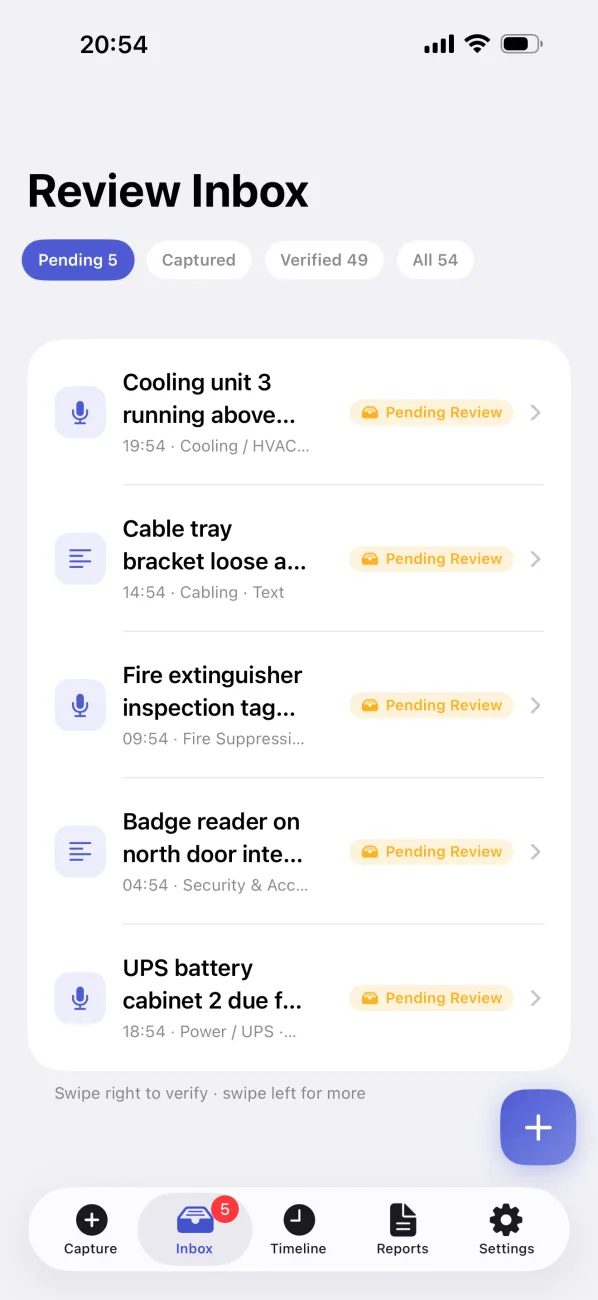
• A Review Inbox holds what still needs your attention
• Reminders and a daily review keep follow-ups from going quiet
• Build your own lists, or start from a template
REPORTS YOU CAN HAND OVER
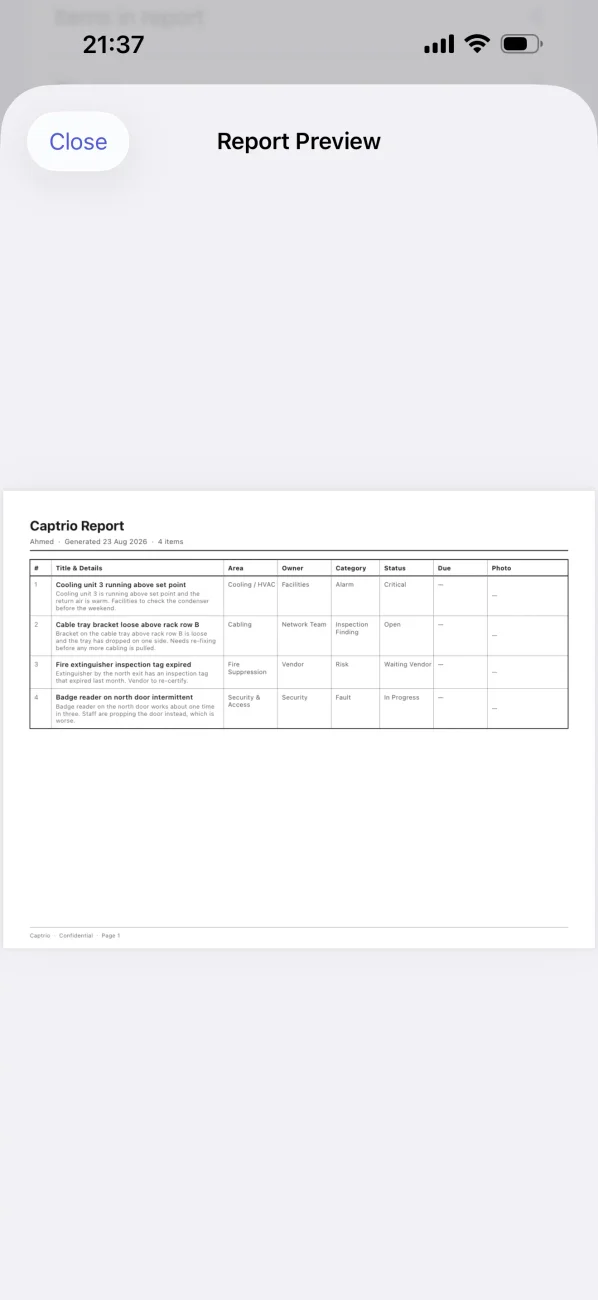
• PDF and Word reports, with your photographs included
• Choose which sections appear critical items, open items, completed work, recommended follow-up
• Filter by date, area or owner
• CSV export when you need the raw rows
YOUR WORK STAYS YOURS
• Everything is stored on your iPhone or iPad
• Optional iCloud Sync mirrors it to your own private iCloud, under your Apple ID Captrio runs no servers and never sees your data
• Export a full backup whenever you want, and restore it on another iPhone or iPad
• App Lock keeps your notes behind Face ID, Touch ID or your passcode
FREE TO START
Your first 30 captures are free, with 3 exports each of email, PDF, Word and CSV. No account needed.
CAPTRIO PRO
Unlimited captures, iCloud Sync across your devices, the complete report instead of your latest 30, unlimited exports, and App Lock.
Captrio Pro is a yearly subscription. Payment is charged to your Apple ID at confirmation of purchase. It renews automatically unless cancelled at least 24 hours before the end of the period. Manage or cancel any time in Settings on your iPhone or iPad.
Terms of Use: https://captrio.app/terms
Privacy Policy: https://captrio.app/privacy-policy
What’s new
Version 1.2 · Oct 1, 2026
Captrio 1.2 brings native iPad support and improvements across capture, reporting, privacy, and backup.
• Native iPad support with a two-pane layout for Review Inbox and Timeline
• Finding titles are now optional
• Import Captrio backups from Android, including photo markup
• Improved privacy with stronger App Lock protection and private reminder notifications
• Improved reports, photo captions, and capture experience on smaller screens
Plus additional fixes and improvements for a smoother, more reliable Captrio experience.
App privacy
What AHMED MOHAMMED S ALZAHRANI declares on the App Store about how this app handles data.
-
Data not collected
The developer does not collect any data from this app.
Privacy practices may vary, for example with the features you use or your age.
Information
- Seller
- AHMED MOHAMMED S ALZAHRANI
- Category
- Productivity
- Version
- 1.2
- Updated
- Oct 1, 2026
- Released
- Sep 22, 2026
- Size
- 3.3 MB
- Requires
- iOS 17.0 or later
- Age rating
- +4
- In-app purchases
- Yes
- Languages
- English
- Copyright
- © 2026 Ahmed Alzahrani
You might also like
-
 Field Service Management (FSM)Field Service Management (FSM)
-
 Vox.md: Quick Capture NotesVoice & Text to Markdown
-
 PhotoReport — Photo ReportsSites, property & field
-
 Emery: Daily PlannerGuilt-Free Planning
-
 mfr - Field Service ManagementProductivity
-
 ZENTRA UtilityConfigure METER Data Loggers
-
 PDFForge - PDF Scanner & EditOCR, Signature & File Manager
-
 149 Live Calendar & ToDo listSmart, versatile, and helpful.
-
 iDentist: Dental RecordsPatient Charts & Odontogram
-
 PDF Editor: Scan & Sign DocsConvert Files, Fill Forms, OCR