
Car,Play Widget Speedometer
HUD, Dashboard & Trip Stats
Designed for iPhone
Free · In-app purchases
- Age rating4+
- CategoryNavigation
- DeveloperMurat Kalayci
- LanguagesEnglish
- Size16.3 MB
Links to the official App Store page
Download.org hosts no file of Car,Play Widget Speedometer. The button opens its official App Store page, published by Murat Kalayci. Listing last checked on Nov 12, 2026.
Screenshots
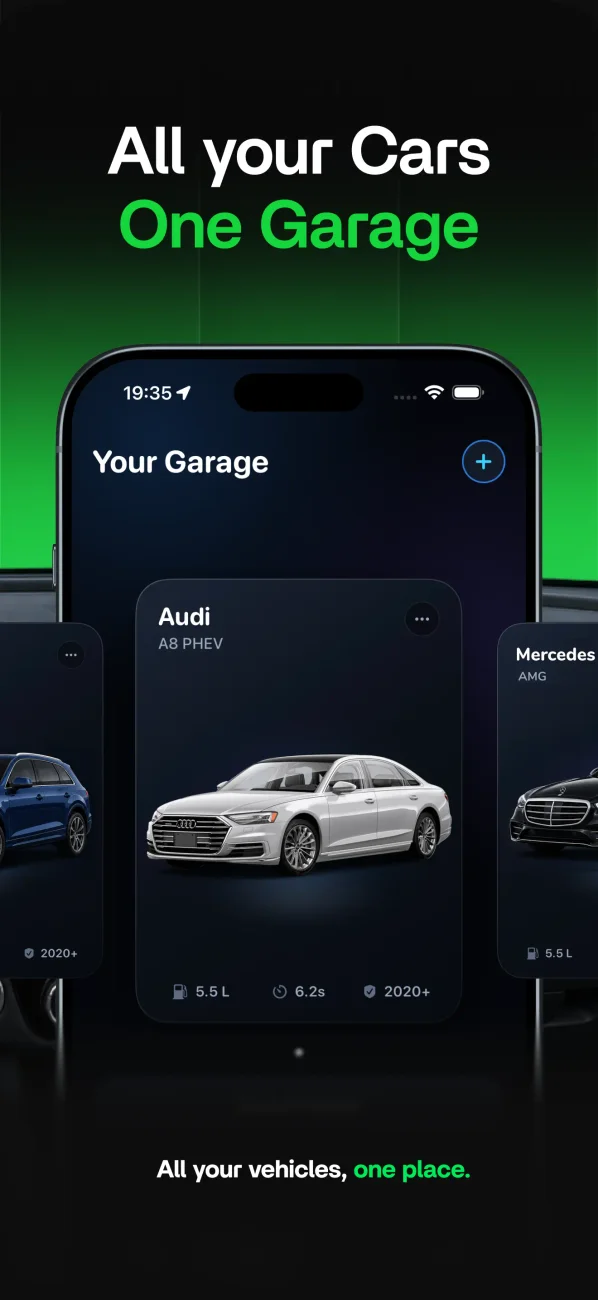
About
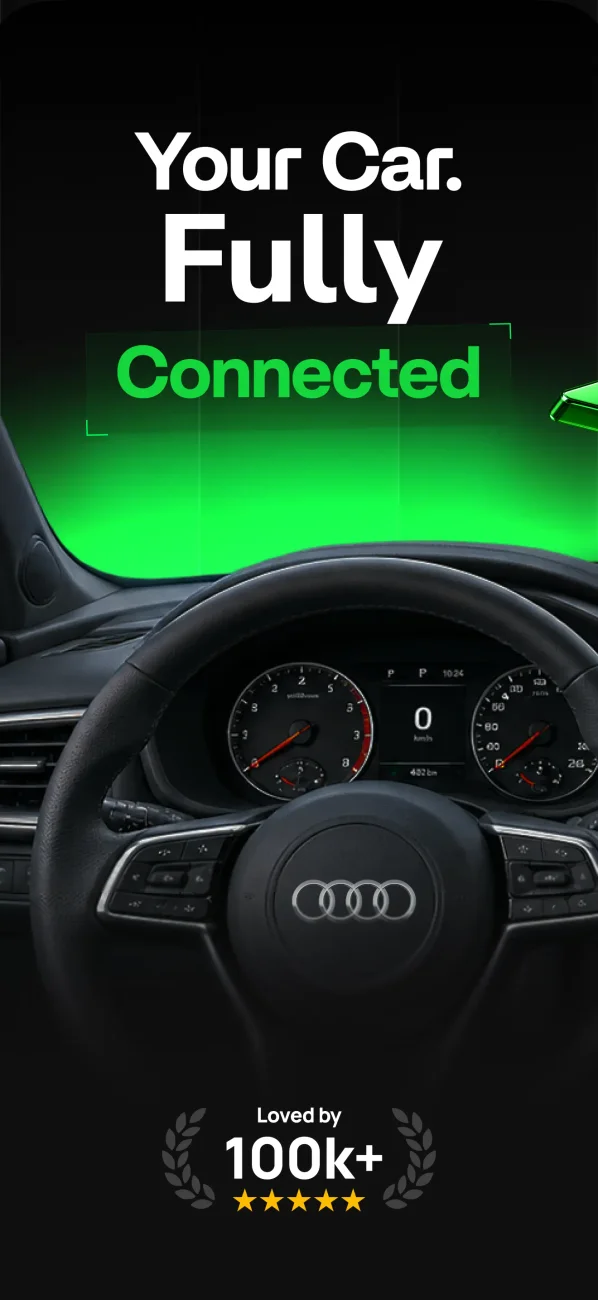
Car,Play Widget Speedometer turns your iPhone into a clear driving companion: live GPS speed, trip stats, and a themed dashboard you actually want to look at.
Designed for phone-mount driving. Big, glanceable gauges. Smooth themes. Tools for maps, music, radio, and calls — without burying what matters.
◆ LIVE GPS SPEEDOMETER
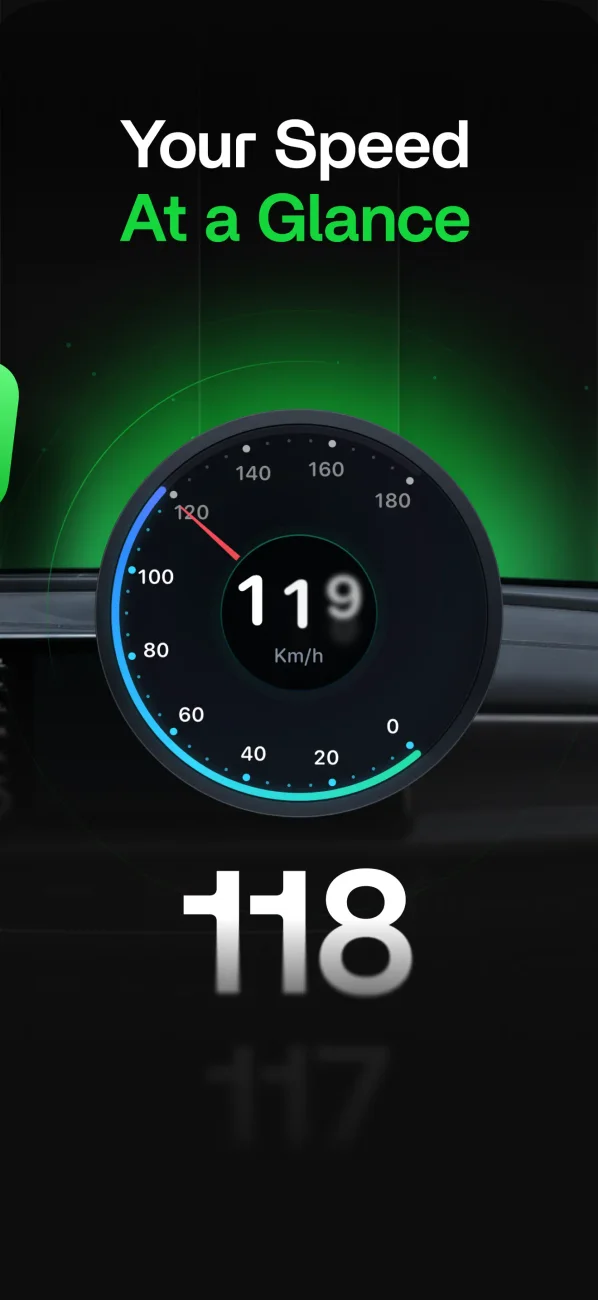
Track speed in mph or km/h with a responsive gauge built for the road. See max and average speed, distance, heading, altitude, and trip progress while you drive.
◆ DRIVING DASHBOARD & HUD STYLE
Choose cinematic dashboard themes — from gold and neon to clean minimal looks. Keep essential driving info readable at a glance. Ideal for a windshield or dash mount.
◆ TRIP STATS THAT STICK
Start a trip and keep tabs on distance, pace, and peaks. Review what your drive actually looked like — not just a single speed number.
◆ WIDGET-STYLE DRIVING WORKSPACE
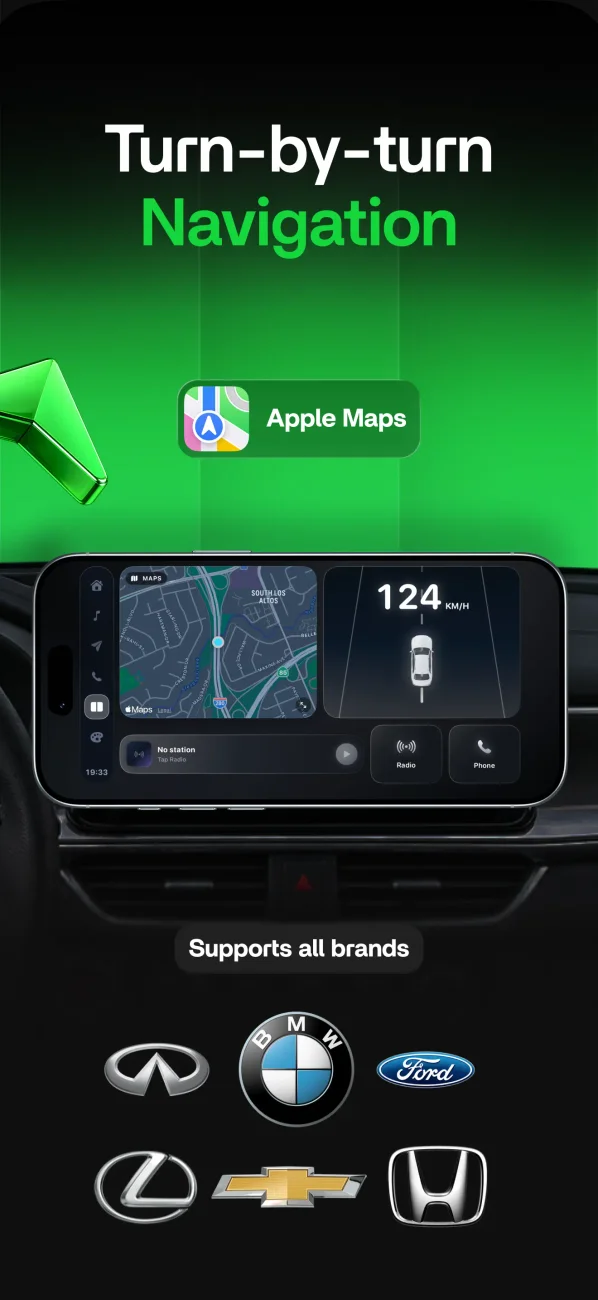
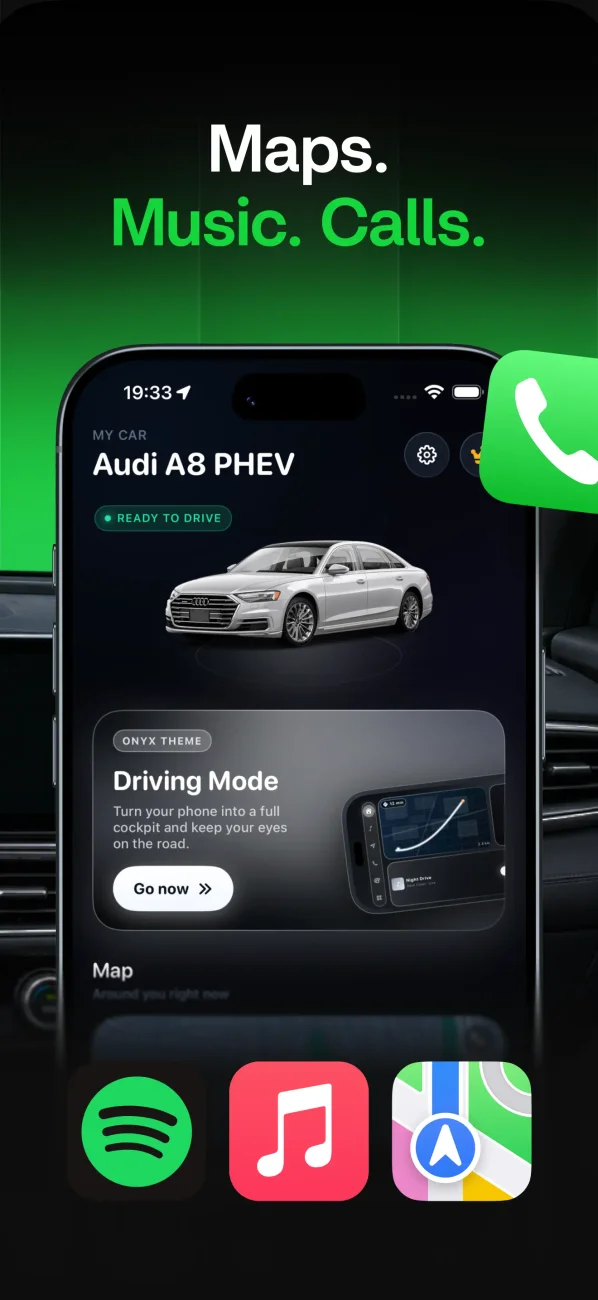
Bring maps, weather, music, internet radio, and phone shortcuts into one driving layout. Keep your garage of cars ready with profiles that match your ride.
◆ AI REPAIR HELPERS
Snap a photo or describe an issue for guided repair suggestions. Look up VIN details when you need vehicle context. Informational only — always confirm safety-critical work with a qualified technician.
◆ WORKS WITH APPLE CARPLAY CONNECTION MOMENTS
Open your dashboard when you connect and keep your phone experience aligned with life in the car. Car,Play Widget Speedometer is an independent app and is not affiliated with, endorsed by, or sponsored by Apple Inc.
◆ PREMIUM
Unlock every theme, expanded AI Repair, and garage sync benefits described in the paywall. Subscriptions renew automatically unless cancelled in your Apple ID settings at least 24 hours before the period ends. Manage subscriptions in Settings → Apple ID → Subscriptions.
◆ BUILT FOR REAL DRIVES
• Portrait and landscape driving layouts
• Keep-screen-awake option for mounted use
• Temperature units and theme controls in Settings
• Privacy-minded permissions — location, contacts, camera, and photos only when a feature needs them
Safety note: Obey traffic laws. Do not interact with your phone in a way that distracts you from driving. GPS readings can be inaccurate and are not a certified vehicle instrument.
Download Car,Play Widget Speedometer and take a clearer speedometer, dashboard, and trip toolkit on every drive.
Privacy Policy, Terms of Use, and EULA are available in the App and on the App Store product page links.
GAME MAPS PRO
A monthly subscription purchase will be charged to your Apple ID account upon confirmation of purchase. Subscriptions automatically renew unless canceled at least 24 hours before the end of the current period. Your account will be charged for renewal within 24 hours prior to the end of the current period. You can manage or cancel your subscription anytime in your Apple ID account settings. Any unused portion of a free trial, if offered, will be forfeited when you purchase a subscription.
A lifetime purchase is a one-time payment. It is not a subscription, does not auto-renew, and will not be charged again.
For more information, see our EULA: https://sites.google.com/view/carplayer-widget/eula
App privacy
What Murat Kalayci declares on the App Store about how this app handles data.
-
Data not collected
The developer does not collect any data from this app.
Privacy practices may vary, for example with the features you use or your age.
Information
- Seller
- Murat Kalayci
- Category
- Navigation
- Version
- 1.0
- Updated
- Sep 7, 2026
- Released
- Sep 7, 2026
- Size
- 16.3 MB
- Requires
- iOS 18.0 or later
- Age rating
- 4+
- Price
- Free
- In-app purchases
- Yes
- Languages
- English
- Copyright
- © Murat Kalaycı
You might also like
-
 Watch Speedometer Pro CarPlayGPS Speed, Widget & History
-
 Car,Play CarSync SpeedometerSpeed Music Radio & Drive Nav
-
 CarDash: Car Dashboard & HUDGPS Digital Speedometer & Maps
-
 CarPlay Connect - Sync My AutoWireless Car Link & Remote
-
 Speedometer: Speed Tracker&GPSCar Play, HUD, Mile, Mph Test
-
 Odo Speedometer: Drive TrackerGPS Speed, Car, Bike, Map, OBD
-
 Carget: Car Widgets & SoundsCustomize car dashboard widget
-
 AutoScreen: Car Screen MirrorCar TV Cast & GPS Navigation
-
 Car Play Connect Sync AutolinkNavigation, Dashboard, Widgets
-
 CARFACE Car Widgets & LyricsMy CarTV & Play Dynamic Lyrics