
Cardcore Flashcards
Spaced Repetition that flow
Designed for iPhone, Mac
Free · In-app purchases
- Age rating4+
- CategoryEducation
- DeveloperAlexander Kvamme
- LanguagesEnglish
- Size45.1 MB
Links to the official App Store page
Download.org hosts no file of Cardcore Flashcards. The button opens its official App Store page, published by Alexander Kvamme. Listing last checked on Nov 13, 2026.
Screenshots


About
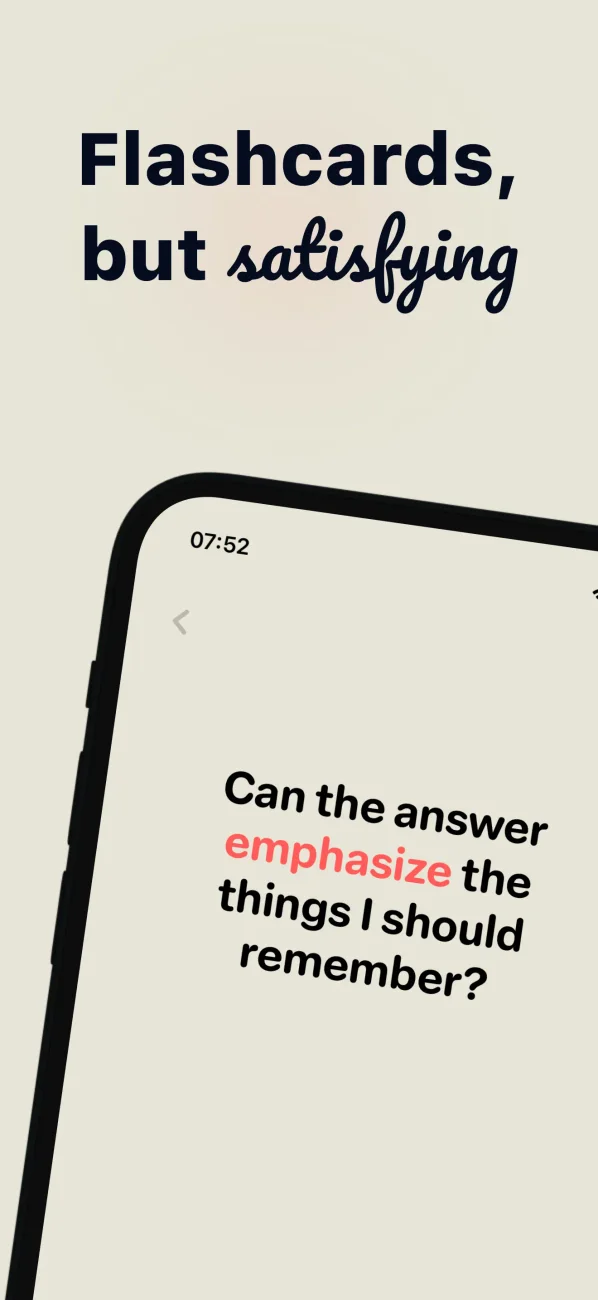
The first flashcard app with a heavy focus on perfecting UX
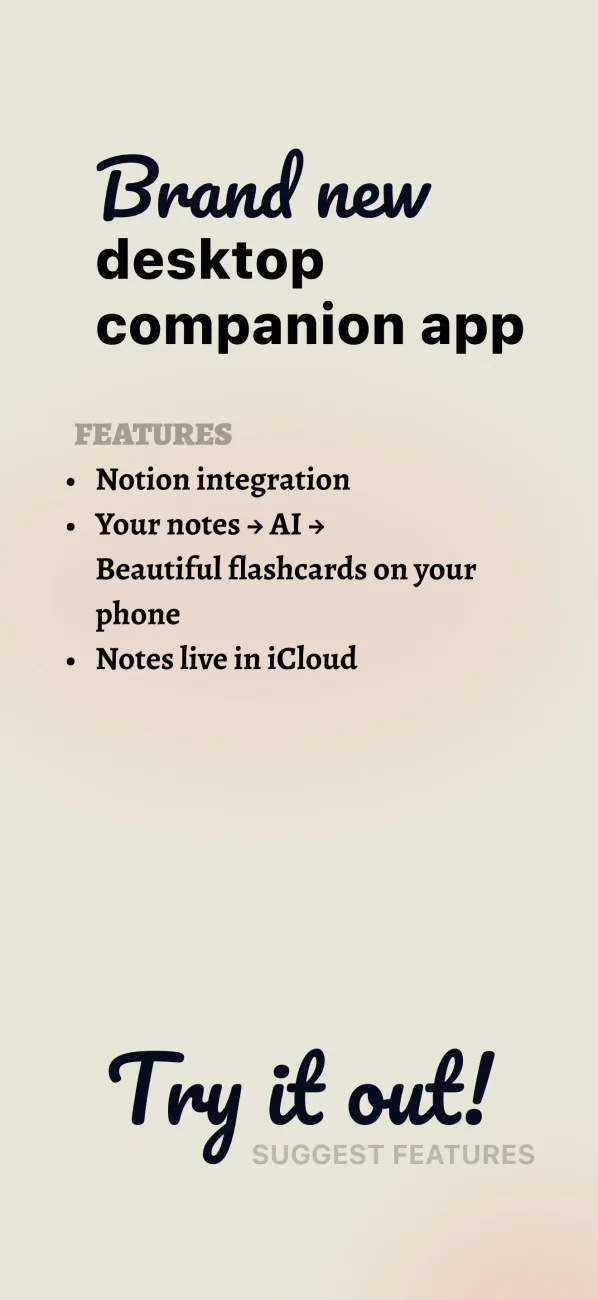
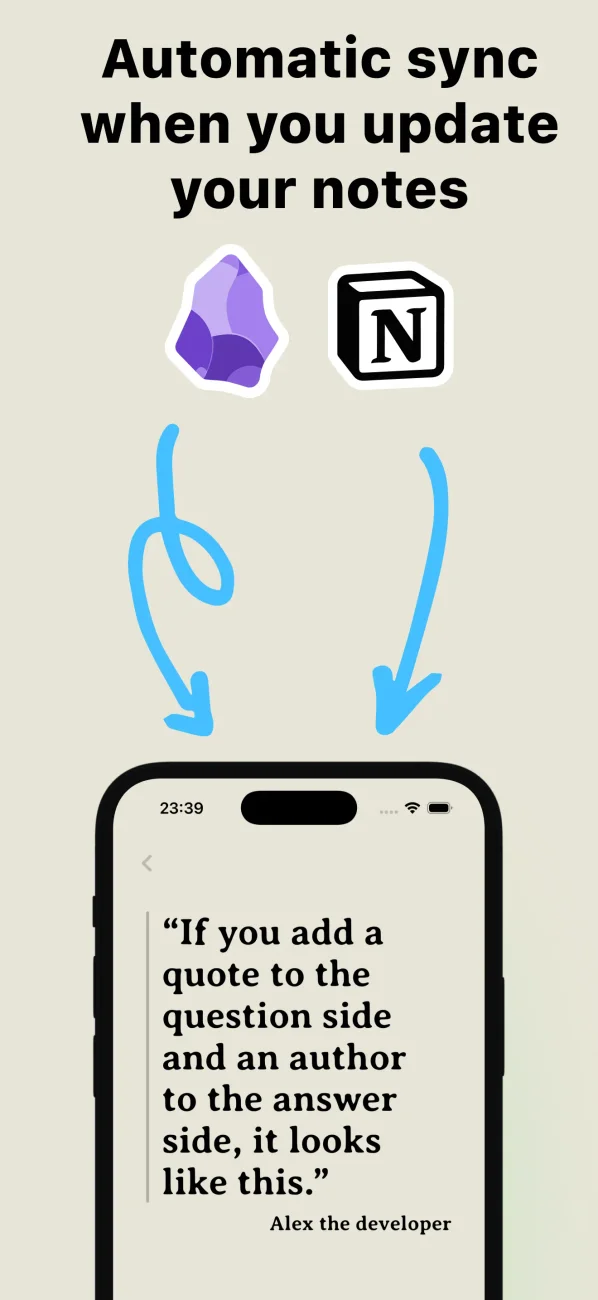
- Incredible notion integration with the quickest and most fluid workflow in the world
- SHARE decks with your friends
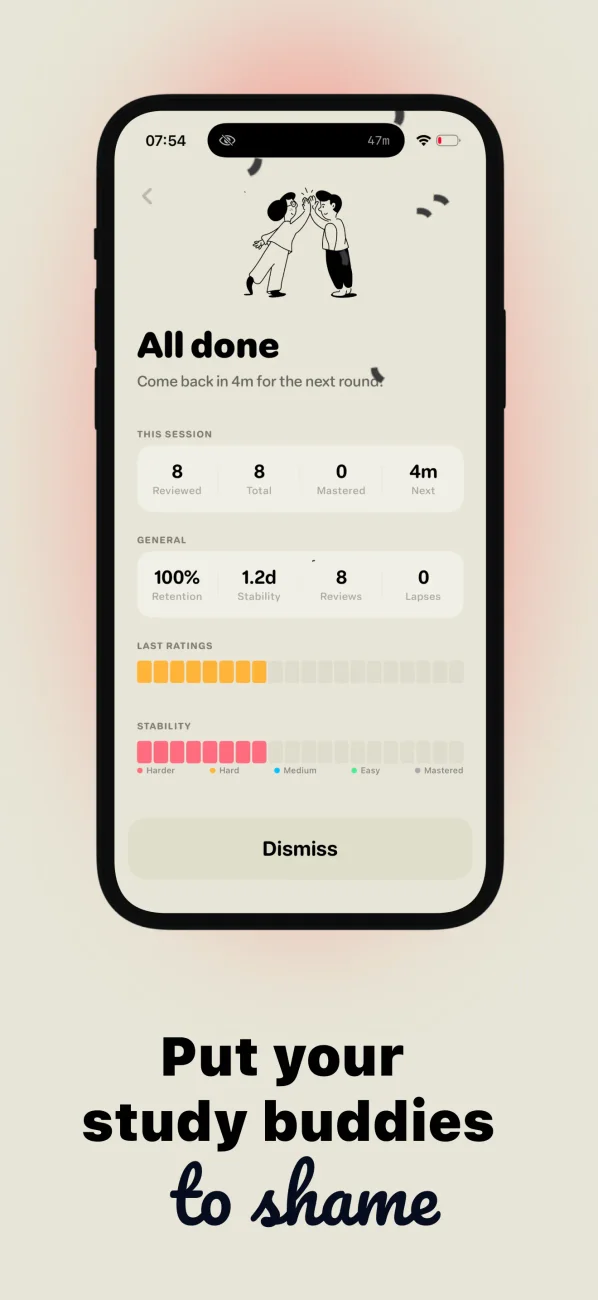
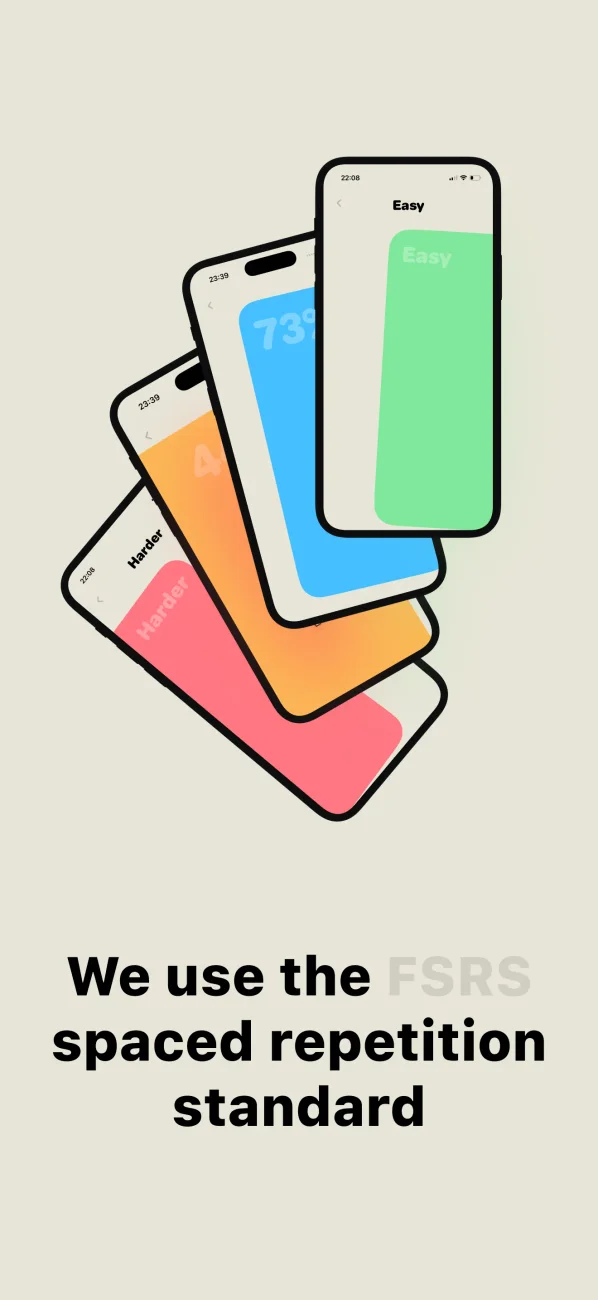
- FSRS (Same space repetition algorithm as ANKI)
Swipe left or right to rate your cards — four difficulty levels, buttery smooth animations, and FSRS scheduling that learns how your brain works. Just like Anki, but without the clunky
interface.
STUDY YOUR WAY
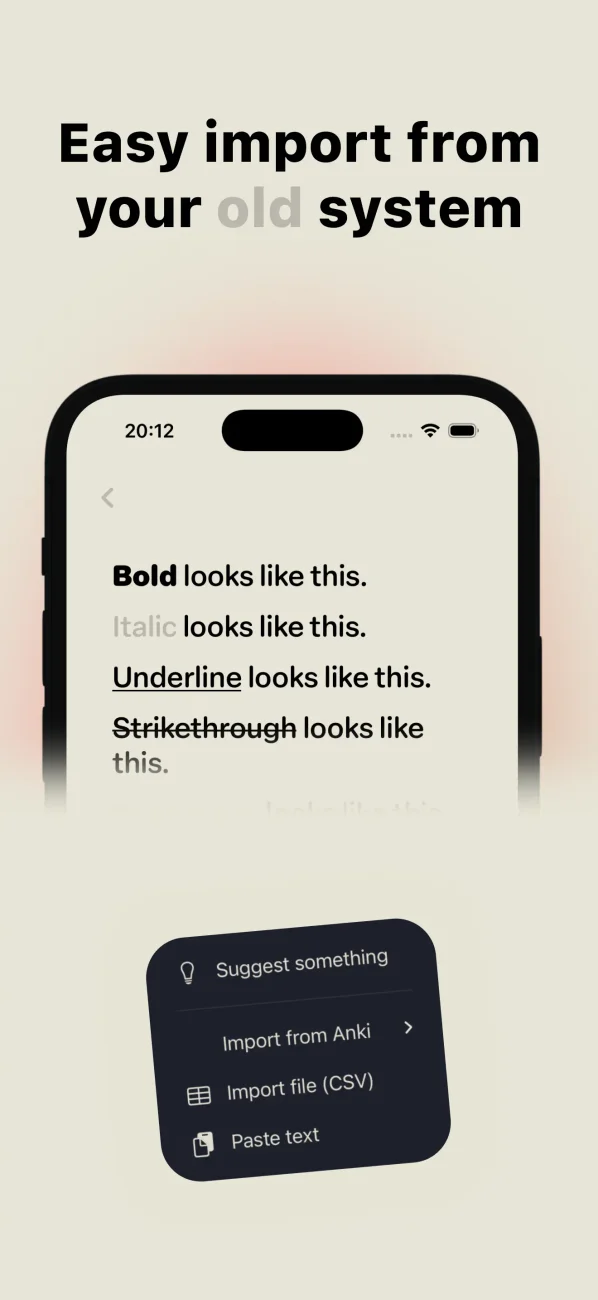
• Create local decks manually or import from CSV, Anki, or by pasting your notes
• Connect to Notion and turn your existing pages into flashcards instantly
• Share decks with friends using a single tap
SMART SCHEDULING
• Powered by FSRS — the same spaced repetition algorithm trusted by serious learners
• Cards reappear exactly when you're about to forget them
• See your stability score and next review time after every session
RICH CONTENT
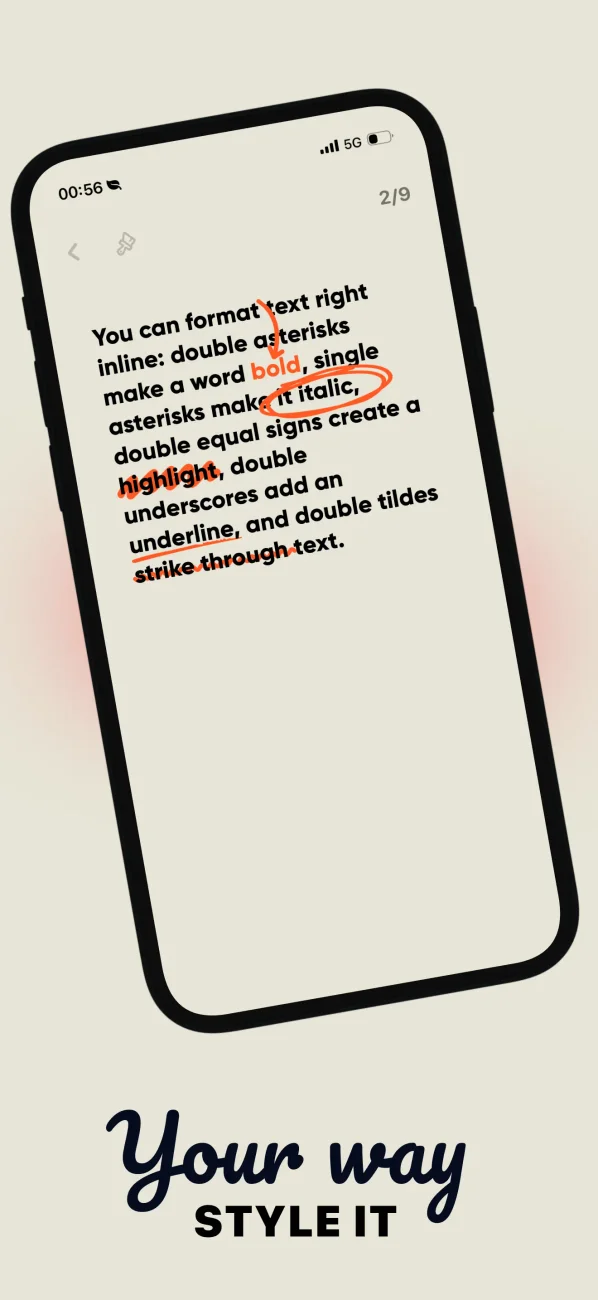
• Embed images, YouTube videos, and code snippets in your cards
• Nested bullet points render exactly like they do in Notion
• Syntax-highlighted code blocks for technical topics
BUILT FOR FOCUS
• No distractions — just you and your cards
• Four-quadrant swipe system: Again, Hard, Good, Easy
• Progress tracked privately on your device
Subscription:
Flashcards Premium unlocks unlimited decks and advanced features. Available as monthly, yearly, or lifetime plans. Yearly plan includes
a 7-day free trial.
By subscribing, you agree to our Terms of Use: https://www.apple.com/legal/internet-services/itunes/dev/stdeula/
Privacy Policy: https://homeofficesinternational.com/privacy-policy.html
What’s new
Version 1.9.18 · Nov 9, 2026
What's new in 1.9.18
New: import flashcards from OneNote. Sign in with Microsoft, pick a page, and its bullet list becomes a deck. Top bullets are questions, indented bullets are answers.
New: OneNote decks get their own tab on the home screen.
Improved: the Import menu is split into services (OneNote, Notion, Obsidian) and files or friends, so each option is easier to find.
Improved: a shorter, simpler welcome for new users.
Fixed: Notion pages with a cover image or an image icon no longer sign you out.
App privacy
What Alexander Kvamme declares on the App Store about how this app handles data.
-
Data used to track you
May be used to track you across apps and websites owned by other companies.
- Contact info
-
Data not linked to you
May be collected but is not linked to your identity.
- Contact info
Privacy practices may vary, for example with the features you use or your age.
Information
- Seller
- Alexander Kvamme
- Category
- Education
- Version
- 1.9.18
- Updated
- Nov 9, 2026
- Released
- Apr 4, 2025
- Size
- 45.1 MB
- Requires
- iOS 18.0 or later
- Age rating
- 4+
- Price
- Free
- In-app purchases
- Yes
- Languages
- English
- Copyright
- © 2026 Home Offices International
You might also like
-
 YAFCAYet Another Flash Card App
-
 LeitnerAI - Simple AnkiLearn vocabulary faster
-
 Repetition - Spaced PlanSpaced Repetition Scheduler
-
 NeuraCache: Spaced RepetitionAI got smarter. Your turn.
-
 Fresh Cards - FlashcardsFlashcards, beautifully done
-
 Space: Spaced RepetitionStudy Smart - Anki Alternative
-
 Flashcard Maker & FSRS: AzriAI spaced repetition study app
-
 MemU — Flashcard 2.0Spaced repetition with context
-
 Mochi - Flashcards and notesSimple, intelligent flashcards
-
 Spaced Repetition SmartCards+Active Recall Flashcard Maker