- 対象年齢4+
- カテゴリ教育
- 開発元Alexander Kvamme
- 言語英語
- サイズ45.1 MB
App Storeの公式ページにリンクしています
Download.orgはCardcore Flashcardsのファイルを一切ホストしていません。ボタンを押すと、Alexander Kvammeが公開しているApp Storeのアプリページが開きます。ページの最終確認:2026/11/13。
スクリーンショット



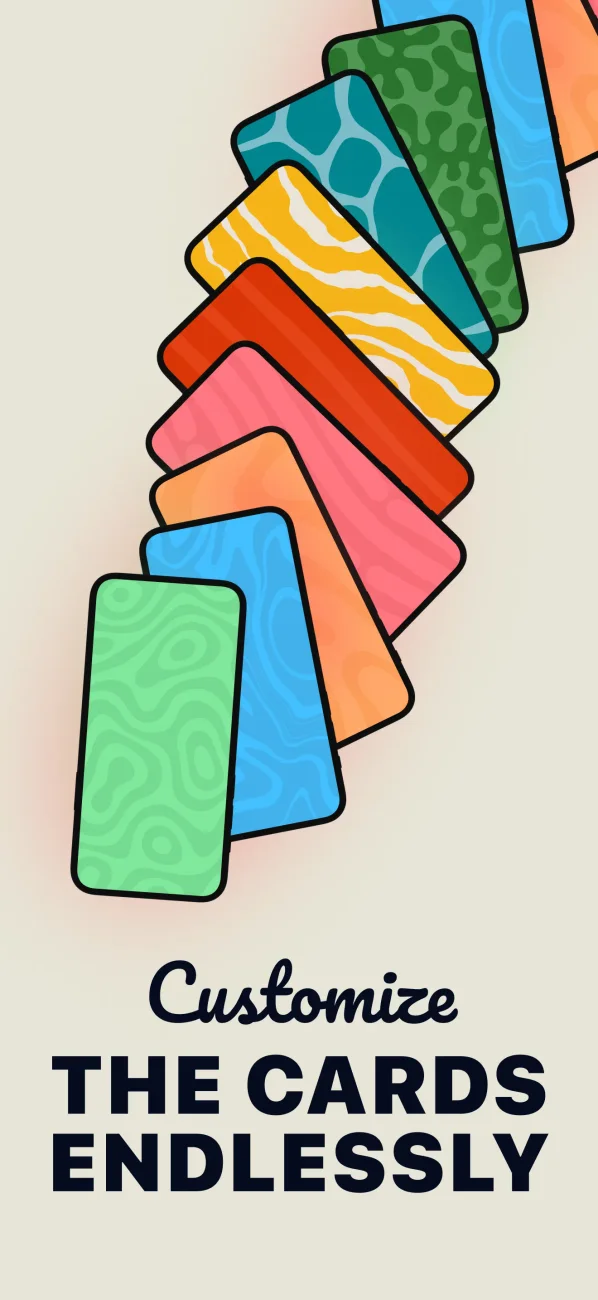
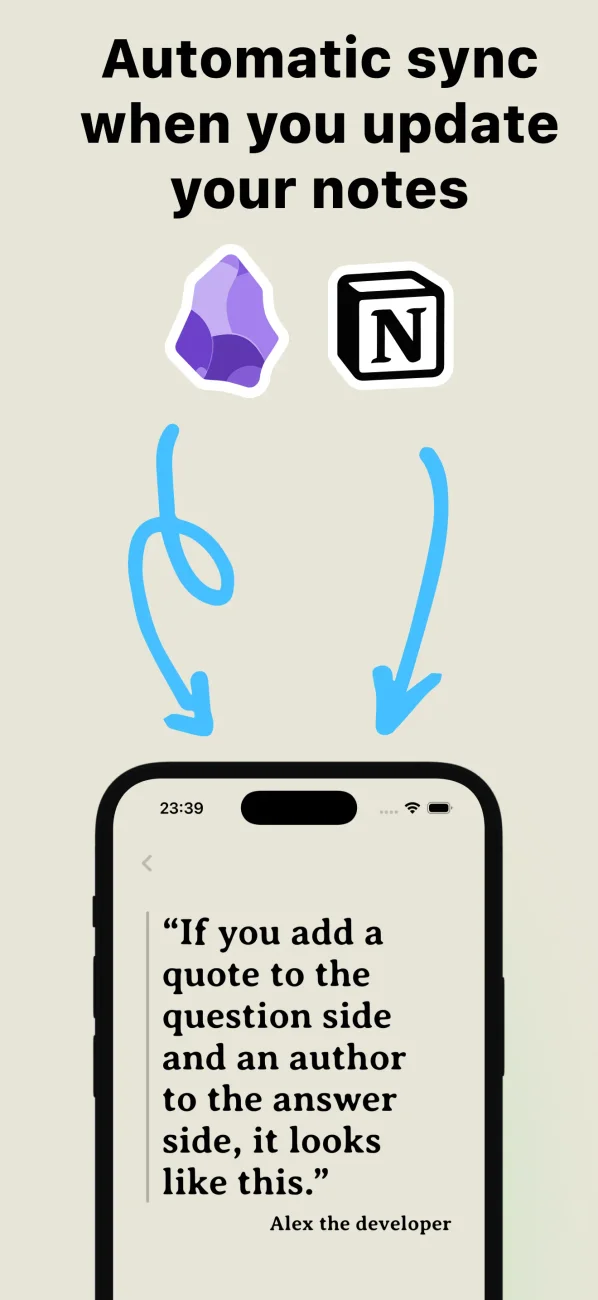

概要
開発元はこのテキストをお使いの言語で提供していません。
The first flashcard app with a heavy focus on perfecting UX
- Incredible notion integration with the quickest and most fluid workflow in the world
- SHARE decks with your friends
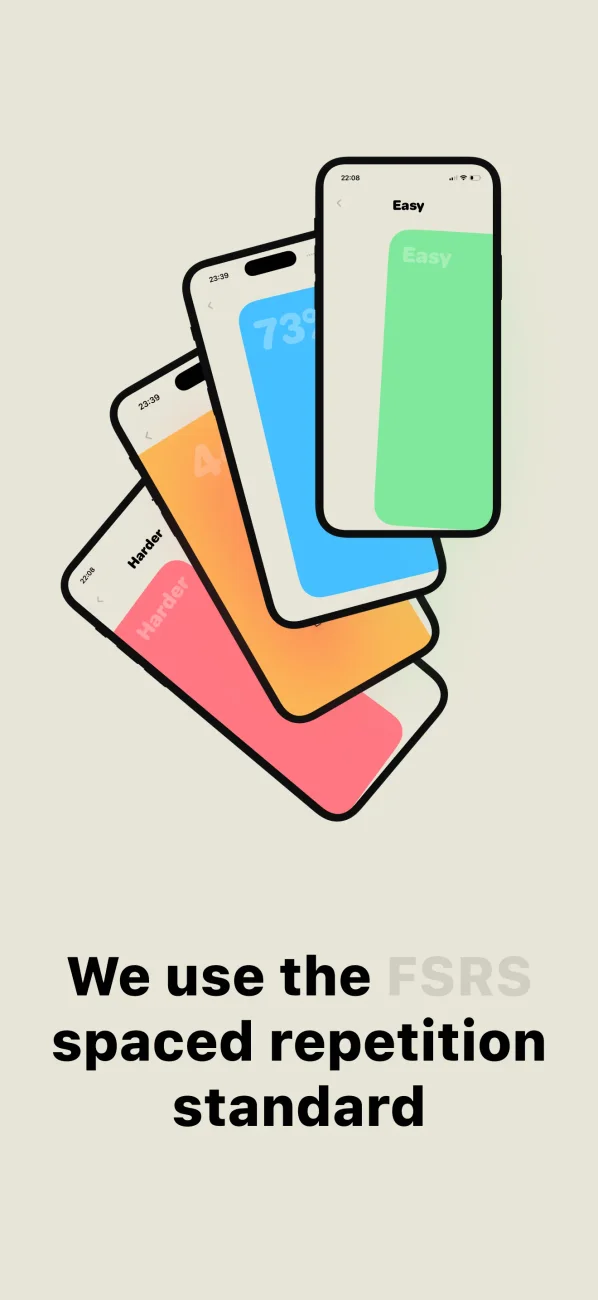
- FSRS (Same space repetition algorithm as ANKI)
Swipe left or right to rate your cards — four difficulty levels, buttery smooth animations, and FSRS scheduling that learns how your brain works. Just like Anki, but without the clunky
interface.
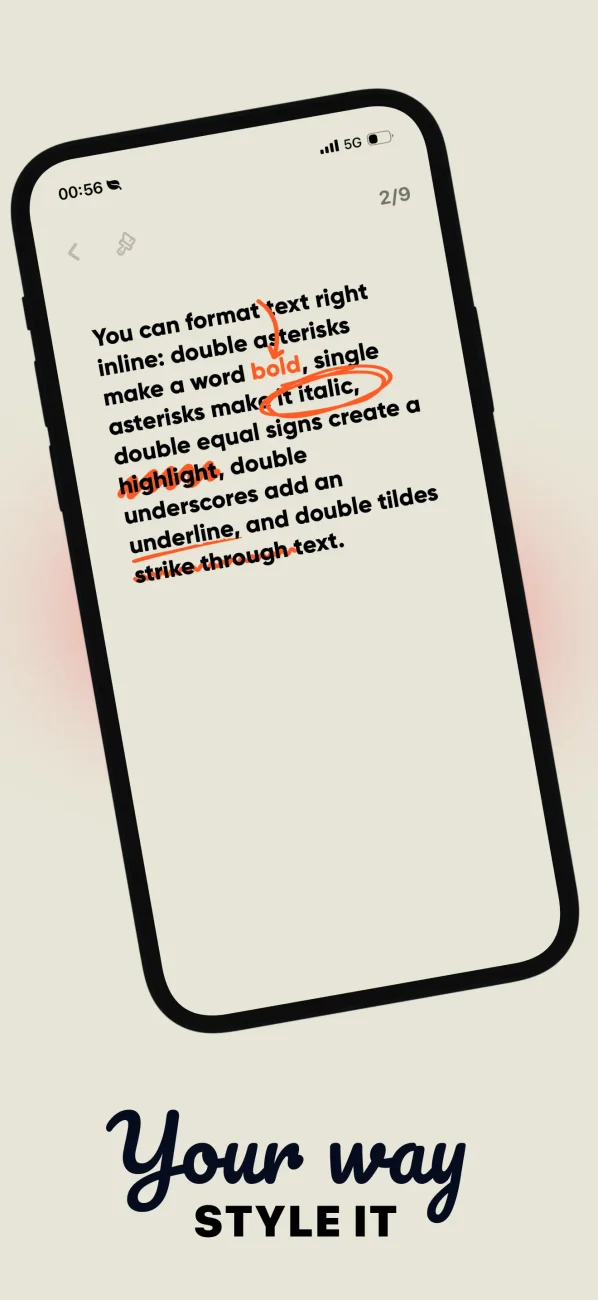
STUDY YOUR WAY
• Create local decks manually or import from CSV, Anki, or by pasting your notes
• Connect to Notion and turn your existing pages into flashcards instantly
• Share decks with friends using a single tap
SMART SCHEDULING
• Powered by FSRS — the same spaced repetition algorithm trusted by serious learners
• Cards reappear exactly when you're about to forget them
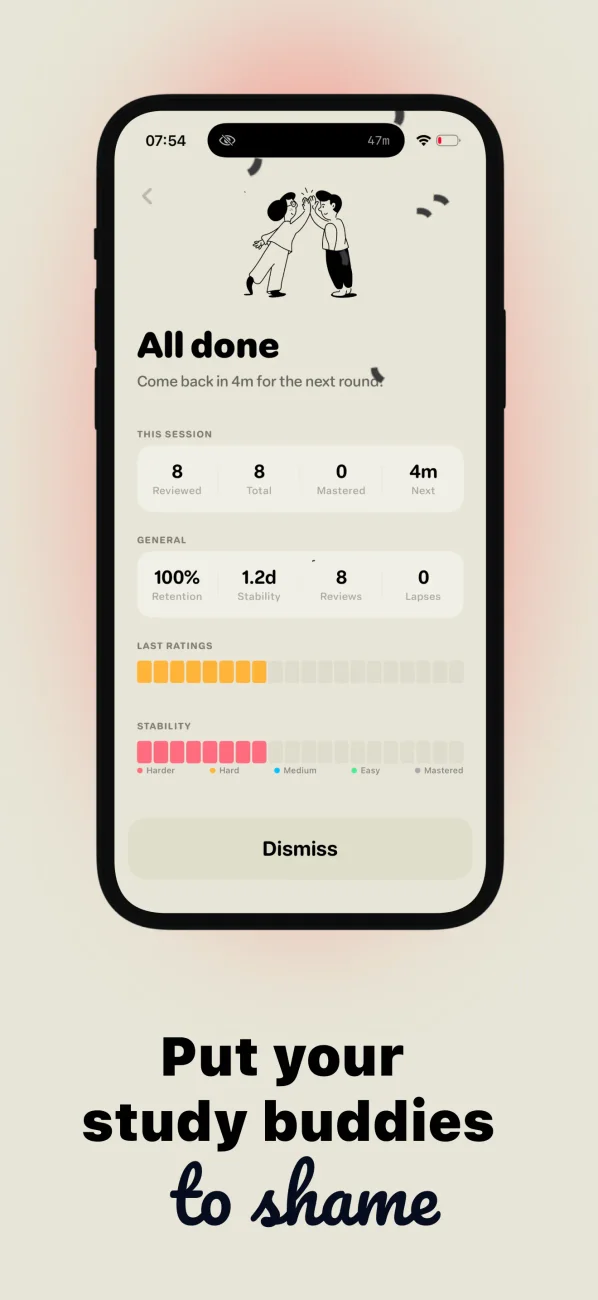
• See your stability score and next review time after every session
RICH CONTENT
• Embed images, YouTube videos, and code snippets in your cards
• Nested bullet points render exactly like they do in Notion
• Syntax-highlighted code blocks for technical topics
BUILT FOR FOCUS
• No distractions — just you and your cards
• Four-quadrant swipe system: Again, Hard, Good, Easy
• Progress tracked privately on your device
Subscription:
Flashcards Premium unlocks unlimited decks and advanced features. Available as monthly, yearly, or lifetime plans. Yearly plan includes
a 7-day free trial.
By subscribing, you agree to our Terms of Use: https://www.apple.com/legal/internet-services/itunes/dev/stdeula/
Privacy Policy: https://homeofficesinternational.com/privacy-policy.html
新機能
バージョン 1.9.18 · 2026/11/9
What's new in 1.9.18
New: import flashcards from OneNote. Sign in with Microsoft, pick a page, and its bullet list becomes a deck. Top bullets are questions, indented bullets are answers.
New: OneNote decks get their own tab on the home screen.
Improved: the Import menu is split into services (OneNote, Notion, Obsidian) and files or friends, so each option is easier to find.
Improved: a shorter, simpler welcome for new users.
Fixed: Notion pages with a cover image or an image icon no longer sign you out.
アプリのプライバシー
このアプリのデータの取り扱いについて、Alexander KvammeがApp Storeで申告している内容です。
-
ユーザーのトラッキングに使用されるデータ
他社のアプリやウェブサイトを横断してユーザーをトラッキングする目的で使用される場合があります。
- 連絡先情報
-
ユーザーに関連付けられないデータ
収集される場合がありますが、ユーザーの識別情報には関連付けられません。
- 連絡先情報
プライバシーの取り扱いは、ご利用の機能やお客様の年齢などに応じて異なる場合があります。
情報
- 販売元
- Alexander Kvamme
- カテゴリ
- 教育
- バージョン
- 1.9.18
- 更新日
- 2026/11/9
- リリース
- 2025/4/4
- サイズ
- 45.1 MB
- 必要条件
- iOS 18.0以降
- 対象年齢
- 4+
- 価格
- 無料
- アプリ内課金
- あり
- 言語
- 英語
- 著作権
- © 2026 Home Offices International
こちらもおすすめ
-
 YAFCA教育
-
 LeitnerAI - Simple Anki語彙をもっと速く覚える
-
 Repetition - Spaced Plan教育
-
 NeuraCache: Spaced Repetition教育
-
 Fresh Cards - Flashcards教育
-
 Space: Spaced Repetition賢く学ぶ・Anki代替アプリ
-
 単語帳・暗記カード - フラッシュカード アズリAIでカード作成、忘却曲線(FSRS)で復習
-
 MemU — 暗記カード2.0文脈でつながる間隔反復
-
 Mochi - Flashcards and notes教育
-
 SmartCards+ 単語帳: 暗記カードTOEIC英検・共通テスト・大学受験・医学部・資格