
Castream
Go Live Everywhere in Seconds
Designed for iPhone, iPod touch
Free · In-app purchases
- Age rating17+
- CategoryPhoto & Video
- DeveloperPik Technologies LLC
- LanguagesEnglish
- Size109.8 MB
Links to the official App Store page
Download.org hosts no file of Castream. The button opens its official App Store page, published by Pik Technologies LLC. Listing last checked on Nov 23, 2026.
Screenshots



About
Castream turns your phone into a live studio, and now into a shorts editor too.
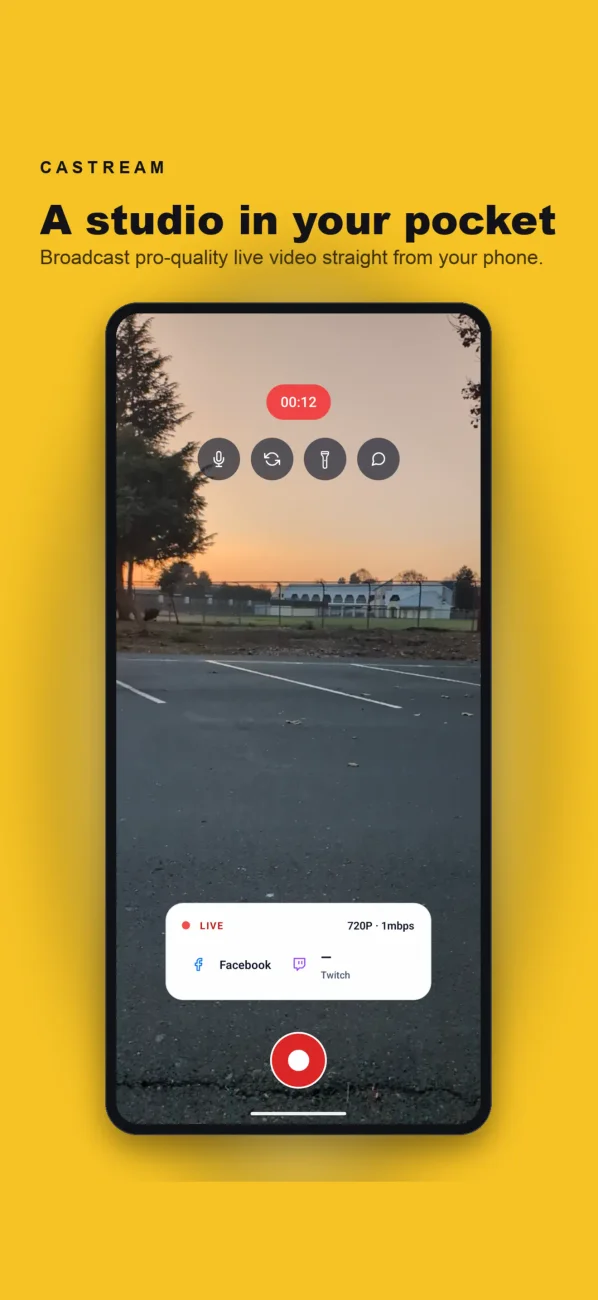
Go live to YouTube, Facebook, Twitch and any RTMP platform at the same time, then let AI Shorts turn the best moments into captioned vertical clips, ready to post on TikTok, Instagram Reels and YouTube Shorts.
NEW: AI SHORTS
• Finds your best moments: Castream listens to your video, reads your chat and picks the moments worth sharing
• Vertical clips with captions: up to 60 seconds each, word-by-word captions and a hook to open
• Any video: your streams, a video from your phone, or a Google Drive, Dropbox or direct video link
• Caption styles and editor: pick a look, drag the captions where you want them, fix any word and update the short for free
• Share anywhere: save to your phone or share straight to your apps, with the title and hashtags copied for you
• Included with Creator (50 credits a month) and Pro (200 credits a month). 1 credit = 1 minute of video
GO LIVE EVERYWHERE
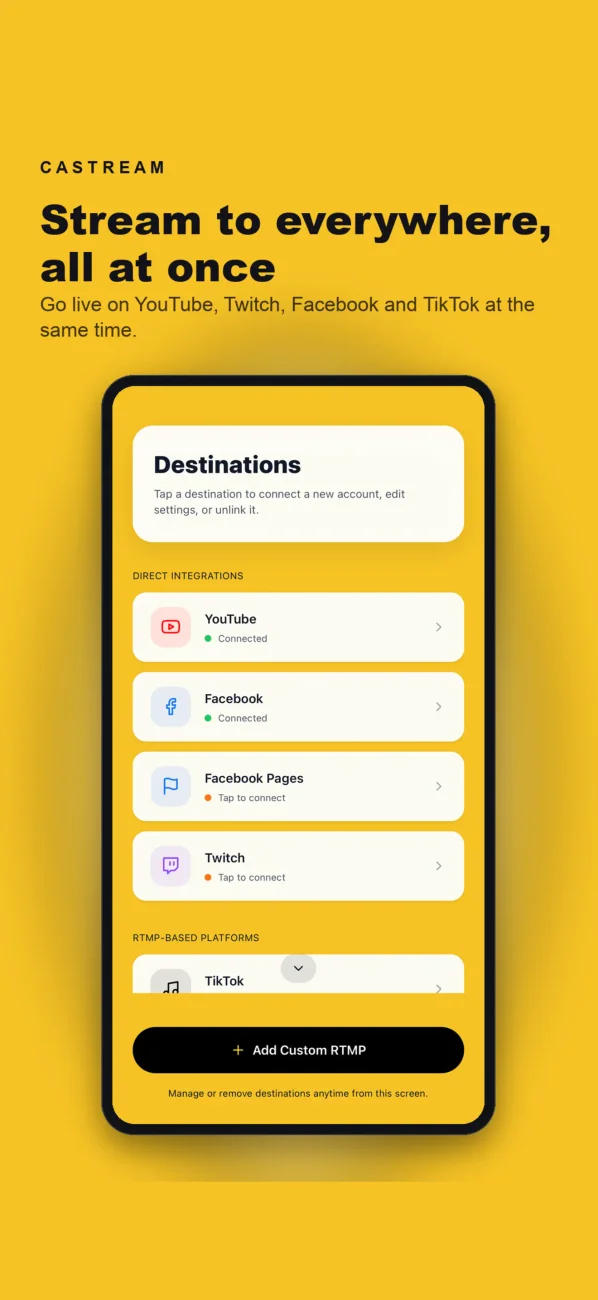
• Multistreaming: YouTube, Facebook, Twitch, TikTok Live and Instagram Live (with an RTMP key), and custom RTMP destinations, all at once
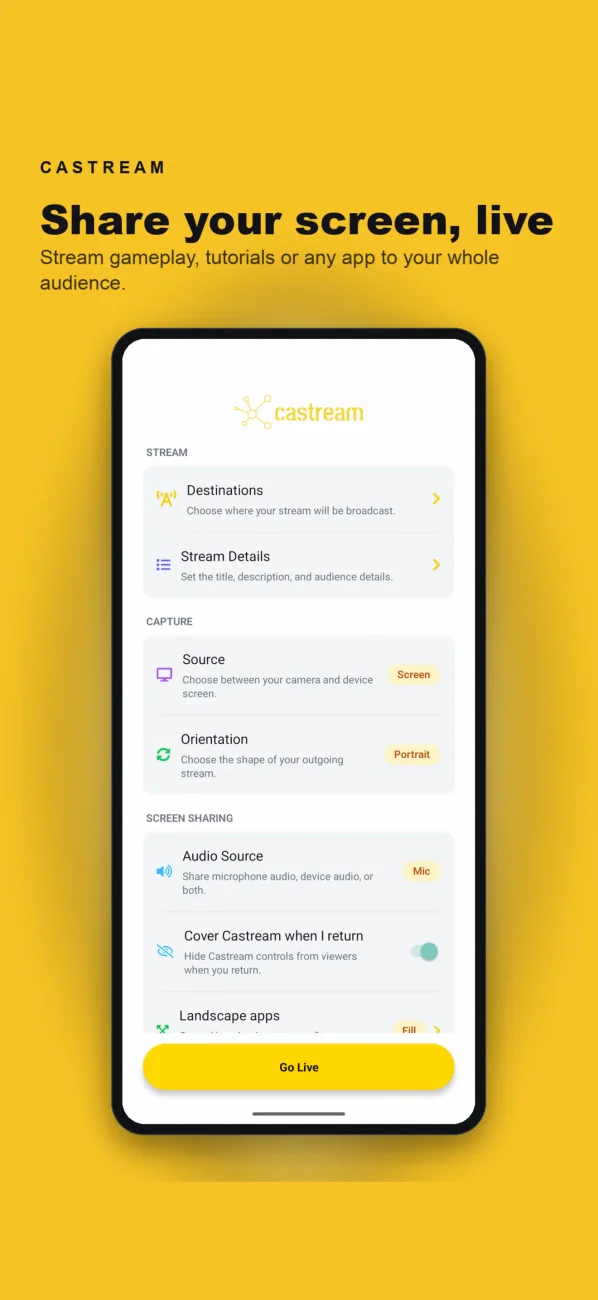
• Camera, screen, or both: stream your camera, broadcast your phone's screen for gaming, tutorials and demos, or use front and back cameras together with picture-in-picture
• Keep streaming when you switch apps
• Scheduled broadcasts: upload a video, pick a time, and it goes live on its own
YOUR LIVE STUDIO
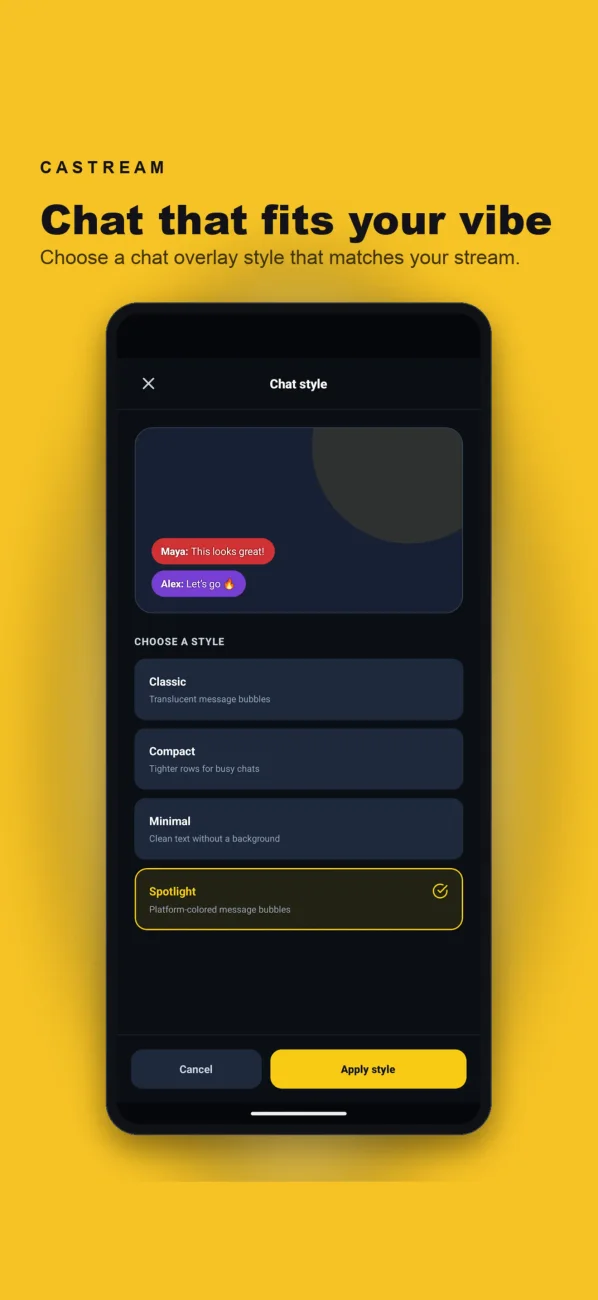
• Overlays and lower thirds, edited in real time
• Live location overlay
• Camera filters and voice effects
• Portrait and landscape
CHAT AND CO-PILOT
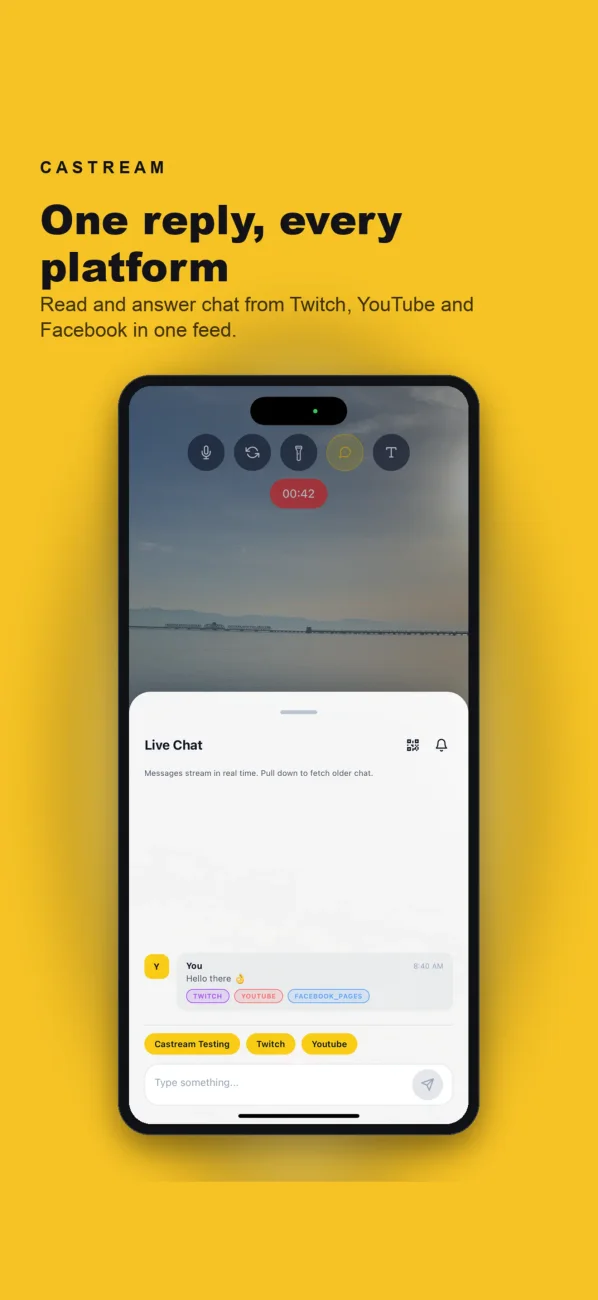
• One chat for YouTube, Facebook and Twitch
• Moderator mode: run chat from a second device with a QR code
• Copilot: control a stream running on another device
AFTER THE STREAM
• Recordings kept for 30 days (Creator and Pro)
• Chat Insights: AI summaries of what your audience loved (paid plans)
• AI titles and descriptions for your streams
• Public profile at castream.io/@yourname
BUILT FOR QUALITY
• Up to 1080p (Pro) or 720p
• Auto bitrate that adapts to your network
• Low latency, with audio and video in sync
• No watermark on paid plans
Free to start. Upgrade when you need more.
Go live everywhere, then post the best part.
By using this app, you agree to Apple’s standard [Terms of Use (EULA)](https://www.apple.com/legal/internet-services/itunes/dev/stdeula/).
What’s new
Version 7.0.6 · Nov 20, 2026
We’re always improving Castream. This update includes fixes and performance improvements to make your streaming experience smoother.
App privacy
What Pik Technologies LLC declares on the App Store about how this app handles data.
-
Data not linked to you
May be collected but is not linked to your identity.
- Contact info
- Identifiers
Privacy practices may vary, for example with the features you use or your age.
Information
- Seller
- Pik Technologies LLC
- Category
- Photo & Video
- Version
- 7.0.6
- Updated
- Nov 20, 2026
- Released
- Jul 17, 2025
- Size
- 109.8 MB
- Requires
- iOS 15.6 or later
- Age rating
- 17+
- Price
- Free
- In-app purchases
- Yes
- Languages
- English
- Copyright
- © 2025 Castream
You might also like
-
 StreamVeil Live + RecordPC & Mobile games 1080p 60 fps
-
 Overlay ExpertConsole stream overlays, no PC
-
 FaceBubble: Dual Camera & LiveFace Cam & Screen Recorder
-
 Swae: Pro IRL Live StreamingMultistream with chat & alerts
-
 StreamNow: Live Stream StudioRTMP Screen & Camera Overlay
-
 OverlayNowCamera, HLS and RTMP streaming
-
 StreamsterControl your stream remotely
-
 Live Publisher: RTMP SRT NDIStream Camera & Video Encoder
-
 Stream Studio - RTMP StreamingProfessional Live Streaming
-
 SplitCam Live Streaming AppGo live instantly and easily