
- Age rating4+
- CategoryProductivity
- Developerseiji honda
- LanguagesJapanese+ 1 more
- Size4.3 MB
Links to the official App Store page
Download.org hosts no file of Causal Loop Diagram. The button opens its official App Store page, published by seiji honda. Listing last checked on Nov 6, 2026.
Screenshots


About
"Causal Loop Diagram" is a fast, focused editor for sketching causal loop diagrams (CLDs) on iPhone — a foundational tool of systems thinking.
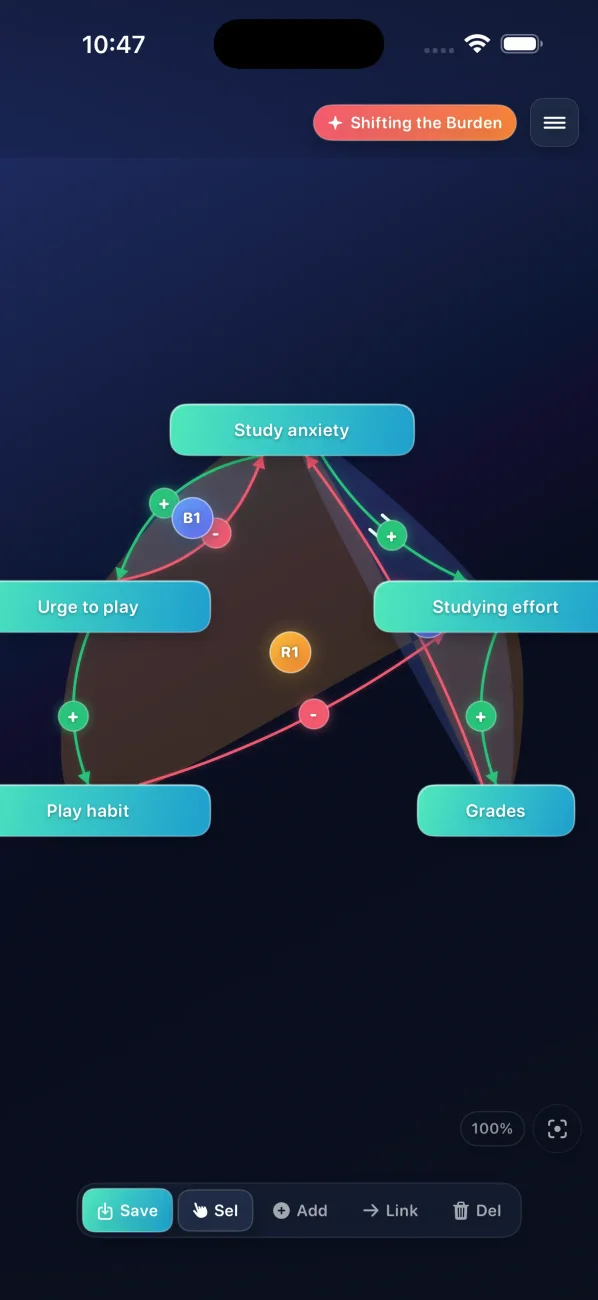
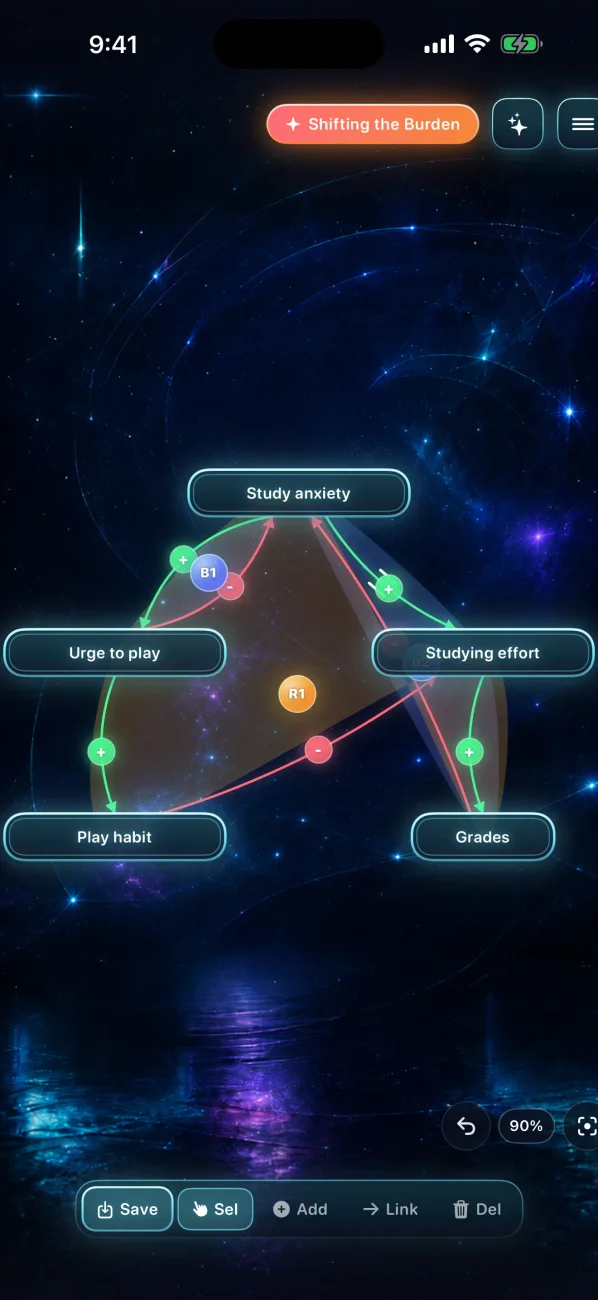
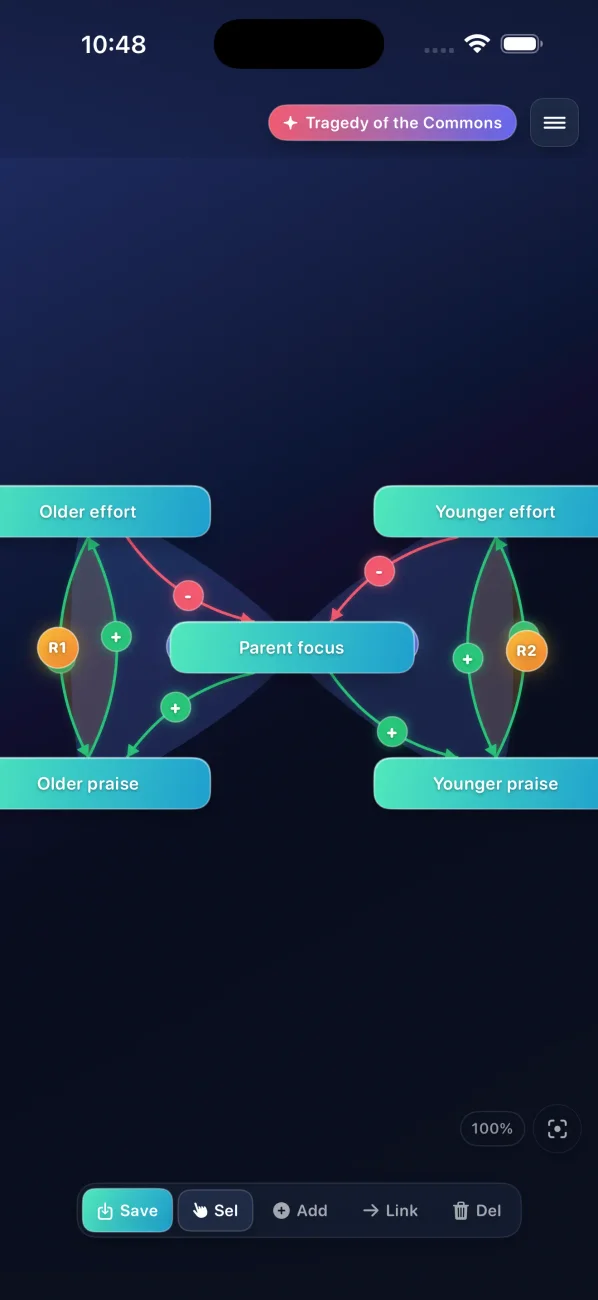
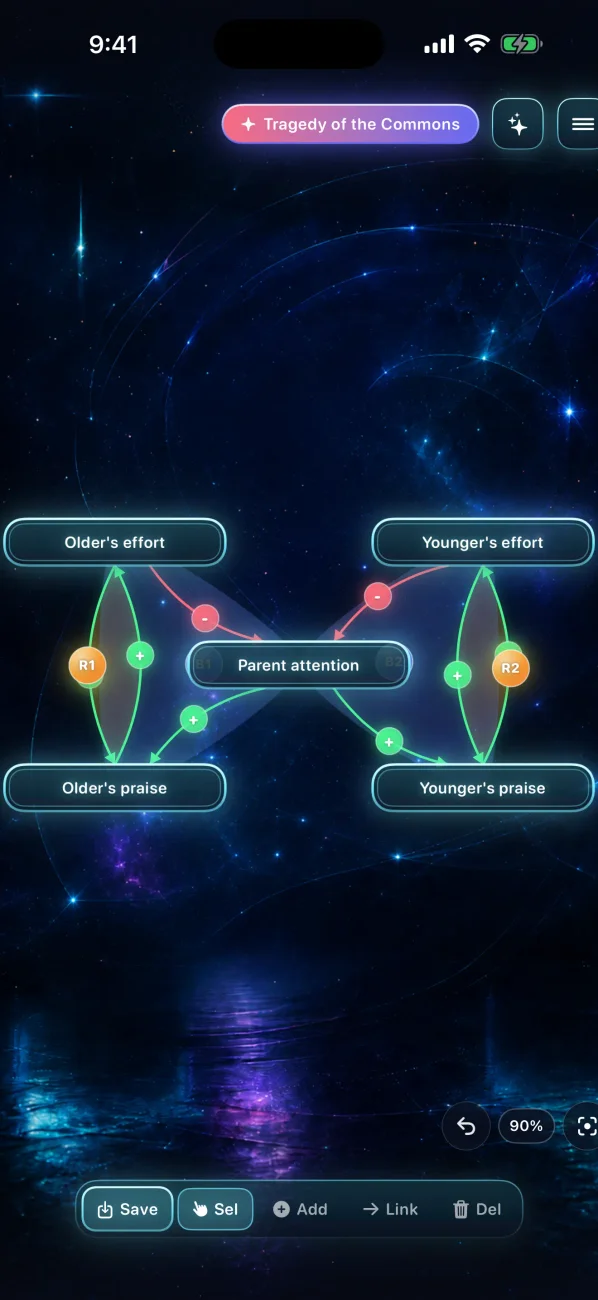
Place variables, draw arrows, set polarities (+/−), and the app automatically detects feedback loops and classifies the whole diagram against well-known systems-thinking archetypes.
— Features —
■ Simple drawing
• Tap empty area to add a node, then tap source → target to link
• Long-press an arrow to add a delay marker (||)
• Drag nodes freely; pinch to zoom; one-finger drag on empty area to pan
■ Automatic loop detection
• The moment a cycle closes, an R (reinforcing) or B (balancing) badge appears
• Each loop is numbered (R1, R2, B1, B2…) so overlapping loops stay distinguishable
• Tap a badge to highlight that loop's interior; other loops dim
■ Nine archetypes auto-classified
• Reinforcing loop / Balancing loop
• Limits to Growth
• Fixes that Fail
• Shifting the Burden
• Escalation
• Success to the Successful
• Tragedy of the Commons
• Growth and Underinvestment
■ Seven curated samples
Familiar themes — study, family, sibling rivalry — to learn each archetype by example:
• Study Habit (R)
• Calibrating to Target Score (B)
• Limits to Growth: Fatigue
• Shifting the Burden: Escapism
• Fixes that Fail: All-nighter
• Escalation: Sibling Rivalry
• Tragedy of the Commons: Parent's Attention
■ Privacy
• No network access at all
• No account, no sign-in
• No analytics or tracking SDKs
• Diagrams stored only in UserDefaults; uninstalling removes everything
■ Other
• Japanese / English UI, one-tap switch
• Save multiple diagrams locally with custom names
• iOS 16+ (iPhone 8 and later)
— Who is this for —
• Students of systems thinking and system dynamics
• Managers and designers who think in structures
• Anyone who wants to step back and see the loops in their own habits, relationships, or work
• Educators preparing diagram examples on the fly
Pairs naturally with Peter Senge's "The Fifth Discipline" and other systems-thinking textbooks — turn the loops in your head into something you can draw and touch in seconds.
What’s new
Version 1.3 · Sep 11, 2026
• Fixed loop badges (R1, B1…) sometimes being hidden behind a node and untappable
• Fixed the loop highlight disappearing when you moved a node
• Corrected detection of some archetypes (Success to the Successful / Escalation)
• Enlarged button tap targets and added VoiceOver support
• Fixed a bug where saving could overwrite a different diagram that had the same name
App privacy
What seiji honda declares on the App Store about how this app handles data.
-
Data not collected
The developer does not collect any data from this app.
Privacy practices may vary, for example with the features you use or your age.
Information
- Seller
- seiji honda
- Category
- Productivity
- Version
- 1.3
- Updated
- Sep 11, 2026
- Released
- May 18, 2026
- Size
- 4.3 MB
- Requires
- iOS 16.0 or later
- Age rating
- 4+
- Languages
- Japanese, English
- Copyright
- © Seiji Honda
You might also like
-
 neoloopyCausal loops & system maps
-
 Systemiq - Systems Thinking AITrain Your Mind To See Systems
-
 Expiryloom: Document DatesCatch Expiration Before Cost
-
 Reckon: Decision JournalTrack predictions vs outcomes
-
 Loop Engineering Ai - WorkFlowBuild AI Graphs & Loops
-
 BriefMe AIAudio Summarizer
-
 DetailixExplore car images & features
-
 Jet Log: Widget Pomodoro TimerStart from your Home Screen
-
 Recognize Me MobileIdentify with your models.
-
 Countdown · Days Until & TimerWidget · Event & Birthday Date