
- Age rating4+
- CategoryProductivity
- DeveloperAbraham Kim
- LanguagesEnglish
- Size38.1 MB
Links to the official App Store page
Download.org hosts no file of neoloopy. The button opens its official App Store page, published by Abraham Kim. Listing last checked on Nov 23, 2026.
Screenshots


About
neoloopy is a local-first tool for systems thinking. Map any system as a causal-loop diagram, let neoloopy find the feedback loops that drive it, simulate it as stocks and flows, grow a Graph: a system map that holds your ideas next to live references to your models, variables, loops, and concepts — and model a process as a Petri net and keep every run as evidence.
CAUSAL LOOPS, FOUND FOR YOU
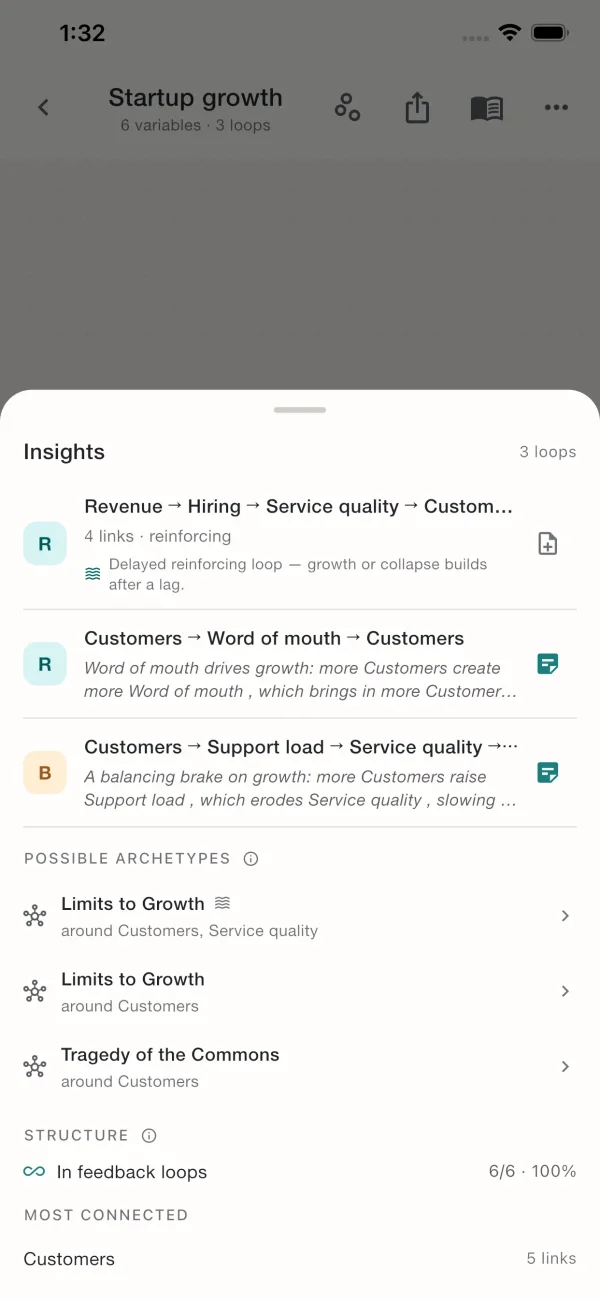
• Draw a variable, connect causes to effects, and mark each link same-direction (+) or opposite (−). neoloopy continuously detects every closed feedback loop and badges it Reinforcing (R) or Balancing (B) — the heart of how systems grow, stall, and stabilize.
• Recognize the patterns. Classic archetypes like Limits to Growth and Tragedy of the Commons surface when your structure matches them.
• Read the dynamics. Mark delays, flag virtuous vs. vicious cycles, and see how much of your model sits inside feedback loops.
• Annotate richly. Write a note on any loop or variable to capture what it means and why it matters.
STOCKS, FLOWS AND SIMULATION — FREE
• When a map is ready for more, draw it in stock-and-flow notation on the same canvas — stocks as tanks, flows as channels — and export the result as SVG.
• Give stocks and flows equations and run the model. Compare scenarios, fit it to data, check units, and rank which loops dominate when.
GRAPH — YOUR SYSTEM MAP
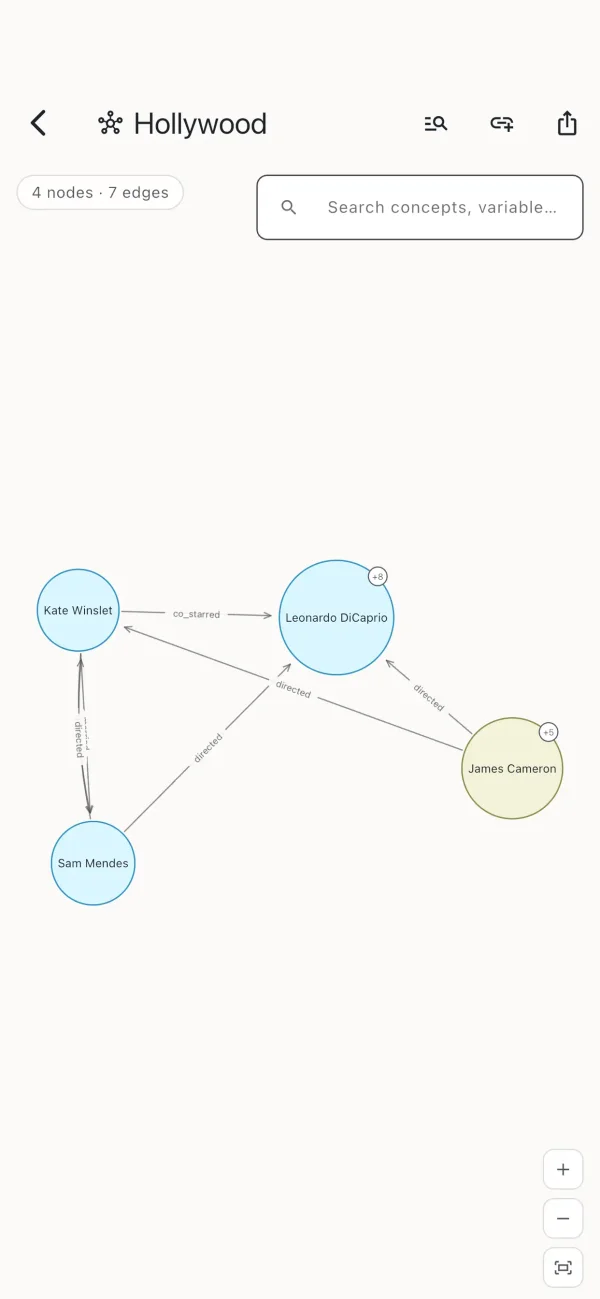
• Put an idea on the canvas and link it to the real thing: a model, a variable, a loop, a concept from your vault. References stay live, so the map is never a stale drawing of your thinking.
• Focus on one node and the map re-centers around it. A +N badge counts its hidden relations — tap to bring them in, tap again to prune.
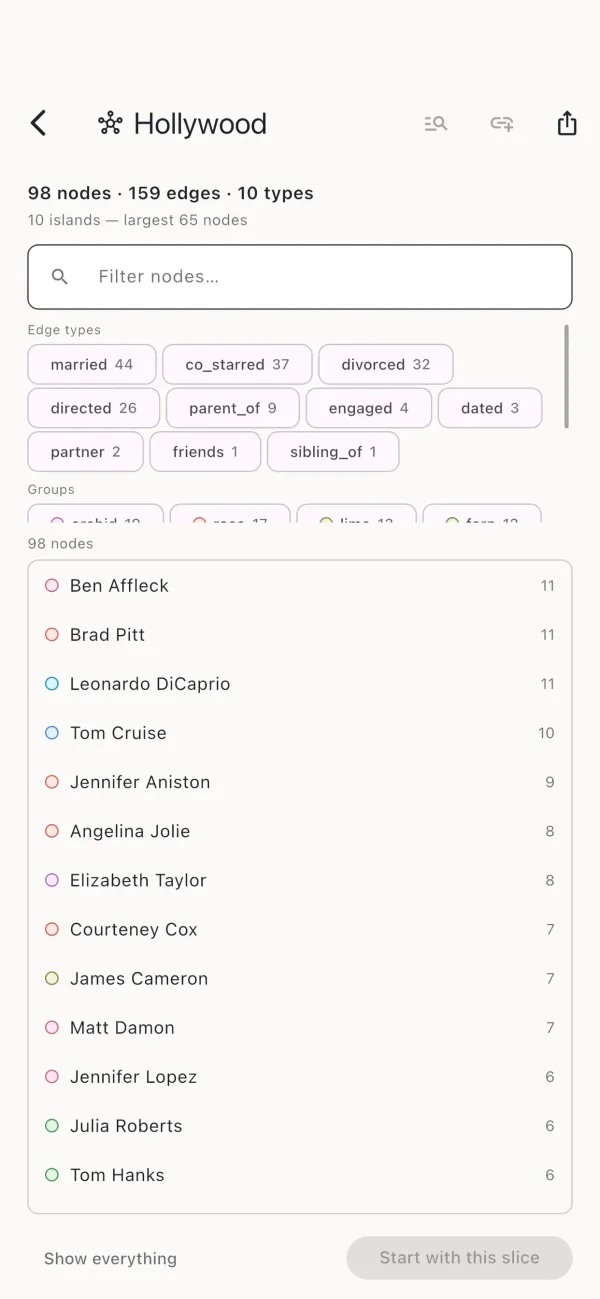
• Search the structure. The board lists every node and relation with search and filters, so a hundred-node map is still navigable on a phone.
• Plain files. Every graph is a Markdown note in your vault, and graphs import from and export to Cypher for tools that speak property graphs.
PROCESSES — PETRI NETS
• Draw a process on the canvas: places hold tokens, transitions fire, arcs connect them.
• Check a draft's health before you run it. Missing data, disconnected elements and undocumented meanings are listed; the draft tells you when it is executable.
• Step the process and keep the run. Every run is immutable, pinned to the exact source revision it ran from, and replays the same way every time.
• Document each element's meaning in Process Docs, right next to the drawing.
• Export a process with its saved source, runs and analyses, and import it elsewhere with an explicit identity decision — create, replace or duplicate.
• Viewing and replaying processes is free. Editing them is part of neoloopy's license for organizations; what you have stays open.
ENGAGE — BUILD FROM YOUR INTENT
• Tell Engage what you want a model to help you understand or decide. It asks one model-specific question at a time until the next useful increment is clear — not a generic checklist.
• Pick a journey up where you left it, or end it and start another.
LEARN AS YOU GO
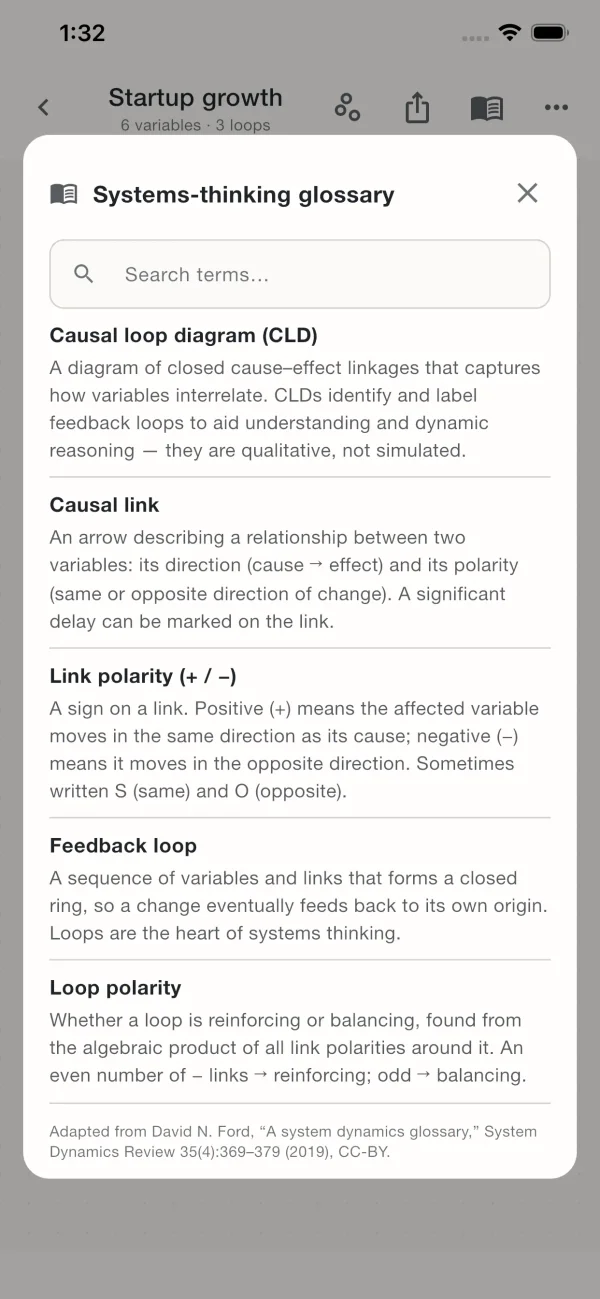
• A built-in systems-thinking glossary explains every term — causal link, polarity, delay, reinforcing, balancing — right where you need it.
LOCAL-FIRST BY DESIGN
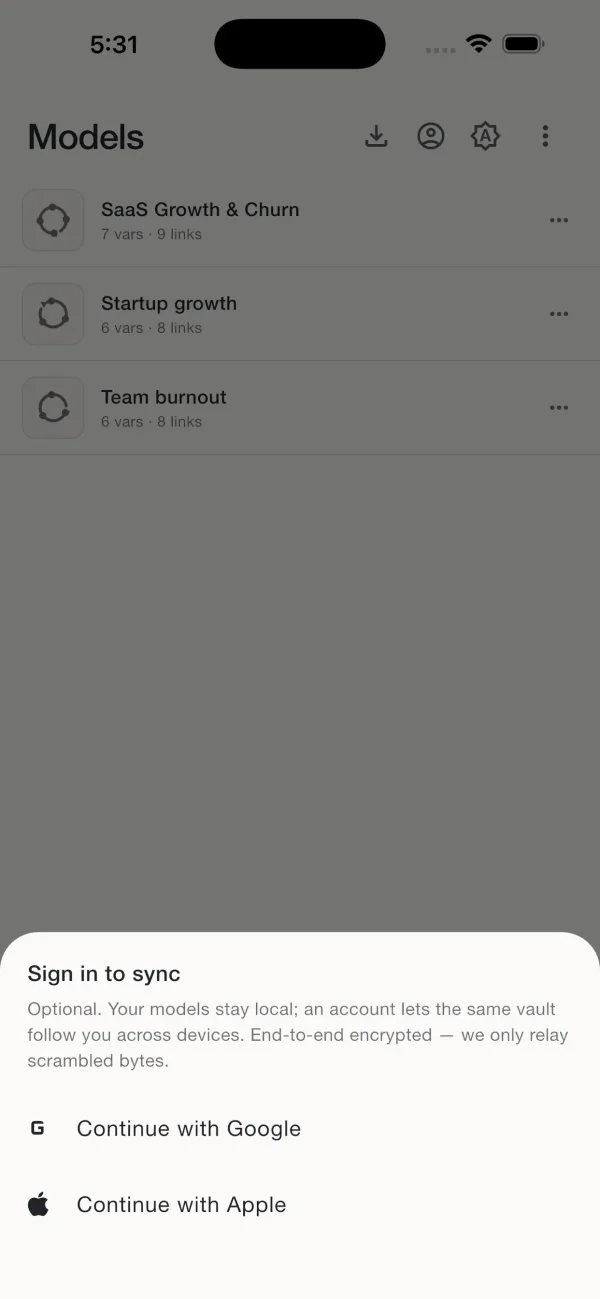
• No account required. Download it and work offline.
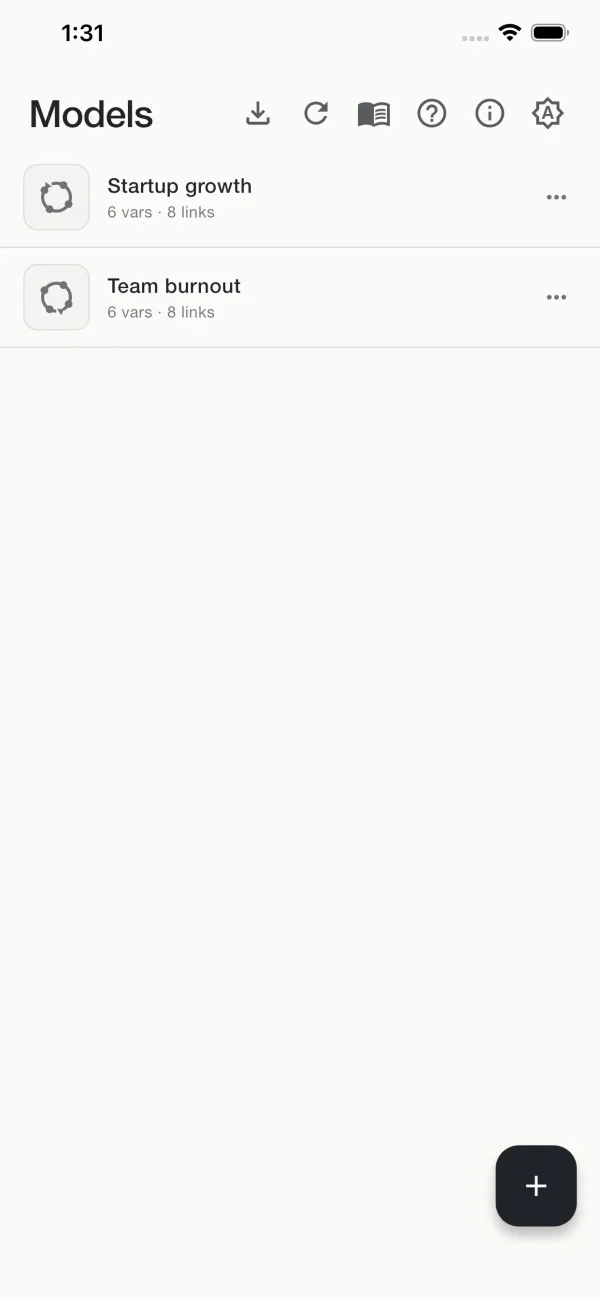
• Your models and graphs are plain Markdown files in a folder on your device — yours to keep, back up, and open in other tools. Export any model to a file and import it on another device.
• Obsidian-compatible vault format. Your thinking is never locked in.
• Search in English and, per vault, in Korean.
• No ads, no tracking, no analytics inside the app.
• Optional Cloud sync is end-to-end encrypted: notes are encrypted on your device before they ever leave it, so we relay only ciphertext and cannot read your models.
Map a business, a habit, a team, an ecosystem, a policy, a process — anything with moving parts that affect each other. Think in loops, and keep the map.
What’s new
Version 3.13.1 · Nov 20, 2026
3.13.1: Expand and Collapse All stays within reach on iPhone. Edit and Move now share the node controls row, tapping Move reveals the white circular direction arrows above it, and tapping elsewhere dismisses title editing while the save finishes.
App privacy
What Abraham Kim declares on the App Store about how this app handles data.
-
Data not linked to you
May be collected but is not linked to your identity.
- Contact info
- User content
Privacy practices may vary, for example with the features you use or your age.
Information
- Seller
- Abraham Kim
- Category
- Productivity
- Version
- 3.13.1
- Updated
- Nov 20, 2026
- Released
- Jun 10, 2026
- Size
- 38.1 MB
- Requires
- iOS 15.0 or later
- Age rating
- 4+
- Languages
- English
- Copyright
- © Abraham Kim
You might also like
-
 Causal Loop DiagramSystems-thinking CLD editor
-
 Systemiq - Systems Thinking AITrain Your Mind To See Systems
-
 OrgQuickOrg charts from plain text
-
 FocusNotes AIProductivity
-
 SigmaNoteBuild your AI knowledge base
-
 SimLiteProductivity
-
 Thinking HatsMental frameworks
-
 MindLogic: AI Workflow EngineLogic Maps & AI Workflows
-
 Recall: Remember PeoplePersonal CRM. Private AI.
-
 Histopia - ChatHistopia - Chat and History