CDR Viewer & Converter
Preview CDR files content.
Designed for iPhone, iPad
Free · In-app purchases
- Age rating4+
- CategoryGraphics & Design
- DeveloperVaibhav Singhal
- LanguagesEnglish+ 16 more
- Size17.7 MB
Links to the official App Store page
Download.org hosts no file of CDR Viewer & Converter. The button opens its official App Store page, published by Vaibhav Singhal. Listing last checked on Nov 16, 2026.
Screenshots
About
CDR Viewer – CorelDRAW File Viewer
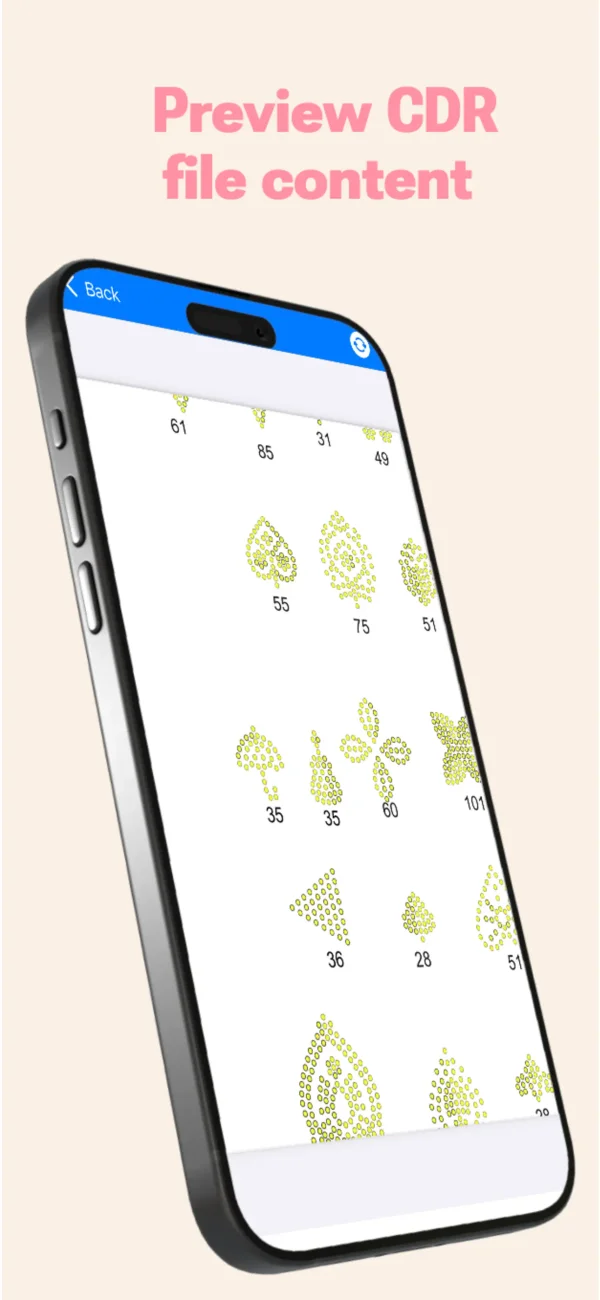
View, analyze and convert CDR, CDT, CDRT and CMX files directly on your iPhone and iPad. Preview CorelDRAW files and templates, analyze your documents, and convert supported files to PDF, PNG and JPG.
View CorelDRAW Files
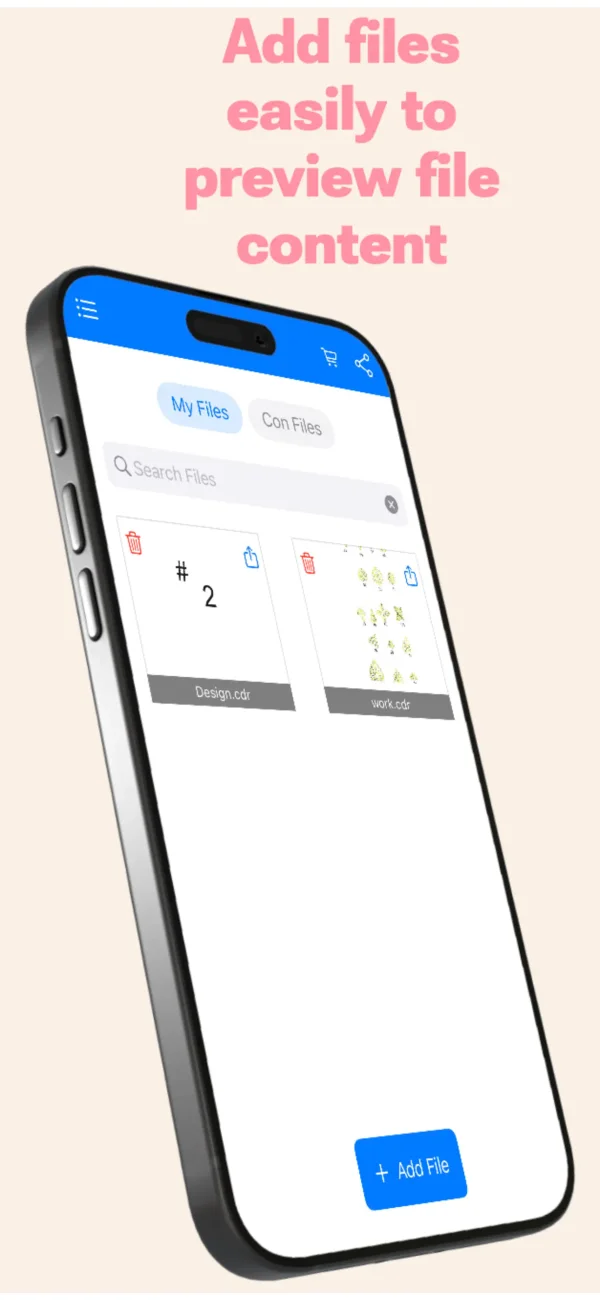
Open and preview your CDR, CDT, CDRT and CMX files with a simple and user-friendly interface. Add files from the Files app, Mail, Messages, Safari or other apps and quickly view your designs.
Supported File Formats
- CDR – CorelDRAW files
- CDT – CorelDRAW template files
- CDRT – CorelDRAW template files
- CMX – Corel Presentation Exchange files
Convert CDR, CDT, CDRT & CMX Files
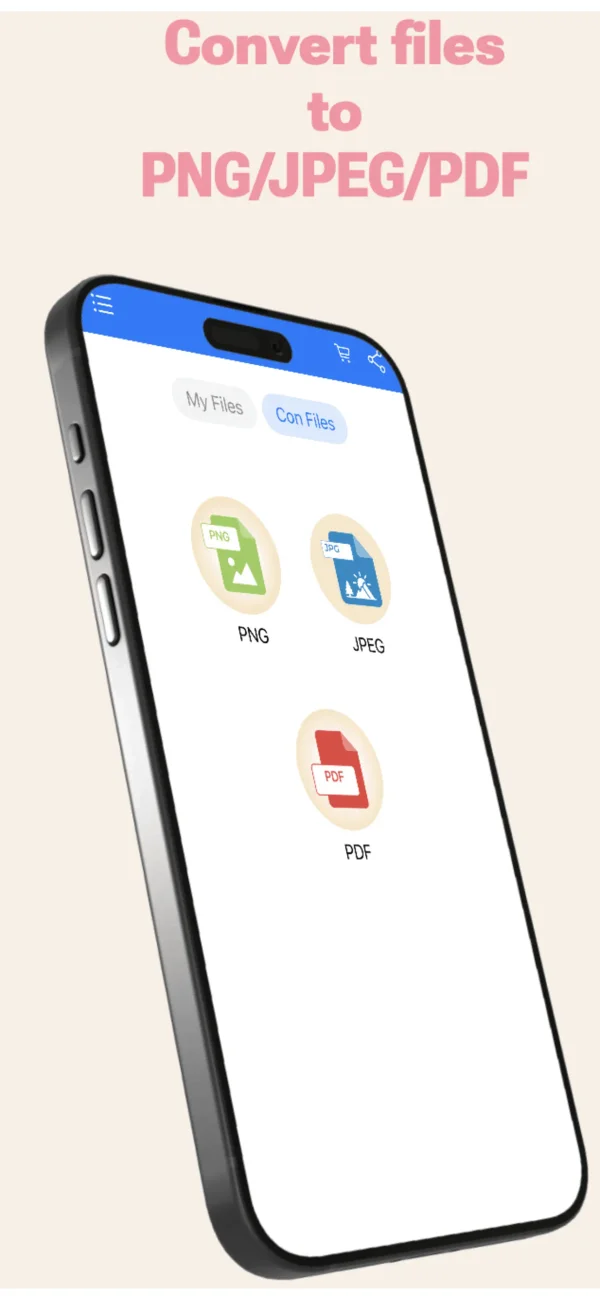
Convert your supported CorelDRAW files and templates to popular formats:
- CDR to PDF, PNG & JPG
- CDT to PDF, PNG & JPG
- CDRT to PDF, PNG & JPG
- CMX to PDF, PNG & JPG
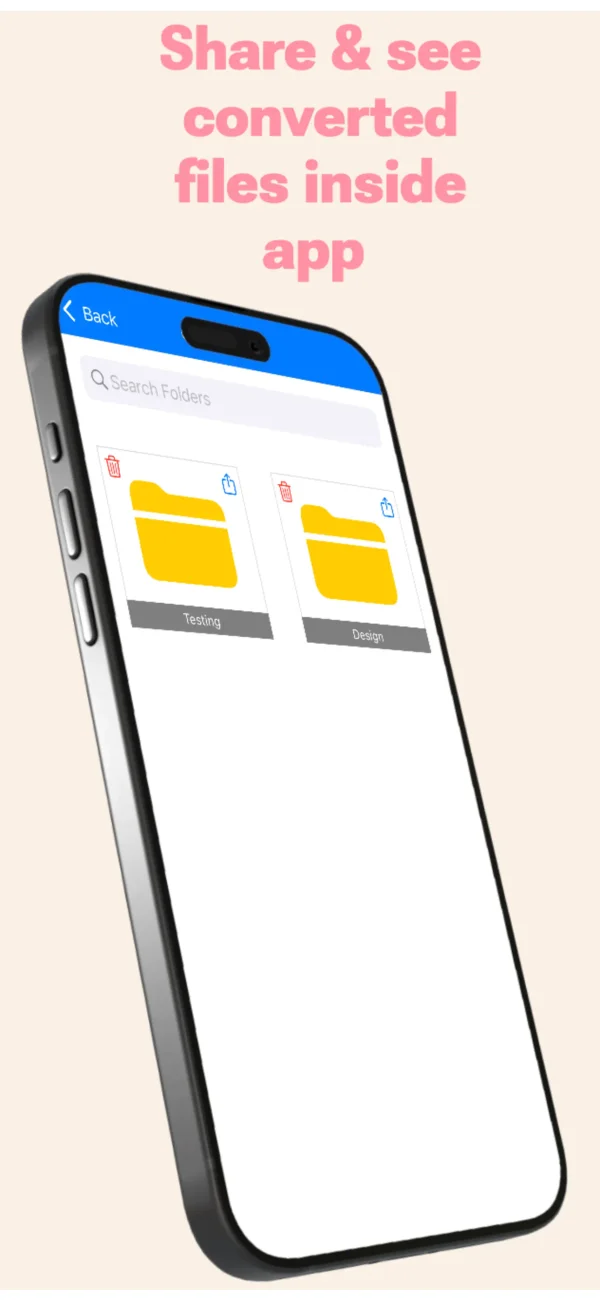
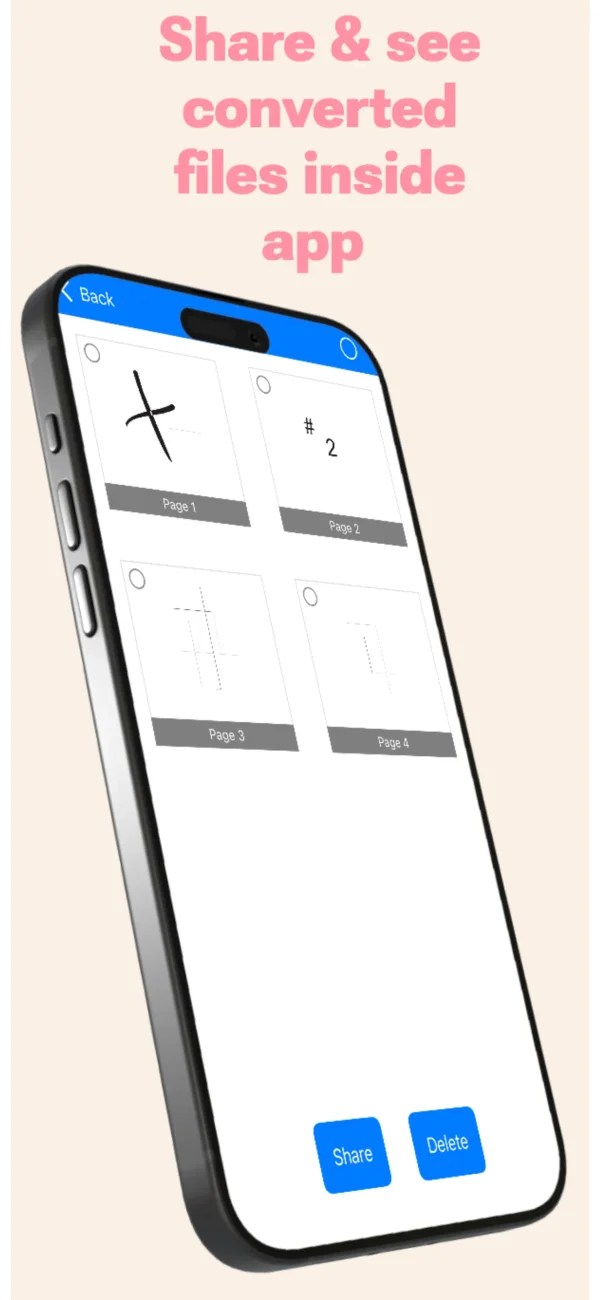
Save or share converted files directly from the app.
Analyze CorelDRAW Files
Use the built-in File Analyzer to analyze CDR, CDT, CDRT and CMX files and get useful information about your document.
The analyzer can identify supported document-quality issues involving images, colors, ink coverage and other document properties, helping you understand potential problems in your CorelDRAW files before sharing or printing them.
Offline File Processing
Supported files can be processed offline directly on your device. View, analyze and convert files without uploading them to an online server when offline processing is available.
This makes it convenient to work with your CorelDRAW files even when you don't have an internet connection.
Easy to Use
- View CDR, CDT, CDRT and CMX files
- Analyze supported CorelDRAW files
- Convert files to PDF, PNG and JPG
- Open files directly from other apps
- Save and share converted files
- Simple and user-friendly interface
- Offline processing for supported files
Multiple Language Support
Available in English, Arabic, Bangla, Chinese, French, German, Hindi, Indonesian, Italian, Japanese, Korean, Portuguese, Russian, Spanish, Thai and Vietnamese.
Terms of use(EULA) : https://www.apple.com/legal/internet-services/itunes/dev/stdeula/
What’s new
Version 5.0 · Oct 27, 2026
Added support for cmx3 files as well.
App privacy
What Vaibhav Singhal declares on the App Store about how this app handles data.
-
Data used to track you
May be used to track you across apps and websites owned by other companies.
- Location
- Identifiers
- Usage data
-
Data linked to you
May be collected and linked to your identity.
- Identifiers
- Usage data
-
Data not linked to you
May be collected but is not linked to your identity.
- Location
- Diagnostics
Privacy practices may vary, for example with the features you use or your age.
Information
- Seller
- Vaibhav Singhal
- Category
- Graphics & Design
- Version
- 5.0
- Updated
- Oct 27, 2026
- Released
- Jul 23, 2025
- Size
- 17.7 MB
- Requires
- iOS 16.6 or later
- Age rating
- 4+
- Price
- Free
- In-app purchases
- Yes
- Languages
- English, Arabic, Bengali, French, German, Hindi, Indonesian, Italian, Japanese, Korean, Portuguese, Russian + 5 more
- Copyright
- © 2026, MagicApps
You might also like
-
 CDR File Viewer OfflineView CorelDRAW Files
-
 CDR Viewer PlusOne-click to X4 X5 X6 X7...
-
 VectorView - File OrganizerEPS, XPS, CDR, PSD, PDF, EMF..
-
 CDR Viewer Editor.cdr, .cdt &.cmx ViewerEditor
-
 CDR ViewProfessional CDR File Manager
-
 Vector ConverterSupports SVG,EPS,PSD,AI & more
-
 ThreadCam: 3D Clothing MockupsCustom TShirt Hoodie Designer
-
 Amadine: Vector Design and ArtGraphic Design Illustrator App
-
 Linearity Curve Graphic DesignVectornator AI, Vector Art
-
 Remeshy: AI 3D Printables3D Modeling, STL for Bambu Lab