
VectorView - File Organizer
EPS, XPS, CDR, PSD, PDF, EMF..
Designed for iPhone, iPad
Free · In-app purchases
- Age rating4+
- CategoryGraphics & Design
- DeveloperAbdusodik Saidov
- LanguagesEnglish+ 12 more
- Size39.5 MB
Links to the official App Store page
Download.org hosts no file of VectorView - File Organizer. The button opens its official App Store page, published by Abdusodik Saidov. Listing last checked on Nov 12, 2026.
Screenshots
About
The ultimate vector file viewer for your iPhone and iPad. Open, view, and export EPS, CDR, SVG, PDF, and image files with professional quality.
VectorView is the only iOS app with native support for CorelDRAW (CDR) and EPS files. Whether you're a designer on the go, reviewing client files, or accessing your creative work anywhere, VectorView has you covered.
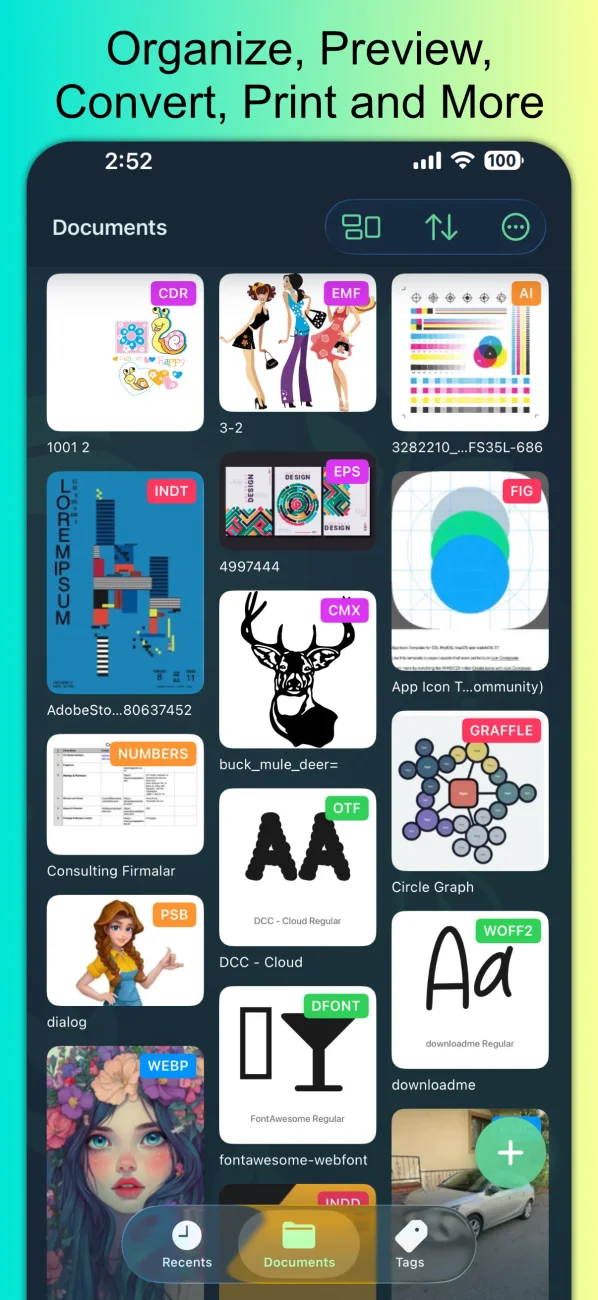
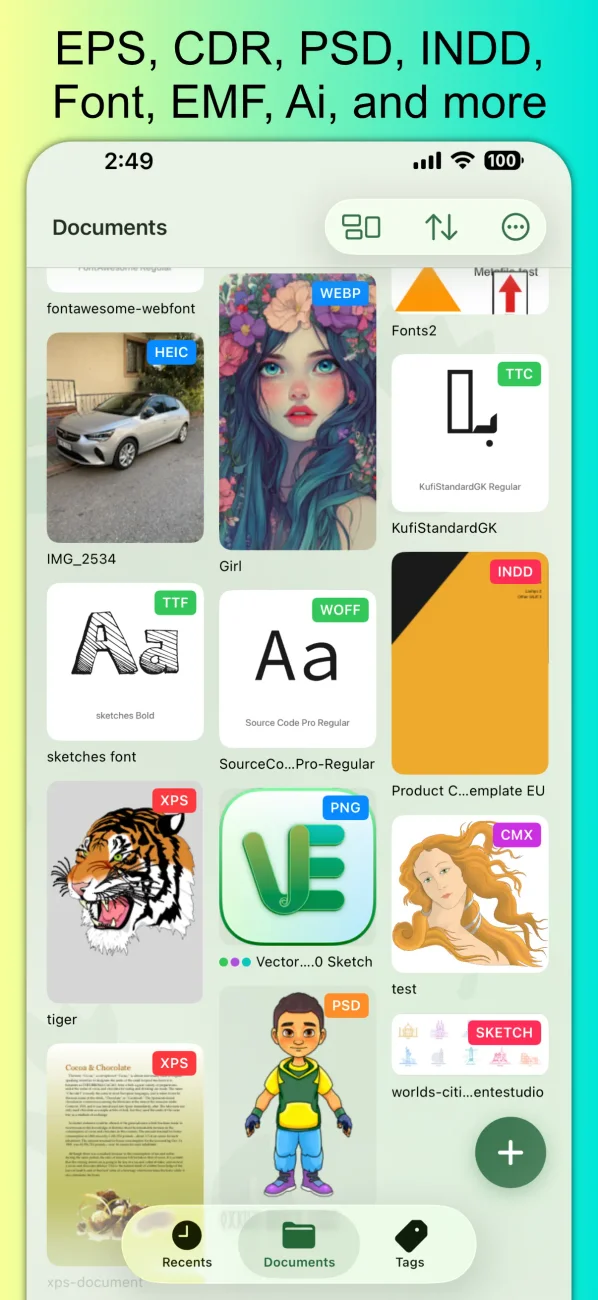
SUPPORTED FORMATS
- EPS, PS (Encapsulated PostScript), EPSF, EPSI
- CDR (CorelDRAW), CorelDRAW Exchange (CMX) and Windows metafiles (WMF, EMF, EMZ)
- SVG (Scalable Vector Graphics) and compressed SVG (SVGZ
- PDF Documents
- PNG, JPEG, HEIC, GIF, TIFF, BMP
- Photoshop (PSD, PSB), WebP and camera RAW
- InDesign (INDD, INDT, IDML), XPS and OpenXPS
- Pages, Keynote, Numbers, Figma, Sketch and OmniGraffle
- Comic books (CBZ, CBR)
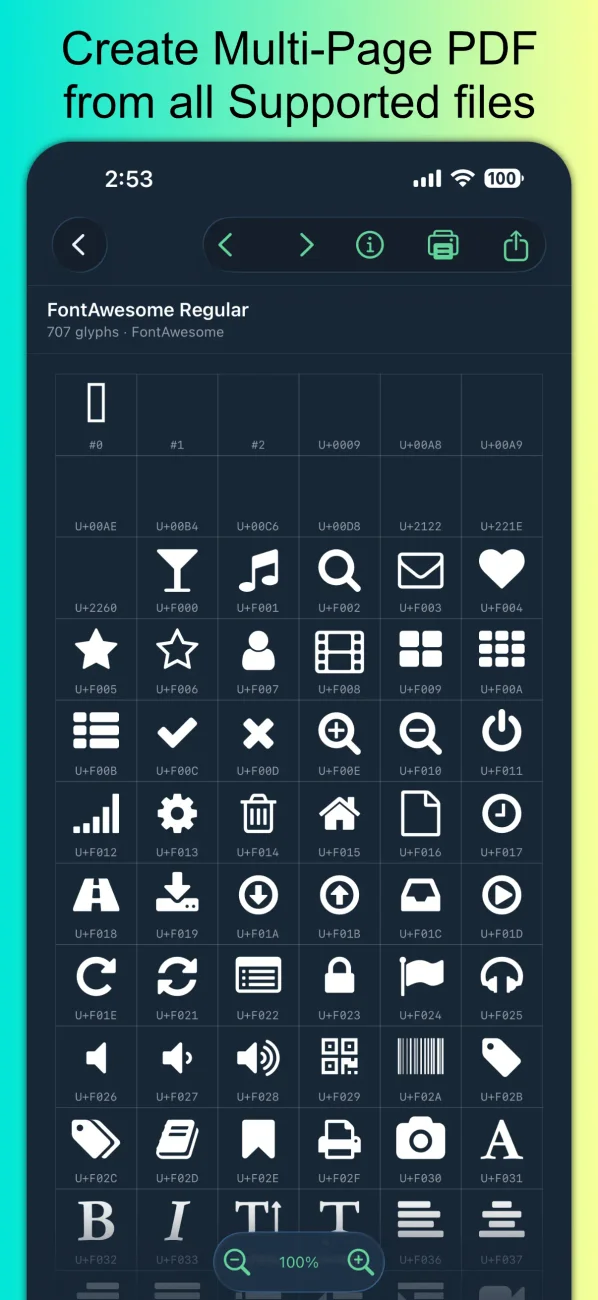
- Fonts (TTF, OTF, TTC, OTC, DFONT, WOFF, WOFF2)
KEY FEATURES
SMART FILE MANAGEMENT
Browse files with beautiful grid or list views
Quick search to find files instantly
Sort by name, date, or file type
Create folders to organize your work
Favorites and recents for quick access
PROFESSIONAL PREVIEW
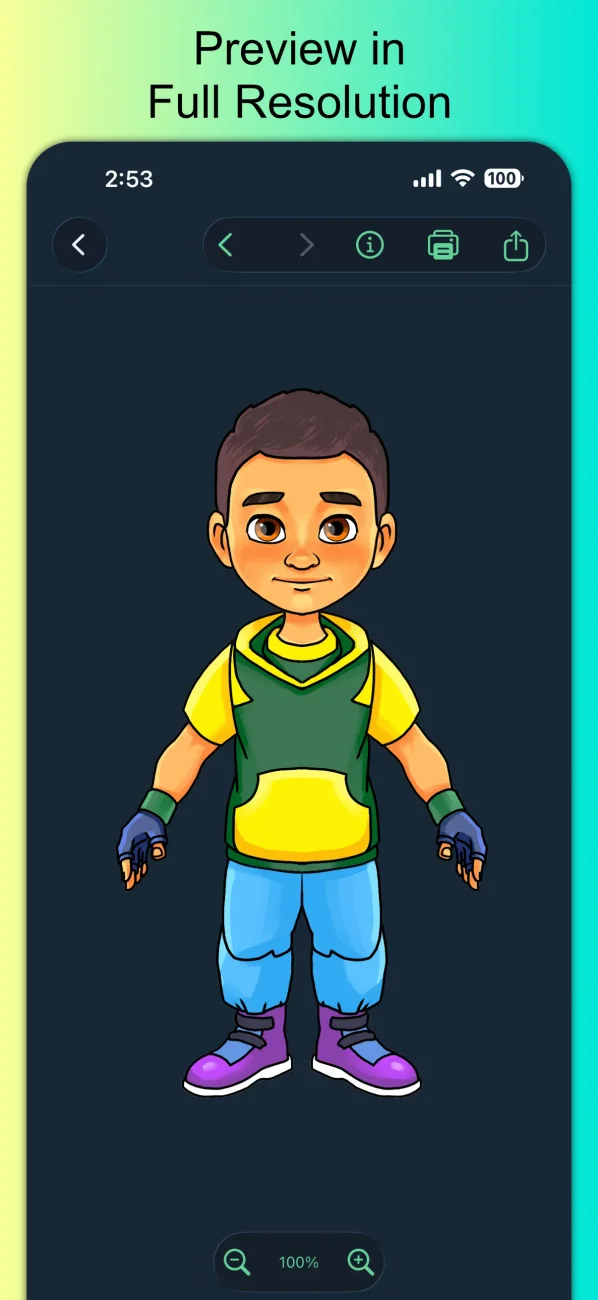
High-quality vector rendering
Zoom and pan with precision
Smooth navigation between files
Dark mode optimized viewing
Thumbnail caching for instant loading
POWERFUL & FAST
Handles large files with ease
Advanced caching system
Optimized for performance
Works offline - no internet required
Memory-efficient rendering
BEAUTIFUL DESIGN
Native iOS design language
Intuitive and easy to use
Smooth animations
Dark mode support
Professional appearance
PRO FEATURES
Upgrade to VectorView Pro for unlimited access:
+ Unlimited file imports every day
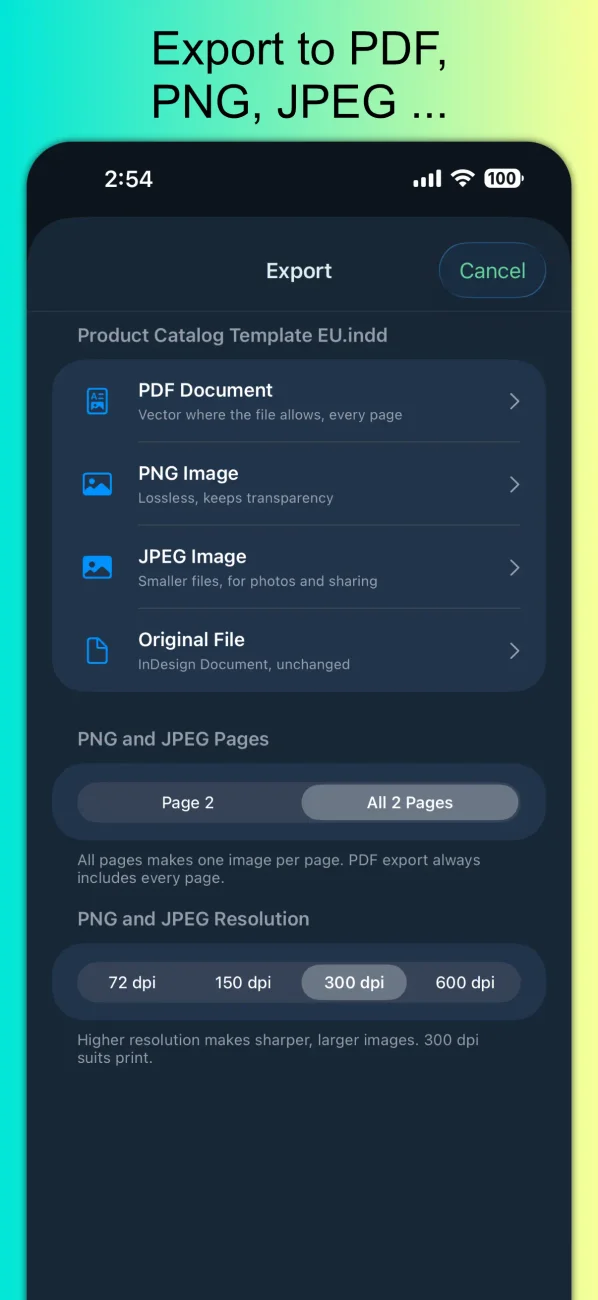
+ Export files in multiple formats
+ High-resolution export (up to 4K)
+ Priority email support
+ Support continued development
FREE VERSION INCLUDES
View unlimited files
3 file imports per day
All supported formats
Full viewing features
Favorites and recents
PERFECT FOR
Graphic designers reviewing work on the go
Print shop professionals checking files
Creative agencies accessing client files
Freelancers working remotely
Anyone who needs to view vector files on iOS
PRIVACY FOCUSED
All processing happens on your device
No cloud uploads required
Your files stay private
No tracking or analytics
No ads, ever
TECHNICAL EXCELLENCE
Built with SwiftUI for native performance and modern iOS features. Extensively tested with thousands of real-world files to ensure compatibility and reliability.
Subscriptions
Month - $0.99/month
Annual - $7.99/year
Payment will be charged to your Appstore account at confirmation of purchase
Your subscription will automatically renew unless auto-renew is disabled at least 24 hours before the end of the current subscription period
Automatic renewals will be charged at the same price you were originally charged for the subscription
Subscriptions can be managed or canceled by going to Account Settings on the App Store after purchase
GET STARTED
Download VectorView today and experience professional vector file viewing on iOS. Try it free with 3 imports per day, or upgrade to Pro for unlimited access.
Need help? Contact us at support@blue-tail.com
Privacy Policy: https://blue-tail.com/privacy-policy/
Terms of Service: https://blue-tail.com/terms-of-service/
What’s new
Version 1.6.1 · Oct 21, 2026
Tags
- Tag files with names and colours — from File Info, the long-press menu, or several files at once.
- A new Tags tab lists every tag with its file count, and tagged files show coloured dots in the browser.
- Tags are saved as Finder tags, so files in the iCloud folder carry them to your Mac.
Smart Collections (Pro)
- Saved searches by format, tag, name, date and size that keep themselves up to date. Three are ready to use: Vector Drawings, Added This Week and Large Files.
Waterfall View
- A new layout that shows every file at its own shape, in columns, as on the Mac. Switch between Grid, Waterfall and List from the View button.
Many More Formats
- CorelDRAW Exchange (CMX) and Windows metafiles (WMF, EMF, EMZ)
- Photoshop (PSD, PSB), WebP and camera RAW
- InDesign (INDD, INDT, IDML), XPS and OpenXPS
- Pages, Keynote, Numbers, Figma, Sketch and OmniGraffle
- Comic books (CBZ, CBR)
- Fonts (TTF, OTF, TTC, OTC, DFONT, WOFF, WOFF2)
- EPSF, EPSI and compressed SVG (SVGZ)
Export and Print Everything
- Print any file VectorView opens.
- Export as PDF, PNG or JPEG, or share the original — the current page or all pages, from 72 to 600 dpi (Pro).
- A confirmation now appears when an export finishes.
Create PDF, Redesigned
- Choose photos or files, see which formats can become pages, and open the new PDF straight from the confirmation.
Also
- New Everglade theme (Pro).
- Recents and Favorites now share one tab, with a switch at the top.
- Renaming a file keeps its extension, so a renamed file no longer disappears from the browser.
- About now lists the open-source software VectorView is built with.
- iPad: folders in the sidebar open on the first tap.
- List view: the iCloud and Trash rows now follow your theme.
App privacy
What Abdusodik Saidov declares on the App Store about how this app handles data.
-
Data not collected
The developer does not collect any data from this app.
Privacy practices may vary, for example with the features you use or your age.
Information
- Seller
- Abdusodik Saidov
- Category
- Graphics & Design
- Version
- 1.6.1
- Updated
- Oct 21, 2026
- Released
- Jul 1, 2016
- Size
- 39.5 MB
- Requires
- iOS 16.6 or later
- Age rating
- 4+
- Price
- Free
- In-app purchases
- Yes
- Languages
- English, Dutch, French, German, Italian, Japanese, Polish, Portuguese, Russian, Simplified Chinese, Spanish, Turkish + 1 more
- Copyright
- © Bluetail Team
You might also like
-
 CDR File Viewer OfflineView CorelDRAW Files
-
 CDR Viewer & ConverterPreview CDR files content.
-
 CDR Viewer PlusOne-click to X4 X5 X6 X7...
-
 Vector ConverterSupports SVG,EPS,PSD,AI & more
-
 CDR Viewer Editor.cdr, .cdt &.cmx ViewerEditor
-
 EPS ViewerPreview EPS file content.
-
 Vector Designer: SVG EditorDesign The Future
-
 Amadine: Vector Design and ArtGraphic Design Illustrator App
-
 Inkpad - Graphic DesignVector Art Illustrator
-
 Vector Drawing & Logo DesignSVG Editor & Illustrator